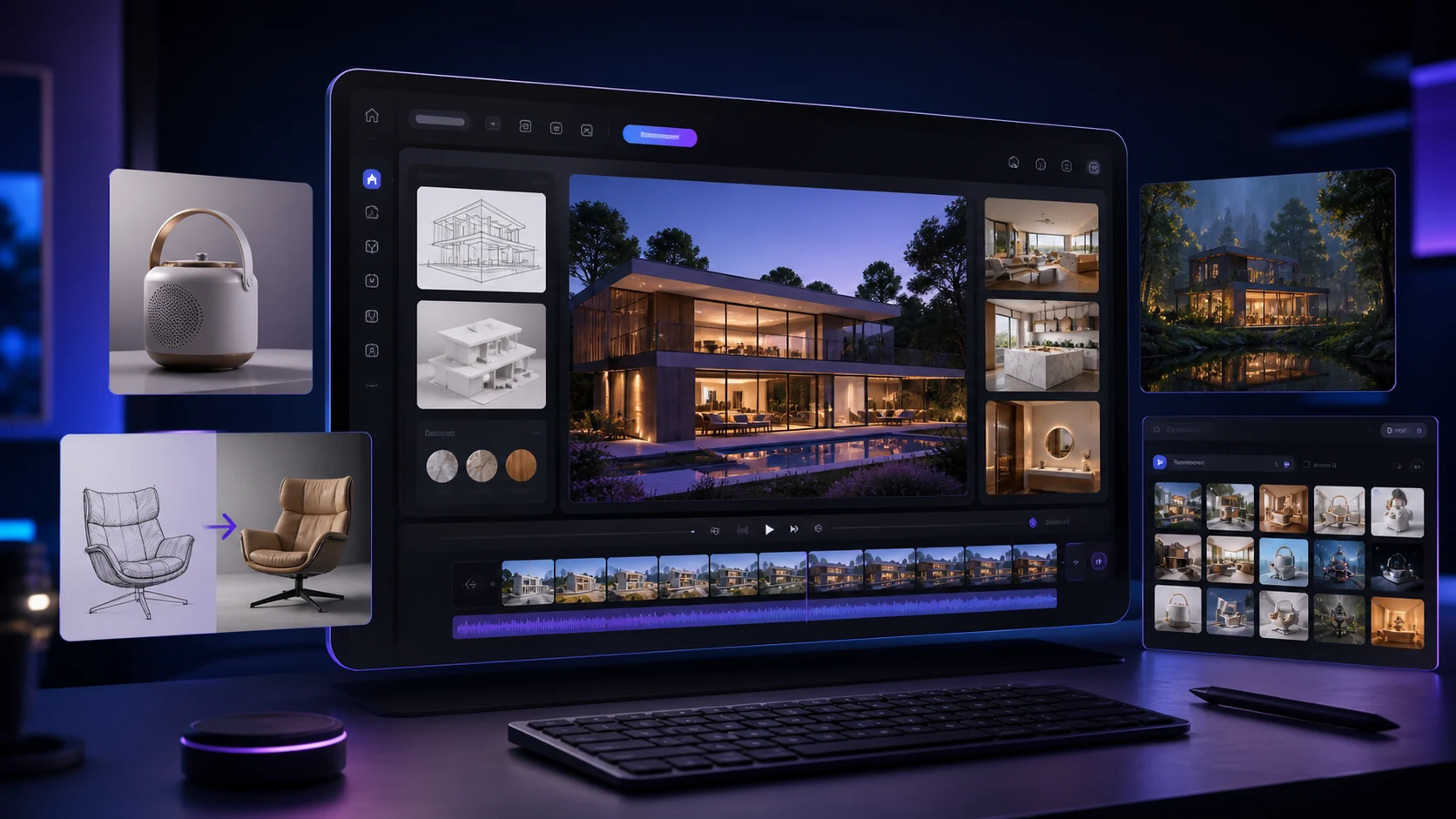
Aitubo
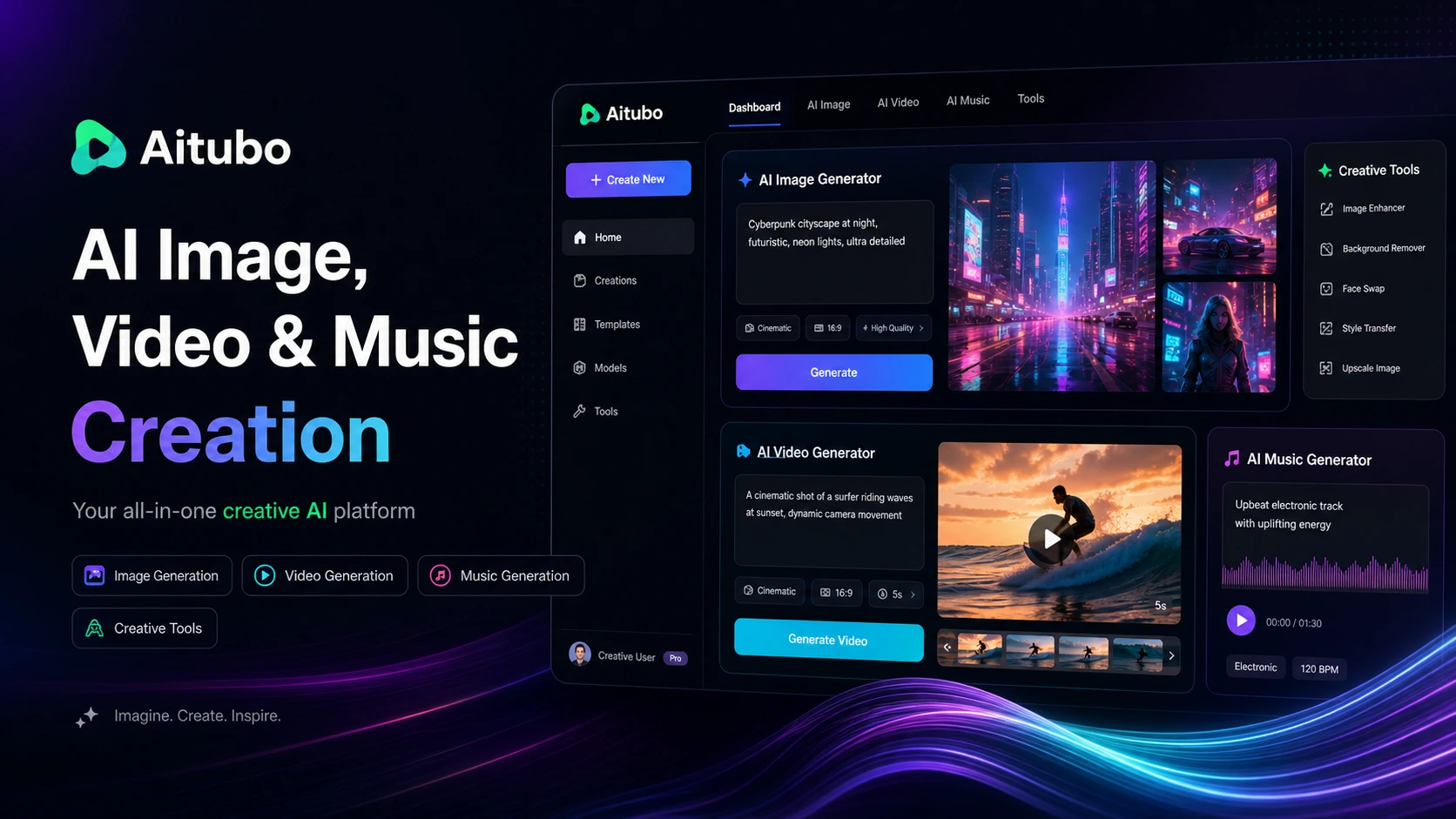
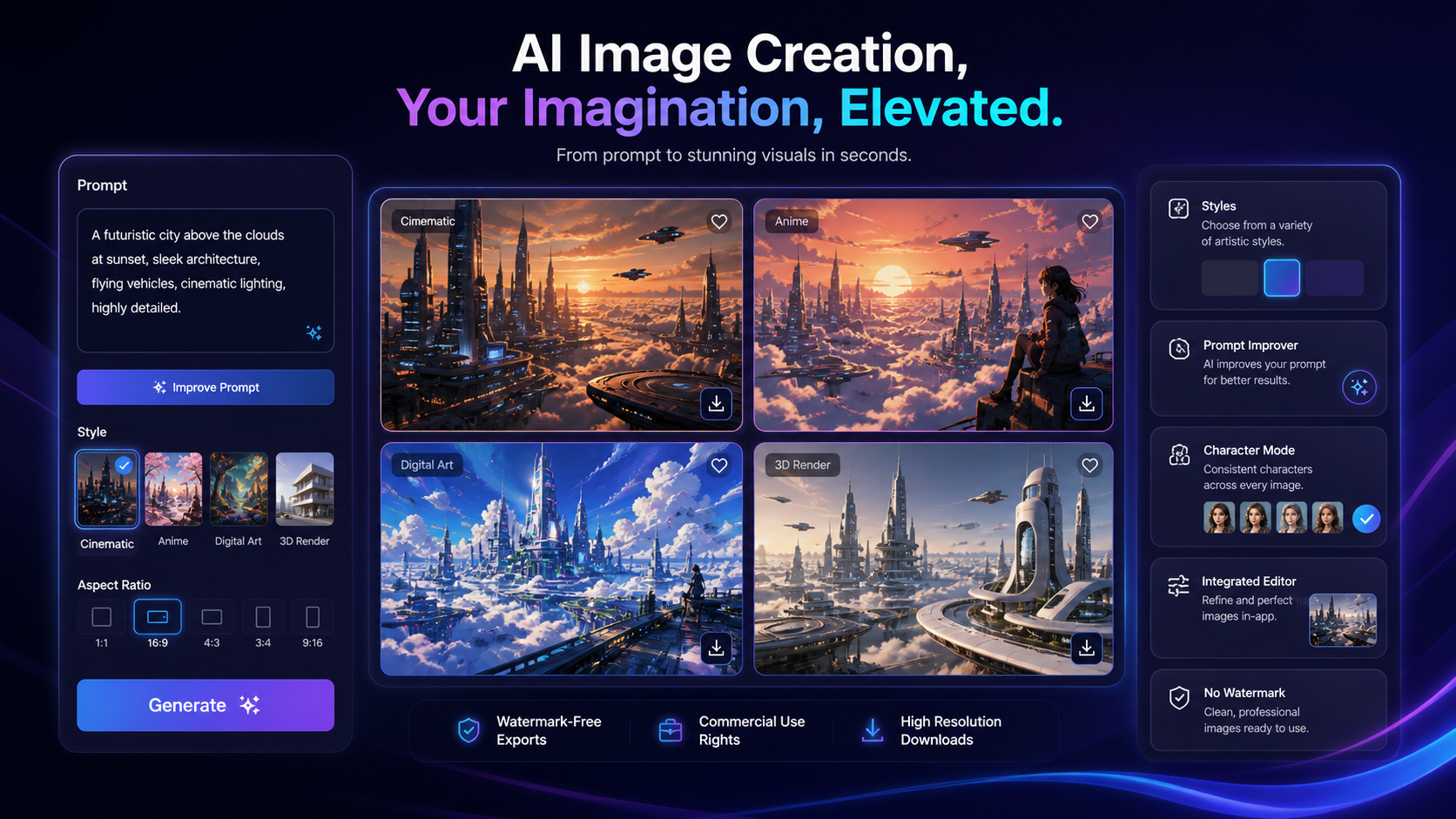
Aitubo is the strongest starting point here if you want one creative workspace for AI images, edits, upscaling, face tools, and video-style visual experiments before deciding which assets are worth polishing.
A buyer-focused shortlist of AI design tools for image generation, branded graphics, product photos, thumbnails, logos, headshots, color direction, and concept visualization.
These cards turn the long “best tools” decision into practical routes. Pick the workflow first, then open the full mini-review or checkout path.

Aitubo is the strongest starting point here if you want one creative workspace for AI images, edits, upscaling, face tools, and video-style visual experiments before deciding which assets are worth polishing.

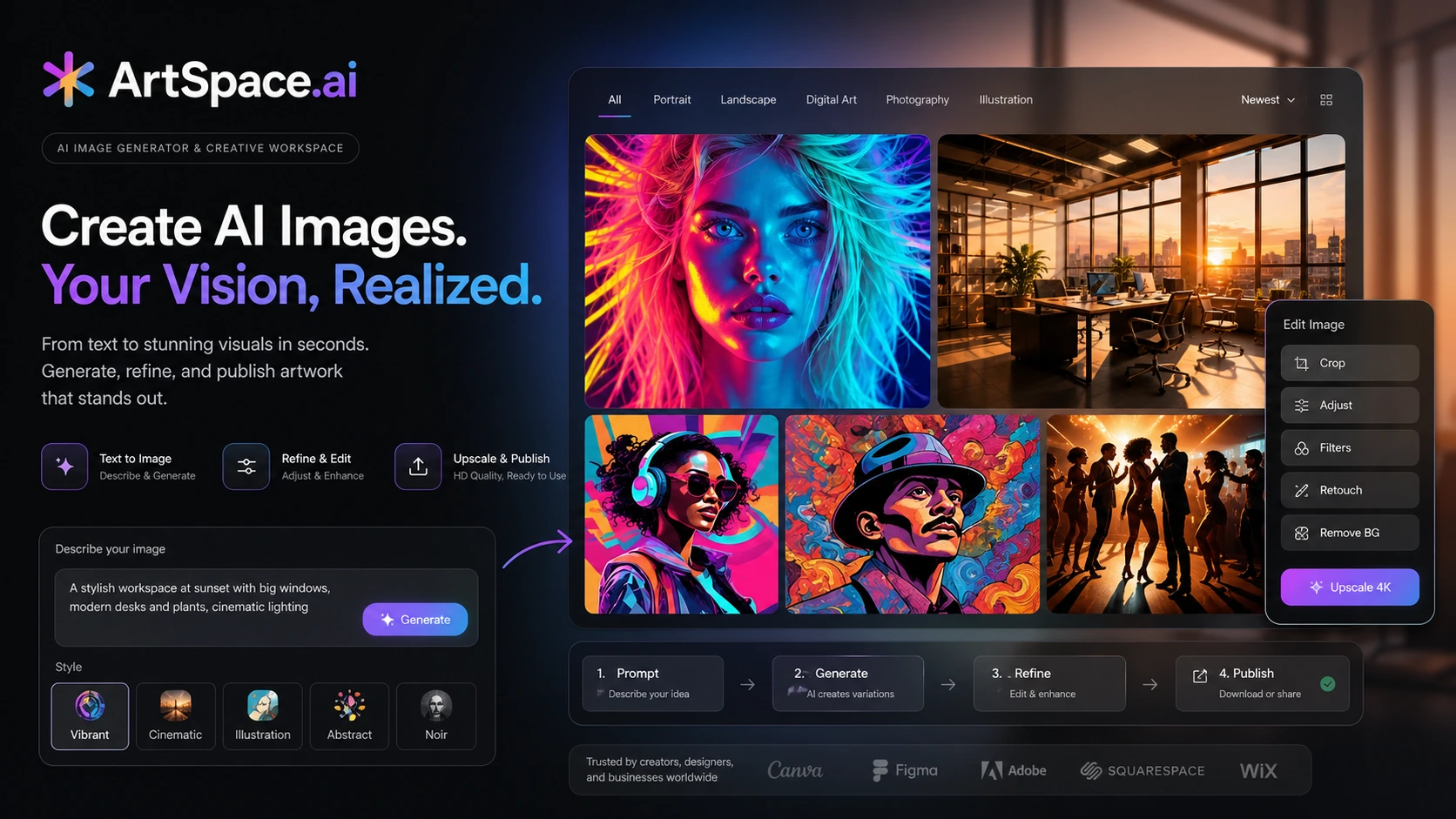
ArtSpace.ai fits buyers who want a dedicated AI art and image-generation environment with enough creative controls to explore many looks before committing to a campaign style.

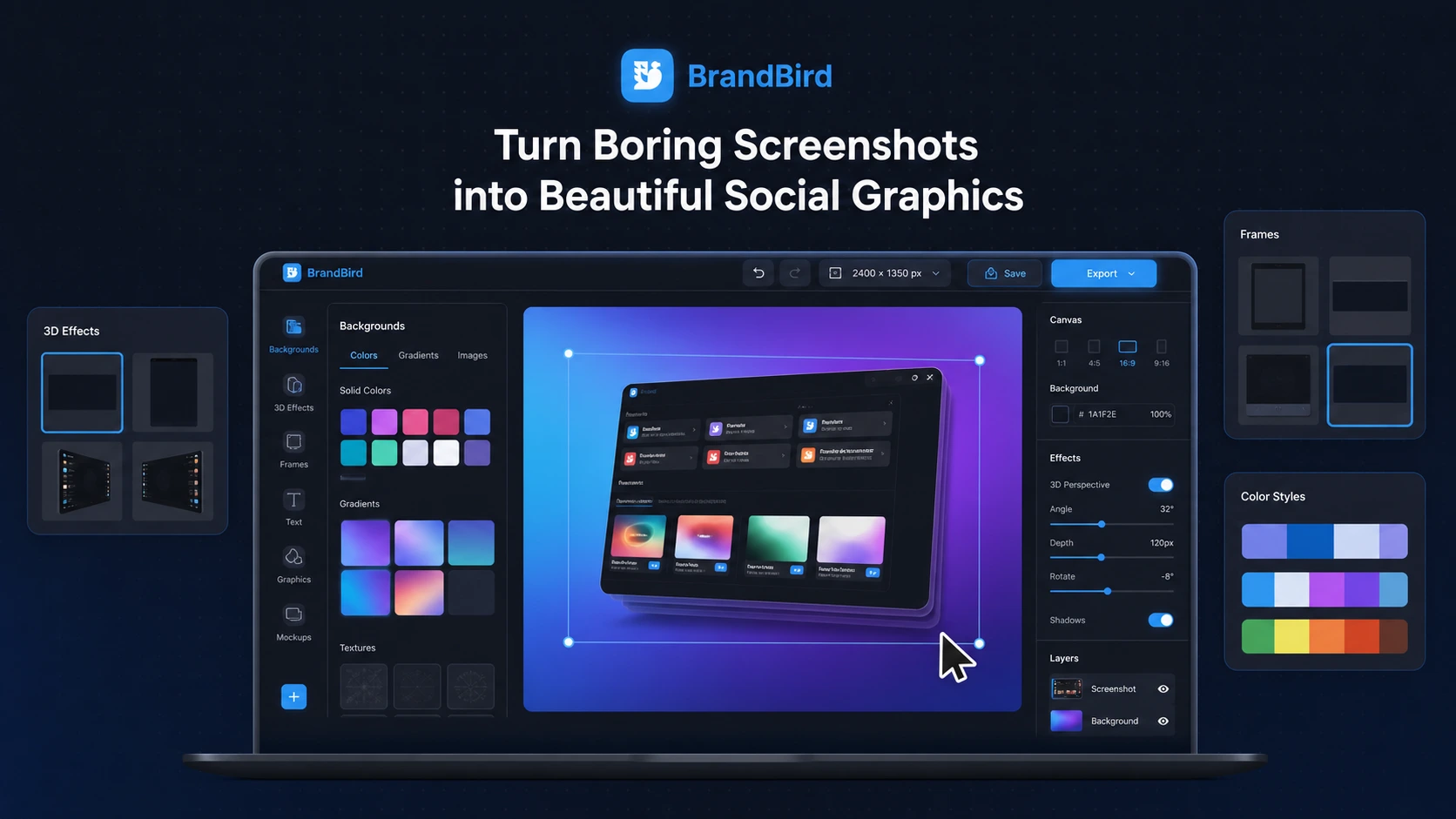
BrandBird is the practical pick when your raw asset is already there — a screenshot, product screen, testimonial, or announcement — and the real job is turning it into a clean social graphic.

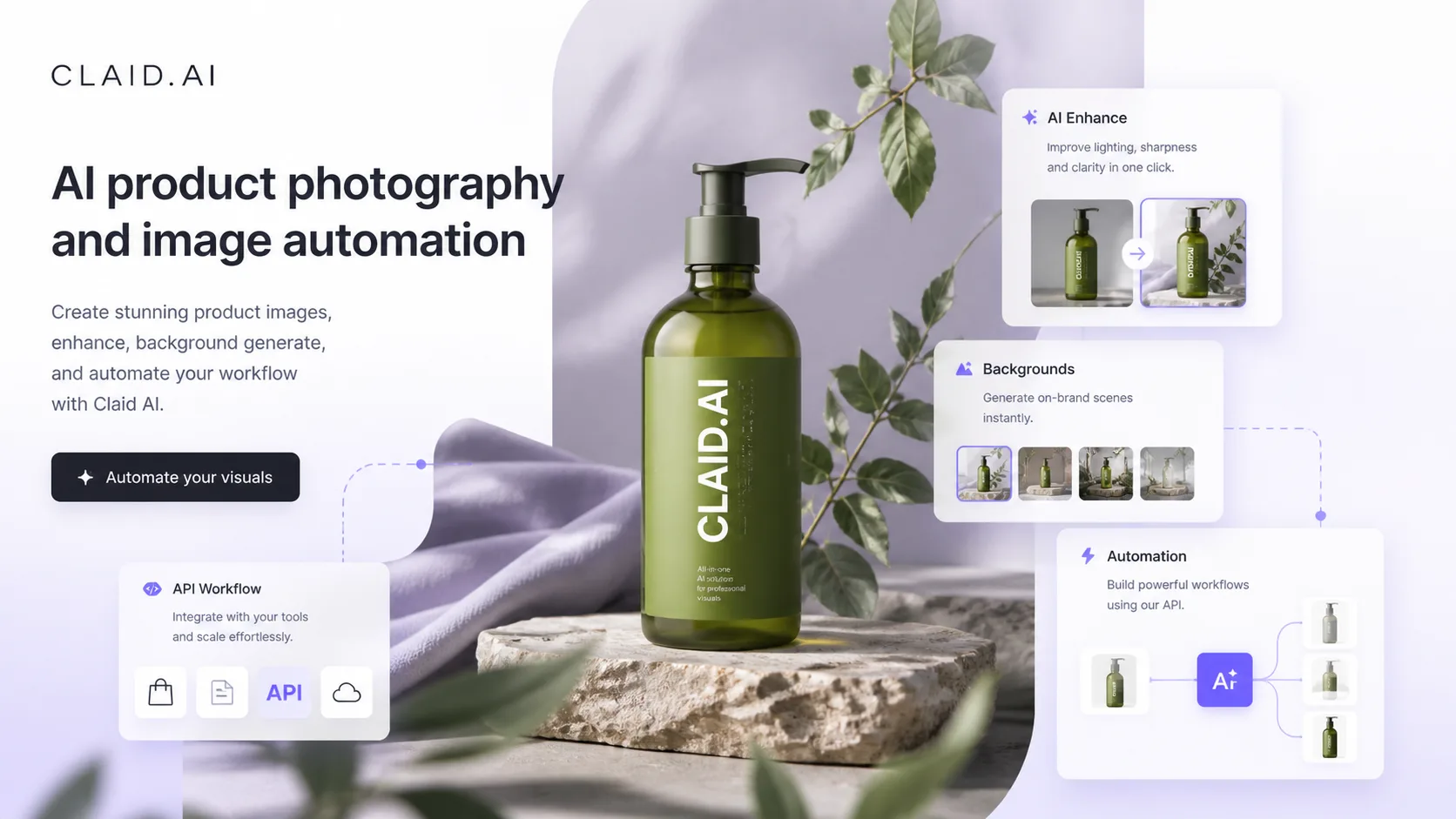
Claid AI is the most commerce-focused design pick in this list because its public positioning centers on product photo editing, generated product shots, background work, enhancement, and scalable visual consistency.

DrawThis is a straightforward option for buyers who want to turn prompts into characters, viral-style images, or product visuals without building a complex design workflow first.

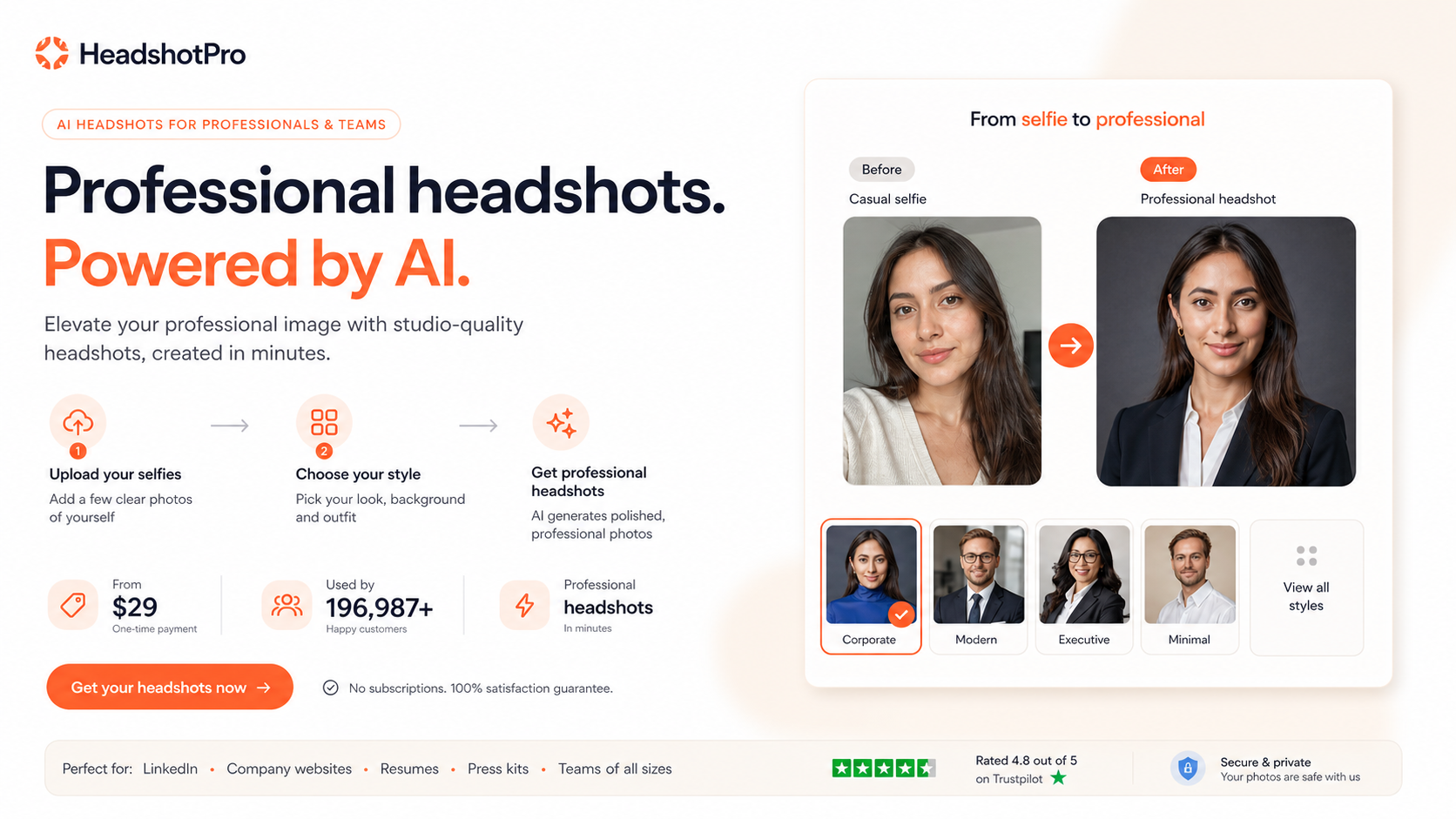
HeadshotPro is the focused choice when the design problem is not general graphics but professional profile imagery for founders, teams, LinkedIn, resumes, or company pages.
Use this table to narrow the list before opening review, coupon, or store pages. Price and discount paths still need live checkout verification.
| Tool | Best fit | Free path | Pricing signal | Main caution | Next step |
|---|---|---|---|---|---|
| Aitubo#1 | Creators testing many image ideas quickly | Free plan | $0/mo | You need strict product-photo accuracy for ecommerce listings | |
| ArtSpace.ai#2 | Creators who want AI art and photo-style outputs | No free entry | $3.99 | You mainly need product-photo compliance for marketplaces | |
| BrandBird#3 | Founders creating product announcement graphics | Free plan | $0/mo | You need original AI artwork from text prompts | |
| Claid AI#4 | Ecommerce teams improving catalog images | Trial | $15/mo | You only need fantasy art or broad creative inspiration | |
| DrawThis#5 | Creators who want fast prompt-based visuals | No free entry | $19/mo | You need deep brand-system controls | |
| HeadshotPro#6 | Individuals replacing outdated profile photos | Free plan | $29 one-time | You need product photos, logos, or campaign graphics | |
| LogoAI#7 | Small businesses needing a quick logo direction | No free entry | $29 one-time | You need trademark-level uniqueness reviewed by a designer | |
| OpenArt#8 | Creators who want image, video, and character workflows together | Free plan | $0/mo | You only need screenshot mockups or logos | |
| Palette#9 | Creators checking color combinations before publishing | Free plan | $0 | You need image generation as the main feature | |
| Pikzels#10 | YouTube creators testing thumbnail directions | Trial | $0 | You do not create YouTube content | |
| Pixa#11 | Beginners exploring AI image creation | Free plan | $0/mo | You need a mature team design workflow | |
| PromeAI#12 | Architectural or interior concept visualization | Free plan | $0 | You only need simple social graphics |
You do not need to inspect every tool equally. Start with the workflow you repeat most, check the tradeoff that could matter later, then use the store, review, coupon, or comparison route that matches your next decision.
Choose the tool that matches the job you repeat most often.
Read the caution before treating a tool as the obvious winner.
Use coupon and store pages only after the product fit is clear.
The best AI design tools are not all trying to solve the same problem. That is the first trap to avoid.
Some tools are built for broad image generation. Some are better for ecommerce product photos. Some help with screenshots, logos, thumbnails, color direction, professional headshots, or concept rendering. If you choose only by “best image quality,” you can easily end up with a tool that looks impressive in demos but feels awkward in your actual workflow.
Use this shortlist in three passes. First, decide what asset you need most often. Second, check whether the tool is built for that asset type or only adjacent to it. Third, verify the pricing path, export rules, commercial-use terms, and any watermark or usage limits before you pay.
This page gives priority to tools with a clear buyer job inside AI design. Aitubo, ArtSpace.ai, BrandBird, Claid AI, and DrawThis appear first because they cover the broadest early decision paths: creative generation, AI art, branded graphics, ecommerce product photos, and quick prompt-to-image visuals.
The rest of the shortlist adds specific lanes that matter in real design work. HeadshotPro covers professional profile imagery. LogoAI covers early logo and brand identity work. OpenArt covers broader creator-studio workflows. Palette helps with color direction. Pikzels focuses on YouTube thumbnails. Pixa gives a lighter image-generation route. PromeAI is strongest when the buyer starts from a sketch, model, or design concept.
That mix is intentional. A useful AI design shortlist should not pretend every buyer needs the same tool.
AI design buyers should check the boring details before falling in love with a sample image. Export quality matters. Watermark rules matter. Commercial-use terms matter. If you are editing product photos, accuracy matters more than creativity. If you are making YouTube thumbnails, speed and repeatable iteration may matter more than photorealism. If you are creating logos, file formats and edit rights matter more than the first generated preview.
Also watch the pricing model. Some tools use subscriptions. Some use credits, tokens, or one-time downloads. Some free plans are fine for testing but not for real campaign work. The safest path is to test a small asset first, then upgrade only after you understand the output quality and limits.
Choose Aitubo or ArtSpace.ai when you need broad creative image exploration. Use BrandBird when your goal is polished launch graphics or screenshot-based content. Start with Claid AI when product-photo accuracy and ecommerce consistency are the main job. Use DrawThis when you want quick prompt-based visuals without a heavy setup.
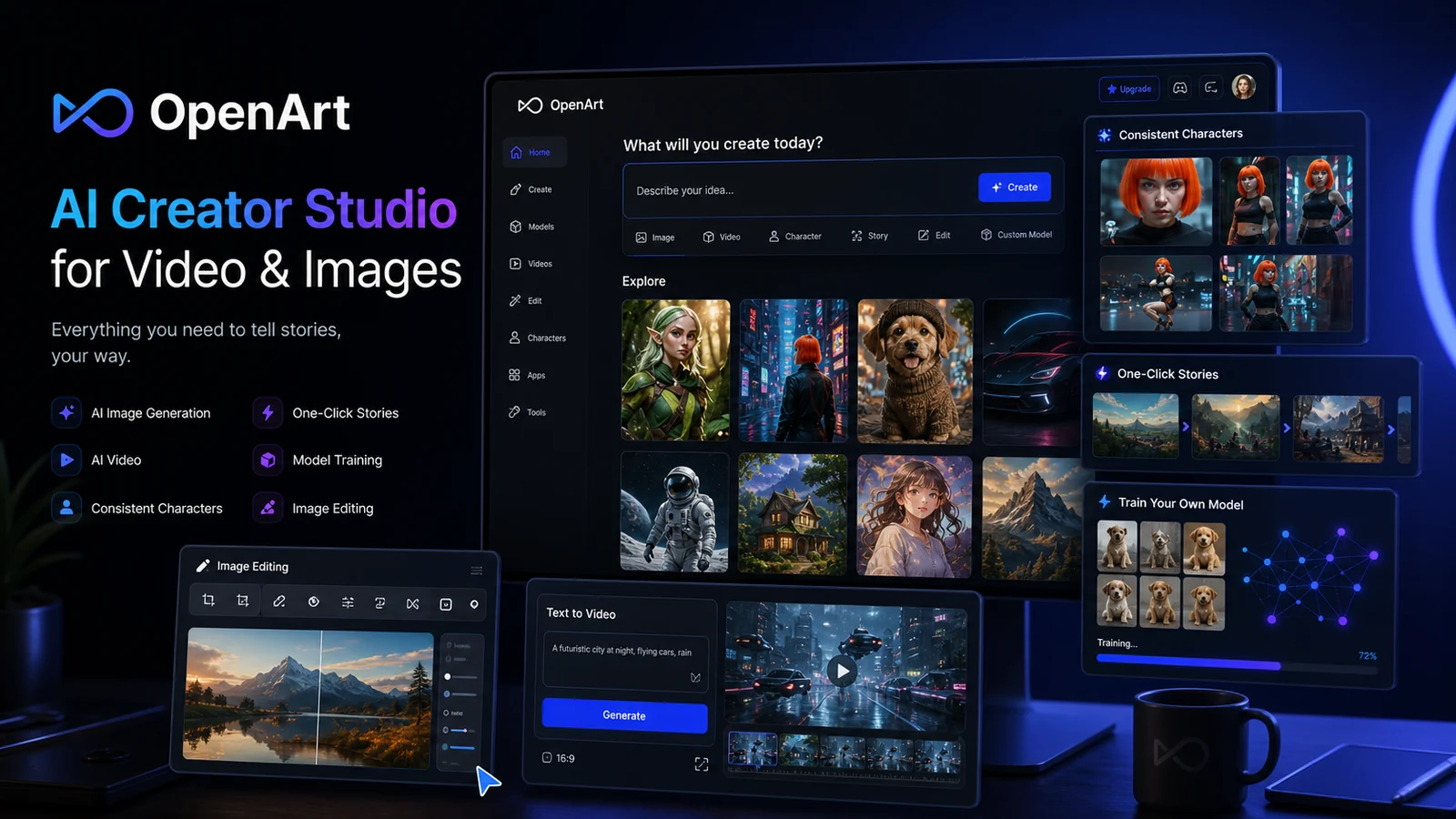
HeadshotPro makes sense when the deliverable is a professional portrait. LogoAI is better for logo exploration than general creative art. OpenArt is worth checking when you want one larger creative studio for images, videos, characters, and editing. Pikzels is the more focused path for YouTube thumbnails. PromeAI is the better fit when sketches, models, interior ideas, or design concepts need to become more realistic visuals.
The main difference is not “AI quality.” It is workflow shape.
A generic image generator helps you create something from nothing. A product-photo tool helps you improve or generate product visuals while protecting accuracy. A screenshot tool turns existing screens into branded assets. A logo tool packages brand-starting files. A thumbnail tool is optimized around attention and iteration. A color tool helps with consistency. A concept-rendering tool helps turn rough ideas into presentable visual directions.
This is why the cheapest tool is not always the best value. A cheaper general tool can cost more time if it keeps producing assets that do not match the final job.
Do not treat a coupon or free plan as the reason to choose an AI design tool. Use the free path to test fit, then check the current store, review, or coupon route only after the workflow makes sense.
For creative generation tools, verify credits, tokens, model access, queue limits, export quality, and commercial-use terms. For product-photo tools, verify credit cost per operation and whether higher-volume catalog work needs a business or API path. For logo and headshot tools, check download rights, refund terms, and whether edits are included after purchase. For social graphics and thumbnails, check whether premium exports, templates, or background assets require upgrading.
Before choosing a tool, run through this checklist:
If you are still unsure, do not start with the most feature-heavy tool. Start with the tool that matches your next real asset.
For broad creative ideas, begin with Aitubo, ArtSpace.ai, or OpenArt. For ecommerce product photos, start with Claid AI. For branded screenshots, use BrandBird. For thumbnails, check Pikzels. For logos, check LogoAI. For headshots, check HeadshotPro. For concept rendering, check PromeAI.
The safest choice is usually not the flashiest demo. It is the tool whose output you can actually publish, repeat, and pay for without surprises.
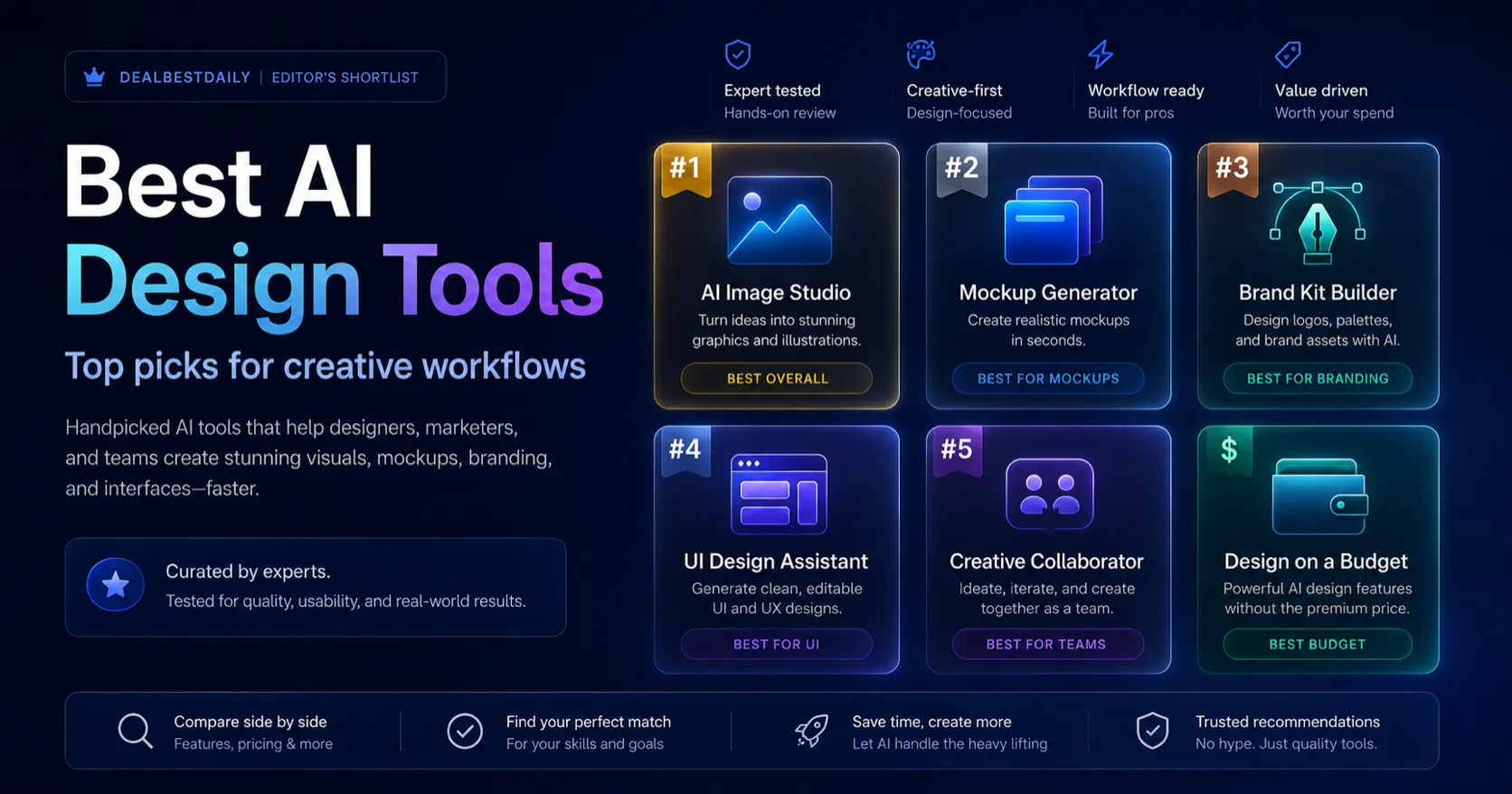
Each pick below works as a mini decision card. Open the direct deal only when the fit is already clear; otherwise use the review, store, or comparison route first.
Aitubo is the strongest starting point here if you want one creative workspace for AI images, edits, upscaling, face tools, and video-style visual experiments before deciding which assets are worth polishing.
It belongs in this shortlist because the public product positioning is broad enough for creators who need fast visual exploration, not only one narrow design task. The safer buying question is whether its token and model limits match your real output volume.
ArtSpace.ai fits buyers who want a dedicated AI art and image-generation environment with enough creative controls to explore many looks before committing to a campaign style.
It is useful when the design job is visual exploration: art, creative scenes, concept images, and fast image variations. Buyers should verify current plan limits because the practical value depends on how often they generate and revise images.
BrandBird is the practical pick when your raw asset is already there — a screenshot, product screen, testimonial, or announcement — and the real job is turning it into a clean social graphic.
It deserves a high rank because not every AI design need is image generation. Many creators and SaaS teams simply need faster branded mockups, social cards, and launch visuals without opening a heavy design tool.
Claid AI is the most commerce-focused design pick in this list because its public positioning centers on product photo editing, generated product shots, background work, enhancement, and scalable visual consistency.
It belongs near the top because ecommerce product visuals have a different risk profile from creative AI art. Buyers need accurate colors, realistic shadows, clean backgrounds, and terms that match public product listings.
DrawThis is a straightforward option for buyers who want to turn prompts into characters, viral-style images, or product visuals without building a complex design workflow first.
It is useful as a fast creative lane inside the AI design category. The main caution is that buyers should confirm current license, export, and checkout terms before relying on it for client or commercial work.
HeadshotPro is the focused choice when the design problem is not general graphics but professional profile imagery for founders, teams, LinkedIn, resumes, or company pages.
It adds useful coverage because AI design work often includes people-facing assets. The buyer risk is different: likeness, privacy, refund terms, and whether the generated headshots look credible enough for a real professional context.
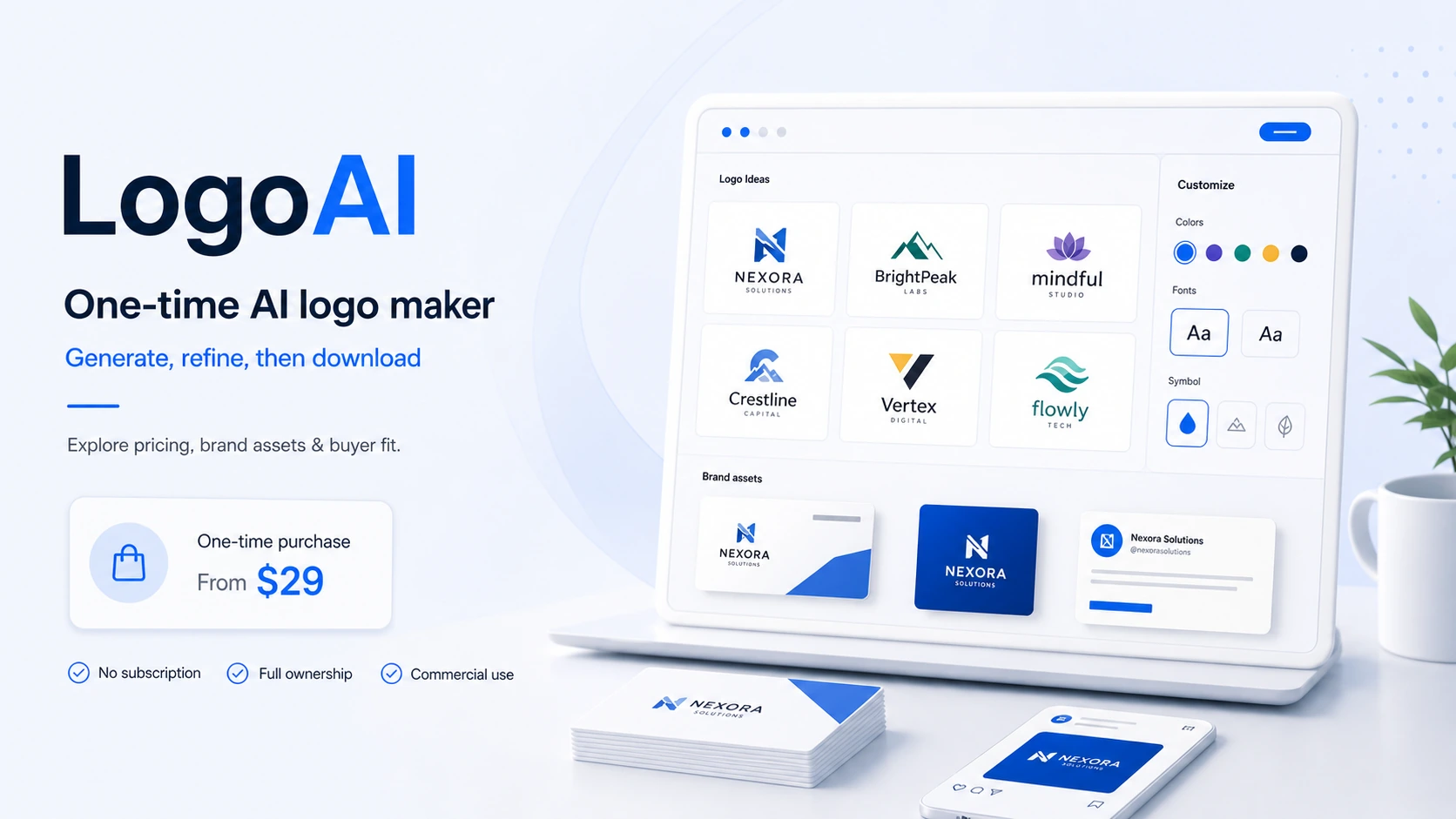
LogoAI is best treated as a fast brand-starting tool, not a complete identity agency. It can help buyers generate logo directions and brand assets before deciding whether a deeper custom design process is needed.
It belongs in an AI design shortlist because logos sit close to buying intent. The safer path is to treat the first output as a starting point, then verify download rights, file formats, and post-purchase edit terms before paying.
OpenArt is a stronger fit for buyers who want a broad creative studio rather than a single- purpose design utility. It is especially relevant when images, videos, characters, and editing sit in the same workflow.
It adds breadth to the list because AI design work is increasingly multi-format. The buyer should compare plan limits, credits, and generation needs instead of choosing only by the lowest monthly price.
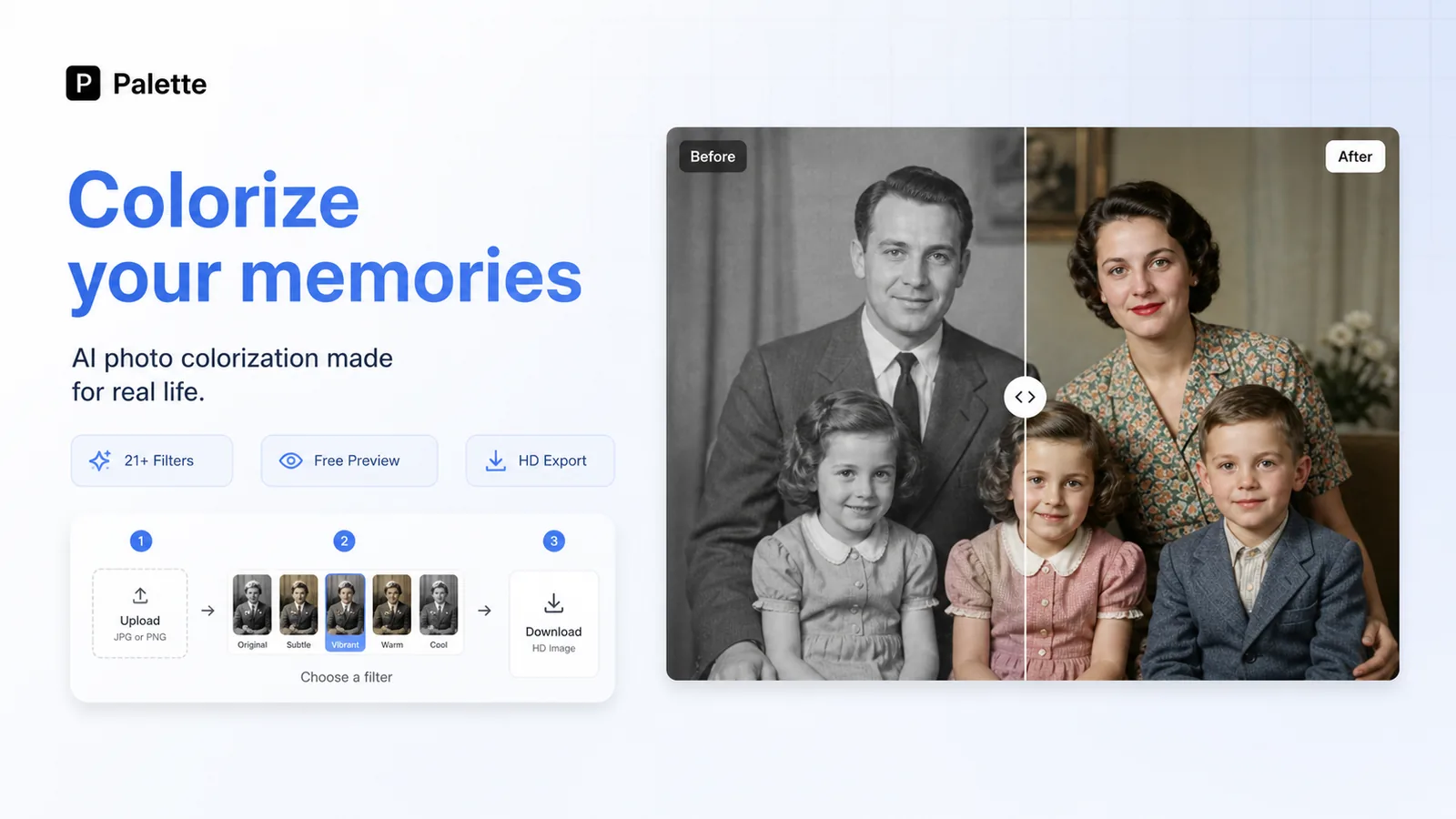
Palette is the kind of smaller design utility that makes sense when the buyer already has a visual direction but needs faster color exploration and consistency checks.
It is included because design decisions are not only about generating images. Color systems, palette testing, and visual consistency can shape whether a campaign or brand asset feels coherent.
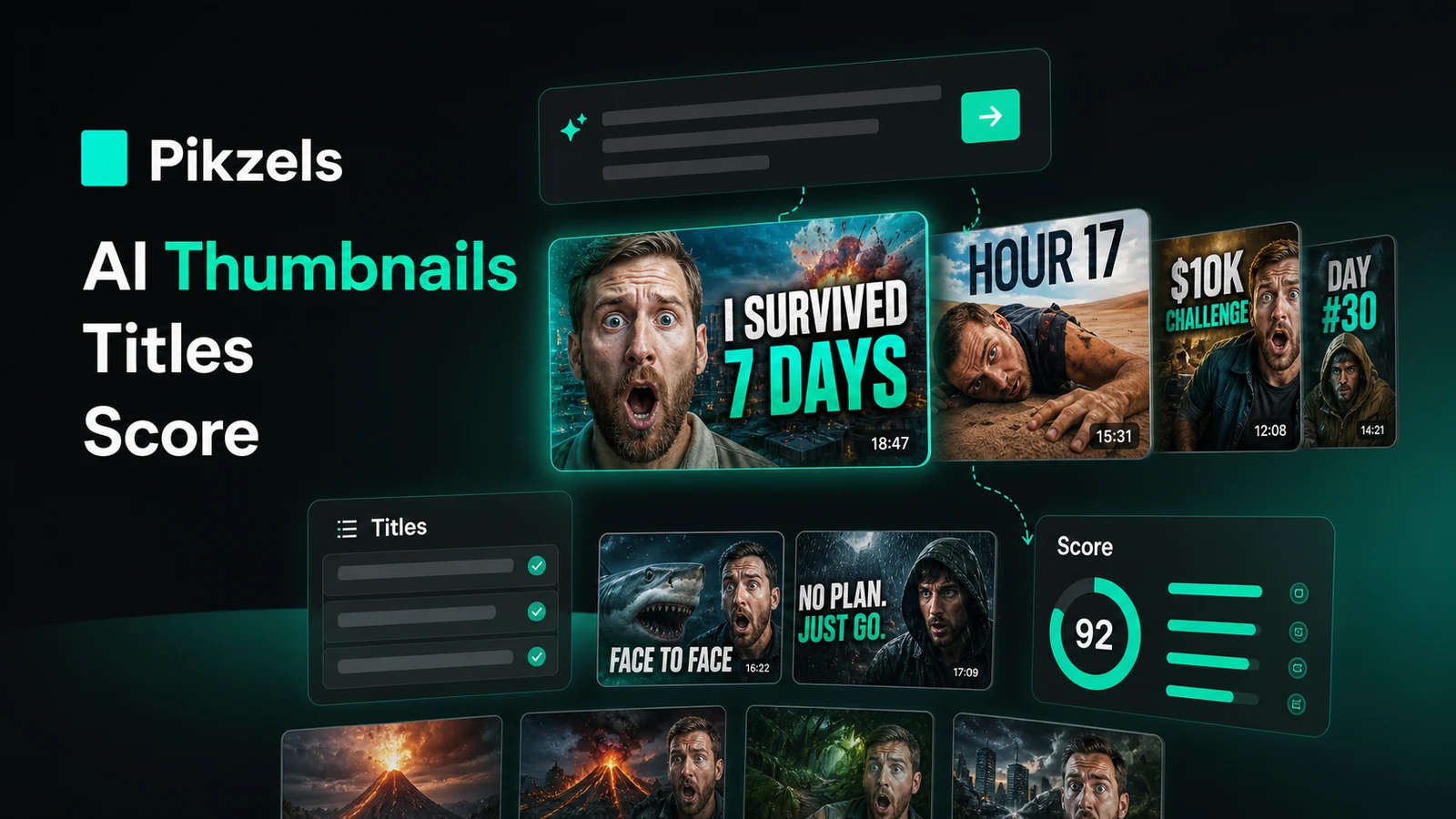
Pikzels is the specialized pick for YouTube creators who care about thumbnails, titles, and repeatable packaging rather than generic image generation.
It belongs in this AI design category because thumbnail design is a high-value visual workflow with its own rules: faces, contrast, title alignment, speed, and iteration. Buyers should confirm credit usage if they produce at scale.
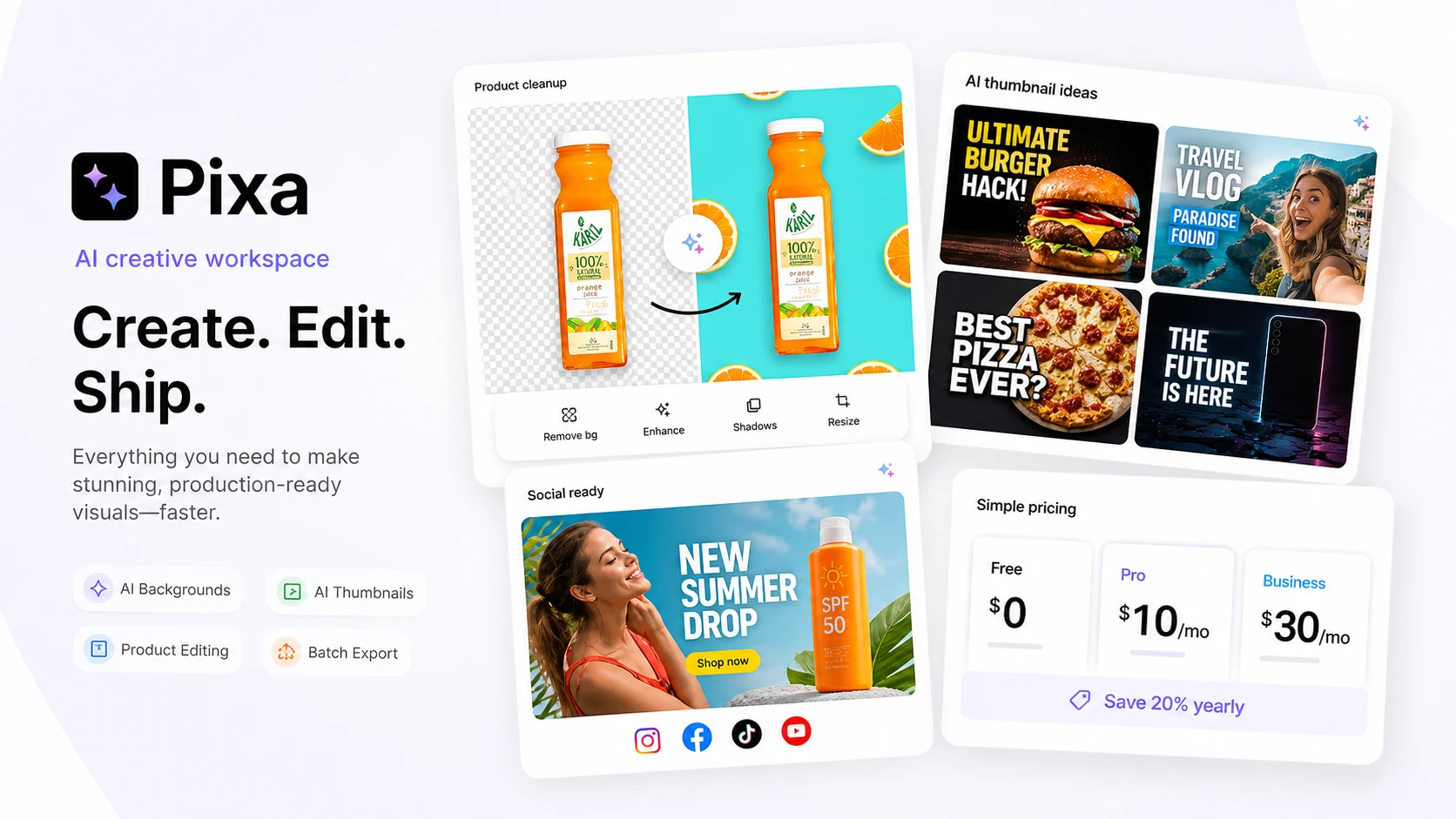
Pixa is best approached as a lighter AI image and design option for buyers who want quick visual generation or edits without committing to a heavier creator platform first.
It gives the shortlist another accessible design route, especially for users exploring general AI visuals. Because public information can vary by product route, buyers should verify current pricing, credits, and license terms before using it commercially.
PromeAI is the specialist pick for buyers working from sketches, rough concepts, 3D model views, interior ideas, architecture directions, or product-design visuals.
It rounds out the shortlist because concept visualization is different from making social graphics or logos. The buyer value is strongest when you need controlled visual rendering from an existing idea, not just random image prompts.
Run this checklist before turning a shortlist recommendation into a paid checkout decision.
Start with the tool that fits your workflow, not the largest discount headline.
Open the store or review page when you still need feature, pricing, refund, or plan-limit context.
Use coupon pages only after the shortlist is narrow enough that the product already makes sense.
Verify free-plan, trial, credit, usage, and annual-billing limits on the live checkout page.
Compare at least two tools if the category fit is still unclear or the top pick feels too expensive.
There is no single best AI design tool for every buyer. Aitubo is a practical broad creative starting point, Claid AI is stronger for product-photo work, BrandBird fits branded screenshots, and OpenArt is better when you want a larger creator studio.
Start with Claid AI if product-photo accuracy, background work, enhancement, and catalog consistency matter. For broader creative product-scene ideas, compare it with Aitubo or PromeAI, but review product details before publishing assets.
Free plans and trials are useful for testing workflow fit, prompt control, export quality, and watermarks. For repeat commercial work, the safer question is usually plan limits, usage credits, file rights, and output quality rather than whether the first test is free.
Choose an AI image generator when you need new visuals from prompts. Choose a design utility when you already have a screenshot, logo idea, product photo, color direction, or thumbnail workflow that needs polishing and formatting.
They can replace some early drafting, resizing, mockup, and concept work. They do not replace brand judgment, legal review, product accuracy checks, creative direction, or final approval for important public assets.
Check commercial-use terms, export quality, watermark rules, refund terms, credit or token limits, privacy rules for uploaded images, and whether the tool can produce consistent results across multiple assets.
Practical affiliate editor focused on realistic reviews, store architecture, and offer-aware buying paths.