
OpenArt Pricing, Plans & Creator Fit
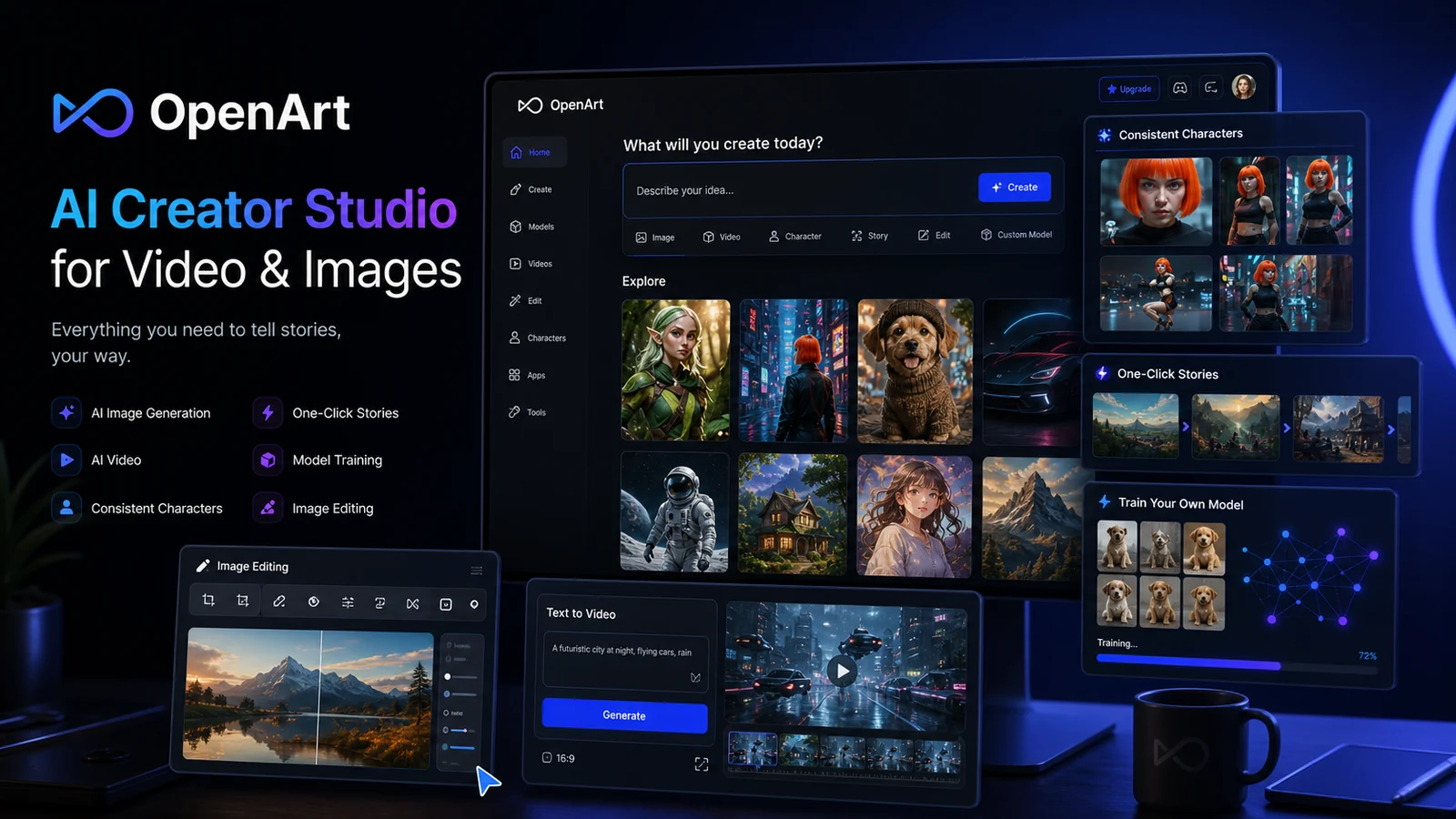
OpenArt is best understood as a browser-based AI creator studio for images, videos, consistent characters, story creation, model training, and image editing. It fits creators who want a guided visual workflow with many models in one place, but the buying decision depends heavily on credits, parallel generations, commercial-use rights, and how quickly image or video experiments consume plan capacity.
Fit → price → checkout
Use these routes after the official-site check: coupon first, review for fit, compare if unsure.
OpenArt pricing snapshot
Fast commercial checks before pricing, coupons, or a deeper review.
OpenArt product tour
Watch the tour as a practical buyer check rather than a feature show. The useful question is whether OpenArt helps you move from idea to usable visual, edit or train enough for your workflow, and understand credit consumption before you spend money on a higher plan.
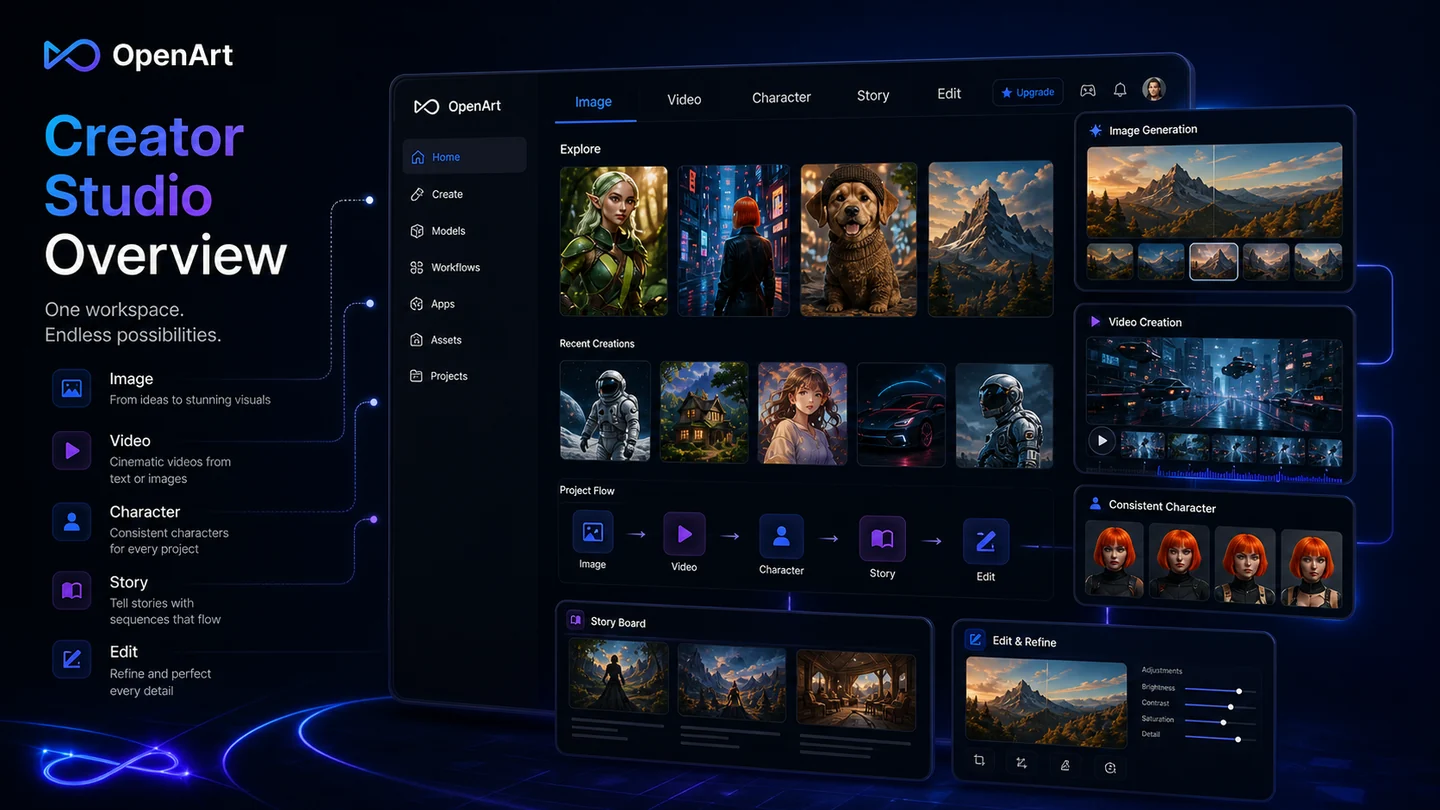
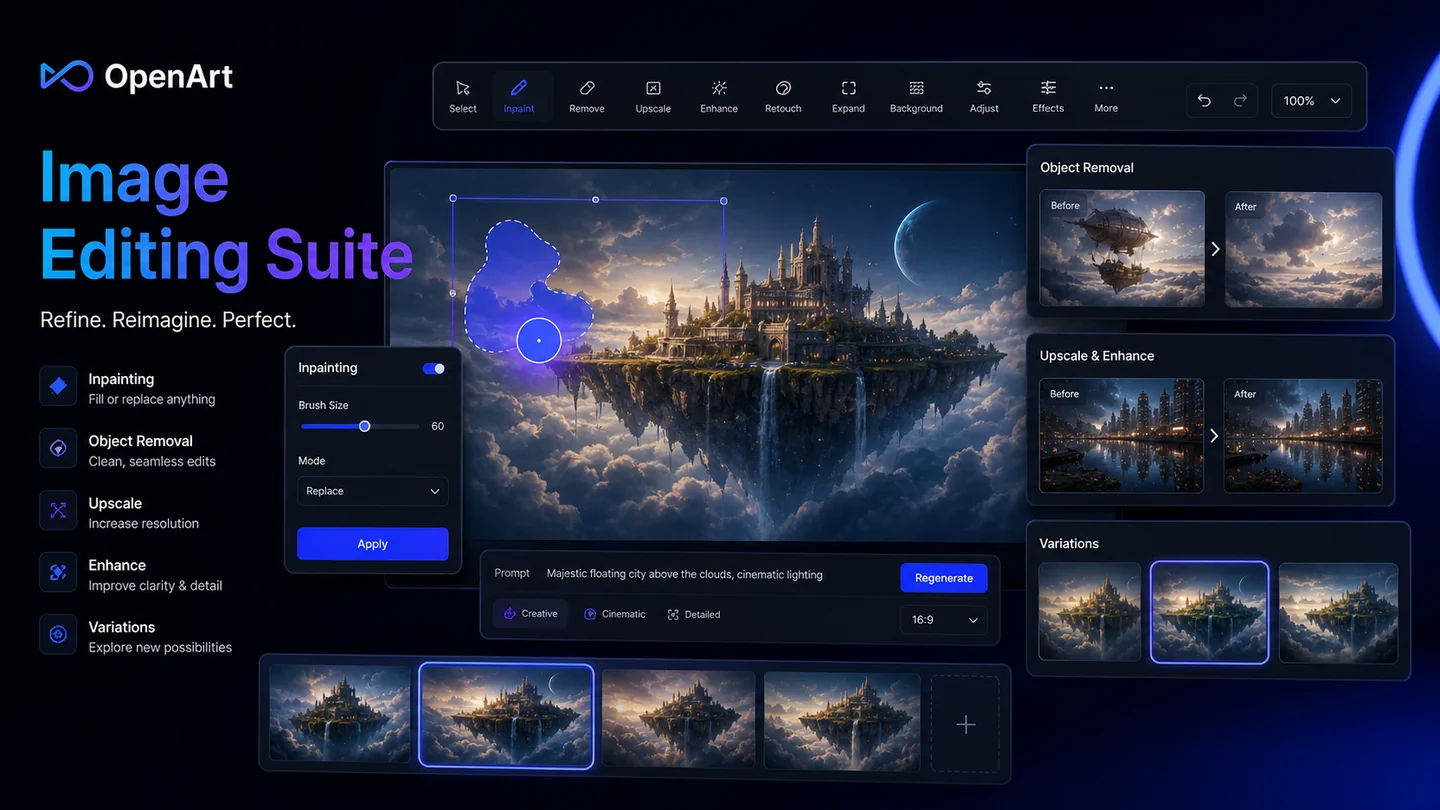
OpenArt should be evaluated as a credit-based AI creator studio for visual experimentation, not just a cheap AI image generator. The important buyer question is whether its image, video, character, story, and editing tools reduce your creative friction enough to justify the plan limits and non-refundable purchase terms.
What OpenArt actually does
OpenArt helps users create AI images, experiment with video and audio models, train personalized models, build consistent characters, and edit or enhance visual outputs. It is strongest when a creator wants one guided web workspace instead of switching between many separate AI art, image editing, and character tools.
- Create AI images from prompts and visual references.
- Train styles, faces, characters, or objects from uploaded samples.
- Use image editing tools to refine outputs after generation.
Pricing and credit fit
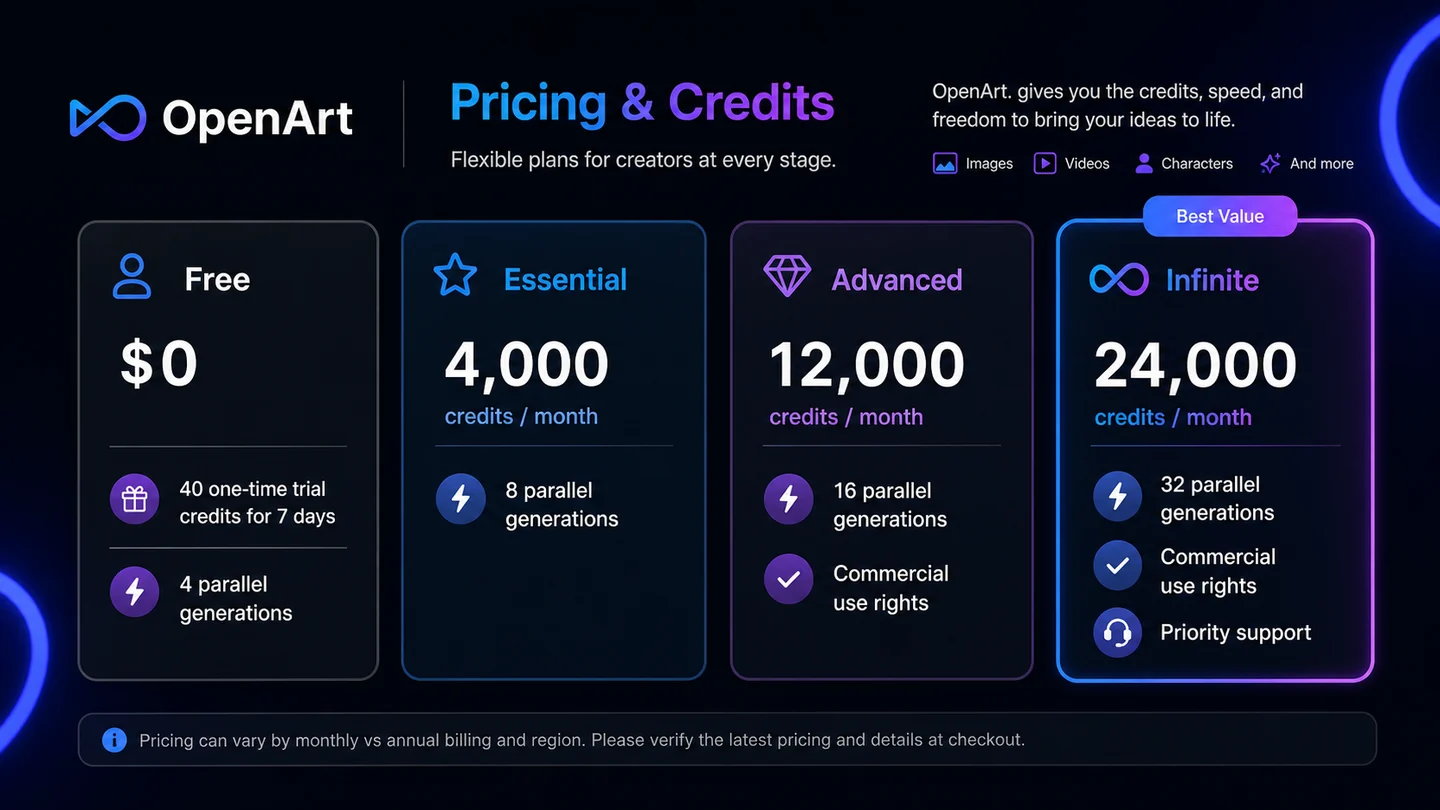
OpenArt's pricing should be read through credits, not only dollars. The Free path gives a limited trial-credit window, while paid plans increase credits, model access, video capacity, parallel generations, characters, personalized models, and support level. Heavy video or character workflows can burn through credits faster than simple image generation.
- Start with the free credits before choosing a paid plan.
- Check whether the lower displayed price depends on annual billing.
- Compare image, video, character, and model allowances against your real monthly usage.
Where the video tour helps
The product-tour video is useful if you are trying to see whether OpenArt feels like a real creative workspace or just another model gallery. Pay attention to how the interface handles generation, editing, and creative iteration, because those are the steps that decide whether the tool saves time in daily work.
- Watch how quickly the workflow moves from idea to generated asset.
- Notice whether editing and variations reduce repeated credit waste.
- Check whether the interface feels clear enough for your skill level.
Best-fit buyers
OpenArt fits creators who need repeated visual exploration more than one perfect export. It can make sense for YouTubers testing thumbnails, marketers building campaign moodboards, authors exploring character scenes, and small teams that want a web-based creative playground before moving work into final design software.
- Good for concepting, story visuals, campaign roughs, and creative experiments.
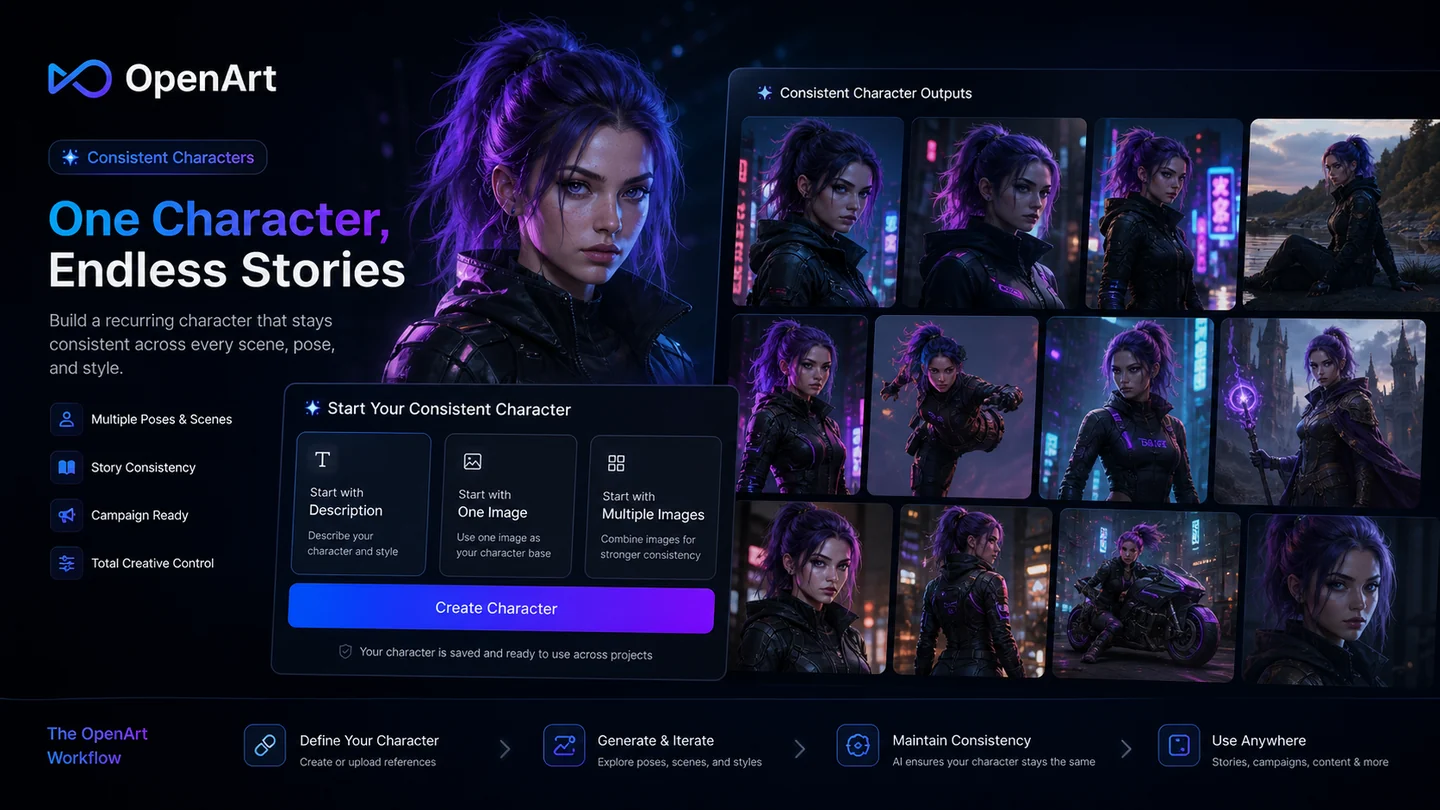
- Useful when consistent characters matter across several outputs.
- Best when the buyer is comfortable iterating and checking credit use.
Commercial rights and privacy checks
OpenArt's terms say it does not claim ownership of generated images, but commercial-use rights are tied to plan level and legal responsibility still stays with the buyer. Its help page also says generated images are private by default and uploads or created content are not used to train its models, which is useful for creators who care about source material privacy.
- Confirm whether your plan includes commercial-use rights.
- Avoid uploading sensitive client material without reviewing privacy terms.
- Save the current terms if you plan to use outputs in revenue projects.
Safest next step
The safest path is to start with OpenArt's Free entry point, test one real image workflow and one real video or character workflow, then compare the paid plans against credit use and commercial needs. If the workflow feels promising but the fit is still unclear, read the full review before moving to the coupon or pricing path.
- Use free trial credits for a real project sample, not random tests.
- Review plan limits and non-refundable purchase terms before annual billing.
- Move to the coupon path only after the workflow and rights checks make sense.
Best savings path from this store page
This is the clearest savings route to check once the product already looks like a fit.
OpenArt's official pricing lists a Free plan with one-time trial credits for seven days and access to basic exploration before upgrading.
50% off annual billing
Essential from $7/seat/month annually
Use comparison routes when the category fit is still open
Use these comparison routes when the product still looks plausible, but the category fit is not fully settled.
Verification points worth checking before you click out
Where this store usually fits best in the workflow
Use OpenArt to test thumbnails, ad scenes, blog visuals, product concepts, or visual directions before investing design time.
Use character workflows when you need recurring people, mascots, or story subjects across multiple images or short videos.
Use video generation carefully for short motion tests, but track credits because video can change the real cost quickly.
Use inpainting, upscaling, variations, and enhancement tools when the first generation is close but still needs refinement.
Practical checkpoints before and after signup
- Run one real image workflow and one real video or character workflow on the free path.
- Confirm whether your plan includes the commercial-use rights your project needs.
- Read the cancellation and non-refundable purchase language before annual billing.
- Track how many credits your normal output style consumes before scaling production.
- Organize references and prompts so you can repeat successful results instead of wasting credits randomly.
- Check ownership, privacy, IP safety, and client usage rules before using generated images in commercial materials.
- Review images manually for text errors, anatomy issues, brand mismatches, and model-specific artifacts.
Fast-read signals for workflow fit and buying friction
Questions readers usually ask before choosing this store
What does OpenArt actually do?
OpenArt is an AI creator studio for generating images, testing AI video, building consistent characters, training personalized models, and editing visual outputs. It is broader than a basic text-to-image generator and should be judged by workflow fit and credit usage.
Does OpenArt have a free plan?
Yes. The official pricing page shows a Free plan with 40 one-time trial credits for 7 days and 4 parallel generations. Buyers should use that free path to test real projects before moving to paid plans.
Are OpenArt purchases refundable?
OpenArt's current terms state that all purchases are non-refundable and that no prorated refunds are provided for the current billing period. This makes the free trial-credit test and billing interval check especially important.
Is OpenArt good for commercial work?
It can be, but buyers should verify their exact plan rights. OpenArt's terms say it does not claim ownership of generated images, while commercial-use rights are described as available at and above the Advanced level.
What should I compare before choosing OpenArt?
Compare credit usage, video capacity, character consistency, editing tools, commercial-use rights, refund terms, and whether a simpler image generator would be enough. Start with the review page if the workflow fit is still unclear.
Choose the next route that matches what you still need to decide
The strongest next click depends on whether you still need product judgment, a savings route, or a broader category comparison.