Before you click
A LogoAI coupon code is useful only after you know which logo package you actually need. LogoAI is not a normal monthly SaaS checkout where the main question is annual versus monthly billing. Its public pricing path is built around designing a logo first, then paying to download the selected package.
That changes the buying logic. A coupon can reduce the checkout total, but it cannot fix a poor package choice. If you only need a logo for a website or social profile, the entry package may be enough. If you need print-ready files, higher-resolution assets, or broader brand materials, the higher package route may be more practical. The final checkout screen matters more than the headline discount.
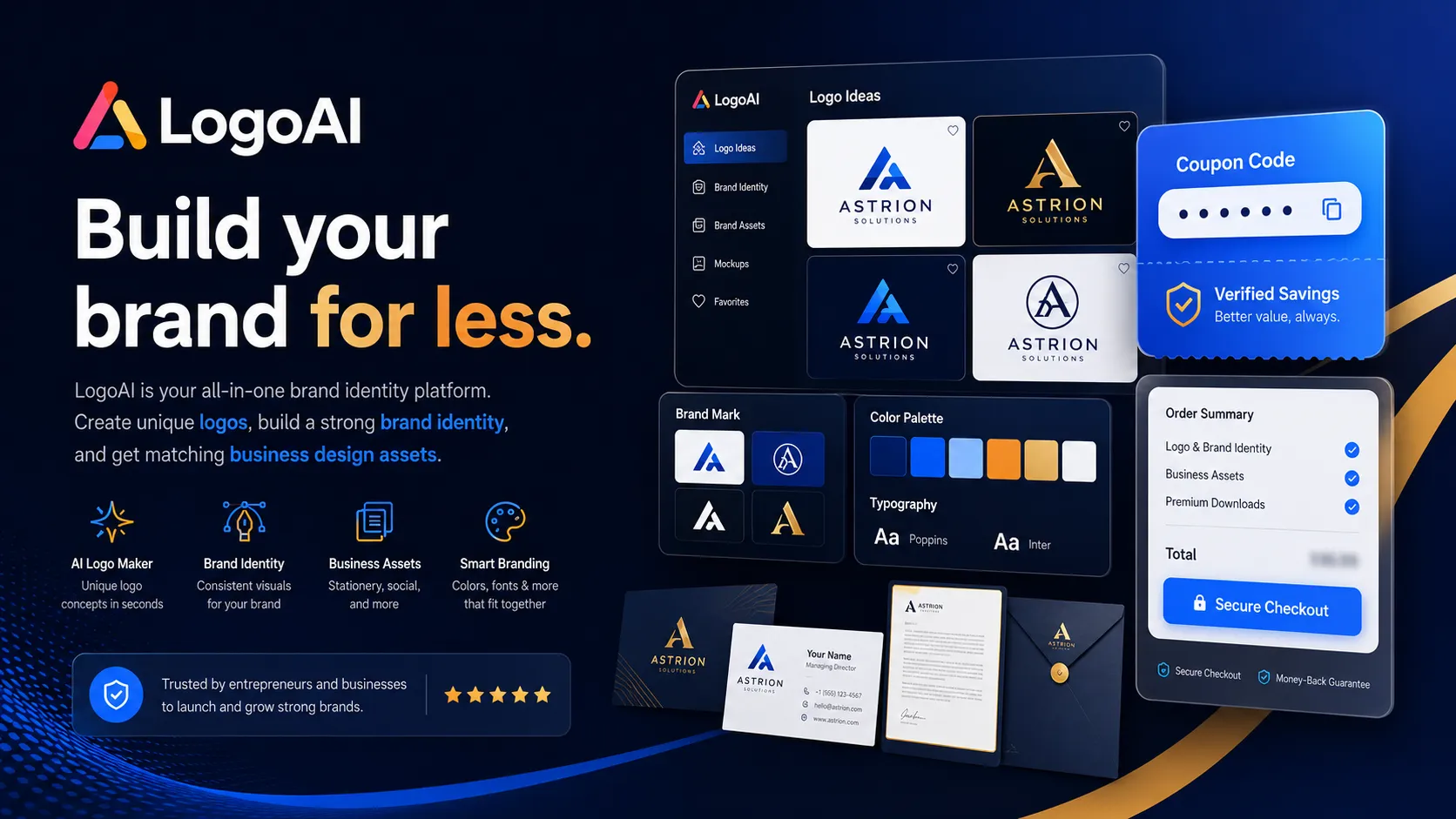
LogoAI also has a return-customer coupon-style route on its pricing page. Treat that as a real checkout step, not just a marketing line. Use the Show code action only when you are ready to verify whether the current account, package, and checkout screen qualify.
What to check first
- Confirm whether you are buying your first logo or returning for another logo.
- Check whether the package includes the file formats and brand assets you need.
- Review whether you can upgrade later, and whether a coupon applies only during the first purchase.
- Read the refund and replacement language before downloading paid files.
- Compare the live checkout total against the package value, not just the discount label.
Why this coupon page matters
LogoAI is one of those tools where the cheapest path can look good too early. You can create logo ideas before paying, which is helpful, but the real decision starts when you choose what to download and license.
For a small blog, social account, or test project, paying for a heavier branding package may be unnecessary. For a business that needs print materials, source-ready files, or a more complete identity kit, saving a few dollars on a smaller package can become the wrong move. This is why a coupon page for LogoAI should not be treated like a simple promo-code box.
The practical question is not just “does the code work?” It is “does this checkout path give me the right files for the next six months?” A discount is useful when the package, usage rights, and post-purchase expectations are already clear.
How to use the live offers
Start with the live offer cards near the top of this page. If a show-code offer is available, open it only when you are ready to test checkout. Do not copy random codes from old coupon pages first, because LogoAI eligibility can depend on the account and purchase situation.
If the offer is a no-code package path, use it as a buying note rather than a coupon. For example, a one-time package path can be more valuable than a weak coupon if it avoids recurring charges or gives you the right logo download center access. If the offer points to a broader brand package, pause and check whether you really need the extra assets.
For repeat buyers, the return-customer route is the one to examine most carefully. Verify the discount before payment, and remember that LogoAI’s public FAQ says discount entry has to happen at purchase time. If you forget the code or try to apply it after buying, the safer assumption is that you may not be able to recover that saving.
When to use the deal
Use a LogoAI deal when you have already found a logo concept you would genuinely use, you know the package you need, and the checkout total reflects the saving before you pay. The deal is especially worth testing for repeat logo buyers or buyers who already know they need a print-ready or broader brand asset package.
Skip the deal for now if you are still experimenting with names, colors, or brand direction. Logo design feels cheap until you realize you may want to change the business name next week. In that situation, design first and pay only when the logo direction feels stable.
When to read the review or store page first
Read the LogoAI store page first if you are unsure whether LogoAI is the right logo-maker route compared with design marketplaces, brand-kit tools, or broader creator platforms. Read the review first if you care about output quality, editing control, licensing expectations, or whether the package structure fits a serious business launch.
The coupon is the last step. Package fit, usage rights, refund expectations, and file needs should come first. Once those are clear, the live offer card can help you test the best current checkout path without turning the purchase into a blind discount chase.
Common checkout issues
The most common LogoAI checkout issue is using the wrong saving path for the wrong buyer type. A return-customer coupon route may not behave the same for a first-time buyer. A reported coupon path may not stack with a package rule. An upgrade later may not receive the same discount treatment as the initial purchase.
Also check refund expectations before paying. LogoAI’s public refund language is stricter once logo files are accessible, so buyers should make the package decision carefully before downloading paid assets.
 lifetime Verified