Quick verdict
Fliki is worth considering if your real problem is turning text into usable video faster, not if you are looking for a traditional editing suite with deep timeline control.
That distinction matters.
The product looks simple on the surface: write or paste text, choose a voice, let Fliki assemble scenes, then export a video. The buying decision is less simple because Fliki is not priced only around “can it make a video?” It is also about credits, export length, watermark removal, commercial rights, voice quality, edits, integrations, and whether your videos will be repeated often enough to justify a paid plan.
For my money, Fliki makes the most sense for creators, marketers, educators, and small teams that already have scripts, posts, slide decks, product pages, or training material and want a guided path into narrated videos. It is weaker for buyers who need advanced manual editing, cinematic control, or one quick export with no recurring workflow behind it.
The strongest reason to consider Fliki is speed. The main caution is credit behavior. You can spend more credits than expected if you regenerate visuals, use AI video clips, revise voiceover, or export repeatedly. The safer path is to test one real video on the free plan, estimate credit usage, then choose the plan only if the workflow will repeat.
Next step: If Fliki still fits your publishing workflow, verify the current buyer route before choosing a paid plan.
Review snapshot
| Review point | Practical take |
|---|---|
| Best for | Creators, marketers, educators, trainers, and small teams turning text into narrated video |
| Not ideal for | Advanced editors, one-off video buyers, or teams needing full manual production control |
| Main use case | Script-to-video, blog-to-video, idea-to-video, PPT-to-video, and AI voiceover workflows |
| Pricing note | Free path available; Standard is publicly referenced around $28/month, but live checkout should be verified |
| Free path | Useful for testing, but limited by credits, watermark, resolution, and production constraints |
| Main strength | Fast guided video creation from text with AI voices, visuals, captions, and publishing features |
| Main concern | Credit usage can change quickly after edits, AI visuals, avatars, lip-sync, and repeated exports |
| Direct alternatives | Pictory, Boolvideo, HeyGen |
| Adjacent route | AKOOL for avatar, translation, and more enterprise-style video campaigns |
| Best next step | Build one real sample video before committing to monthly or annual billing |
What is Fliki?
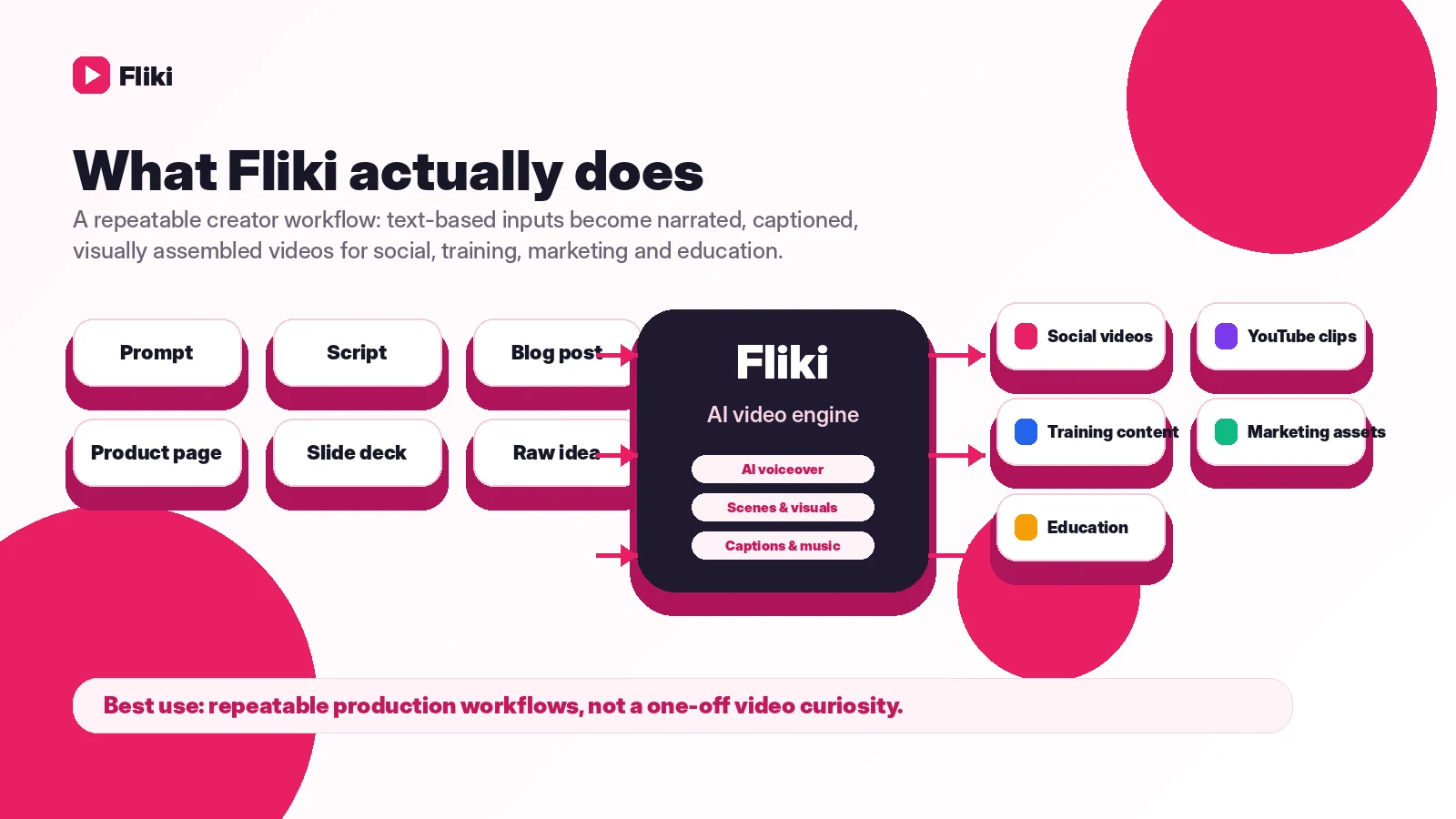
Fliki is best understood as an AI video and voice platform for people who start with text and want a finished video faster than they could make one manually.
A buyer can begin with an idea, script, blog post, product page, presentation, or raw clip. Fliki then helps assemble a narrated video using AI voices, media assets, captions, translation, AI images, AI video clips, voice cloning, avatars, and export tools depending on the plan.
That makes Fliki different from a classic video editor. It is not primarily for someone who wants to control every transition, layer, keyframe, or frame-level detail. It is more useful when the buyer wants a repeatable production shortcut: turn written content into faceless YouTube videos, social clips, explainers, training content, product videos, or lightweight marketing assets.
The common wrong expectation is to treat Fliki like a one-click creative department. It can speed up the first draft of a video, but the buyer still needs to review the script, pick the right voice, check scene relevance, preview the export, watch credit usage, and decide whether the final output is good enough for the intended channel.
Our review approach compares public product pages, pricing details, help documentation, deal terms, buyer workflow fit, and nearby alternatives. We do not treat a coupon, free plan, or low monthly price as proof that the product fits the buyer.
Who should use Fliki?
Fliki fits creators who publish faceless or voice-led videos on a recurring schedule. If you already write scripts or outlines and need a faster way to turn them into clips, Fliki’s guided workflow can reduce the gap between idea and export. The condition is that the voice and visual style must be good enough for your audience, not just impressive in a demo.
It also fits marketers who repurpose existing content. A blog post, product page, webinar outline, or campaign note can become a short explainer or social video. This is useful when speed matters more than advanced editing polish.
Educators and training teams may also benefit if they need simple instructional videos. Fliki’s AI voices, captions, translations, and presentation-to-video style workflows can help turn internal material into easier-to-watch assets. The buyer should still verify whether the plan covers the export length, voice types, and commercial or organizational use they need.
Small businesses can use Fliki for lightweight product explainers, announcements, and onboarding content. The best fit is a repeatable format: a weekly tip, a product mini-demo, a short training series, or a batch of narrated clips.
Teams considering automation or API use should look at Enterprise rather than assuming lower plans are enough. Fliki’s public API path is positioned around Enterprise, so automation-heavy buyers need plan-level confirmation before building a workflow around it.
Who should avoid Fliki?
Avoid Fliki if you only need one video and do not expect to make more. The free path may be enough to test the idea, but a recurring subscription can be overkill for a single clip.
I would also be careful if you need advanced manual editing. Fliki is built around a guided text-to-video flow. If your workflow depends on detailed timeline control, compositing, advanced color work, custom motion design, or frame-by-frame polish, a traditional editor or more specialized production platform may be a better fit.
Buyers who are sensitive to refund risk should move slowly. Fliki gives users a free way to test before upgrading, but its FAQ is clear that paid subscription fees are not treated as refundable after purchase. That changes the buying order: test first, pay later.
Teams that need API access, custom quotas, invoiced billing, or heavy collaboration should not assume Standard or Premium will cover everything. Those needs usually push the buyer toward Enterprise confirmation.
Finally, avoid buying only because a coupon or promotion-code field exists. A discount can improve a good purchase, but it should not be the reason you choose a credit-based video platform.
How Fliki fits into a real workflow
A good Fliki workflow starts before you open the editor.
The buyer should know the publishing job first: a YouTube short, a training clip, a product explainer, a social carousel, or a narrated summary. Then the script should be cleaned up before credits are spent on heavier generation. This matters because editing after generation can trigger more processing, more voice regeneration, more visual changes, and eventually more credit usage.
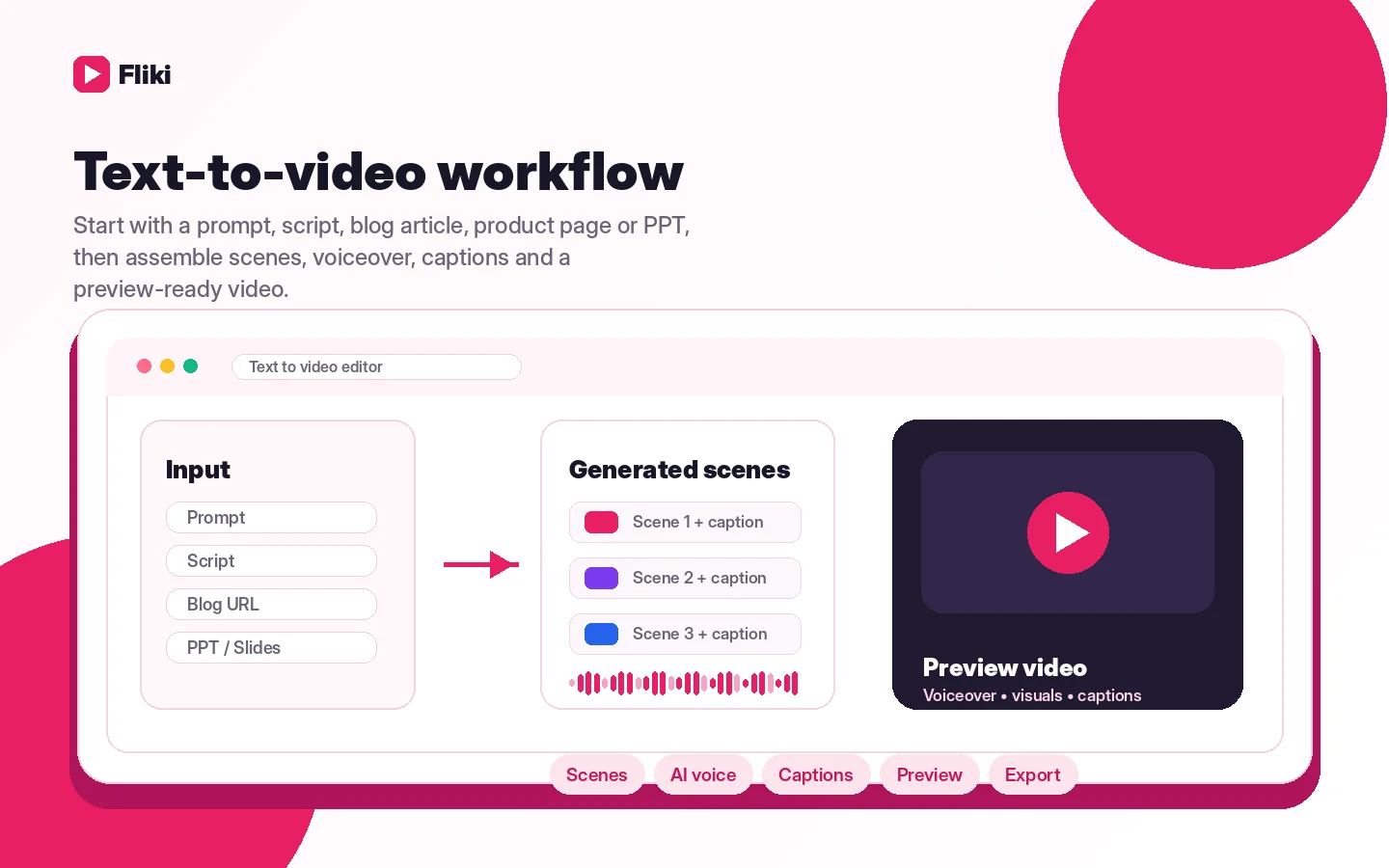
A practical workflow looks like this:
- Choose one real video format you will repeat.
- Prepare a short script or repurpose an existing article, page, or slide deck.
- Generate a draft in Fliki.
- Review the voice, scenes, subtitles, and visuals.
- Fix the script before generating expensive visual effects or avatar/lip-sync layers.
- Preview the whole video before exporting.
- Track credits used after edits and export.
- Decide whether this workflow is fast enough to justify a paid plan.
The point is not to make Fliki do everything. The point is to see whether it removes enough production friction to become part of your regular content process.
Fliki becomes more valuable when the workflow repeats. A weekly video series, a batch of training clips, or a marketing repurposing process gives the tool something to optimize. One random video does not.
Real-world buyer scenarios
A faceless YouTube creator testing a weekly format
A creator who writes short scripts every week may find Fliki useful because it turns text into a narrated video without requiring filming, recording, or a full editing setup. The important test is whether the voice sounds natural enough and whether the visuals feel relevant rather than generic.
Fliki may fail this buyer if each video needs heavy custom editing after generation. In that case, the time saved at the beginning may disappear during cleanup.
A marketer repurposing blog content
A marketer with existing articles, product pages, or campaign notes can use Fliki to create short explainers or social clips. This is a strong fit when the goal is speed and consistency.
The risk is assuming every blog post becomes a good video automatically. The better approach is to rewrite the article into a tighter script first, then use Fliki to build the video.
An educator creating simple training videos
A training team may use Fliki for narration, captions, translation, and simple visual support. This can be useful for internal education, onboarding, or quick course content.
The buyer should check export length, commercial or organizational rights, voice quality, and whether the content needs more precise instructional visuals than Fliki can generate quickly.
A team exploring automated video production
A larger team may be attracted to API access, custom quotas, team collaboration, and bulk production. This is where Fliki becomes more operational, but also more serious from a planning standpoint.
Before committing, I would confirm Enterprise access, workflow limits, support expectations, and whether the integration path is documented enough for the team’s real production process.
Key features that actually matter
Text-to-video from multiple inputs
Fliki’s biggest practical feature is the ability to start from text: ideas, scripts, blog posts, product pages, presentations, and raw clips. This matters because many buyers already have written content but do not have the time or skills to turn it into video manually.
Buyer note: this is useful only if your written input can become a clear video script. A weak article or vague prompt can still produce a weak video.
AI voice library and multilingual narration
Fliki’s AI voice library is one of the main reasons buyers compare it with other text-to-video tools. The voice layer matters because faceless video succeeds or fails on narration more than many buyers expect.
Buyer note: test voices in your real language, accent, and tone before paying. A large voice count does not automatically mean the right voice exists for your brand or audience.
Captions, translation, and publishing support
Captions and translation can make Fliki more useful for social, training, and multilingual content. YouTube publishing and related creator features can also reduce friction for people who produce videos regularly.
Buyer note: verify which features sit behind Standard, Premium, or Enterprise before assuming they are included in the plan you want.
AI visuals, stock assets, and media generation
Fliki can use stock media, AI images, AI video clips, and other visual assets to support the narration. This is where output can start to look more polished, but also where credit usage can become less obvious.
Buyer note: stock or uploaded media may be cheaper from a credit perspective than generating AI video clips for every scene. Preview carefully before spending credits on heavier visual generation.
Voice cloning, avatars, and brand kits
Voice cloning, avatars, custom voices, and brand kits can help more serious creators or teams make consistent video output. These features are more relevant after the basic workflow already works.
Buyer note: do not upgrade for advanced features until the simple script-to-video workflow has proven useful. Extra features cannot fix a workflow that does not fit.
Pricing and plan value
Fliki’s pricing is the part I would inspect most carefully before paying.
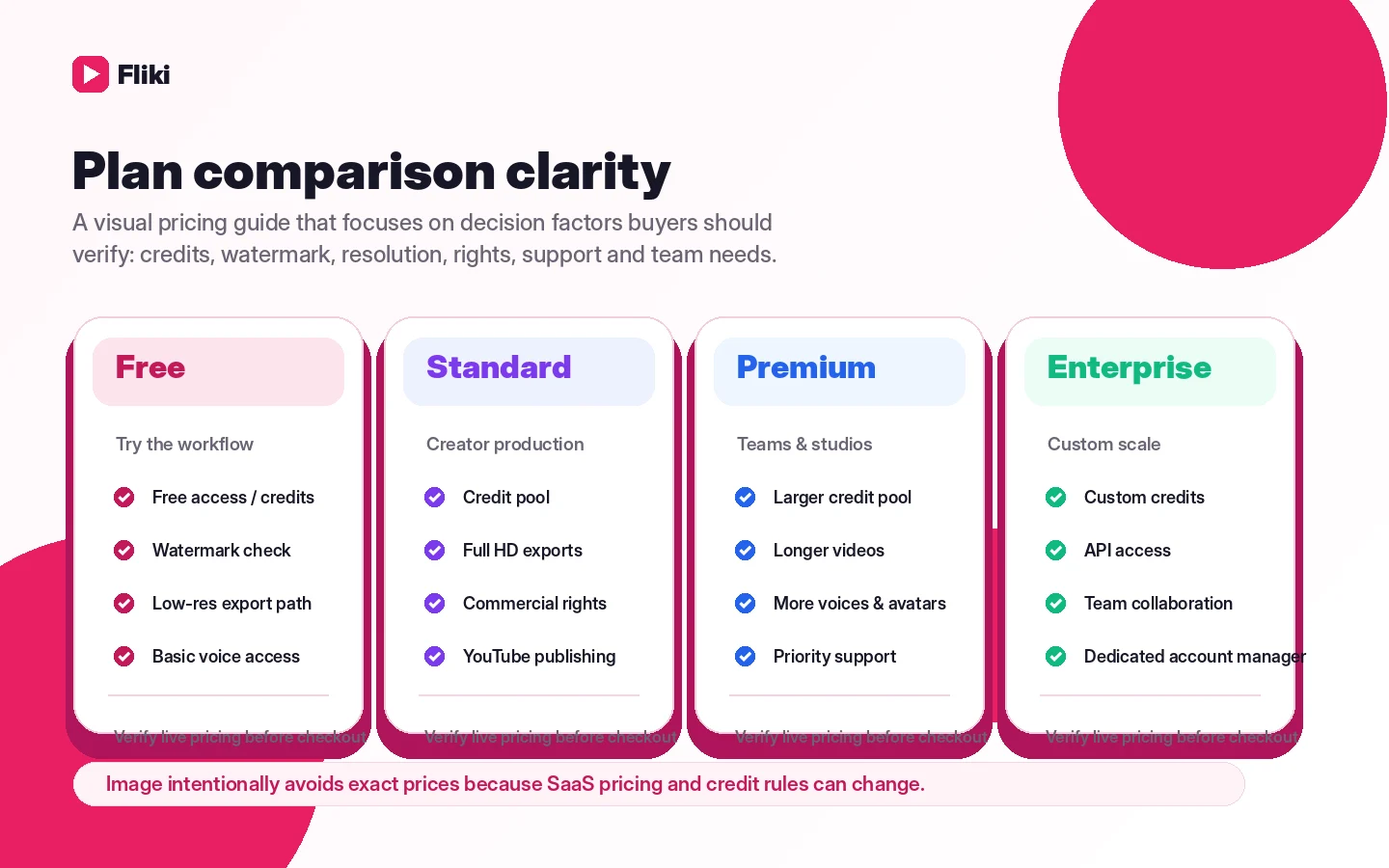
At the time of review, Fliki’s public pricing presents a Free path plus Standard, Premium, and Enterprise plans. The Free plan is positioned for beginners and does not require a credit card. It is useful for testing, but it carries practical constraints such as limited credits, lower resolution, and watermarking.
The Standard plan is the realistic first paid checkpoint for many creators. Fliki’s FAQ publicly references Standard at $28 per month in a team-pricing example, while the pricing table emphasizes credits, export length, voice access, watermark removal, commercial rights, and yearly billing toggles. Because pricing pages can change, I would treat the live checkout screen as the final source before paying.
The core plan question is not only “how much does it cost?” It is “how many finished videos can I make after edits?” Fliki’s own credit guidance makes this important. Voiceover, music, AI images, AI video, avatars, lip-sync, translation, exports, and repeated changes can affect credit usage. A short, simple script can be economical. A heavily edited AI-video project can become more credit-intensive.
Premium is more relevant if you need longer exports, more voices, AI video clips, more brand assets, avatars, priority support, or a higher production ceiling. Enterprise is the path to confirm if you need API access, custom credits, higher quotas, invoiced billing, dedicated account management, or team-scale content production.
I would start monthly before annual unless your publishing cadence is already proven. Annual billing can make sense after Fliki becomes part of a regular workflow, but it is not the safest first move for a buyer still testing output quality.
Pricing check: If Fliki looks like a real production fit, compare the current plan limits, credits, and billing interval before checkout.
Free plan, trial, coupon, and checkout notes
Fliki’s free path is the right first step for most buyers.
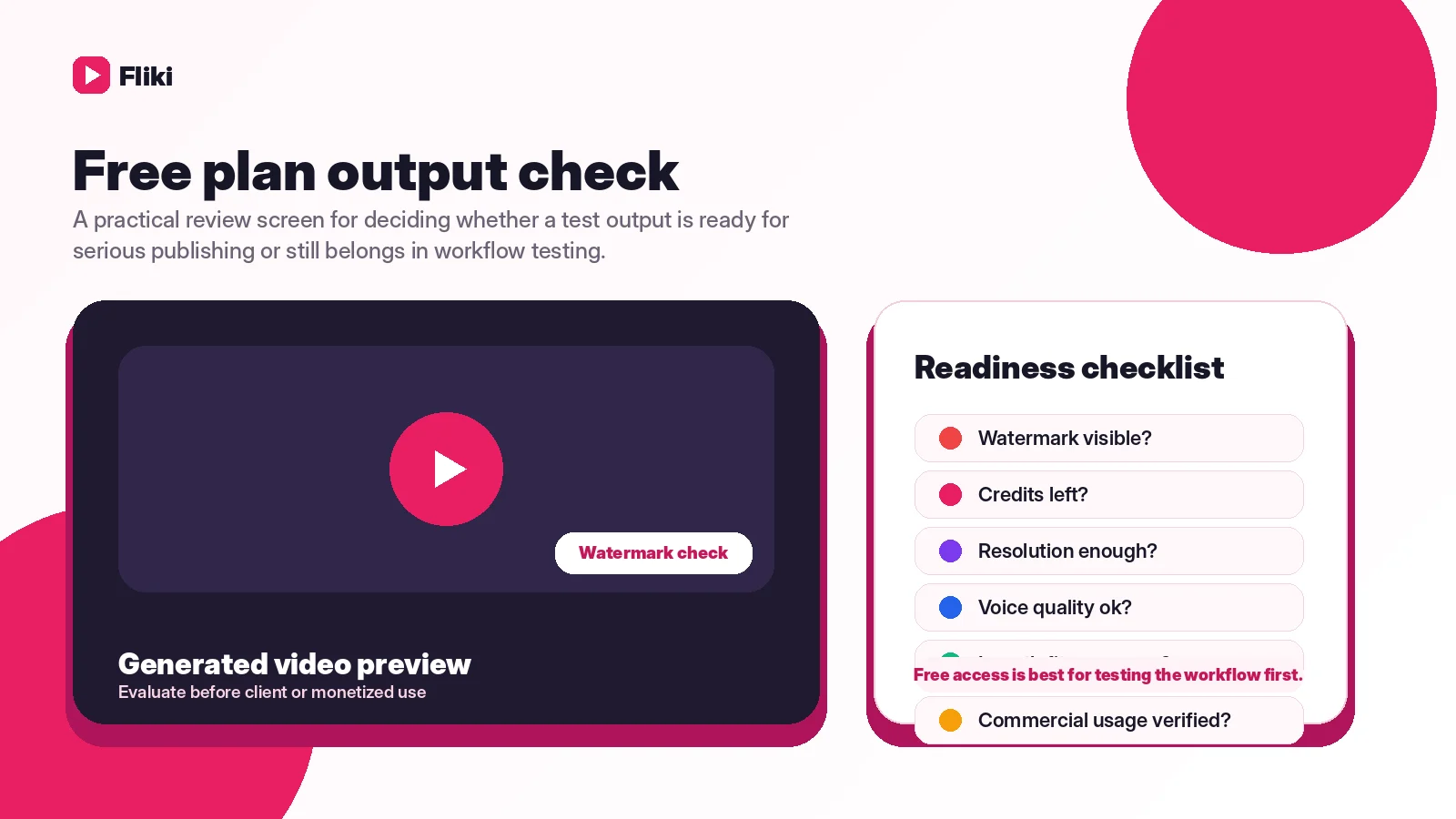
Use it to test the editor, voice quality, scene matching, subtitles, and export experience. Do not use it as proof that the paid plan will fit production work. Free output can be limited by credits, watermarking, resolution, export length, or feature access.
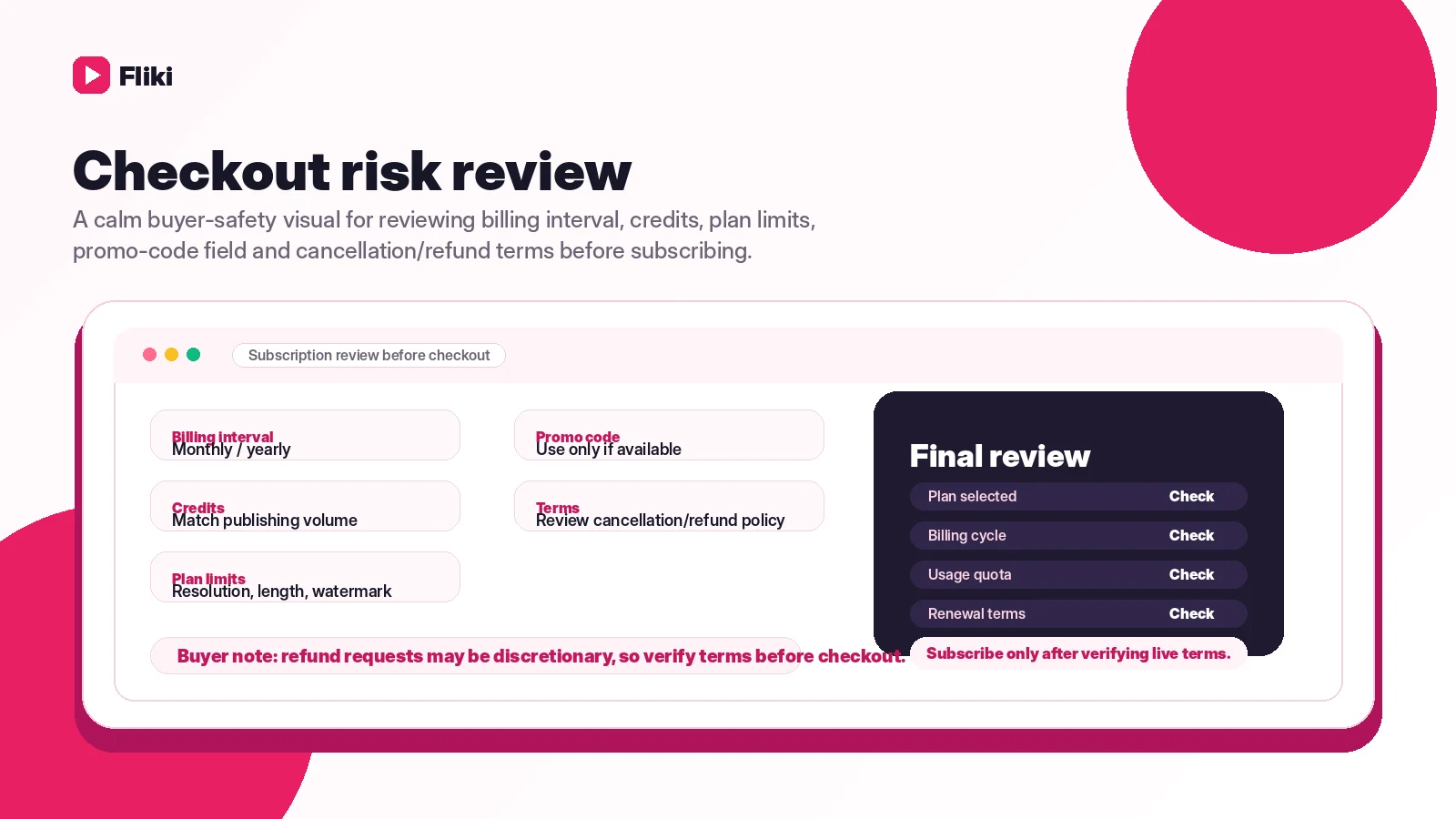
The coupon path should come later. Fliki supports promotion-code entry in the payment flow, but a promotion-code box is not the same as a guaranteed public coupon. Check the Fliki coupon page only after the product fit makes sense.
The refund policy is the bigger checkout issue. Fliki gives users a free plan to evaluate the product, but its FAQ says paid plan fees are not refunded after purchase. Cancellation can stop renewal and keep access through the current subscription period, but buyers should not treat a paid month as a refundable trial.
The safer checkout order is simple:
- Test one real video for free.
- Estimate credits after edits and export.
- Check the live pricing screen.
- Choose monthly before annual if usage is unproven.
- Use coupon or annual savings only as a bonus after fit is clear.
What I would check before buying Fliki
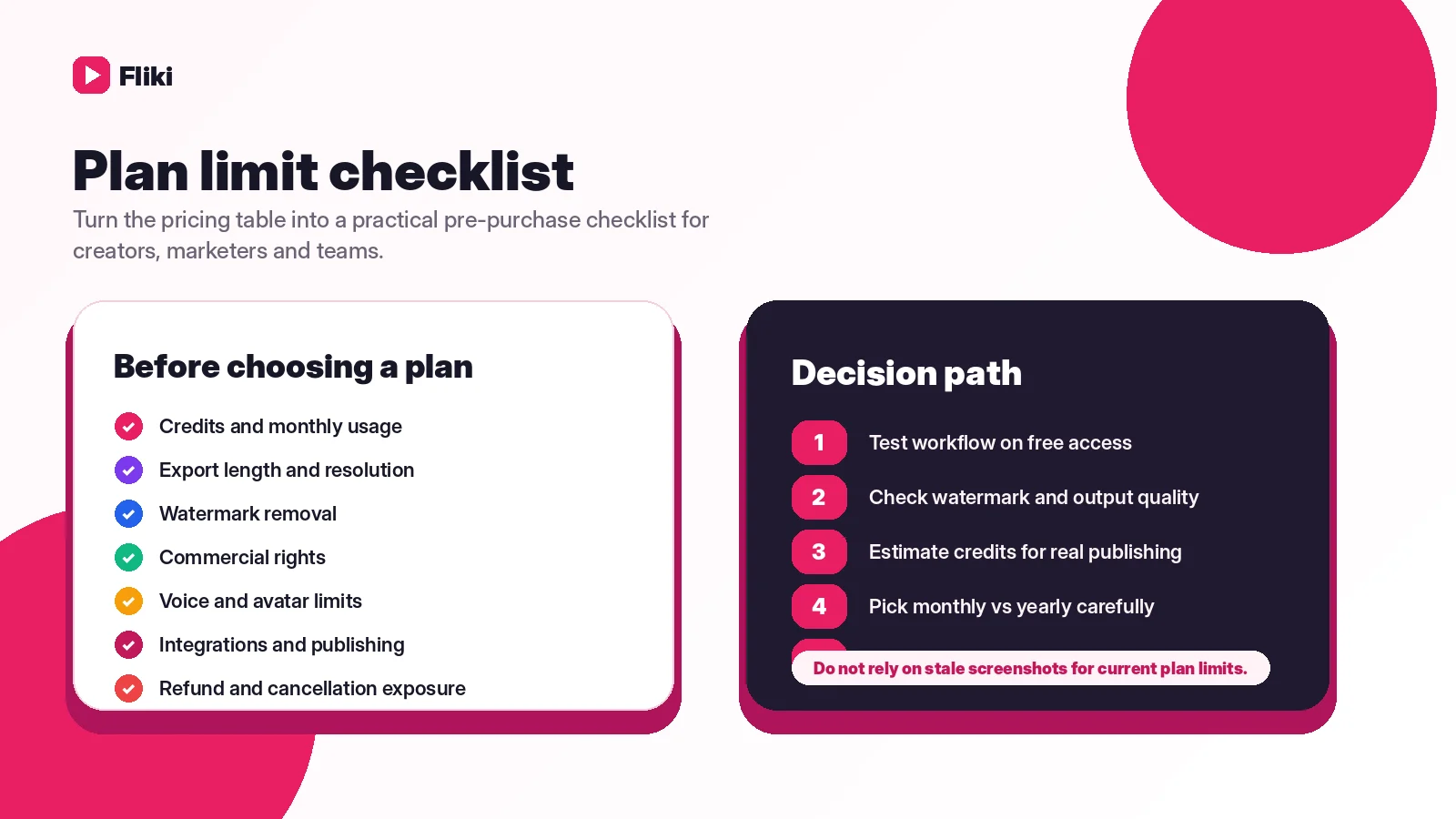
If I were buying Fliki for a real workflow, I would check these items before entering payment details.
- Whether the free sample video is close enough to publish after normal editing.
- How many credits one real video uses after script edits, visual changes, and export.
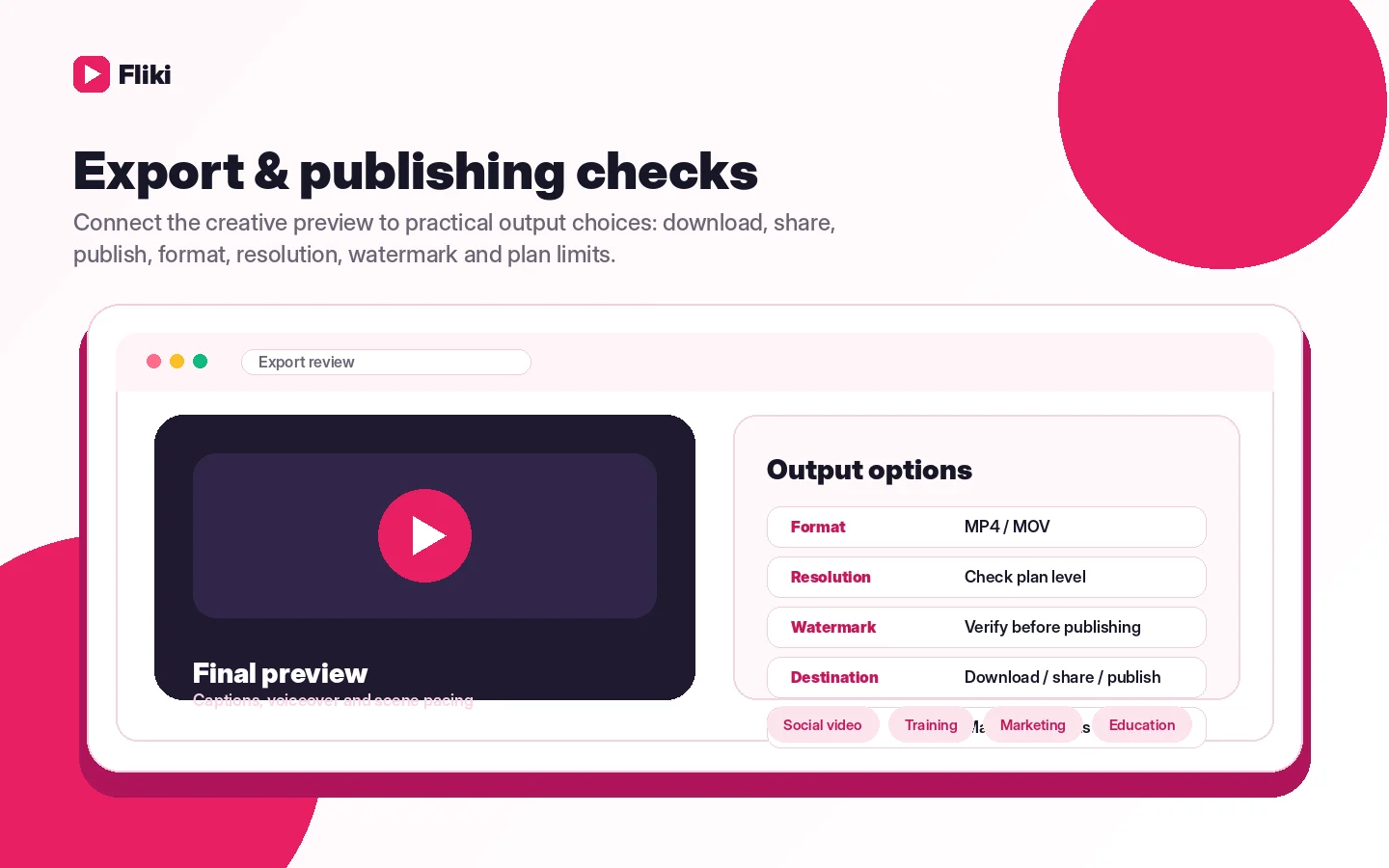
- Whether the plan includes the export length, resolution, watermark removal, and commercial rights needed for the intended channel.
- Whether AI video clips, avatars, voice cloning, brand kits, YouTube publishing, or translation are included in the exact plan.
- Whether team members increase cost and credits in the way your team expects.
- Whether Enterprise is required for API access, custom quotas, or automation workflows.
- Whether the refund and cancellation terms still match the current FAQ before subscribing.
The easy mistake is judging Fliki by a demo video. The better test is whether the same process works with your script, your audience, your export settings, and your monthly production volume.
A simple test before paying
Before paying, I would run a small test like this:
- Pick one video format you will actually repeat, not a random demo idea.
- Write a short script first instead of asking the tool to fix unclear thinking.
- Generate a video draft with a voice you might realistically use.
- Replace or adjust scenes that feel generic.
- Preview the full video before exporting.
- Track how credits change after edits, visual changes, and export.
- Decide whether the finished video saves enough time to justify a paid plan.
This test is intentionally narrow. You are not trying to master every Fliki feature. You are trying to answer one commercial question: would this tool help you publish more useful videos often enough to pay for it?
Pros explained
Fliki’s first real advantage is speed. If you already have written material, the tool can shorten the distance between script and video. That matters for creators and marketers who are bottlenecked by production rather than ideas.
The second advantage is the voice-led workflow. AI video tools often live or die by narration quality. Fliki’s voice options, language coverage, and voice-related tools make it easier to test faceless or multilingual video without recording everything yourself.
The third advantage is the free starting path. A no-card free plan gives cautious buyers a way to test before paying. That is especially important because refunds are not the safety net here.
The fourth advantage is the range of creator workflows. Fliki is not only idea-to-video. It supports scripts, blogs, product pages, presentations, thumbnails, social carousels, translation, and publishing-oriented use cases depending on plan access.
The fifth advantage is the Enterprise route. Teams that need API access, custom quotas, or more structured production have a path to discuss those needs rather than forcing creator-tier plans to do enterprise work.
Cons explained
The biggest drawback is credit complexity. A buyer can understand the monthly price and still misunderstand the real cost of finished output. Edits, AI visuals, AI video, avatars, lip-sync, translation, and exports can all affect credit usage.
The second drawback is that the free plan is not production proof. It is good for testing the interface and output style, but it should not be confused with a serious publishing plan.
The third drawback is refund risk. Because Fliki offers a free evaluation path and does not position paid subscriptions as refundable trials, buyers should not upgrade casually.
The fourth drawback is limited manual editing depth. Fliki can help create video faster, but buyers who need advanced timeline editing, custom animation, compositing, or high-end production control may feel boxed in.
The fifth drawback is plan gating. Features like longer exports, more voices, brand kits, AI video clips, avatars, API access, and team collaboration may require higher tiers. That is normal for SaaS, but buyers should verify access before assuming a feature is included.
Green flags and red flags
Green flags:
- You already have scripts, blog posts, presentations, or product pages to repurpose.
- You need recurring narrated videos, not one experimental export.
- You care more about production speed than deep manual editing.
- The free test produces a video you would realistically improve and publish.
- Your expected monthly output fits the plan’s credits and export limits.
Red flags:
- You only want one video and are hoping to cancel after a paid export.
- You expect the free plan to cover serious commercial publishing.
- You have not checked how credits behave after edits and exports.
- You need API access but have not confirmed Enterprise requirements.
- You are choosing Fliki only because a promotion-code field or discount route appears at checkout.
Fliki vs alternatives
Fliki should be compared by workflow, not just by feature list. Many AI video tools can create some kind of video. The better question is which one fits the buyer’s starting point.
Pictory vs Fliki
Pictory is the closer comparison if your main job is turning long-form content into branded summaries, clips, or social videos. It may fit buyers who already have webinars, articles, or long recordings and want a repurposing workflow.
Fliki may still be stronger if the buyer cares more about AI voices, multilingual narration, script-led creation, and fast faceless video production. Compare Pictory if long-form repurposing is the main job.
Boolvideo vs Fliki
Boolvideo is more relevant when the buyer needs ecommerce or product-video generation. It can be the better comparison for product listings, store visuals, or quick promotional clips.
Fliki is broader for creators and educators because it supports script, idea, blog, voice, translation, and publishing workflows beyond product video. Compare Boolvideo if ecommerce video is the priority.
HeyGen vs Fliki
HeyGen is usually the stronger comparison when presenter avatars, business messaging, localization, or avatar-led communication matter more than faceless script-to-video creation.
Fliki may still be simpler for text-led content where the voiceover and scenes matter more than a realistic presenter. Compare HeyGen if avatars and business presentation polish are central to the workflow.
AKOOL vs Fliki
AKOOL is more of an adjacent route than a one-to-one replacement. It is worth comparing when the buyer needs avatar, translation, face, or more enterprise-style video campaign workflows.
Fliki is the cleaner fit for creators who want to turn written material into narrated videos quickly. Compare AKOOL only if avatar or localization workflows are more important than script-first production.
Trust, refund, and buyer-risk notes
The main trust point with Fliki is that buyers can test before paying. That is good. It also means there is less reason to rush into a paid plan before understanding output quality and credit behavior.
The refund note deserves attention. Fliki’s FAQ says paid subscription fees are not refunded after purchase, and cancellation stops renewal while access continues through the current subscription period. That is not unusual for AI-generation tools with real processing costs, but it makes pre-purchase testing more important.
Privacy and content rights should also be checked before using Fliki for client or sensitive work. Paid plans come with commercial rights for content created on the platform, and Fliki says users own publishing rights, but buyers still need to make sure their text is original and that premium media usage fits the intended channel.
For credits, do not assume the headline plan allocation equals finished video minutes. Fliki’s credit guidance shows that voiceover, visuals, AI video, avatars, lip-sync, translation, exports, and repeated edits can all change usage. The practical move is to test with one real project and watch the account credits.
For API and automation, be conservative. Public API access is positioned around Enterprise, and lower-tier buyers should not build an automated production process until plan access is confirmed.
Final verdict
I would consider Fliki if you already have text-based content and want a faster way to turn it into narrated videos. It is especially useful for faceless creators, marketers, educators, and small teams that need repeatable video output without filming or deep editing.
I would skip Fliki if you only need one video, need advanced timeline control, or have not tested whether the voice and visuals meet your quality bar. I would also slow down if you are mainly attracted by a discount path, because the coupon should come after workflow fit, not before it.
I would compare Fliki with Pictory if repurposing long-form content matters most, Boolvideo if ecommerce product video is the main job, HeyGen if avatar-led business video is central, and AKOOL if you need a more advanced avatar or localization route.
The safest next step is simple: create one real video on the free plan, check the credit behavior after edits and export, then decide whether a monthly paid plan is justified. Annual billing can wait until Fliki has proven it belongs in your regular publishing process.
