
Fliki Pricing, Plans & Creator Fit
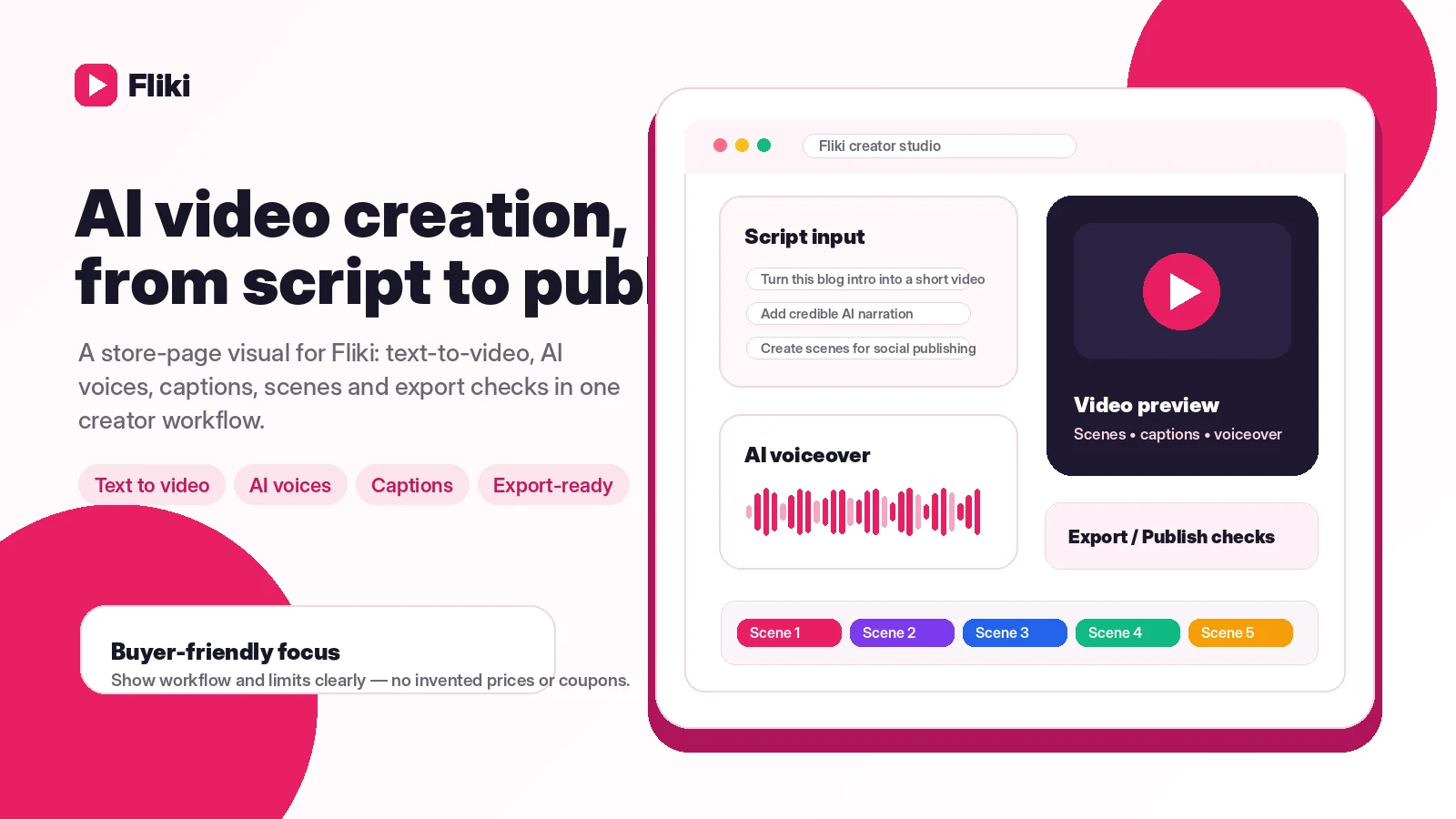
Fliki is best understood as a text-to-video and AI voice platform for creators, marketers, educators, and lightweight business video workflows. It turns scripts, prompts, blog posts, slides, and raw ideas into videos with AI voices, stock assets, captions, translations, and publishing-oriented tools. The commercial decision is less about whether Fliki can make a quick video and more about whether its credits, export length, watermark rules, voice limits, and commercial rights match the buyer's real publishing cadence.
Fit → price → checkout
Use these routes after the official-site check: coupon first, review for fit, compare if unsure.
Fliki pricing snapshot
Fast commercial checks before pricing, coupons, or a deeper review.
Fliki product tour
Fliki is easiest to understand by following a script-to-video path: start with text, choose voice and visuals, check plan limits, then export for the channel you actually publish on. The tour media below focuses on those buyer decisions rather than decorative product screenshots.
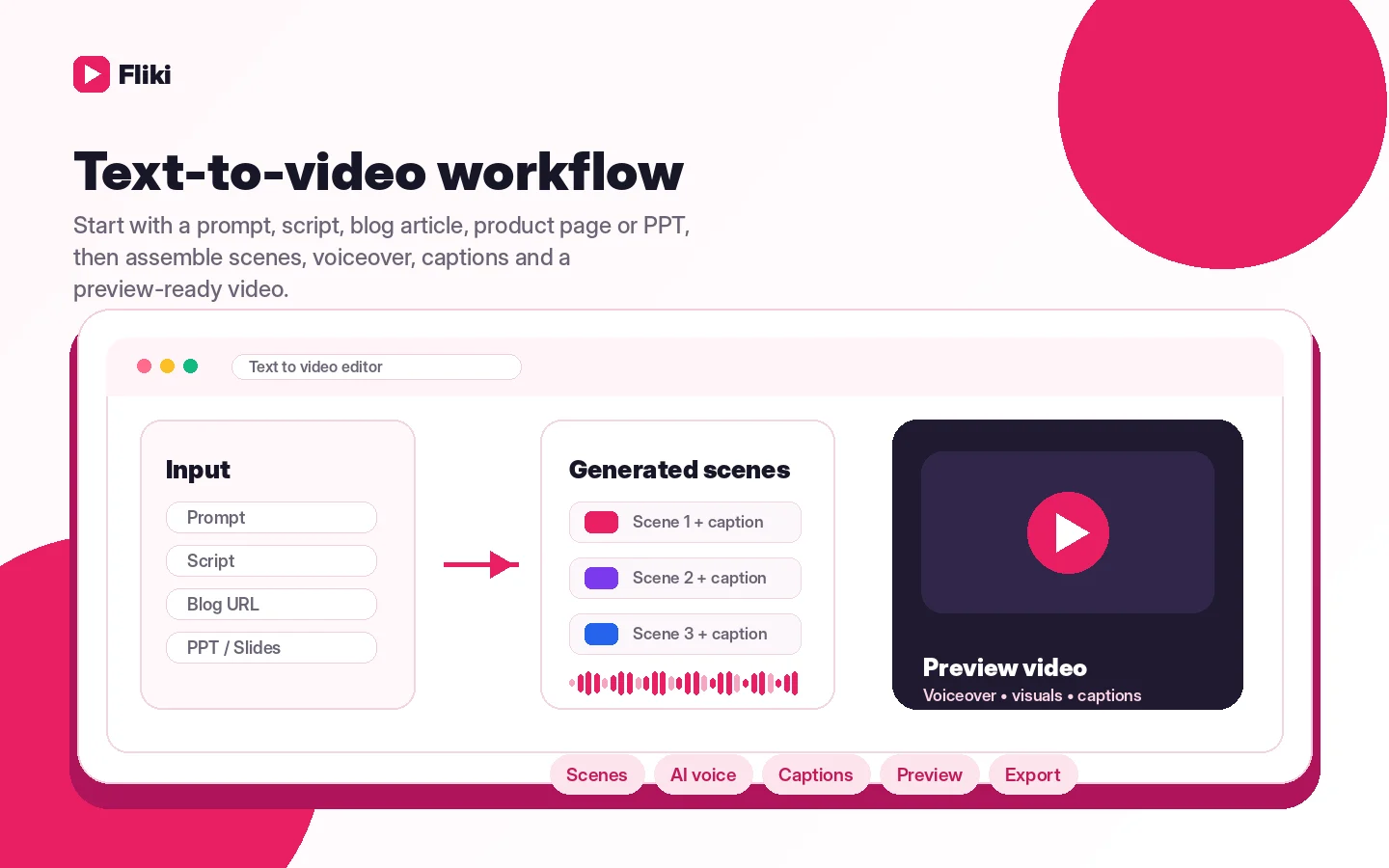
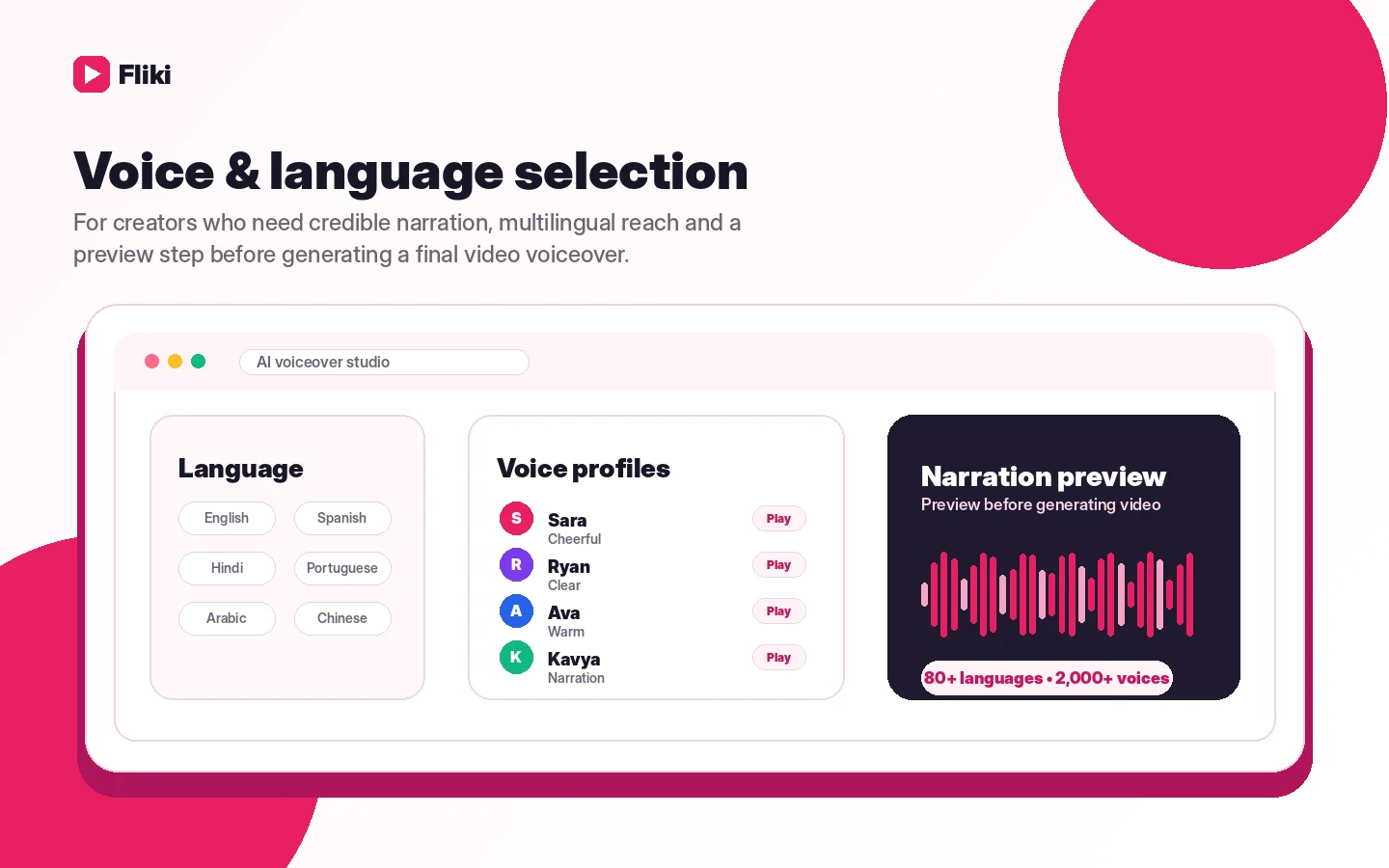
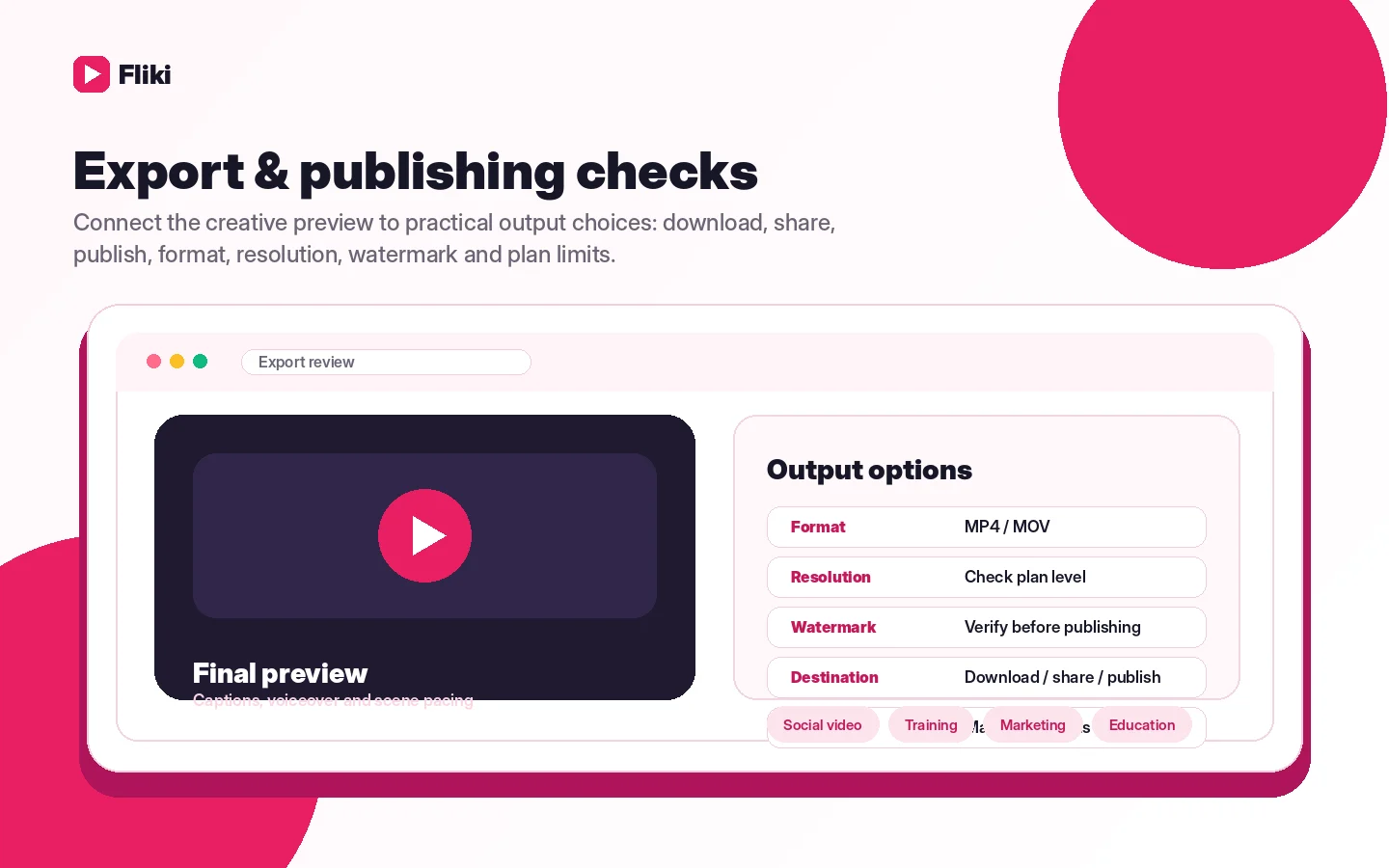
Fliki sits in the practical middle of AI video tools. It is not trying to be a traditional timeline editor. It is built for people who start with text, want AI narration, need visuals matched quickly, and care about publishing speed. That makes it attractive for faceless YouTube videos, explainers, training clips, blog repurposing, and simple marketing videos, but the buyer still has to check credits, watermark rules, export length, and refund risk before treating it as a production tool.
What Fliki actually does
Fliki turns written inputs into video projects. A buyer can start from a prompt, script, blog post, product page, slide deck, or raw content idea, then use AI voices, stock media, AI visuals, captions, translations, and export tools to produce a video. The strongest fit is not someone who wants to edit every second by hand. It is someone who needs repeatable video output from text without building a full production workflow.
- Text-to-video for ideas, scripts, blogs, product pages, PPTs, and raw clips.
- AI voiceover and multilingual narration for social, training, and marketing content.
- Publishing-oriented features such as captions, YouTube publishing, and commercial rights on paid plans.
Where pricing becomes the real decision
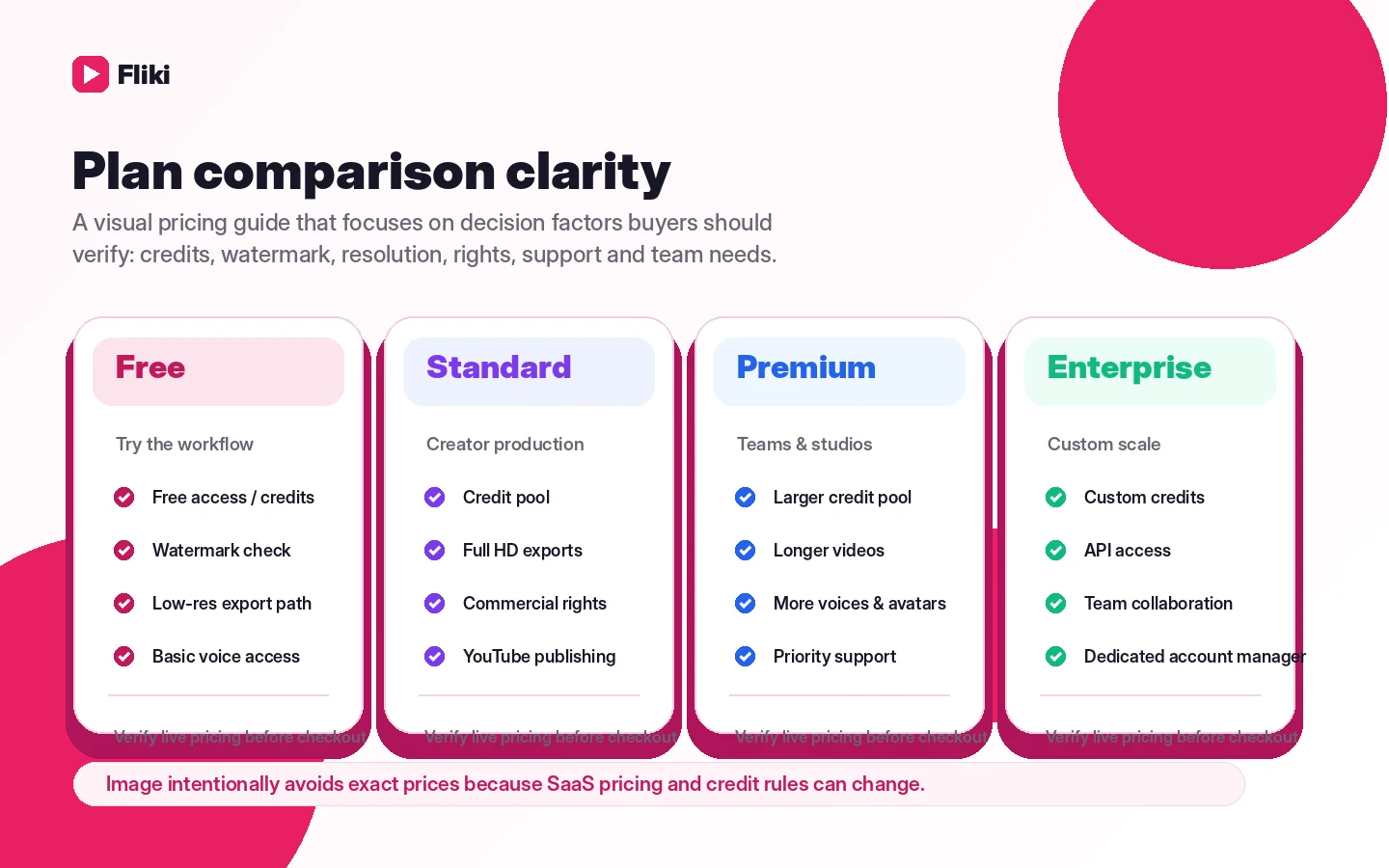
Fliki's pricing decision is credit-based. The public plan comparison shows Free, Standard, Premium, and Enterprise paths, with larger paid tiers unlocking more credits, longer export lengths, higher voice limits, richer media assets, integrations, and commercial usage support. The buyer should compare how many minutes will be generated after script edits, not only how many credits appear in the plan table.
- Free is useful for testing, but watermark and output limits can matter quickly.
- Standard is the practical creator checkpoint because it raises credits and unlocks commercial rights.
- Premium and Enterprise make more sense when output volume, brand kits, teams, API, or custom quotas matter.
Watch the text-to-video flow before judging output speed
The buyer should watch a real text-to-video walkthrough before deciding whether Fliki feels natural. The product is strongest when the script-led flow, voice selection, scene matching, and export path feel faster than recording and editing manually. If you still expect a detailed manual editor, the workflow may feel too guided.
Free plan is for workflow testing, not full buying proof
Fliki's free path is genuinely useful because buyers can test the editor before upgrading. The catch is that free output can be limited by credits, watermark, resolution, and advanced feature gates. That is fine for evaluation. It is not enough evidence that the paid plan will fit client work, a serious YouTube channel, or repeated marketing production.
- Use the free plan to test script quality, voice quality, and scene matching.
- Check whether your first exported video uses more credits than expected.
- Upgrade only when the same workflow will repeat often enough to justify the plan.
What buyers should verify before checkout
Before paying, buyers should open the pricing screen and confirm the live amount, billing interval, annual discount, credit allocation, export length, voice limits, commercial rights, team member costs, and cancellation flow. The refund policy is especially important because Fliki's FAQ says fees already paid for the current subscription period are not refunded after subscription.
- Confirm whether the current price is monthly, annual, or discounted at checkout.
- Check if a promotion code is active, automatic, or simply a field with no public code.
- Review cancellation before subscribing if the project is temporary.
- Confirm Enterprise separately if you need API access or heavier team workflow.
Best next step for DealBestDaily readers
If Fliki already matches your use case, go to pricing and check the current plan limits. If you are unsure whether the output quality is good enough, read the review before checking coupon paths. If the workflow feels close but not perfect, compare it with nearby AI video tools before committing to annual billing.
- Choose the review path when workflow fit is still unclear.
- Choose the pricing path when you already know the plan tier you need.
- Choose the coupon path only after confirming Fliki is the right tool.
- Compare alternatives if you need avatars, heavier editing, or more production control.
Best savings path from this store page
This is the clearest savings route to check once the product already looks like a fit.
Fliki lists a 25% discount on yearly billing across its pricing page. This is the safest official savings path before testing any third-party coupon code.
This is the official pricing-page saving path and should be preferred over unverified coupon directories.
Yearly Standard plan path
Yearly Premium path
Use comparison routes when the category fit is still open
Use these comparison routes when the product still looks plausible, but the category fit is not fully settled.
AKOOL is worth comparing when avatar, face, translation, or enterprise video workflows matter more than script-first creator videos.
Boolvideo is closer when the buyer wants fast product or ecommerce video generation rather than a broader voice-led creator workflow.
Pictory is a relevant comparison for buyers repurposing long-form content into branded video summaries and social clips.
HeyGen is stronger to compare when presenter avatars, localization, and business video messaging sit ahead of general text-to-video creation.
Verification points worth checking before you click out
Where this store usually fits best in the workflow
Fliki fits creators who want to turn prompts, scripts, and outlines into narrated shorts without filming themselves or building a manual editing process.
Marketers can use Fliki to turn written assets into explainer videos, social clips, and lightweight campaign content when speed matters more than custom editing depth.
Educators and internal teams can use AI voiceover, captions, translations, and slides-to-video style workflows to make simple instructional content faster.
Fliki can help teams test voiceover, dubbing, and translated content before investing in a larger localization stack.
Practical checkpoints before and after signup
- Clarify whether your main job is text-to-video, AI voiceover, translation, or faceless social publishing.
- Open the review page if you have not tested whether Fliki's guided workflow matches your editing style.
- Compare Fliki against at least one avatar-focused and one ecommerce-focused video alternative.
- Create one real video from your own script, not just a demo prompt.
- Track how many credits are used after edits, regenerations, and exports.
- Check whether watermark, resolution, voice quality, and export length block your real use case.
- Confirm the final live price, billing interval, annual discount, and renewal terms before paying.
- Check whether Standard or Premium includes the exact features you need, such as voice cloning, YouTube publishing, or brand kits.
- Do not rely on refund recovery if you only need Fliki for a short batch of videos.
- Start with a narrow publishing workflow such as one weekly short-form series.
- Measure time saved, credit usage, and output quality before expanding to annual billing or team seats.
- Re-check pricing when adding team members, API workflow, or higher-volume video production.
Fast-read signals for workflow fit and buying friction
Questions readers usually ask before choosing this store
What is Fliki best for?
Fliki is best for creators, marketers, educators, and small teams that want to turn text into narrated video quickly. It makes the most sense for repeatable social, explainer, training, or content-repurposing workflows rather than deep manual editing.
Does Fliki have a free plan?
Yes. Fliki has a free path with limited credits and no credit card requirement. Treat it as a workflow test, not as proof that the paid plan will fit production work, because watermark, credits, export length, and advanced features can affect real publishing.
How much does Fliki cost?
Fliki's FAQ gives a Standard plan example at $28 per month, while the pricing page shows Free, Standard, Premium, and Enterprise paths with credit-based limits. Buyers should verify the live checkout price, annual-billing discount, and current plan limits before paying.
Does Fliki offer refunds?
Fliki's FAQ says paid subscription fees are not refunded after purchase, although access can continue until the end of the current subscription period after cancellation. That makes the free plan and pre-checkout review more important.
Should I read the Fliki review or coupon page first?
Start with the review if you are still judging output quality, workflow fit, or credit usage. Move to the coupon or deal route only after Fliki already looks like the right tool and you are checking the best current savings path.
Choose the next route that matches what you still need to decide
The strongest next click depends on whether you still need product judgment, a savings route, or a broader category comparison.