Quick verdict
Crayo is worth a serious look if you are trying to publish short-form videos repeatedly, not if you only want a one-off polished brand video.
That distinction matters more than the homepage promise.
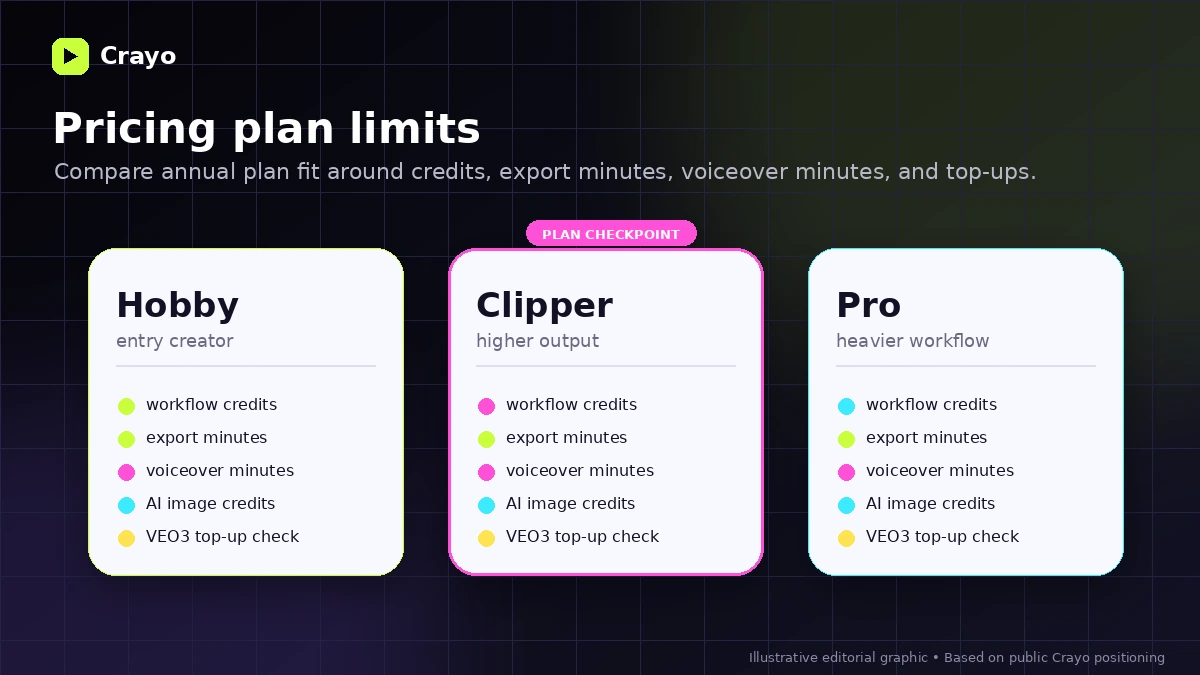
Crayo looks simple on the surface: upload a file or link, choose a subtitle style, generate a video, and move toward TikTok, Reels, or YouTube Shorts. The real buying question is narrower. Will this workflow help you produce more usable short-form content every month, and do the plan limits make sense once you count credits, export minutes, voiceover minutes, AI image credits, and possible VEO3 top-ups?
For my money, Crayo makes the most sense for creators who already know their format. A faceless-channel operator, clipper, Shorts creator, or social marketer with repeated content ideas can get more value from a bundled workflow than someone who is still figuring out a niche.
I would be more careful if you are buying because the annual price looks cheap. The current public pricing page presents Hobby, Clipper, and Pro tiers with annual billing and visible usage limits. The refund policy is also not soft: Crayo states that sales are final after a transaction. That does not make the product bad. It does mean the first paid click deserves more caution than a normal free-trial SaaS purchase.
Next step: If Crayo still fits your short-form workflow, check the current buyer route and plan limits before choosing annual billing.
Review snapshot
| Review point | Practical take |
|---|---|
| Best for | Short-form creators, faceless-channel builders, clippers, and marketers testing fast social video ideas |
| Not ideal for | Buyers who need deep manual editing, brand approval workflows, agency collaboration, or a low-risk refund path |
| Main use case | Turning prompts, uploads, links, subtitles, voiceovers, and creator assets into repeatable Shorts-style videos |
| Current public pricing note | Hobby starts at $13/mo billed yearly; higher tiers add more credits, export time, voiceover minutes, and AI image credits |
| Free path | Public pricing does not clearly show a full free plan; official blog content mentions a free clip creator path that buyers should verify |
| Main strength | Fast short-form production workflow with social-video-specific steps |
| Main concern | Annual billing, no-refund policy, plan limits, VEO3 top-ups, and mixed public feedback around experience/support |
| Direct alternatives | Klap, Submagic, Pictory, Revid AI, AutoShorts.ai |
| Best next step | Test one real video workflow before upgrading or committing to annual billing |
What is Crayo?
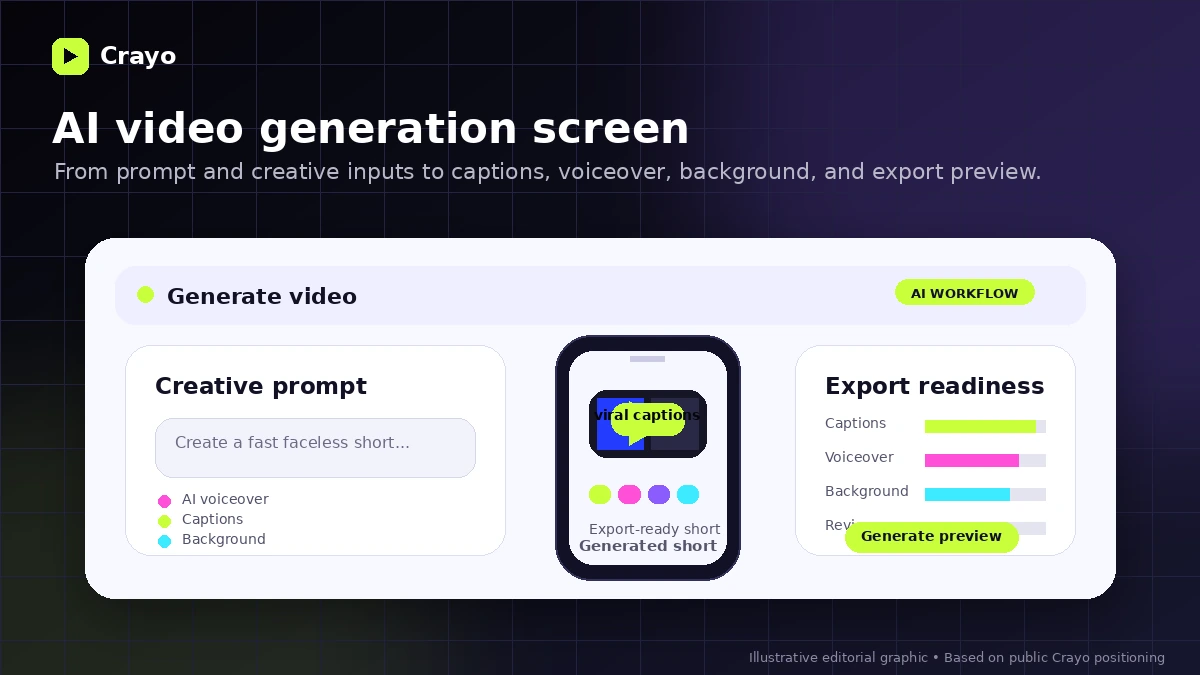
Crayo is an AI-powered short-form video creation and clipping platform. Its current public positioning is built around creating viral-style shorts with AI voiceovers, engaging subtitles, optimized gameplay, background tools, and web-based editing.
The official homepage presents a three-step workflow: upload a video from a file, YouTube link, or TikTok link; choose from viral subtitle styles; then generate the video. That tells you a lot about the product. Crayo is not trying to be Adobe Premiere, DaVinci Resolve, or a full agency video production suite. It is closer to a creator workflow tool for people who need speed, repetition, and format consistency.
The product also includes supporting tools such as AI images, AI voiceovers, AI videos, social video downloading, background removal, brainstorming, speech enhancement, and vocal removal. Those extras matter because short-form production is rarely one step. A creator may need the hook, caption style, voiceover, background, clip, and export path to line up before a video becomes usable.
The common mistake is judging Crayo only by the promise of fast viral clips.
A better way to judge it is to ask: do you already have a repeatable short-form process that Crayo can speed up? If the answer is yes, the tool becomes more interesting. If the answer is no, Crayo can become another subscription you bought before your content workflow was clear.
Our review approach compares public product pages, current pricing details, refund and privacy language, buyer workflow fit, and nearby alternatives. A low annual entry price or coupon route is not enough by itself to prove fit.
Who should use Crayo?
Crayo fits creators who already publish or plan to publish short-form content consistently.
Faceless-channel creators are one of the clearest fits. If your workflow depends on prompts, narration, subtitles, backgrounds, and repeatable social formats, Crayo lines up with that job better than a traditional timeline editor. The condition is that you need enough monthly output to justify the plan limits.
Shorts, Reels, and TikTok creators may also find it useful when production speed matters more than frame-by-frame creative control. If your bottleneck is getting a batch of usable short videos out of ideas or source clips, Crayo is closer to the right category.
Social marketers can use Crayo for hook testing. This is not the same as polished brand creative. It is more about testing angles, formats, and social ideas before spending more time or budget on a campaign.
Streamers, podcasters, and video creators who repurpose long content into short clips may also consider it. I would compare it with dedicated clipping tools first if long-video repurposing is the main job, but Crayo deserves a look if you also want subtitles, voiceovers, background content, and AI-generated short-form formats in the same workflow.
Beginner creators can use Crayo carefully, but only if they treat it as a workflow experiment. The product cannot choose your niche, validate your content angle, or guarantee monetization. It can help you produce faster once you know what you are trying to produce.
Who should avoid Crayo?
I would avoid Crayo if you only need one or two occasional videos. A recurring paid plan becomes hard to justify when the workflow is not repeated.
I would also be careful if you need professional editing depth. Crayo can help with short-form generation, subtitle styling, voiceovers, and social-friendly output, but it is not the same as a full production editor with deep timeline control, team review, brand approval, asset management, and agency collaboration.
Buyers who are uncomfortable with no-refund language should slow down. Crayo’s refund policy states that all sales are final once a transaction is completed, while cancellation keeps access through the current billing cycle. That means you should not treat the purchase as casually reversible.
Teams that need governance, approval flows, client seats, brand libraries, or export review systems may need a broader creative stack. Crayo is creator-oriented first.
I would also avoid buying purely because a coupon or annual discount appears attractive. A discount can improve a purchase that already fits. It should not be the reason you buy a tool before you know whether credits, export minutes, and output quality match your publishing rhythm.
How Crayo fits into a real workflow
A realistic Crayo workflow starts before you log in.
First, you need a content format. That might be Reddit-style stories, streamer clips, fake text videos, educational shorts, social hooks, or repurposed clips from longer content. Without a format, the tool can generate activity but not necessarily a useful content system.
Then you bring in source material. Crayo’s public workflow supports uploading a file or using a YouTube or TikTok link. From there, you choose a subtitle style, generate the video, and review the result. The review step is important. AI output may save time, but the creator still needs to check pacing, captions, hook clarity, background fit, voiceover quality, and whether the final video feels original enough for the audience.
After that, you export and track whether the output performs. Crayo is easier to justify when it shortens a process you repeat every week. It is weaker when you use it once, dislike the first result, and have no system for improving the next one.
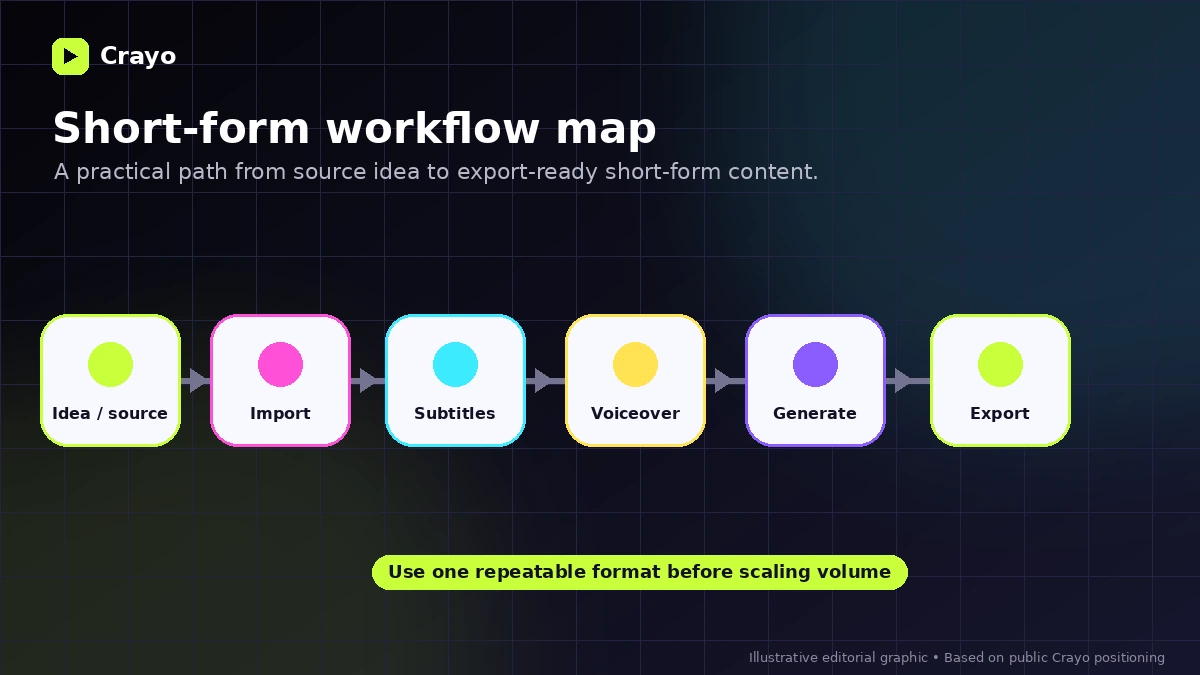
Workflow check: Before choosing a bigger plan, test whether Crayo actually reduces the time between idea, clip, subtitle style, review, and export.
Real-world buyer scenarios
A faceless-channel creator is the most obvious scenario. The buyer already knows the format and mainly needs a faster way to create shorts at volume. Crayo may fit if the creator can map monthly output against workflow credits and export minutes. It may fail if the creator expects the tool to invent a profitable channel strategy.
A social media manager testing hooks has a different reason to consider it. The goal is not cinematic quality. The goal is to produce enough short videos to see which angles deserve more attention. In this case, Crayo can make sense if speed matters and brand polish is not the main constraint.
A YouTube creator repurposing longer videos should compare carefully. Crayo may help with clips and short-form styling, but a dedicated clipping tool like Klap may be a better direct comparison if long-video-to-short-video repurposing is the entire job.
A small business owner should be more cautious. If you need a few polished videos for ads, product pages, or brand campaigns, Crayo may not be the cleanest first purchase. A more controlled video editor or template-based marketing video tool may fit better.
Key features that actually matter
Short-form workflow generation
Crayo’s core value is the short-form workflow: source material or prompt in, subtitle style selected, video generated, then reviewed and exported. This matters when the buyer is trying to publish consistently.
Buyer note: this feature is valuable only if you already know the types of videos you want to produce. A tool cannot replace niche judgment.
Subtitle styles and social formatting
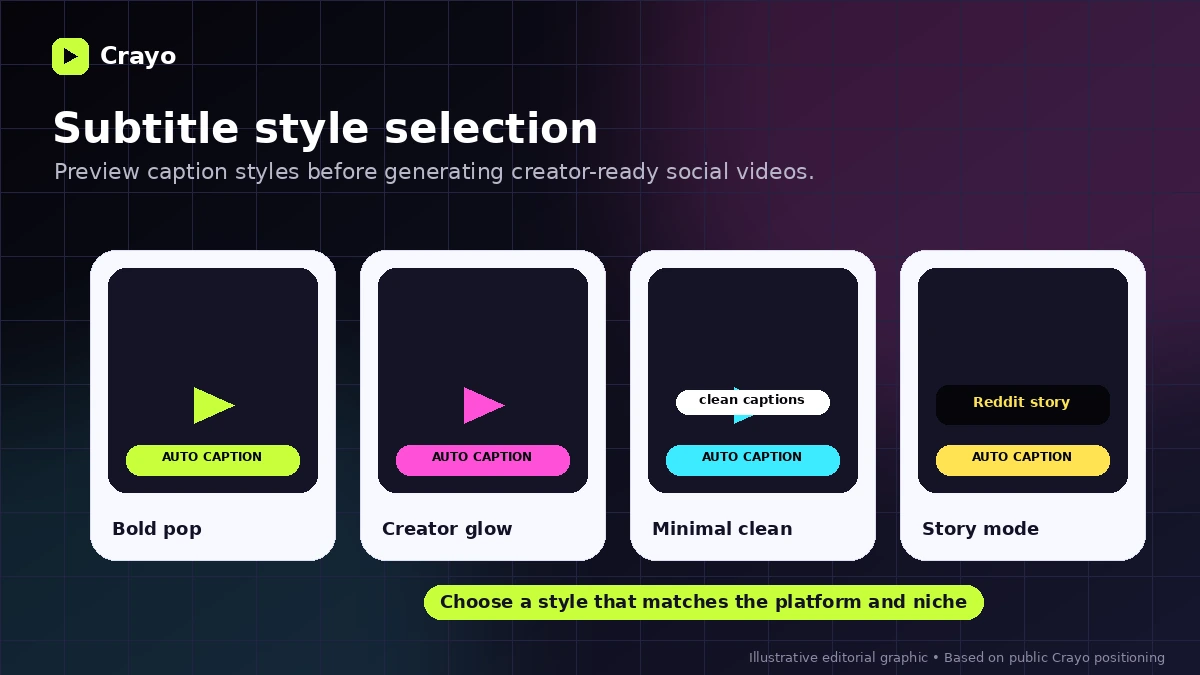
Subtitle style is not cosmetic in short-form video. Captions often shape watchability, pacing, and perceived quality. Crayo’s homepage highlights viral subtitle styles as a central part of the workflow.
Buyer note: check whether the styles fit your audience. A viral-looking caption style can help one niche and feel cheap in another.
AI voiceovers, images, and video tools
Crayo bundles voiceovers, AI images, AI videos, brainstorming, background removal, speech enhancement, and related creator tools. This can reduce tool switching for creators who want one production environment.
Buyer note: bundled tools are useful only if you use them. If you already have better tools for voice, image, or editing, Crayo’s bundle may be less valuable.
Web-based editor
The web editor makes Crayo accessible without a heavy desktop editing setup. That helps beginners and creators who care more about speed than deep timeline control.
Buyer note: web-based convenience can also mean less control than professional desktop editing. Do not expect agency-grade production depth.
Usage limits and credits
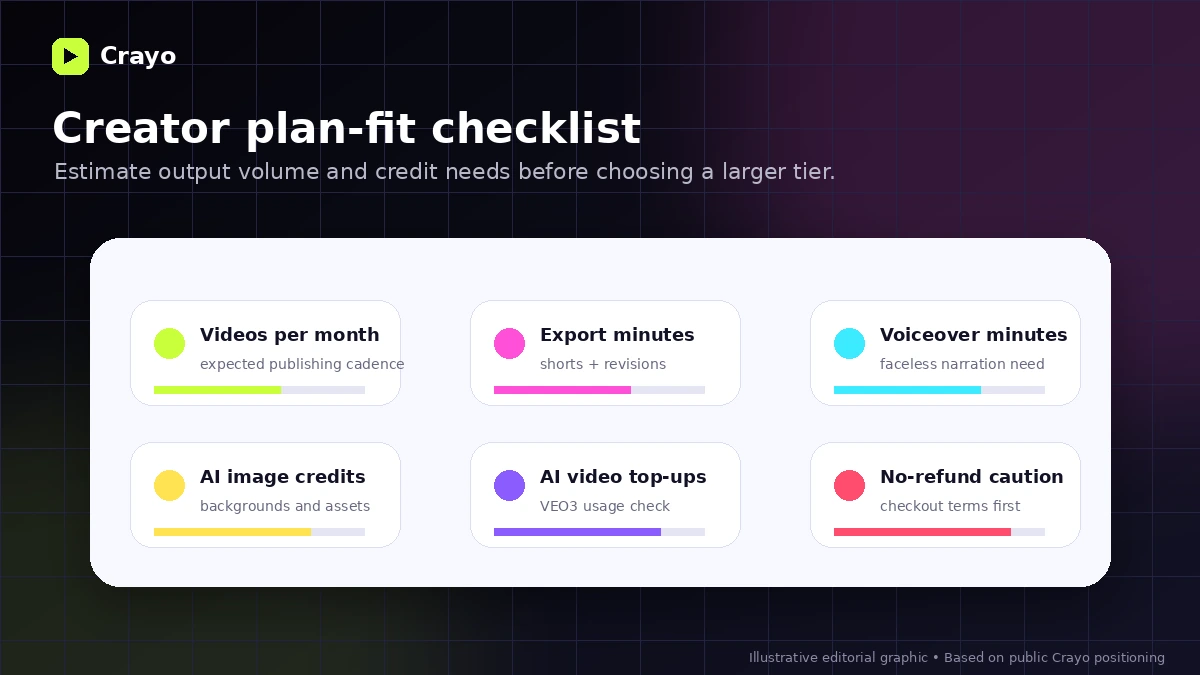
Crayo’s plan value depends heavily on workflow credits, export minutes, voiceover minutes, AI image credits, and VEO3 top-up rules. These are not minor details. They determine how many usable videos you can realistically produce each month.
Buyer note: the cheapest plan is not automatically the best deal if it creates a bottleneck after a few serious projects.
Pricing and plan value
At the time of review, Crayo’s public pricing page shows annual billing with Hobby at $13 per month billed yearly, Clipper at $27 per month billed yearly, and Pro at $55 per month billed yearly. The page also highlights a 30% annual discount.
The real pricing story is not just the monthly number.
Hobby shows a lower entry price, but the buyer needs to check whether its workflow credits, export minutes, voiceover minutes, and AI image credits are enough for real use. A lightweight creator may be fine. A creator publishing daily could hit limits quickly.
Clipper raises the included usage and may make more sense for someone already producing short videos regularly. Pro is easier to justify when volume is real, but that is exactly why I would not start there without testing the workflow first.
VEO3 credits require separate attention because the pricing page indicates that VEO3 credits require top-up purchases. If your workflow depends heavily on AI video generation, the subscription price may not reflect the full monthly cost.
The pricing page does not clearly present a full free plan or free trial. Some official blog content mentions a free clip creator path and no-account usage, but I would verify the current signup flow before assuming the paid product can be fully tested without payment.
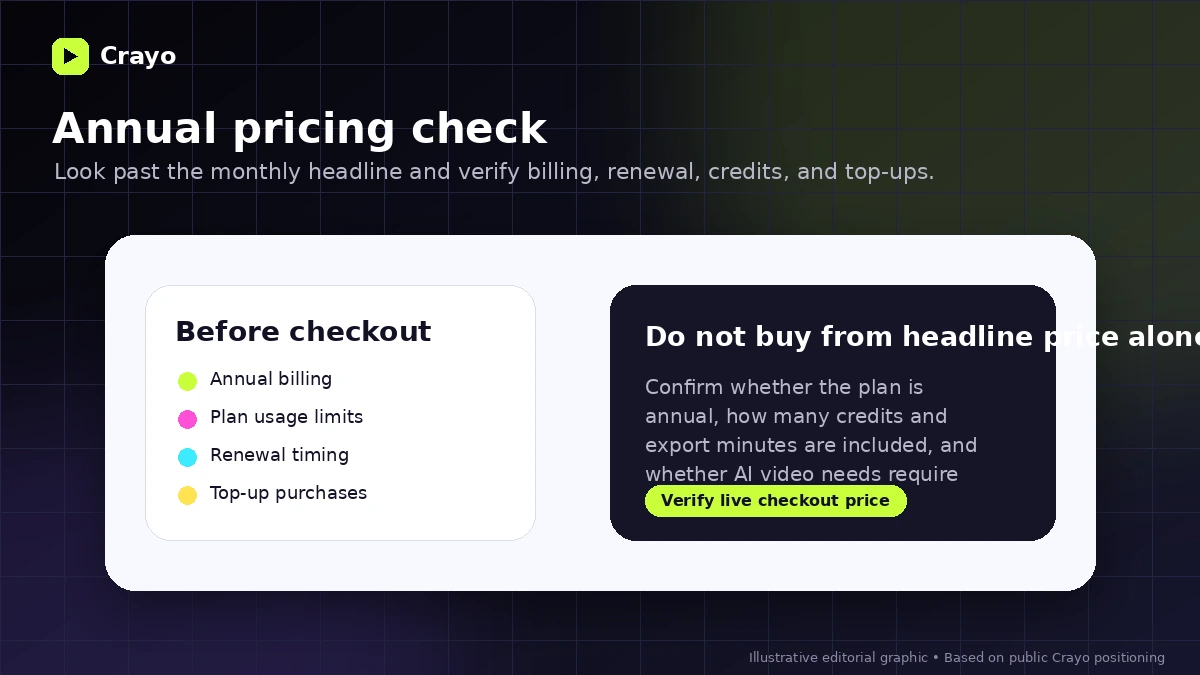
Pricing check: If Crayo fits your workflow, verify the current annual price, included limits, and top-up costs before checkout.
Free plan, trial, coupon, and checkout notes
Crayo is not the kind of tool I would buy just because the annual entry price looks appealing.
The safer order is simple: test any available free clip creator path first, check the pricing table second, compare plan limits third, and only then look at the coupon or offer route. If the workflow does not fit, a discount only reduces the cost of a poor match.
A reliable public coupon-code path was not clearly visible in the store data. The more dependable savings angle is the annual discount shown on the official pricing page. But annual billing brings its own risk when the refund policy says sales are final after a transaction.
I would also check renewal behavior, taxes, billing period, and whether any monthly checkout option is available at the time you buy. For creator tools, the difference between “cheap monthly equivalent” and “annual upfront commitment” can be bigger than it looks.
Checkout caution: Use the offer route only after Crayo still makes sense for your content volume, plan limits, and refund tolerance.
What I would check before buying Crayo
If I were buying Crayo for a real short-form workflow, I would check these points before paying:
- Whether the price shown at checkout is annual, monthly, or another billing setup.
- How many workflow credits I realistically need each month.
- Whether export minutes are enough for the length and number of shorts I plan to create.
- Whether voiceover minutes and AI image credits match my actual production format.
- Whether VEO3 top-ups are likely to become a recurring cost.
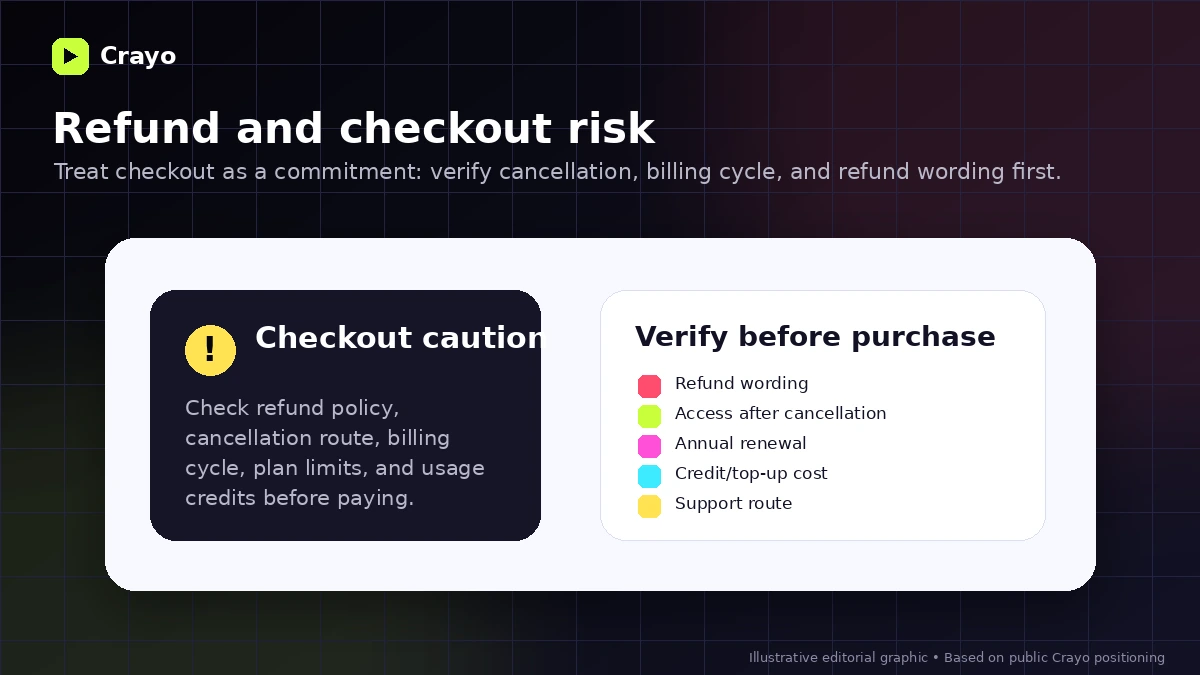
- Whether the no-refund policy is acceptable before entering payment details.
- Whether a direct alternative like Submagic, Klap, or Pictory fits my use case better.
A simple test before paying
Before paying, I would run a small Crayo test like this:
- Choose one real short-form format you would publish repeatedly.
- Prepare one source clip, prompt, or link that represents your normal workflow.
- Use the available entry path to create one short video if possible.
- Track how long it takes from idea to export.
- Count how much manual cleanup is needed after generation.
- Estimate how many credits, export minutes, and voiceover minutes that workflow would use across a month.
- Compare the result against your current editing process or a direct alternative.
The goal is not to prove that Crayo can generate something. The goal is to prove that it can generate something useful faster than your current process.
Pros explained
The first real pro is workflow focus. Crayo knows what it wants to be: a short-form video production system for social creators. That is stronger than a vague “AI video platform” positioning because it gives buyers a clearer use case.
The second pro is bundling. Voiceovers, captions, AI images, AI video tools, background removal, speech enhancement, and social-video utilities can reduce tool switching. This matters when your weekly content system has many small steps.
The third pro is visible usage-based plan comparison. The pricing page gives enough information to compare credits, export minutes, voiceover minutes, and AI image credits. That makes plan-fit analysis possible.
The fourth pro is beginner accessibility. A web-based workflow with upload, style selection, and generation is less intimidating than a professional editor. That can be useful for creators who care more about output rhythm than technical editing depth.
The limitation behind all four pros is the same: Crayo is valuable only when the output fits your niche and the workflow actually saves time after review.
Cons explained
The biggest con is refund risk. Crayo’s refund policy states that all sales are final once a transaction is completed. That changes how a careful buyer should approach the first payment.
The second con is annual-billing pressure. The public prices are presented as monthly equivalents billed yearly. That can look affordable at a glance, but the buyer needs to think in annual commitment terms.
The third con is usage-limit complexity. Workflow credits, export minutes, voiceover minutes, AI image credits, and VEO3 top-ups can all affect real value. A buyer who ignores limits may choose the wrong tier.
The fourth con is creative control. Crayo is built for faster short-form output, not deep manual editing. If your brand depends on highly polished creative direction, Crayo may be too lightweight.
The fifth con is mixed public feedback. Some users praise the product and support; others complain about quality, cancellation, refund, or support experience. I would treat that as a reason to test carefully, not as a reason to dismiss the product automatically.
Green flags and red flags
Green flags are easy to spot when Crayo fits.
You already publish Shorts, Reels, or TikTok videos. You know your niche. You have repeatable formats. You can estimate monthly output. You care more about production speed than cinematic control. You are willing to review and polish AI-generated output before posting.
Those are healthy signals.
The red flags are different.
You have no content strategy yet. You are buying because the price looks low. You expect Crayo to guarantee virality or monetization. You need a refund-safe buying path. You need professional editing depth. You do not know how many videos you will create each month. You are likely to use VEO3 heavily but have not checked top-up costs.
The easiest mistake here is buying a short-form production tool before you have a short-form production process.
Crayo vs alternatives
Crayo’s direct alternatives depend on the buyer job. Do not compare every AI video tool as if they solve the same problem.
Klap vs Crayo
Klap is the cleaner comparison if your main job is turning long-form videos into shorter clips. Crayo may make more sense if you want a broader short-form creation workflow with prompts, subtitles, voiceovers, and social-video formats.
Submagic vs Crayo
Submagic is a stronger comparison when captions, hooks, and social polish are the core need. Crayo may be more appealing when you want a wider set of creator tools around short-form generation.
Pictory vs Crayo
Pictory is worth comparing if your workflow is closer to script-to-video, content repurposing, or business-friendly video creation. Crayo is more short-form creator and viral-style workflow oriented.
Revid AI vs Crayo
Revid AI is an adjacent creator automation route. It may appeal to buyers who want automated video generation and publishing-style workflows. Crayo remains more directly tied to social shorts, captions, voiceovers, and clip production.
AutoShorts.ai vs Crayo
AutoShorts.ai is a relevant comparison if you want more automated short-form production with less manual workflow management. Crayo may be better if you want more hands-on control inside the creation process.
Trust, refund, and buyer-risk notes
Crayo deserves a careful buyer-risk check.
The product is real, visible, and clearly positioned. The homepage describes a specific short-form workflow. The pricing page shows public tiers and plan limits. The refund policy and terms are accessible. That is better than a vague tool with no commercial detail.
But the refund language is strict. The refund policy says all sales are final after a transaction, and the terms repeat that Crayo does not offer refunds according to the refund policy. Cancellation appears available from the dashboard, and access continues until the end of the billing cycle, but cancellation is not the same as refund protection.
The privacy policy also deserves a normal creator-tool check. Crayo says it uses information to provide, maintain, improve, support, analyze, and secure the service, and it may share information with service providers or when legally required. That is not unusual, but buyers uploading sensitive, unreleased, client, or brand material should read the current privacy terms before relying on the tool.
Public review signals are mixed. Some users praise ease of use, output, and support. Others complain about quality, lag, support, cancellation, or refunds. I would not treat any one review as final proof. The pattern simply supports a cautious approach: test the workflow before annual billing and do not assume support or refund outcomes will rescue a poor fit.
Also remember the platform-policy side. AI-assisted social videos still need originality, copyright awareness, and niche judgment. Crayo can speed up creation. It cannot guarantee views, monetization, platform compliance, or audience retention.
Final verdict
I would consider Crayo if you already publish short-form videos or have a clear plan to start. It is most convincing when you need a repeatable path from prompt, upload, or clip to subtitle style, voiceover, generation, review, and export.
I would skip Crayo if you need a professional editing suite, a low-risk refund path, a few occasional videos, or a tool that can solve content strategy for you.
I would compare it with Klap if long-video clipping is your main job, Submagic if captions and social polish matter most, Pictory if you need broader script-to-video production, and AutoShorts.ai or Revid AI if you want a more automated creator route.
The safest next step is not to chase the cheapest-looking annual price first. Start with your real monthly output goal, verify the current pricing and refund terms, test one realistic workflow, and only then decide whether Crayo belongs in your creator stack.
