
Crayo Pricing, Plans & Creator Workflow Fit
Crayo is an AI short-form video creation and clipping tool for creators who want to move from ideas, prompts, source clips, or social links into TikTok, Reels, and YouTube Shorts-style videos faster. Its strongest positioning is not traditional studio editing. It is a repeatable creator workflow built around uploads, subtitle styles, AI voiceovers, background content, images, music, and fast exports.
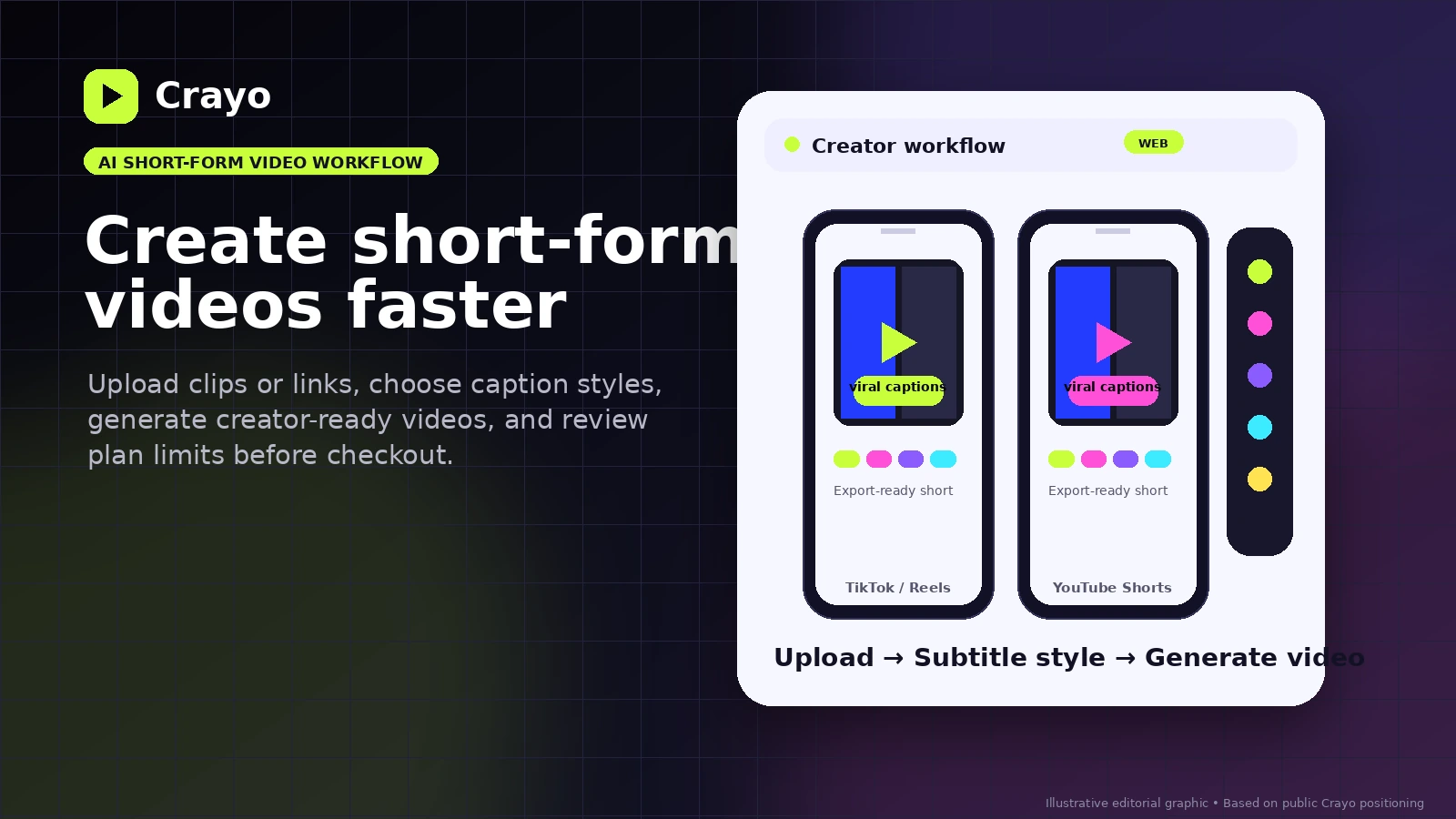
Fit → price → checkout
Use these routes after the official-site check: coupon first, review for fit, compare if unsure.
Crayo pricing snapshot
Fast commercial checks before pricing, coupons, or a deeper review.
Crayo product tour
Crayo's buying decision is easier when the reader sees the short-form workflow rather than only the pricing table. The most useful tour assets are the upload flow, subtitle styling step, generation screen, editor view, and pricing limits because those are the moments that decide whether the tool fits a real creator workflow.
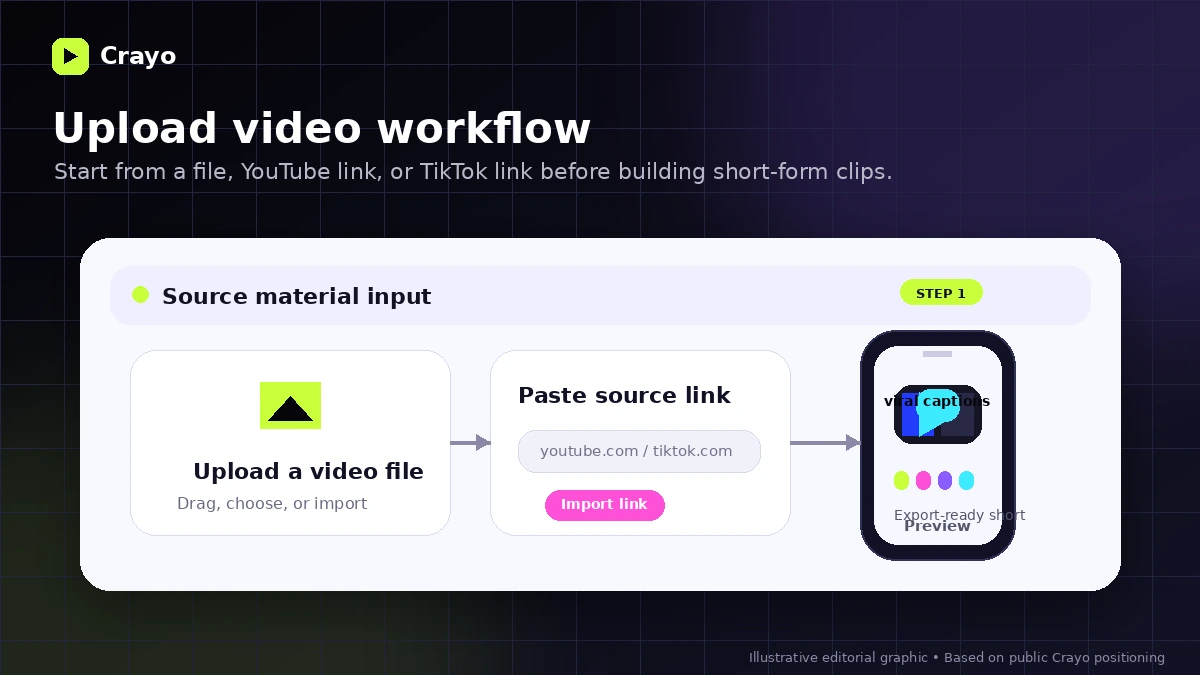
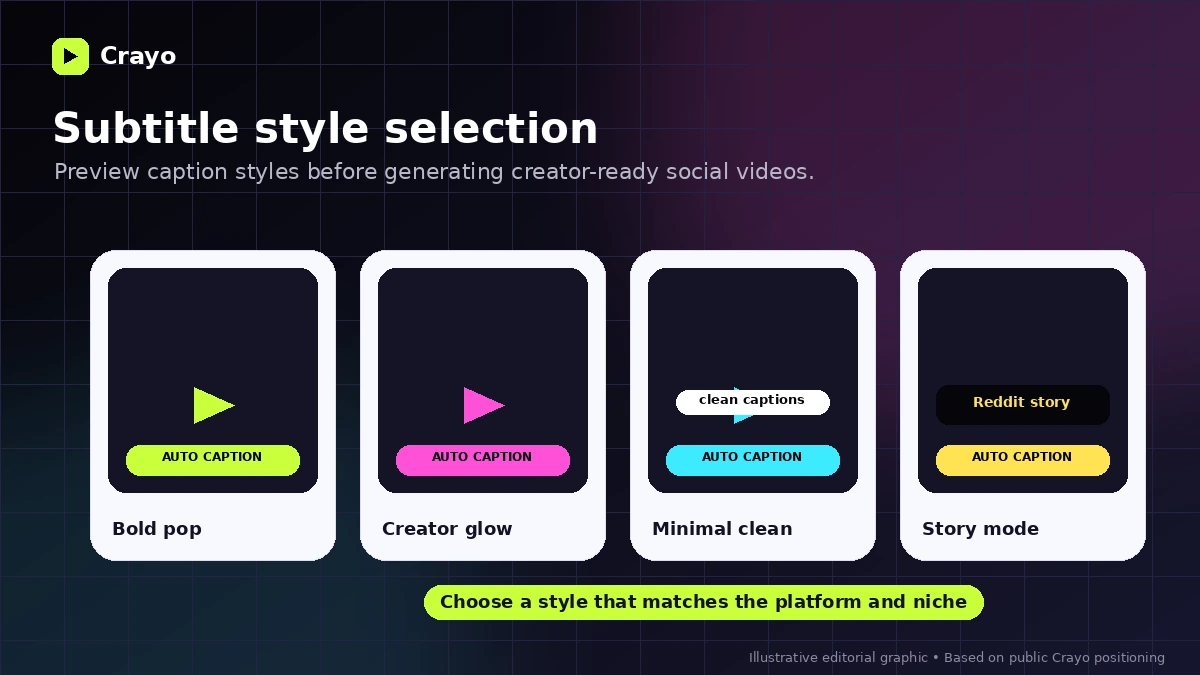
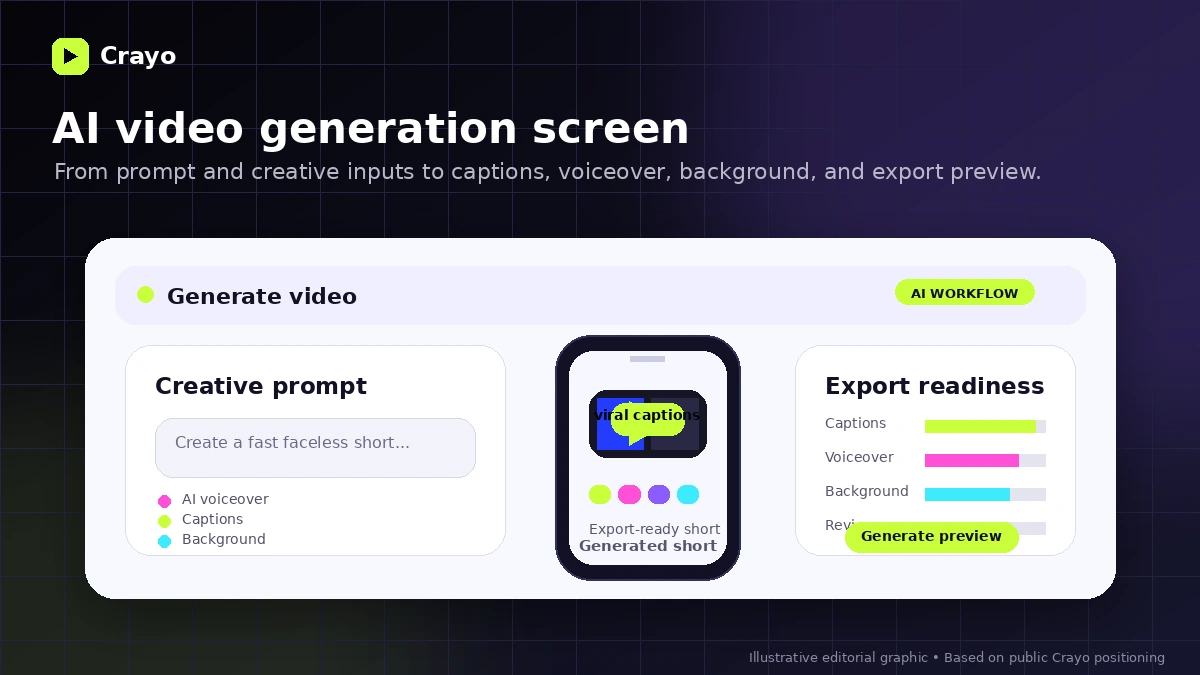
Crayo should be read as a short-form production workflow, not as a normal video editor with a few AI buttons attached. The buyer question is simple: will this help you publish repeatable shorts faster, and do the plan limits make sense for the number of videos you expect to create each month?
What Crayo actually does
Crayo helps creators turn source material, prompts, and short-form ideas into social videos with AI-assisted steps such as upload, subtitle styling, video generation, voiceovers, backgrounds, images, music, and exports. The official homepage frames the core workflow around uploading a file or social link, choosing a subtitle style, and generating a video, which is much closer to a creator production system than a deep manual editing suite.
- Upload from a file, YouTube link, or TikTok link
- Choose from viral subtitle styles
- Generate short-form videos for platforms like TikTok, Reels, and YouTube Shorts
- Use supporting tools such as voiceovers, AI images, speech enhancement, and background removal
Who Crayo fits best
Crayo fits creators and marketers who already know they need more short-form output. A faceless-channel operator, TikTok creator, or social marketer may value the bundled workflow because the pain is not one single edit. The pain is writing, clipping, styling captions, adding audio, exporting, and doing that again next week.
- Creators publishing repeated short videos
- Marketers testing fast social video hooks
- Faceless-channel builders who need templates and voiceover support
- Small teams that care more about speed than cinematic control
Pricing and plan-fit logic
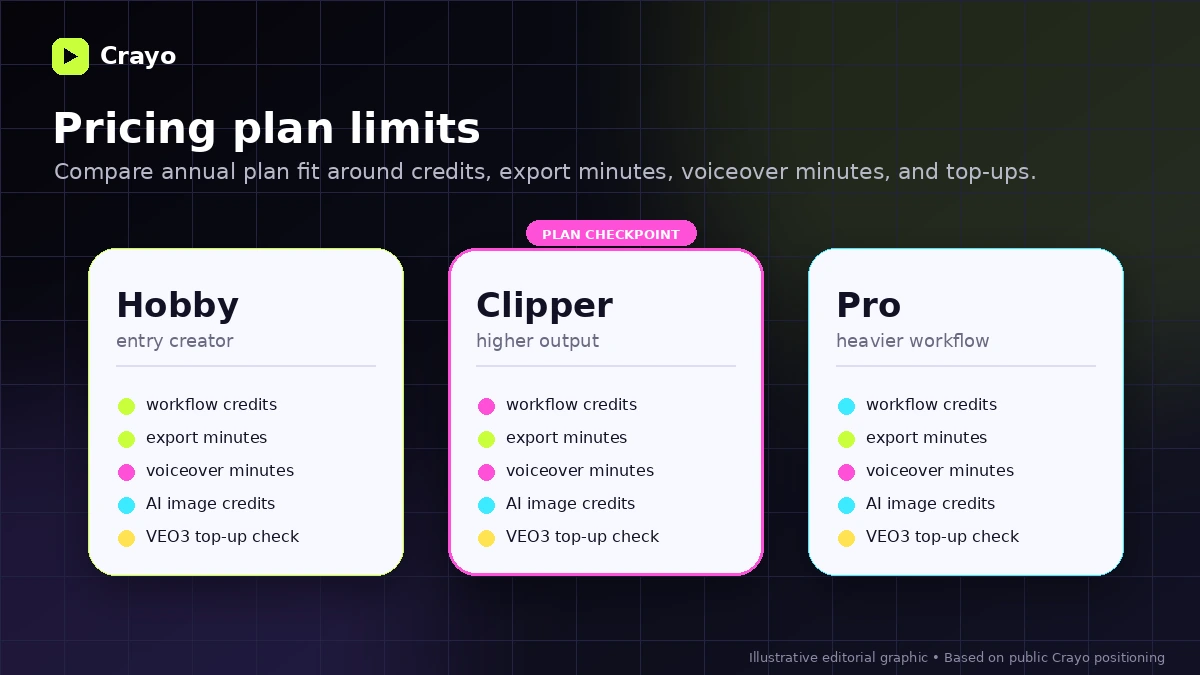
Crayo's public pricing is built around annual plans and usage limits. The visible entry point is Hobby at $13 per month billed yearly, with higher tiers adding more workflow credits, export minutes, voiceover minutes, and AI image credits. That makes the plan decision fairly practical: estimate your monthly short-form volume first, then choose the smallest tier that does not immediately create a bottleneck.
- Hobby is the testable paid entry if the limits match a lighter creator workflow
- Clipper makes more sense when short-form production is already recurring
- Pro is easier to justify when credits, export minutes, and voiceover minutes are real constraints
- VEO3 usage should be checked separately because the pricing table points to top-up purchases
Video walkthrough worth watching before buying
A second walkthrough is useful because Crayo buyers often need to understand one specific job: turning longer or raw material into short-form clips quickly. Watch the auto-trim tutorial with a practical eye. Look for how much cleanup is still needed after the AI step, how the clip feels once subtitles are applied, and whether the process would still save time after repeating it across a full content calendar.
Refund and checkout risk
Crayo deserves a clearer checkout check than some low-risk creator tools. The refund policy explains how subscribers can cancel and keep access until the end of the billing period, while the terms page says Crayo does not offer refunds under its refund policy. That does not mean the tool is bad. It means the buyer should treat the first payment as a real commitment, especially if annual billing is selected.
- Read the refund policy before choosing an annual plan
- Confirm whether the plan renews monthly or annually at checkout
- Check cancellation steps inside the dashboard after signup
- Avoid buying before you know how many credits and export minutes you need
Most relevant alternatives
Crayo belongs in the same decision set as other short-form video and creator workflow tools, but the best alternative depends on the job. If the buyer mainly wants to turn long videos into clips, Klap or Submagic may be closer. If the buyer wants broader AI video creation, Pictory or Revid AI may be worth checking. If the buyer wants a more direct auto-shorts system, AutoShorts.ai may deserve a comparison tab.
- Compare Klap when long-video clipping is the main job
- Compare Submagic when captions and social edits matter most
- Compare Pictory when broader script-to-video workflows are needed
- Compare Revid AI or AutoShorts.ai for adjacent creator automation paths
Safest next step
The safest path is to open pricing first, then read the review if you are still uncertain about workflow fit, and only then use the coupon or offer route. That sequence keeps the store page in its proper role: it qualifies Crayo as a buying option without pretending that a deal link alone can answer fit, limits, and refund risk.
- Open official pricing and check annual billing
- Estimate monthly video volume and credit needs
- Read the Crayo review if workflow fit is still unclear
- Use the offer route after the commercial checks are complete
Best savings path from this store page
This is the clearest savings route to check once the product already looks like a fit.
A public coupon source reports a checkout code for Crayo. Treat it as a test-at-checkout path because it is not shown on Crayo's official pricing page.
Use this only as a reported coupon path. If checkout rejects it, fall back to the official annual billing discount on Crayo pricing.
Save 30% with annual billing
Entry annual plan path
Use comparison routes when the category fit is still open
Use these comparison routes when the product still looks plausible, but the category fit is not fully settled.
Klap is the cleaner comparison when the buyer mainly wants to turn long-form videos into short clips rather than build broader AI-generated shorts.
Submagic deserves a tab when captions, hooks, and social-video polish matter more than a full prompt-to-video workflow.
Pictory is worth comparing when the buyer needs broader script-to-video and content repurposing rather than fast viral-style shorts.
AutoShorts.ai is the closer alternative when the buyer wants automated short-form production with less manual workflow management.
Verification points worth checking before you click out
Where this store usually fits best in the workflow
Crayo can help creators turn prompts, templates, voiceovers, captions, and backgrounds into repeatable short-form videos. It is strongest when the buyer already has a niche and needs more consistent output.
Marketers can use Crayo to test short video concepts faster before committing budget to more polished creative production. The buyer should still review output quality carefully before using clips in paid campaigns.
Crayo may help when existing video material needs to become shorter social clips. Buyers should compare this against dedicated clipping tools if long-video repurposing is the main use case.
Early creators can use the lower tier to test whether AI-assisted short-form production actually fits their publishing rhythm. The key is to validate workflow value before moving to a larger plan.
Practical checkpoints before and after signup
- Confirm live pricing, annual billing, and renewal terms on the official checkout page.
- Estimate the number of workflow credits, export minutes, voiceover minutes, and AI image credits you need each month.
- Read the refund and cancellation policy before committing to an annual plan.
- Start with one narrow video format instead of testing every workflow at once.
- Measure how much manual cleanup is needed after generation.
- Compare the exported result against your current editing workflow before upgrading.
- Track whether Crayo saves enough time across repeated posts to justify the subscription.
- Watch for top-up needs if VEO3 or higher AI video generation usage becomes part of your workflow.
- Re-check pricing and plan limits before renewal or larger production pushes.
Fast-read signals for workflow fit and buying friction
Questions readers usually ask before choosing this store
What is Crayo best for?
Crayo is best for creators and marketers who need to produce short-form videos repeatedly for TikTok, Reels, and YouTube Shorts. It is most useful when speed, captions, voiceovers, and repeatable workflows matter more than deep manual editing.
Does Crayo have a free plan or free trial?
Crayo's public pricing page does not clearly present a full free plan or free trial. Some official content mentions a free clip creator entry point, but buyers should verify the current signup and checkout flow before assuming they can fully test the paid product without payment.
How much does Crayo cost?
Crayo's pricing page currently shows annual pricing with Hobby at $13 per month billed yearly, Clipper at $27 per month billed yearly, and Pro at $55 per month billed yearly. Buyers should confirm live monthly options, taxes, renewal terms, and usage limits at checkout.
Are Crayo coupon codes common?
A reliable public coupon-code path was not clearly visible during this update. The more dependable savings path is to check the official annual discount, compare plan limits, and use the DealBestDaily offer route only after verifying the live checkout price.
What should buyers verify before paying for Crayo?
Buyers should verify the billing period, workflow credits, export minutes, voiceover minutes, AI image credits, VEO3 top-up rules, cancellation process, and refund stance. The terms page says Crayo does not offer refunds, so plan-fit checks matter before checkout.
Choose the next route that matches what you still need to decide
The strongest next click depends on whether you still need product judgment, a savings route, or a broader category comparison.