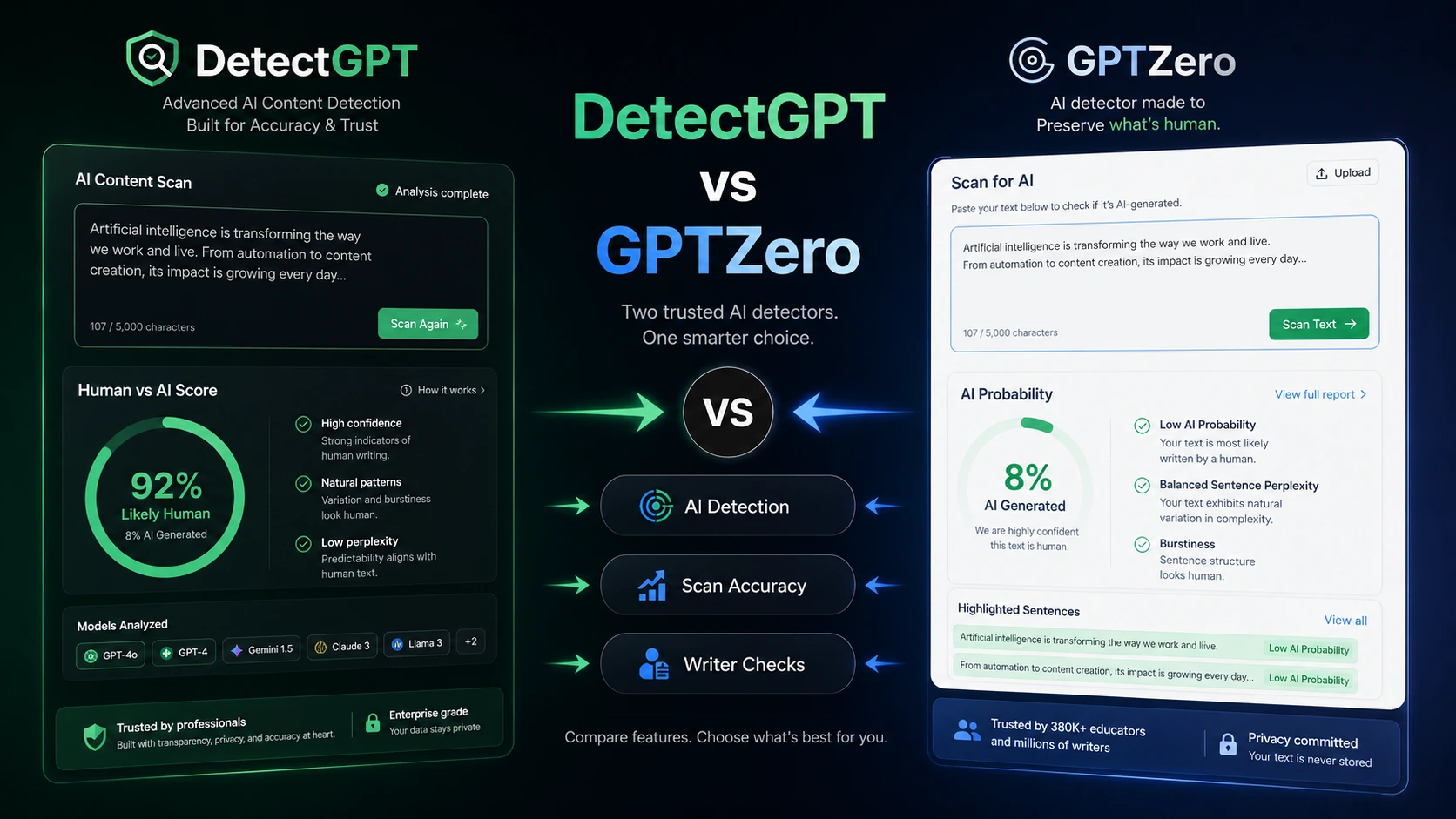
DetectGPT and GPTZero look similar at first glance because both promise AI-content detection. In practice, the buying decision is not just “which detector is more accurate?”
The real question is what happens after the scan.
DetectGPT feels more like a compact scan-and-document workflow. It puts AI detection beside plagiarism checking, PDF reports, certificates, team word allowances, and an API route. That makes it easier to understand for agencies, publishers, and small teams that need a repeatable content review step.
GPTZero feels broader. It is not only a paste-and-scan detector. It leans into education, writing process, Chrome and Google Docs workflows, writing reports, classroom use, integrations, team seats, and developer API access. That makes it stronger when the buyer needs reviewer context and adoption across teachers, students, editors, or an organization.
So the practical split is simple: choose DetectGPT if your priority is packaged screening and reports; choose GPTZero if your priority is classroom, writing-process, integration, or broader authenticity workflow.
Quick verdict
Choose DetectGPT if you want a straightforward AI detection workflow that also covers plagiarism checks, PDF reports, certificates, team usage, and API evaluation. It is the more contained buying decision, especially for a publisher, agency, or content team that wants a documented review step before publication or client delivery.
Choose GPTZero if the detection result needs to live inside a bigger writing workflow. Teachers, students, reviewers, and editorial teams may care about Google Docs, Chrome, writing reports, typing-pattern context, LMS-style review, Zapier, or API integrations. GPTZero is the stronger fit when the process around the result matters as much as the result itself.
Avoid choosing either tool as if an AI detector can prove authorship with perfect certainty. These tools are decision-support systems. They can flag risk, guide review, and create a second look, but they should not replace policy, context, and human judgment.
At-a-glance comparison
| Decision point | DetectGPT | GPTZero |
|---|
| Best fit | Report-based AI-content screening | Classroom, writing, and authenticity workflow |
| Main workflow | Scan, check plagiarism, export reports, document results | Detect, review writing process, use Docs/Chrome, manage education or team workflows |
| Free entry | No-credit-card scan and free trial messaging | Free detector path and optional trial language |
| Pricing style | Essential, Pro, Team monthly plans with yearly savings message | Free path, dashboard/team plans, annual savings, and separate API path |
| Reporting angle | PDF reports and content certificates are central | Writing reports, replay-style context, and sentence-level review are central |
| API fit | API positioned for organizations embedding detection | API and integrations positioned for developers and workflow automation |
| Main caution | Strict no-refund policy and humanizer positioning | Non-refundable purchases and pricing calculator/seat checks |
| Better first click | Test a scan and report on a real document | Test the free detector and Docs/Chrome workflow |
Choose DetectGPT if…
Choose DetectGPT if your buyer problem is closer to content QA than classroom workflow. A publisher may want to screen freelancer drafts before an editor spends time on them. An agency may want a PDF report before sending work to a client. A small business may want a repeatable authenticity checkpoint for contributed articles, guest posts, or outsourced content.
This is where DetectGPT has a clean argument. Its public positioning combines AI detection with plagiarism checking, readability signals, fact-checking language, PDF reports, certificates, team limits, and API access. For a content operation, that bundle can be easier to explain than a classroom-centered product.
DetectGPT also makes sense when the buyer wants a clearer plan ladder. The public pricing structure is easy to compare: Essential for individual use, Pro for professionals and small businesses, and Team for higher word volume and wider team access. The exact checkout state should still be verified before paying, especially if yearly billing is selected.
The caution is policy fit. DetectGPT also promotes an AI humanizer. For some buyers, that is useful editing support. For schools, compliance teams, or publishers with strict AI-use rules, it may feel uncomfortable to keep detection and “humanize” messaging in the same product family. That does not automatically make the tool wrong. It means the team should decide how the product is allowed to be used before rollout.
Use the DetectGPT review if you need a deeper product-fit check before paying. Use the DetectGPT coupon route only after the detection workflow itself makes sense.
Choose GPTZero if…
Choose GPTZero if your workflow depends on more than uploading a document and reading a score. GPTZero is especially strong for teachers, students, reviewers, and organizations that need writing-process context.
The free detector path is the safer starting point. From there, GPTZero’s stronger case is workflow breadth: Chrome, Google Docs, writing reports, plagiarism checks, writing feedback, classroom and LMS-style use, Zapier, team plans, and developer API access. That makes it a better fit when multiple people need to understand, discuss, or act on the result.
For education, GPTZero has a clearer narrative than DetectGPT. The buyer is not only checking whether text may be AI-generated. They may need to guide a student conversation, review a writing process, understand copied or pasted sections, or document why a piece of work deserves a second look. That is a different job from exporting a PDF scan.
For publishers and businesses, GPTZero can also make sense when detection needs to connect to a larger operating workflow. If your team wants Chrome-based review, Google Docs support, API access, or automations, GPTZero gives more routes to explore.
The caution is that broader workflow can make the buying decision less tidy. You need to verify the live pricing calculator, monthly versus annual billing, team seats, API plan, and non-refundable purchase language before choosing a plan. If you only need a few casual checks, the free path may be enough.
Use the GPTZero review if you need to decide whether the broader workflow is worth the extra complexity. Use the GPTZero coupon route only as a final checkout check, not as the reason to choose the product.
Avoid both if…
Avoid both tools if you need a detector result to act as final proof of misconduct, authorship, or policy violation. AI detection can create useful signals, but false positives, mixed human/AI writing, editing tools, paraphrasing, language background, and short inputs can all complicate the result.
Avoid both if your organization has no policy for interpreting detector output. A tool can flag content, but it cannot decide what happens next. Schools need review procedures. Publishers need editorial rules. Agencies need client communication standards. Businesses need privacy and compliance checks.
Also avoid paid plans if your usage is occasional. A free detector or one-off workflow may be enough for light checks. Paying only makes sense when the review process is repeated often enough to justify word limits, reports, seats, or integrations.
Pricing and plan fit
DetectGPT is easier to read at first. The public page shows monthly plan tiers with Essential, Pro, and Team options, plus a yearly billing message. The buyer should compare word volume, seats, batch file limits, report needs, and whether API access is part of the actual workflow. The most important commercial warning is refund flexibility: if the plan is non-refundable, testing the free scan before checkout matters.
GPTZero is more flexible but requires more careful plan reading. It has a free entry path, annual savings language, team purchasing, and a separate API route. It may be the better value when the buyer uses Docs, Chrome, writing reports, classroom review, or integrations. But the buyer should not treat “annual savings” as a win until the plan limits and seat count are clear.
In both cases, do not start with the discount. Start with the workflow. AI detection is only useful if the result helps someone make a better decision.
Workflow fit: simple reports vs process review
DetectGPT wins when the desired workflow is: upload or paste content, run detection, check originality, export or save a report, then move the document into a human review process. That is useful for agencies, publishers, and small teams that want documentation without a complex education stack.
GPTZero wins when the desired workflow is: review writing in context, use browser or Google Docs support, understand how writing may have changed over time, help a teacher or reviewer interpret the result, then decide whether a conversation or deeper review is needed.
That difference matters because buyers often compare AI detectors as if they are only accuracy claims. The better comparison is operational. Which result can your team actually use without creating confusion?
Team, API, and business use
Both tools can fit team or business use, but they serve different team shapes.
DetectGPT is attractive for teams that want higher word allowances, member support, PDF reports, batch checks, and API evaluation. It is a cleaner fit for a content QA pipeline where documents move through a review step before publication.
GPTZero is stronger when a team needs multiple surfaces: dashboard, Chrome, Google Docs, classroom or LMS context, Zapier-style workflow, and API integration. It is better suited to organizations where the detector result needs to be embedded into how people already write, review, teach, or approve work.
For either product, verify API details separately. API availability does not automatically mean the dashboard plan includes everything your developer, compliance, or product team needs.
Coupon, deal, and checkout path
After you choose the better workflow, then check the current savings route.
For DetectGPT, the safer public savings logic is free testing, plan selection, and yearly billing verification. A coupon route may exist, but it should be treated as a checkout check, not the main buying reason.
For GPTZero, the safer path is similar: start free, compare the live monthly and annual plan state, then decide whether dashboard, team, or API access is actually needed. If a coupon route appears, verify the final checkout total before paying and do not assume a reported code is guaranteed.
The buyer-protective rule is simple: do not pay for an AI detector because a discount looks good. Pay only after a realistic sample document proves the workflow helps.
Buyer checklist before checkout
Before choosing between DetectGPT and GPTZero, check these points:
- Test each tool with at least two realistic documents, not only a short pasted paragraph.
- Decide whether you need a simple scan, PDF report, writing-process review, classroom workflow, or API integration.
- Verify current monthly versus annual pricing directly on the live checkout page.
- Check the refund and cancellation language before paying, especially for annual billing.
- Confirm word limits, character limits, file upload limits, team seats, and report exports.
- Decide whether AI humanizer features are acceptable under your school, client, publisher, or company policy.
- For GPTZero, check whether Chrome, Google Docs, LMS, Zapier, or API support is actually part of the plan you need.
- For DetectGPT, check whether the report, certificate, plagiarism, and team features justify the paid tier.
- Document how your team will interpret AI scores before using them in sensitive decisions.
Final verdict
Choose DetectGPT if your main need is a compact AI-content screening workflow with plagiarism checks, reports, certificates, team word volume, and API evaluation. It fits agencies, publishers, and content teams that want to document risk before deeper human review.
Choose GPTZero if your main need is broader writing-authenticity workflow: free first checks, Chrome, Google Docs, writing reports, education use, integrations, team seats, and API access. It fits schools, reviewers, publishers, and organizations where the process around the score matters.
For most education-focused buyers, GPTZero is the safer first comparison because its workflow is built around writing review, classroom context, and integrations. For content operations that mainly need a scan-and-report checkpoint, DetectGPT may be simpler.
Either way, test before paying. The tool should make your review process clearer, not give your team a number they are unsure how to use.
FAQ
Is DetectGPT better than GPTZero?
DetectGPT is better if you want a compact screening workflow with PDF reports, plagiarism checks, certificates, and straightforward plan tiers. GPTZero is better if you need free first checks, Google Docs or Chrome workflow, classroom use, writing reports, team seats, or integrations.
Is GPTZero better for teachers?
Usually, yes. GPTZero has a stronger education and writing-process angle, especially when Google Docs, Chrome, writing reports, classroom review, or LMS-style workflows matter. Teachers should still treat detector results as review signals rather than final proof.
Which one is better for publishers?
It depends on the publishing workflow. DetectGPT can be better for report-based screening and client-facing documentation. GPTZero can be better when editors need sentence-level context, browser workflow, Docs support, or a broader team process.
Do DetectGPT or GPTZero guarantee perfect AI detection?
No. No AI detector should be treated as perfect. Use these tools as risk signals and review support. For sensitive academic, employment, or client decisions, combine detector output with policy, context, document history, and human review.
GPTZero has a stronger free-first path for many buyers, while DetectGPT has easier-to-read plan tiers. Both require checkout verification because pricing, annual savings, trial visibility, refund language, and plan limits can change.
Should I check coupon pages before choosing?
Check coupon pages only after choosing the better product fit. A discount should not decide the comparison. Start with workflow fit, then verify the current store or coupon route before checkout.