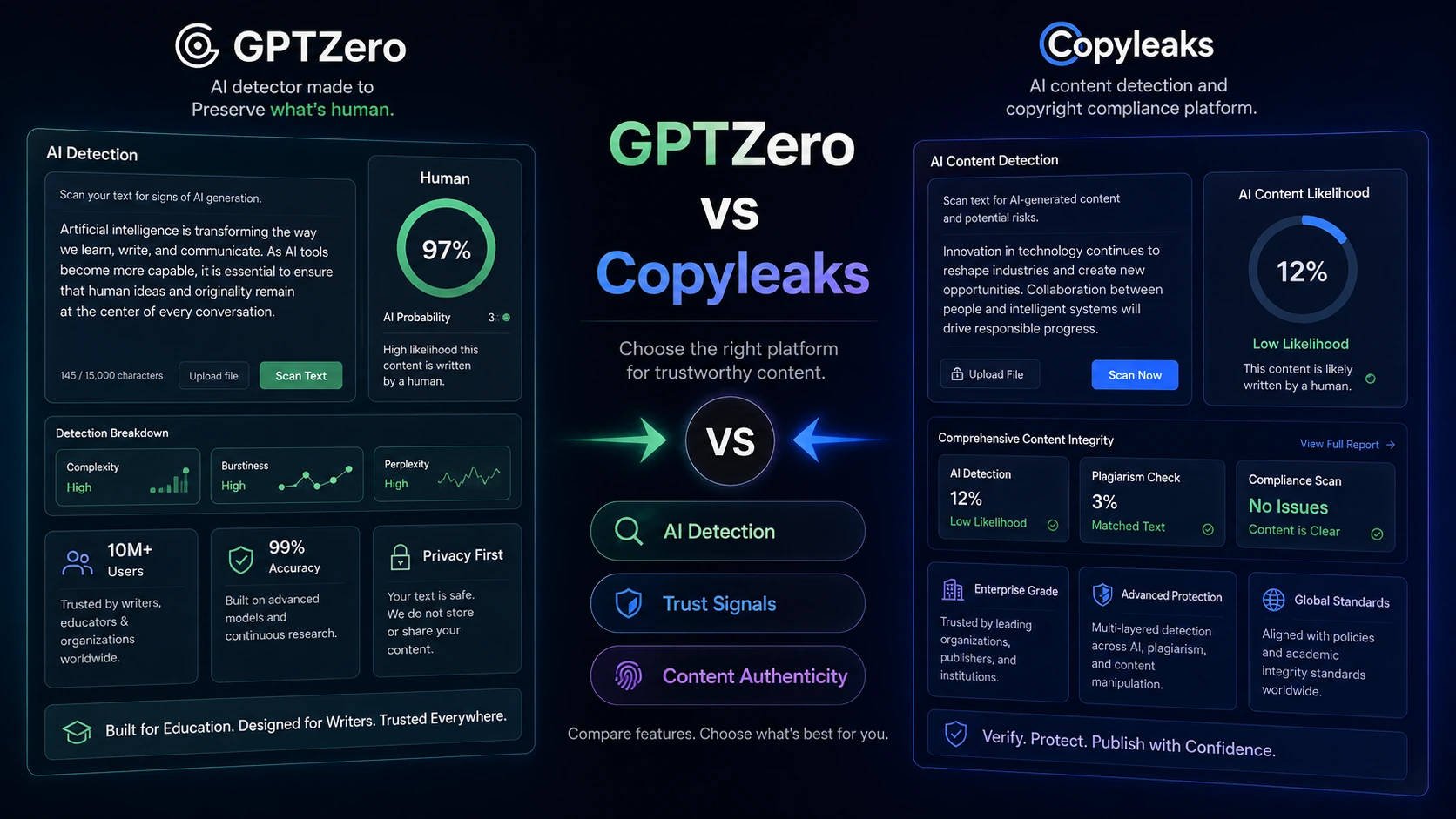
GPTZero vs Copyleaks is a useful comparison because both tools live in the AI detection category, but they do not ask buyers to solve the same problem. GPTZero is easier to understand as a detection-first writing review tool, especially for students, teachers, editors, and people working inside Google Docs or Chrome. Copyleaks is closer to a broader content-integrity platform where AI detection, plagiarism checking, LMS needs, API access, and organization workflow can matter together.
The safer choice is not simply the tool with the stronger accuracy claim. It is the one that fits the way you review content, the volume you expect to check, and the level of evidence your team actually needs before making a decision.
Quick verdict
Choose GPTZero if you want a lighter detection-first workflow with a free starting point, Google Docs or Chrome support, writing feedback, and writing-process context before paying for a larger plan.
Choose Copyleaks if your real need is broader integrity review: AI detection plus plagiarism checking, API or LMS integration, and a paid workflow that can support recurring checks across students, writers, editors, or internal teams.
The main mistake is treating either result as final proof. These tools can support review, but they should not replace human judgment, policy, or a clear escalation process. Start with workflow fit, then use the /store/gptzero/ or /store/copyleaks/ page to confirm plan direction before going near checkout.
At-a-glance comparison
| Decision point | GPTZero | Copyleaks |
|---|
| Best for | Detection-first writing review, classroom review, Google Docs workflow | AI detection plus plagiarism and integrity workflow |
| Pricing style | Free entry path, paid plans, team and API paths | Free detector path, Personal/Pro paid plans, custom Education/Enterprise paths |
| Free plan or trial | Free checking path; trial language should be verified at checkout | Free public AI detector path; paid plan details should be checked before use |
| Workflow strength | Fast review, Chrome, Google Docs, writing reports, education use | Plagiarism + AI checks, API, LMS, Google Docs, organization workflow |
| Team fit | Useful when the selected plan supports team seats, shared credits, or integration needs | Stronger fit when LMS, API, governance, or recurring team checks matter |
| Main risk | Non-refundable purchase language and plan calculator details need checking | Credits, plan switching, refunds, and API/LMS pricing need checking |
| Best next step | Read the GPTZero review if detection workflow is unclear | Read the Copyleaks review if integrity workflow is unclear |
Choose GPTZero if…
GPTZero makes more sense if your first question is: “How much of this writing appears AI-generated, and can I review the writing process around it?” That is different from asking for a full originality platform. GPTZero is especially practical when the buyer wants a free first check, sentence-level signals, Chrome or Google Docs support, and tools that help reviewers understand how a document may have been written.
This fit is strongest for teachers, students, editors, recruiters, and publishers who need a quick detection layer before deciding whether a deeper review is worth doing. GPTZero’s public product positioning also includes writing quality, plagiarism checks, authorship verification, classroom integrations, Zapier, and API access, but the buyer should still verify which of those pieces are included in the exact plan or workflow they are considering.
The limitation is that GPTZero can become too narrow if your organization’s real problem is not just AI detection. If you also need recurring plagiarism checking, LMS rollout, policy controls, or platform-level content integrity, Copyleaks may give you the broader path. If you are uncertain, read the deeper /review/gptzero-review/ before choosing a paid plan.
Choose Copyleaks if…
Copyleaks is the better fit when the buyer needs AI detection inside a broader originality workflow. That may mean checking for plagiarism and AI in the same process, supporting educators inside an LMS, integrating checks into an internal platform through an API, or managing recurring review across a team.
This matters because Copyleaks is not only a simple paste-and-check detector. Its public positioning covers AI detection, plagiarism checking, API integration, LMS integrations, Google Docs, browser extensions, and business or education workflows. That makes it more attractive when the buyer already knows that content review will happen repeatedly, across multiple users, or inside another system.
The tradeoff is complexity. Copyleaks can be more than a light user needs. Credit usage, page limits, plan changes, annual billing, and custom Education or Enterprise conversations should be checked carefully before paying. If your use case is only one occasional AI check, GPTZero’s free-first detection path may be the safer first click. If you need to understand Copyleaks beyond the pricing table, use the /review/copyleaks-review/ route before checkout.
Avoid both if…
Avoid both tools if your organization has not decided what happens after a result appears. A detector can flag risk, but it cannot tell a teacher, editor, manager, or client what policy action to take.
You should also avoid both as a paid purchase if you expect guaranteed certainty, permanent coupon savings, or a refund path that removes all risk. AI detection tools can be useful, but they are not a substitute for clear review rules, author communication, assignment design, editorial standards, or legal advice.
For very light use, start with the free paths and avoid annual billing until you know your monthly volume. For sensitive academic or employment decisions, treat any scan as one signal in a review process, not as the entire decision.
Pricing and plan fit
GPTZero is the easier first test if you want a free detection entry point before paying. Its public pricing page emphasizes annual billing savings, team seats, and a separate API path for developers, while its terms describe optional trial language and non-refundable purchases. Because plan calculators, seats, and billing intervals can change, buyers should verify the live checkout number, annual setting, trial availability, and cancellation terms in the current plan view before paying.
Copyleaks also has a free public detector path, but its paid decision becomes more about monthly usage and workflow scope. Its pricing page currently lists Personal and Pro plan paths, while Education, Enterprise, API, and LMS needs may require a more specific buying conversation. Buyers should verify current credit or page limits, annual billing, add-on needs, plan-switching rules, and refund eligibility before choosing a paid route.
A compact buyer checklist before checkout:
- For GPTZero, verify the live billing interval, seat count, trial availability, API needs, Google Docs or Chrome workflow, and non-refundable purchase language.
- For Copyleaks, verify the current Personal or Pro limits, whether plagiarism and AI checks are included in the selected path, API or LMS availability, annual billing, refund conditions, and expected monthly volume.
- For both, decide whether the result will be used for personal review, classroom review, editorial QA, or organization policy before paying.
- Do not choose based on a coupon route until the workflow fit is already clear.
Workflow fit
GPTZero wins when the workflow is close to writing review. A teacher may want to inspect a student essay, a writer may want to understand why a draft is being flagged, or an editor may want quick signals inside Google Docs. In those cases, the smaller workflow can be an advantage. The buyer does not need to build a whole content-integrity system before getting value.
Copyleaks wins when the workflow is closer to operational review. A school may need LMS integration. A publisher may want AI and plagiarism checks before content goes live. A platform team may need an API. A business may need to review many submissions across users or departments. In those cases, the broader workflow can justify the extra setup.
This is the most important split in the comparison: GPTZero feels better when detection and writing process are the center of the job. Copyleaks feels better when detection is one part of a larger integrity pipeline.
Feature depth and practical limitations
GPTZero’s feature depth is most useful when it supports a human review process. Chrome and Google Docs support can reduce copy-paste friction. Writing reports and replay-style signals can help reviewers understand writing activity rather than relying only on a percentage. Classroom and API options can matter when the buyer grows beyond one-off checking.
The practical limitation is evidence quality. Even a strong detector should not become the only reason to accuse, reject, or penalize someone. GPTZero is useful as a review tool, but the buyer still needs context, policy, and a way to handle mixed or revised drafts.
Copyleaks has broader feature depth because it connects AI detection with plagiarism checking, API, LMS, Google Docs, browser workflows, and business or academic integrity use cases. That depth matters when the buyer’s real concern is originality across many submissions, not just whether one paragraph looks AI-written.
The practical limitation is buying friction. A heavier platform asks more from the buyer: volume estimates, plan selection, integration needs, refund awareness, and possibly a sales conversation. That is worthwhile for institutions and teams, but unnecessary for someone who only needs a quick check.
Team, business, or advanced use
For teams, GPTZero may fit when the group wants shared review around AI detection, writing authenticity, and education-friendly workflows. The official pricing page presents team and API paths, but buyers should verify the current seat, shared-credit, and integration details before assuming the selected plan includes everything needed.
Copyleaks has the stronger advanced-use case when LMS, API, and organization-level integrity workflows matter. Its API page describes platform-agnostic integration, LMS support, Google Docs, browser extensions, SDKs, and webhook or polling-style implementation. Buyers should still verify current API pricing, data-handling requirements, LMS compatibility, and support coverage before committing.
The simple rule: choose GPTZero for a lighter review layer; choose Copyleaks when the review layer must connect to a larger system.
Coupon, deal, and next-step path
Do not start with the coupon page if you are still unsure which tool fits. First decide whether you need GPTZero’s detection-first writing review or Copyleaks’ broader integrity workflow.
After that, use the store or coupon route only as a checkout verification step. For GPTZero, the safer route is usually to compare the free path, annual billing, team seats, and API needs before checking /coupon/gptzero-coupon-code/. For Copyleaks, first compare the free detector path, Personal or Pro plans, and any Education, Enterprise, API, or LMS requirements before checking /coupon/copyleaks-coupon-code/.
Do not choose either product only because a coupon route exists. A discount does not fix the wrong workflow, and a cheaper plan can become expensive if it lacks the integration or usage limit you actually need.
Final verdict
Choose GPTZero if your main job is detection-first writing review: checking likely AI involvement, reviewing writing activity, working inside Google Docs or Chrome, and testing a free path before deciding whether a paid plan is justified.
Choose Copyleaks if your main job is broader integrity management: combining AI detection with plagiarism checks, supporting recurring scans, using LMS or API integrations, or giving a school, publisher, or business a more structured review workflow.
If you are still unsure, do not start with the discount. Start with the workflow: writing review or content integrity. Then read the relevant store or review page, confirm live pricing and terms, and use the coupon route only after the better match is clear.
FAQ
Is GPTZero or Copyleaks better for beginners?
GPTZero is usually the easier first step for beginners because the detection-first workflow is simpler to understand. Copyleaks can still work for beginners, but it makes more sense when the buyer already knows they need plagiarism checks, recurring usage, or a broader review process.
GPTZero may fit teachers who want writing-process review and classroom-friendly AI detection. Copyleaks may fit schools or institutions that need plagiarism checks, LMS integration, API support, or broader academic-integrity workflow. School buyers should verify current LMS, seat, privacy, and support details before purchasing either tool.
Copyleaks is often the stronger candidate when publishers or agencies need AI detection and plagiarism checking together across many documents. GPTZero may still fit editors who want a lighter Google Docs or Chrome review workflow before content moves into a larger QA process.
Should I choose based on coupon availability?
No. Coupon availability should be a final checkout check, not the reason to choose the tool. Decide whether GPTZero or Copyleaks fits your workflow first, then verify the current store, pricing, or coupon route before paying.
What should I check before paying?
Check billing interval, expected monthly usage, refund language, team seats, API or LMS needs, Google Docs or Chrome workflow, and whether the selected plan includes the features you actually need. For Copyleaks, credit or page rules deserve extra attention. For GPTZero, trial and non-refundable purchase language deserve extra attention.