
Freebeat Pricing, Plans & Creator Fit
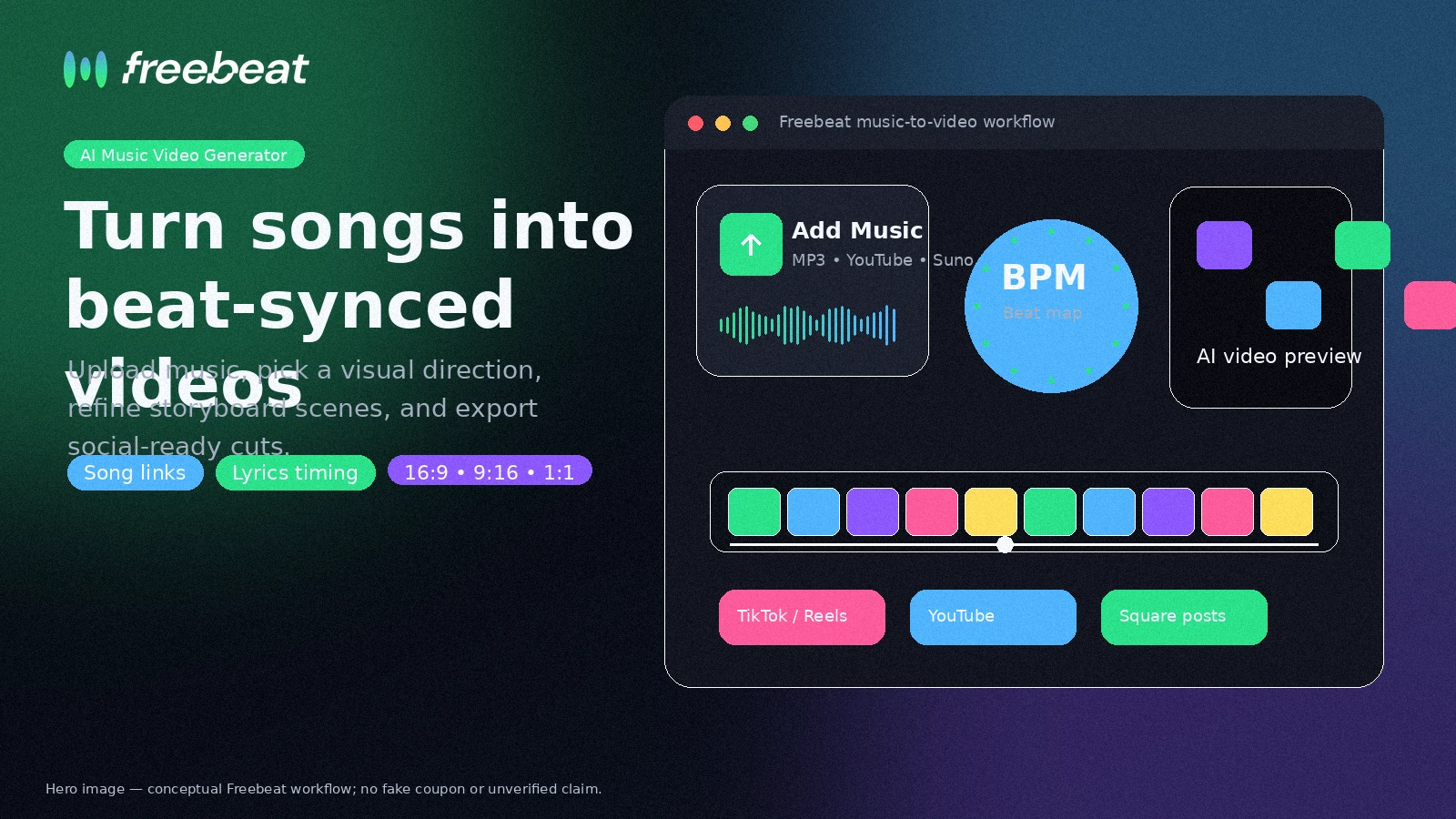
Freebeat is best understood as a music-first AI video generator for creators who want to turn songs, Suno or Udio tracks, MP3 files, lyrics, and story ideas into beat-synced videos. It is not a generic editing suite. The buying question is whether its credit system, output limits, refund terms, and generated-video consistency fit your release schedule.
Fit → price → checkout
Use these routes after the official-site check: coupon first, review for fit, compare if unsure.
Freebeat pricing snapshot
Fast commercial checks before pricing, coupons, or a deeper review.
Freebeat product tour
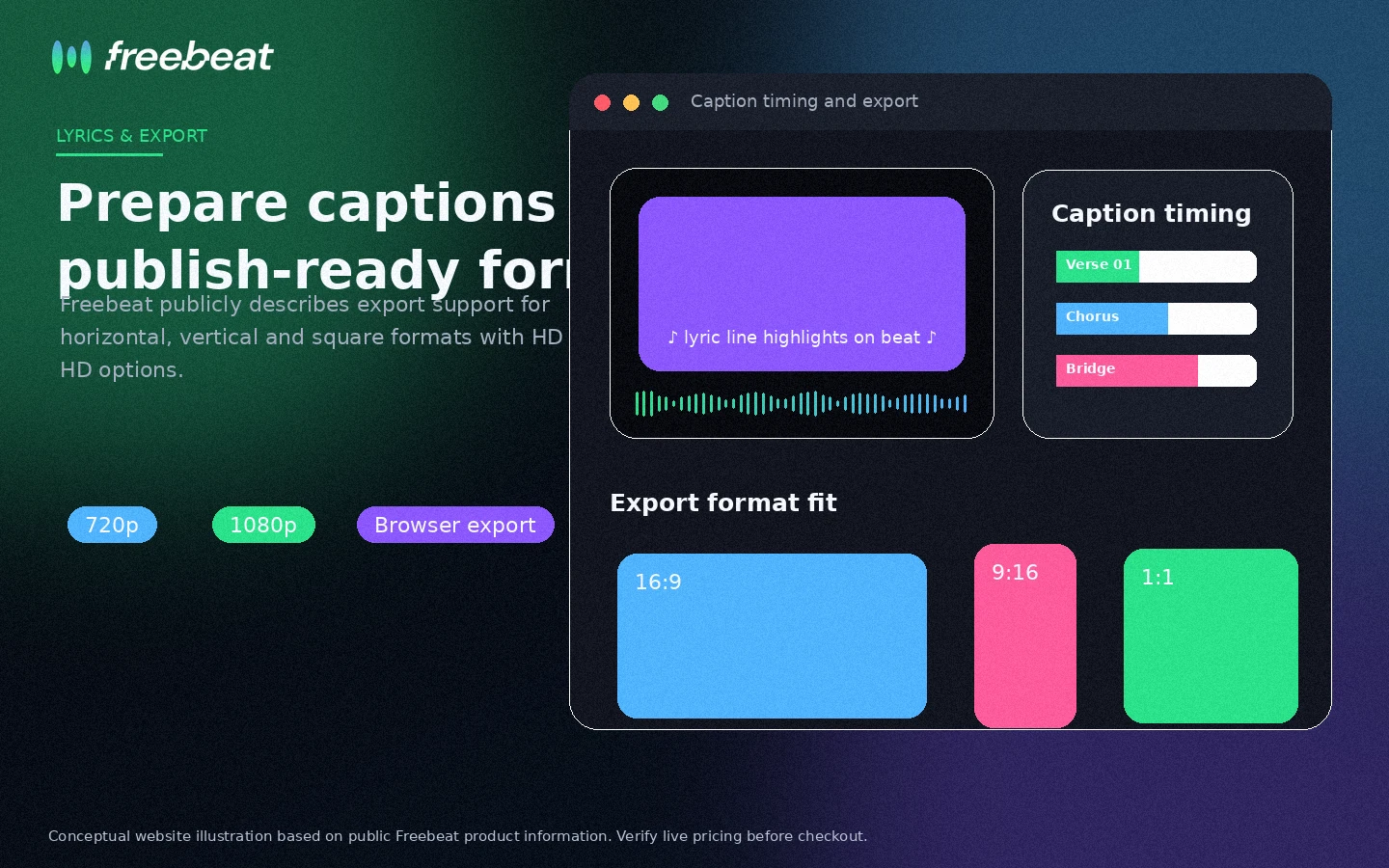
Freebeat is easiest to judge by walking through the song-to-video flow: upload or paste a music source, choose a visual mode, generate a storyboard, then refine lyrics and export format. The tour visuals below focus on the buyer decisions that affect fit and cost.
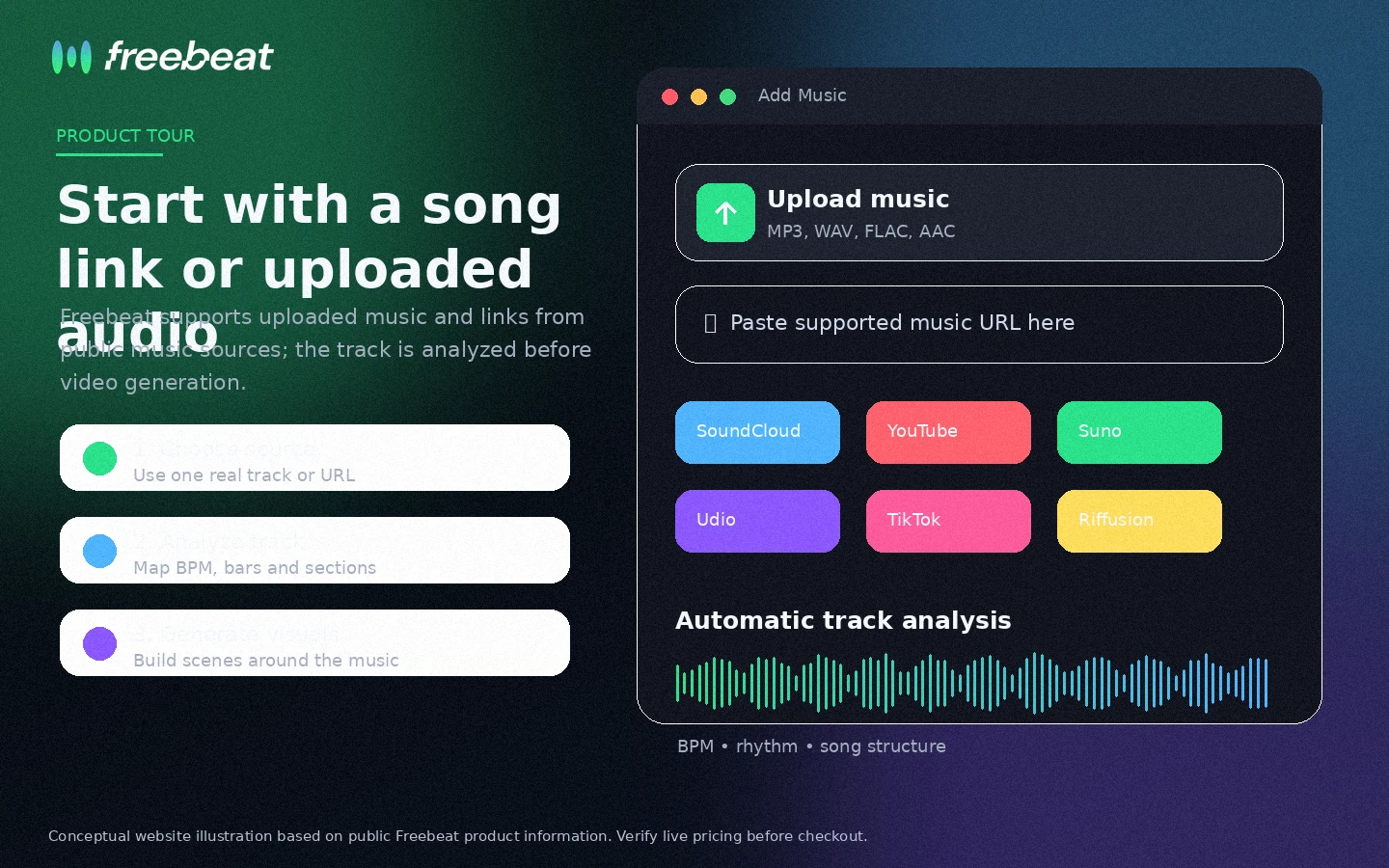
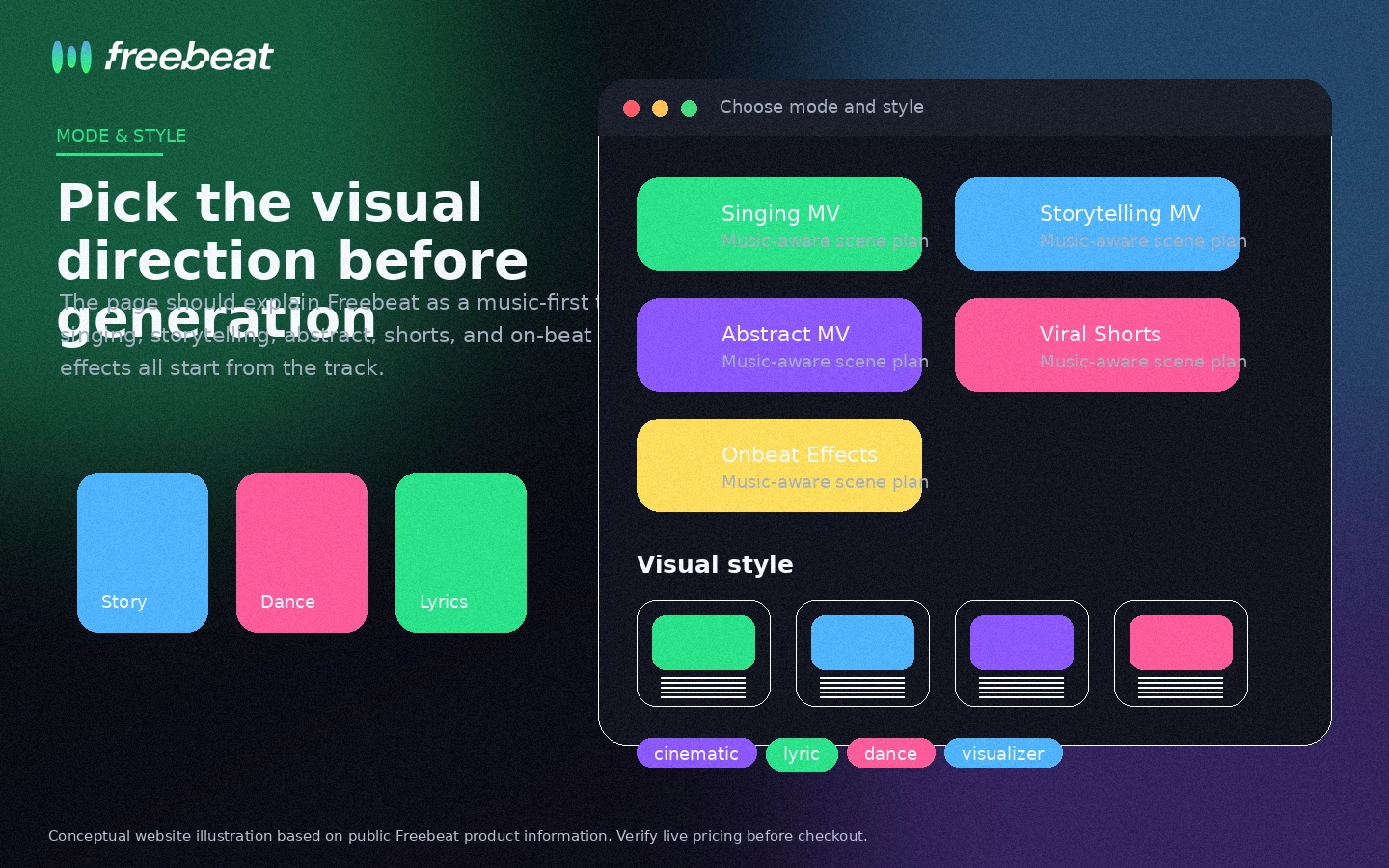
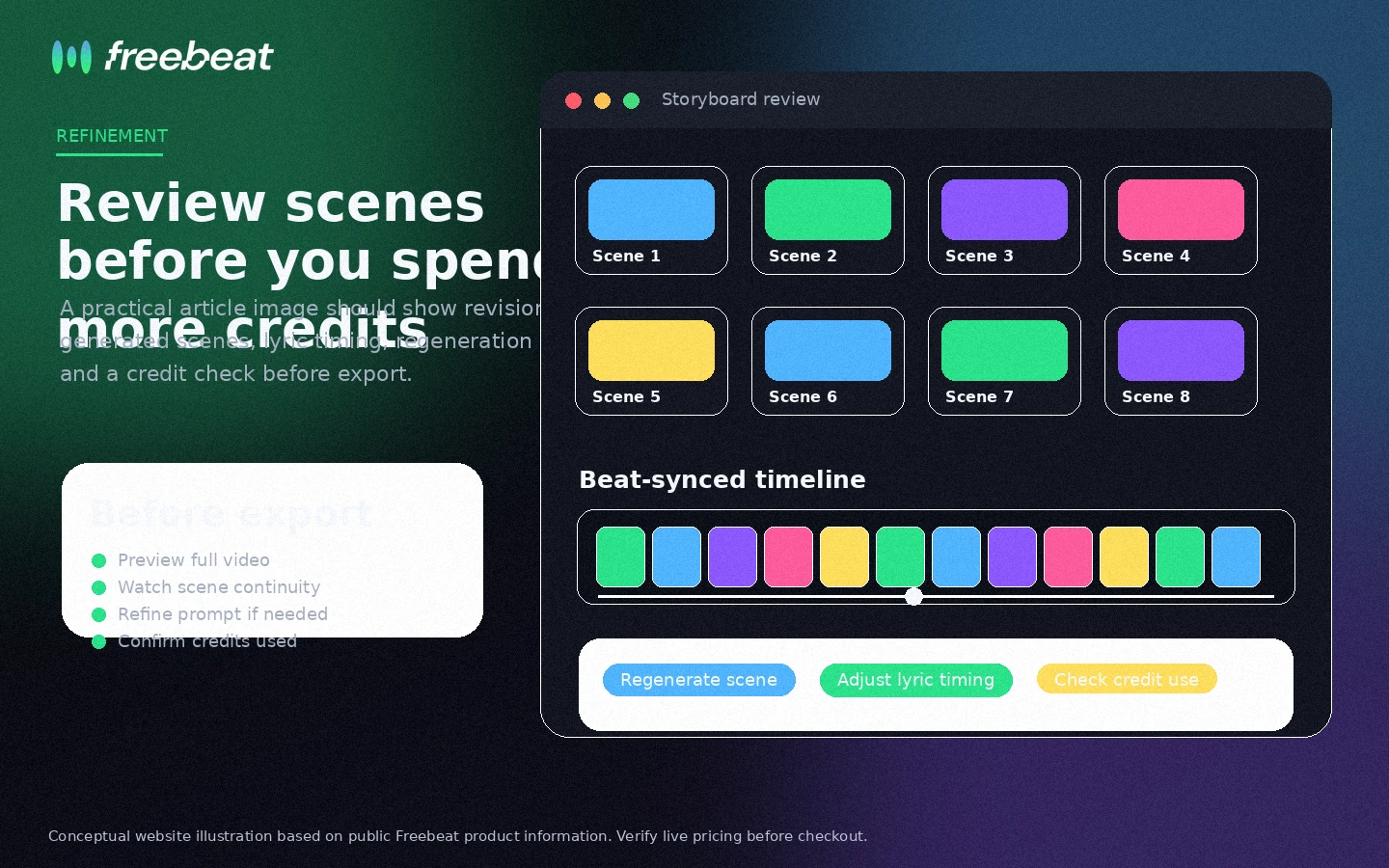
Freebeat is a store page where the buying question is not simply whether AI music videos look exciting. The better question is whether your release workflow can benefit from automated beat-synced visuals without burning through credits, fighting output inconsistency, or discovering refund limits too late.
What Freebeat actually does
Freebeat turns music into AI-generated video assets. The core workflow starts with a song, uploaded audio file, or music link, then uses AI to analyze rhythm, mood, and song structure before building visuals around the track. That makes it more focused than a generic text-to-video tool and more useful for creators who think in releases, hooks, lyrics, and platform formats.
- Upload an MP3 or paste a supported music link
- Generate music videos, lyrics videos, dance clips, and visualizers
- Export for TikTok, Reels, YouTube, or square social formats
Pricing is really a credit decision
The current pricing page shows a free path, a Basic weekly plan, and higher monthly tiers built around credit allowances. That structure is important because AI video generation can require retries. A cheap entry plan may be fine for testing, but a serious creator should estimate how many finished videos, regenerations, lyric passes, and export attempts they need each month.
- Basic is currently shown at $4.99 per week after discount
- Pro, Ultimate, and Creator raise the monthly credit allowance
- Resolution, watermark removal, speed, and model access vary by tier
Where the free path helps
Freebeat's free entry point is useful because it lets a buyer test the workflow before paying. Use it with a real track, ideally one that matches the kind of content you actually plan to publish. Check whether the beat sync feels convincing, whether lyrics timing is usable, and whether the visual style stays coherent long enough for your platform format.
- Test with a real song rather than a throwaway sample
- Watch credit consumption during revisions
- Confirm whether the export quality is enough for your channel
A second walkthrough before you commit
This external walkthrough is useful because it shows the buyer perspective rather than only the official product tour. Watch for the same things you would check during your own test: how quickly a song becomes a video, where the tool needs refinement, and whether the output quality looks strong enough for public channels.
Rights, refunds, and buyer risk
Freebeat's official pages are buyer-friendly on ownership language, but the terms still put responsibility on the user for third-party materials and copyright compliance. The refund terms are also important: dissatisfaction with AI results is not enough by itself, partial refunds are not supported, and credit packs are non-refundable. That makes pre-purchase testing a real buying step, not a casual suggestion.
- Confirm you have rights to any uploaded music or assets
- Read refund terms before using paid credits
- Check whether generated output meets your commercial-use needs
Best next step for Freebeat buyers
The safest next step is to open the live pricing page, use the free credits on one real song, and only then decide whether Basic, Pro, Ultimate, or Creator makes sense. If you need broader editing control, compare Freebeat with a general AI video tool. If you need music-first speed, compare credit value and refund risk before paying.
- Start with one real song-to-video test
- Compare plan credits against your monthly publishing volume
- Move to the coupon or deal path only after the product fit is clear
Best savings path from this store page
This is the clearest savings route to check once the product already looks like a fit.
Freebeat pricing currently shows limited 30% pricing on several paid plans. This is the safest official no-code savings path to check before choosing a subscription.
Use the live pricing page as the source of truth because limited pricing can change.
Free credits available
Weekly paid test path
Use comparison routes when the category fit is still open
Use these comparison routes when the product still looks plausible, but the category fit is not fully settled.
Fliki is usually the better comparison when the buyer wants text-to-video, voiceover, and broader creator video workflows rather than a song-first music video generator.
Crayo is more relevant for short-form social video and clipping workflows, while Freebeat is more focused on turning music into beat-synced visuals.
AKOOL is worth comparing when avatar, face, and marketing video workflows matter more than music-led generation.
Verification points worth checking before you click out
Where this store usually fits best in the workflow
Freebeat fits indie artists and producers who need visual content around singles, demos, remixes, or unreleased tracks without hiring a full video team.
The tool can help creators turn songs into lyrics-led videos and short social assets where timing, captions, and aspect ratio matter more than manual editing depth.
Freebeat is relevant when the buyer wants dance, lip-sync, avatar, or performance-style visuals that respond to the track's rhythm and mood.
Marketers can use Freebeat when a campaign needs fast music-first visuals, but they should still verify rights, export quality, and credit cost before relying on it at scale.
Practical checkpoints before and after signup
- Choose one real track that represents the music you actually plan to publish.
- Decide whether you need lyrics, dance, visualizer, story video, or platform-specific formats.
- Read the pricing and refund terms before using the free test as a buying signal.
- Track how many credits are used before you get a publishable result.
- Check beat sync, lyrics timing, visual coherence, and export quality.
- Regenerate enough to estimate realistic monthly usage, not just one lucky output.
- Compare Basic, Pro, Ultimate, and Creator by finished-video volume rather than sticker price.
- Confirm watermark removal, resolution, duration, speed, and model access on the live pricing page.
- Avoid large credit purchases until support, cancellation, and refund expectations are clear.
Fast-read signals for workflow fit and buying friction
Questions readers usually ask before choosing this store
What is Freebeat used for?
Freebeat is used to turn music into AI-generated videos, including lyrics videos, dance clips, visualizers, performance-style scenes, and platform-ready social formats. It is most relevant when the buyer starts from a song and wants visuals that follow the rhythm and mood of that track.
Does Freebeat have a free plan?
Yes. Freebeat's terms describe a free tier with 500 non-expiring credits, and the public site promotes free creation. Treat that as a testing path rather than proof that the free plan will cover ongoing publishing needs.
How much does Freebeat cost?
The current pricing page shows Basic at $4.99 per week after discount, Pro at $26.99 per month, Ultimate at $39.99 per month, and Creator at $199 per month after displayed discounts. Buyers should verify the live page because credit allowances, discounts, and billing intervals can change.
Are Freebeat videos safe to publish commercially?
Freebeat states that users retain rights to uploaded or generated content, but the buyer is still responsible for third-party rights, uploaded music, copyrighted assets, likenesses, and platform rules. Commercial use should be checked against the latest terms before relying on it for client or brand work.
What should I check before paying for Freebeat?
Test one real track first, then verify credit usage, watermark removal, export resolution, video length, billing interval, cancellation path, refund terms, and whether the generated output is consistent enough for your release schedule.
Choose the next route that matches what you still need to decide
The strongest next click depends on whether you still need product judgment, a savings route, or a broader category comparison.