
Chaport Pricing, Plans & Support Fit
Chaport is a customer messaging platform for websites that combines live chat, chatbots, multi-channel inbox features, a knowledge base, mobile and desktop apps, and API integrations. It is best understood as a support and sales communication layer for small teams, not as a full help desk replacement or an AI-first customer service suite.
Fit → price → checkout
Use these routes after the official-site check: coupon first, review for fit, compare if unsure.
Chaport pricing snapshot
Fast commercial checks before pricing, coupons, or a deeper review.
Chaport product tour
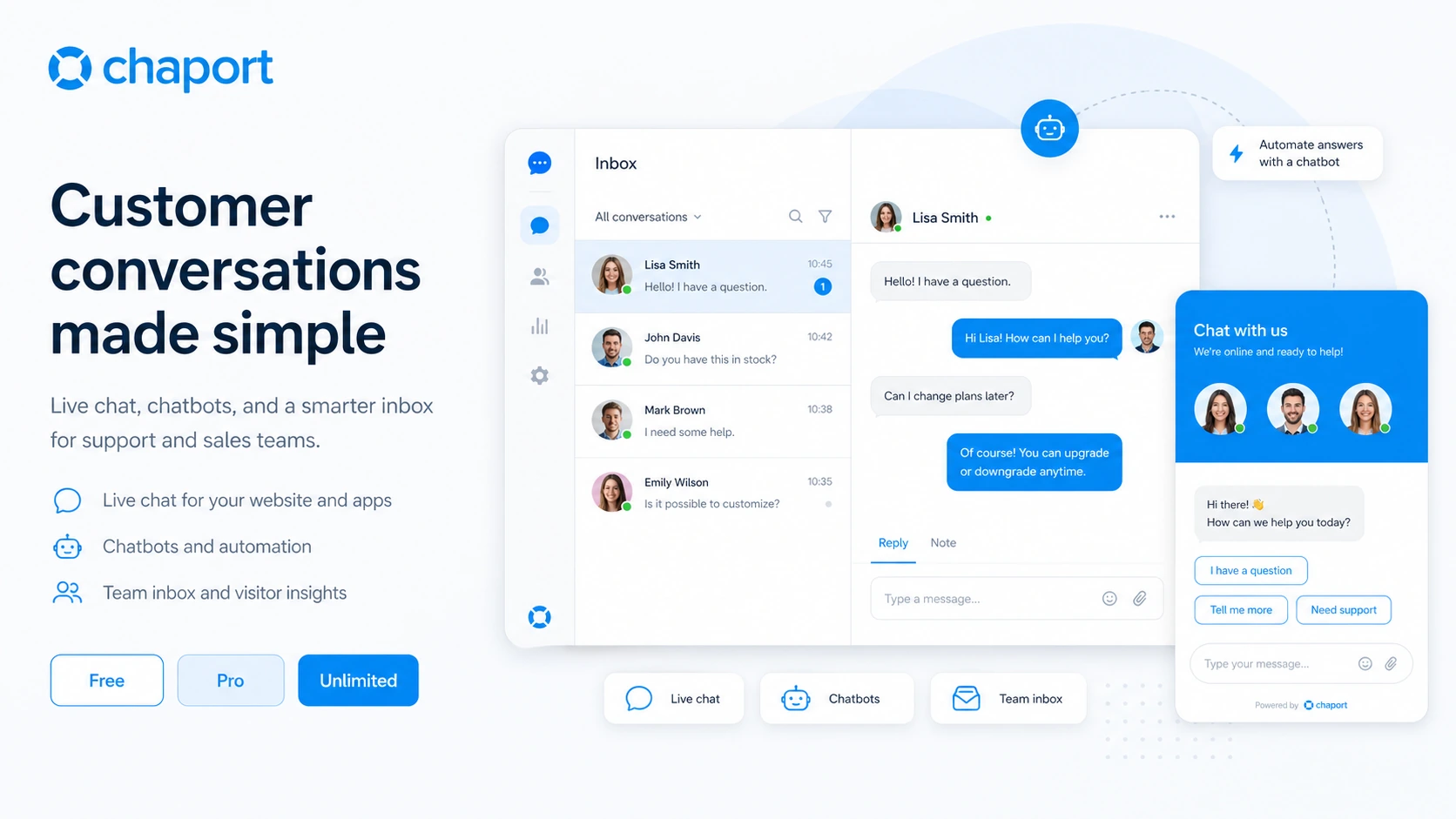
The product tour helps buyers see Chaport as a working customer messaging system: website chat widget, operator inbox, automation options, knowledge base support, and pricing differences. The important question is whether the buyer needs only live chat or the deeper Unlimited workflow.
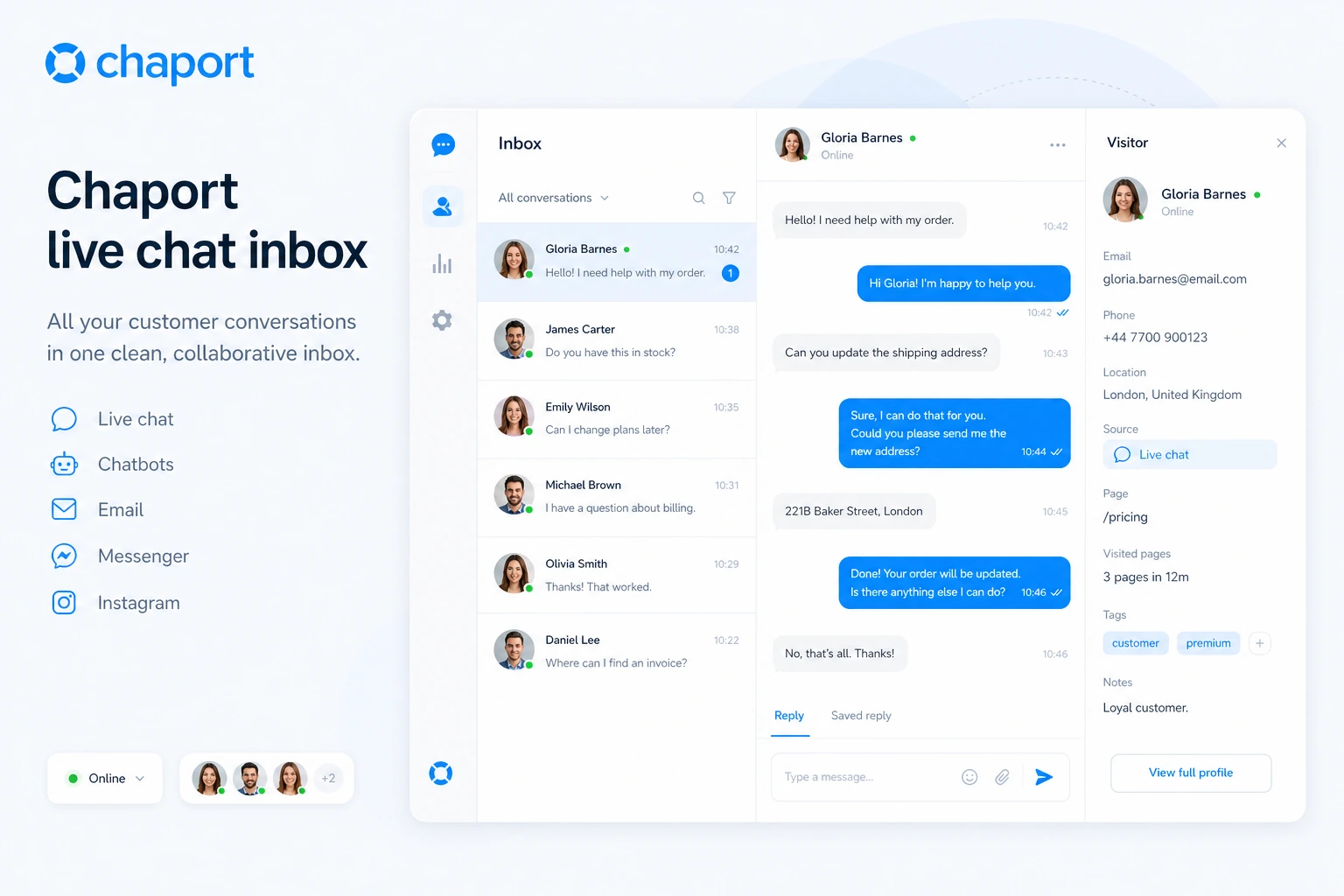
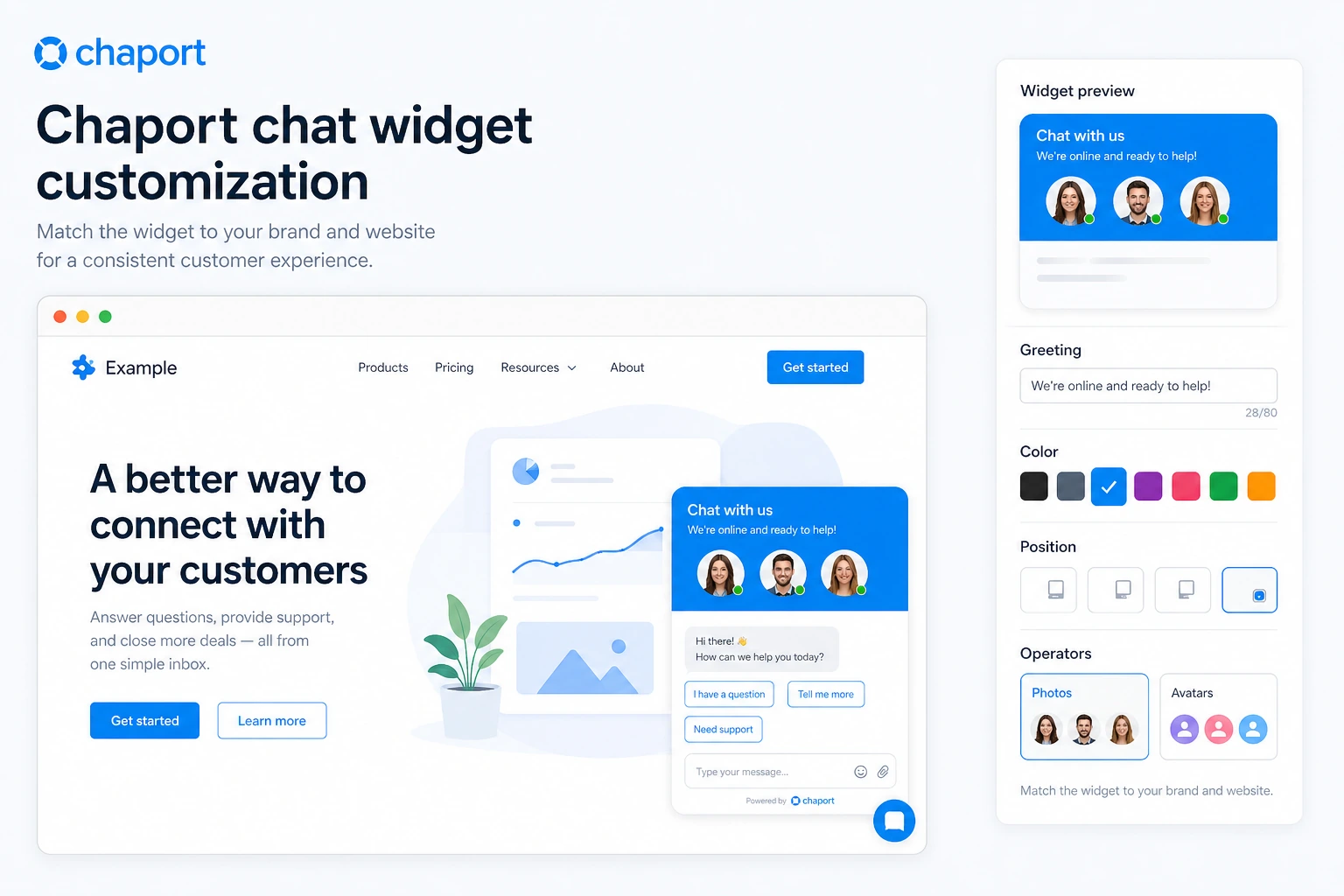
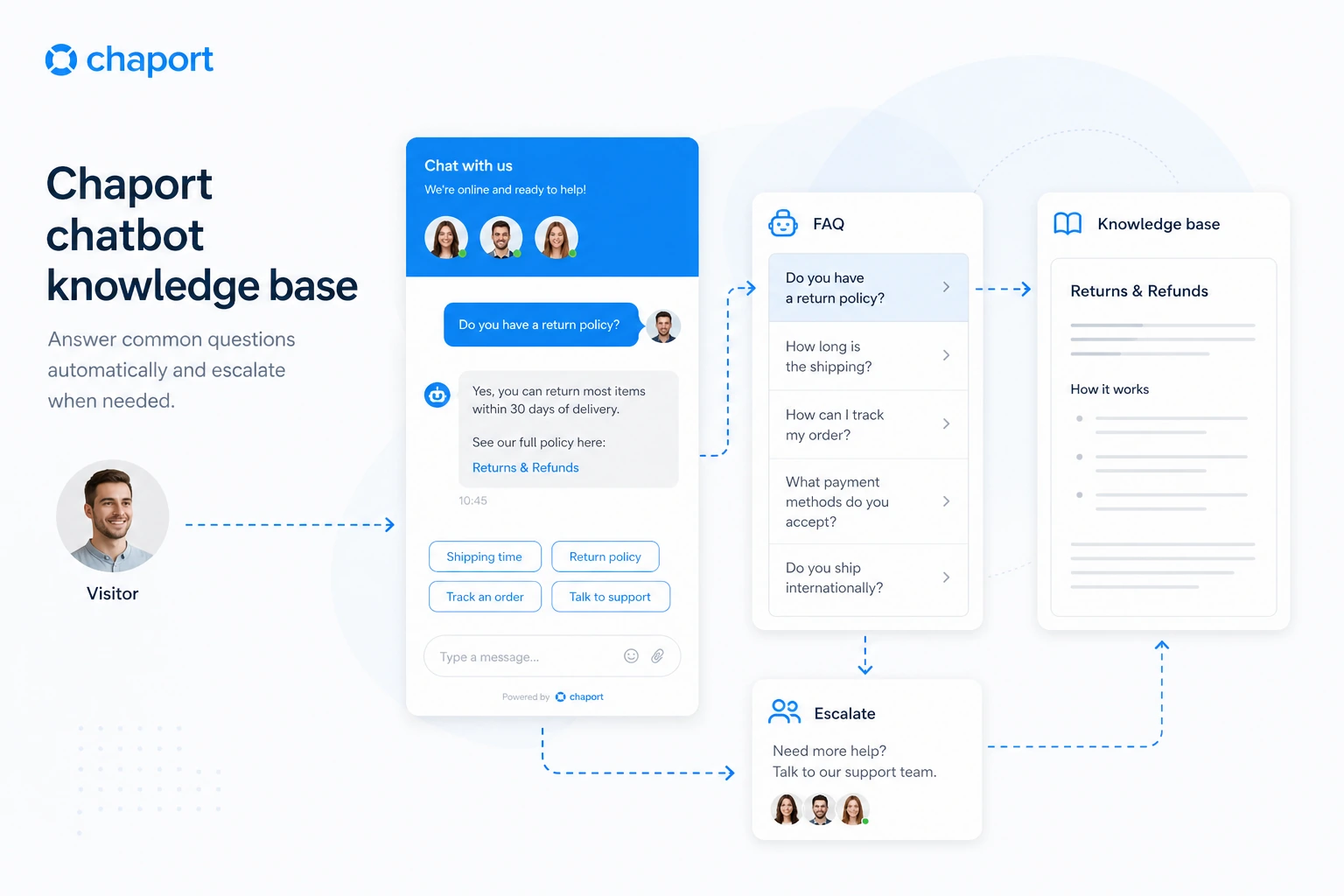
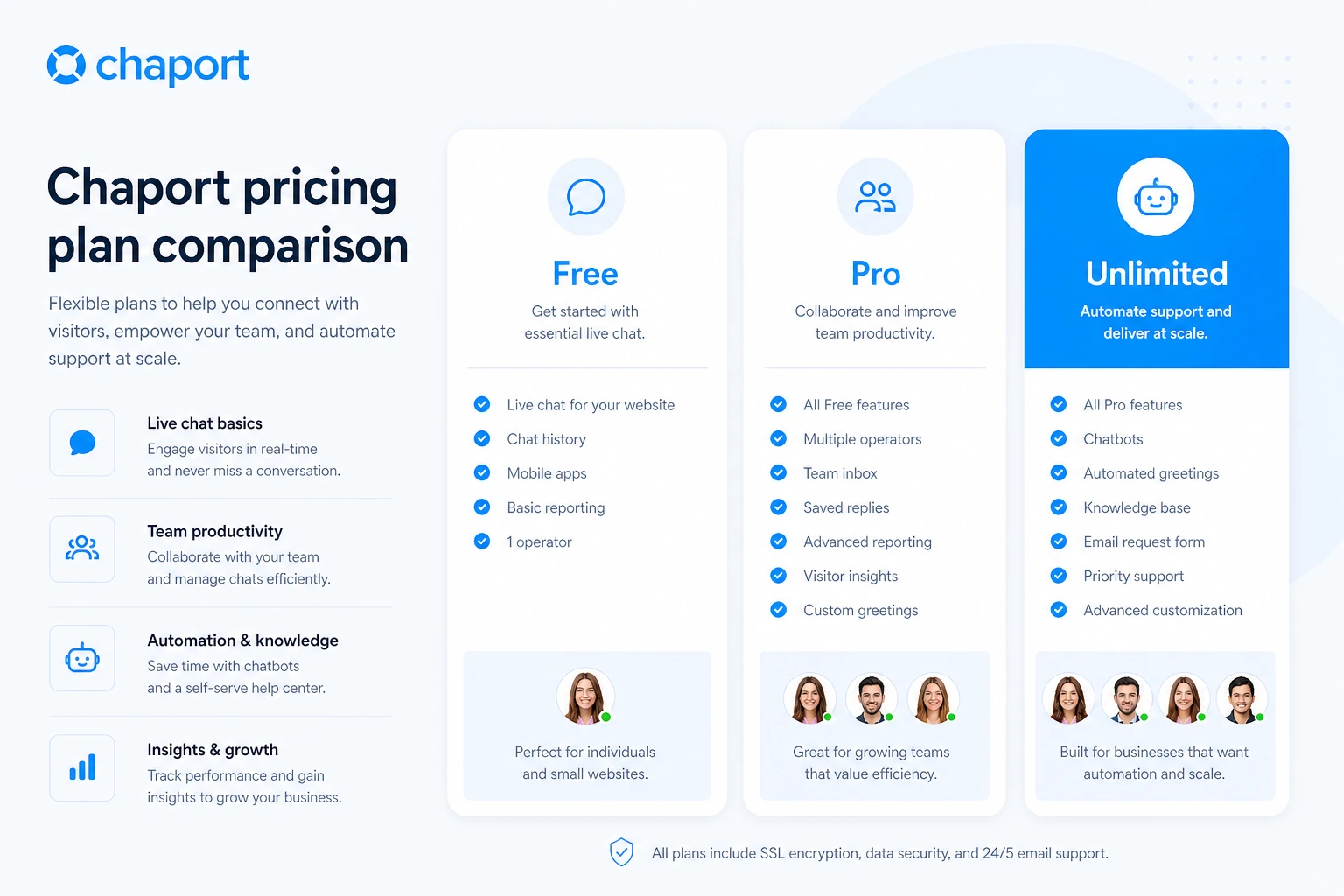
Chaport is easiest to evaluate by separating three buyer questions: do you only need basic live chat, do you need support workflow features, or do you need automation through chatbots and knowledge base articles? The Free plan answers the first question. Pro and Unlimited answer the second and third.
What Chaport actually does
Chaport adds a live chat widget to a website and gives operators a place to answer visitor questions from web, desktop, and mobile apps. It also supports email, Facebook, Telegram, and Viber messaging, plus automation through chatbots and a knowledge base on the higher plan. For a buyer, the main value is faster website conversation handling, not a complete replacement for a complex help desk.
- Add live chat to a website and answer visitors in real time.
- Use offline messages and mobile apps so customers can still reach the team.
- Expand into chatbots, knowledge base, teams, and assignment rules when support volume grows.
Pricing and plan fit
Chaport's public pricing is clear enough to evaluate, but the billing toggle matters. The Free plan covers basic live chat with two operators. Pro adds more serious workflow features such as unlimited chat history, auto-invitations, advanced customization, email and messenger integrations, saved replies, detailed reports, autoresponder, and API access. Unlimited is the automation tier, adding chatbots, knowledge base, FAQ bot, teams, assignment rules, shared saved replies, custom fields, chat ratings, advanced reports, and Zapier integration.
- Free is best for testing live chat and very small teams.
- Pro fits teams that need stronger operator productivity and reporting.
- Unlimited fits buyers who genuinely need chatbots, knowledge base, and team routing.
Live chat workflow for sales and support
The strongest everyday use case is a small support or sales team that wants to answer website visitors quickly. Chaport includes practical features such as auto-invitations, typing insights, group chats, saved replies, offline messages, chat ratings, reports, and visitor context. These features are valuable when the team actually responds to chats during business hours or uses offline messages as a lead capture layer.
- Use auto-invitations to start more conversations on high-intent pages.
- Use saved replies for common questions instead of rewriting every answer.
- Use reports and chat ratings to check whether operators are handling conversations well.
Chatbots and knowledge base are the deeper upgrade path
The Unlimited tier is where Chaport becomes more than a simple chat box. Chatbots can answer common questions, qualify leads, and collect feedback while the team is offline. The knowledge base and FAQ bot can push self-service content into the chat experience. This can reduce repetitive support, but only if the buyer already has common questions, clear help content, and enough volume to make automation worthwhile.
- Use chatbots for common questions, lead qualification, and offline coverage.
- Use the knowledge base when customers repeat the same support questions.
- Verify whether automation saves time before committing to the higher tier.
Installation path and platform support
Chaport can be added to a site through a code snippet, plugins, apps, and integrations. The official site points to WordPress, Joomla, Ecwid, Bubble, desktop and mobile apps, Zapier, and REST or JavaScript API options. That makes it a flexible choice for website owners, but implementation still needs a basic check: where the widget appears, what the pre-chat form collects, how offline messages behave, and who receives notifications.
- Check the widget on desktop and mobile before judging the user experience.
- Confirm whether the site uses a plugin, code snippet, or platform app path.
- Use API and integration options only when the team has a real workflow need.
Refund and checkout cautions
The strictest commercial point is refund protection. Chaport's terms say there are no refunds or credits for unused service time or plan downgrades when a user closes an account early. That does not make the product unsafe, but it changes the buying path. The 14-day trial and Free plan should carry the evaluation work before annual billing enters the discussion.
- Use the trial to test the exact plan features the team expects to use.
- Check whether annual billing changes the effective monthly price and commitment length.
- Document the chosen plan features before checkout so the team knows why it is paying.
Safest next step
The safest next step is to sign up for the free entry point, add Chaport to one real website page, and test a complete support path: widget display, visitor message, operator reply, offline message, saved reply, mobile notification, and one automation scenario if the buyer is considering Unlimited. After that, compare Pro and Unlimited by actual feature use rather than by the longest plan list.
- Start free and run one real visitor conversation test.
- Read the Chaport review if support workflow fit is still unclear.
- Open the coupon or deal path only after plan fit is clear.
- Compare LiveChat, ChatBot, HelpDesk, or Social Intents if ticketing, AI chatbot, or platform integration needs are stronger.
Best savings path from this store page
This is the clearest savings route to check once the product already looks like a fit.
Chaport says new accounts get a 14-day trial of the Unlimited plan with no credit card required, then automatically downgrade to the Free plan if the buyer does not upgrade.
Free live chat plan
25% annual subscription discount
Use comparison routes when the category fit is still open
Use these comparison routes when the product still looks plausible, but the category fit is not fully settled.
Better fit when the buyer wants a more established paid live chat platform with stronger brand depth and support ecosystem.
Better fit when the main decision is chatbot automation rather than human-first website live chat.
Better fit when the team needs ticketing and support case management more than a lightweight chat widget.
Worth comparing when the buyer wants live chat tied closely to Microsoft Teams, Slack, or similar team messaging workflows.
Verification points worth checking before you click out
Where this store usually fits best in the workflow
Chaport fits a small business that wants to answer website visitors quickly without adopting a full support suite. The Free plan is a sensible place to test this use case.
Chaport can support pre-sale questions, lead capture, and proactive chat invitations when visitors are browsing high-intent pages.
The Unlimited plan becomes more relevant when repeated questions justify chatbots, FAQ bot suggestions, and knowledge base content.
The web, desktop, and mobile apps make Chaport useful for small teams that answer chats from different devices throughout the day.
Practical checkpoints before and after signup
- List the pages where visitors are most likely to ask support or sales questions.
- Decide whether the team needs live chat only or chatbot and knowledge base automation.
- Check whether two operators are enough for the first test.
- Install the widget on a real website page and test messages from desktop and mobile.
- Try saved replies, offline messages, auto-invitations, and notifications before comparing paid tiers.
- Test chatbots and knowledge base features only if the team has repeated questions to automate.
- Confirm monthly versus annual pricing and the live currency shown at checkout.
- Match the paid plan to needed features rather than choosing the largest plan by default.
- Read refund terms because unused subscription time is not presented as refundable.
- Track missed chats, response times, chat ratings, and proactive chat performance.
- Review whether operator count, reports, automation, and API access still match the plan after the first month.
Fast-read signals for workflow fit and buying friction
Questions readers usually ask before choosing this store
What is Chaport best for?
Chaport is best for small businesses and support teams that want a practical live chat widget, operator inbox, mobile and desktop apps, and a path into chatbots or knowledge base automation when support volume grows.
Does Chaport have a free plan?
Yes. Chaport's pricing page shows a Free plan with €0 pricing, two operators, unlimited chats and websites, 60-day chat history, one branded default auto-invitation, basic widget customization, and web, desktop, and mobile apps.
Does Chaport offer a free trial?
Yes. The pricing page says new accounts receive a 14-day trial of the Unlimited plan without requiring a credit card, then downgrade to the Free plan after the trial if no paid plan is selected.
Are Chaport coupon codes common?
A reliable public coupon code was not verified. Buyers should treat the Free plan, 14-day Unlimited trial, and annual billing difference as the main public savings paths unless a current checkout offer is visible.
What should buyers verify before paying for Chaport?
Buyers should verify the live price, monthly versus annual billing, needed operator count, chatbot and knowledge base requirements, API or integration needs, and refund terms before choosing Pro or Unlimited.
Choose the next route that matches what you still need to decide
The strongest next click depends on whether you still need product judgment, a savings route, or a broader category comparison.