Quick verdict
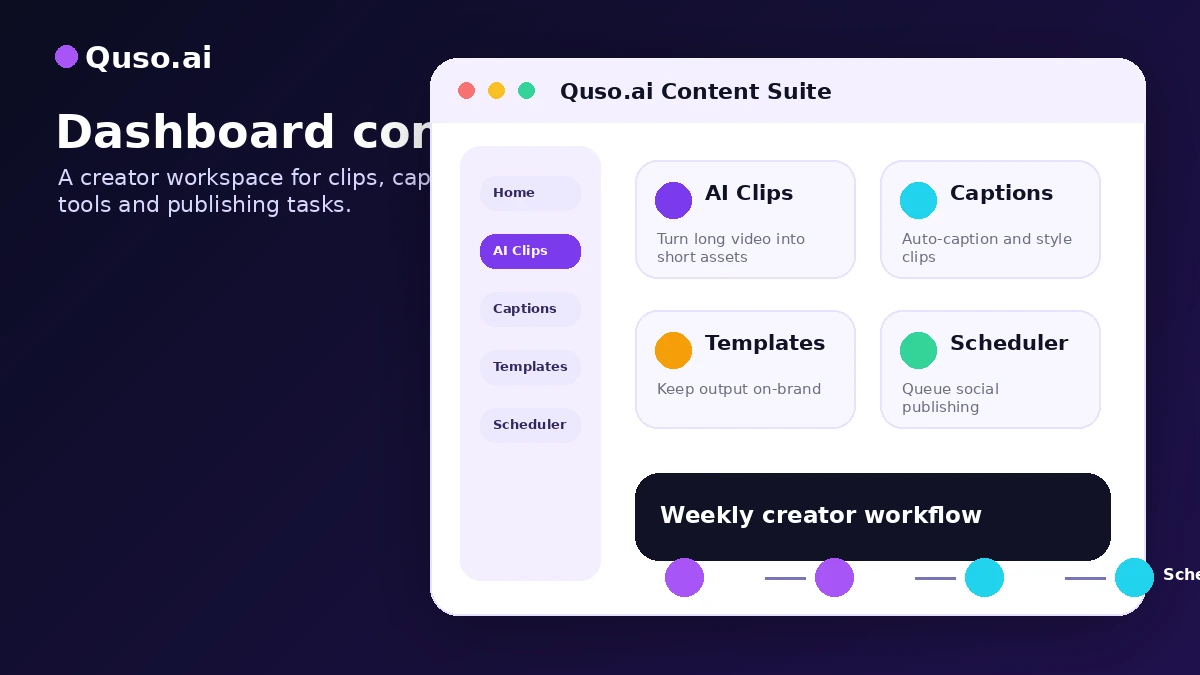
Quso.ai is worth a serious look if your real problem is not “I need one AI clip,” but “I keep creating long videos and I need a repeatable way to turn them into short-form content.”
That distinction matters.
A creator who records podcasts, webinars, YouTube videos, coaching calls, interviews, or educational content may find Quso.ai useful because it connects several jobs that often sit in separate tools: finding short clips, adding captions, resizing for social platforms, preparing posts, and scheduling content. For that buyer, the value is not just the clip generator. The value is the workflow around the clip.
I would be more cautious if you only need a few quick cuts, already have a proper video editor, or mainly want a lightweight social media scheduler. Quso.ai is positioned as a broader Social Media AI platform, so the buying decision should include credits, export quality, watermark rules, scheduling depth, analytics, brand features, and refund terms — not just the promise of faster clips.
The free plan is the safest starting point. Use it to test one real long-form video, measure how many usable clips you get, and see how quickly credits disappear. If that test saves time inside a process you already repeat, Quso.ai becomes much easier to justify. If the output still needs heavy manual editing, a narrower tool like Klap, Submagic, or a traditional editor may be a cleaner fit.
Next step: If Quso.ai still fits your video repurposing workflow, test the free path first and verify the current buyer route before checkout.
Review snapshot
| Review point | Practical take |
|---|---|
| Best for | Creators, podcasters, coaches, educators, and small teams repurposing long videos into short-form posts |
| Not ideal for | Professional editors, one-off users, API-heavy teams, or buyers who only need a basic scheduler |
| Main use case | Turning existing long-form content into clips, captions, resized assets, and scheduled social posts |
| Pricing note | Free plan available; paid value depends on credits, export quality, scheduling, analytics, and annual billing fit |
| Free plan path | Useful for testing clip quality and workflow, but limited credits and free-tier constraints matter |
| Main strength | Combines AI video repurposing with a wider social content workflow |
| Main concern | Credit usage, watermark/export rules, and short conditional refund terms can change the real value |
| Direct alternatives | Klap for clipping; Submagic for caption and short-form polish |
| Adjacent routes | Pictory for script/article-to-video workflows; MakeReels AI for recurring reel-style content |
| Best next step | Upload one real long video and judge the result before moving to a paid or annual plan |
What is Quso.ai?
Quso.ai is best understood as an AI video repurposing and social media workflow platform. It is not just a simple clip cutter, and it is not a full professional video editing suite either.
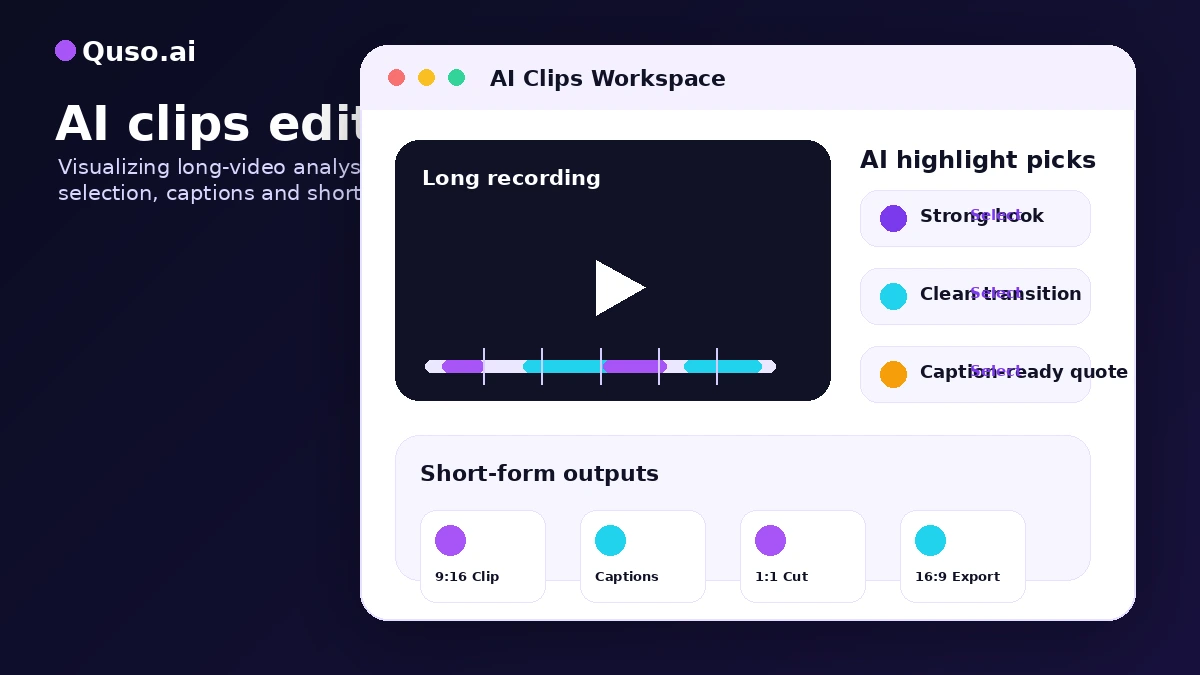
The practical job is narrower: take existing long-form video and help turn it into social-ready assets. That can include AI clips, captions, chapters, resizing, templates, social post preparation, scheduling, and related AI content tools. The official positioning has also moved beyond the older vidyo.ai identity, with Quso.ai now presented as a broader Social Media AI suite for creators and businesses.
That makes the product more interesting, but it also makes the buying decision a little more complicated.
If you only judge Quso.ai as a clip generator, you may underestimate the social workflow side. If you judge it as a full social media management platform, you may overestimate its depth compared with dedicated social suites. The middle ground is where the product makes the most sense: a creator or small team already producing video wants to shorten the path from long recording to short clips and scheduled posts.
Our review approach compares public product pages, pricing details, help documentation, buyer workflow fit, and nearby alternatives. I would not treat a free plan, annual discount, or checkout offer as proof that the product fits. The better question is whether Quso.ai reduces enough recurring work to become part of your publishing rhythm.
Who should use Quso.ai?
Quso.ai makes the most sense for buyers who already have source content.
A YouTube creator with regular long-form videos is one of the clearest fits. If you publish interviews, tutorials, commentary, product demos, or educational content, Quso.ai can help turn one long video into multiple short-form assets. The condition is simple: you need enough source footage and enough publishing frequency for the workflow to matter.
A podcaster or coach can also fit well. Podcast clips, coaching highlights, lesson snippets, and interview moments are exactly the kind of content that often gets trapped inside long recordings. Quso.ai may help surface those moments faster, add captions, and prepare short posts for social channels.
A small marketing team may consider Quso.ai when clipping is only one part of the job. If the team also wants scheduling, brand consistency, and supporting AI tools, the broader platform can make more sense than a clip-only workflow. The team should still verify plan-level access, credits, and whether scheduling depth fits the channels they actually use.
A solo creator testing short-form distribution can start safely with the free plan. This is where Quso.ai’s entry path is useful. You can upload a real video, inspect the output, and decide whether the tool produces clips you would actually publish.
The strongest fit is not “anyone who makes videos.” It is someone who repeats the same repurposing problem often enough that shaving time from clipping, captioning, resizing, and scheduling has real value.
Who should avoid Quso.ai?
I would avoid Quso.ai if you need deep manual timeline control. Professional editors who care about frame-by-frame adjustments, complex motion design, detailed color work, audio mixing, or advanced client review workflows will still need a proper editing stack.
I would also be careful if you only need one or two clips a month. The free plan may be enough for light experiments, and a paid plan may be more tool than you need. The easy mistake here is paying for a creator workflow when your actual need is occasional editing.
Buyers who mainly want social media scheduling should compare Quso.ai with dedicated scheduling tools first. Quso.ai includes social publishing and scheduling paths, but its strongest story is still tied to AI video repurposing and creator content production. If your posts are mostly text, links, graphics, and campaign calendars, a social-first platform may be cleaner.
API-heavy teams should slow down. The submitted product data and public-facing materials do not make Quso.ai look like an API-first tool for custom automation. If your business needs a formal API route, custom integration, or large-scale technical workflow, verify that directly before buying.
Finally, avoid buying because an annual saving looks attractive. Annual billing can be a good deal after the workflow is proven. It is risky when you have not tested credit use, export quality, watermark behavior, or how many clips you can produce from your real content.
How Quso.ai fits into a real workflow
A good Quso.ai workflow starts before the upload.
First, you need to know what kind of long-form content you are feeding into the tool. A clean tutorial, a structured podcast, or a coaching session with clear moments will usually be easier to repurpose than a messy recording with no obvious highlights.
Then the workflow becomes more practical:
- Choose a real long-form video, not a throwaway sample.
- Upload or import the content.
- Let Quso.ai identify short-form clip opportunities.
- Review the suggested clips instead of accepting everything blindly.
- Check captions, formatting, aspect ratio, and hooks.
- Make manual edits where the AI selection misses context.
- Export or schedule only the clips that fit your channel.
- Track how many credits and how much manual cleanup the process required.
That last step is the buying decision.
If Quso.ai gives you three to five usable clips faster than your normal process, the tool may earn its place. If the AI clips require so much fixing that you end up editing almost everything manually, the paid plan becomes harder to defend.
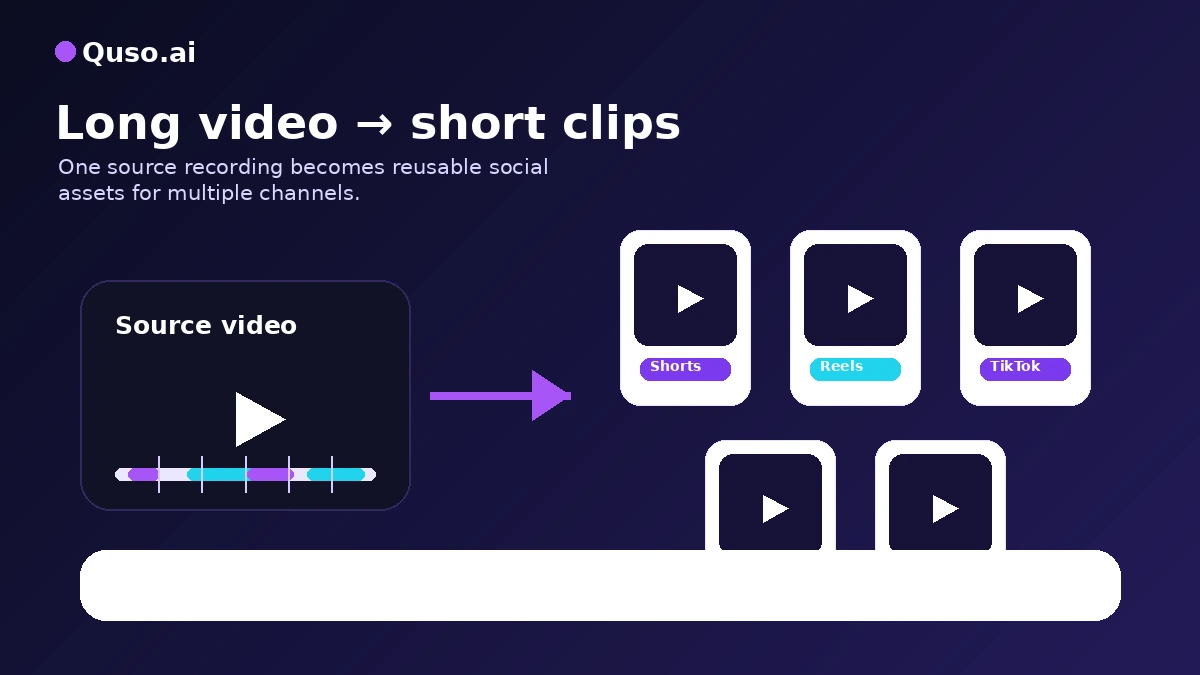
Workflow test: Quso.ai is easier to judge after one real upload than after reading feature lists. Start with a video you would genuinely repurpose.
Real-world buyer scenarios
A YouTube creator repurposing weekly videos
This is probably the cleanest Quso.ai scenario. The creator already has long videos and wants Shorts, Reels, TikToks, and LinkedIn clips without rebuilding every post from scratch.
Quso.ai may fit if the AI suggestions are usable and the creator values speed over advanced editing control. It may disappoint if every clip needs heavy restructuring or if credits run out too quickly.
A podcaster promoting full episodes
A podcast team may use Quso.ai to pull highlights from long conversations. Captions and short vertical formats matter here because podcast clips often need visual structure to work on social feeds.
The buyer should verify how well Quso.ai handles speaker changes, context, filler words, and clip boundaries. If the podcast has complex conversation flow, manual review is still important.
A small business owner trying to stay visible
A coach, educator, consultant, or small business owner may not want a full editing stack. Quso.ai can be appealing because it combines several creator tasks in one place.
The risk is overbuying. If the buyer does not publish consistently, a paid plan may become another subscription that looked useful on the homepage but does not get used every week.
A marketing team managing multiple channels
For a small marketing team, Quso.ai becomes more interesting when scheduling, brand kit, analytics, and social platform support matter. The team should verify exactly which plan includes the workflow it needs.
If the team needs approvals, social listening, inbox management, enterprise collaboration, or custom automation, Quso.ai may be only one piece of the stack rather than the whole system.
Key features that actually matter
AI clips and captions
The core value is still long-video to short-form repurposing. AI clip selection and captions can reduce the first-pass editing burden for creators who publish often.
Buyer note: do not judge the feature by whether it creates clips. Judge it by whether the clips are good enough to publish after reasonable review.
Resizing and social formats
Quso.ai supports the practical formatting problem that creators run into quickly: the same video does not work equally well on YouTube Shorts, TikTok, Reels, LinkedIn, and other channels.
Buyer note: verify whether the formats you need are included in the plan you choose, and check how much manual adjustment remains after resizing.
Scheduling and publishing workflow
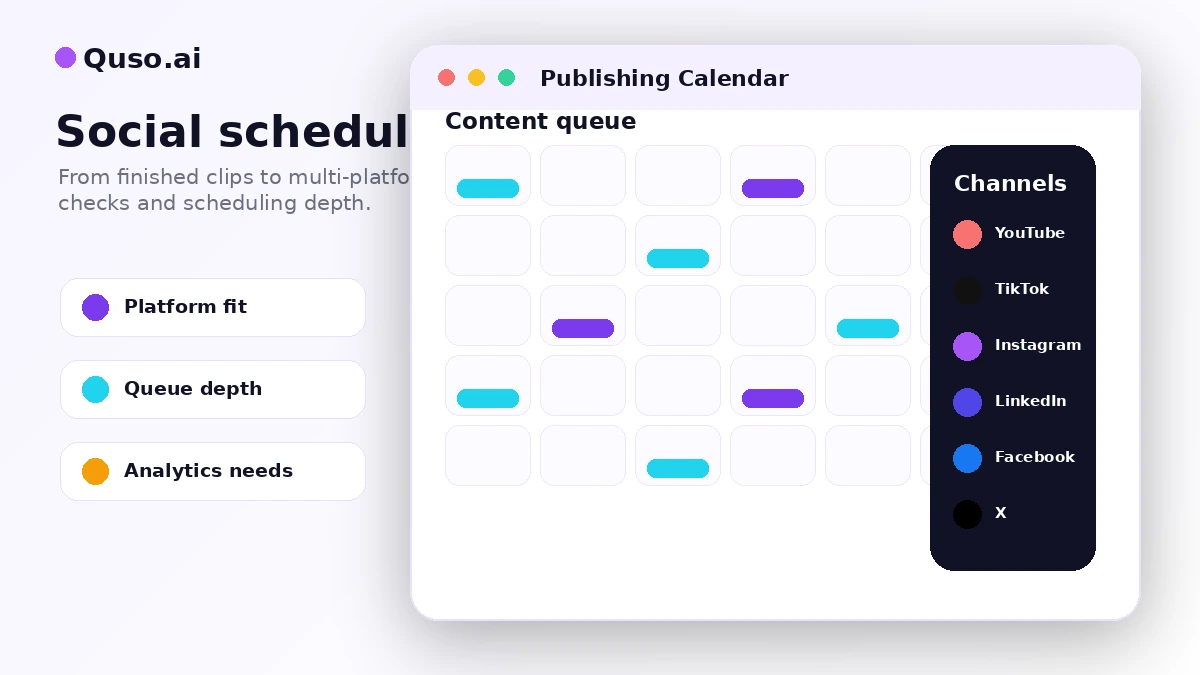
The scheduling layer is what separates Quso.ai from a basic clip tool. If you want to move from clip creation to posting without hopping between too many platforms, this can matter.
Buyer note: check platform coverage, scheduling limits, and whether unlimited scheduling or analytics requires a higher plan.
AI content tools around the clip
Quso.ai includes broader AI tools such as writing support, content planning, and creator workflow features. These can help if you want captions, ideas, post copy, and supporting assets around the video.
Buyer note: this matters only if you will actually use those tools. If you only need clipping, a narrower alternative may be simpler.
Credits and plan gates
Credits are not a side detail. They are part of the product experience. Quso.ai’s help documentation explains that one credit equals one minute of video, rounded up, with different behavior across monthly, annual, add-on, and team contexts.
Buyer note: your real cost depends on how much video you process, how often you publish, and whether unused credits expire before you can use them.
Pricing and plan value
The safest verified starting point is the Free plan.
At the time of review, Quso.ai’s public pricing page shows a $0/month free tier with 75 credits per month, 720p render quality, AI clips and captions, YouTube chapters, direct TikTok publishing, and a watermark. That is enough to test the basic workflow, but not enough to assume paid value.
The paid path is where buyers need to slow down. Quso.ai publicly presents Lite, Essential, and Growth plan paths. The Lite tier is positioned for better output quality and more flexibility, including 1080p exports and core AI video tools. Essential adds more creator tools and broader scheduling. Growth is aimed at heavier users, teams, and higher-output workflows with more credits, scheduling depth, bulk publishing, brand kit, analytics, and priority support.
I would not choose a plan by name alone.
The key pricing questions are more practical:
- How many minutes of long-form video will you process each month?
- How many usable clips do you expect from each upload?
- Do you need 1080p output?
- Can you publish with a watermark, or does that immediately rule out the free path?
- Do you need scheduling across multiple platforms?
- Are analytics and brand kit features part of your real workflow?
- Would annual billing still make sense if your publishing volume drops?
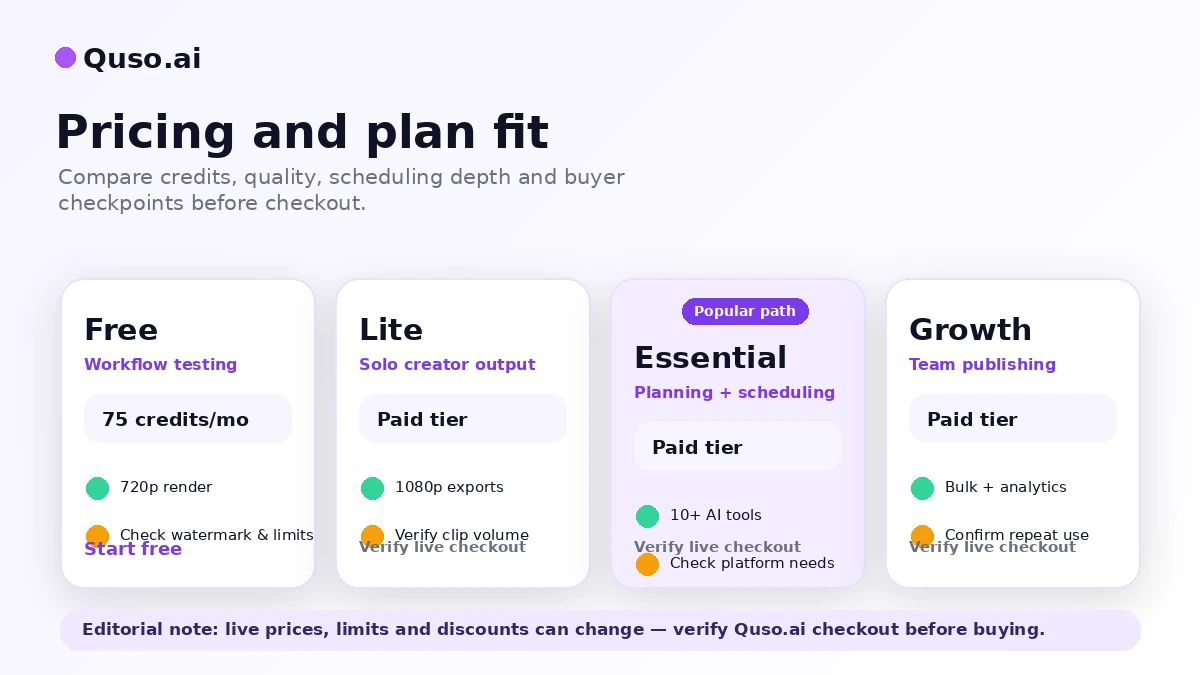
For my money, the cleanest path is free first, monthly second, annual later. Use the free plan to test output quality. Use a paid monthly plan only when you know your credit needs. Move to annual billing only after Quso.ai becomes part of a repeatable content process.
Pricing check: Before paying, compare the free plan, current paid tiers, credit usage, and annual billing terms against your real publishing volume.
Free plan, trial, coupon, and checkout notes
The free plan is useful because it lets you test the workflow without entering a credit card. That is the right order for this product category.
Use the free path to answer practical questions: does Quso.ai identify good clips, are the captions usable, does the formatting work for your channels, and does the process reduce editing time? If the free test does not produce a workflow win, a paid plan will not automatically solve the problem.
The coupon path should come later. Quso.ai may have plan-based savings, annual billing savings, or checkout offers, but public coupon codes are not the safest assumption. A discount can improve the purchase, but it should not be the reason you buy.
If you want to check the deal route, use the Quso.ai coupon page only after the workflow fit is clear. If you need broader context first, the Quso.ai store guide is the safer commercial overview.
The refund point is important. Quso.ai’s terms describe a short refund window for annual subscriptions with usage conditions. That makes pre-purchase testing more important, especially before using paid minutes or premium features.
What I would check before buying Quso.ai
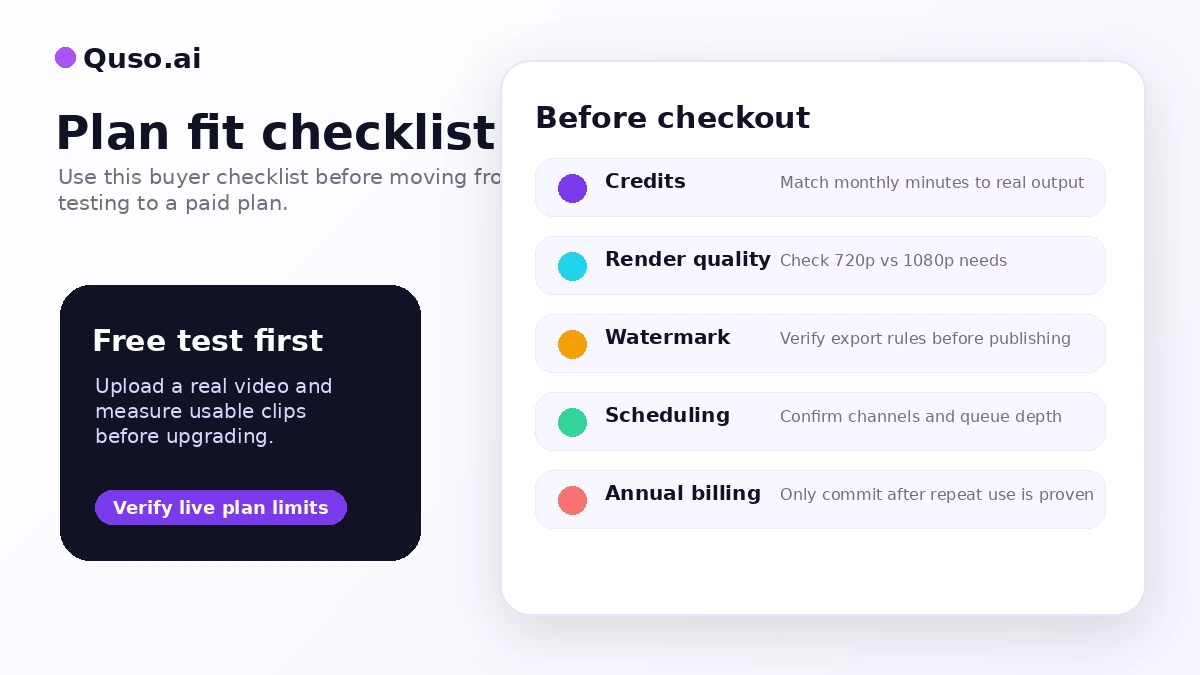
If I were buying Quso.ai for a real creator workflow, I would check these items before paying:
- Whether 75 free credits are enough to test one realistic content workflow.
- How many credits one typical long video consumes after upload, clipping, captions, and revisions.
- Whether the free plan’s 720p render quality and watermark are acceptable for testing only or public publishing.
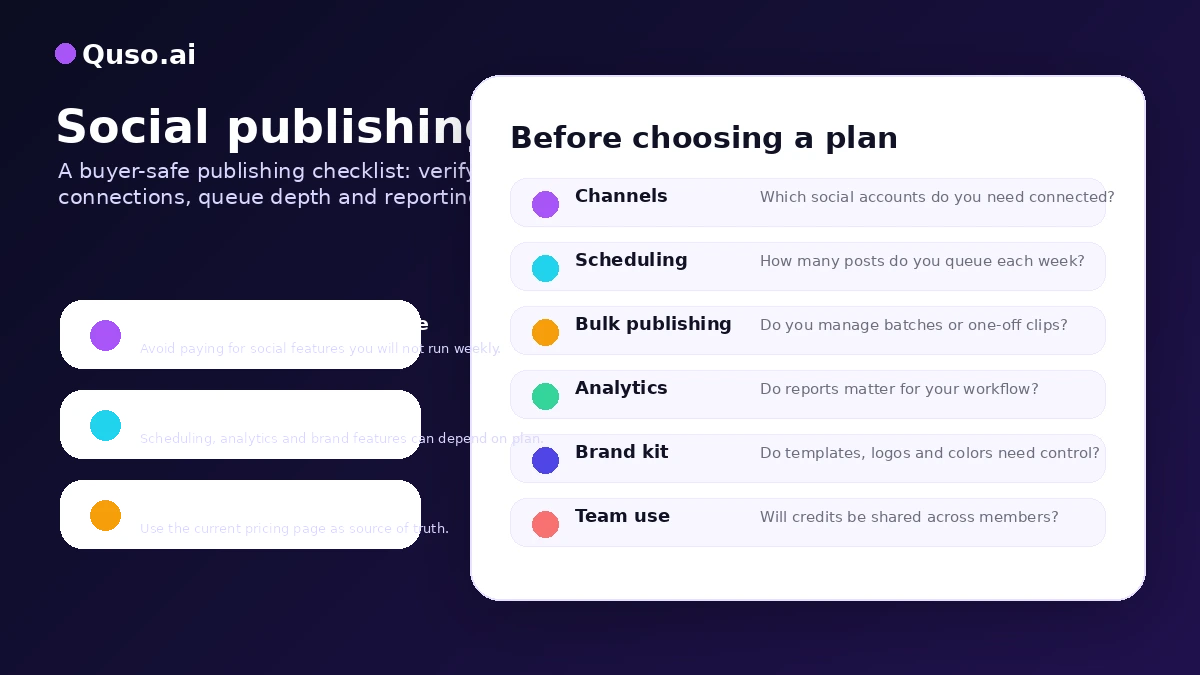
- Which paid tier unlocks the scheduling, analytics, brand kit, or team features you actually need.
- Whether monthly billing is safer than annual billing while your publishing rhythm is still unproven.
- How the refund terms apply before and after using paid minutes or premium features.
- Whether a direct alternative like Klap or Submagic solves your narrower job with less platform complexity.
A simple test before paying
Before paying, I would run a small test like this:
- Pick one long video you would genuinely repurpose for social media.
- Upload or import it into the free Quso.ai workflow.
- Count how many clips the tool suggests and how many you would actually publish.
- Check captions, timing, aspect ratio, hook quality, and context loss.
- Track the credits used and compare that with your monthly publishing target.
- Try one export or platform workflow and note any watermark or quality limitation.
- Compare the time saved against your normal manual editing process.
The goal is not to make Quso.ai pass a perfect test. The goal is to see whether it saves enough time to justify being part of your weekly process.
Pros explained
Strong fit for long-video repurposing
Quso.ai is at its best when the buyer already has long-form content. That gives the AI something useful to work with and makes the workflow repeatable.
This matters for creators who record often. It matters less for someone who is still trying to create content from scratch.
Free plan lowers the first-test risk
The free plan is valuable because it lets buyers test with a real video before paying. That is important in a category where the output quality depends heavily on your source footage.
The limit is that free testing is not the same as paid proof. You still need to check credit use, export quality, and plan gates.
Broader workflow than a simple clip tool
Quso.ai’s social scheduling, AI content tools, resizing, and planning features make it broader than a basic clip extractor. For some creators, that is exactly the point.
The tradeoff is that broader platforms can also create broader buying confusion. If you only need captions or clips, the extra workflow may not be worth paying for.
Useful plan path for growing creators
The Lite, Essential, and Growth structure gives buyers room to match output volume and workflow needs. A creator can start small, then move up only when scheduling, analytics, or brand features become necessary.
The caution is that plan gates matter. The cheapest paid plan is not automatically the best deal if the feature you need lives higher up.
Cons explained
Credits can change the real cost
Credit-based products are easy to underestimate. A plan can look affordable until your normal workflow consumes credits faster than expected.
This matters most for creators processing long videos every week. Before annual billing, test how many credits a typical piece of content actually uses.
Not a replacement for advanced editing
Quso.ai can help with clips, captions, formatting, and social workflow, but it should not be treated as a full professional editing suite.
If your work depends on detailed manual edits, custom motion, advanced audio, complex storytelling, or client-level polish, you may still need a dedicated editor.
Refund terms are narrow
A short conditional refund window makes the pre-purchase test more important. This is not the kind of purchase I would treat casually after using paid minutes or premium features.
Buyers considering annual billing should read the current terms first and assume checkout decisions matter.
Narrower tools may be cleaner for simple needs
Quso.ai can be more than you need if your only job is clipping or captions. Klap and Submagic are easier comparisons when the workflow is narrower.
This does not make Quso.ai weak. It just means the buyer should not pay for a broader workflow unless that broader workflow is useful.
Green flags and red flags
Green flags:
- You already publish long-form video and repeatedly need short-form clips.
- Your biggest pain is the time between recording and posting.
- You want captions, resizing, scheduling, and social preparation closer together.
- You can test real output quality with the free plan before paying.
- You know your expected monthly video volume and can compare it against credits.
Red flags:
- You are buying mainly because an annual price looks cheaper.
- You have not tested how fast credits disappear with your own videos.
- You need deep editing control, not a faster repurposing workflow.
- You need API-first automation or enterprise approval systems.
- You only publish short-form content occasionally.
Quso.ai vs alternatives
Klap vs Quso.ai
Klap is the more direct comparison if your main job is turning long videos into short vertical clips. Its buying logic is easier to understand for creators who care mainly about uploads, generated clips, download quality, and short-form output volume.
Quso.ai may still make more sense if you want clipping plus scheduling, content planning, and broader social workflow support. Klap is the cleaner comparison for clip-first buyers. Quso.ai is the broader comparison for creator workflow buyers.
Submagic vs Quso.ai
Submagic is worth comparing if captions, hooks, short-form polish, and punchier social videos matter more than a full social media dashboard. It is a more focused route for creators who already know they want better short-form presentation.
Quso.ai may be stronger when you want long-video repurposing and social scheduling closer together. Submagic may be stronger when caption quality and short-form polish are the center of the decision.
Pictory vs Quso.ai
Pictory is an adjacent route, not a perfect one-to-one replacement. It makes more sense for buyers who want to turn scripts, articles, webinars, or existing content ideas into videos.
Quso.ai is easier to justify when the source material is already video and the desired output is social clips. Pictory is better to compare when the buyer’s starting point is text, scripts, or broader video creation.
MakeReels AI vs Quso.ai
MakeReels AI is another adjacent route for buyers thinking about recurring reel-style content. I would compare it if your goal is more about ongoing short-form generation than repurposing existing long videos.
Quso.ai is stronger when the raw material is already there. MakeReels AI is more relevant when you are deciding how to generate recurring social video assets from a different starting point.
Trust, refund, and buyer-risk notes
The main trust point with Quso.ai is that the public product story is fairly clear: it has a free entry path, paid creator tiers, and a workflow built around AI clips, captions, resizing, scheduling, and social content operations.
The main buyer-risk point is also clear: the tool depends on plan fit.
Do not buy on headline price alone. Check the current pricing page, the monthly or annual billing toggle, and the live checkout total. Quso.ai’s pricing presentation can include annual-savings language, and those savings only help if you will use the tool consistently.
Do not ignore credits. Credit consumption affects how much video you can process, and credits behave differently across monthly, annual, add-on, and team contexts. If your workflow burns credits quickly, the cheapest plan may feel limiting.
Do not treat scheduling as automatically included at the depth you need. Verify your target platforms, account connections, post limits, analytics, and brand features before choosing a tier.
Do not upload sensitive client material without reading the current privacy policy and understanding your own obligations. Quso.ai is a cloud workflow for creating and processing content, so teams with confidentiality requirements should be careful with source footage, client recordings, and internal materials.
And do not rely on refunds as your testing strategy. The safer path is to test free first, use monthly before annual when uncertain, and only upgrade after the workflow proves itself.
Final verdict
Quso.ai is a good fit if you already have long-form videos and want a faster way to create short clips, captions, resized assets, and scheduled social posts from the same content pipeline.
I would consider it for creators, podcasters, coaches, educators, and small teams that publish consistently and feel the pain of repurposing. The more often you repeat that workflow, the more Quso.ai makes sense.
I would skip it if you only need occasional clips, need advanced manual editing, want API-first automation, or mainly need a traditional social media scheduler. In those cases, a narrower clipping tool, a caption-focused tool, or a dedicated editor may be a better fit.
I would compare Quso.ai with Klap if clipping is the main job, Submagic if caption polish is the main job, and Pictory if your starting point is scripts or written content rather than existing long videos.
The safest next step is simple: test one real video before paying. If Quso.ai gives you usable clips, cleaner captions, and a faster path to publishing, it may earn a place in your creator workflow. If the free test feels thin or credit-heavy, the better decision is to compare narrower alternatives before committing.
