Quick verdict
Quickads is worth considering if your team has a real ad creative problem, not just a vague desire to “make better ads with AI.”
That difference matters. Quickads looks strongest when it sits inside a repeatable performance-marketing workflow: study ad patterns, generate multiple creative angles, create image or video variations, export assets, and decide what deserves testing with real media spend. If you run that loop often, the platform can be useful. If you only need one social graphic or a quick product image, the paid path may feel heavier than the job.
The main reason to look at Quickads is its creative workflow breadth. It is not only a static image generator. The current public product pages position it around ad inspiration, image ads, video ads, product photoshoots, UGC-style assets, AI voice or sound workflows, and campaign-oriented creative production. That makes it more interesting for ecommerce operators, D2C brands, media buyers, and small agencies than for casual design users.
The caution is pricing clarity. Quickads has a free Discover path, a low-cost trial path, and an All-Access software plan, but the site also presents service-led creative strategy and campaign packages. Before paying, I would slow down and ask one question: am I buying software access, a creative service, campaign execution, or a mix of all three?
For my money, Quickads only makes sense after a small workflow test. A discount or trial can reduce the first step, but it should not be the reason you buy.
Next step: If Quickads still fits your ad creative workflow, verify the current plan route before checkout.
Review snapshot
| Review point | Practical take |
|---|---|
| Best for | D2C brands, ecommerce teams, performance marketers, and small agencies that need repeated ad creative testing |
| Not ideal for | One-off design users, buyers needing mature marketing automation, or teams expecting a fully documented public API |
| Main use case | Moving from ad research and campaign ideas into image, video, product, and UGC-style creative variants |
| Pricing note | Public pricing shows a $0 Discover path, an All-Access software path, and a low-cost trial route, with service plans shown separately |
| Free or trial path | Useful for testing workflow fit, but trial renewal timing needs careful checking |
| Main strength | Quick creative production across multiple ad formats and buyer scenarios |
| Main concern | Plan scope, renewal timing, refunds, and service-versus-software confusion |
| Direct alternatives to compare | AdCreative.ai, Creatify, Pencil, Foreplay, or other ad creative platforms depending on the buyer job |
| Adjacent routes | ActiveCampaign for marketing automation and ClickFunnels for funnel infrastructure |
| Best next step | Test one real campaign brief before moving to paid or annual billing |
What is Quickads?
Quickads is best understood as an AI ad creative platform for teams that need to research, generate, and prepare campaign assets faster.
The public product positioning leans into image ads, video ads, faceless videos, YouTube Shorts, product photoshoot-style visuals, AI voice or sound workflows, and ad inspiration based on large ad libraries. In plain buyer language, Quickads is trying to help marketers move from “we need more creative ideas” to “we have usable ad variants to test.”
That is different from a general design tool.
A design tool helps you create graphics. A creative testing workflow helps you create enough campaign variations to learn what actually works. Quickads is more believable in the second scenario. It is not the first product I would open for a one-off banner, a brand presentation, or a casual Instagram post. It becomes more interesting when the buyer needs a steady pipeline of hooks, concepts, images, video directions, and exportable ad assets.
Our review approach compares public product pages, pricing details, terms, privacy notes, buyer workflow fit, and nearby alternatives. We do not treat a coupon, trial, or low first payment as proof that the product fits the buyer. With Quickads, the better question is narrower: will this tool help you create and test more ad creative without creating new cost, approval, or quality problems?
One common misunderstanding is assuming Quickads is a full replacement for creative strategy. It can help with inspiration and production. It can speed up first drafts. It may reduce the time between idea and asset. But it does not remove the need to judge the offer, audience, creative angle, ad policy fit, brand consistency, and performance data.
That is where the buyer decision really sits.
Who should use Quickads?
Quickads is most attractive for buyers who already feel the pressure of creative volume.
Ecommerce teams are a natural fit. If you sell physical products and need repeated product images, promotional variants, seasonal ads, or short video concepts, Quickads can give you a faster creative starting point. The condition is that your team must actually test enough assets to justify the workflow. If you only publish a few posts a month, a simpler design tool may be enough.
D2C brands should also look at it when ad fatigue is a recurring problem. The value is not only generating one nice asset. The value is producing enough variants to test hooks, formats, and product positioning. Before paying, I would check how many downloads, users, brand kits, and generation limits the current plan includes.
Performance marketers may use Quickads as a bridge between competitor research and creative execution. The ad inspiration angle can help a buyer study patterns before generating new concepts. This is useful only if the marketer still applies judgment. Copying patterns without understanding the offer, audience, and platform context can make ads feel generic quickly.
Small agencies may find Quickads useful for early creative drafts, client concepts, and multi-brand production. The important check is plan scope. Agency workflows usually need more users, brand kits, exports, approval flow, and consistent output quality. If those limits do not match client volume, the subscription may become frustrating.
Creative operators inside lean teams may also benefit. A founder, media buyer, or content lead who cannot hire a full design team may use Quickads to speed up the first version of an ad. But again, the output still needs human review before real spend.
Who should avoid Quickads?
I would avoid Quickads if your creative need is too small.
If you only need one graphic, one landing page image, or one social post, Quickads may be more platform than you need. A lighter design tool, template tool, or freelancer may solve the job faster with less plan complexity.
I would also be careful if your real problem is not ad creative. If you need email marketing, segmentation, CRM automation, and lifecycle campaigns, ActiveCampaign is the more relevant route. If you need landing pages, checkout pages, and funnel infrastructure, the ClickFunnels route is closer to the actual problem. Quickads can create assets for campaigns, but it is not the whole marketing system.
Teams that need a mature ad-buying platform should slow down too. Quickads can support creative production and related campaign workflows, but that does not automatically make it a replacement for a full media buying, attribution, budget management, or reporting stack. If governance and measurement matter, compare it against your existing ad tools before paying.
I would also skip or delay Quickads if trial renewal anxiety is high. The public terms describe trial charging and automatic renewal behavior. That is not unusual for SaaS, but it means the buyer needs a calendar reminder and a clear cancellation path before entering payment details.
Finally, technical buyers looking for a documented public API should verify carefully. The available buyer data does not make API access a strong reason to buy. If automation, integration, or programmatic creative generation is the core requirement, do not assume the public software plan covers it.
How Quickads fits into a real workflow
A good Quickads workflow starts before the generator.
First, the buyer needs a real campaign brief. What product are you promoting? What audience are you trying to reach? What offer is being tested? What platform will the creative run on? A tool can help with speed, but weak inputs still create weak ads.
Then Quickads can enter the process as a research and production layer. A marketer might study ad examples, identify patterns, create a few campaign angles, generate image or video variants, adjust brand elements, and export assets for review. The useful part is the compression of steps. Instead of moving separately through competitor research, design drafts, video concepts, and asset production, the buyer can keep more of that work in one environment.
The human decision point comes after generation. This is where many buyers overestimate AI ad tools. A generated ad may look polished, but that does not mean it is ready for paid traffic. Someone still needs to review the hook, product claim, compliance risk, brand fit, platform format, readability, and whether the creative actually supports the offer.
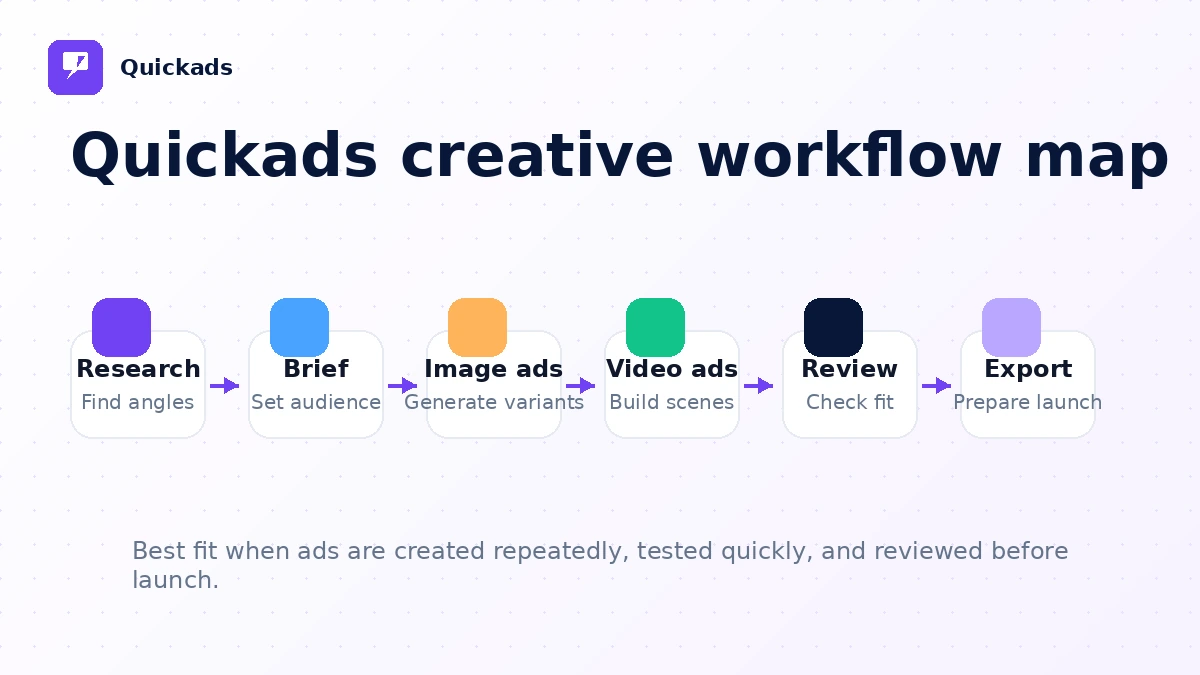
The strongest workflow is simple: research, generate, review, revise, export, test. The weakest workflow is emotional: see a shiny demo, start a trial, generate a few random assets, and then wonder why the subscription feels expensive.
Workflow check: Run one real campaign brief through Quickads before judging the paid plan.
Real-world buyer scenarios
A D2C brand fighting creative fatigue
A D2C brand running Meta or TikTok ads may need new variations often. Quickads can help when the team needs fresh angles, image ads, product visuals, and short video concepts without waiting days for every design iteration.
Where it may fail is quality control. If the brand has strict visual rules, legal claims, product disclaimers, or a premium aesthetic, AI-generated creative still needs review before launch. The buyer should test a real product campaign, not a toy example.
A small agency producing first drafts for clients
An agency can use Quickads to speed up early creative exploration. This is useful when the agency needs multiple hooks, formats, and rough creative directions before a client review call.
The risk is client expectation. If the output looks too generic or inconsistent, the agency still needs design polish. I would verify users, brand kits, export limits, and whether the plan supports the number of clients the agency handles.
A performance marketer researching competitors
Quickads can be useful when a marketer wants to move from ad inspiration into production. Studying patterns first is often smarter than prompting from a blank page.
The caution is copying the surface of winning ads without understanding why they work. A good marketer should use the inspiration layer as a starting point, not as permission to imitate blindly.
A founder without a design team
A founder or solo operator may use Quickads to create campaign-ready drafts faster than hiring a designer for every variation. That can be valuable in early-stage testing.
But the founder should be honest about volume. If the business is not actively testing ads, a subscription may become another unused tool. In that case, a one-off freelancer or a simpler template workflow may be cheaper.
Key features that actually matter
Ad inspiration and creative research
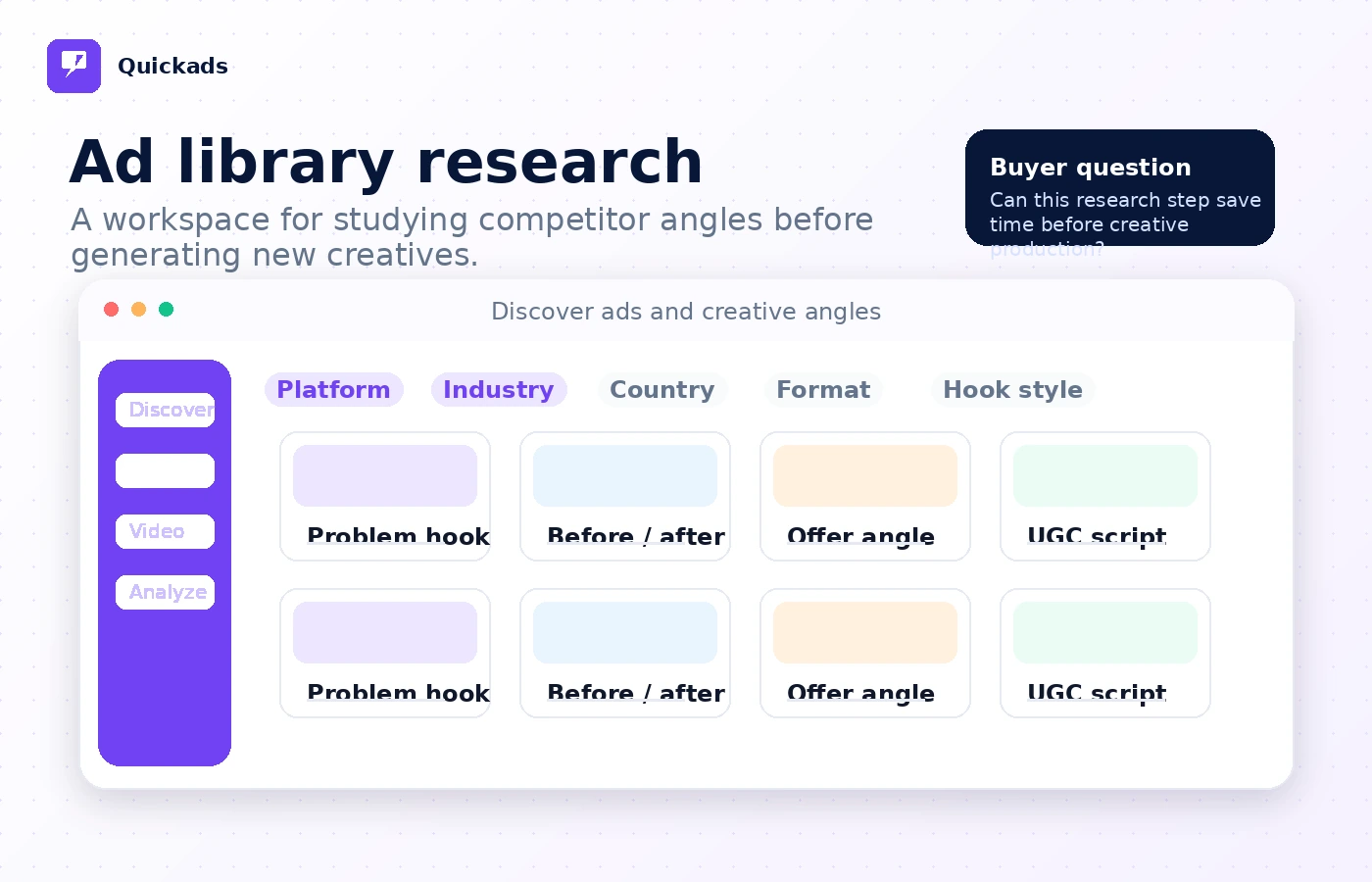
The ad inspiration layer is one of the more important reasons to evaluate Quickads. A blank prompt is often a weak starting point for performance creative. Seeing patterns from existing ad examples can help a marketer think through hooks, formats, offers, and product framing.
Buyer note: this feature matters most when you use it to form a hypothesis. It is less valuable if you only browse examples and then generate similar-looking ads without a clear testing plan.
AI image ads and product creative
Quickads supports image ad creation and product-style visuals, which can be useful for ecommerce and D2C teams. The practical value is speed: create more variations, test more angles, and avoid waiting for every early draft.
Buyer note: inspect brand fit carefully. AI product visuals can look impressive at first glance, but small inaccuracies, awkward product presentation, or off-brand styling can reduce trust.
Video ads and short-form creative
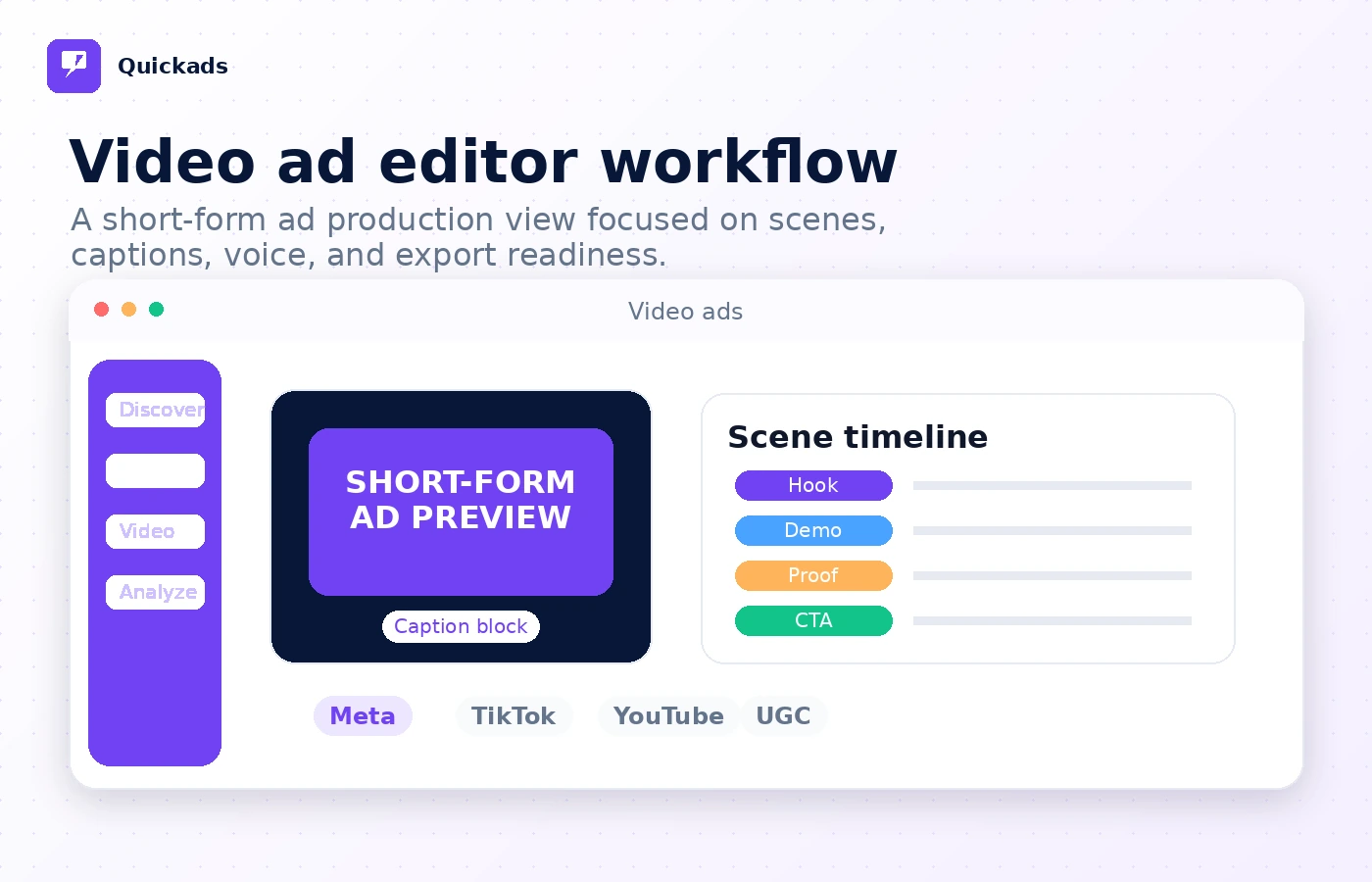
Video is one of the bigger reasons Quickads may justify attention. Short-form creative is expensive to produce manually, and many paid social workflows need frequent testing.
Buyer note: check control, pacing, export quality, and whether the video output fits your platform. A video generator that produces interesting drafts but poor final assets may still require a separate editor.
Brand kits and collaboration
Brand kits and team support matter when Quickads moves beyond solo experimentation. Agencies and small teams need repeatability. They need logos, guidelines, user access, and a cleaner way to maintain consistency across multiple creative batches.
Buyer note: plan limits matter here. Do not assume collaboration is unlimited. Check the current number of users, brand kits, and export limits before selecting a plan.
Service-led creative and campaign options
Quickads also presents service-led options around creative strategy, creative production, and campaign execution. This can be useful for buyers who want more than software.
Buyer note: this is also where pricing confusion can happen. Software access and done-for-you services are different purchases. Before paying, confirm exactly what is included, what remains your responsibility, and whether the plan is subscription software, creative production, campaign management, or a bundle.
Pricing and plan value
Quickads pricing is not difficult because the numbers are impossible to find. It is difficult because the buyer has to separate several buying paths.
At the time of this review, the public pricing page shows a Discover plan at $0/month and an All-Access plan at $99/month. It also presents a $1 trial route for new users. The broader site also shows service-led packages and add-ons, which means buyers should not treat every price on the site as the same kind of purchase.
The free Discover path is useful for early evaluation. It can help you inspect the research value and test whether the product makes sense. I would not treat it as proof that the paid plan is worth it. A free path tells you whether the interface and basic workflow are worth exploring. It does not prove that the paid plan will produce enough usable creative to justify the monthly cost.
The All-Access plan is more relevant if your team actually produces image and video ads regularly. This is where I would check downloads, users, brand kits, video minutes, quality, support, and whether generation limits match the expected campaign cadence.
The $1 trial can be helpful, but it needs discipline. Trial pricing is useful only if the buyer understands renewal timing. I would create a calendar reminder before starting it, then test quickly with a real brief instead of casually exploring.
Annual billing is a later decision. I would not move annual until Quickads has proven repeated value across at least a few real campaigns. The cheapest annual math is not automatically the best deal if the team does not keep using the platform.
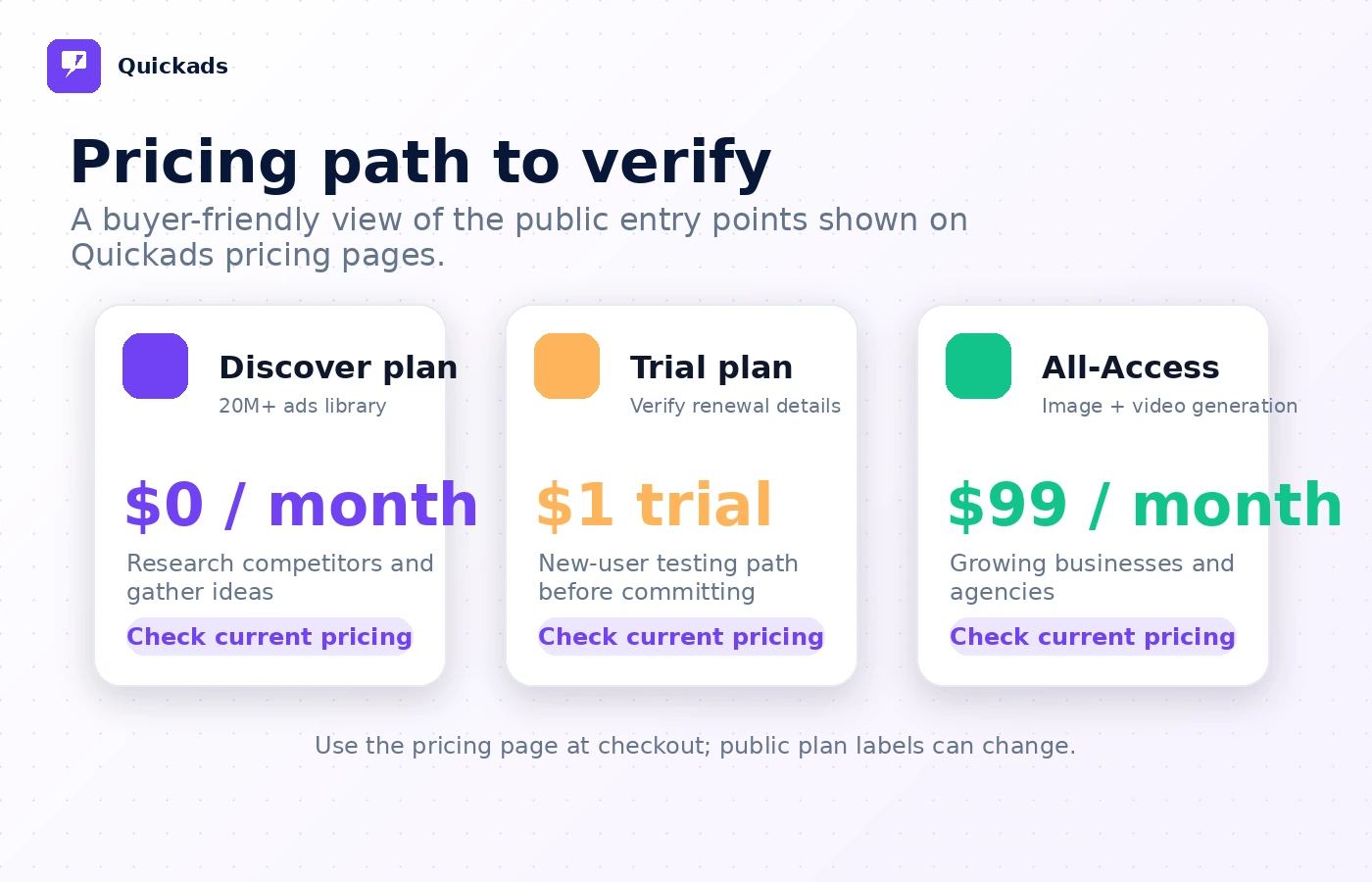
Pricing check: Use the current pricing page and store guide to separate software access from service-led packages before paying.
Check Quickads pricing Check current offers Read store guide
Free plan, trial, coupon, and checkout notes
The safest order is workflow first, price second, coupon last.
Quickads has enough entry routes that most buyers do not need to jump straight into a paid commitment. Start with the free Discover path if your main interest is research and early evaluation. Use the trial only when you have a real campaign brief ready. The worst way to use a trial is to sign up, browse casually, forget the renewal date, and then judge the product through billing frustration.
The coupon path should be treated as secondary. If there are active offers on the Quickads coupon page, they may improve the purchase. They do not decide whether Quickads fits. A discount does not fix weak creative quality, low campaign volume, unclear service scope, or a plan that does not match your team.
The checkout page deserves careful attention. Verify the post-trial price, renewal timing, cancellation method, included users, creative limits, downloads, service deliverables, and whether any add-ons are required. If you are considering a service package, ask what is done for you and what still depends on your team.
Refund expectations should also stay conservative. Quickads terms do not read like a simple guaranteed refund window. Treat refund protection as limited, and check the current terms before annual billing or a larger service commitment.
What I would check before buying Quickads
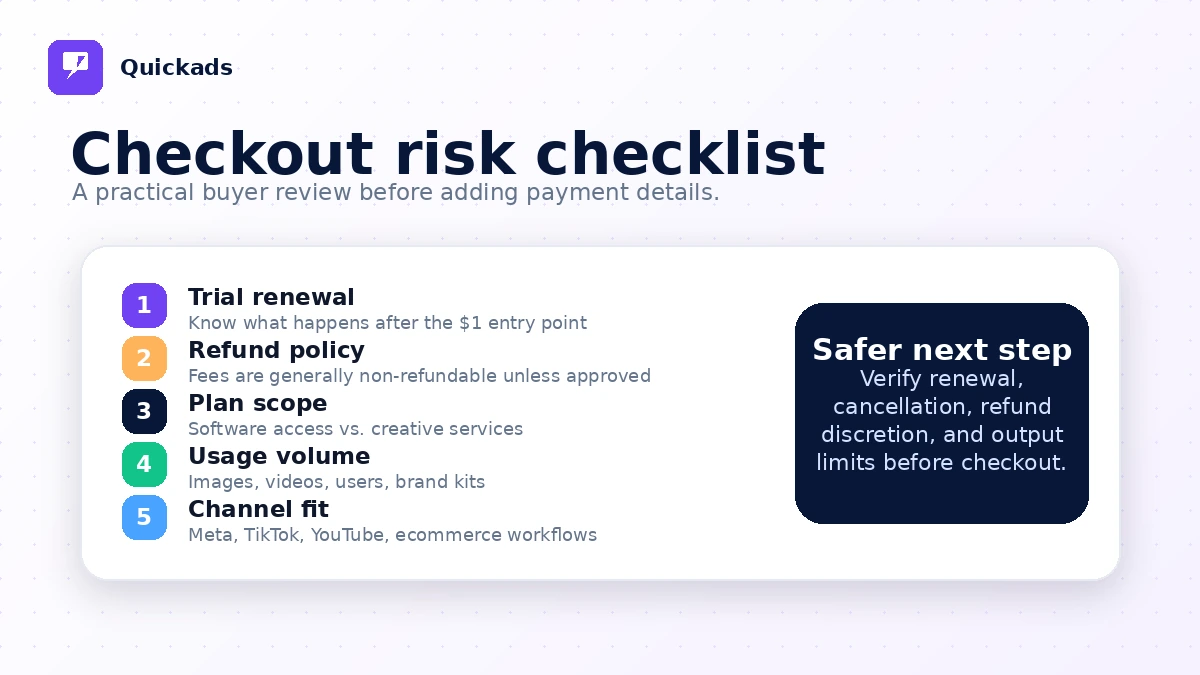
If I were buying Quickads for a real ad workflow, I would check seven things before paying.
- Actual creative volume — How many image ads, video ads, UGC-style assets, or product visuals do you need each month?
- Trial timing — When does the trial renew, what does it renew into, and how exactly do you cancel if the test fails?
- Plan limits — Check users, brand kits, downloads, video minutes, exports, credits, and any service-package boundaries.
- Output quality — Test with a real product and real campaign brief, not a generic sample prompt.
- Service versus software — Confirm whether you are buying platform access, creative production help, campaign management, or add-ons.
- Refund wording — Read the current terms before assuming unused time or poor fit will lead to a refund.
- Alternative fit — Compare direct creative tools if you need ad generation, and compare automation or funnel tools if your actual problem sits after the creative stage.
A simple test before paying
Before paying for Quickads, I would run a small test like this.
- Choose one real product or offer you already plan to advertise.
- Gather three existing competitor examples or campaign angles you want to learn from.
- Use Quickads to create several image and video creative directions from the same brief.
- Review the outputs for brand accuracy, claim safety, readability, and platform fit.
- Compare the generated assets against what a designer, template workflow, or existing creative process would produce.
- Check how many exports, edits, and revisions the test consumed.
- Decide whether the time saved is worth the paid plan after trial renewal.
That test is more useful than asking whether Quickads is “good.” A tool like this is good only if it produces usable assets inside your real process.
The easy mistake is buying because the demo looks fast. The better test is whether the tool helps you create better creative decisions faster.
Pros explained
The first real pro is workflow breadth. Quickads covers ad inspiration, image creative, video creative, product-style visuals, and service-led creative options. That is useful for buyers who do not want to stitch together five separate tools for early campaign production.
The second pro is the free and trial entry path. A free Discover plan and low-cost trial make it easier to test the platform before committing. That said, the trial is only a pro if the buyer tracks renewal timing and tests quickly.
The third pro is speed. If Quickads helps a team move from campaign idea to multiple creative variants in a short session, that can matter. Paid advertising often needs creative velocity, and slow production can limit testing.
The fourth pro is its fit for lean teams. A small ecommerce operator, founder, or agency may not have a full creative department. Quickads can provide a first-draft engine that helps them reach the review stage faster.
The fifth pro is its multi-format direction. Static ads, video concepts, product visuals, and social creative workflows can support a broader campaign process than a simple image generator. The limitation is that more formats also mean more things to verify before paying.
Cons explained
The biggest con is pricing and scope confusion. Quickads presents software access and service-led options close together. That can be useful, but it can also make the buying decision less clean. A buyer should know exactly what is included before checkout.
The second con is trial sensitivity. A low trial cost feels safe, but automatic renewal changes the decision. If you start the trial without a test plan, you may not learn enough before the renewal date.
The third con is refund uncertainty. The public terms describe non-refundable fees with discretionary refund handling for unused subscription portions. That is not the same as a simple, guaranteed safety net.
The fourth con is category fit. Quickads is not an automation platform, CRM, funnel builder, or full ad-buying operating system. Buyers who need those functions may feel underwhelmed if they expect Quickads to solve the whole marketing process.
The fifth con is output judgment. AI-generated creative still needs human review. If your team lacks someone who can judge hooks, claims, product accuracy, platform fit, and brand voice, Quickads may speed up production without improving final ad quality.
Green flags and red flags
Green flags are clear here.
If you already run paid ads, need frequent creative variants, and struggle to produce enough testable assets, Quickads deserves a closer look. If you can connect competitor research to original creative ideas, the ad inspiration layer can be useful. If your team can judge output quality before launch, the platform can help compress production time.
Another green flag is a real testing calendar. Quickads makes more sense when you know how many creative assets you need per week or month. Clear volume makes plan choice easier.
The red flags are also clear.
Slow down if you are buying only because the trial is cheap. Slow down if you cannot tell whether you need the software plan or a service package. Slow down if refund protection is a major part of your decision. Slow down if your real problem is landing pages, CRM automation, or campaign reporting rather than creative production.
The biggest red flag is treating AI creative as finished creative. A polished visual is not automatically a good ad. It still needs audience judgment, offer clarity, compliance review, and performance testing.
Quickads vs alternatives
Direct alternatives depend on what you are really trying to replace.
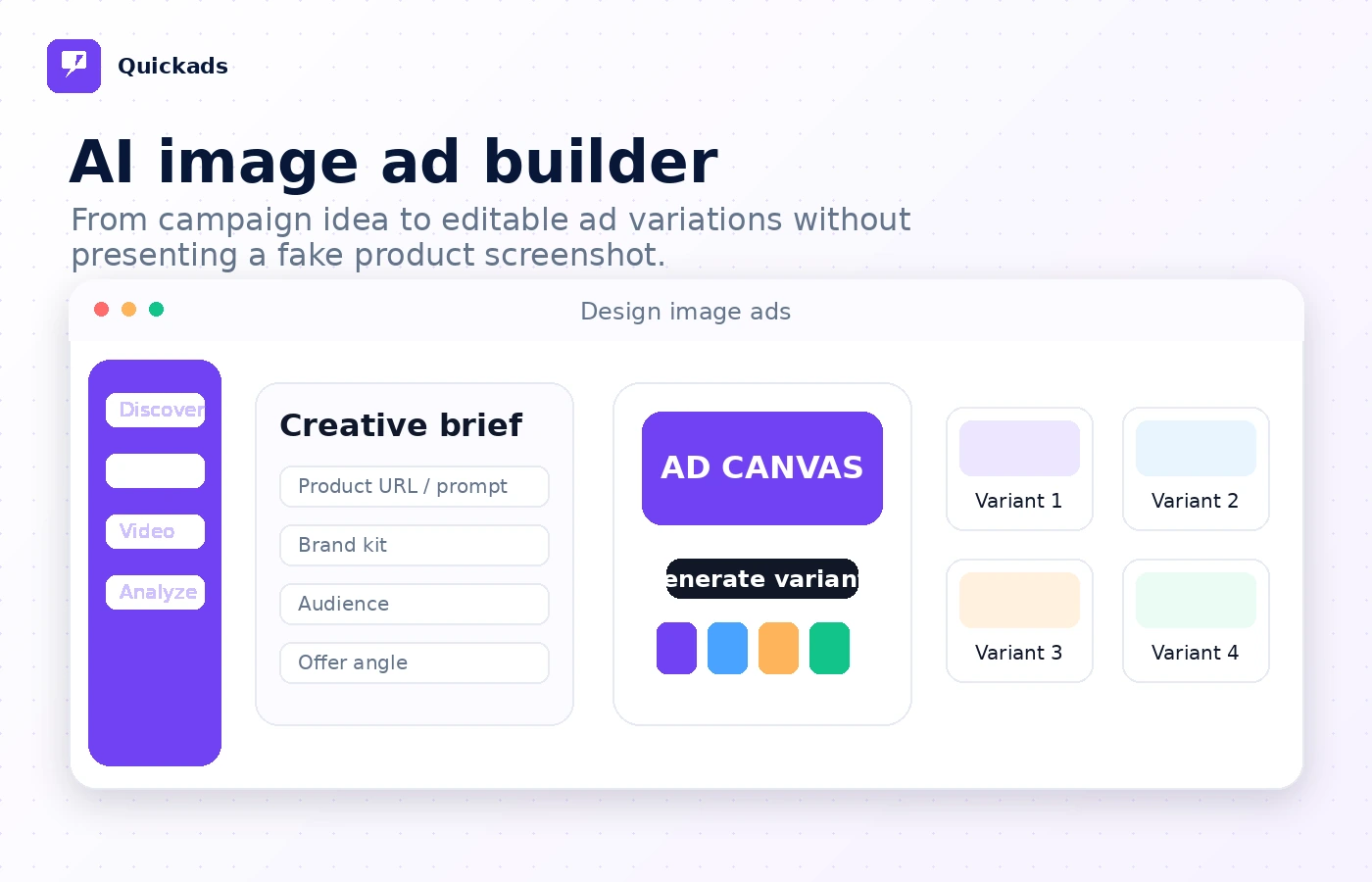
AdCreative.ai vs Quickads
AdCreative.ai is a more direct comparison if your main need is AI-generated ad creatives and performance-oriented creative variants. It may be the stronger comparison for buyers who want a focused ad creative engine.
Quickads may still make sense if you like the broader mix of ad inspiration, image ads, video ads, product visuals, and service-led options. The tradeoff is that Quickads requires more careful plan reading because the buying paths are not all the same.
Creatify vs Quickads
Creatify is closer when the buyer mainly needs AI video ads from product links or product information. It can be a more direct fit for short-form video-first workflows.
Quickads may be stronger if your workflow starts with ad research and includes both static and video assets. The decision depends on whether video is the main job or one part of a broader creative process.
Pencil vs Quickads
Pencil is another useful comparison for teams focused on AI ad generation and creative testing. It may appeal to teams that want a structured creative experimentation workflow.
Quickads may feel more accessible to smaller teams that want ad inspiration, creative drafts, product visuals, and lower-friction testing. The buyer should compare output quality and plan limits rather than feature lists alone.
Foreplay vs Quickads
Foreplay is more of an ad inspiration, swipe file, and creative research route. It is not the same as a generation-first platform.
If your main bottleneck is researching and organizing ad ideas, Foreplay may be the better fit. If your bottleneck is turning ideas into new image or video assets, Quickads is closer to the production step.
ActiveCampaign and ClickFunnels as adjacent routes
ActiveCampaign is not a direct Quickads replacement. It becomes relevant when the buyer’s real problem is email marketing, CRM automation, segmentation, and lifecycle follow-up.
ClickFunnels is also adjacent, not direct. It matters when the buyer needs landing pages, checkout flow, and funnel infrastructure. Quickads can help create ads that send traffic somewhere. It does not replace the funnel itself.
Trust, refund, and buyer-risk notes
Quickads is a product where the risk is less about whether AI can make an ad and more about whether the buying path matches the buyer’s real need.
Pricing should be verified live. The public pricing page shows a free Discover route, a low-cost trial path, an All-Access plan, and service-led options. That mix can be useful, but it makes checkout reading important.
Trial renewal should be treated seriously. The terms describe a possible 5-day $1 trial and automatic renewal unless canceled before the trial ends. That does not mean buyers should avoid the trial. It means they should start it only when they have time to test.
Refund expectations should stay conservative. The terms say fees are generally non-refundable, with discretionary handling for unused subscription portions. If refund protection is important to you, check the current terms before paying.
Privacy and connected-account data also deserve a quick review. The privacy policy describes account, usage, payment-processing, analytics, marketing, AI-based processing, and connected Facebook Ad Account data in certain workflows. For many marketers, that may be expected. For sensitive brands, agencies, or regulated clients, it is still worth checking before connecting accounts.
Support expectations should be realistic. Public third-party feedback is mixed. Some marketplace-style feedback points to useful ad discovery and generation, while small-sample review channels include complaints about billing and refunds. I would not overreact to any single source, but I would use the pattern as a reason to test monthly before annual billing.
The safest buyer behavior is boring but effective: verify the current plan, run one real campaign test, read renewal and refund terms, and only then decide whether the paid path fits.
Final verdict
I would consider Quickads if your team has a repeated ad creative workflow and needs faster movement from research to testable assets.
That is the cleanest fit. Ecommerce brands, D2C operators, performance marketers, and small agencies can benefit when they need more image ads, video concepts, product visuals, and creative variants than their current process can produce comfortably.
I would skip Quickads if you only need one design, if you do not run enough campaigns to justify the subscription, or if your main problem is marketing automation, landing pages, CRM, or funnel execution. In those cases, a different tool category will probably serve you better.
I would compare Quickads with direct ad creative platforms if your core question is creative output. I would compare it with ActiveCampaign or ClickFunnels only if the real buyer problem is downstream marketing infrastructure.
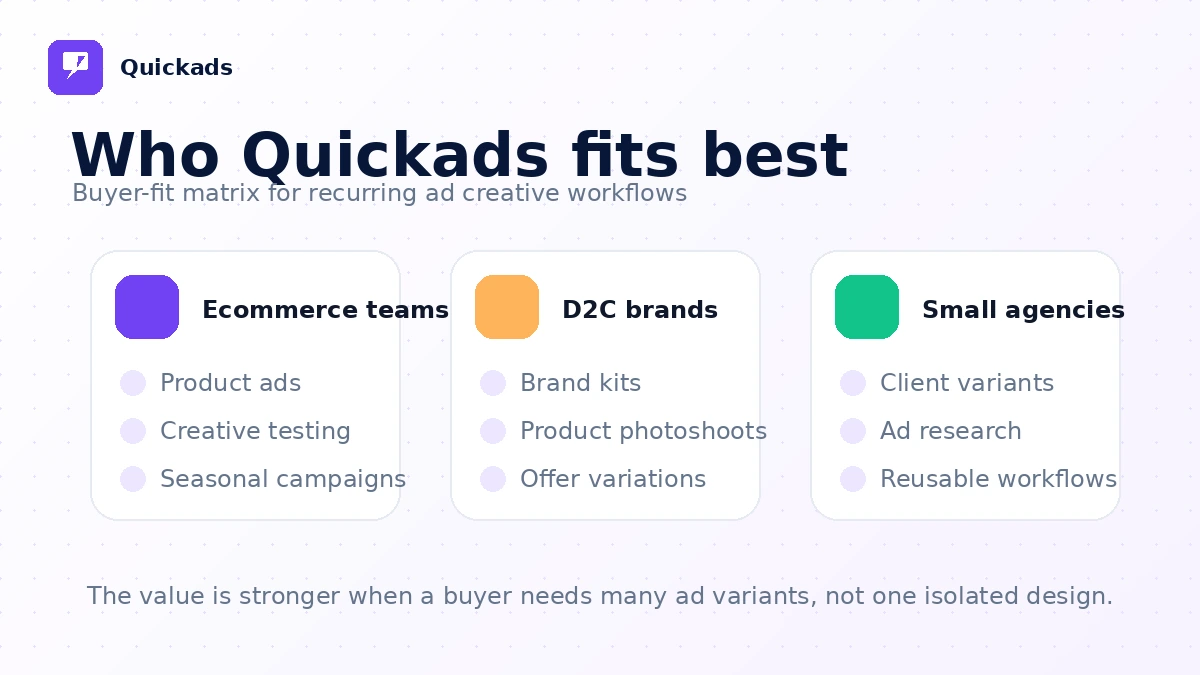
The safest next step is not to buy because the demo looks fast. Start with one real campaign brief, check the current pricing and trial terms, and judge Quickads by the quality of the assets it helps you produce. If it saves time inside a workflow you already repeat, it can make sense. If it creates another subscription without changing your creative output, the smarter move is to wait.
