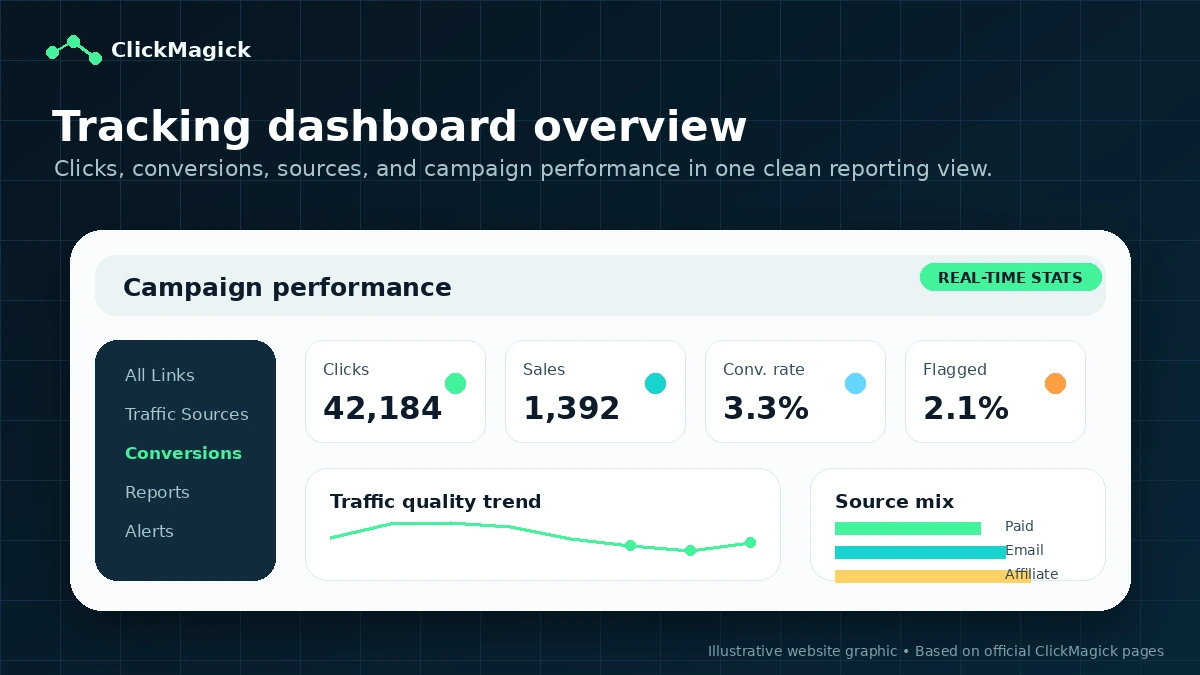
Quick verdict
ClickMagick is worth considering if tracking is already a real bottleneck in your marketing workflow.
That is the key condition.
If you are running paid ads, affiliate campaigns, sales funnels, email promotions, influencer traffic, or multiple traffic sources and you cannot clearly see which clicks turn into leads or sales, ClickMagick can become useful very quickly. It is built for first-party click tracking, conversion attribution, funnel reports, bot and click-fraud filtering, ad platform feedback, and campaign-level decision-making.
But I would not judge ClickMagick like a normal marketing app.
A funnel builder can be useful before you have traffic. An email tool can be useful before you have many subscribers. A tracking platform is different. It only proves its value when there is something meaningful to track. If you have no live campaign, no offer, no conversion event, and no plan to review reports weekly, ClickMagick may feel expensive and technical before it feels helpful.
The good news is that the buying path is fairly testable. ClickMagick has a 14-day trial, visible Starter/Standard/Pro pricing, and a published 30-day refund policy for new core subscription customers. The risk is that the cheapest plan is not automatically the right plan. Tracked visitors, sites, ad accounts, team access, data retention, onboarding, support, annual billing, add-on terms, and cancellation timing all matter.
For my money, ClickMagick makes the most sense for marketers who already know that bad attribution is costing them money. If you are still building the funnel itself, compare a funnel platform first. If you already have traffic and the data is messy, ClickMagick deserves a proper test.
Next step: If tracking accuracy is already affecting campaign decisions, use the trial as an implementation test rather than a quick dashboard tour.
Review snapshot
| Review point | Practical take |
|---|---|
| Best for | Performance marketers, affiliate marketers, funnel owners, media buyers, and agencies with active campaigns |
| Not ideal for | Beginners with no traffic, buyers who only need GA4/UTM basics, or teams unwilling to test tracking setup |
| Main use case | Tracking clicks, conversions, funnel steps, traffic sources, and attribution across campaigns |
| Starting price | Public pricing currently starts with Starter at $79/month or $790/year |
| Trial path | 14-day free trial before paid billing |
| Main strength | First-party tracking and attribution depth for marketers who need better campaign data |
| Main concern | Value depends heavily on setup quality, traffic volume, plan limits, and repeated report review |
| Direct alternative | Voluum for another dedicated performance tracking platform |
| Adjacent routes | ActiveCampaign for automation; ClickFunnels when funnel infrastructure is the real gap |
| Best next step | Test one active campaign during the trial before monthly, annual, or higher-tier commitment |
What is ClickMagick?
ClickMagick is an ad tracking and conversion attribution platform for marketers who need clearer campaign data than native ad platforms, simple link shorteners, or basic analytics dashboards usually provide.
In plain language, it helps you see which traffic sources, links, campaigns, funnel steps, ads, emails, influencers, or affiliate promotions are actually producing clicks, leads, sales, and downstream results. It also adds layers such as bot and click-fraud protection, first-party tracking, attribution reports, smart links, split testing, ad cost sync, mobile access, API/Zapier support, and automated performance insights.
That makes it different from a funnel builder.
ClickMagick does not replace the sales page, checkout, offer, email sequence, or ad creative. It sits around those assets and tries to answer a narrower question: what is really working, what is wasting spend, and what should you scale, fix, or pause?
Our review approach compares public product pages, pricing details, refund and billing terms, implementation requirements, buyer workflow fit, and nearby alternatives. I would not treat a trial, refund window, or annual saving as proof that the product fits. With tracking tools, fit only becomes clear after you install tracking on a real campaign and see whether the data changes your next marketing move.
The common misunderstanding is thinking ClickMagick is only a link tracker. It can be used that way, but the current product positioning is broader: attribution, funnel intelligence, cleaner ad platform signals, bot filtering, and performance insight. That is more valuable for serious marketers, but it also means casual users may be paying for depth they do not yet need.
Who should use ClickMagick?
ClickMagick is strongest for buyers who already feel the pain of unclear attribution.
Affiliate marketers are one clear fit. If you promote offers across email, paid ads, organic content, YouTube descriptions, social links, or solo traffic, the basic question is simple: which source produced the action that matters? ClickMagick can help when link-level reporting and conversion tracking affect what you promote next.
Paid media buyers are another strong fit. Native ad dashboards can be incomplete or distorted, especially when privacy changes, attribution windows, cross-device behavior, and funnel steps make performance look cleaner or messier than it really is. ClickMagick is useful when you need a second tracking layer before deciding whether to scale, pause, or fix a campaign.
Funnel owners can also benefit. If your funnel has opt-ins, webinar registrations, checkout pages, upsells, phone calls, offline conversions, or multiple traffic sources, a dedicated tracking system can show more than a top-level ad platform result. The condition is that you are willing to install events carefully and read reports consistently.
Agencies and teams should look at ClickMagick when they manage multiple accounts or client campaigns. Higher plans can make more sense when team members, more ad accounts, longer data retention, onboarding, support, and higher traffic capacity matter.
Technical marketers may value ClickMagick for API, Zapier, webhook, and integration workflows. That is useful only if the buyer has a real stack to connect. API access by itself does not create attribution clarity; it only helps when your funnel, CRM, checkout, reporting, and ad platforms can receive the right events.
Who should avoid ClickMagick?
I would avoid ClickMagick if you do not have an active campaign yet.
That may sound obvious, but it is the easiest mistake with tracking software. A dashboard can make a beginner feel more serious, but it cannot create traffic, improve a weak offer, fix bad creative, or make an untested funnel convert. If there is nothing meaningful to measure, the trial will not tell you much.
Buyers who only need basic UTM reporting may also be better served by a simpler setup. If all you need is to see source and medium inside GA4, or you run one small campaign with one landing page and one conversion, ClickMagick may be more platform than you need right now.
Teams unwilling to test implementation should be careful too. Tracking software has moving parts: links, scripts, conversion pixels, UTMs, domains, funnel pages, checkout events, and sometimes offline or phone conversions. If those are installed poorly, even a good tracking tool can produce confusing reports.
I would also slow down if the only reason you are interested is a coupon or annual discount. A cheaper tracking bill is still wasted money if you will not use the reports to change budget decisions.
Finally, buyers with strict data retention or compliance requirements should read the current terms and privacy language carefully. The terms include data deletion language around cancellation, and any tool that processes visitor and conversion data deserves a real privacy review before team rollout.
How ClickMagick fits into a real workflow
A useful ClickMagick workflow starts before you log in.
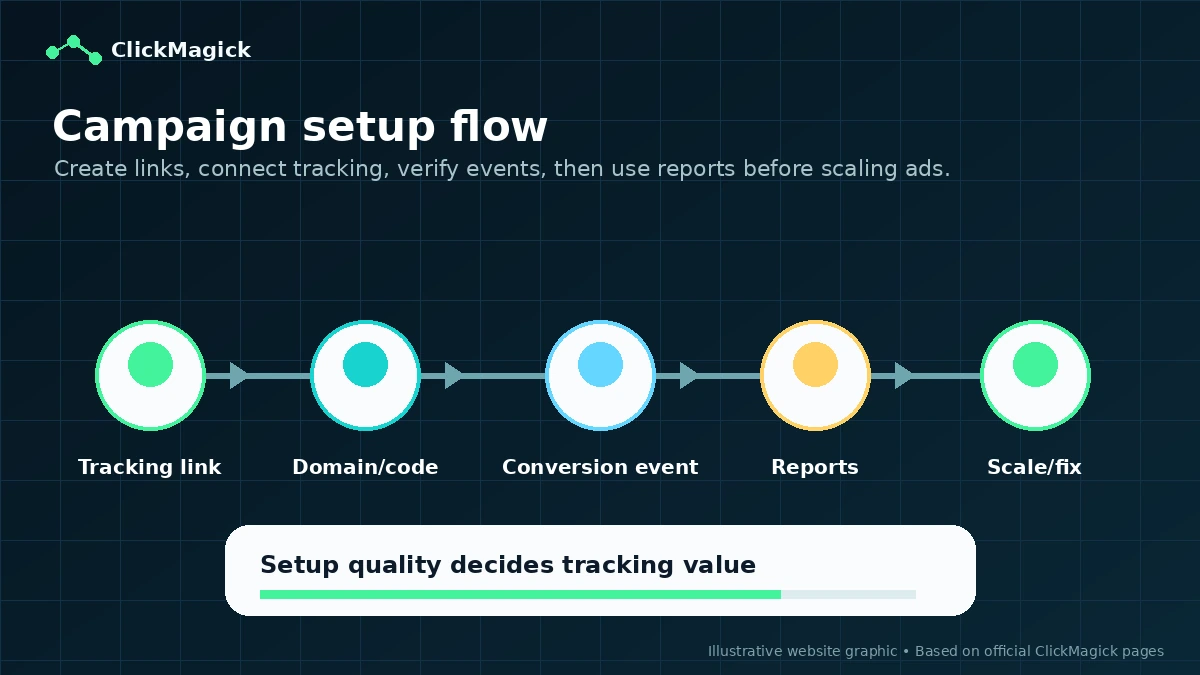
First, choose one campaign or funnel that already has enough activity to expose a tracking problem. Then define the conversion events that matter: lead, sale, webinar registration, checkout, upsell, phone call, offline sale, or another action tied to revenue. After that, install the tracking domain or code, create campaign links, apply UTMs cleanly, fire test clicks, trigger test conversions, and compare early reports against your ad platform or checkout data.
Only then does ClickMagick become a decision tool.
The weekly workflow is where value shows up. You review which source brought the highest-value traffic, which funnel step leaked leads, which ad account needs cleaner conversion feedback, which campaign is attracting suspicious clicks, and which pages or offers deserve more testing. If the data helps you pause losers, scale winners, or fix a broken conversion path, the product is earning its place.
If you only open the dashboard once and never change anything, ClickMagick becomes an expensive reporting layer.
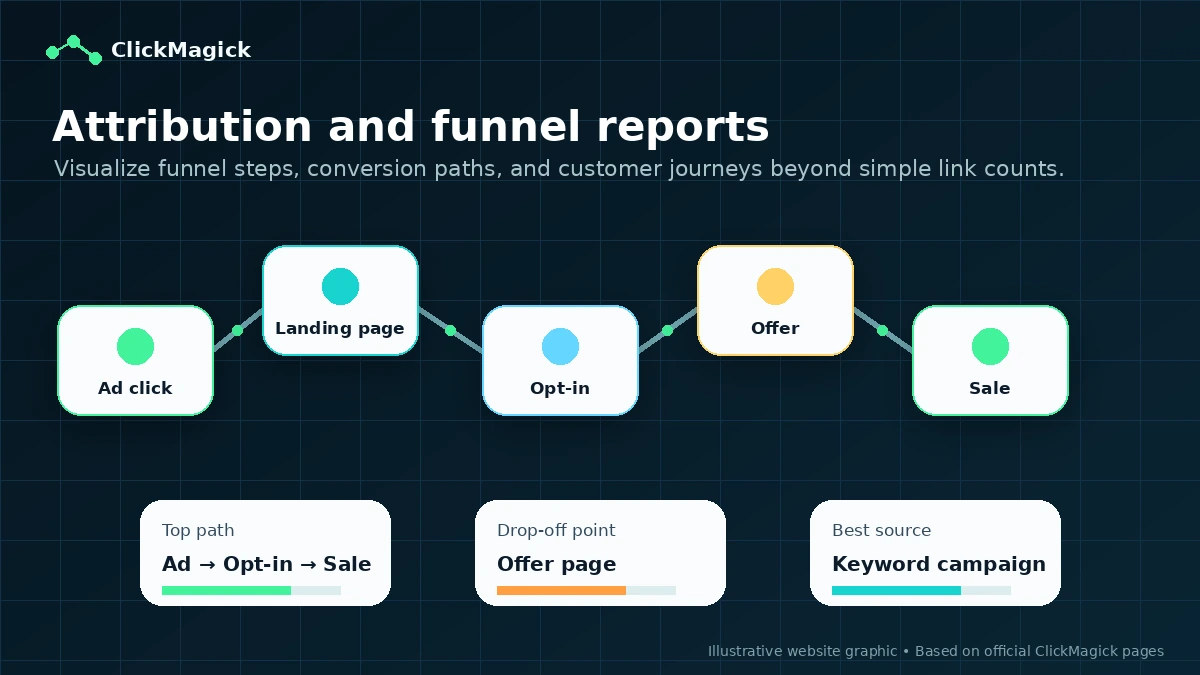
Workflow test: If ClickMagick looks useful, test it with one live campaign, one conversion event, and one clear decision you need the data to answer.
Real-world buyer scenarios
A solo affiliate marketer with several traffic sources is a realistic buyer. The question is not whether every feature will be used. The question is whether source-level tracking and conversion reporting help them decide which offer, traffic source, or landing page deserves more budget. ClickMagick can fit if the affiliate already has traffic and a recurring testing rhythm.
A paid media buyer running Meta or Google campaigns has a different problem. Native dashboards can disagree with checkout data, attribution windows can distort results, and top-of-funnel metrics can hide funnel quality. ClickMagick may help if the buyer wants first-party tracking and cleaner conversion feedback. It may fail if the buyer expects the tool to fix creative, audience, or offer problems by itself.
A funnel owner selling a course, webinar, coaching program, or ecommerce product may need to connect opt-ins, sales, upsells, and offline conversions. In that case, ClickMagick is more interesting because attribution affects the whole revenue path. The buyer should verify setup requirements, supported platforms, and whether the plan includes enough traffic, sites, and reporting depth.
An agency has the clearest reason to compare higher plans. Multiple clients, ad accounts, team members, reports, support expectations, and onboarding needs can make Starter too narrow. But agencies should also be the most careful about client data, cancellation, annual billing, and whether ClickMagick reporting fits existing dashboards.
Key features that actually matter
First-party tracking and attribution
ClickMagick’s core value is tracking clicks and conversions in a way that gives marketers more control than relying only on ad platform reporting. For buyers affected by privacy changes, cross-device journeys, funnel complexity, or inconsistent ad data, this is the main reason to care.
Buyer note: this matters only when you have enough traffic and conversion volume to make attribution decisions useful.
Funnel and campaign reporting
The reports are meant to help you see what is happening across traffic sources, campaign links, funnel steps, conversions, and downstream outcomes. That is more valuable than simple click counting because most marketing mistakes happen after the first click.
Buyer note: reports are useful when someone reviews them on a schedule and changes campaigns based on what they show.
Bot and click-fraud protection
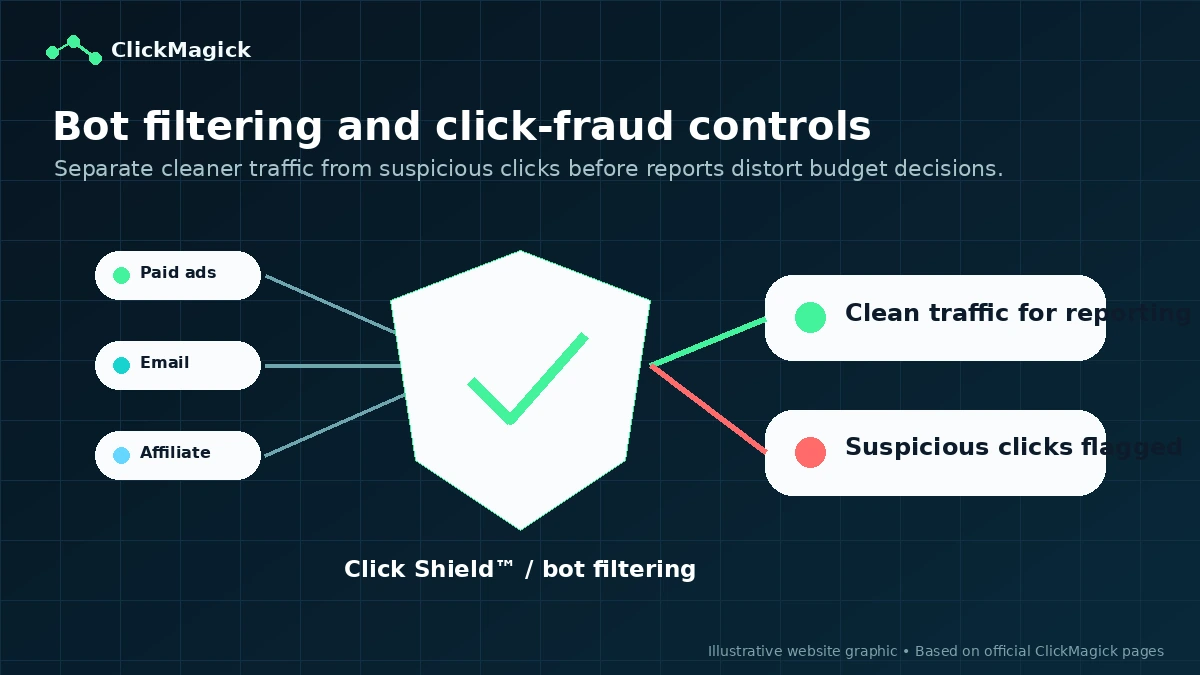
Bot filtering and click-fraud controls matter when paid traffic is part of the budget. Bad clicks can distort reporting, waste spend, and send poor signals back to ad platforms.
Buyer note: verify which protection level is included in the plan you choose, because anti-fraud depth can matter more for serious spenders than for casual tracking.
API, Zapier, webhooks, and integrations
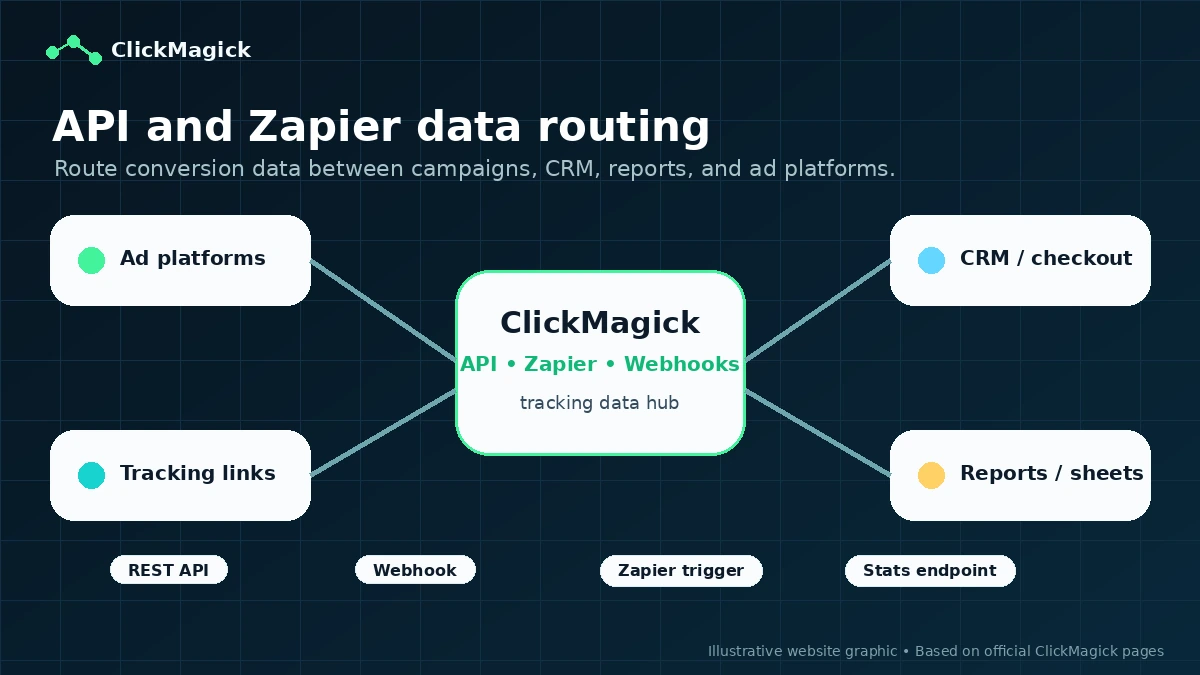
ClickMagick is not just a standalone dashboard. API, Zapier, and webhook paths make it more useful for teams that need to route data into CRMs, spreadsheets, reporting tools, ad platforms, or internal workflows.
Buyer note: do not buy for API access unless you know where the data will go and who will maintain the setup.
ClickMagick Insights and support layers
ClickMagick currently promotes automated insights that review ad performance and suggest what to scale, fix, or pause. Higher plans also differ by support, onboarding, team access, and capacity.
Buyer note: AI-style insight features should support your judgment, not replace campaign analysis. Also check whether any AI-powered add-on terms differ from the core subscription terms.
Pricing and plan value
At the time of review, ClickMagick’s public pricing page shows three main plans: Starter at $79/month or $790/year, Standard at $199/month or $1,990/year, and Pro at $349/month or $3,490/year. The pricing page also presents yearly billing as two months free.
The real question is not which plan is cheapest.
Starter is the cleanest first test if you have a smaller campaign and can live within the listed limits: 10,000 tracked visitors, one user, one website or ecommerce store, one ad account per platform, six months of data retention, basic online support, basic bot filtering, API and Zapier access, and mobile app access.
Standard is where ClickMagick starts to look more realistic for serious performance work. It adds much higher tracked visitor capacity, additional team members, more ad accounts, longer data retention, stronger support, one-on-one onboarding, bot and click-fraud protection, advanced attribution models, phone or offline sales tracking, and unlimited affiliate campaigns.
Pro is mainly for high-volume teams and agencies. It expands tracked visitors significantly and supports unlimited team members and unlimited ad accounts.
The buying mistake is choosing Starter because it is the lowest price, then discovering that your real need is traffic capacity, team access, onboarding, attribution depth, or more ad accounts. The opposite mistake is choosing Pro because it sounds serious when your current funnel cannot even prove the need for Starter.
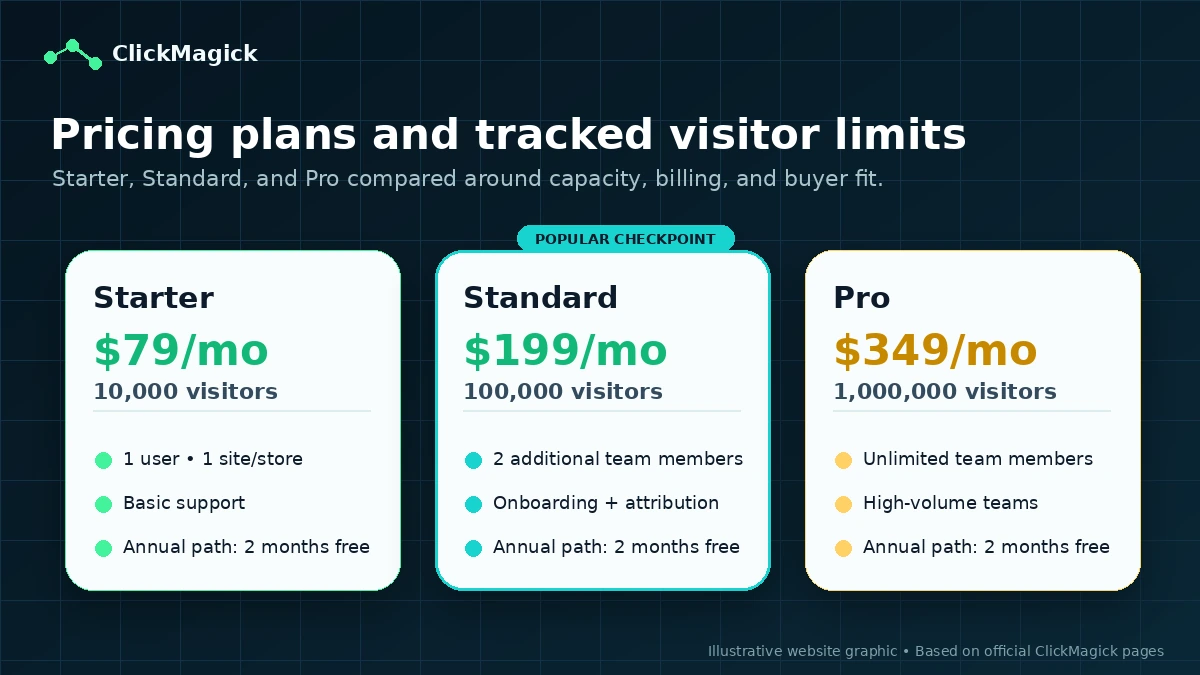
Pricing check: Before paying, compare the live plan limits against your expected traffic, team setup, sites, ad accounts, support needs, and annual billing comfort level.
Free plan, trial, coupon, and checkout notes
No permanent free plan was verified from the public pricing path. ClickMagick’s safer evaluation route is the 14-day free trial.
I would use that trial seriously.
A tracking trial should not be a casual look around the interface. It should answer a concrete question: can ClickMagick track the events that matter in one real campaign, and does the resulting report change what you would do next?
The current refund policy also lowers first-purchase risk for new customers on the core tracking subscription, but it is not a reason to be careless. The terms include important language around annual plans, service-level limits, cancellation timing, AI-powered add-ons, and data deletion after cancellation. Buyers should read those terms before moving from trial to annual billing.
For coupons, I would treat the coupon page as a final check, not the first decision. A checkout code or active offer can make a suitable plan cheaper. It cannot make a tracking platform useful for a buyer with no traffic, no campaign, or no tracking discipline.
Offer path: Use the coupon route only after ClickMagick already fits your campaign workflow and you have checked the current checkout terms.
What I would check before buying ClickMagick
If I were buying ClickMagick for a real campaign stack, I would check these items before paying:
- Whether my monthly tracked visitor volume fits the plan I am considering.
- Whether I need one user, a few team members, or unlimited team access.
- Whether one site or ecommerce store is enough, or whether additional site/store fees matter.
- Whether my ad account count fits the plan, especially if I manage campaigns across multiple platforms or clients.
- Whether I need basic bot filtering or stronger bot and click-fraud protection.
- Whether I can install tracking, test conversion events, and maintain UTMs correctly.
- Whether annual billing still makes sense after reading refund, cancellation, add-on, and data deletion terms.
The first thing I would not do is jump straight to annual billing because it shows two months free. Annual savings are useful only after the tool proves repeated value.
A simple test before paying
Before paying, I would run a small test like this:
- Pick one active campaign or funnel with enough traffic to reveal a useful signal.
- Define one or two conversion events that actually matter, such as lead, sale, booking, or checkout completion.
- Install the required tracking and create clean campaign links or UTMs.
- Fire test clicks and conversions before sending more paid traffic.
- Compare ClickMagick reports with native ad platform, checkout, and analytics data.
- Make one real decision from the report: pause, scale, fix tracking, change budget, or adjust a funnel step.
- Only then decide whether monthly, annual, Starter, Standard, or Pro makes sense.
This test is not glamorous. That is the point. Tracking software earns trust by surviving boring implementation details.
Pros explained
The first major pro is that ClickMagick solves a real performance-marketing problem. Many tools promise growth. ClickMagick is more specific: it helps marketers see where traffic and conversions actually come from. That is valuable when spend is high enough for attribution mistakes to hurt.
The second pro is plan clarity. Pricing is not cheap, but the public pricing page makes a lot of the decision visible: tracked visitors, team members, sites, ad accounts, data retention, support level, onboarding, attribution depth, and annual billing. You still need to verify live terms, but this is not a mystery-pricing product.
The third pro is technical depth. API, Zapier, webhooks, mobile app access, ad platform feedback, and tracking-domain workflows make ClickMagick stronger than a basic link tracker for buyers with a real stack.
The fourth pro is the trial/refund combination. A 14-day trial and a 30-day refund policy for new core subscription customers give careful buyers a reasonable evaluation window. That only helps if they actually install and test tracking during that window.
Cons explained
The first con is that ClickMagick can be too much tool too early. A beginner with no campaign may interpret the platform as a growth shortcut. It is not. It is measurement infrastructure.
The second con is plan pressure. Starter can be enough for a controlled test, but higher traffic, more users, additional sites, more ad accounts, deeper attribution, stronger fraud controls, onboarding, and support can push buyers toward Standard or Pro. That is not automatically bad, but it changes the value calculation.
The third con is implementation dependency. If UTMs are messy, conversion events are not tested, tracking code is missing, or checkout data does not line up, the reports may confuse more than they clarify.
The fourth con is billing and cancellation risk. Annual billing can save money, but the terms deserve a careful read. Buyers should also understand cancellation timing, service-level upgrade language, AI add-on refund language, and the possibility of data/report deletion after cancellation.
Green flags and red flags
Green flag: you already spend money on ads and cannot confidently tell which campaigns create sales or leads.
Green flag: your funnel has multiple steps, traffic sources, or conversion points where basic analytics feels too thin.
Green flag: you have someone responsible for checking tracking reports and making weekly campaign decisions.
Green flag: you need more than click counts, such as attribution models, bot filtering, ad platform feedback, offline or phone sales tracking, API/Zapier workflows, or team reporting.
Red flag: you want ClickMagick to fix an offer, landing page, or ad strategy problem without doing setup work.
Red flag: you are buying mainly because of a trial, refund window, or annual discount.
Red flag: you do not know your expected traffic volume, number of ad accounts, sites, users, or support needs.
Red flag: you are not comfortable reading billing, refund, annual plan, and data deletion terms before committing.
ClickMagick vs alternatives
ClickMagick is best compared against tools that solve the same tracking problem first. Only after that should you compare adjacent marketing platforms.
Voluum vs ClickMagick
Voluum is the most direct internal comparison if your buyer job is dedicated performance tracking and media-buying attribution. It may be a stronger comparison for affiliate media buyers who want to evaluate another established tracking platform.
ClickMagick may still make sense if its pricing, workflow, support style, or campaign setup feels better for your specific stack. I would compare both if tracking is the main bottleneck.
RedTrack vs ClickMagick
RedTrack is another direct tracking and attribution alternative, especially for advertisers who want to compare conversion tracking, automation, campaign reporting, and privacy-focused attribution. It is not listed as an internal route here, so I would treat it as an external comparison rather than a DealBestDaily internal path.
ClickMagick may be the cleaner first tab if you want a visible plan ladder, trial path, and a tracking workflow that fits affiliate campaigns, funnels, and smaller performance teams.
ActiveCampaign vs ClickMagick
ActiveCampaign is not a direct tracking replacement. It is an adjacent route for buyers whose real problem is email automation, CRM journeys, lead nurturing, and customer messaging.
If you cannot follow up with leads, ActiveCampaign may matter more than ClickMagick. If you already have follow-up and need cleaner attribution, ClickMagick is closer to the problem. You can review the ActiveCampaign store guide if automation is the bigger gap.
ClickFunnels vs ClickMagick
ClickFunnels is also adjacent, not a one-to-one alternative. It is a better first choice when the buyer still needs landing pages, checkout flow, course/funnel infrastructure, or sales-page building.
ClickMagick becomes more relevant after the funnel exists and attribution is the weak point. If funnel creation is the bottleneck, check the ClickFunnels free trial route or the ClickFunnels $99 deal route before adding tracking infrastructure.
Trust, refund, and buyer-risk notes
ClickMagick has more public trust signals than many small marketing tools: official pricing, a visible refund policy, public terms, API documentation, mobile app listings, and a long operating history in tracking and attribution.
That does not remove buyer risk.
The refund policy currently says new customers have a 30-day money-back guarantee on the core tracking subscription, and charges older than 30 days are not refundable. The terms also say core subscriptions are covered by that refund policy, but AI-powered add-ons are not covered in the same way. Annual plans follow the 30-day refund policy, but after the first 30 days annual plan fees are non-refundable.
There is also practical risk around service-level limits. The terms say accounts exceeding service-level limits may be upgraded to a level that accommodates usage. That makes traffic forecasting important before scaling campaigns.
Cancellation timing matters too. The terms say cancellation requests must be received at least 24 hours before renewal to avoid rolling into the next period. They also mention that customer data and reports may be deleted after cancellation.
From a buyer-protection point of view, I would do three things: start with the trial, stay monthly until the workflow is proven, and export or preserve any reports you need before cancellation decisions.
Public review signals are mostly positive on Trustpilot, but they are not perfectly clean. Some users praise support and tracking clarity, while recent negative reviews complain about usability, cost, billing, or support; ClickMagick has publicly replied to some recent negatives by claiming fake reviews. I would treat that as mixed public noise rather than a final verdict. The safer conclusion is simpler: test the product with your own campaign and read billing terms before committing.
Final verdict
ClickMagick is a serious tracking tool for buyers who already have something worth measuring.
I would consider it if you run paid ads, affiliate campaigns, funnels, or client campaigns and poor attribution is causing real budget uncertainty. In that situation, a dedicated tracking and attribution platform can be more than a reporting upgrade. It can become part of the decision system that tells you what to scale, pause, or fix.
I would skip it if you are still pre-traffic, still building your first funnel, or only need basic UTM reporting. The product will feel more expensive and complex when you do not yet have enough campaign activity to justify it.
I would compare it with Voluum or RedTrack if dedicated performance tracking is the main job. I would compare it with ActiveCampaign if lead follow-up and automation are the bigger problem. I would compare it with ClickFunnels if you still need funnel pages and checkout infrastructure before attribution depth.
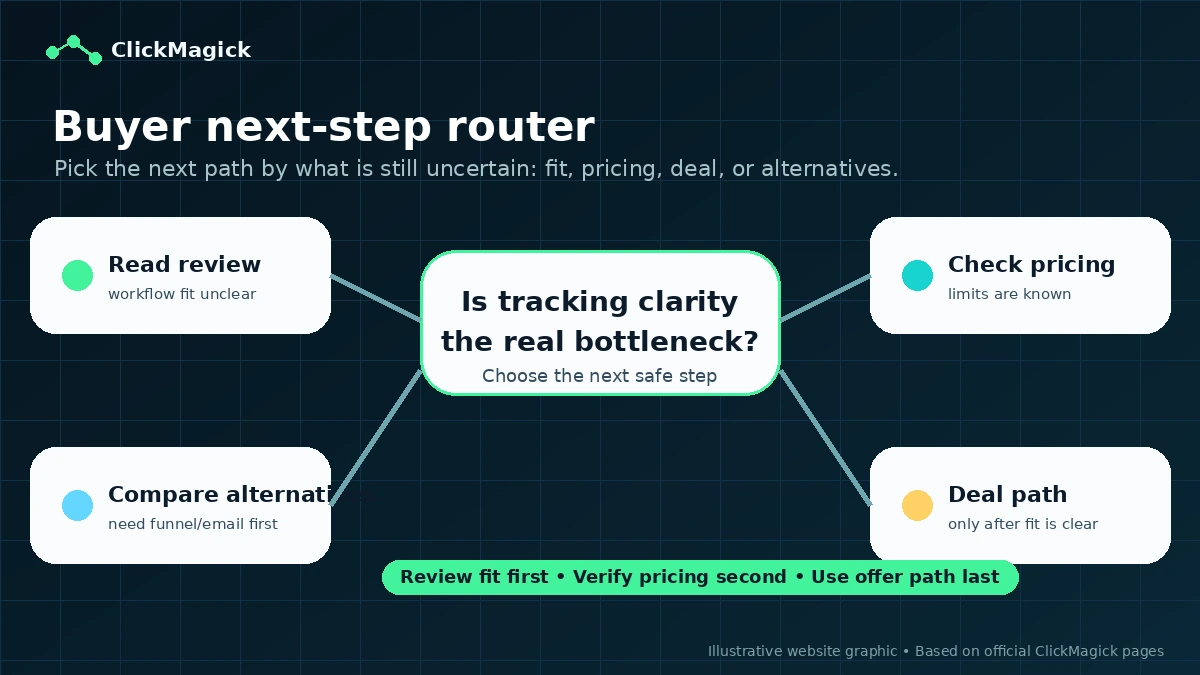
The safest path is to treat ClickMagick as a tracking pilot. Choose one live campaign, test the setup during the trial, verify the current plan limits and billing terms, and only move to a paid or annual plan after the reports clearly improve real marketing decisions.
