
ClickMagick Pricing, Plans & Tracking Fit
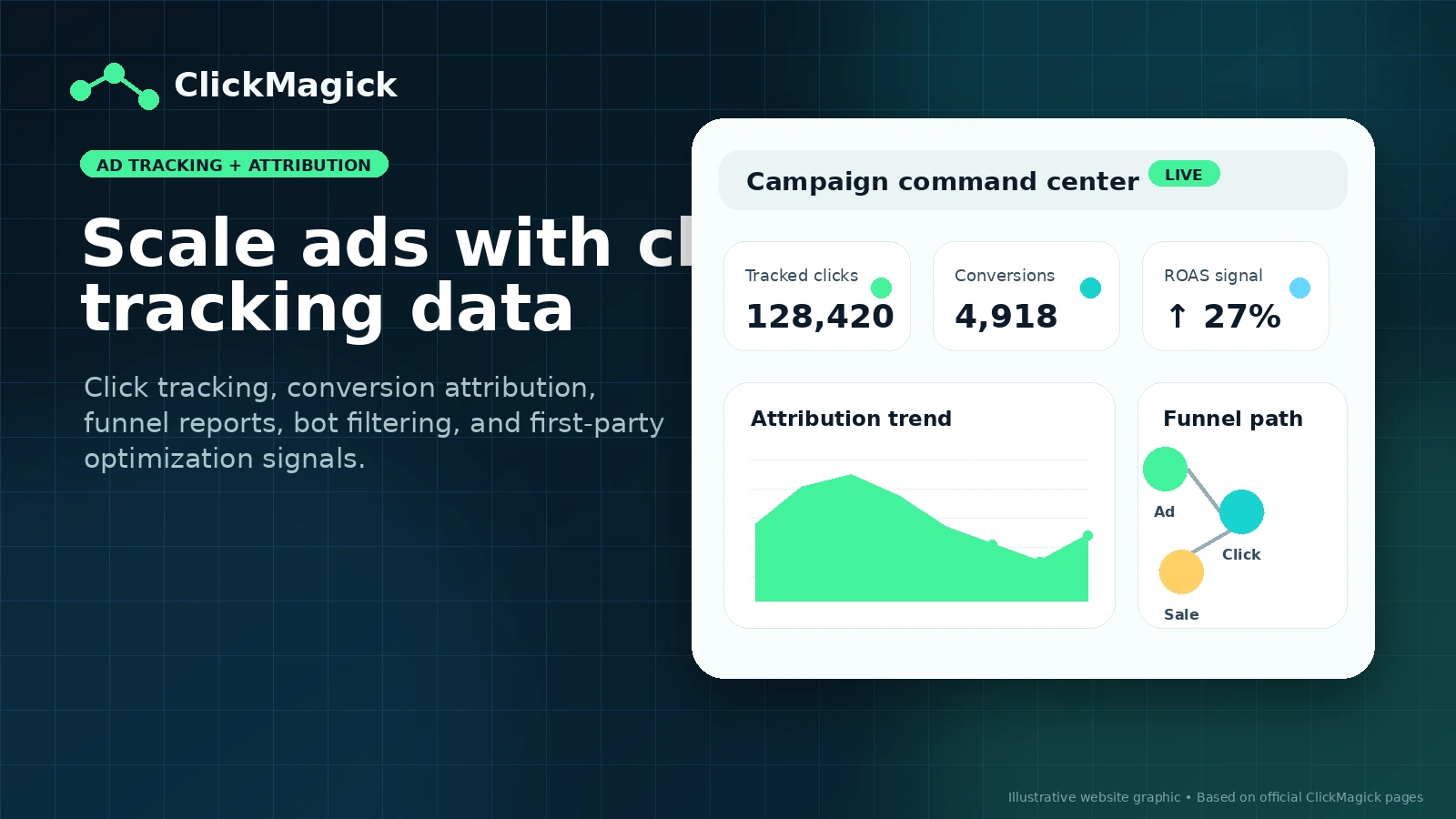
ClickMagick is a performance tracking and conversion attribution platform for advertisers, affiliate marketers, funnel owners, and agencies that need cleaner data than native ad dashboards usually provide. It tracks clicks, conversions, customer journeys, first-party data, bot activity, offline conversions, and ad platform feedback signals. The store-page decision is practical: whether the buyer has enough traffic, paid media spend, funnel complexity, or affiliate tracking need to justify a dedicated tracking tool.
Fit → price → checkout
Use these routes after the official-site check: coupon first, review for fit, compare if unsure.
ClickMagick pricing snapshot
Fast commercial checks before pricing, coupons, or a deeper review.
ClickMagick product tour
The useful tour path for ClickMagick is not a pretty dashboard sweep. Buyers need to see the pricing tiers, tracking setup, attribution reports, anti-fraud layer, and integration paths that determine whether the tool can support a real campaign stack.
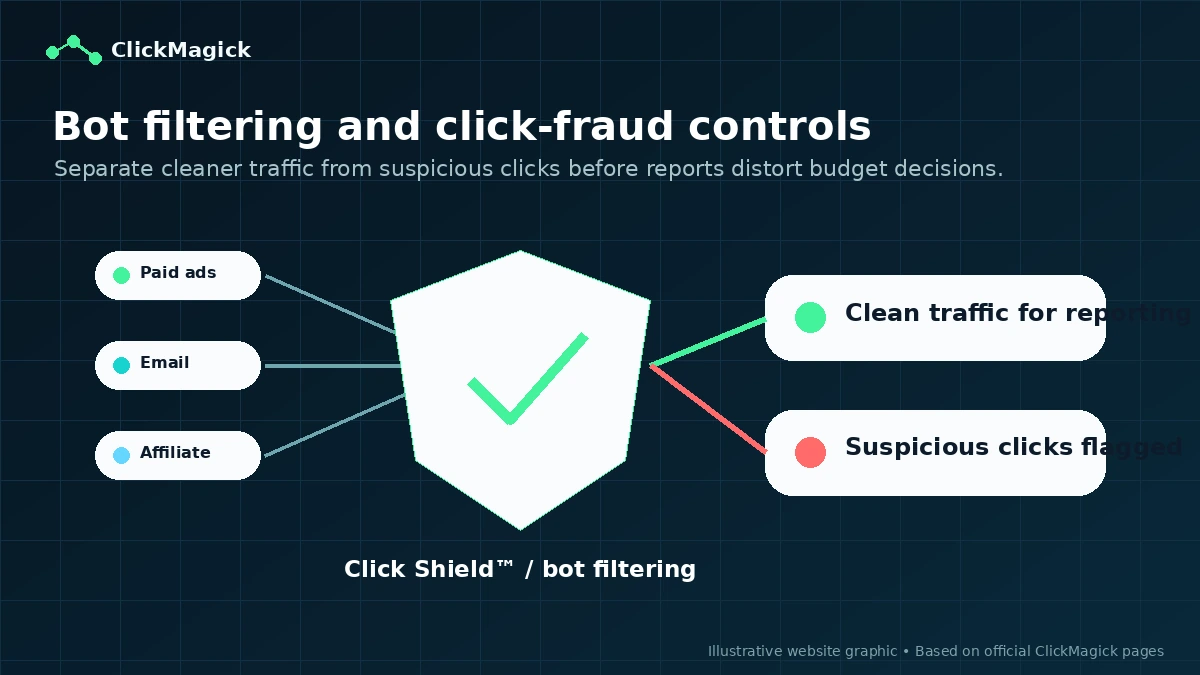
ClickMagick should be evaluated as tracking infrastructure for marketers who already have traffic, offers, funnels, or affiliate campaigns to measure. It is useful when native ad platform data is not enough, when affiliate links need cleaner attribution, or when funnel owners need to know which campaign, keyword, email, video, or ad actually created a lead or sale. The wrong buyer is someone who wants a magic growth fix without doing the setup work.
What ClickMagick actually does
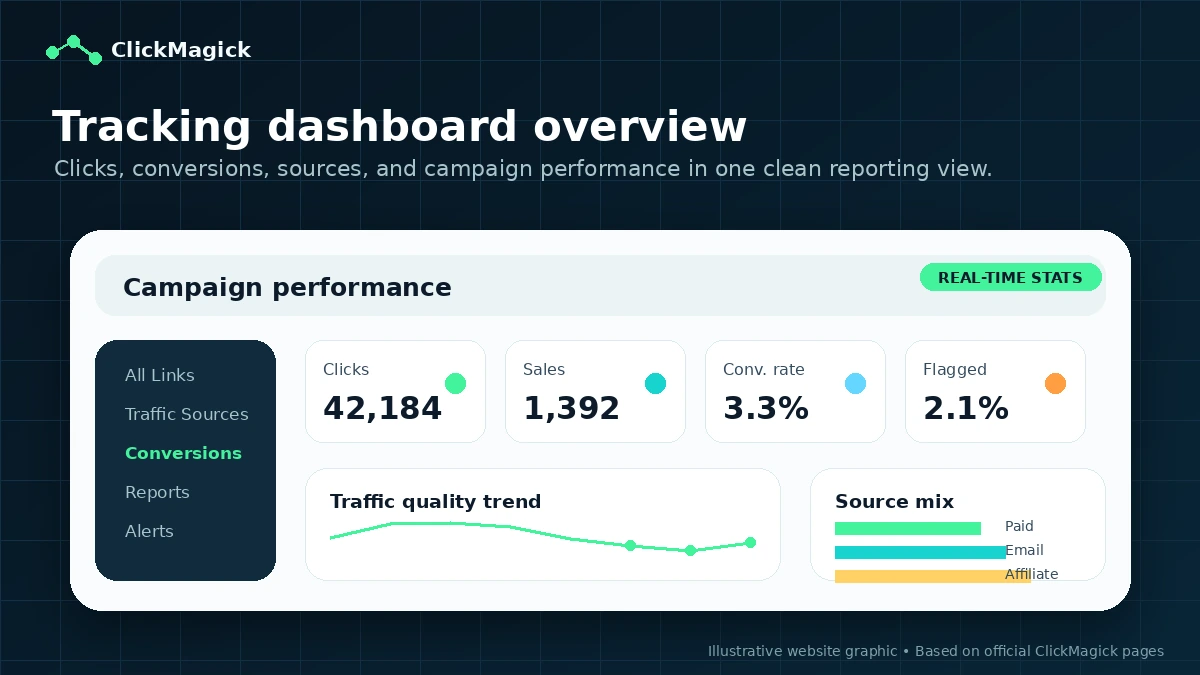
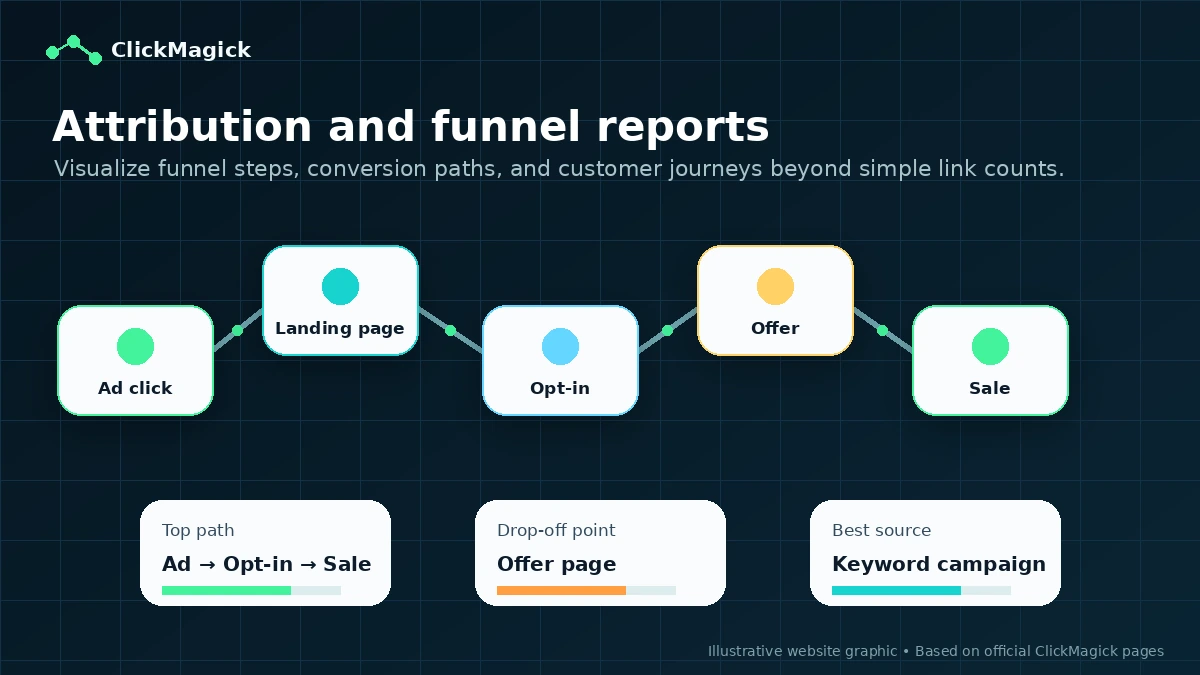
ClickMagick tracks clicks, conversions, traffic sources, funnel steps, attribution paths, bot activity, offline conversions, and ad optimization signals. A buyer can use it to build tracking links, monitor campaign performance, pass cleaner first-party conversion data back to ad platforms, run split tests, and see which traffic sources deserve more budget. That makes it strongest for performance marketers, affiliate marketers, funnel owners, and agencies that need better data than ad dashboards alone provide.
- Track clicks, conversions, funnel events, and customer journeys
- Use first-party data to improve ad platform optimization signals
- Monitor campaigns across paid ads, email, social, YouTube, influencers, and affiliates
- Filter bot or suspicious traffic so campaign reports are cleaner
Pricing and plan fit
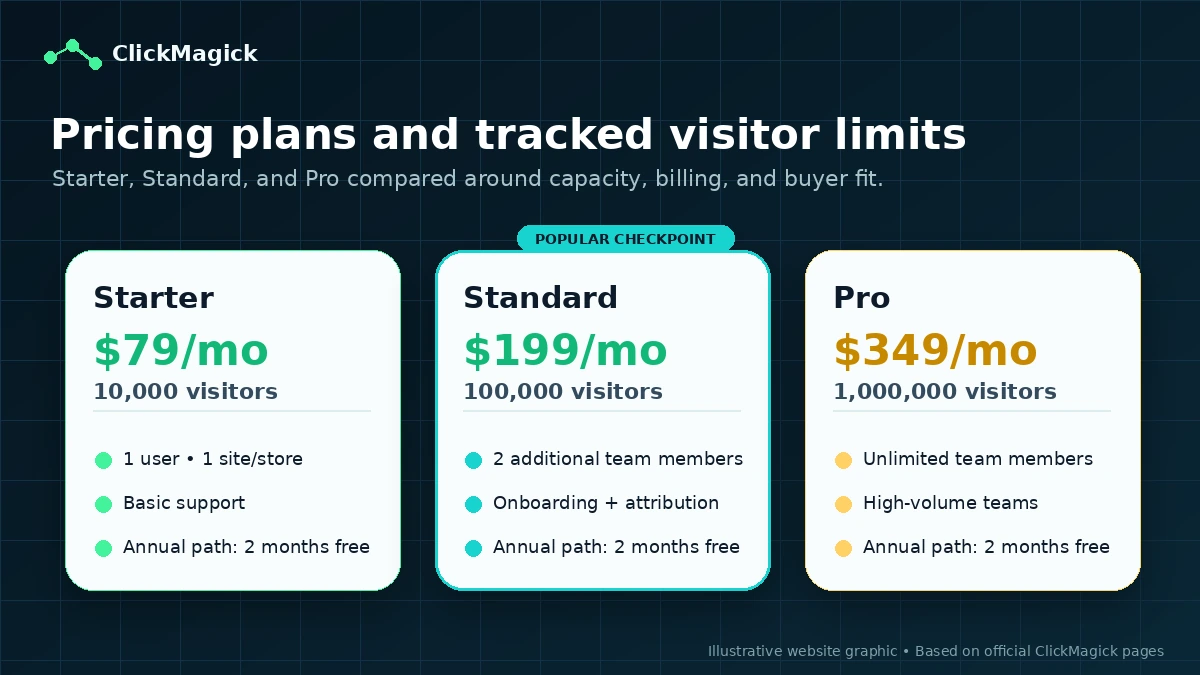
Starter is the entry point at $79/month and fits smaller campaigns that can live within 10,000 tracked visitors, one user, one website or ecommerce store, one ad account per platform, and six months of data retention. Standard is a larger jump because it adds 100,000 tracked visitors, additional team members, more ad accounts, one-on-one onboarding, advanced attribution, phone or offline sales tracking, unlimited affiliate campaigns, stronger anti-fraud tools, and better support. Pro is for high-volume teams and agencies that need 1,000,000 tracked visitors, unlimited team members, and unlimited ad accounts.
- Starter is best for a controlled first implementation.
- Standard is the more realistic plan for serious paid media and funnel tracking.
- Pro mainly fits agencies, teams, and high-volume campaigns.
Trial, refund, and checkout risk
ClickMagick offers a 14-day free trial and a 30-day refund window for new customers on the core tracking subscription. That makes the first test safer than many tracking tools, but the buyer still needs to use the trial properly. The best test is not logging in and browsing menus. It is installing tracking on one live funnel, firing test conversions, comparing ad platform numbers against ClickMagick reports, checking whether bot filtering changes the view, and making at least one budget decision from the data.
- Use the trial with one live campaign or funnel, not a fake sandbox.
- Confirm cancellation timing before the first billing date.
- Review annual billing and AI add-on refund language before committing.
How the tracking workflow usually looks
A practical ClickMagick workflow starts with one campaign, one tracking domain, and one conversion goal. The buyer creates tracking links, places tracking code or conversion pixels, verifies events, checks early reports, and only then expands into more campaigns, traffic sources, or split tests. The product can support deeper attribution, bot filtering, mobile reporting, and ad platform feedback, but poor setup will make even a strong tracking platform feel confusing.
- Start with one campaign and one conversion event.
- Test the link, pixel, and conversion before spending more ad budget.
- Review reports on a fixed weekly cadence.
Integrations, API, and data routing
ClickMagick has a stronger technical layer than a basic link tracker. The product page describes custom webhooks, Zapier integration, and a full REST API, while the API docs point to project, smart link, rotator, and stats operations. That matters for buyers who want to send conversion data into ad platforms, CRMs, spreadsheets, reporting systems, or internal workflows. The buyer still needs to verify which integrations match their stack because tracking fails quickly when checkout, funnel, CRM, and ad platform events do not line up.
- REST API and Zapier support make custom reporting and automation more realistic.
- Webhooks can pass conversion data into other tools or platforms.
- Ad platform routing should be tested before relying on optimization signals.
Best next step before buying
The safest next step is to treat ClickMagick as a tracking pilot. Pick one active funnel or campaign, confirm the plan limit you expect to need, start the trial, install tracking, and check whether the data improves actual decisions. If the buyer still only needs basic email automation, landing pages, or a full funnel builder, alternatives may be a better first tab. If the pain is attribution, link tracking, affiliate campaign visibility, bot filtering, and ad optimization signals, ClickMagick deserves a serious test.
- Open the review path when workflow fit is still unclear.
- Open pricing when traffic volume, users, and support needs are known.
- Open the coupon or deal route only after ClickMagick already looks like the right tool.
Best savings path from this store page
This is the clearest savings route to check once the product already looks like a fit.
ClickMagick's official pricing page shows yearly billing with a two-month-free savings path across the main paid plans.
Start with a 14-day free trial
Pro from $291/mo billed yearly
Use comparison routes when the category fit is still open
Use these comparison routes when the product still looks plausible, but the category fit is not fully settled.
Voluum is the closer alternative when the buyer wants a dedicated performance tracking platform and is comparing media-buying attribution depth.
ActiveCampaign is the better next tab when the real problem is email automation and customer journeys, not ad attribution.
ClickFunnels is a better fit when the buyer needs funnel pages, checkout flow, and sales-page infrastructure before adding a dedicated tracker.
The ClickFunnels promotional route can be more relevant if the buyer's first bottleneck is building a funnel, while ClickMagick fits once tracking accuracy becomes the bottleneck.
Verification points worth checking before you click out
Where this store usually fits best in the workflow
Use ClickMagick when ad platform numbers are not enough and the buyer needs cleaner first-party conversion data, funnel reports, and optimization signals across campaigns.
Affiliate marketers can use ClickMagick to track links, sources, conversions, rotators, and campaign performance before deciding which traffic source or offer deserves more budget.
Funnel owners can connect opt-ins, sales, upsells, phone or offline conversions, and landing page tests so campaign decisions are based on the whole path rather than one surface metric.
Agencies and teams can use higher plans when they need more tracked visitors, team members, ad accounts, reporting clarity, and client-facing performance discipline.
Practical checkpoints before and after signup
- Choose one active campaign or funnel with enough traffic to reveal tracking value.
- Write down expected tracked visitors, number of users, ad accounts, and sites before comparing plans.
- Decide which conversion events need to be verified during the trial.
- Install tracking on a real funnel and fire test clicks and conversions.
- Compare ClickMagick reports with native ad platform data before trusting either side blindly.
- Check whether bot filtering, attribution reports, and data routing are easy enough for weekly use.
- Confirm monthly versus annual billing, refund timing, cancellation rules, tracked visitor limits, and additional site or store costs.
- Choose Standard or Pro only when the extra capacity, team access, support, or attribution depth is likely to be used.
- Review reports on a fixed cadence and pause, scale, or fix campaigns based on tracked outcomes.
- Re-check plan limits before increasing ad spend or adding more client accounts.
Fast-read signals for workflow fit and buying friction
Questions readers usually ask before choosing this store
What does ClickMagick actually do?
ClickMagick tracks clicks, conversions, funnel steps, attribution paths, bot activity, offline conversions, and campaign performance so marketers can see which traffic sources and ads actually produce results.
Does ClickMagick have a free plan?
No free plan was verified on the official pricing page. ClickMagick offers a 14-day free trial, then paid plans start with Starter at $79/month.
Is there a ClickMagick coupon code?
A reliable public coupon code was not verified from official sources. The safer savings path is the 14-day trial, annual billing when the plan fits, and a final checkout check for any active routed offer.
Which ClickMagick plan should I check first?
Starter is the first plan to check for small campaigns, but Standard may be the more realistic fit if the buyer needs more tracked visitors, team members, better support, advanced attribution, phone sales tracking, and stronger anti-fraud features.
What should buyers verify before checkout?
Buyers should verify tracked visitor limits, team member needs, ad account limits, additional site or store costs, annual billing rules, refund timing, cancellation requirements, and whether API or Zapier workflows fit their marketing stack.
Choose the next route that matches what you still need to decide
The strongest next click depends on whether you still need product judgment, a savings route, or a broader category comparison.