Quickads Pricing, Plans & Ad Workflow Fit
Quickads is an AI ad creation and creative testing platform built around ad inspiration, image ads, video ads, product photoshoots, UGC-style assets, and campaign-ready creative production. The store-page decision is not simply whether it can generate ads. The better question is whether your team has enough ad testing volume to make its templates, ad library, brand kits, and paid plan limits useful.
Fit → price → checkout
Use these routes after the official-site check: coupon first, review for fit, compare if unsure.
Quickads pricing snapshot
Fast commercial checks before pricing, coupons, or a deeper review.
Quickads product tour
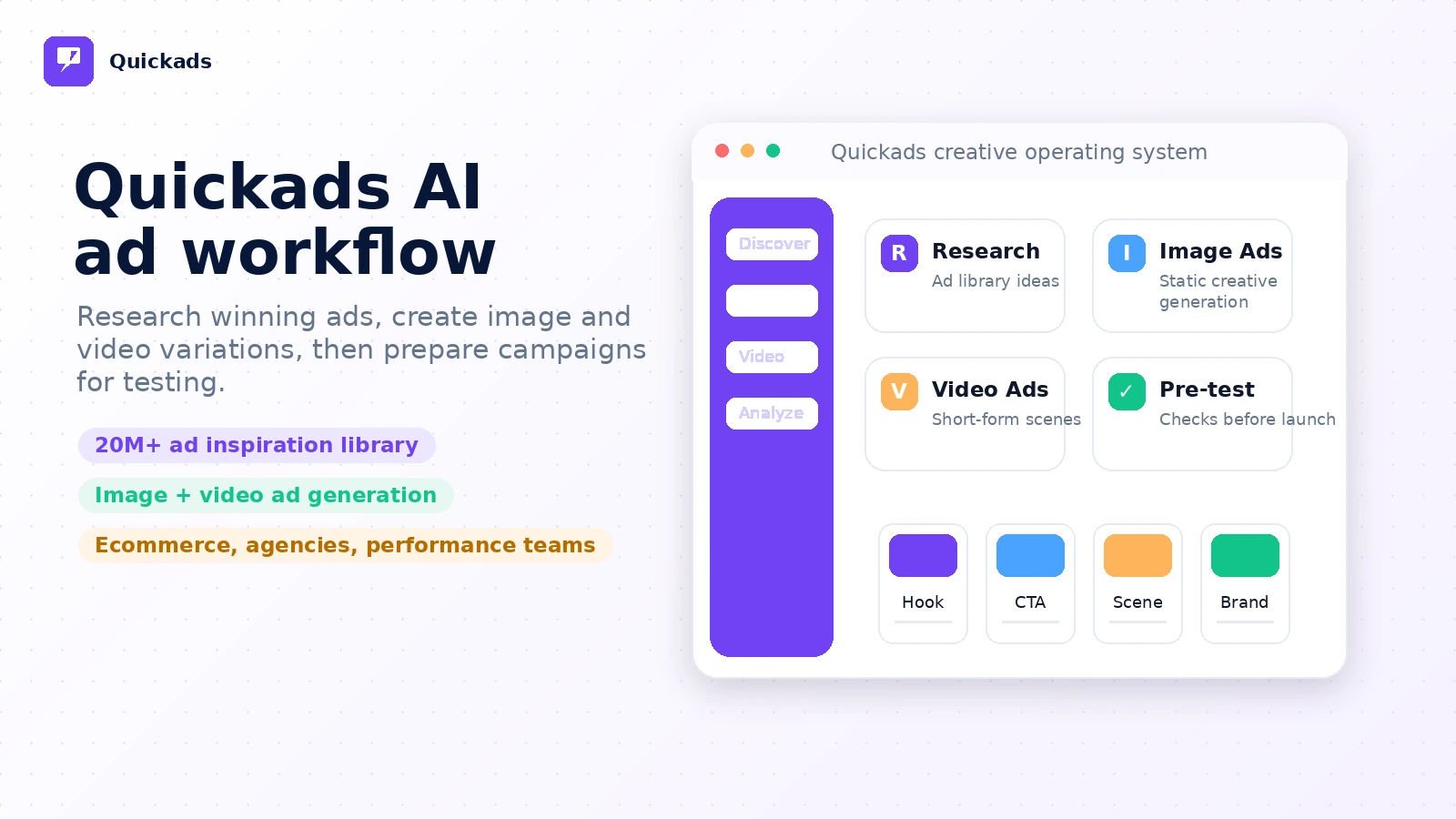
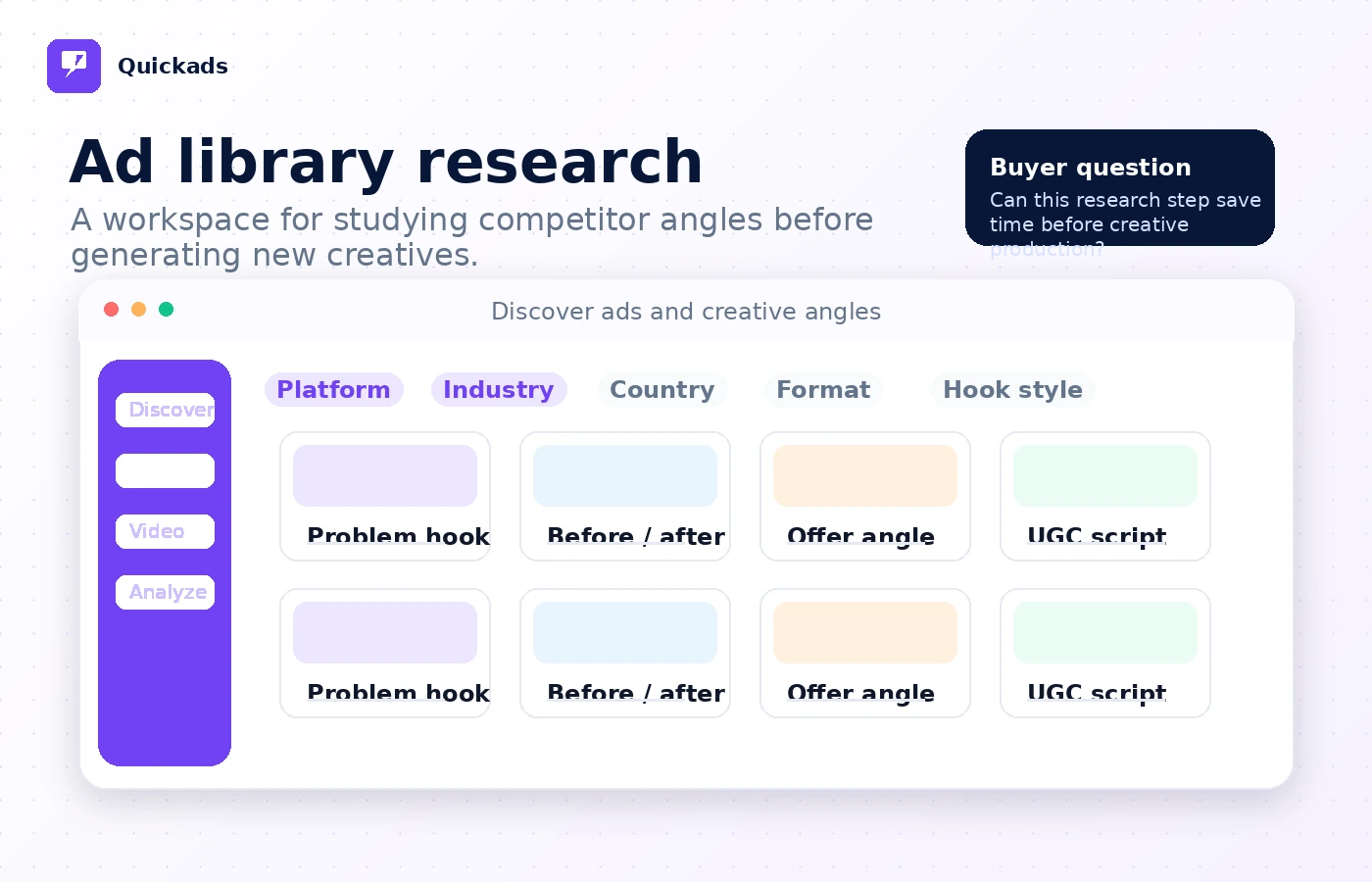
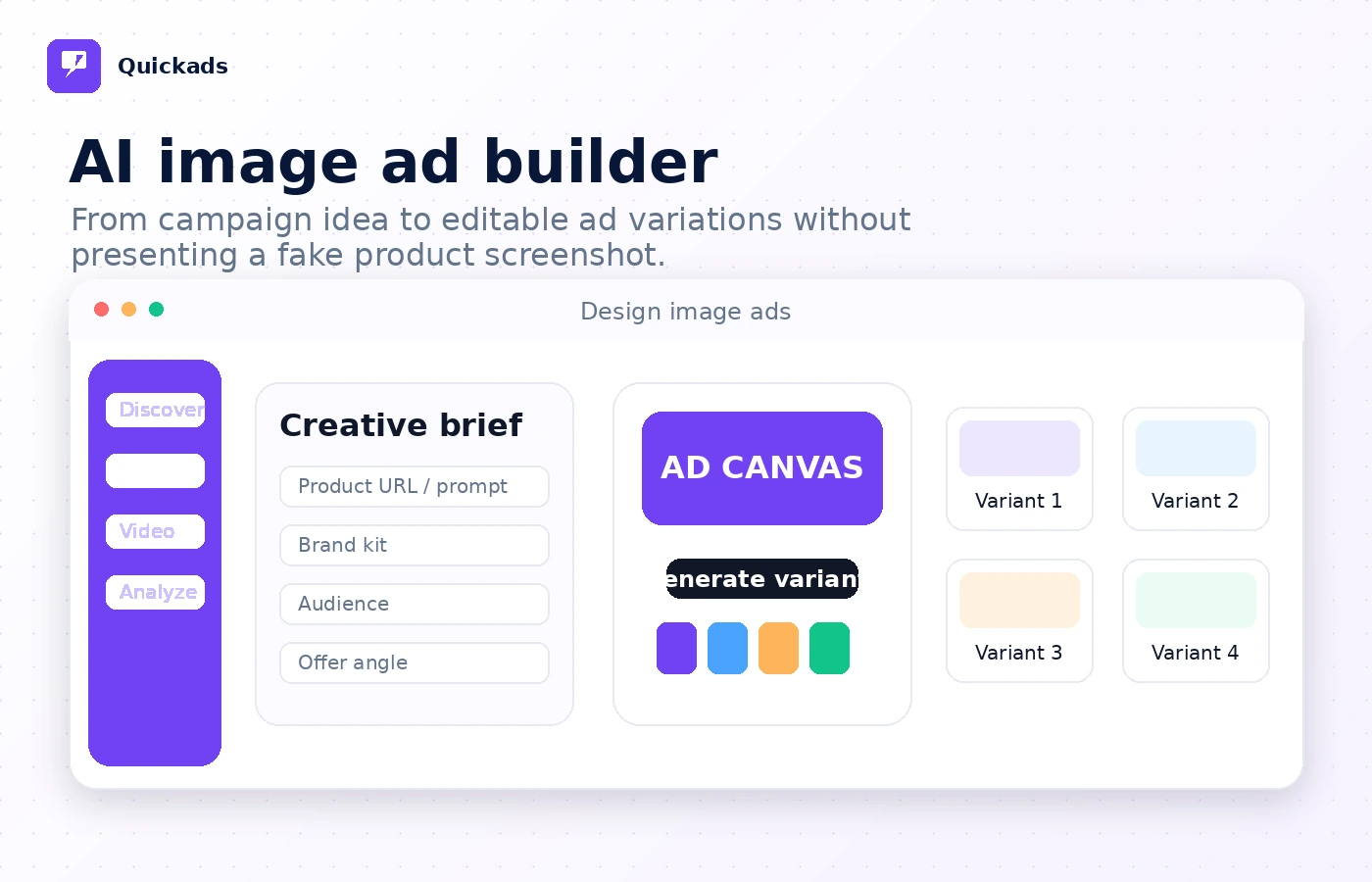
These visuals focus on the practical buying questions around Quickads: how ad research connects to creative generation, where plan limits appear, and whether the platform fits a recurring testing workflow rather than a one-time design need.
Quickads needs to be read as an AI ad workflow, not just another image generator. The buying question is whether you need a steady pipeline for researching ads, generating creatives, editing formats, and testing campaign assets. If that workflow is real, the free and trial paths are useful. If you only need a one-off design, the paid plan may feel heavy.
What Quickads actually does
Quickads helps marketers create image ads, video ads, product photoshoot visuals, UGC-style assets, and ad inspiration workflows. The product leans toward campaign creative production rather than general design. That makes it more relevant for ecommerce, D2C, lead generation, and agency workflows where ad variations are produced often.
- Research competitor and winning ad examples
- Generate image ads and short video ads
- Work with brand kits, product photoshoots, and campaign-ready creative assets
- Use ad creative workflows across social and performance channels
Who Quickads fits best
The strongest fit is a marketer or small team that needs faster creative testing. Ecommerce teams can use the product photoshoot and image ad paths. Agencies can use brand kits and client-oriented creative workflows. Performance marketers can use the ad library as a starting point before generating new creative variations.
- Ecommerce teams producing repeated promotional creatives
- D2C brands testing hooks, visuals, and offers
- Small agencies that need repeatable client ad output
- Performance marketers using competitor research before creative production
Pricing and plan fit
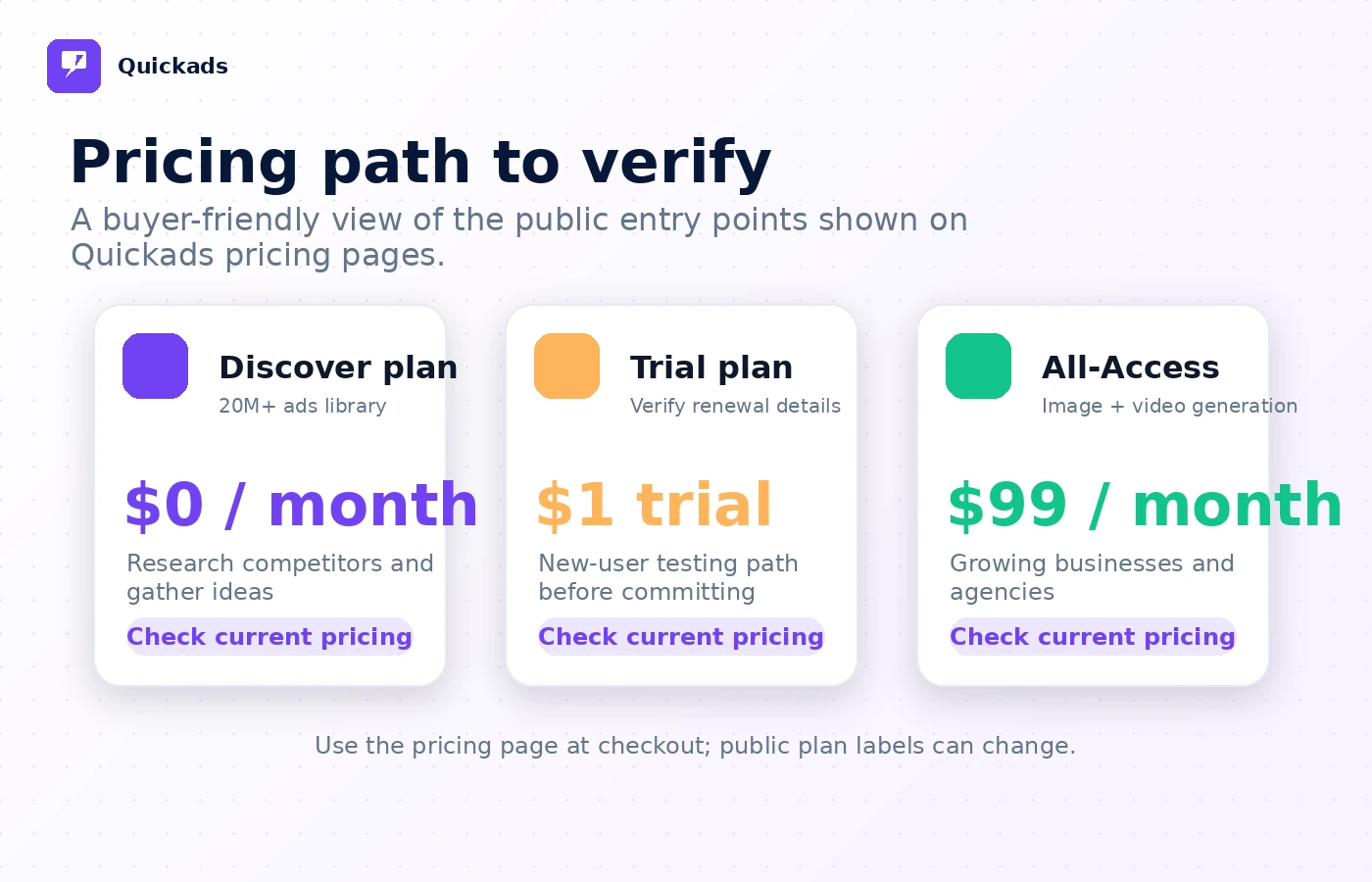
Quickads has a free Discover entry point at $0/month, an All-Access plan shown at $99/month, and a $1 trial path for new users. The pricing page also lists creative service packages and add-ons, so buyers need to separate software access from higher-touch creative or campaign execution. The free plan is useful for research and early evaluation, but paid value depends on exports, credits, users, and creative volume.
- Use the free path to inspect research value before paying
- Treat the $1 trial as a renewal-sensitive checkout path
- Compare All-Access against the number of ads you expect to produce
- Check service plan scope separately from software access
Video workflow to check before buying
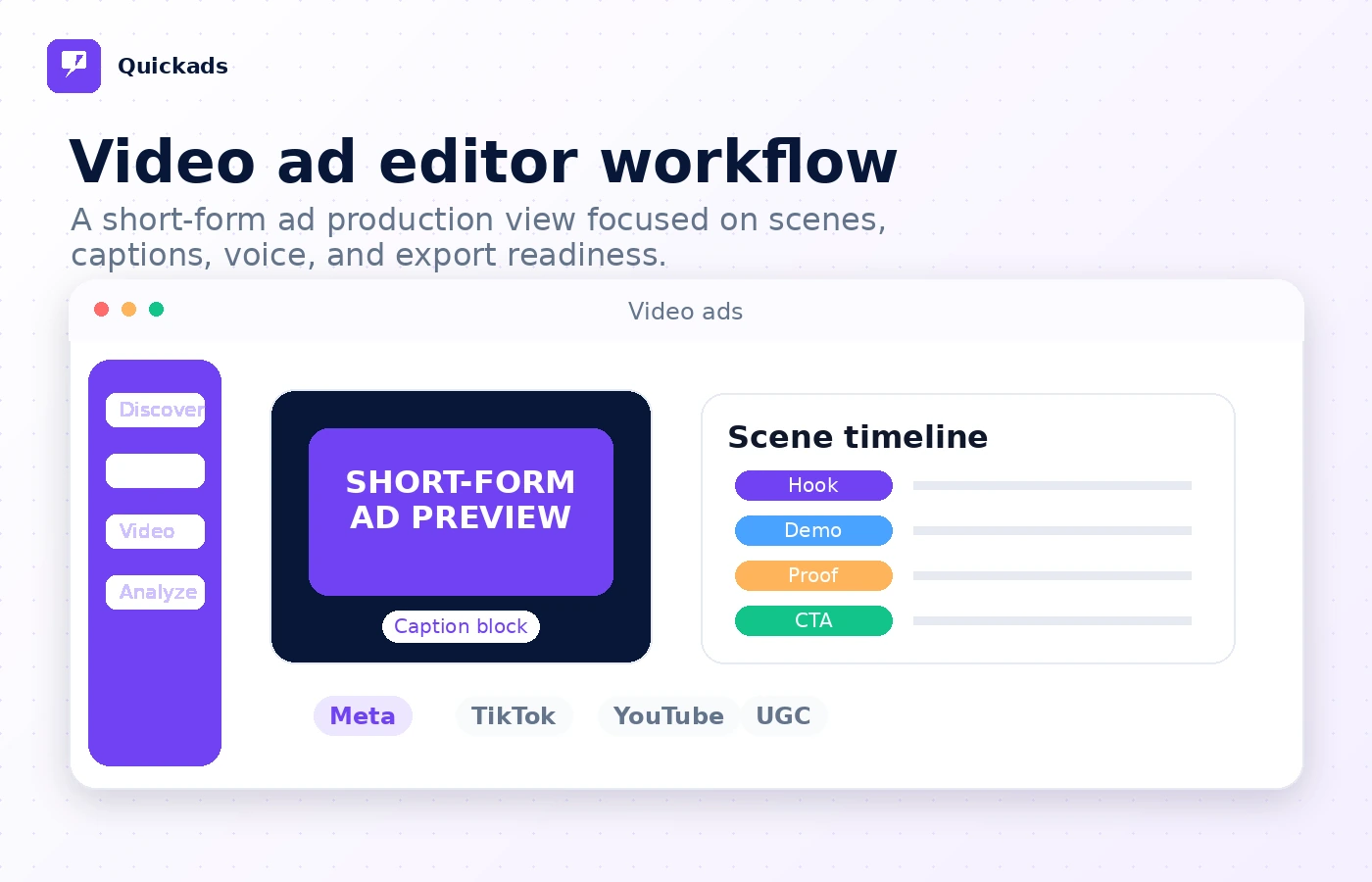
Video generation is one of the more important reasons to look at Quickads. Buyers should watch for how much control they get over scene structure, product input, voice, subtitles, exports, and final editing. A video ad tool can look impressive in a demo, but the real question is whether it produces assets that fit your brand and platform formats.
- Check how the tool turns an idea into a video concept
- Watch whether scenes and edits remain controllable
- Confirm whether the result fits your ad channels
Buyer risks before checkout
The biggest risk is assuming Quickads is a simple cheap AI design tool. The pricing page includes several paths, from free discovery to All-Access software and higher-priced service packages. Refund terms are also not a guaranteed fixed-window promise. Buyers need to verify renewal timing, whether plan limits match expected use, and whether the output quality is good enough for paid traffic.
- Check cancellation timing before starting the trial
- Confirm whether unused-plan refund handling is discretionary
- Review credits, downloads, users, and service deliverables
- Avoid buying a service plan when you only need software access
Best next step
The safest next step is to open official pricing first, then use the free Discover or $1 trial route only if the workflow looks relevant. If the buyer still has fit doubts, the review route should come before the coupon route. If the buyer already knows Quickads is the right fit, the coupon or deal path can help verify whether there is any active store routing.
- Start with official pricing and plan limits
- Use the review page if workflow fit is still unclear
- Use the coupon route only after plan fit is confirmed
- Compare ActiveCampaign or ClickFunnels routes if the real need is automation or funnel execution
Best savings path from this store page
This is the clearest savings route to check once the product already looks like a fit.
QuickAds official pricing lists a $1 trial path for new users, making it a low-friction way to test the ad inspiration and creative workflow before choosing a paid plan.
Start with the free Discover plan
$99/month plan path
Use comparison routes when the category fit is still open
Use these comparison routes when the product still looks plausible, but the category fit is not fully settled.
ActiveCampaign is the better comparison when the buyer's real problem is email marketing, CRM automation, and lifecycle campaigns rather than ad creative production.
ClickFunnels is the better comparison when the buyer needs landing pages, funnel checkout flow, and offer infrastructure more than AI-generated ad creatives.
Verification points worth checking before you click out
Where this store usually fits best in the workflow
Quickads fits ecommerce teams that need repeated product visuals, offer variations, and short-form ad assets for paid social testing.
Agencies can evaluate Quickads when they need brand kits, client-specific ad variations, and a faster first draft for campaign creative.
The ad inspiration library is useful when a marketer wants to study patterns before generating their own creative directions.
Quickads can help turn rough campaign ideas into short video concepts, but buyers still need to judge brand fit and platform suitability.
Practical checkpoints before and after signup
- Clarify whether you need ad research, creative generation, video editing, or a service package.
- Check the renewal timing for the $1 trial before entering payment details.
- Compare free Discover value against the paid All-Access plan.
- Create several image and video variants from a real campaign brief.
- Check whether brand kits, exports, users, and credits match your monthly workload.
- Judge output quality before using assets in paid campaigns.
- Review the Terms around recurring billing, cancellation, and refunds.
- Compare Quickads against broader marketing platforms if your need is automation or funnels.
- Use the coupon route only after the workflow and pricing path are clear.
Fast-read signals for workflow fit and buying friction
Questions readers usually ask before choosing this store
What is Quickads best for?
Quickads is best for marketers, ecommerce teams, D2C brands, and small agencies that need repeated ad creatives across image, video, product photoshoot, and ad inspiration workflows. It is less compelling when the buyer only needs one simple design.
Does Quickads have a free plan or trial?
Yes. The pricing page shows a Discover plan at $0/month and a $1 trial path for new users. The Terms also describe possible 5-day trial offers that renew automatically unless canceled before the trial ends.
Is Quickads pricing simple?
Not completely. The software path includes free and paid options, but the site also lists creative strategy and campaign service packages. Buyers need to verify whether they are purchasing software access, creative production, campaign management, or add-ons.
Are Quickads refunds guaranteed?
No fixed guaranteed refund window was verified from the public Terms. The Terms say fees are generally non-refundable, with discretionary handling for unused subscription portions. Buyers should verify the latest wording before checkout.
What should I compare Quickads against?
Compare Quickads against ActiveCampaign if your real need is marketing automation, or ClickFunnels if your real need is funnel and checkout infrastructure. Quickads is the better fit when the core problem is ad creative production and testing.
Choose the next route that matches what you still need to decide
The strongest next click depends on whether you still need product judgment, a savings route, or a broader category comparison.