Quick verdict
Elephant.ai is worth a closer look if your website already gets useful visitor questions and your team needs a faster way to answer, qualify, and capture leads. It is not the kind of tool I would judge by the chatbot promise alone.
The real question is narrower: will an AI assistant improve the conversation between a visitor and your business, or will it become another widget that sits on the page without changing follow-up quality?
For my money, Elephant.ai makes the most sense for small businesses, ecommerce stores, agencies, and service providers that already know the questions prospects ask before buying. Pricing questions. Product-fit questions. Booking questions. Support questions. If those questions are repetitive and your team is slow to respond, a trained website assistant can be useful.
I would be more careful if you cannot estimate chat volume, do not know what visitors ask, or need a mature support operation with ticketing, SLA reporting, and deep customer-service governance. Elephant.ai may support handoff, integrations, exports, and API access, but the buyer still needs to verify which plan includes the exact workflow they expect.
The main strength is focus: visitor conversations, lead capture, and inbound sales support. The main risk is checkout uncertainty. Public third-party sources do not all describe pricing the same way, and official pricing should be verified live before publishing or paying.
Next step: If Elephant.ai still fits your website lead-capture workflow, verify the current buyer route before choosing a plan.
Review snapshot
| Review point | Practical take |
|---|---|
| Best for | Small teams that need a website AI assistant for inbound questions, lead capture, and sales qualification |
| Not ideal for | Buyers who need a full help desk, mature CRM automation, or large public review evidence before adoption |
| Main use case | Answering website visitor questions, qualifying leads, capturing details, and routing conversations to a human or workflow |
| Pricing note | Third-party directories list free and paid tiers, but official live checkout should be treated as the final source |
| Free path | A free entry path is described by some directories, but buyers should verify it during signup |
| Main strength | Practical website conversation layer for businesses that already receive repeat visitor questions |
| Main concern | Plan value depends on message credits, chatbot count, training limits, integrations, seats, and support scope |
| Direct alternatives | Chatbase, Chaindesk, Chaport |
| Adjacent routes | ActiveCampaign for CRM/email follow-up, ClickFunnels for funnel-building rather than chat-first qualification |
| Best next step | Test one real website chatbot before annual billing or higher-tier integration decisions |
What is Elephant.ai?
Elephant.ai is best understood as an AI sales assistant for websites. It is designed to sit on a site, answer visitor questions, guide prospects through product or service information, capture lead details, and support handoff when a human should step in.
That is different from a normal live chat widget. It is also different from a full CRM, help desk, or marketing automation platform. Elephant.ai sits closer to the first conversation: the moment when a visitor is curious, hesitant, confused, or close to taking action.
The product category matters because buyers can easily overestimate what a chatbot solves. A website assistant can respond quickly and collect useful information. It cannot fix an unclear offer, a confusing pricing page, a weak product page, or a sales team that never follows up.
Our review approach compares public product pages, pricing details, help documentation, buyer workflow fit, marketplace listings, and nearby alternatives. We do not treat a coupon, directory price, or chatbot demo as proof that the product fits the buyer.
The common wrong expectation is thinking of Elephant.ai as a 24/7 replacement for sales and support. I would treat it more carefully: it can become a first-response layer, a qualification layer, and a lead-capture layer. The final value still depends on your training material, your site clarity, your handoff process, and your plan limits.
Who should use Elephant.ai?
Elephant.ai is most interesting for businesses that already have repeat website conversations but do not have enough time, staffing, or process discipline to answer them quickly.
Small service businesses may find it useful when prospects ask the same pre-booking questions again and again. If the assistant can explain services, collect contact details, and route serious inquiries, it can reduce the number of missed opportunities.
Ecommerce teams may use it to answer product-fit, shipping, return, and checkout questions. The condition is that the assistant needs accurate training content. A chatbot that gives vague or outdated answers can hurt trust faster than it helps conversion.
Agencies and consultants may find value if the assistant qualifies leads before a discovery call. The useful question is not “can it chat?” The useful question is whether it can collect enough context to make the next human conversation better.
Founders with lightweight support needs may prefer Elephant.ai before adopting a heavier help desk. That can make sense if the support volume is still manageable and most questions are predictable.
Teams testing AI-led website conversion may use it as a low-risk experiment. In that case, I would judge it by answer quality, captured lead quality, and integration fit rather than by homepage language.
Who should avoid Elephant.ai?
I would slow down if you need a mature enterprise help desk. Elephant.ai may help with website conversations, but buyers looking for ticket queues, service-level reporting, deep support operations, advanced customer histories, or governance should compare more support-focused platforms first.
I would also avoid buying too quickly if your website does not yet explain the offer clearly. A chatbot can answer questions, but it should not be asked to compensate for weak pages, unclear pricing, or missing product information.
High-traffic sites should be careful with message credits. A plan that looks inexpensive can become limiting if visitor volume, bot conversations, training needs, or integration usage grows quickly.
Buyers who need strong public review evidence should also be cautious. G2 and Capterra currently show limited or no user-review depth for Elephant.ai, so the evidence base is thinner than it is for older support, CRM, or sales automation platforms.
Finally, do not buy only because a public coupon appears. A discount can reduce the first payment, but it does not answer whether the chatbot will capture useful leads, integrate with your workflow, or improve the customer experience.
How Elephant.ai fits into a real workflow
A useful Elephant.ai workflow starts before installation. You first need to know what visitors ask and what outcome you want from the conversation.
For a service business, the outcome may be a booked call. For ecommerce, it may be a product decision. For a SaaS company, it may be a qualified demo request. For support, it may be deflecting simple questions before a human agent steps in.
A practical workflow looks like this:
- List the twenty questions visitors ask before they buy, book, or contact you.
- Prepare clear product, pricing, FAQ, policy, and service information.
- Train the assistant with the pages, files, or working text you actually trust.
- Test the assistant against real buyer questions.
- Check lead capture and human handoff.
- Confirm where the lead data goes after the chat.
- Review analytics and conversation quality before expanding usage.
The easy mistake is installing a chatbot first and designing the workflow later. I would reverse that. Decide what a good conversation should collect, what the assistant should answer, when it should escalate, and who owns the follow-up.
If the follow-up process is weak, Elephant.ai may capture more leads without improving revenue. That is not a chatbot problem alone. It is an operations problem.
Real-world buyer scenarios
A local service business with missed website inquiries
A local service company may receive questions about pricing, availability, locations, booking, and project fit. Elephant.ai can help if the business already has clear answers and wants faster first response.
Where it may fail: if the assistant collects leads but nobody responds quickly, the visitor experience still breaks. The buyer should verify notifications, handoff, and lead export before paying for a higher tier.
An ecommerce store with repetitive product questions
An ecommerce store may use Elephant.ai to answer product-fit, delivery, return, and compatibility questions. This works best when the assistant is trained on accurate product content and the store can monitor wrong or incomplete answers.
Where it may fail: if product data changes often and retraining is not handled well, the assistant can create more confusion. The buyer should check training limits and update workflow.
A small agency qualifying leads
An agency might use Elephant.ai to ask visitors about budget, timeline, project type, and contact details before a discovery call. This can save time if the assistant routes qualified inquiries into email, Slack, CRM, or another follow-up channel.
Where it may fail: if the agency expects the chatbot to close complex consultative deals by itself. A website assistant can start the conversation. It should not replace strategy calls or sales judgment.
A support-light SaaS or creator tool
A small software team may use Elephant.ai to answer setup, pricing, and support questions before adopting a larger support stack. That can be reasonable while the team is still early.
Where it may fail: once support volume becomes complex, the team may need a stronger help desk, knowledge base, and ticketing workflow. In that case, Chaport or another support-first path may be a cleaner comparison.
Key features that actually matter
Website visitor answering
The core feature is answering visitor questions in real time. This matters because website hesitation often happens outside business hours or before a visitor is ready to submit a form.
Buyer note: The assistant is only as useful as the information it can rely on. Before paying, test it with real sales objections, not just easy FAQ questions.
Lead capture and qualification
Elephant.ai becomes more commercially interesting when it captures contact details and qualifies intent. A chatbot that only answers questions may be helpful. A chatbot that collects useful follow-up context can be more valuable.
Buyer note: Check what fields can be captured, where the data goes, and whether the conversation history is usable by a human.
Human handoff
Human escalation matters because not every visitor should stay with AI. Some questions are sensitive, specific, or valuable enough to move to a person quickly.
Buyer note: Do not trust this feature from a feature list alone. Test the handoff moment, notifications, and follow-up ownership before live traffic depends on it.
Training links and files
Training sources shape answer quality. Directory listings describe limits around training links and files, and those limits may matter more than the headline plan name.
Buyer note: If your site has many services, policies, products, or support pages, verify whether the chosen plan can train enough content without forcing an upgrade too soon.
Integrations and exports
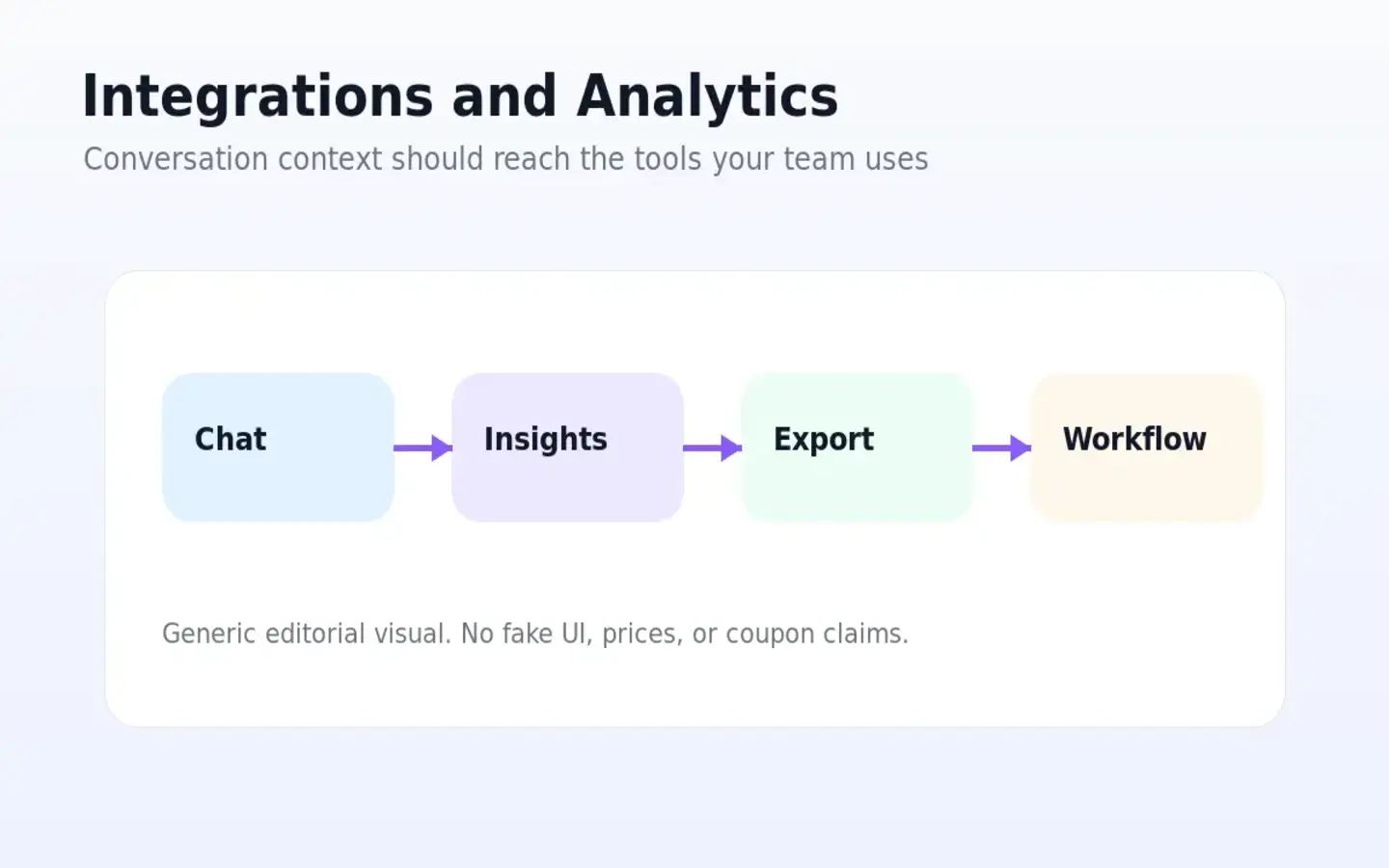
A website assistant has more value when it connects to the tools your team already checks. Listings and docs point to options such as WordPress, Slack, Zapier, WhatsApp, Messenger, help desk tools, exports, webhooks, and API access.
Buyer note: Only count an integration as valuable after you confirm it is included in the plan you are considering and actually fits the team’s daily process.
Pricing and plan value
Elephant.ai pricing needs a careful read because public sources do not describe it with perfect consistency.
Some third-party directories list a free tier and paid plans such as Starter, Pro, Business, and Enterprise. Service List, for example, lists a Free plan with 25 monthly message credits, Starter at $49, Pro at $99, and Business at $399, with higher tiers expanding message credits, chatbot count, training links, files, members, exports, integrations, API access, and support options. Software Finder lists Basic at $19/month, Starter at $49/month, Pro at $99/month, Business at $399/month, and Enterprise as custom pricing.
That mismatch is the important buyer signal.
I would not treat any third-party pricing table as final. The safer path is to verify Elephant.ai’s current official pricing page and checkout route directly before quoting numbers, choosing annual billing, or publishing a price claim.
The pricing question is less “what is the cheapest plan?” and more “how many useful conversations can this plan support?”
For low-traffic businesses, the free or entry path may be enough to test one assistant. For a site with serious visitor volume, message credits and chatbot limits may become the real constraint. For teams that need Slack, Zapier, WhatsApp, Messenger, Zendesk, Intercom, Crisp, exports, or API access, the selected tier matters even more.
I would start monthly or with the lowest-risk path until the assistant proves value. Annual billing only makes sense after you know the chatbot improves lead quality, support speed, or conversion workflow.
Pricing check: If Elephant.ai looks useful, confirm the current plan limits and checkout terms before moving to annual billing.
Free plan, trial, coupon, and checkout notes
A free entry path is useful if it lets you test one real chatbot. It is not enough to prove long-term value by itself.
The right test is not “can it reply?” The right test is whether Elephant.ai can answer the real questions your buyers ask, collect usable information, and route conversations to the right person or tool.
Coupon pages may list Elephant.ai offers, but I would keep the order simple:
- Confirm the workflow fit.
- Check message credits and integrations.
- Verify the live checkout price.
- Read refund and cancellation language.
- Use the Elephant.ai coupon page only after the product still makes sense.
Do not treat a reported checkout code as a buying reason. A discount can make a useful tool cheaper. It cannot make a poor-fit chatbot useful.
I would also be careful with renewal pricing. Some discounts make the first month look attractive while the real cost appears later. Before paying, check whether the price changes after the first term, whether annual billing limits refund flexibility, and whether your plan can handle your expected conversation volume.
What I would check before buying Elephant.ai
If I were buying Elephant.ai for a real website workflow, I would check seven things before paying.
- Whether the current free or entry path still exists and gives enough message credits for a meaningful test.
- How many visitor conversations your website actually gets each month.
- Whether the plan includes enough chatbots, training links, training files, and retraining options.
- Whether lead capture, conversation export, and human handoff work the way your team needs.
- Whether required integrations such as Slack, Zapier, WhatsApp, Messenger, Intercom, Crisp, Zendesk, webhooks, or API access are included.
- Whether cancellation, refund, renewal, and annual billing terms are clear.
- Whether nearby alternatives fit the job better if your real need is live chat, knowledge-base support, CRM follow-up, or funnel building.
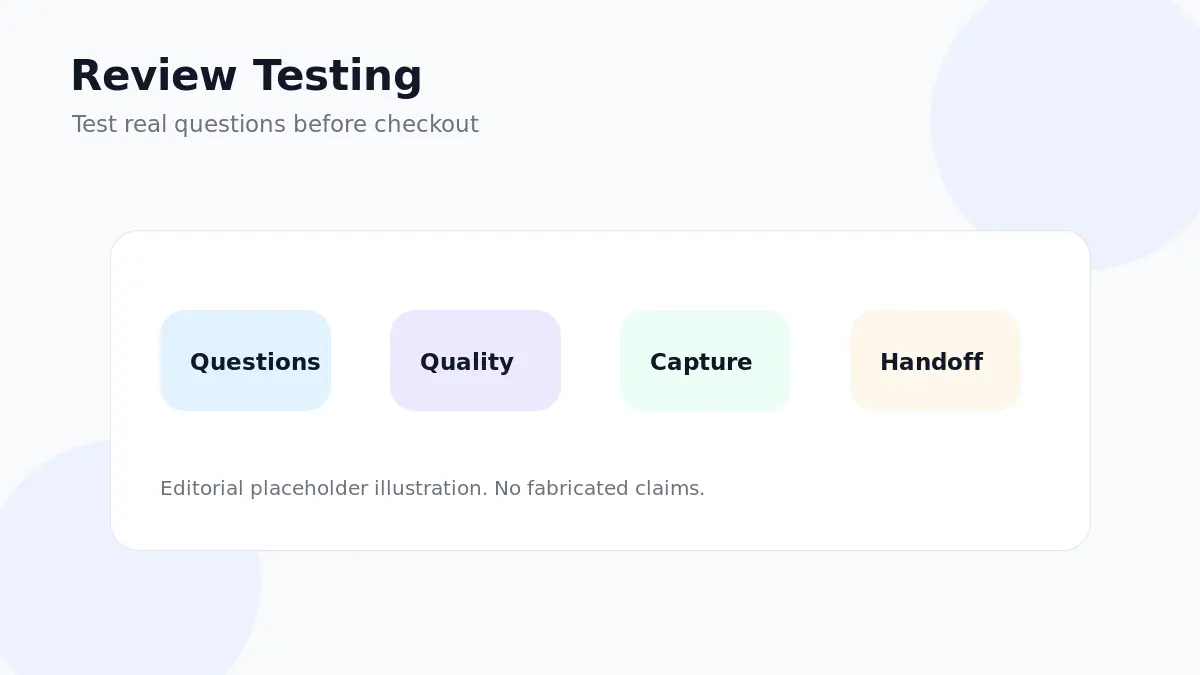
The first thing I would check is not the coupon. It is the quality of one real conversation.
If the assistant cannot answer your most common sales questions clearly, nothing else matters yet.
A simple test before paying
Before paying, I would run a small test like this:
- Choose one page where visitors already hesitate, ask questions, or abandon the path.
- Write down twenty real buyer questions from sales calls, support emails, chat logs, or customer objections.
- Train the assistant with only accurate pages, files, policies, and product information.
- Ask the twenty questions in different ways and check whether the answers are clear and safe.
- Test lead capture with a realistic prospect, not a fake perfect input.
- Trigger the human handoff and confirm the right person receives the right context.
- Review conversation history, exports, notifications, and analytics before choosing a paid tier.
This test should reveal more than a demo. It tells you whether Elephant.ai can support the messy middle of your actual website flow.
If the answers are generic, the handoff is awkward, or the team ignores the lead data, do not upgrade yet. Fix the workflow first.
Pros explained
It solves a specific website problem
Elephant.ai is not trying to be every marketing tool at once. Its strongest fit is the website conversation moment: a visitor asks, the assistant answers, and the business gets a chance to capture or qualify intent.
That focus is valuable when the website already has predictable questions. It is less valuable when the buyer expects broad CRM, support, email, or funnel automation from one chatbot.
Lead capture gives it commercial value
A simple chat answer can help a visitor. Lead capture can help the business. Elephant.ai becomes more useful when the conversation produces a usable name, email, request, project detail, booking intent, or follow-up signal.
This stops being enough if the captured lead does not move anywhere useful. The team still needs a clear route from chat to action.
Integrations can make it operational
The mention of exports, Slack, Zapier, help desk tools, messaging channels, webhooks, and API access matters because a website chat tool should not trap data in a silo.
The buyer still needs to confirm plan-level access. Integration names on a listing do not automatically mean every plan includes the integration you need.
The entry path can support testing
A free or low-risk starting path is helpful because chatbot fit is hard to judge from marketing copy. You need to see how the assistant handles your real questions.
This advantage stops being enough if the free limits are too small for your use case or if the paid tiers gate the integrations required for a real workflow.
Cons explained
Pricing clarity requires live verification
The biggest practical con is not that Elephant.ai is expensive. It is that public pricing information is not perfectly consistent across sources.
That matters because message credits, chatbot count, training limits, and integrations shape the real cost. Buyers should verify official checkout before treating a plan table as final.
Public review evidence is limited
G2 and Capterra provide product positioning, but they do not currently show the kind of deep review base that gives strong marketplace confidence.
This does not prove the product is weak. It means buyers should run their own test and avoid annual billing until the assistant proves value on a real page.
Chatbots do not fix weak sales systems
A chatbot can answer questions and collect leads. It cannot make a weak offer compelling, clean up confusing pages, or guarantee follow-up discipline.
The buyer risk is blaming the tool when the real problem is positioning, content, response speed, or sales process.
Plan limits may matter more than features
Feature lists can look impressive, but the daily experience depends on limits. Message credits, file limits, training links, members, exports, API access, and integration gates can decide whether a plan feels practical or frustrating.
Green flags and red flags
Green flags:
- You already know the questions visitors ask before buying.
- You can train the assistant with clean, current, accurate content.
- You have a clear owner for human follow-up.
- You can measure captured leads, conversation quality, and response time.
- You know which integrations are required before choosing a plan.
Red flags:
- You are buying only because a coupon appears.
- Your website content is too weak or outdated for a chatbot to answer safely.
- You cannot estimate monthly conversation volume.
- You need enterprise support operations, not a website sales assistant.
- You want proof from a large review base before adopting a tool.
The green flags are practical. The red flags are just as important. Elephant.ai is a better fit when your website conversation problem is already visible.
Elephant.ai vs alternatives
Chatbase vs Elephant.ai
Chatbase is the more direct comparison if your main need is a knowledge-trained AI chatbot for answering questions from website content, documents, or support material.
Elephant.ai may make more sense if the website conversation is explicitly sales-led: qualification, lead capture, human handoff, and inbound conversion. The tradeoff is that Chatbase may feel cleaner for knowledge-base chat, while Elephant.ai is more focused on the website sales assistant angle.
Chaindesk vs Elephant.ai
Chaindesk is a better comparison when the buyer is thinking about AI support chat and customer-service workflows. If your main problem is support deflection and knowledge-base answering, Chaindesk may deserve a closer look.
Elephant.ai may still fit when the conversation is closer to sales qualification than support operations. The tradeoff is support depth versus inbound lead focus.
Chaport vs Elephant.ai
Chaport is a live chat and customer messaging route. It may be the safer option if you want human-led support, live chat operations, team inbox behavior, and a clearer customer communication layer before going deep on AI qualification.
Elephant.ai may be better if you want the assistant to handle more of the first-response work automatically. The tradeoff is live human chat maturity versus AI-led visitor qualification.
ActiveCampaign as an adjacent route
ActiveCampaign is not a one-to-one replacement. It is an adjacent route for buyers whose real bottleneck is follow-up after the lead is captured: email automation, CRM, campaigns, segmentation, and customer nurturing.
If Elephant.ai captures leads but you have no follow-up system, ActiveCampaign or a similar CRM/email platform may become part of the larger workflow.
ClickFunnels as an adjacent route
ClickFunnels is also adjacent, not direct. It is relevant when the real issue is funnel structure, landing pages, offers, checkout paths, or conversion journeys rather than website chat.
If your visitors are not converting because the funnel is weak, a chatbot may not be the first fix. Improve the conversion path before expecting an assistant to carry the sale.
Trust, refund, and buyer-risk notes
Elephant.ai has enough public positioning to understand the product role, but I would be cautious around live commercial details.
The official site presents Elephant.ai as an AI sales assistant for websites, while directories and marketplace listings describe lead capture, website visitor engagement, human escalation, integrations, and sales or support assistance. That gives a reasonable category picture.
Pricing is where I would be more careful. Public sources show different plan references, and the official pricing page should be checked directly. Treat third-party pricing as directional, not final.
Refund and cancellation terms also deserve a live check. The terms page is the safer place to verify current rules before annual billing, especially if the plan is selected for message credits, integrations, or API access.
Privacy matters because website chat can include visitor names, emails, business questions, and sometimes sensitive support details. Before adding the assistant to a live site, review what data is collected, where it is processed, who can access it, and how exports or integrations handle conversation records.
API access should also be verified at plan level. Documentation indicates API access exists for subscribed paid-plan users, but a buyer should confirm the current tier, limits, and technical requirements before building internal workflow around it.
The buyer-safe path is simple: test small, verify limits, check terms, then scale only after the assistant proves useful.
Final verdict
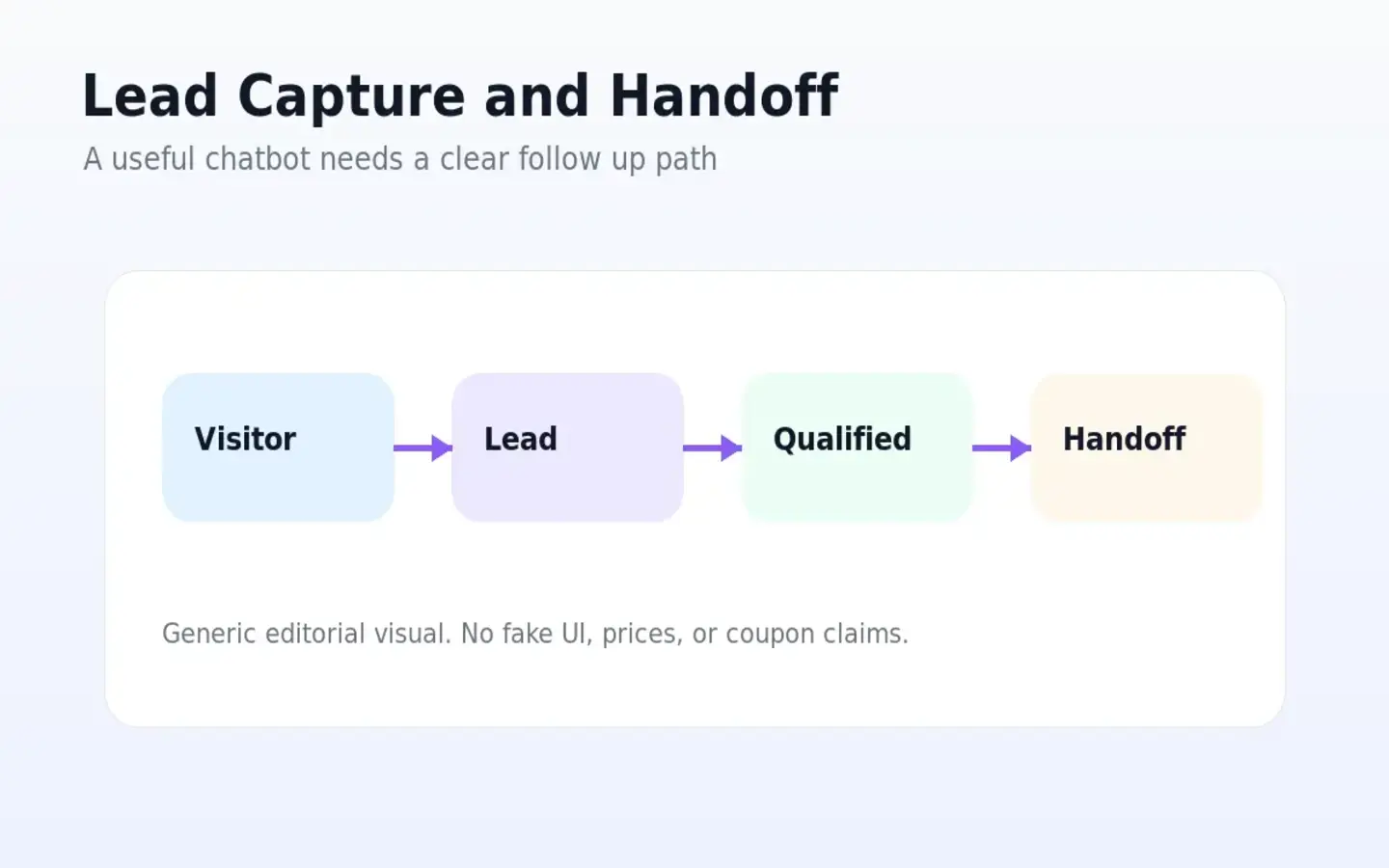
I would consider Elephant.ai if your website already gets repeat visitor questions and you want a practical AI assistant for first response, lead capture, qualification, and handoff. It makes the most sense when you can train it with accurate content and measure whether it improves real conversations.
I would skip it if your site has low traffic, unclear pages, no follow-up owner, or a need for mature help desk operations. I would also slow down if you are relying on third-party pricing, public coupons, or directory listings instead of checking the official live buyer route.
I would compare it with Chatbase if the main job is knowledge-based AI chat, Chaindesk if support workflow is the priority, Chaport if live chat maturity matters more, and ActiveCampaign or ClickFunnels if the real bottleneck is follow-up or funnel structure.
The safest next step is not to buy the biggest plan. It is to test one trained chatbot on one meaningful page, ask real buyer questions, verify lead capture and handoff, then choose a plan only if the assistant improves the workflow in a way your team can actually use.
