
PhotoPacks.AI Pricing & Headshot Fit
PhotoPacks.AI is best understood as a focused AI headshot generator, not a broad AI image suite. It asks buyers to upload everyday photos, then turns them into a portfolio of professional-looking headshots for LinkedIn, resumes, team pages, speaker bios, and business profiles. The value is clearest when a buyer wants many usable headshot options quickly and does not need a traditional photographer, manual retouching session, or full brand photoshoot.
Fit → price → checkout
Use these routes after the official-site check: coupon first, review for fit, compare if unsure.
PhotoPacks.AI pricing snapshot
Fast commercial checks before pricing, coupons, or a deeper review.
PhotoPacks.AI product tour
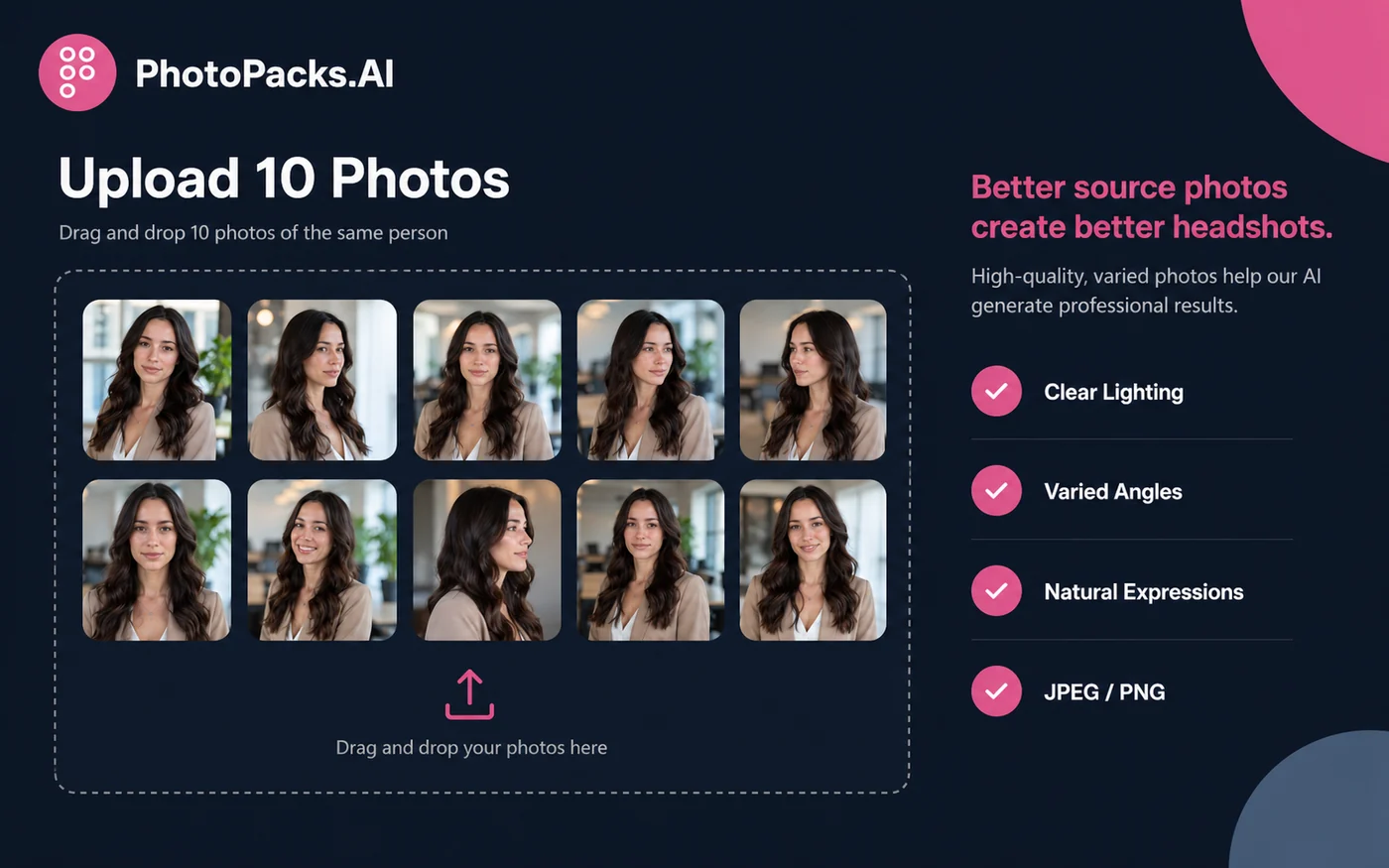
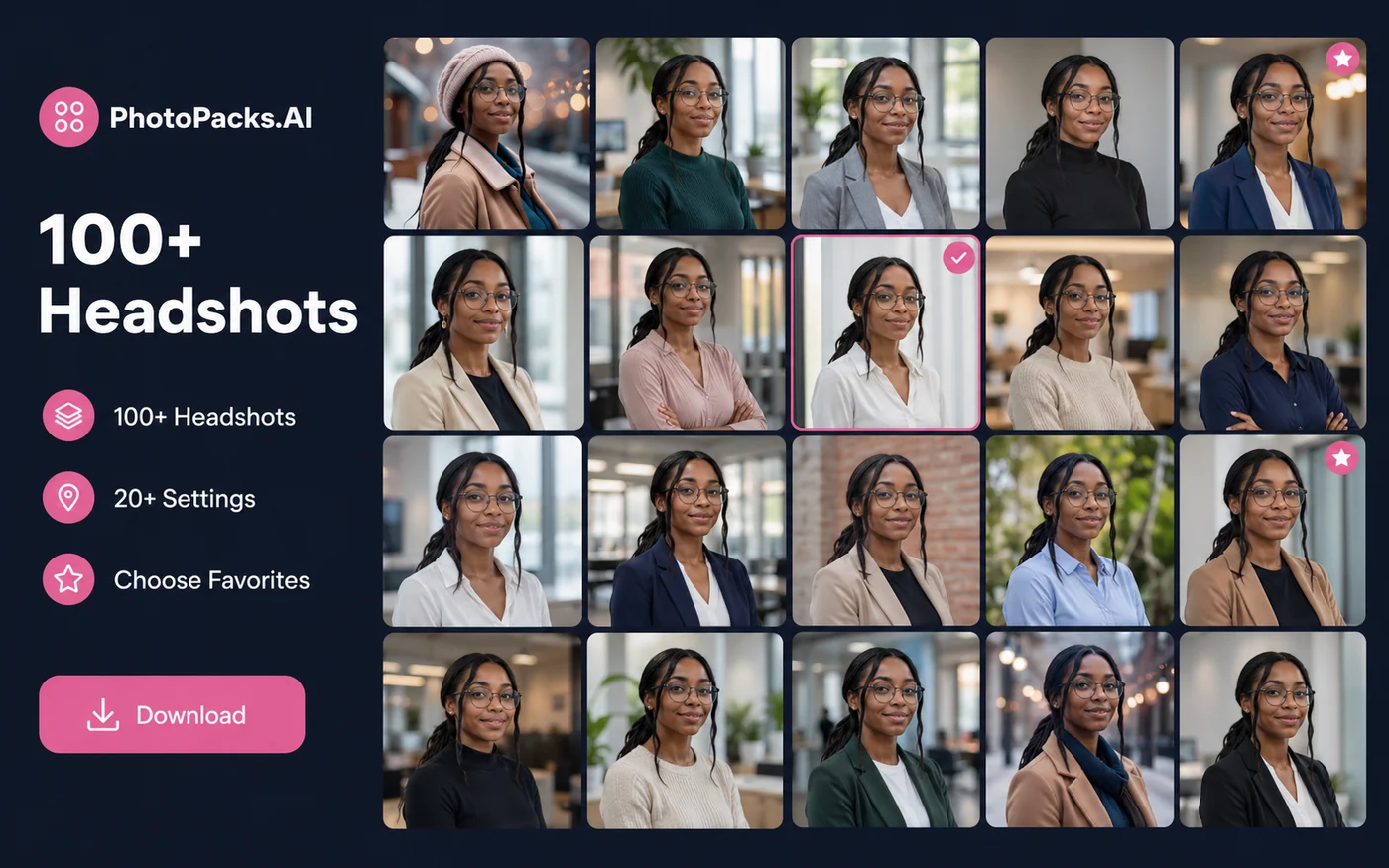
The product tour should make the buying decision concrete: upload source photos, wait for AI generation, review a large headshot gallery, and decide whether the output is strong enough for professional use. The buyer should pay special attention to source-photo requirements, likeness quality, and whether team pricing is relevant.
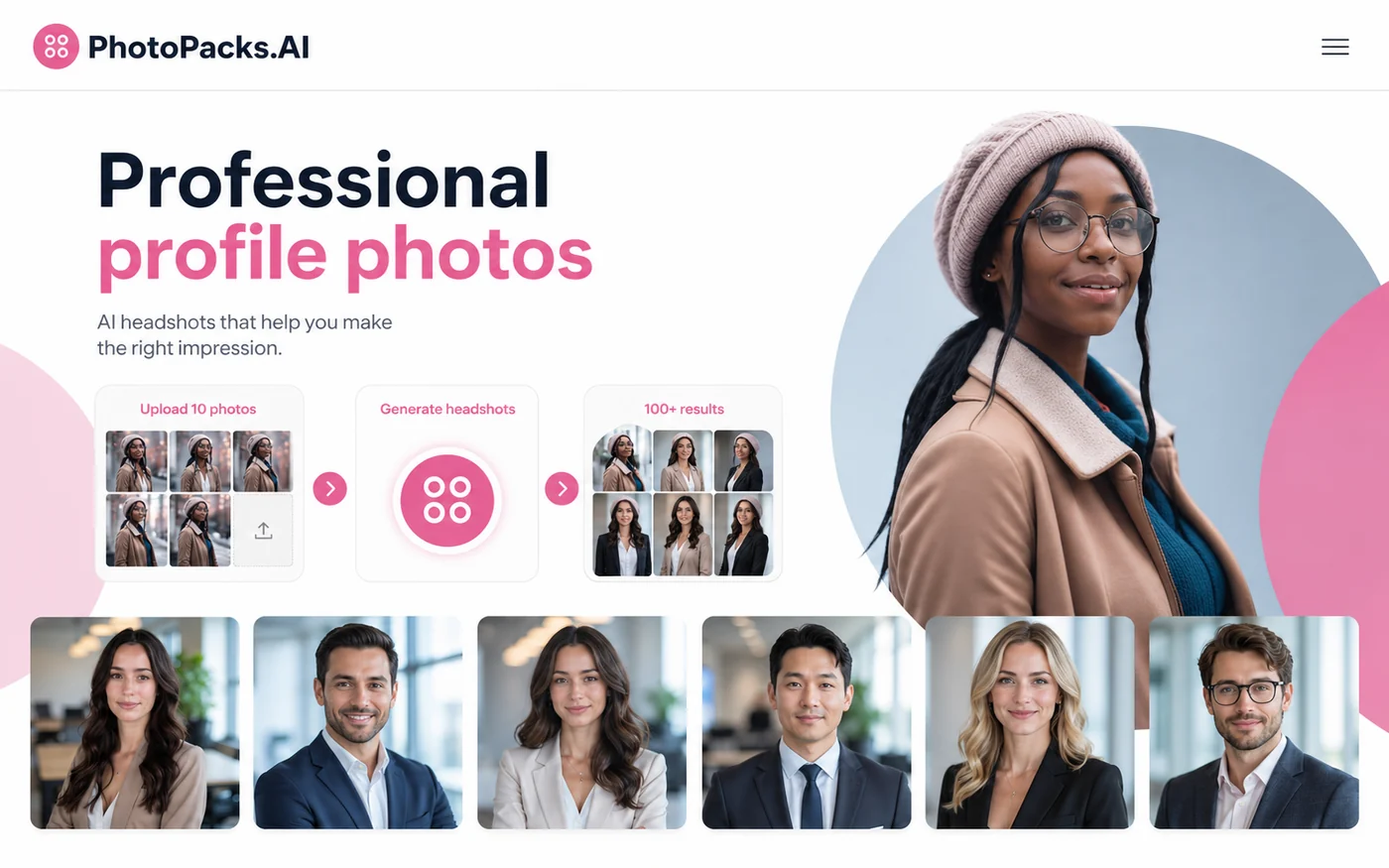
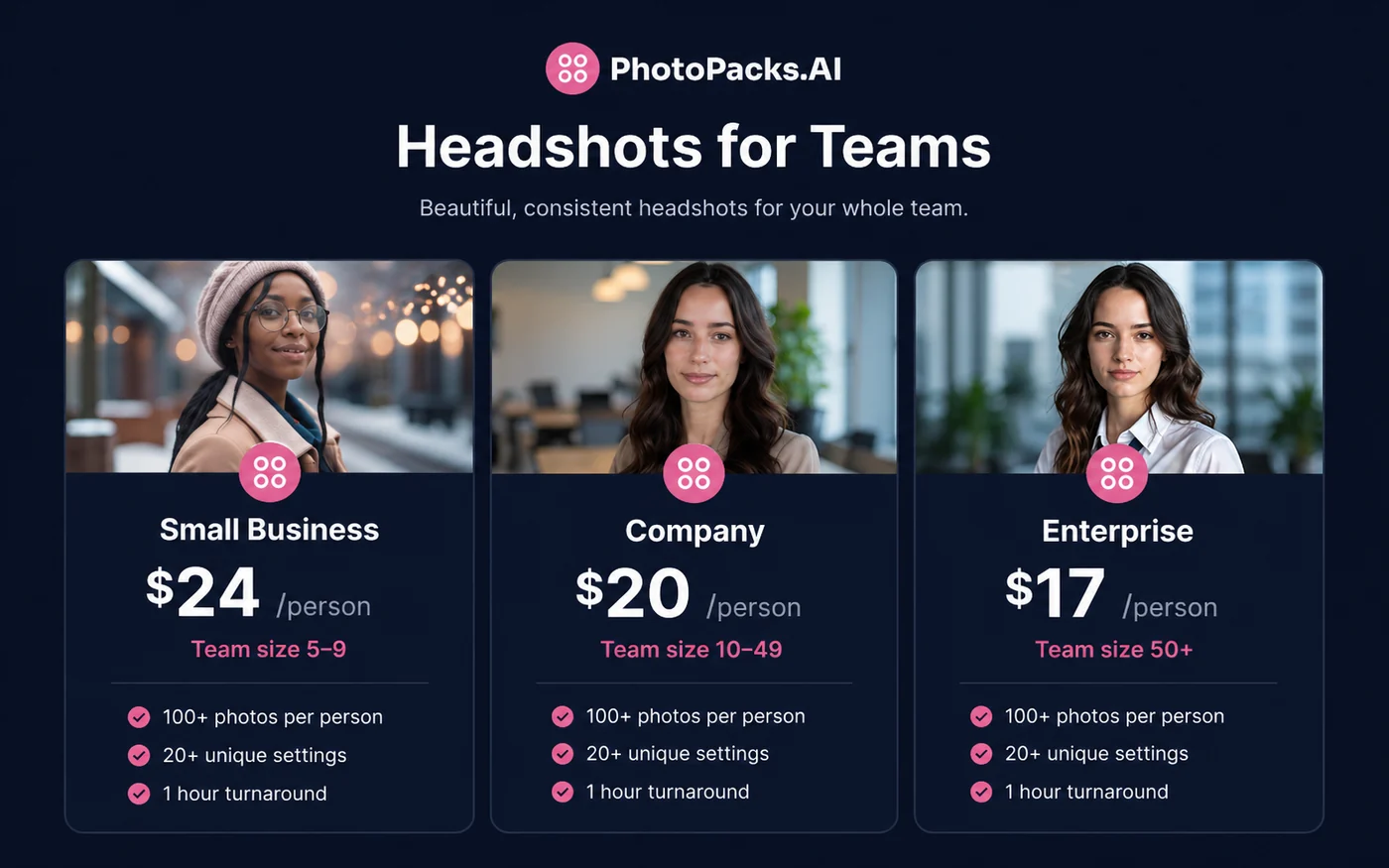
PhotoPacks.AI should be evaluated as a narrow buying decision: do you need professional-looking AI headshots quickly, and are you comfortable using ordinary personal photos as the training input? The store page should not oversell it as a complete photo studio replacement. It is more useful as a fast headshot pack for LinkedIn, resumes, company bios, and remote-team pages.
What PhotoPacks.AI actually does
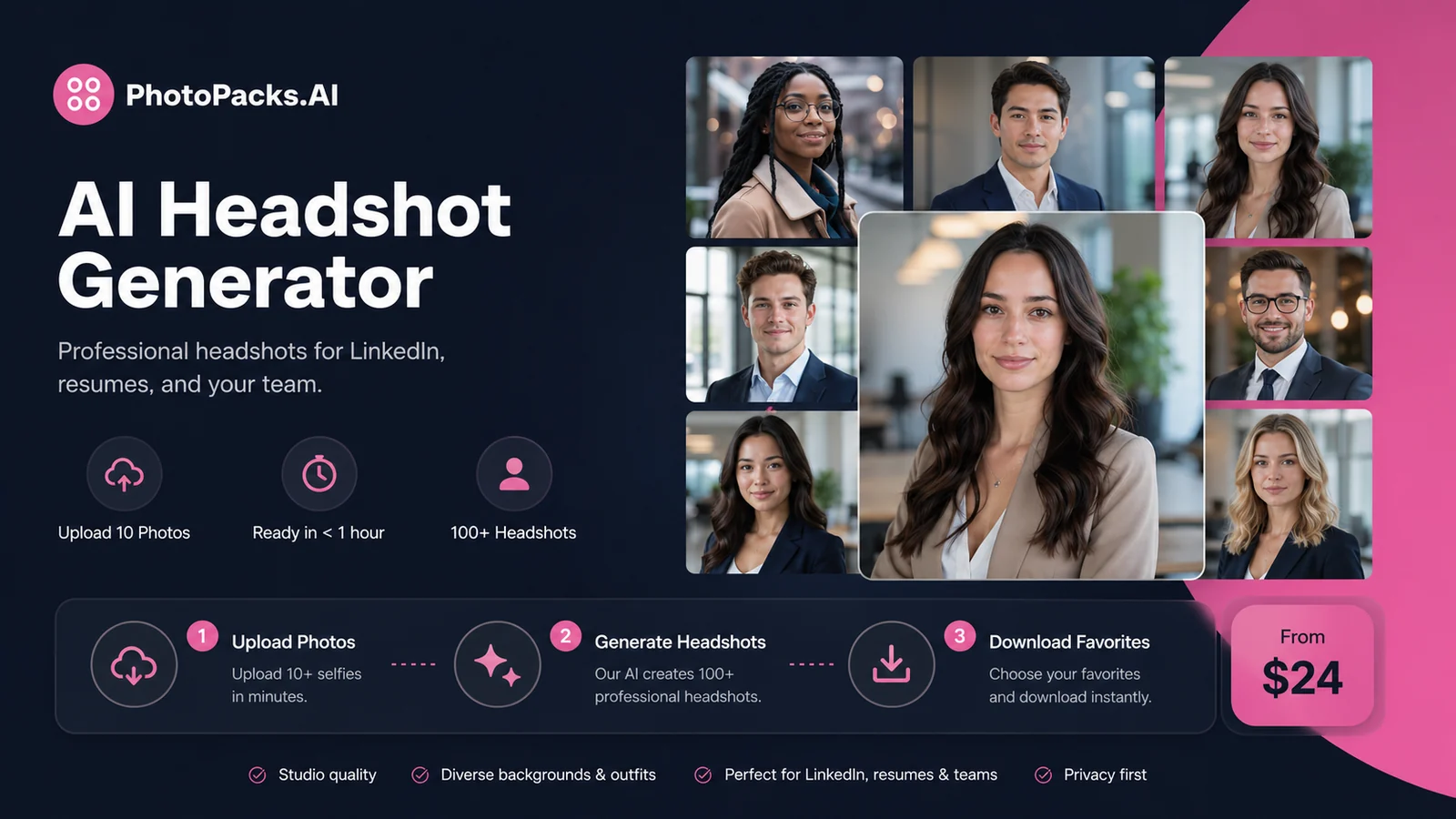
PhotoPacks.AI turns everyday source photos into a batch of professional-looking headshots. The official workflow is simple: upload 10 photos, let the system generate the headshots, then download the strongest results. That makes the product easier to understand than a general AI image editor. The buyer is not buying unlimited design control. They are buying speed, volume, and a portfolio of profile-photo options.
- Upload 10 photos with varied angles and expressions.
- Generate 100+ headshots across professional settings.
- Use the best outputs for LinkedIn, resumes, team pages, speaker bios, and business profiles.
Pricing and plan fit
The individual offer is straightforward: $24 for a one-time headshot package. Team pricing deserves a separate check because the per-person rate changes by team size. Small business orders are listed at $24 per person, company orders at $20 per person, and enterprise orders at $17 per person. The practical question is whether the buyer is ordering one profile refresh or trying to standardize headshots across a team.
- Individual buyers should verify the $24 checkout path.
- Teams should confirm the headcount tier before paying.
- Bulk buyers should understand unused-credit and refund rules.
Source-photo quality matters more than the checkout button
The official FAQ says buyers should upload 10 photos and that a mix of angles and expressions usually leads to more realistic results. That detail matters more than it looks. If the buyer uploads blurry, filtered, low-light, or same-angle photos, the AI may still generate many images, but fewer of them may feel accurate enough for a professional profile.
- Use clear photos with different angles, lighting, and expressions.
- Avoid sunglasses, heavy filters, extreme shadows, and low-resolution uploads.
- Expect to select the best few results from a larger gallery.
Where the headshots fit best
PhotoPacks.AI is most practical for visible but lightweight professional use: LinkedIn, resumes, company bios, speaker pages, real estate profiles, and social profile images. It is less convincing as a replacement for executive brand photography when the buyer needs a specific lighting style, custom backdrop, or art-directed campaign look.
- Good fit for LinkedIn and job-search profiles.
- Useful for founders, consultants, real estate agents, and speakers.
- Practical for remote teams that need visual consistency.
Team orders need a different check
For teams, the buyer is no longer just asking whether one person likes their results. They are asking whether the output can make a team page feel more consistent, whether everyone can provide usable source photos, and how unused or redeemed credits affect refund risk. The team page is useful because it makes volume pricing visible, but the credit and refund mechanics still deserve a close read.
- Check the tier that matches the actual number of people.
- Clarify how unused credits are handled before ordering.
- Decide whether the team needs consistency more than photographer-level control.
Useful video to watch before buying
A review-style walkthrough can be helpful because AI headshots are visual products. The buyer should watch for the type of input photos used, how natural the outputs look, whether the reviewer shows real results, and whether the tool seems strong enough for the buyer's specific professional context. A flattering demo is not the same as proof that every buyer will like their own results.
Safest next step
The safest next step is to decide the order type first. Individual buyers should prepare 10 strong photos, open the official package page, and check the final $24 checkout terms. Team buyers should open the team pricing page, match the headcount tier, and review credit and refund mechanics before paying. If fit is still unclear, compare PhotoPacks.AI against Aragon, Headshot Pro, Studioshot, and Photo AI before committing.
- Go to pricing if the buyer already understands the fit.
- Read the review route if source-photo quality, likeness, or alternatives still feel unclear.
- Use the coupon route only after confirming that a live code or automatic deal exists.
Best savings path from this store page
This is the clearest savings route to check once the product already looks like a fit.
PhotoPacks AI sells a simple one-time headshot package rather than a complicated subscription. The official page lists 100+ headshots, 20 unique settings, and a roughly one-hour turnaround for the public package.
Use this offer as a buyer-safe entry point. Pricing, plan limits, and promotional availability can change at checkout.
Official page says buyers can request a full refund within 7 days if unsatisfied
Official comparison content lists lower per-person pricing for larger teams
Use comparison routes when the category fit is still open
Use these comparison routes when the product still looks plausible, but the category fit is not fully settled.
Aragon is worth comparing when the buyer wants a more established AI headshot workflow and is willing to review package depth before paying.
Headshot Pro may fit buyers who want another dedicated business-headshot product with a different package structure.
Studioshot is a useful comparison for buyers who care about studio-style positioning and more controlled professional-image expectations.
Photo AI is broader and more experimental, which may fit buyers who want a general AI photo workflow rather than a narrow headshot pack.
Verification points worth checking before you click out
Where this store usually fits best in the workflow
PhotoPacks.AI fits buyers who need their LinkedIn, resume, or portfolio image to look more finished without booking a photographer. The key is starting with strong source photos so the final output still looks recognizable.
Consultants, founders, real estate agents, and speakers can use the tool to generate a set of business-ready images for public profiles, pitch decks, and website bios. It works best when the buyer needs options quickly rather than a single hand-retouched portrait.
Distributed teams can use PhotoPacks.AI to create more consistent employee headshots without scheduling a physical shoot. The buyer should check team pricing, credit usage, and approval expectations before ordering.
Creators who need polished profile images for social profiles, newsletter bios, or speaker pages may find the flat-fee model useful. It is less ideal when the creator needs heavily stylized campaign imagery or precise manual editing.
Practical checkpoints before and after signup
- Choose whether the purchase is for one person or a team.
- Prepare 10 clear source photos before starting checkout.
- Read the refund terms and team-credit rules before paying.
- Use varied angles, natural expressions, and clear lighting.
- Avoid low-resolution, filtered, or heavily shadowed images.
- Check whether the accepted file formats match the photos on hand.
- Select the strongest outputs rather than expecting every generated image to be publish-ready.
- Check whether the best images look recognizable enough for professional use.
- Download favorites and test them in the actual LinkedIn, resume, or team-page context.
- Confirm the team-size tier and whether credits are used or unused.
- Set simple upload guidance so team members provide better source photos.
- Plan approval expectations before ordering for a larger group.
Fast-read signals for workflow fit and buying friction
Questions readers usually ask before choosing this store
What does PhotoPacks.AI actually do?
PhotoPacks.AI generates professional-looking AI headshots from ordinary personal photos. The buyer uploads 10 photos, and the service creates a larger headshot gallery that can be used for LinkedIn, resumes, company websites, speaker bios, and business profiles.
How much does PhotoPacks.AI cost?
The official site presents an individual headshot package at $24 as a one-time payment. Team pricing is listed separately by headcount, including $24 per person for 5 to 9 people, $20 per person for 10 to 49 people, and $17 per person for 50 or more people. Buyers should confirm the live checkout price before ordering.
Does PhotoPacks.AI have a free plan or free trial?
A full free plan or free trial for the paid headshot package was not clearly presented as the main buying path during this store update. The safer assumption is that the core individual package is a paid one-time purchase, with buyers verifying any free generator, sample, or promotional path directly on the official site.
Does PhotoPacks.AI offer refunds?
PhotoPacks.AI states that refund requests can be made within 7 days of ordering, while the order results may be considered before a refund is issued. For team orders, refunds are described as prorated based on unused credits, and used or redeemed credits are non-refundable.
What should buyers verify before checkout?
Buyers should verify the final checkout price, team-size tier, refund language, source-photo requirements, and whether any coupon or promotion is actually live. The most important practical check is whether the buyer has 10 strong source photos, because poor inputs can weaken the quality of generated headshots.
Choose the next route that matches what you still need to decide
The strongest next click depends on whether you still need product judgment, a savings route, or a broader category comparison.