Foreplay Pricing, Plans & Creative Workflow Fit
Foreplay is an ad creative workflow platform for teams that want to save ads from Meta, TikTok, LinkedIn, Instagram, YouTube Shorts, and other sources, organize them into swipe files, track competitors, analyze creative performance, and turn research into briefs. It is best evaluated as a creative operating system for performance marketers, not as a simple ad spy tool or a generic AI marketing app.
Fit → price → checkout
Use these routes after the official-site check: coupon first, review for fit, compare if unsure.
Foreplay pricing snapshot
Fast commercial checks before pricing, coupons, or a deeper review.
Foreplay product tour
These visuals focus on the commercial questions a buyer should answer before paying: whether Foreplay can replace scattered ad screenshots, organize team creative research, support competitor tracking, connect performance analytics, and turn ad inspiration into briefs.
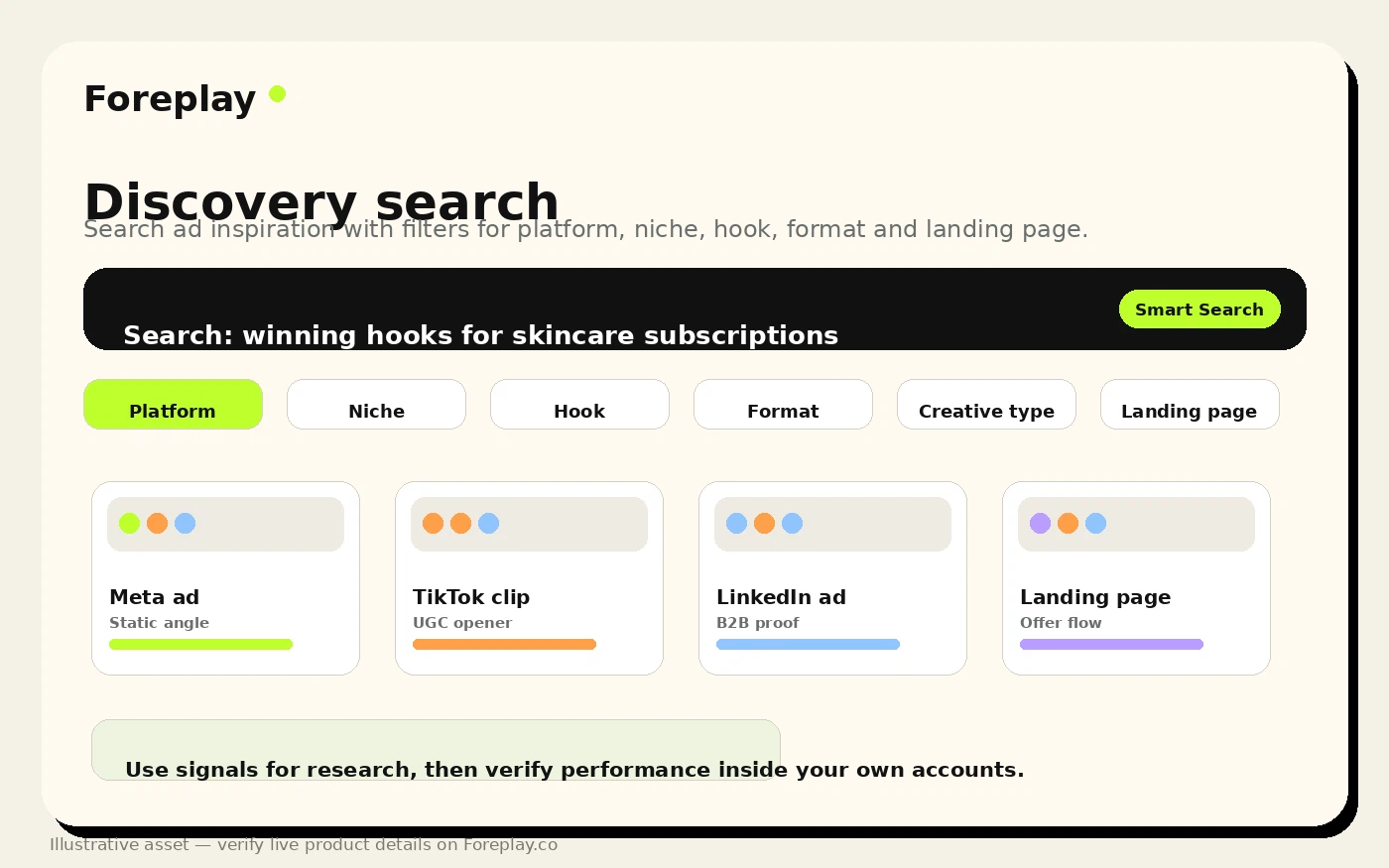
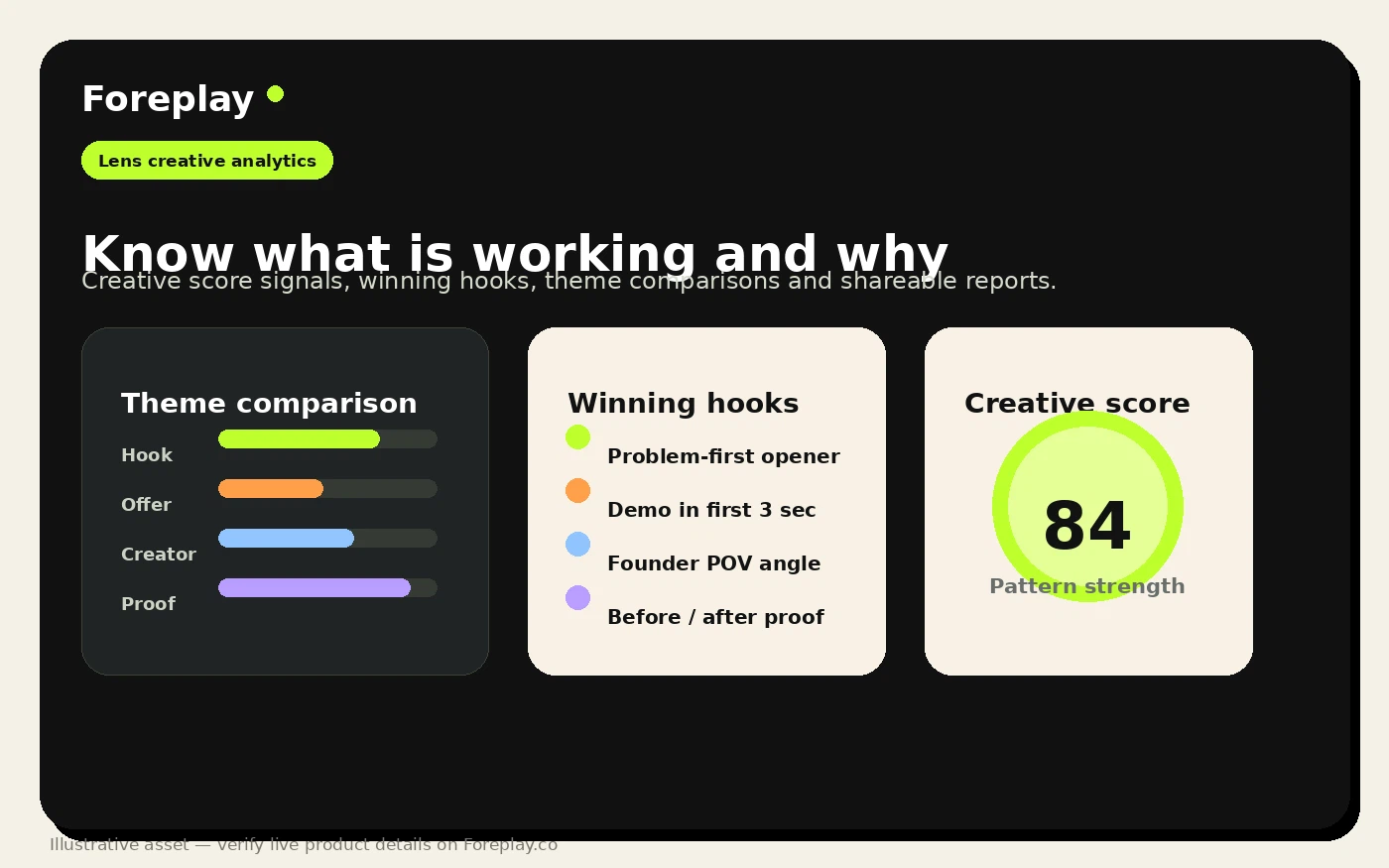
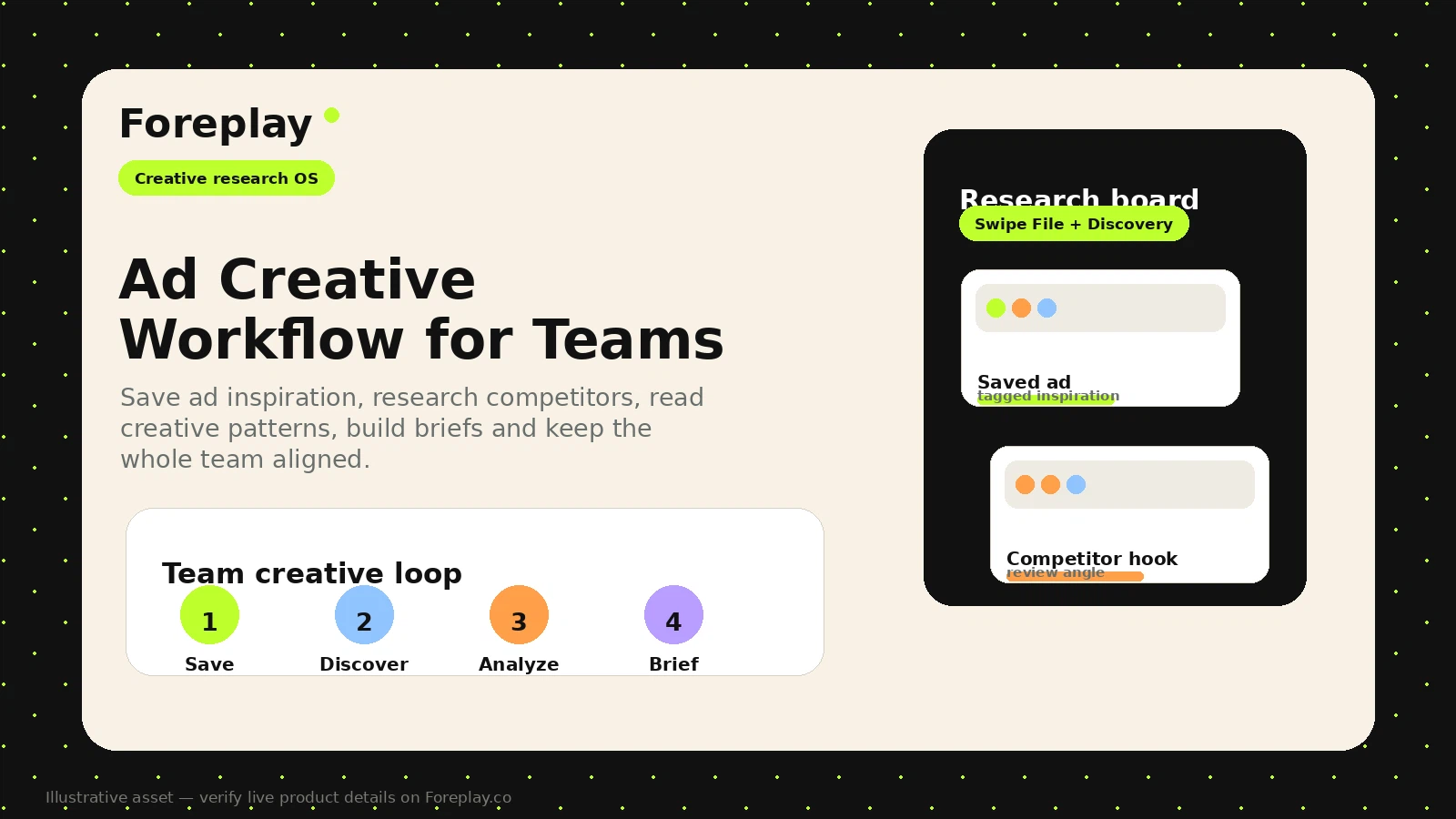
Foreplay should be treated as a creative workflow platform for advertisers, not as a normal coupon destination. The buying decision is about whether your team needs a cleaner way to save ads, research competitors, analyze creative patterns, build briefs, and keep media buyers and creatives aligned.
What Foreplay actually does
Foreplay helps advertising teams move from messy inspiration gathering to a more structured creative workflow. The official homepage frames the product around saving ads, organizing swipe files, discovering ad examples, monitoring competitors with Spyder, analyzing creative performance with Lens, building briefs, and collaborating with teams or clients.
That is a different buying decision from a simple ad spy subscription. The platform is more useful when the buyer already runs paid social tests, reviews competitor ads regularly, and needs a shared system for creative direction.
- Save and organize ads from major ad libraries and social platforms.
- Use Discovery, Spyder, Lens, and Briefs to connect research with creative planning.
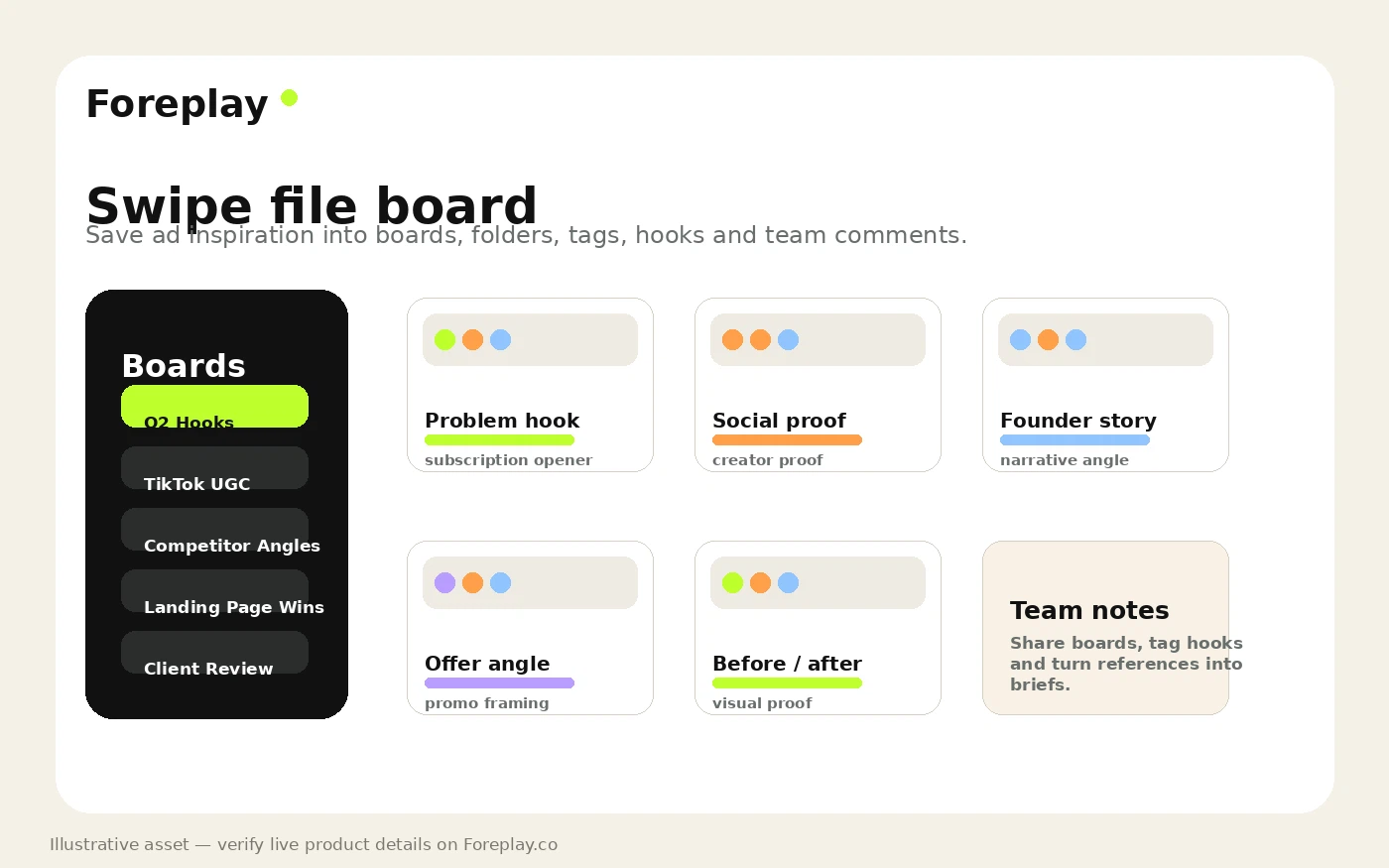
- Share boards, comment with teams, and turn references into clearer creative direction.
Where the Chrome extension and mobile saving matter
The Chrome extension and mobile saving paths are important because ad inspiration disappears quickly. Foreplay's extension listing and official Chrome extension page show support for saving from Meta Ad Library, TikTok, LinkedIn, Instagram, YouTube Shorts, and related ad research surfaces.
This matters for agencies and performance teams because the workflow begins before analytics or briefs. If the team cannot capture useful references consistently, the rest of the creative process becomes harder to organize.
- Chrome extension for saving ads from major libraries and social platforms.
- Mobile saving paths for Instagram and TikTok use cases.
- Boards, tags, saved videos, copy, and landing page screenshots for later review.
Pricing and plan fit
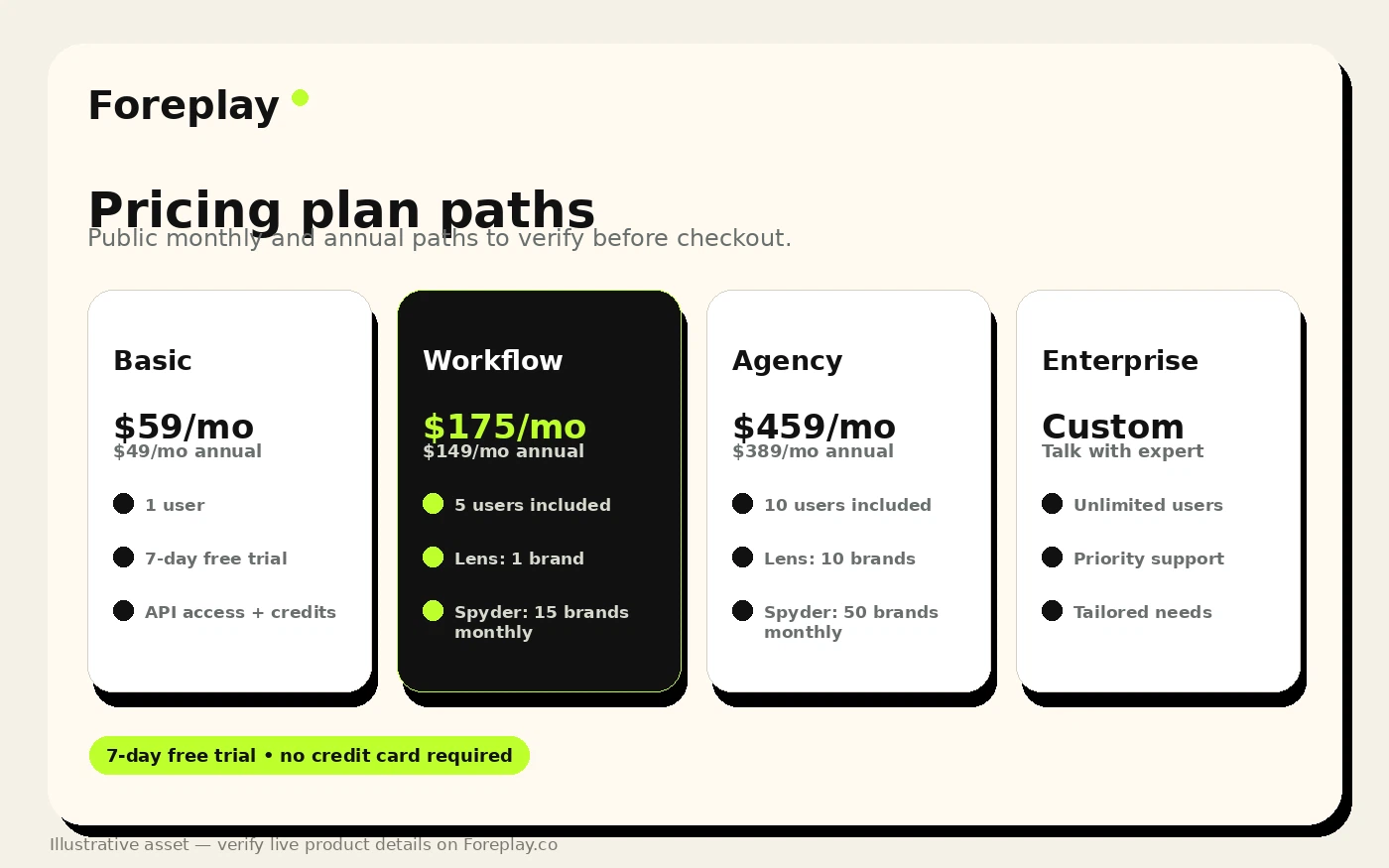
Foreplay's pricing deserves a careful plan-fit check. The public pricing page shows Basic, Workflow, Agency, and Enterprise paths, with annual pricing starting at $49/month for Basic and monthly Basic shown at $59/month. Workflow and Agency tiers add more users, larger brand allowances, Lens access, Spyder usage, and API credits.
The safer buyer move is to ignore the headline price until you know which plan gates the features you actually need. A small brand may start with Basic, but an agency that needs client reporting, creative analytics, or competitor monitoring across brands will likely judge the value differently.
- Compare Basic, Workflow, Agency, and Enterprise before assuming the entry tier is enough.
- Check monthly versus annual billing because the visible starting price depends on the billing view.
- Review users, brand limits, Lens access, Spyder usage, API credits, and extra-user pricing.
Trial, cancellation, and refund risk
Foreplay promotes a 7-day trial, but the FAQ should still be read before checkout. It explains support during trial, cancellation, post-trial billing, a 14-day money-back guarantee after the first charge, and no refund for yearly plan cancellation.
That combination is not scary, but it does mean buyers should treat the trial as real evaluation time. Save ads, build at least one board, try Discovery, test a brief, and check whether the team will use it before letting an annual plan renew.
- Use the trial for a real workflow test, not casual browsing.
- Confirm whether the current checkout requires a card and when billing starts.
- Read annual billing and refund language before committing to yearly savings.
API and deeper data workflows
Foreplay also publishes an API page with separate credit pricing. The API page says trials and base plans come with monthly free credits, then shows additional credit tiers for teams that need competitor advertising data at scale.
This is important for larger agencies, data-heavy marketers, or teams building internal reporting flows. For smaller buyers, API access may not matter at all. The key is to avoid paying for a plan depth that the team does not have the process or technical need to use.
- API access is publicly documented and plan-connected.
- Additional API credits are priced separately for higher-volume data needs.
- Enterprise buyers should verify custom credit, support, and integration terms directly.
Video workflow context before the next click
A product demo can clarify whether Foreplay feels like a daily creative workflow or a tool your team would open once and forget. Watch for the sequence of saving ads, organizing boards, analyzing patterns, and turning references into briefs because those steps are what make the subscription easier or harder to justify.
If the demo feels relevant, the next sensible step is pricing or review. If the workflow feels heavier than your current need, compare lighter ad research or creative generation tools first.
Best next step for buyers
The safest next step is to start with workflow fit, then pricing. Foreplay is worth a close look when ad creative research is already a bottleneck, but it is probably overbuilt if the buyer only needs a few public examples or a one-off competitor scan.
A practical path is simple: open the official pricing page, run the trial against one real campaign, compare Basic versus Workflow, and only then move to annual billing or a deeper plan. If the goal is purely generating new ad creatives, compare Foreplay with tools that create UGC or ad assets rather than tools that organize research.
- Read the review route if workflow fit is still unclear.
- Use the coupon or pricing route only after the product clears the fit check.
- Compare nearby ad creative and media-buying tools when the workflow feels too heavy.
Best savings path from this store page
This is the clearest savings route to check once the product already looks like a fit.
A public affiliate coupon source reports a Foreplay checkout coupon that may stack with annual billing. Treat it as a checkout-test route before relying on the discount.
Start with 7 days free
Save 15% plus unlimited Spyder
Use comparison routes when the category fit is still open
Use these comparison routes when the product still looks plausible, but the category fit is not fully settled.
PiPiAds is the more direct comparison when the buyer mainly wants ad spying and competitor ad discovery rather than Foreplay's broader swipe file, brief, analytics, and team workflow.
Quickads fits buyers who want faster ad creation and campaign asset production, while Foreplay is stronger when the pain is research, organization, competitor tracking, and creative direction.
MakeUGC is closer when the buyer needs AI UGC-style ad assets, while Foreplay is better for collecting and interpreting winning ad references before production.
Voluum belongs in the comparison set when attribution, campaign tracking, and media-buying optimization matter more than creative research and brief building.
Verification points worth checking before you click out
Where this store usually fits best in the workflow
Foreplay fits teams that save ads every week, organize swipe files, tag patterns, and need a repeatable way to turn creative inspiration into campaign direction.
Agencies can use Foreplay boards, sharing, commenting, white-label links, and briefs to reduce messy client communication around references, feedback, and creative planning.
Spyder and Discovery make more sense when a buyer needs recurring competitor research rather than a one-time look at public ad libraries.
Lens and reports matter for teams that want to connect creative themes with performance patterns instead of treating swipe files as passive inspiration.
Practical checkpoints before and after signup
- List the ad platforms your team researches most often and confirm Foreplay supports saving from them.
- Decide whether you need swipe files only or the fuller workflow with Discovery, Spyder, Lens, Briefs, and API credits.
- Pick one real campaign or competitor set for the trial instead of testing the product casually.
- Save ads into boards, tag examples, test Discovery, create a brief, and check whether collaboration features reduce manual work.
- Compare the plan table while the workflow is fresh so feature gates are tied to real usage.
- Ask support about any unclear API, user, brand, or annual billing limits before checkout.
- Confirm whether the chosen plan includes the users, brands, Lens access, Spyder volume, and API credits you need.
- Review trial, cancellation, and refund language, especially if choosing annual billing.
- Compare Foreplay with ad spy, UGC creation, and attribution tools if your pain is not truly creative workflow management.
- Track whether Foreplay becomes part of weekly creative review rather than a side library nobody opens.
- Revisit plan fit when brand count, team users, reporting needs, or API usage grows.
- Use review and coupon routes later only when the product remains clearly useful after real workflow adoption.
Fast-read signals for workflow fit and buying friction
Questions readers usually ask before choosing this store
What is Foreplay best for?
Foreplay is best for marketers, agencies, and ecommerce teams that repeatedly research paid social ads, organize creative examples, monitor competitors, and turn inspiration into briefs or performance learning. It is strongest when creative research is already a recurring workflow, not a one-time task.
Does Foreplay have a free plan or trial?
A permanent free plan was not verified as the main pricing path, but Foreplay promotes a 7-day free trial. Buyers should confirm the current trial billing requirements at checkout because the public pricing page and FAQ should both be checked before relying on any static summary.
How much does Foreplay cost?
Foreplay's pricing page shows Basic starting at $49/month on annual billing and $59/month on monthly billing, with higher Workflow, Agency, and Enterprise paths. The right plan depends on users, brand limits, Lens, Spyder, briefs, sharing, and API credit needs.
Are there public Foreplay coupon codes?
A stable public coupon-code path was not verified for this update. The safer savings path is to check the official pricing page, annual billing, the 7-day trial, and any live DealBestDaily offer route before assuming a code is available.
Who should avoid Foreplay?
Foreplay is probably not the right first purchase for buyers who only need a few free ad examples, do not run paid social creative tests regularly, or want an AI tool that generates finished ads for them. In those cases, a lighter ad library, creative generator, or campaign-tracking tool may be a cleaner fit.
Choose the next route that matches what you still need to decide
The strongest next click depends on whether you still need product judgment, a savings route, or a broader category comparison.