
Elai Pricing, Plans & L&D Video Fit
Elai is best understood as an AI avatar video studio for learning, training, marketing, and team communication rather than a simple short-form video generator. Its strongest buyer fit is a team that wants to turn scripts, URLs, slides, or structured learning material into presenter-led videos without filming. The tradeoff is that pricing depends heavily on rendered minutes, seats, add-ons, and whether the buyer needs Team or Enterprise features.
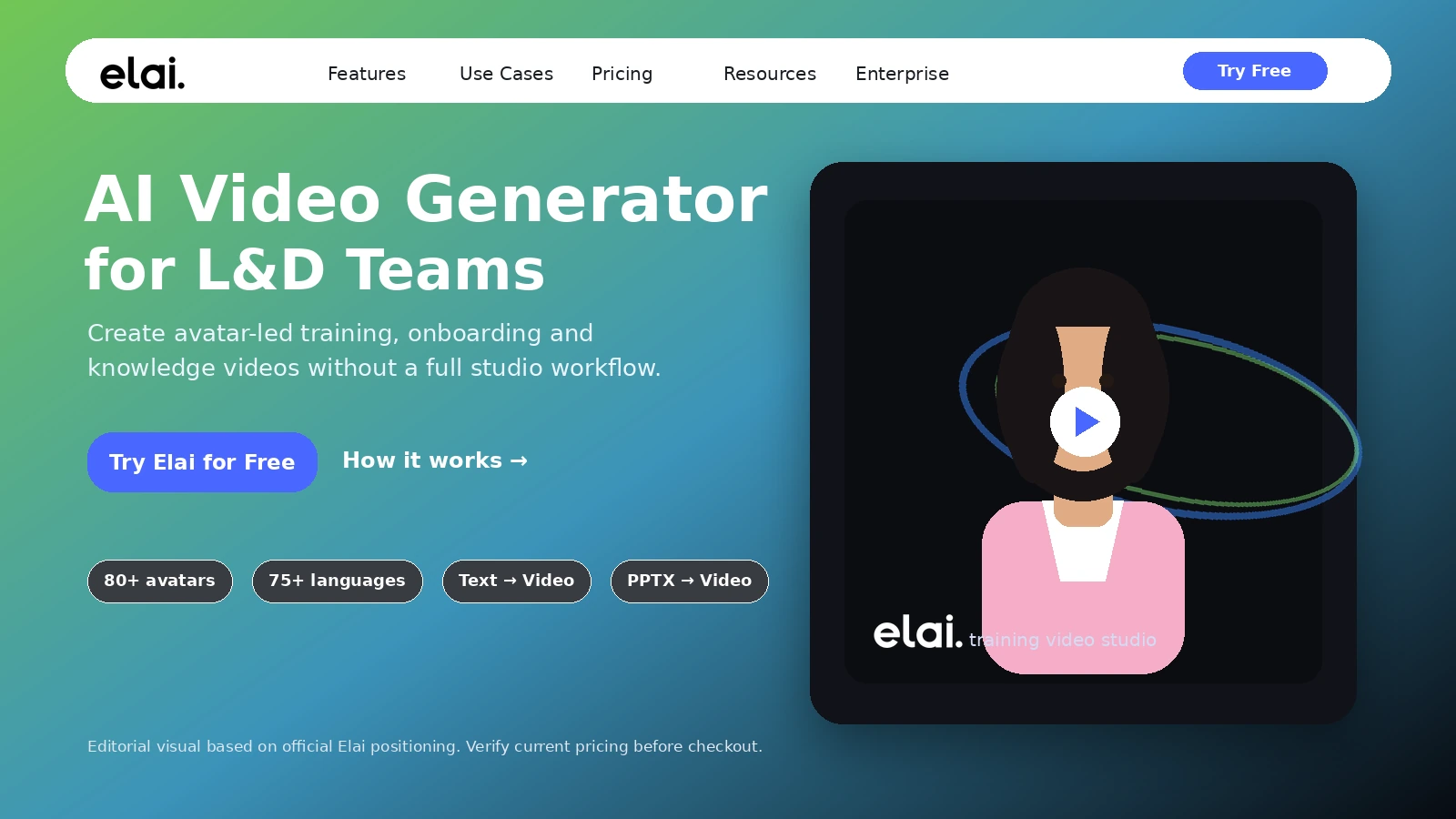
Fit → price → checkout
Use these routes after the official-site check: coupon first, review for fit, compare if unsure.
Elai pricing snapshot
Fast commercial checks before pricing, coupons, or a deeper review.
Elai product tour
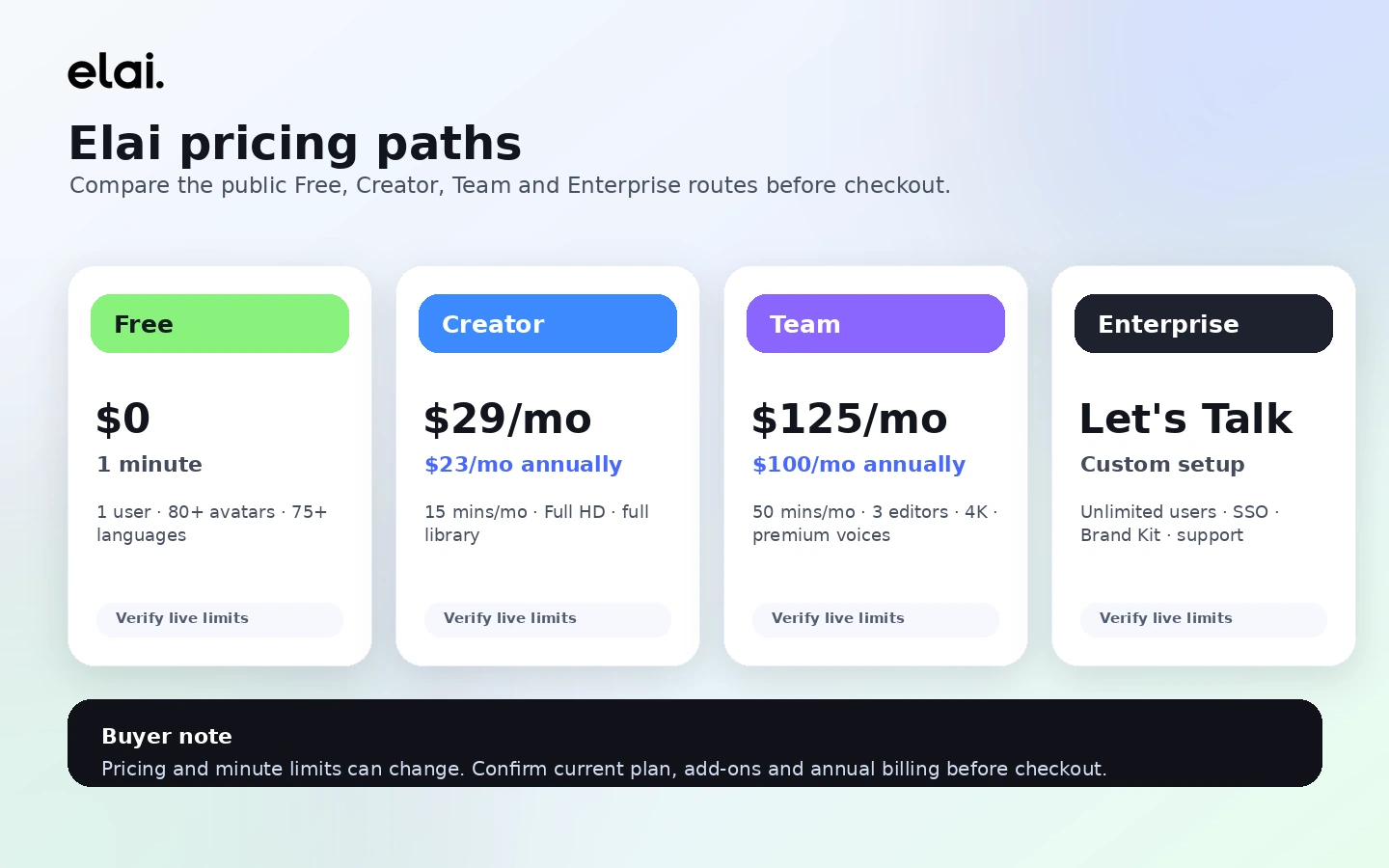
These Elai visuals help buyers separate the product's three main decisions: whether avatar-based training video fits the workflow, whether the monthly minutes are enough, and whether the team needs higher-tier collaboration, API, or enterprise controls.
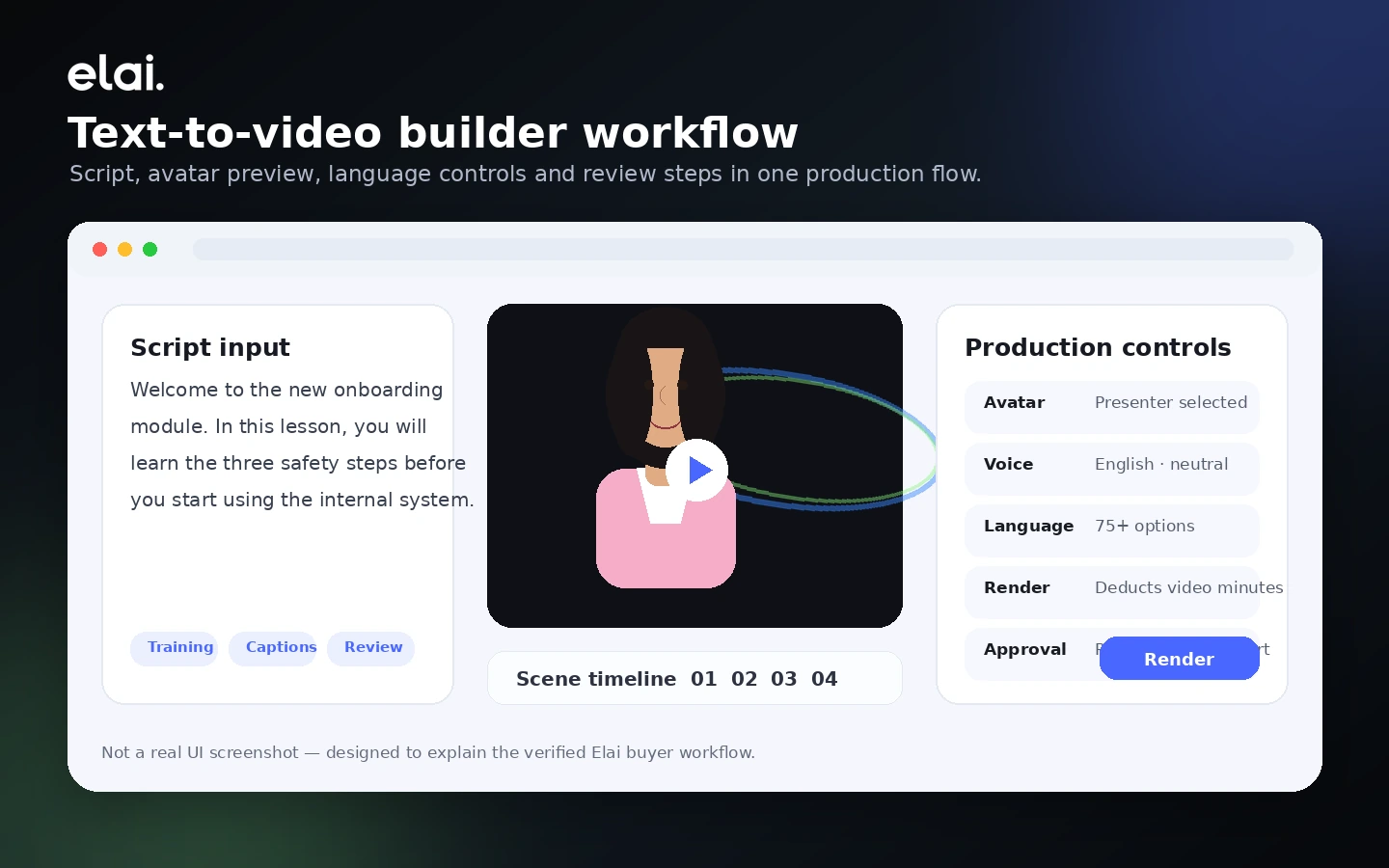
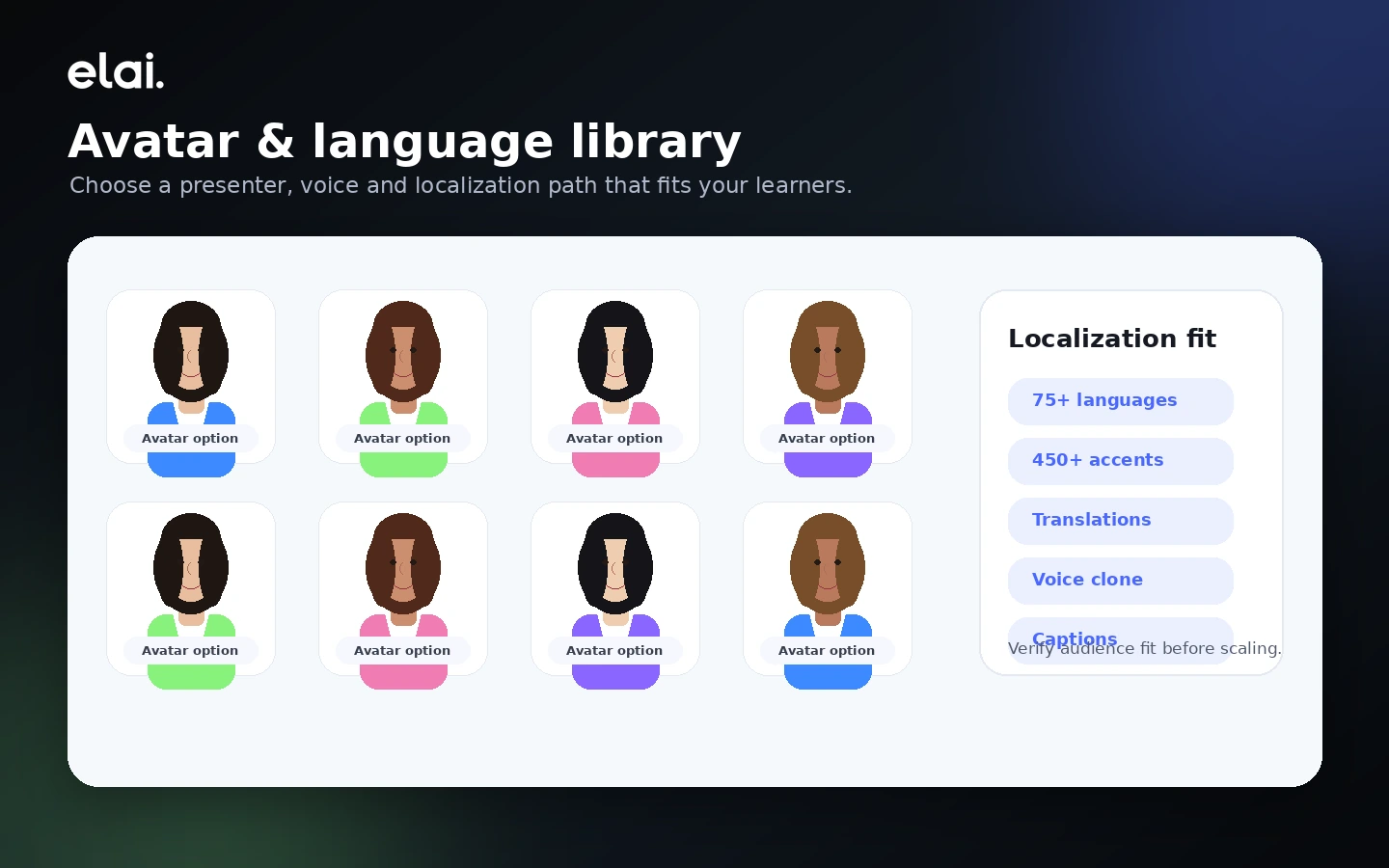
Elai belongs in the AI video category, but the better buyer lens is narrower: it is an avatar-led video studio for training, onboarding, tutorials, internal communication, and scalable multilingual video production. That makes it attractive for L&D and business teams, but it also means the wrong buyer can overpay if they only need a quick social clip or a one-time explainer.
What Elai actually does
Elai turns written input into presenter-led video. A buyer can start from text, a prompt, a URL, or imported presentation material, then build scenes with avatars, voices, captions, templates, stock assets, and interactive elements. The practical value is not that it replaces every editor. It reduces the need to book cameras, actors, studios, and repeated manual localization for structured business videos.
- Create AI avatar videos from scripts, prompts, URLs, or presentation-style content
- Use avatars, voices, languages, templates, captions, and media assets inside a browser workflow
- Support training, onboarding, tutorials, marketing explainers, and internal communication
Who Elai fits best
Elai makes the most sense for teams with recurring video needs: employee training, product education, course material, compliance refreshers, onboarding, customer enablement, or localized marketing explainers. A solo creator can still use it, but the product becomes more valuable when the buyer has enough repeatable content to justify minutes, brand assets, and workflow learning.
- L&D teams producing repeatable learning videos
- Marketing teams creating localized explainers or product education
- Course creators turning scripts, slides, or resources into presenter-led lessons
- Operations teams exploring video automation through API or Zapier
Pricing and plan fit
Elai's pricing has a simple top-level ladder but a more careful buyer decision underneath. Free is a small test path. Creator is the lowest paid path, but it is built around one user and a limited monthly minute pool. Team raises the price sharply because it adds collaboration and higher-value production features. Enterprise is where larger teams should discuss unlimited users, workspace needs, SSO, premium support, and broader deployment requirements.
- Free is best for testing the interface and output style
- Creator is best when one user and limited monthly minutes are enough
- Team is the first serious collaboration path
- Enterprise is the safer route for governance, scale, and larger organization needs
Free plan, minutes, and render risk
The Free plan is useful because it lets buyers try the core builder without a credit card, but it is intentionally narrow. It gives one video minute, one user, and watermarked output. The bigger commercial issue is render behavior: Elai states that minutes are deducted each time a video is rendered, even when it is the same video after edits. That makes planning and review discipline important before paying.
- Use Free to test the builder, not to judge full production capacity
- Prepare scripts carefully before rendering paid-plan videos
- Expect iteration to consume minutes if you rerender after edits
- Confirm whether top-ups or a larger plan are cheaper than forcing a small plan
Team, API, and learning workflow fit
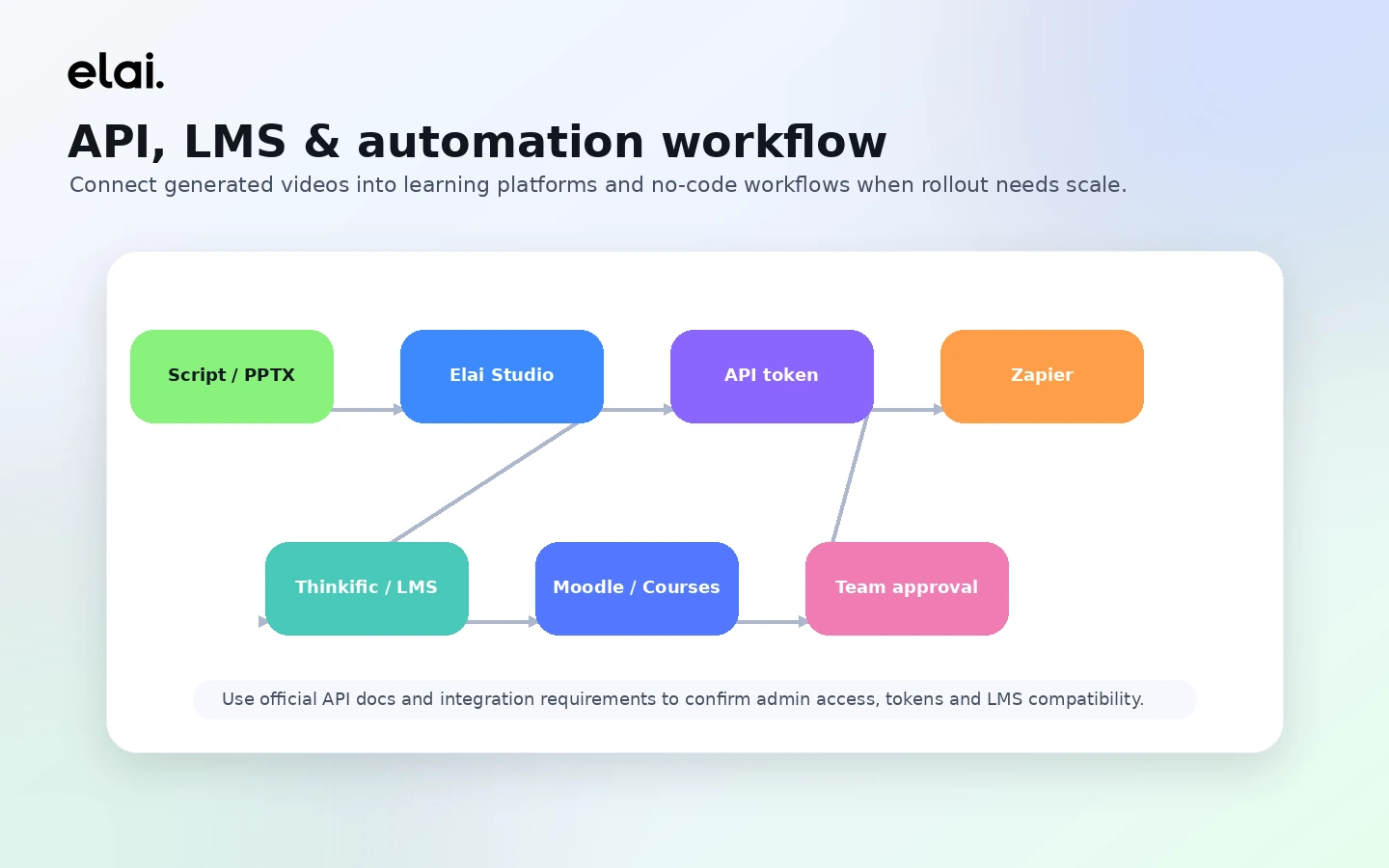
Elai becomes more interesting when the buyer wants a repeatable training workflow rather than a single video. Team support, API access, Zapier automation, LMS-style use cases, personalization, and enterprise controls can make the product more useful for organizations. The important checkpoint is plan access: buyers should confirm which automation, collaboration, export, and governance features are included before building a workflow around Elai.
- API access can support bulk or personalized video generation
- Zapier can help no-code teams connect video creation to other workflows
- Team and Enterprise paths are more relevant when collaboration, SSO, or support matters
- LMS and learning workflows should be verified against the buyer's exact delivery stack
Coupon path and safest next step
For Elai, the safest next step is not to chase a random coupon first. Start with the Free plan, build one realistic test video, then compare Creator, Team, and Enterprise against the exact number of minutes, users, add-ons, and governance needs in your workflow. After that, the coupon or deal path makes sense as a final checkout check rather than the starting point.
- Use the store page to qualify the product fit
- Open the review path if avatar quality, workflow depth, or alternatives are still unclear
- Open the pricing or coupon route only after the use case and plan tier are clear
- Verify the final price, billing interval, and terms at checkout
Best savings path from this store page
This is the clearest savings route to check once the product already looks like a fit.
A third-party coupon source reports a checkout code for Elai. Treat it as a test-at-checkout path because the official pricing page already shows the safer annual discount.
Use this as a reported coupon path only. If the checkout does not accept it, use the official annual billing discount instead.
Save 20% with annual billing
Free plan with 1 minute
Use comparison routes when the category fit is still open
Use these comparison routes when the product still looks plausible, but the category fit is not fully settled.
Synthesia is the more obvious alternative when buyers want a mature business avatar platform with strong enterprise recognition and a broad template-driven workflow.
HeyGen deserves a comparison when expressive avatar realism, marketing videos, and creator-friendly output feel more important than L&D-style training workflows.
AKOOL is worth checking when the buyer wants broader creative AI video and avatar tools rather than a narrower training and learning-video workflow.
Verification points worth checking before you click out
Where this store usually fits best in the workflow
Elai fits teams that need to turn scripts, policies, onboarding notes, or learning material into repeatable presenter-led videos without filming new footage every time.
Product and customer success teams can use Elai when they need tutorial-style videos, localized explainers, or scalable education content that is easier to update than filmed assets.
Course creators and L&D teams can use Elai to convert structured lessons, slides, or PDFs into avatar-led modules, then evaluate whether the output quality justifies the paid minutes.
Teams with developer or operations support can evaluate Elai's API and Zapier paths for bulk or personalized video generation, but should confirm limits before planning a rollout.
Practical checkpoints before and after signup
- Choose one real script or training asset instead of testing with a throwaway prompt.
- Confirm whether the desired output is training, onboarding, marketing, or customer education.
- List the languages, avatars, captions, and export needs before comparing plans.
- Use the Free plan to test the builder, avatar style, watermark behavior, and script-to-video workflow.
- Pay attention to how many edits are needed before a video looks usable.
- Do not judge paid value from the free minute alone if the real workflow needs team collaboration or API access.
- Compare Creator and Team by minutes, users, guests, output quality, custom assets, and collaboration needs.
- Read the current terms, cancellation language, and no-refund risk before paying.
- Check whether custom avatars, voice cloning, SCORM, API, or enterprise controls require add-ons or a higher plan.
- Track render-minute usage during the first production cycle.
- Review whether annual billing still makes sense after real usage is known.
- Recheck alternatives if avatar realism, editing depth, or integration coverage becomes the main bottleneck.
Fast-read signals for workflow fit and buying friction
Questions readers usually ask before choosing this store
What is Elai best for?
Elai is best for teams that need repeatable avatar-led videos for training, onboarding, tutorials, product education, or multilingual communication without filming every new video from scratch.
Does Elai have a free plan?
Yes. Elai publishes a Free plan with one video minute, one user, access to 80+ avatars and 75+ languages, and no credit card requirement. The free output includes a watermark, so it is best treated as a test path rather than a full production plan.
How much does Elai cost?
The official pricing page shows Free at $0, Creator at $29 per month or $23 per month when billed annually, Team at $125 per month or $100 per month when billed annually, and Enterprise as a custom sales path. Buyers should verify the latest plan details before checkout.
Are Elai coupon codes reliably available?
A reliable public coupon code was not verified during this update. The safer savings path is to test Free, compare monthly and annual billing, check the current DealBestDaily route, and confirm the final price at checkout.
What should buyers verify before paying for Elai?
Buyers should verify monthly video minutes, render-minute behavior, watermark rules, seats, guests, API access, Zapier or LMS needs, custom avatar pricing, voice cloning costs, cancellation terms, and the latest refund language before choosing a paid plan.
Choose the next route that matches what you still need to decide
The strongest next click depends on whether you still need product judgment, a savings route, or a broader category comparison.