
DupDub Pricing, Plans & Creator Fit
DupDub is best understood as an all-in-one AI content creation platform for creators, marketers, educators, podcasters, and teams that want voiceovers, video dubbing, avatars, transcription, subtitles, writing, and developer API access in one place. It is not only a social media scheduling tool. The buying decision depends on whether the buyer needs a reusable production workflow or just one quick AI voiceover.
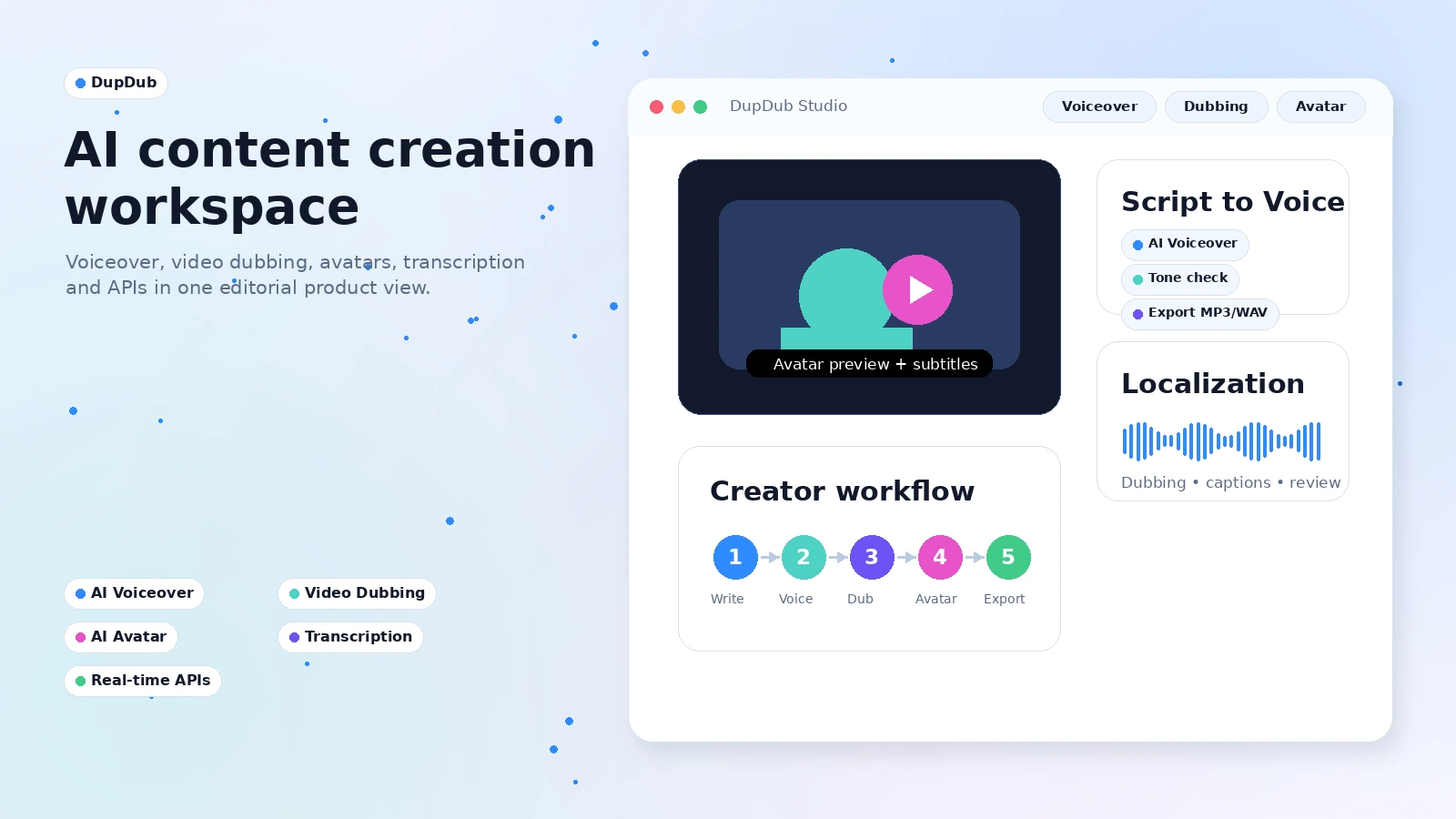
Fit → price → checkout
Use these routes after the official-site check: coupon first, review for fit, compare if unsure.
DupDub pricing snapshot
Fast commercial checks before pricing, coupons, or a deeper review.
DupDub product tour
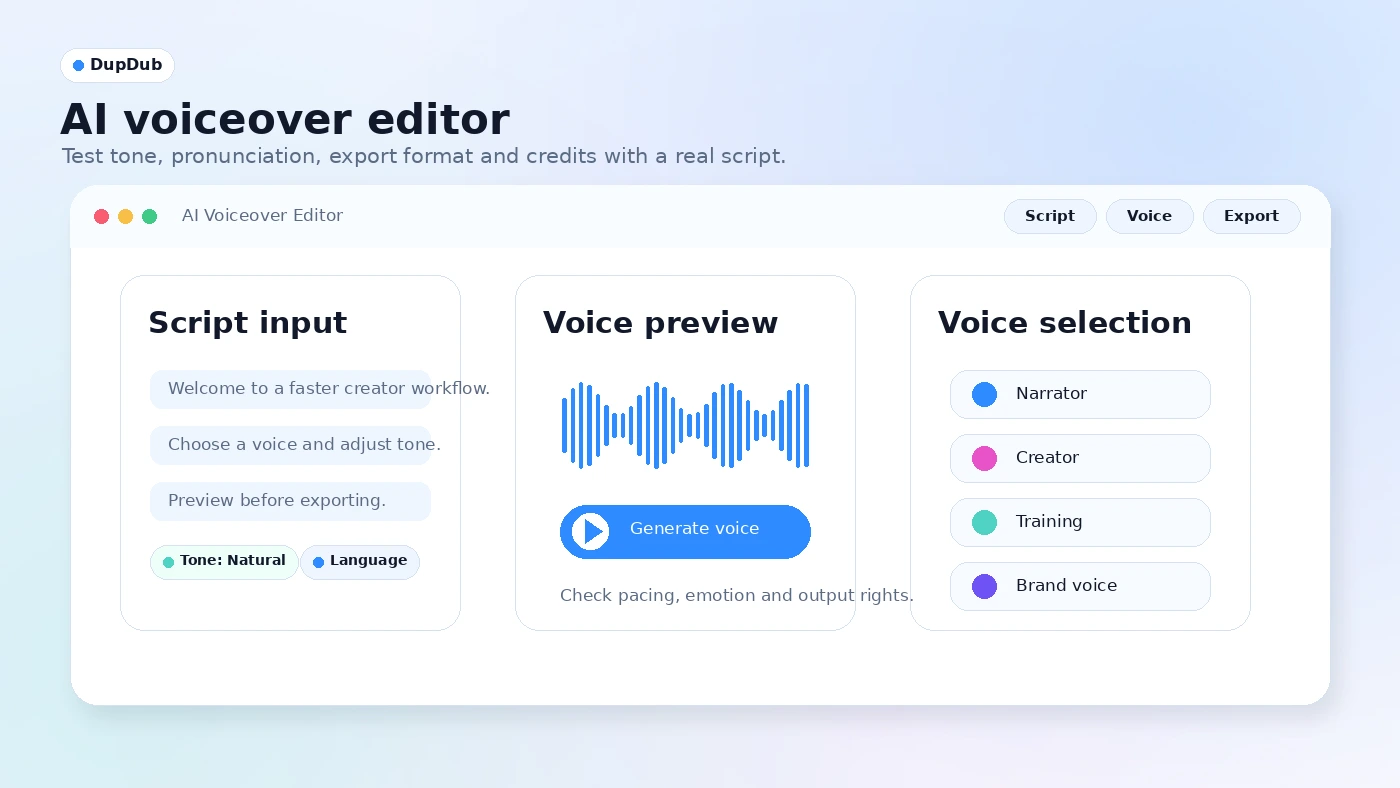
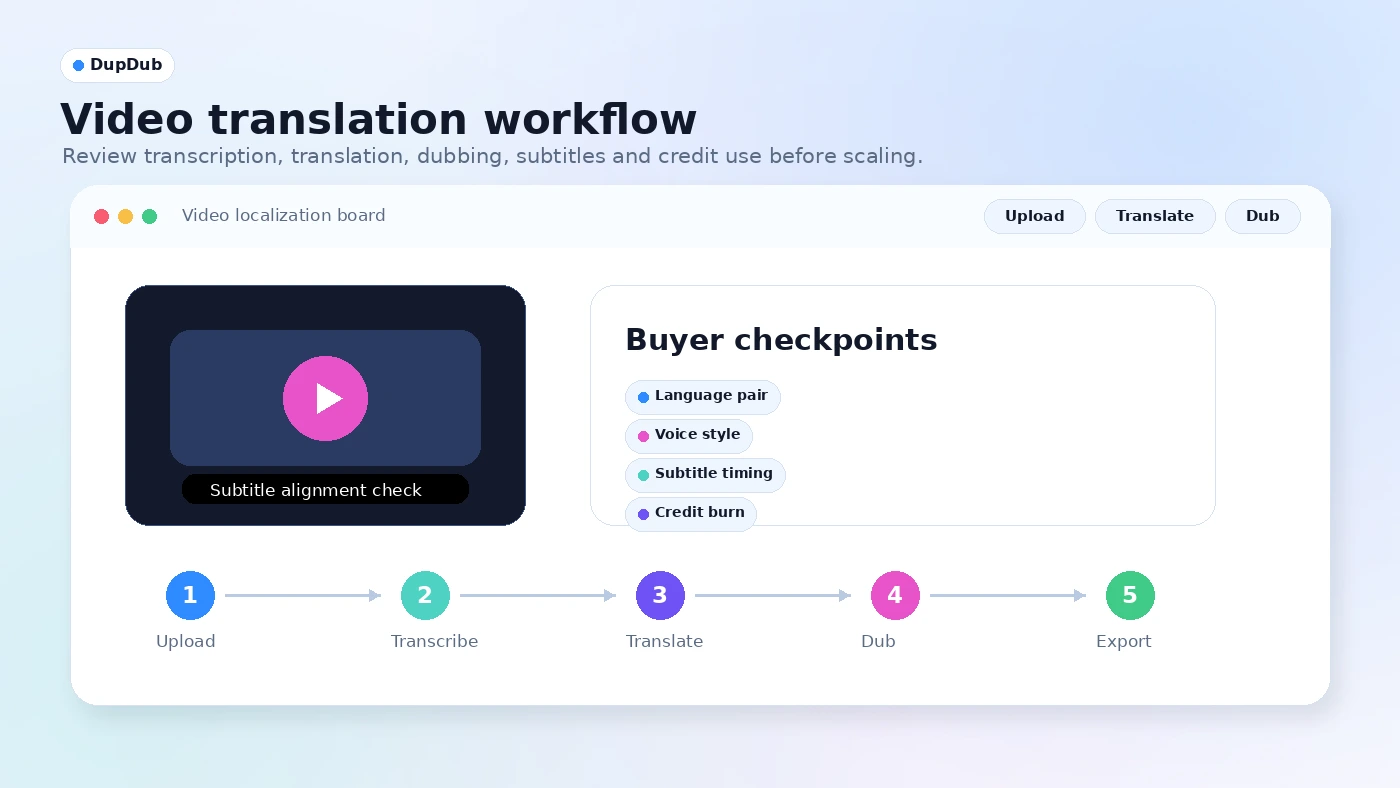
A useful DupDub tour should not stop at a polished AI voice sample. Buyers should inspect the pricing table, voiceover editor, video translation workflow, avatar or talking-photo tools, and API path because each one changes the plan decision.
DupDub is the kind of tool that can look simple in a directory card and become more complicated once a buyer starts using it. The product covers voiceover, avatars, dubbing, transcription, subtitles, writing, and APIs, so the safe store-page angle is not "is it good" in the abstract. The better question is whether one of those workflows is worth paying for after a short trial.
What DupDub actually does
DupDub helps buyers turn written or uploaded content into AI-generated media. A creator can generate narration from a script, clone a voice, translate or dub a video, create an avatar or talking photo, transcribe audio, align subtitles, and use related writing or editing tools. That breadth is useful, but it also means buyers should start with one workflow rather than trying to evaluate every feature at once.
- Use text-to-speech when the main need is fast narration or voiceover output.
- Use video translation and dubbing when existing videos need multilingual reach.
- Use avatar and talking-photo tools when short-form visual content matters more than audio alone.
Pricing depends on credits, not just the plan name
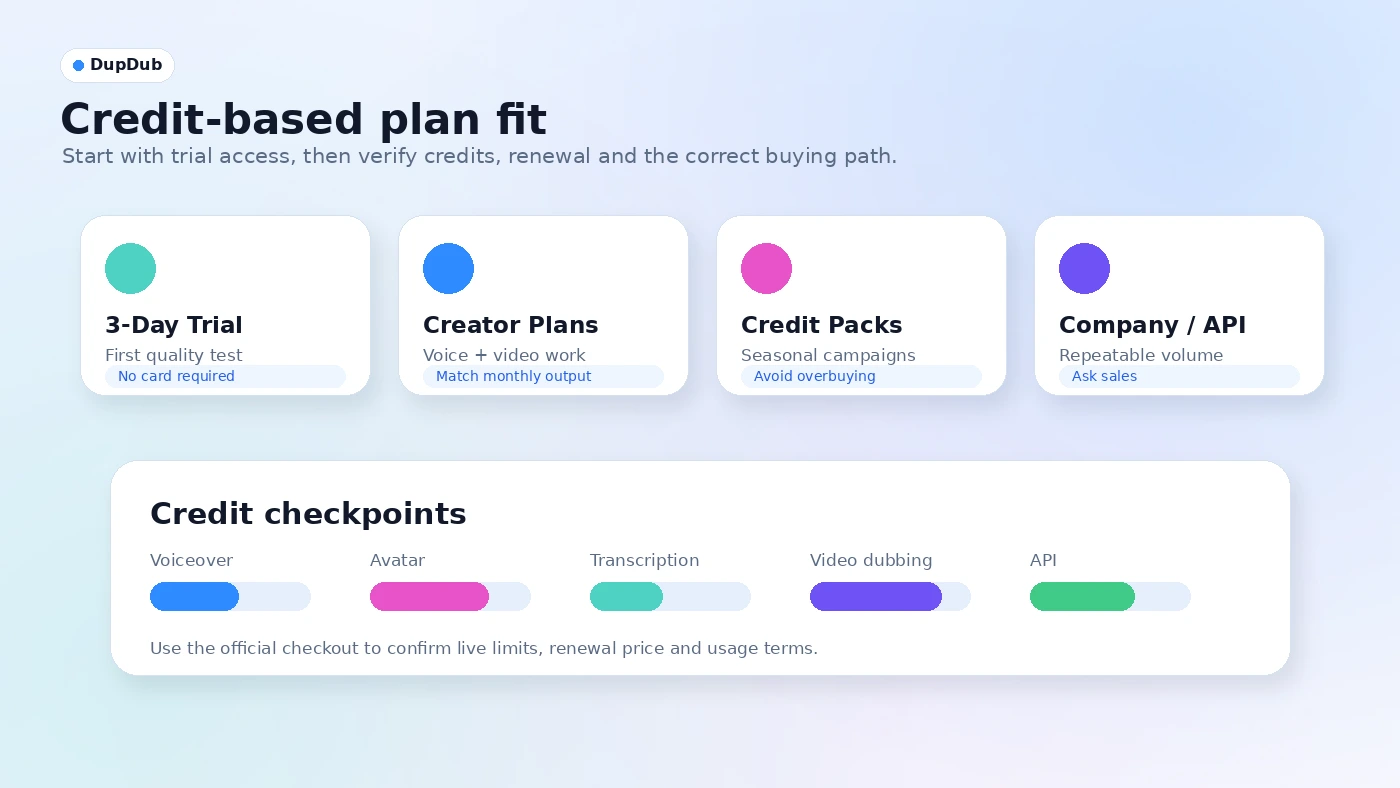
The official pricing path starts with a short free trial, while public pricing snapshots point to creator subscriptions, company plans, pay-as-you-go credits, and custom usage. That means the lowest plan can be useful for light voiceovers, but it may not be enough for avatar minutes, video translation, or repeated production work. Buyers should estimate monthly output before they decide whether a subscription or credit pack is safer.
- Check how credits convert into voiceover minutes, avatar video, transcription, and translation.
- Compare annual billing against monthly billing only after you know your real usage volume.
- Treat custom/API pricing as a separate buying path, not just a larger creator plan.
Voice, avatar, and cloning features need a rights check
DupDub's voice and avatar features are useful for creators who want faster production, but they also carry consent and brand-safety questions. Voice cloning, likeness-based avatars, and dubbed videos should be used only when the buyer has the right to use the voice, face, script, and source media. For commercial work, this check is just as important as sound quality.
- Use real project scripts during the trial to judge pronunciation and tone.
- Confirm consent and rights before cloning a voice or creating likeness-based media.
- Review download, commercial-use, and file-length limits before accepting client work.
The API path is for teams with repeatable volume
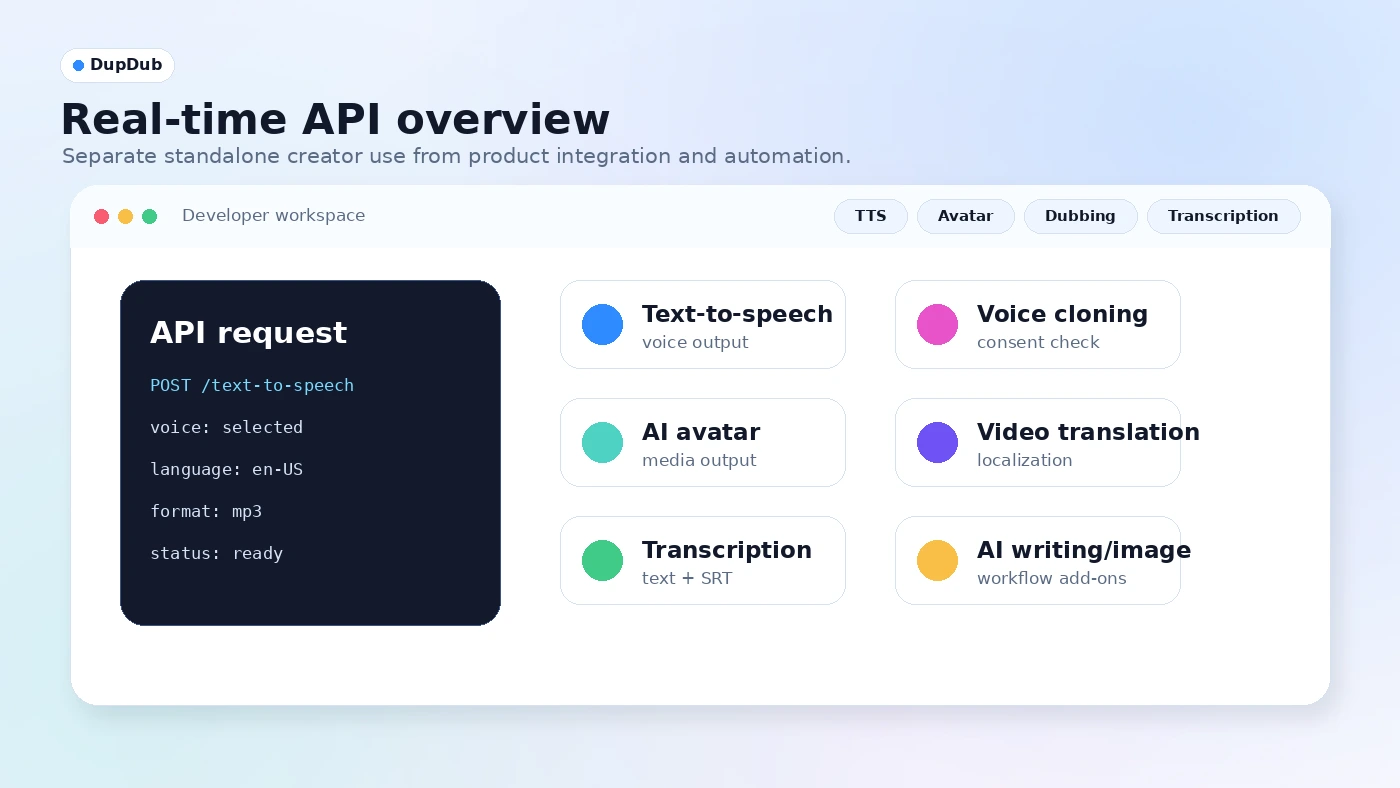
DupDub's API page is a meaningful buyer path because it covers text-to-speech, voice cloning, AI avatar, video translation, transcription, AI image, and writing. That makes sense for product teams, course platforms, localization workflows, podcast tooling, or internal automation. It is probably overkill for a creator who only wants a few standalone voiceovers each month.
- Use the API only when production needs to be automated or embedded.
- Ask sales about API tier pricing, quota, support, and commercial rights before building.
- Test latency, output quality, and error handling before relying on it for customer-facing work.
Coupons are less reliable than trial and plan-fit checks
DupDub may appear on coupon and deal pages, but the safer savings path is still the official trial, annual billing comparison, credit packs, and any current checkout offer. A public code is only useful if it applies to the plan the buyer actually needs. For credit-based products, the better question is whether the plan gives enough usable output, not whether the checkout line is slightly cheaper.
- Verify any public coupon directly at checkout before relying on it.
- Compare discount size against credit limits, renewal price, and output needs.
- Do not buy a larger plan only because a temporary deal makes it look cheaper.
Safest next step
The safest next step is to use DupDub's trial for one real production task. Create a short narration, translate or subtitle one existing clip, and test an avatar or talking-photo output only if that workflow matters to you. After that, compare Personal, Professional, pay-as-you-go credits, or custom/API pricing based on the feature that consumed the most credits and saved the most time.
- Start with the narrowest workflow you would actually repeat.
- Move to the review page if quality, rights, or limits are still unclear.
- Move to the coupon or pricing path only after the workflow fit is proven.
Best savings path from this store page
This is the clearest savings route to check once the product already looks like a fit.
DupDub's official pricing listing presents a 3-day free trial with a small credit allowance, giving creators a short way to test voice, avatar, dubbing, and content tools before upgrading.
Personal from $11/mo billed yearly
15% off reported coupon
Use comparison routes when the category fit is still open
Use these comparison routes when the product still looks plausible, but the category fit is not fully settled.
ElevenLabs is usually the stronger first comparison when the buyer mainly cares about AI voice quality, voice cloning, dubbing, and developer-grade audio APIs.
HeyGen is the closer alternative when avatar video, talking-presenter content, and business video creation matter more than voiceover depth.
Synthesia fits teams that want a more structured AI video training and corporate presentation workflow instead of a broad creator media toolkit.
Fliki is worth comparing when the buyer wants simpler text-to-video and social video creation with voiceover included.
Verification points worth checking before you click out
Where this store usually fits best in the workflow
DupDub can help creators generate voiceovers, scripts, and supporting media without recording every piece of audio manually. The buyer should still test whether the chosen voice sounds natural enough for their niche.
DupDub makes sense for teams that want to translate, dub, subtitle, or repurpose existing videos. The real checkpoint is whether alignment, voice choice, and credit consumption remain acceptable at scale.
Training teams can use AI voiceovers and transcription workflows to reduce recording effort, but they should verify pronunciation, compliance, and update speed before replacing human narration.
Product teams can explore DupDub APIs for speech, avatar, transcription, and translation features. This path should be tested with real volume and support assumptions before committing.
Practical checkpoints before and after signup
- Confirm that DupDub is being evaluated for voiceover, dubbing, avatar, transcription, or API work rather than a vague content creation need.
- Compare it against ElevenLabs, HeyGen, Synthesia, and Fliki based on the specific media output you need.
- Use the 3-day trial for one real script, one short video, or one avatar test instead of sampling random demos.
- Track how many credits each meaningful task consumes before picking a paid tier.
- Verify billing interval, renewal amount, commercial rights, export limits, refund terms, and unused-credit handling.
- Check whether subscription, pay-as-you-go credits, or API/custom pricing better matches your usage pattern.
- Start with a narrow repeatable workflow, then expand only after quality, rights, and cost-per-output are stable.
- Recheck plan fit when adding localization, avatars, API automation, or client-facing deliverables.
Fast-read signals for workflow fit and buying friction
Questions readers usually ask before choosing this store
What does DupDub actually do?
DupDub is an AI content creation platform for voiceovers, text-to-speech, voice cloning, AI avatars, video translation, transcription, subtitles, writing, and APIs. It is most useful when a buyer needs repeatable audio or video content production rather than one small experiment.
Does DupDub have a free plan or trial?
DupDub publicly promotes a 3-day free trial with 10 credits and no credit card required. Treat it as a short testing window, not proof that the paid workflow will be inexpensive enough for regular production.
How should I think about DupDub pricing?
Think in credits and output volume. A plan that looks affordable for short voiceovers may feel tight for avatar videos, transcription, video translation, or API usage. Before paying, estimate the real monthly workload and compare subscription tiers against credit packs or custom pricing.
Are DupDub coupon codes reliable?
Public coupon availability should be treated as unverified until tested at checkout. The safer savings path is to check the official trial, annual billing, credit packs, and current checkout summary before assuming a third-party code will work.
What should I verify before buying DupDub?
Verify credit usage, file length limits, export rights, commercial use, voice or likeness consent, API pricing, refund terms, cancellation rules, renewal price, and whether the specific workflow you need performs well with your own content.
Choose the next route that matches what you still need to decide
The strongest next click depends on whether you still need product judgment, a savings route, or a broader category comparison.