CopySpace.ai Pricing, SEO Workflow & Plan Fit
CopySpace.ai is best understood as an AI SEO blogging workspace rather than a generic short-form copy generator. Its strongest promise is helping users move from keyword or topic to SEO-focused article output, with supporting workflows around automation, content scoring, images, and publishing. The commercial fit depends heavily on plan limits and whether the user is comfortable verifying model access, article quotas, and any required external API costs before buying.
Fit → price → checkout
Use these routes after the official-site check: coupon first, review for fit, compare if unsure.
CopySpace.ai pricing snapshot
Fast commercial checks before pricing, coupons, or a deeper review.
CopySpace.ai product tour
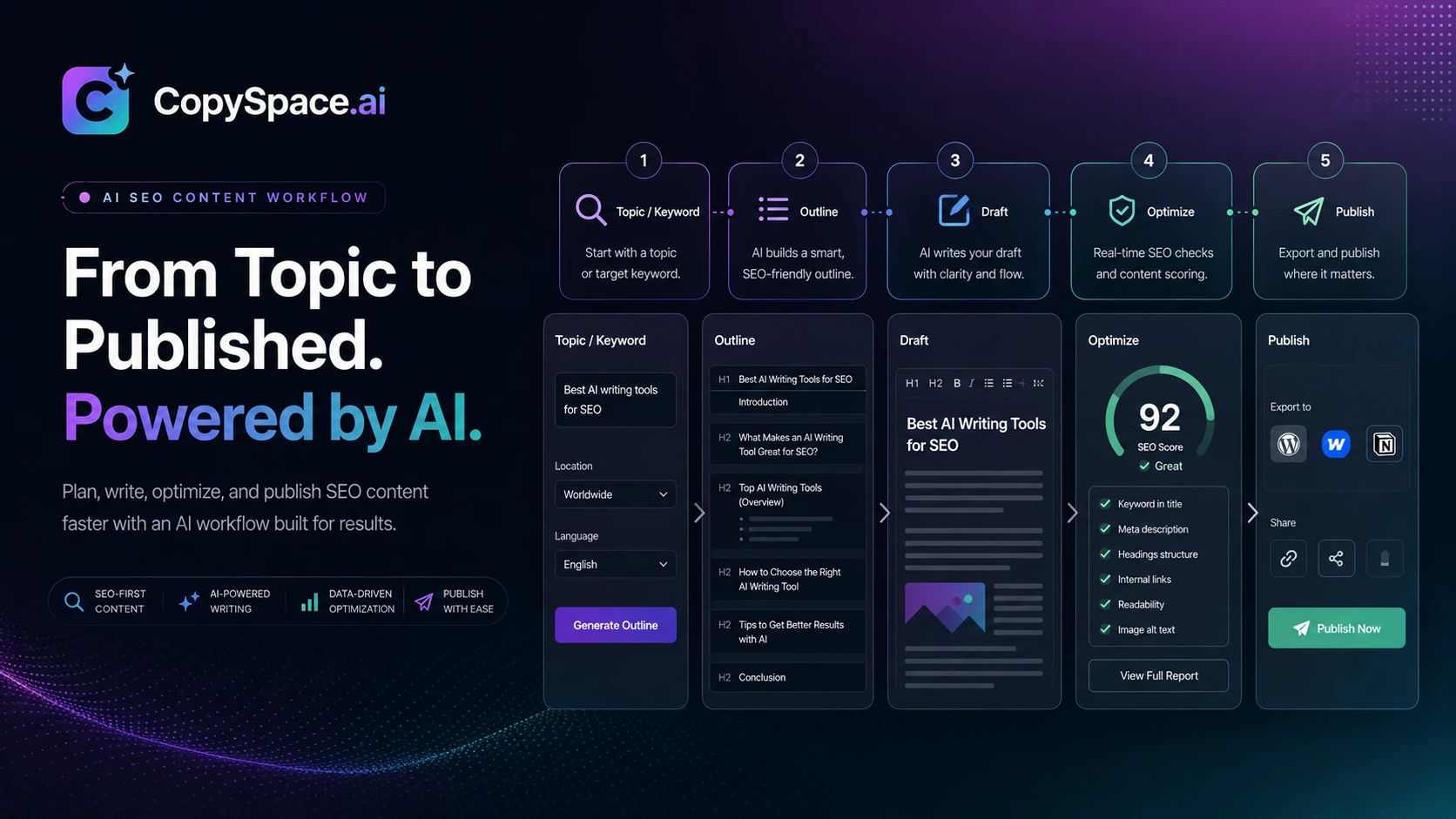
The product tour should help buyers understand CopySpace.ai as a workflow tool for SEO article production, not just a prompt box. Focus on screens that show how a user moves from keyword planning to article generation, optimization, automation, and publishing decisions.
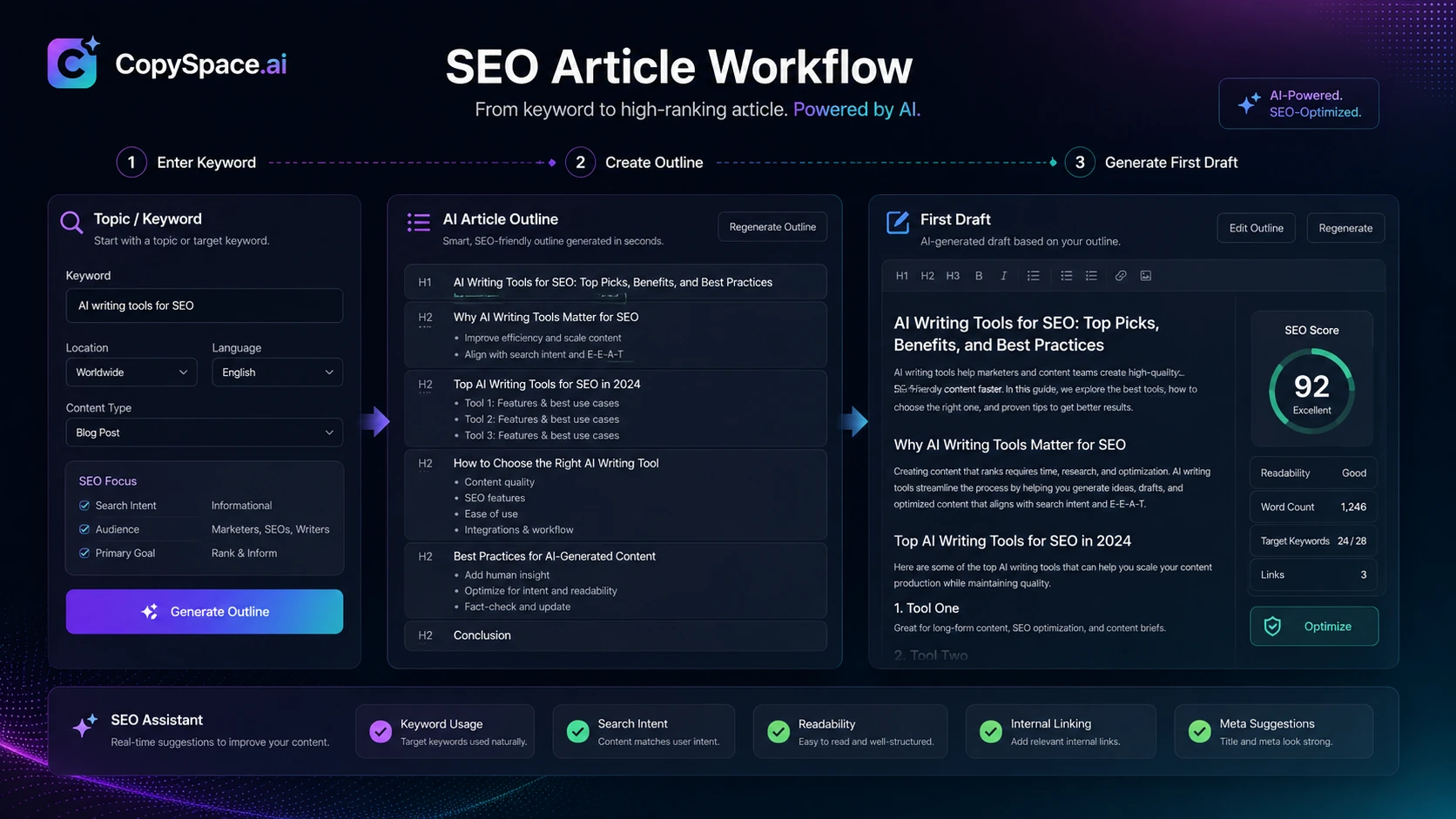
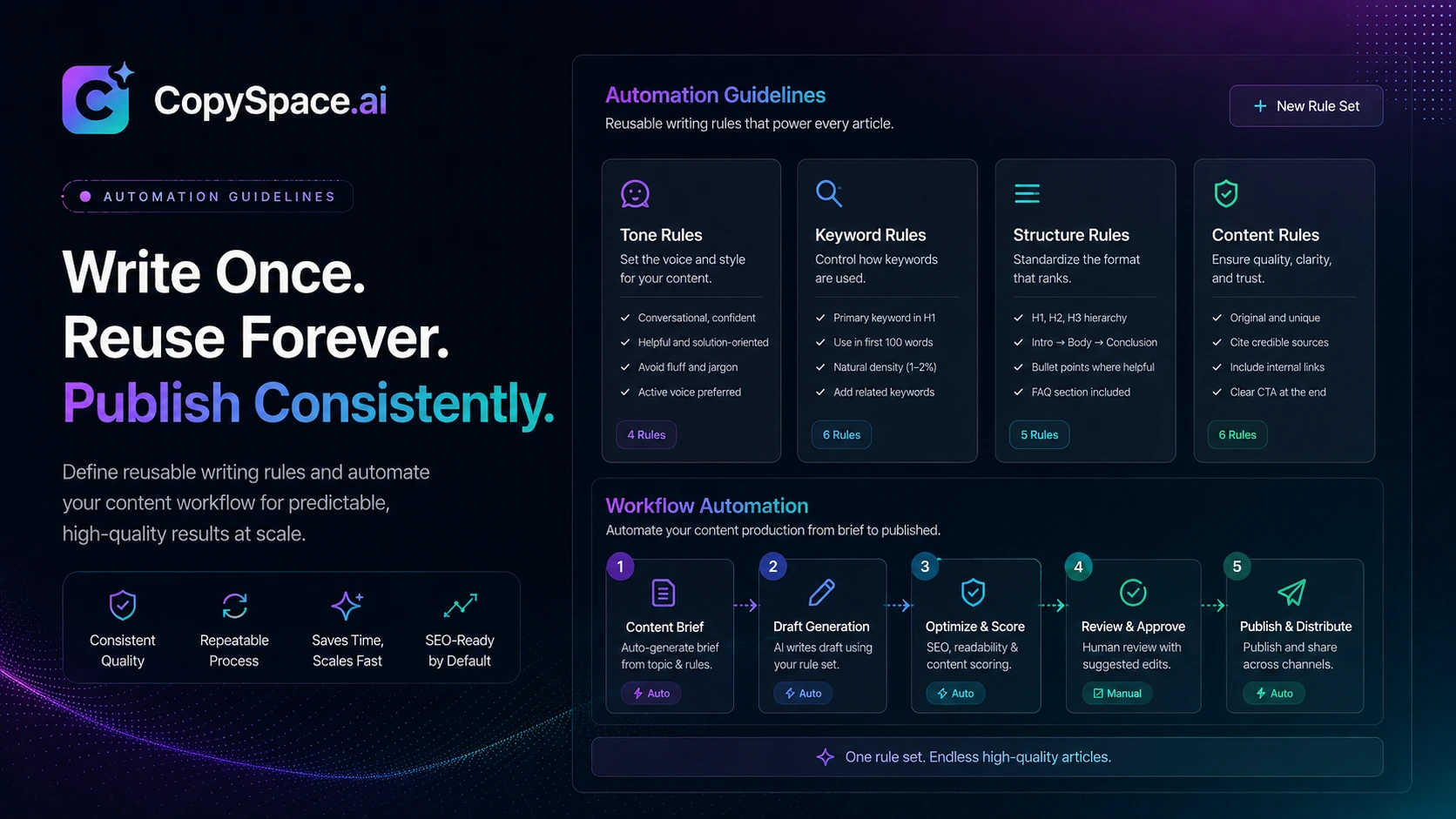
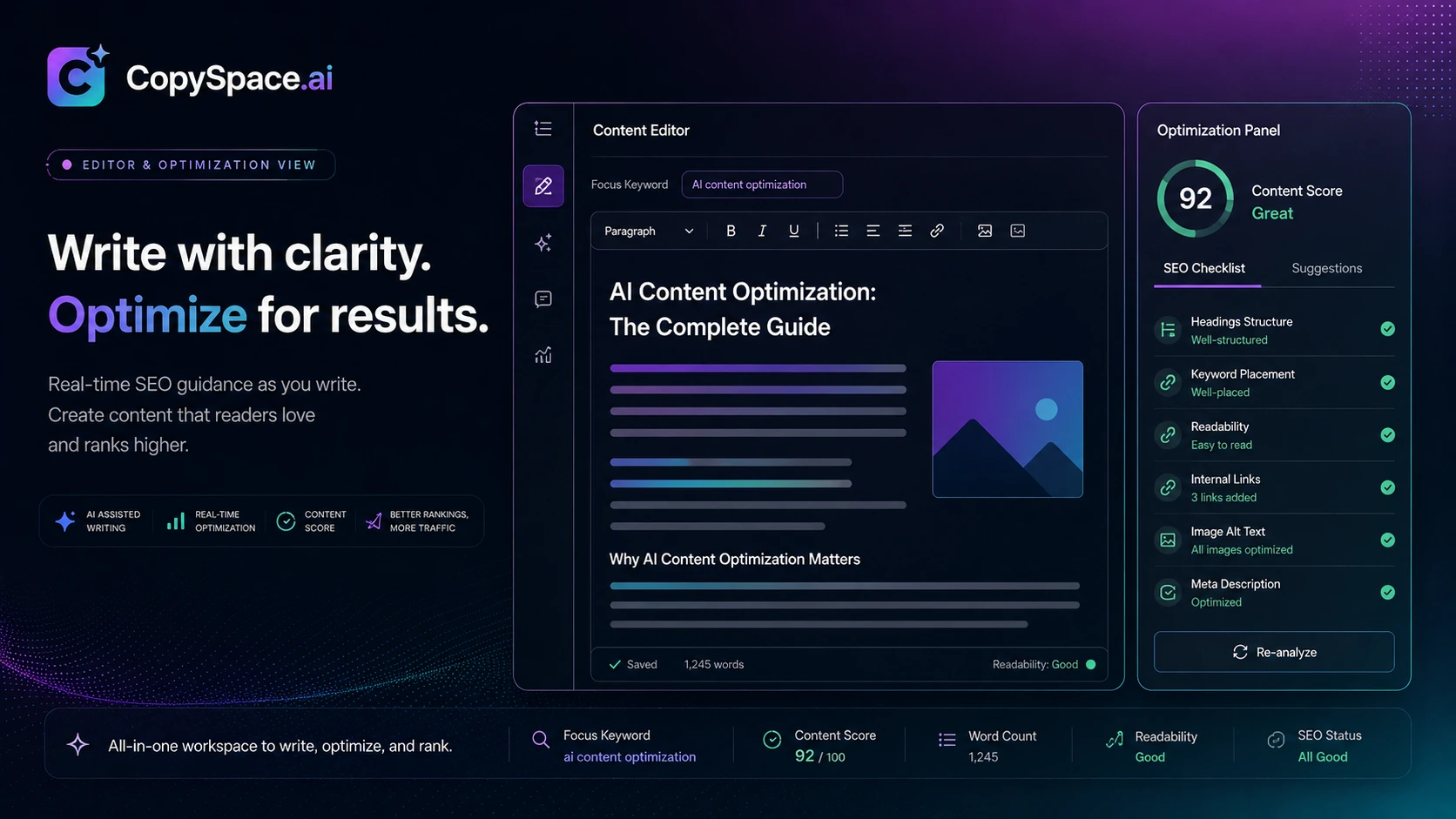
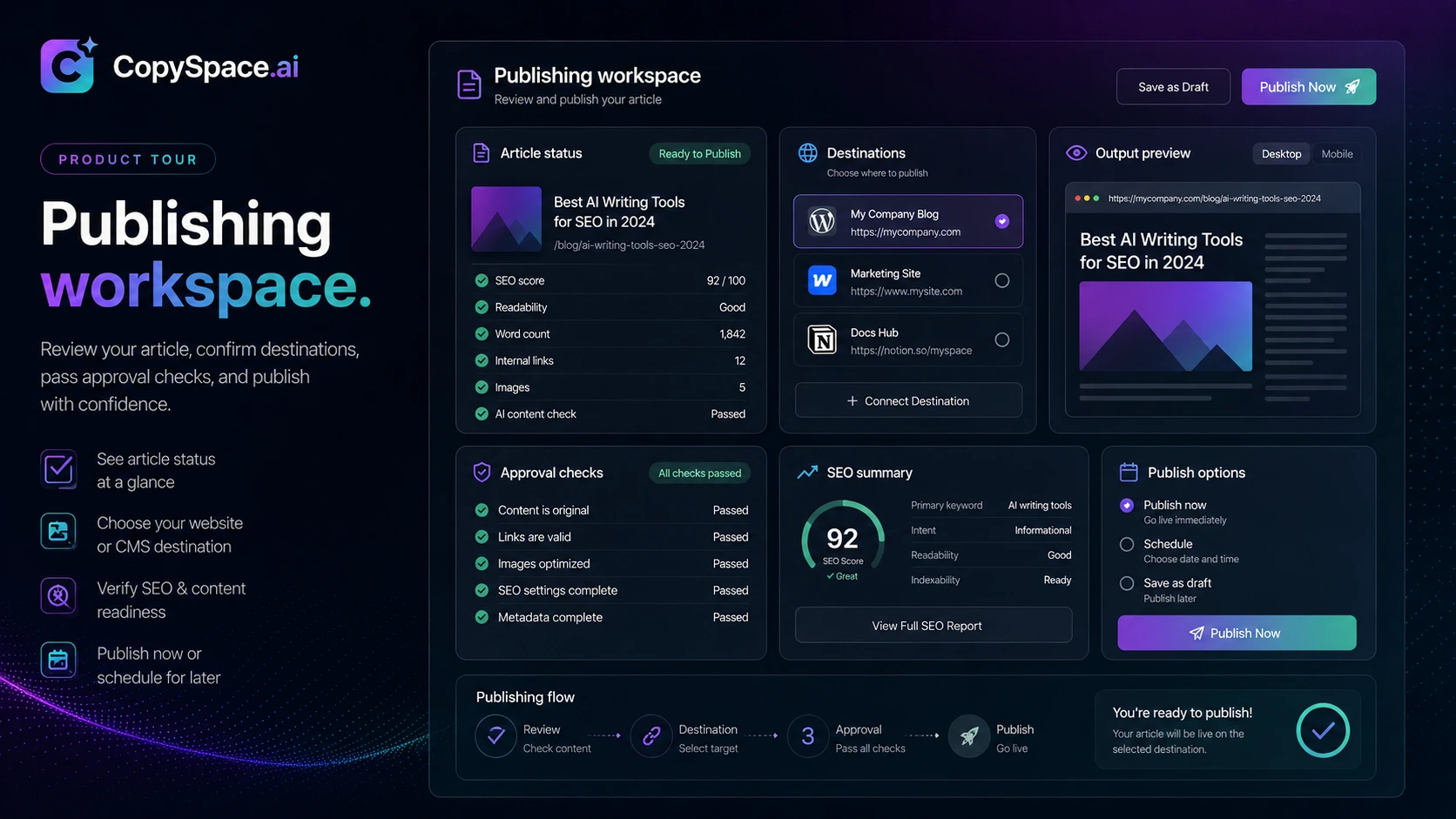
CopySpace.ai sits in the AI SEO category, but the better way to evaluate it is workflow fit. The tool is not just asking buyers to generate random copy. It is trying to help bloggers, niche-site owners, and small SEO teams build a repeatable article production process around keywords, outlines, optimization checks, and publishing support. That can be useful, but only if the plan limits and total cost match the amount of content you actually plan to produce.
What CopySpace.ai is really trying to solve
CopySpace.ai is built for the gap between a normal AI writer and a heavier SEO content suite. A user who only needs a quick paragraph can use almost any AI chat tool. CopySpace.ai makes more sense when the job is producing SEO articles repeatedly, with enough structure around keywords, outlines, optimization, and workflow rules to keep the process from becoming chaotic.
The buyer should not judge it only by how fast it can draft an article. The better question is whether it helps create articles that are easier to review, edit, optimize, and publish. That is where features such as Autowriter, Compose, Optimize, Automation, Insights, and publishing support become more important than the raw AI output.
- Best viewed as an SEO article workflow tool
- More useful for repeatable publishing than one-off AI writing
- Still needs editorial review before content goes live
Where the tool may fit a real publishing workflow
The strongest fit is a content operation that already knows what it wants to publish but wants to reduce the repetitive work around drafting and optimization. For example, a niche-site builder may use it to turn keyword clusters into first drafts, while an agency may use it to create article foundations before human editors refine the angle and examples.
It is less convincing if your team needs deep SEO research, advanced SERP analysis, reporting, approvals, or collaboration workflows. In that case, CopySpace.ai may sit beside a stronger SEO research tool rather than replace it.
- Good for recurring blog production
- Useful for small SEO teams with simple approval flows
- Less complete than an enterprise SEO platform
Pricing needs a careful live check
CopySpace.ai pricing is the part buyers should verify most carefully. Public sources do not present a perfectly clean picture. Some current and older sources reference entry prices around $19 per month, while older deal coverage mentions annual promotional pricing and a 7-day trial. That does not mean all of those offers are active now.
The practical buyer path is to open the live pricing or checkout route, confirm the exact plan names, and check what is included. Article limits, SEO audit limits, image limits, number of websites, user seats, and model access can matter more than the headline monthly price.
- Check whether current pricing is monthly, annual, or promotional
- Look at article and audit limits before comparing tools
- Confirm whether external API or model costs apply
Buyer fit: bloggers, agencies, and SEO teams
CopySpace.ai is most attractive to people who publish SEO content consistently but do not want to build every article from scratch. Bloggers can use it to speed up first drafts. Agencies can use it to standardize early article production. Small SEO teams can use it as a middle layer between keyword research and CMS publishing.
The weak fit is a buyer who expects the AI to replace editorial judgment. AI-generated SEO articles often need fact checking, tone adjustment, examples, links, and duplicate-content checks. CopySpace.ai can help produce the draft, but the publishing standard still belongs to the human team.
- Strongest for content teams with repeatable article formats
- Useful when paired with human editing and SEO judgment
- Not ideal for buyers who publish raw AI output
What to verify before checkout
Before buying CopySpace.ai, verify four things. First, confirm live pricing and renewal terms. Second, check article, audit, and image limits against your monthly publishing plan. Third, confirm whether any external API key or extra model cost is required for the features you expect. Fourth, look for current cancellation or refund language before choosing annual billing.
That sequence prevents the common mistake of buying because the demo looks fast, then discovering that the real constraint is plan limits, model cost, or workflow mismatch.
- Live pricing and billing interval
- Article, audit, image, and website limits
- External API or model requirements
- Cancellation and refund terms
Best next step with CopySpace.ai
The best next step depends on your uncertainty. If you already know you need an AI SEO article workflow, open the pricing path and compare limits. If you are still comparing tools, read the review first and then compare CopySpace.ai against AISEO, Balzac AI, Dashword, or NeuronWriter. If the only reason you are interested is a discount, pause and check whether the plan itself is still a fit without the deal.
That is the cleanest way to avoid a shallow coupon-driven purchase.
- Review workflow fit first
- Confirm pricing and limits second
- Use coupon or deal routing only after fit is clear
Best savings path from this store page
This is the clearest savings route to check once the product already looks like a fit.
A third-party coupon source reports a CopySpace AI checkout code for a lifetime discount. Treat this as a checkout-test path and verify the result before purchase.
Use this as a coupon-test path only. If checkout rejects it, compare the official plan and lifetime routes instead.
10% off reported coupon
Monthly plan path
Use comparison routes when the category fit is still open
Use these comparison routes when the product still looks plausible, but the category fit is not fully settled.
Often a better comparison point if the buyer wants SEO writing plus rewriting or humanization-style content workflows.
Worth checking if the buyer wants a different AI SEO workflow angle before committing to CopySpace.ai.
A stronger fit for buyers who prioritize content briefs and optimization workflow clarity.
Often better for buyers who want deeper NLP-style content optimization before drafting.
Verification points worth checking before you click out
Where this store usually fits best in the workflow
A site owner can use CopySpace.ai to turn target keywords into structured article drafts, then edit for accuracy, internal links, and brand voice before publishing.
Agencies can use the tool to create article foundations for lower-complexity topics, while reserving human editors for final quality control and client-specific positioning.
CopySpace.ai can support teams that need to improve or rebuild article drafts around updated search intent, especially when paired with manual SERP review.
Automation and writing guidelines may help teams that publish similar article formats repeatedly and want less setup work each time.
Practical checkpoints before and after signup
- Confirm the live pricing page and whether the displayed plan matches your expected article volume.
- Check whether the workflow requires external API access or extra model costs.
- Look for current refund or cancellation terms before choosing annual billing.
- Create writing guidelines that match your site voice before generating a large batch of drafts.
- Test one or two articles first so you can judge factual quality, structure, and editing time.
- Review facts, links, examples, headings, and search intent manually.
- Run plagiarism and originality checks when publishing at scale.
- Compare editing time saved against subscription cost and any additional model usage.
- Only upgrade if the tool improves your real publishing throughput, not just demo speed.
Fast-read signals for workflow fit and buying friction
Questions readers usually ask before choosing this store
What is CopySpace.ai best for?
CopySpace.ai is best for AI-assisted SEO article workflows. It fits bloggers, niche-site builders, agencies, and small SEO teams that want structured article drafting, optimization support, and repeatable content production.
Does CopySpace.ai have a free plan?
A current free plan was not clearly verified during this editorial pass. Some older deal coverage mentions a 7-day trial, but buyers should confirm the live trial or free-access status directly before relying on it.
How much does CopySpace.ai cost?
Public sources reference entry pricing around $19 per month or equivalent annual pricing, but the available sources are not perfectly aligned. Confirm the live pricing page, plan limits, and renewal terms before buying.
Does CopySpace.ai replace an SEO editor?
No. CopySpace.ai can speed up drafting and workflow setup, but a human editor should still check facts, examples, search intent, internal links, originality, and brand voice before publishing.
Are CopySpace.ai coupon codes always available?
No verified public coupon code should be assumed. Older deal pages mention promotional paths, but the safer approach is to check the current checkout, DealBestDaily route, and any live annual discount before treating a code as active.
Choose the next route that matches what you still need to decide
The strongest next click depends on whether you still need product judgment, a savings route, or a broader category comparison.