
Cloudways Pricing, Plans & Hosting Fit
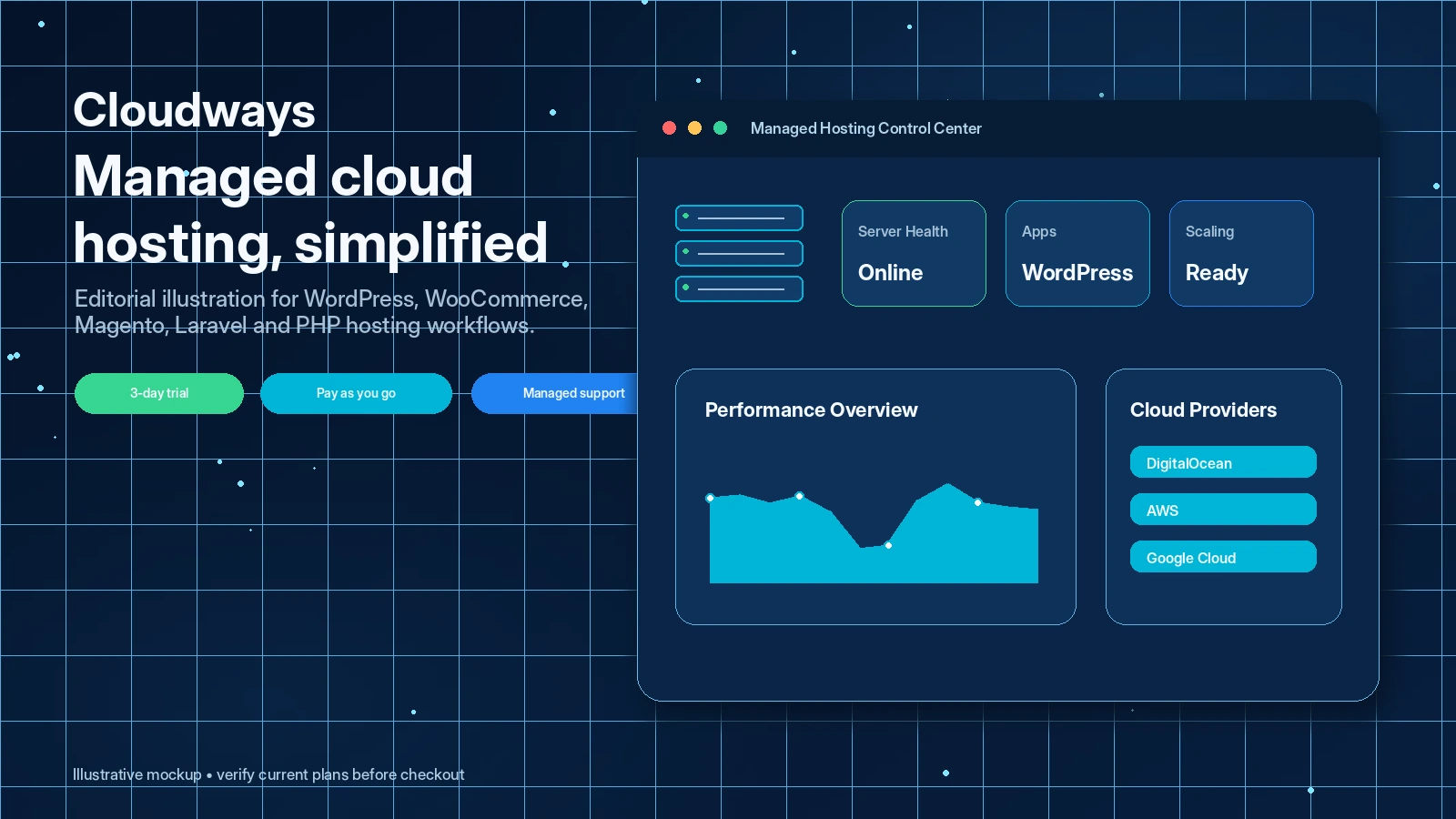
Cloudways is best understood as a managed cloud hosting control layer for people who want stronger performance and server flexibility without managing every infrastructure detail directly. It fits WordPress site owners, agencies, developers and growing ecommerce teams that understand why cloud hosting is different from cheap shared hosting. The buyer risk is not whether Cloudways has enough features. The real risk is choosing the wrong server size, provider, add-on mix or trial-to-paid path.
Fit → price → checkout
Use these routes after the official-site check: coupon first, review for fit, compare if unsure.
Cloudways pricing snapshot
Fast commercial checks before pricing, coupons, or a deeper review.
Cloudways product tour
The useful way to inspect Cloudways is to look at the hosting workflow, not a decorative server graphic. Buyers should pay attention to how server launch, application setup, pricing selection, scaling, support and billing controls work together before upgrading from the trial.
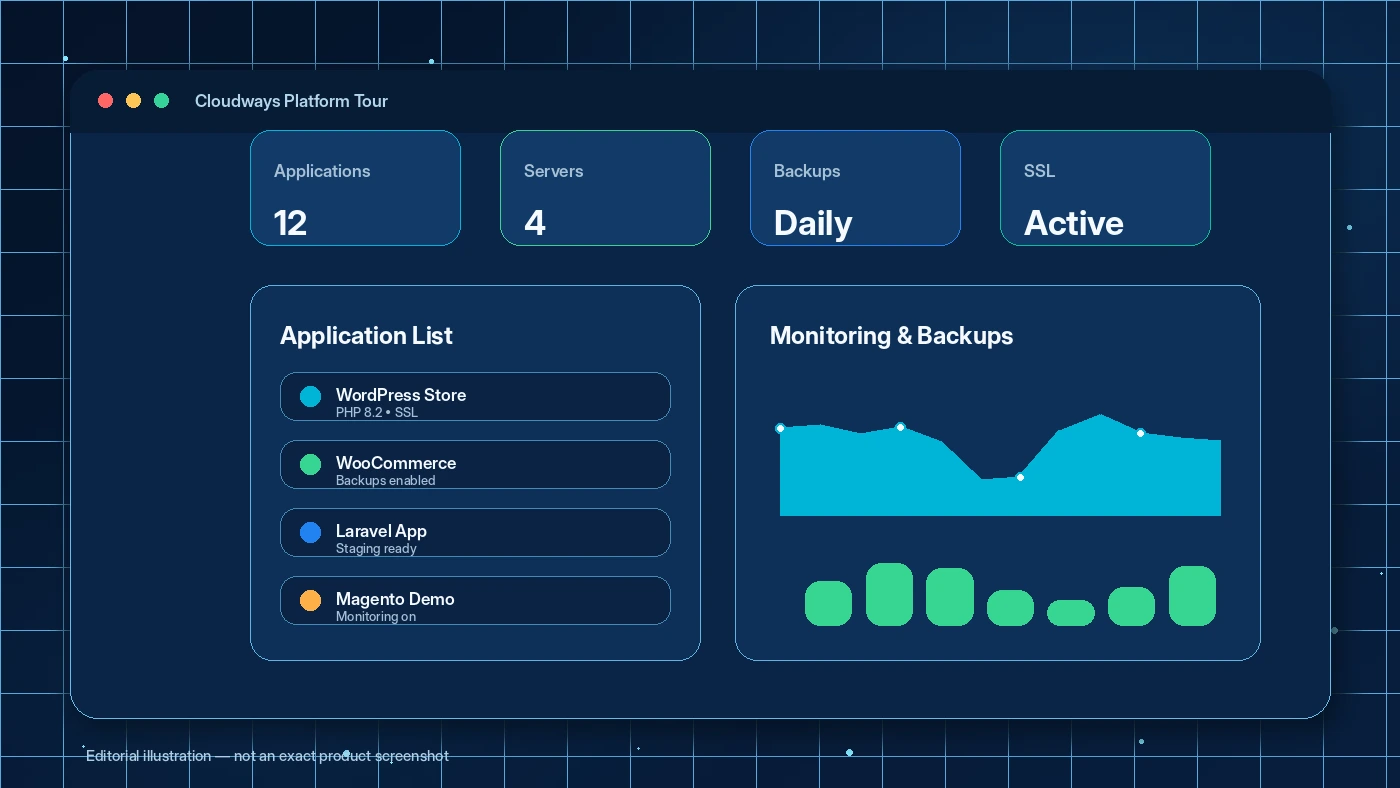
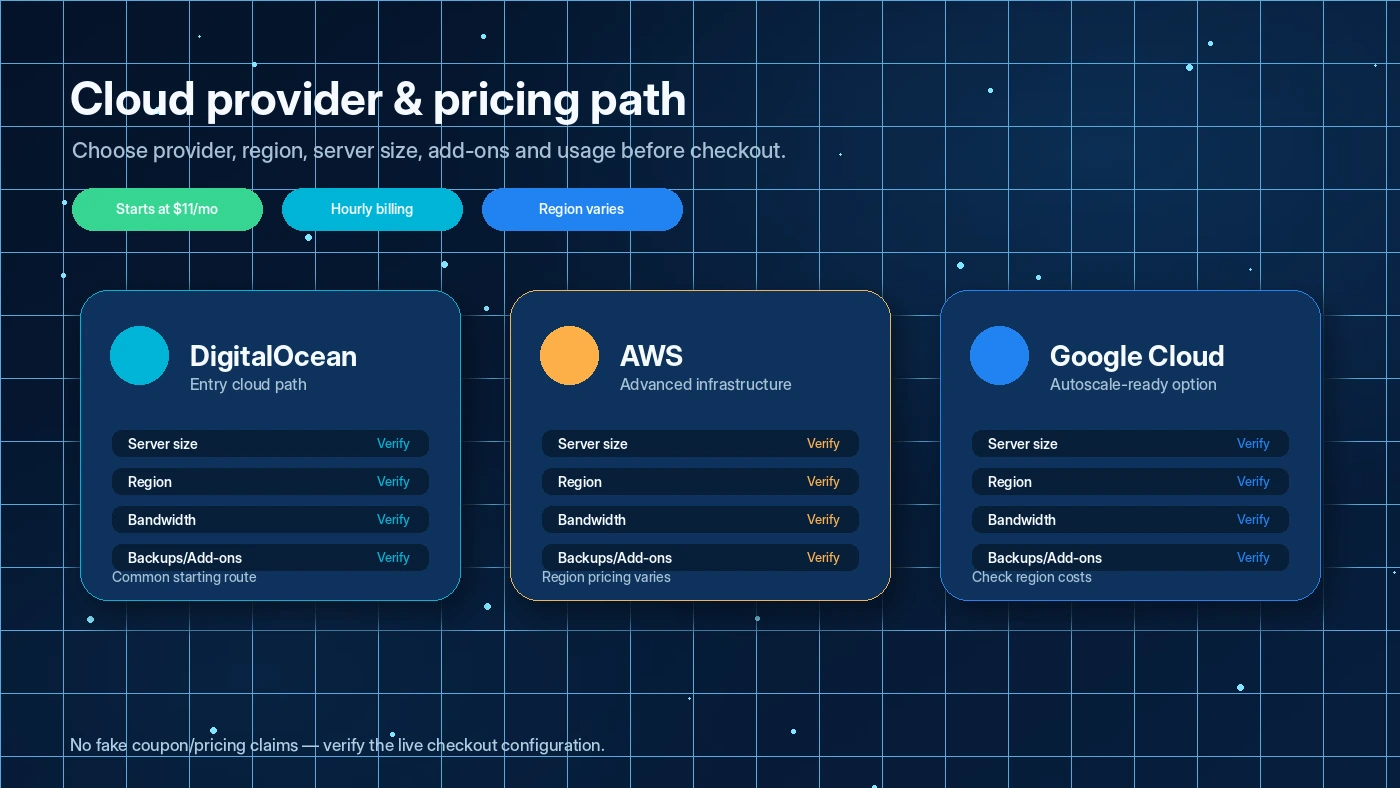
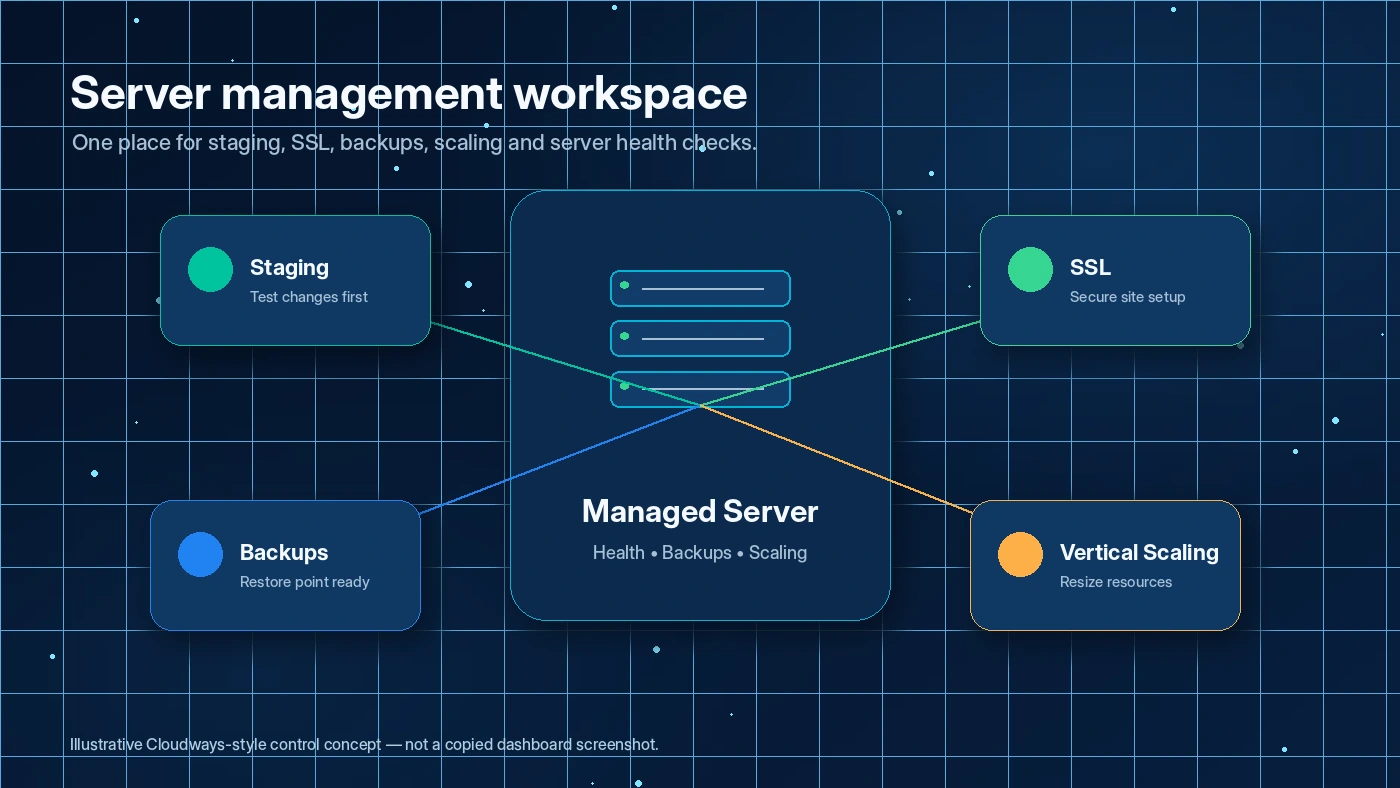
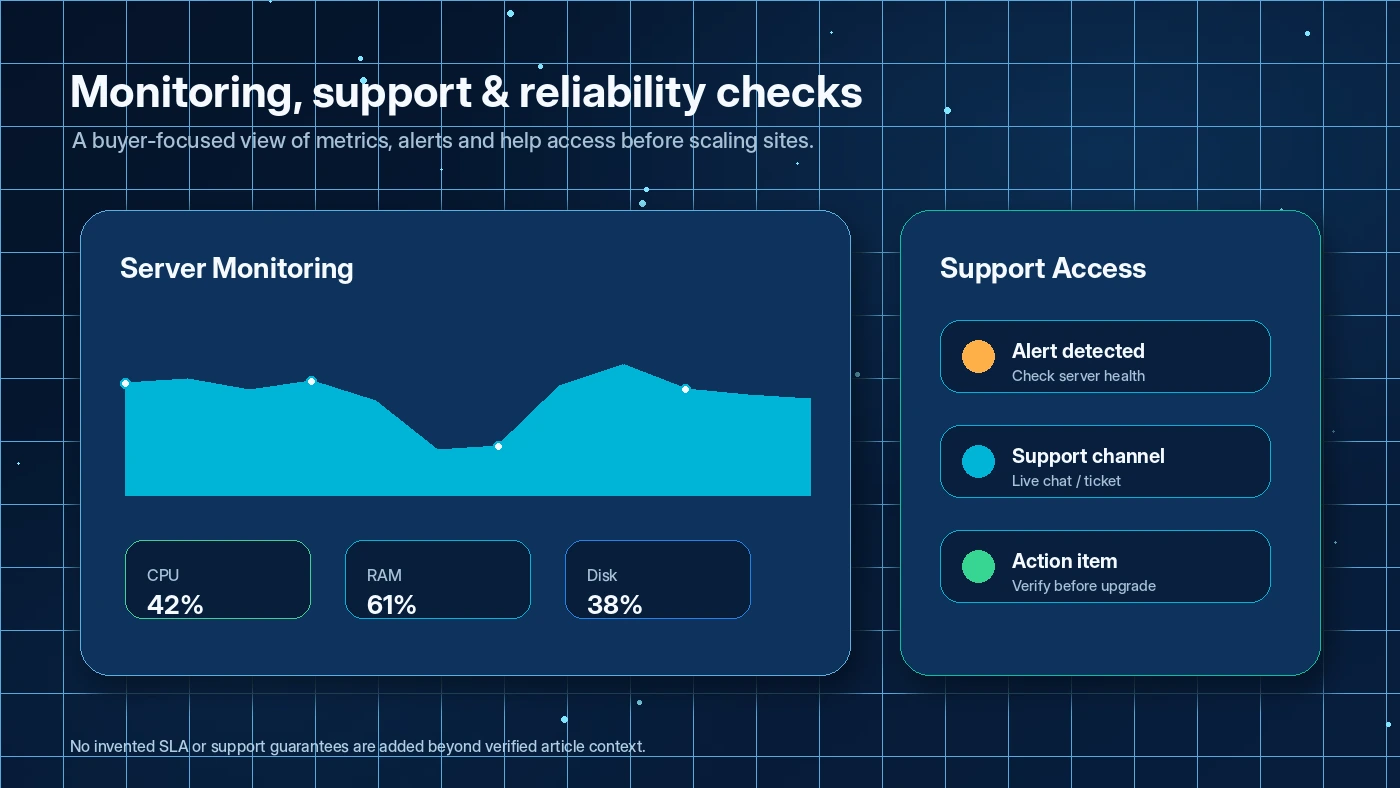
Cloudways is a better store-page candidate than a simple coupon-page candidate because the buying decision has several moving parts. A buyer needs to understand the hosting model, the short trial, the provider and server choices, billing behavior, support level, team controls and migration effort before deciding whether a current promo is worth using.
What Cloudways actually does
Cloudways gives buyers a managed layer over cloud hosting infrastructure. Instead of buying a basic shared hosting account or managing raw cloud servers alone, you use Cloudways to launch and manage WordPress, WooCommerce, Magento, Laravel or PHP applications on supported cloud providers. The platform handles many operational pieces such as server launch, SSL, backups, staging, caching, monitoring, support and scaling controls.
That makes Cloudways most useful when the website has real performance or operational pressure. A small personal blog may not need it. A client site, ecommerce store, content site or developer-managed WordPress stack can benefit more because hosting quality, backups, deployment flow and support start to affect revenue and workload.
- Managed cloud hosting rather than traditional shared hosting.
- Supports WordPress, WooCommerce, Magento, Laravel and PHP workflows.
- Best judged through server operations, migration workflow and billing clarity.
Pricing and plan-fit reality
The official pricing page lists managed cloud hosting from $11/month, but the buyer should not treat that as the full price story. Cloudways has Flexible and Autonomous paths, cloud provider choices, server sizes, region differences, add-ons and usage variables. Support documentation also explains pay-as-you-go billing, monthly invoices, overage handling and cases where stopped or allocated resources can still create charges.
For a store page, the clean guidance is simple: the entry price is useful for orientation, not final budgeting. The final number comes from the exact server and service mix the buyer selects.
- Starting price is public, but final cost depends on configuration.
- Cloudways Flexible follows pay-as-you-go logic.
- Autonomous hosting uses its own hourly and overage structure.
- Paid add-ons, backup storage, bandwidth and scaling can affect the final bill.
Free trial, promotions and coupon logic
Cloudways offers a 3-day free trial without a credit card, which is useful but short. The trial is enough for an initial dashboard check, a basic application launch or a small migration test. It is not enough for a long performance history, a full ecommerce stress test or a complete agency rollout.
The coupon path should come after fit validation. Cloudways often promotes official discounts or partner paths, but buyers should not assume that a public code is the best route. Sometimes the better saving is using the trial correctly, choosing the right server size, avoiding unnecessary add-ons and deleting unused test resources.
- Trial first if the hosting workflow is still unproven.
- Promotion second, after plan fit is clear.
- Coupon route only matters if the final configuration is already sensible.
Team, API and developer workflow
Cloudways is more convincing for teams and developers than for buyers who only need a single static brochure site. Public support materials describe team members, permission-based access and an API that can automate server and application workflows. Those features matter to agencies, developers and site owners who manage several properties or need a cleaner handoff process.
The buyer still needs to verify access scope. API capability, team roles, support access and billing permissions can affect how safely a team manages client hosting.
- Team access is useful for agencies and client-site operations.
- API access supports automation and developer workflows.
- Permission planning matters when multiple people touch production hosting.
Alternatives that change the buying question
Cloudways alternatives depend on what the buyer is really trying to avoid. If the pain is cheap hosting with poor performance, Cloudways is a more serious managed cloud path. If the pain is complexity, a simpler managed WordPress host or conventional web host may feel safer. If the buyer is still designing the site rather than solving hosting operations, a theme or site builder route may be the more immediate decision.
Inside DealBestDaily, GreenGeeks is the closer hosting alternative for simpler web hosting intent, while GeneratePress is an adjacent WordPress stack decision rather than a direct hosting replacement. That distinction keeps the comparison honest.
- Compare GreenGeeks when the buyer wants simpler web hosting.
- Compare GeneratePress when the buyer is still solving WordPress site design and performance at the theme level.
- Compare Webnode when the buyer may need a website builder instead of managed cloud hosting.
Safest next step
The safest next step is to open the official pricing page, choose the likely hosting path, then start the trial with one realistic test. For a WordPress buyer, that means launching or migrating a real site, checking SSL, backups, staging, speed, support and billing visibility. For an agency, it means testing team roles and handoff flow before moving a client portfolio.
After that, the coupon page becomes useful. If Cloudways passes the workflow check, the buyer can use the current DealBestDaily route to look for a valid savings path. If the workflow still feels unclear, the review page is the better next click.
- Open pricing and understand Flexible versus Autonomous.
- Start the free trial with one realistic site or migration task.
- Check billing rules before keeping resources active.
- Use the coupon path only after fit is clear.
Best savings path from this store page
This is the clearest savings route to check once the product already looks like a fit.
Cloudways official promo page lists a managed hosting coupon path that applies a 30% discount for three months on all plans for eligible users.
3-day free trial, no credit card
Managed hosting from $11/month
Use comparison routes when the category fit is still open
Use these comparison routes when the product still looks plausible, but the category fit is not fully settled.
GreenGeeks is a better next tab when the buyer wants simpler conventional web hosting with less cloud configuration.
GeneratePress is an adjacent WordPress stack decision for site design and theme performance, not a direct hosting replacement.
Webnode fits buyers who may need a website builder before they are ready to manage cloud hosting choices.
Verification points worth checking before you click out
Where this store usually fits best in the workflow
Agencies can use Cloudways to manage multiple client sites with staging, backups, team access, support and server controls. The buyer should test permission rules and billing visibility before moving a client portfolio.
Ecommerce and traffic-sensitive sites may benefit from stronger performance, scaling and managed controls. The key check is whether the selected server size and add-ons match peak-traffic risk.
Developers get a managed cloud layer while keeping more control than a simple shared host. API access, server settings and deployment habits should be checked before committing.
Site owners frustrated by slow shared hosting can test Cloudways as a higher-control path. It makes sense only if the buyer is ready to monitor configuration and billing more carefully.
Practical checkpoints before and after signup
- Choose one real application or migration task to test, not just a blank dashboard tour.
- Compare Cloudways Flexible and Cloudways Autonomous before picking a path.
- List the provider, server size, data center, backups, add-ons and support needs before signup.
- Launch or migrate a real test site, set SSL, check staging, inspect backups and open the billing view.
- Test team roles or API access if the buyer is an agency or developer.
- Ask support one practical question so the buyer can judge response quality before payment.
- Verify the live price, promotion, server configuration, add-on costs and payment method behavior.
- Confirm how to delete servers and deactivate paid add-ons if the test does not continue.
- Open the coupon route only after the chosen hosting setup already makes sense.
Fast-read signals for workflow fit and buying friction
Questions readers usually ask before choosing this store
Is Cloudways a normal shared hosting company?
No. Cloudways is better understood as a managed cloud hosting platform. It gives buyers a managed dashboard, support and operational tools on top of cloud infrastructure, which is different from buying a low-cost shared hosting plan.
Does Cloudways have a free plan?
Cloudways does not appear to offer a permanent free hosting plan. It offers a 3-day free trial without a credit card, then paid usage continues through the selected hosting path and billing model.
How much does Cloudways start at?
The official pricing page lists managed cloud hosting from $11/month. That is only the entry point. The real cost depends on the cloud provider, server size, region, add-ons, bandwidth, storage, scaling and the choice between Flexible and Autonomous paths.
Are Cloudways coupon codes the best way to save?
Not always. Cloudways savings may come from official promotions, partner routes, trial usage, provider selection, resource sizing and avoiding unnecessary add-ons. A coupon route is useful after the buyer already knows which hosting configuration fits.
What should buyers verify before paying for Cloudways?
Buyers should verify the live checkout price, trial end behavior, selected provider, server size, billing rules, add-ons, backup storage, bandwidth, team access, API needs and how to delete resources if the test does not continue.
Choose the next route that matches what you still need to decide
The strongest next click depends on whether you still need product judgment, a savings route, or a broader category comparison.