
GeneratePress Pricing, Plans & Theme Fit
GeneratePress is best understood as a performance-first WordPress theme ecosystem rather than a full hosted website builder. The free theme gives buyers a lightweight foundation. GP Premium adds deeper theme controls, starter sites, WooCommerce options, Elements, hooks, and theme-building capability. GeneratePress One becomes more interesting when the buyer also wants GenerateBlocks Pro, GenerateCloud, more starter sites and patterns, and priority support in one annual subscription.
Fit → price → checkout
Use these routes after the official-site check: coupon first, review for fit, compare if unsure.
GeneratePress pricing snapshot
Fast commercial checks before pricing, coupons, or a deeper review.
GeneratePress product tour
GeneratePress should be inspected through the buyer path that matters most: lightweight theme foundation, premium theme controls, block-building workflow, pricing tiers, and license rules. The visuals below focus on whether the buyer needs a simple fast WordPress theme, the paid theme modules, or the broader GeneratePress One bundle.
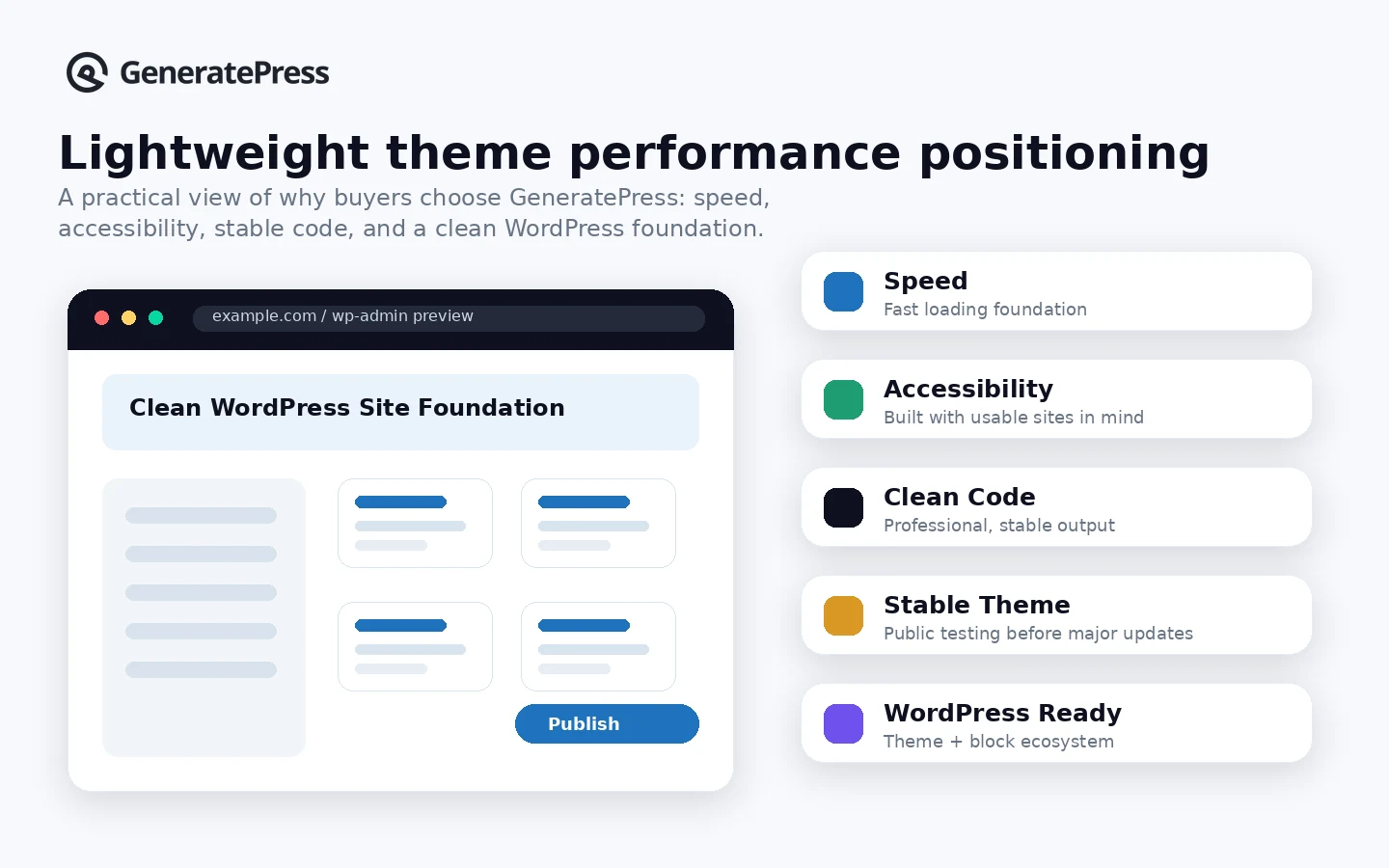
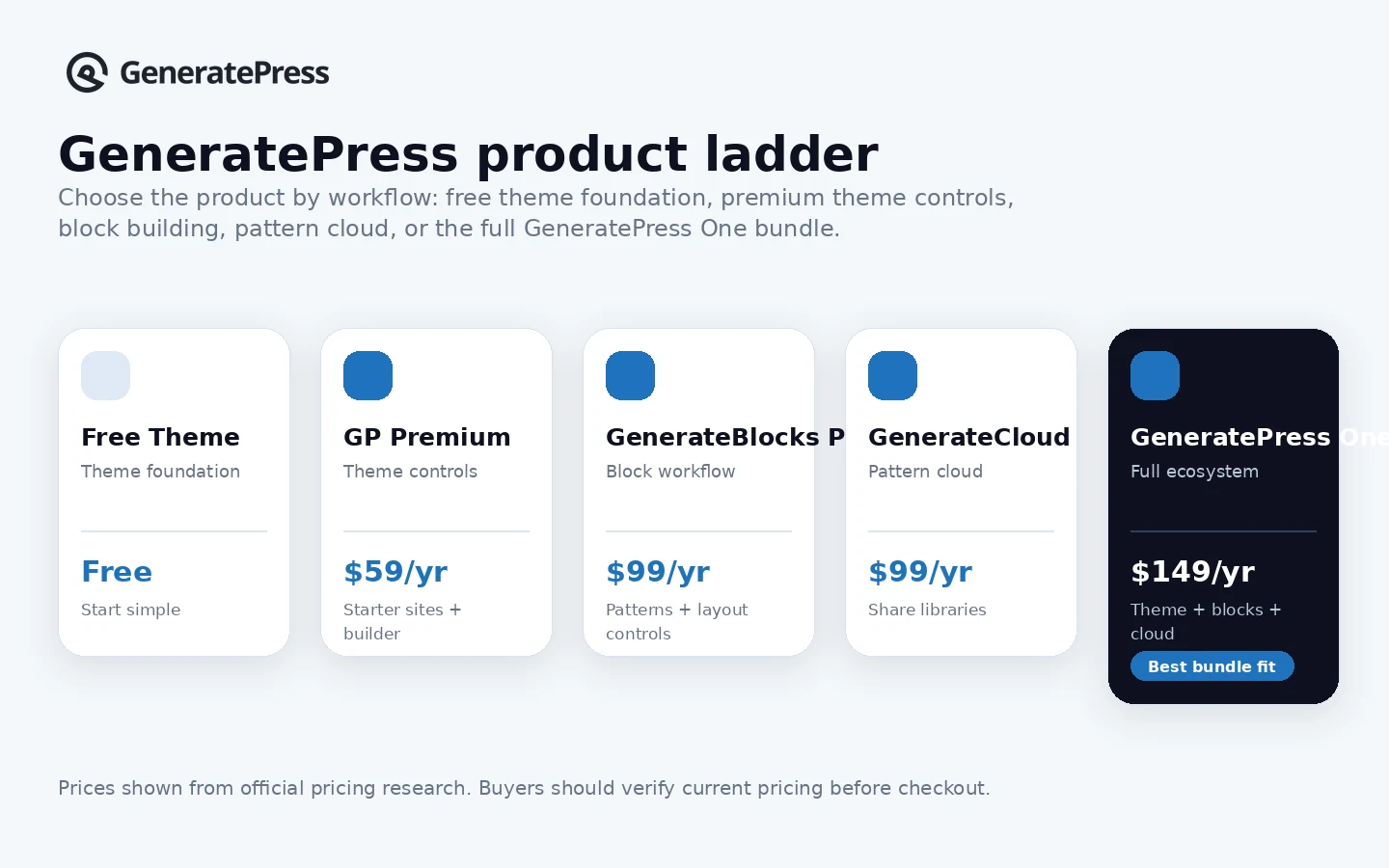
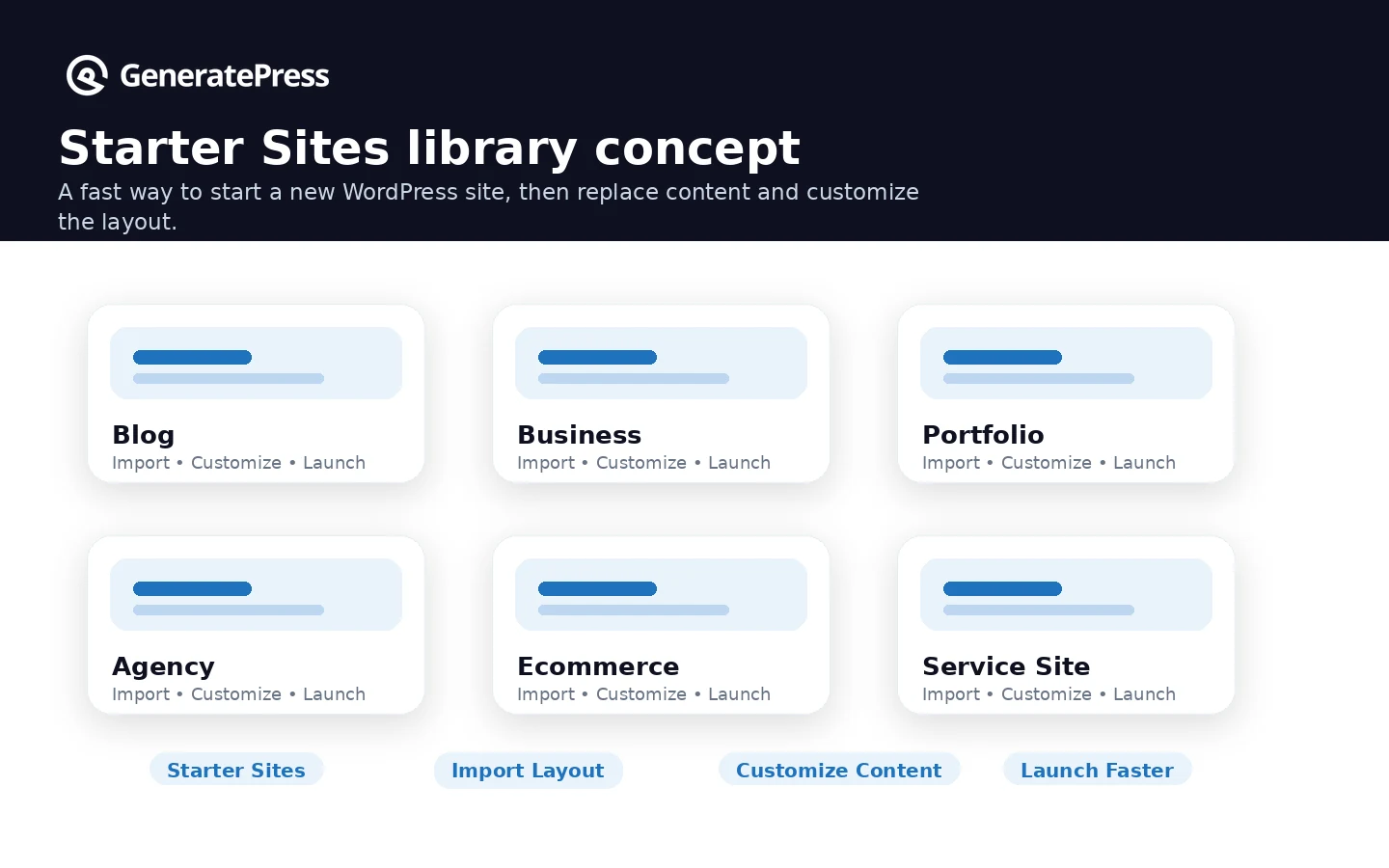
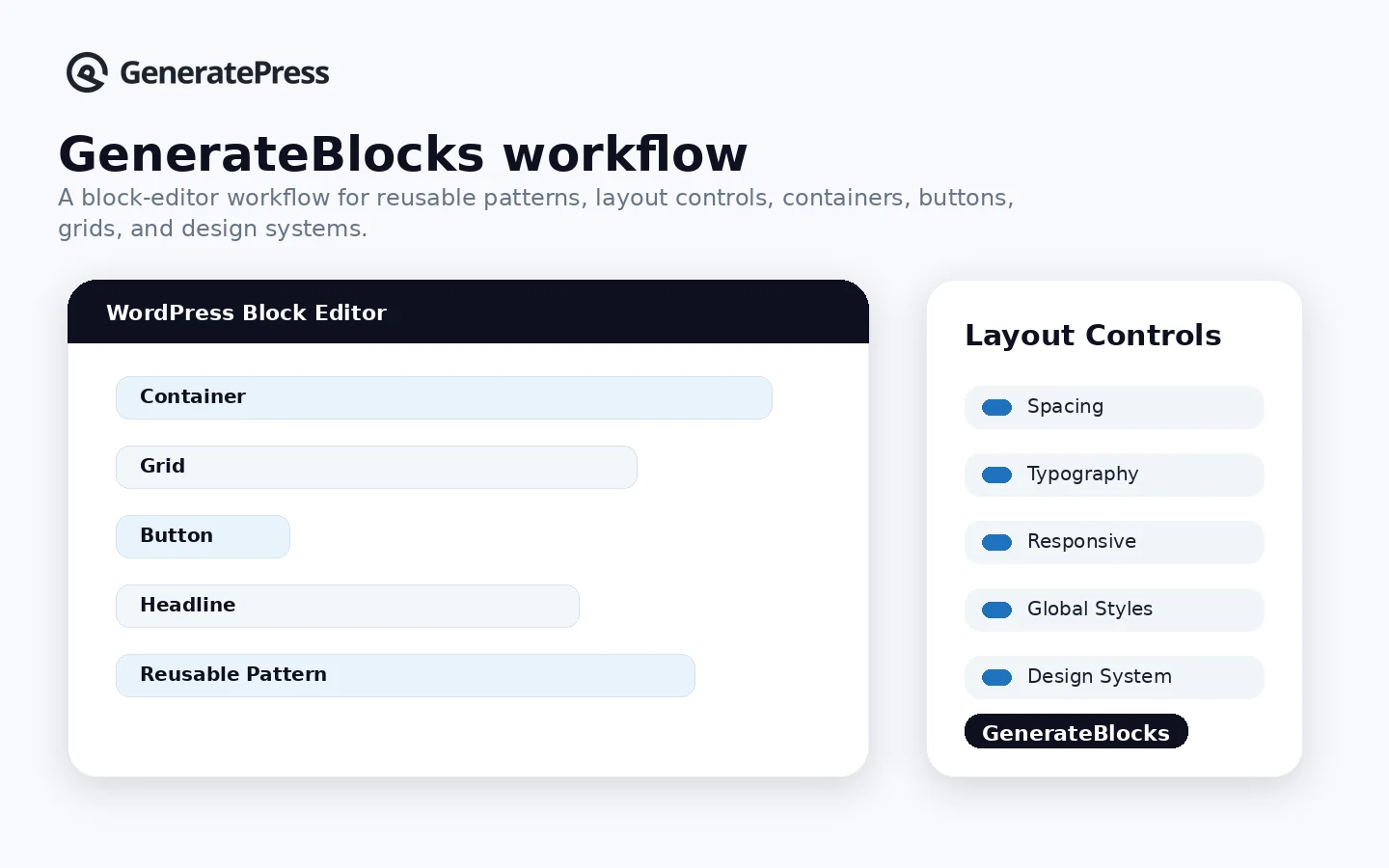
GeneratePress should be evaluated as a WordPress theme ecosystem, not as a generic SaaS subscription. The buyer question is practical: do you need a fast theme foundation, a premium theme layer, or the full GeneratePress One stack with Blocks and Cloud? The safest path is to start with the free theme when possible, map the paid features to the site you are actually building, then use the pricing page and refund rules to decide the first annual purchase.
What GeneratePress actually does
GeneratePress gives WordPress users a lightweight theme foundation and a paid upgrade path for deeper site control. The free theme covers the basic fast theme layer. GP Premium adds more theme controls, starter sites, Elements, hooks, WooCommerce controls, local fonts, and theme-building capability. GenerateBlocks Pro and GenerateCloud expand the workflow into block-based page building, patterns, reusable assets, and shared design systems.
- Use the free theme as a lightweight WordPress base.
- Upgrade to GP Premium for premium modules, starter sites, theme builder features, and support.
- Use GenerateBlocks Pro when the block editor becomes the main layout builder.
- Consider GeneratePress One when the full theme, Blocks, Cloud, starter-site and support bundle will be used.
Pricing and plan fit
GeneratePress pricing is easier to read than many WordPress product stacks, but the decision still needs care. GP Premium is the lowest paid official product at $59/year. GenerateBlocks Pro and GenerateCloud are each listed at $99/year. GeneratePress One is $149/year and bundles the premium theme, GenerateBlocks Pro, GenerateCloud, future products, starter sites, patterns, and priority email support. The bundle is attractive only if the buyer will use more than the theme.
- GP Premium is the theme-only paid path for many site owners.
- GeneratePress One is the bundle path for builders who also need Blocks and Cloud.
- All listed pricing is annual and in USD.
- Auto-renewal and cancellation should be checked before paying.
Free plan, trial, and refund path
GeneratePress does not need a traditional free trial because the free theme can be tested inside WordPress. Paid products add a 30-day first-purchase refund window. That is useful, but it should not be treated as a substitute for reading the terms. The refund page is buyer-friendly, while the terms make clear that renewals, upgrades, additional purchases after a previous refund, and requests outside the first 30 days are not the same as a first purchase.
- Free theme gives buyers a no-cost test path.
- Paid products have a 30-day first-purchase refund window.
- Renewals are not covered like first purchases.
- Annual billing means the cancellation date matters.
Who should choose GeneratePress One
GeneratePress One is most relevant for builders who want the whole ecosystem, not only the theme. The bundle makes sense for freelancers, agencies, and serious site owners who plan to use GenerateBlocks Pro patterns, GenerateCloud libraries, starter sites, future products, and priority email support. It is less convincing for a buyer who only wants to unlock theme customization on one site.
- Good for builders standardizing several WordPress sites on one workflow.
- Useful when block-editor design work replaces a heavier page builder.
- More compelling when starter sites and patterns will be reused.
- Less useful when GP Premium alone covers the need.
Where GeneratePress can disappoint
GeneratePress is intentionally lean. That is a strength for speed and maintainability, but it also means buyers should not expect a hosted website builder, an AI site generator, a marketing suite, or a flashy design system that does everything for them. A beginner may still need WordPress setup knowledge. A design-heavy team may still prefer a dedicated builder. A WooCommerce store may need plugins and custom work beyond theme controls.
- Not a hosting platform or all-in-one business suite.
- Not a replacement for every page builder or custom development need.
- Not ideal when the buyer wants hundreds of flashy premade templates with no setup work.
- Still depends on WordPress hosting quality, plugin choices, and maintenance.
Safest next step before checkout
The safest buying sequence is simple: test the free theme, list the paid features you need, compare GP Premium with GeneratePress One, then read refund and renewal rules before paying. If the project is a simple content site, GP Premium may be enough. If the site is part of a repeatable client or publishing workflow using GenerateBlocks and reusable patterns, the bundle deserves a closer look.
- Install the free theme or inspect a starter-site workflow first.
- Choose the lowest paid plan that solves the current site problem.
- Check renewal, support type, refund window, and client-site rules.
- Compare alternatives if visual builder depth or template volume is the main decision factor.
Best savings path from this store page
This is the clearest savings route to check once the product already looks like a fit.
GeneratePress One bundles GP Premium, GenerateBlocks Pro, GenerateCloud, starter sites, patterns, future products, support, and updates into one annual subscription. This is the strongest official savings path when the buyer wants more than the theme alone.
Free WordPress theme download
$59/year GP Premium path
Use comparison routes when the category fit is still open
Use these comparison routes when the product still looks plausible, but the category fit is not fully settled.
Often better for buyers who want a larger starter-template ecosystem and more mainstream beginner onboarding.
Worth comparing when block-based design controls and a theme-plus-blocks workflow matter, but the buyer wants a different interface.
A strong alternative for buyers who want a fast modern theme with rich header, footer, and WooCommerce controls.
More suitable when the buyer wants a full visual page-builder workflow rather than a lean theme-first WordPress foundation.
Verification points worth checking before you click out
Where this store usually fits best in the workflow
GeneratePress fits publishers who want a clean WordPress base, lightweight theme output, predictable layouts, and less theme bloat before adding SEO, table, affiliate, or schema plugins.
Freelancers can standardize builds around GP Premium or GeneratePress One when they manage client sites directly and want one repeatable theme and block workflow.
Store owners can use GeneratePress for a lighter WooCommerce theme layer, but they should still verify whether product pages, cart, checkout, filters, and plugin needs require additional tools.
GeneratePress becomes more compelling when paired with GenerateBlocks Pro for buyers who want WordPress block-editor layouts without relying on a heavier page builder.
Practical checkpoints before and after signup
- Install or inspect the free theme first if the buyer has not used GeneratePress before.
- Decide whether the need is GP Premium only, GenerateBlocks Pro, GenerateCloud, or the full GeneratePress One bundle.
- Confirm whether client-site use falls within the official managed-client license language.
- Build one real page, test mobile layout, inspect speed impact, and confirm whether the paid modules solve the actual site problem.
- Contact support early if a blocker appears, because the refund policy expects buyers to try resolving issues before leaving.
- Document whether the site needs updates and support after launch before the renewal cycle begins.
- Check whether the site still depends on premium updates, support, starter sites, or GenerateBlocks Pro features.
- Cancel before renewal if the license is no longer needed, because renewal payments are treated differently from first purchases.
Fast-read signals for workflow fit and buying friction
Questions readers usually ask before choosing this store
Is GeneratePress free?
Yes. GeneratePress has a free WordPress theme path, and that is the safest starting point for many buyers. Paid products such as GP Premium, GenerateBlocks Pro, GenerateCloud, and GeneratePress One add premium controls, starter sites, patterns, support, and workflow features.
What is the lowest paid GeneratePress plan?
The lowest official paid path on the pricing page is GP Premium at $59/year. It is the better first paid option when the buyer mainly needs premium theme modules and starter-site access rather than the full GeneratePress One bundle.
Is GeneratePress One worth it?
GeneratePress One is worth considering when the buyer will use GP Premium, GenerateBlocks Pro, GenerateCloud, starter sites, patterns, future products, and priority support. It is less compelling when the buyer only needs the theme layer for one site.
Does GeneratePress have a free trial?
GeneratePress does not need to be treated like a normal SaaS free trial because the free theme can be tested first. Paid purchases have a 30-day first-purchase refund window, but renewals and some later purchases are handled differently.
What should buyers verify before checkout?
Buyers should verify current pricing, auto-renewal, refund timing, client-site license rules, support type, and whether the project really needs GP Premium only or the full GeneratePress One bundle. They should also compare alternatives if they want a heavier visual builder or more beginner templates.
Choose the next route that matches what you still need to decide
The strongest next click depends on whether you still need product judgment, a savings route, or a broader category comparison.