GreenGeeks Pricing, Plans & Hosting Fit
GreenGeeks is best understood as eco-conscious web hosting for site owners who want shared, WordPress, WooCommerce, reseller, or VPS hosting without giving up the familiar cPanel-style workflow. Its strongest store-page angle is not only the green branding. The real buying decision is whether the plan limits, renewal pricing, support depth, and WordPress workflow fit the site you are actually building.
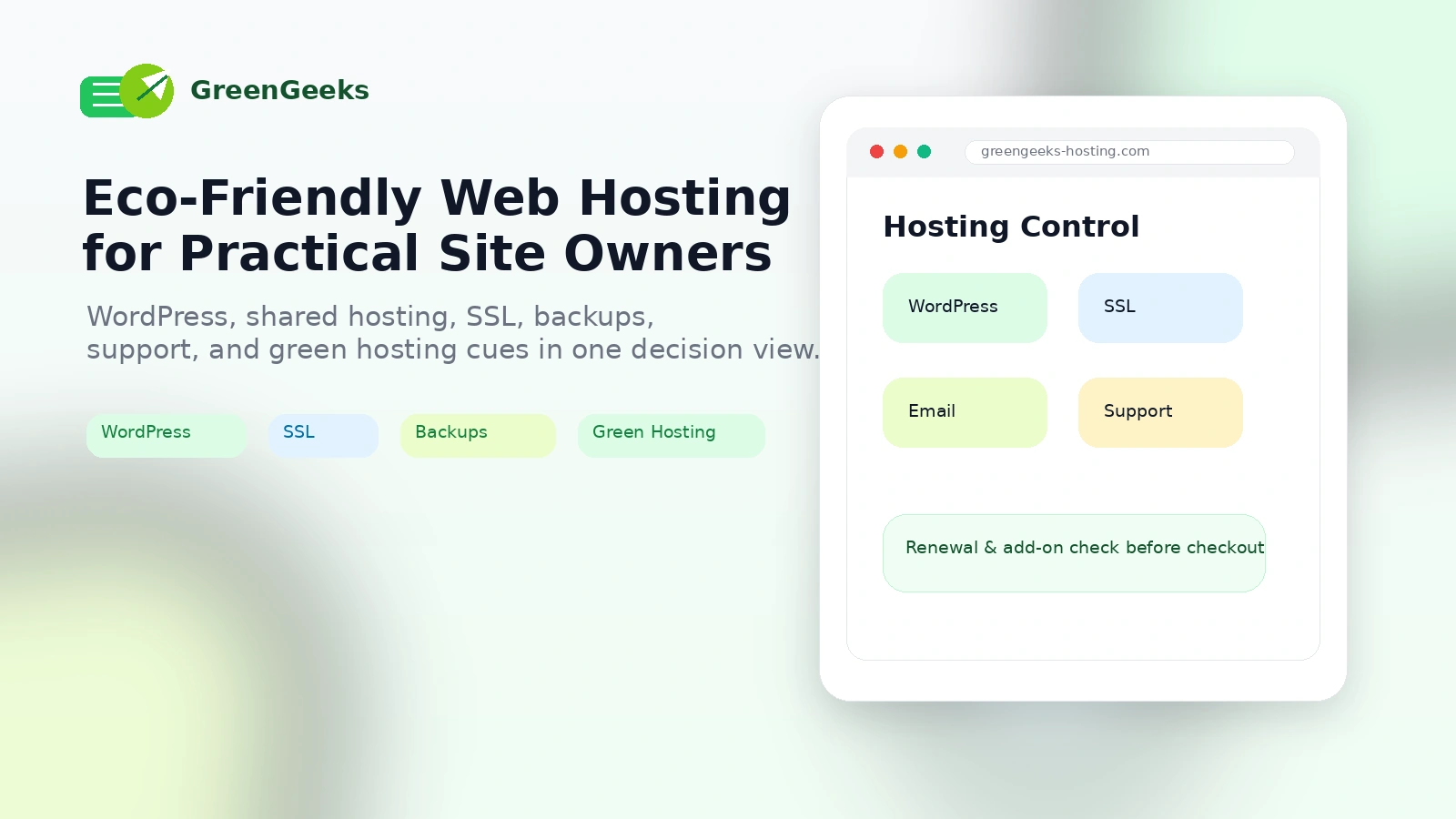
Fit → price → checkout
Use these routes after the official-site check: coupon first, review for fit, compare if unsure.
GreenGeeks pricing snapshot
Fast commercial checks before pricing, coupons, or a deeper review.
GreenGeeks product tour
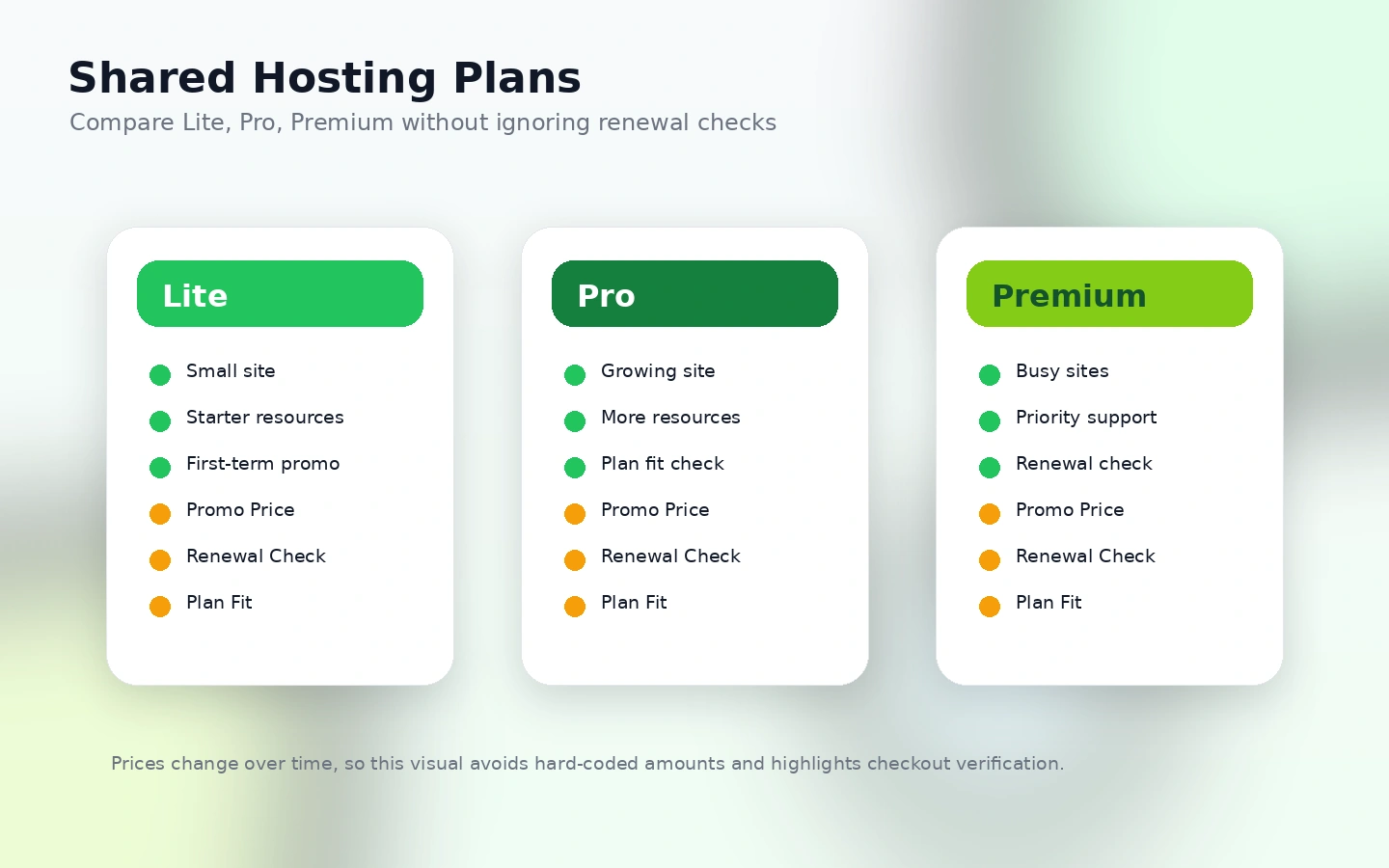
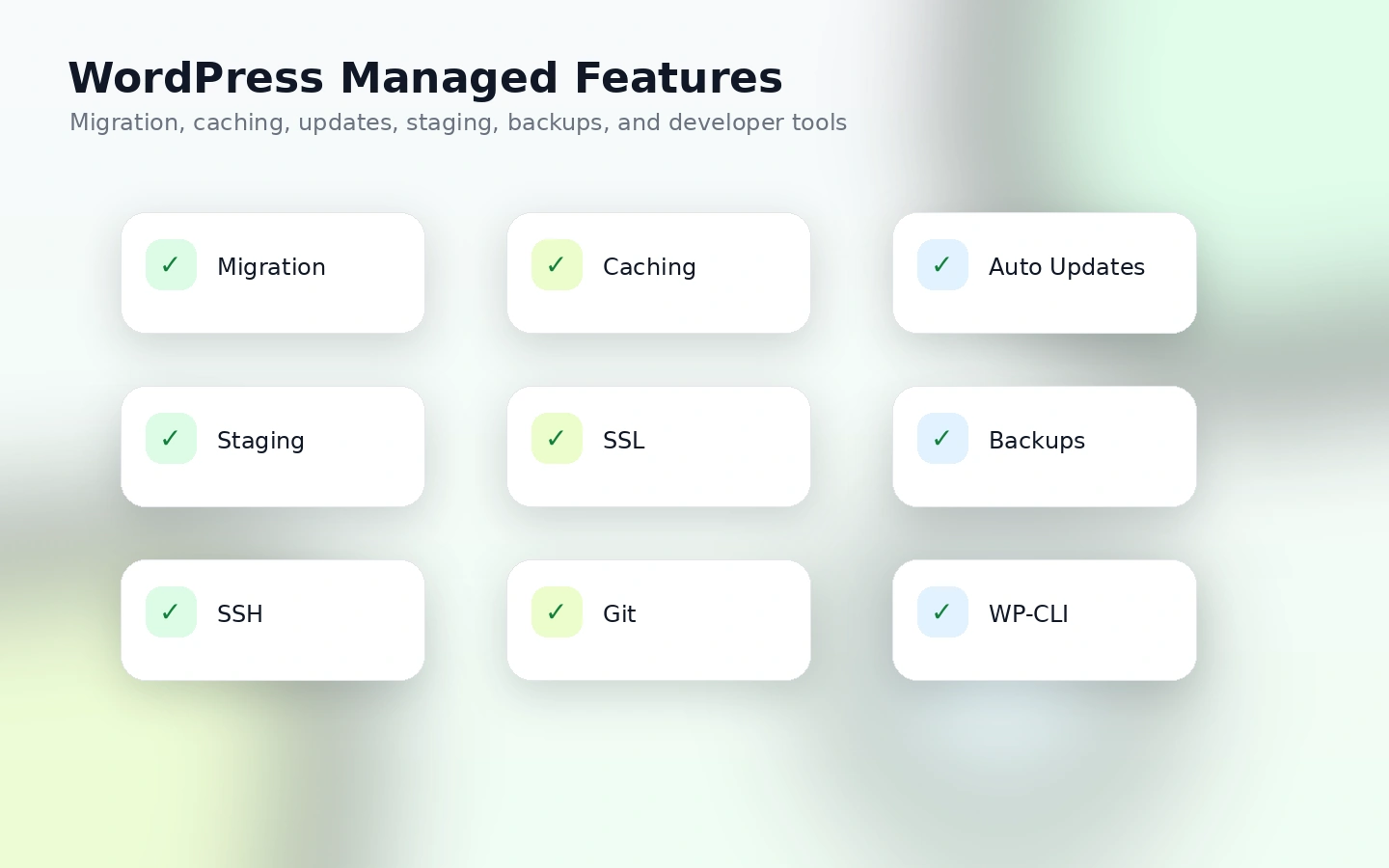
These visuals focus on the buyer decisions that matter most for GreenGeeks: the shared-hosting price ladder, whether WordPress features are enough for the site, how the green-hosting claim affects brand fit, and whether support and backup workflows reduce operational risk.
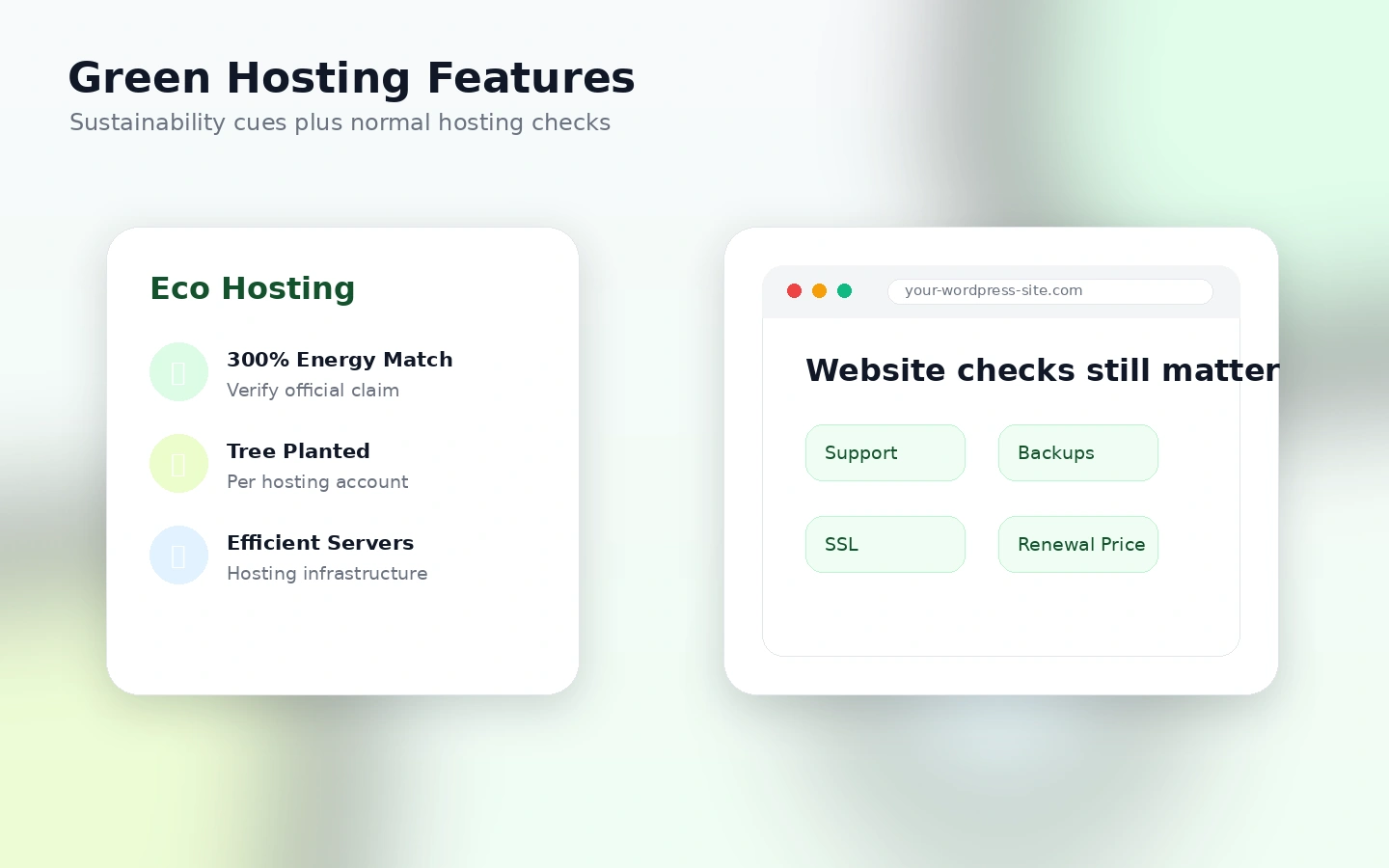
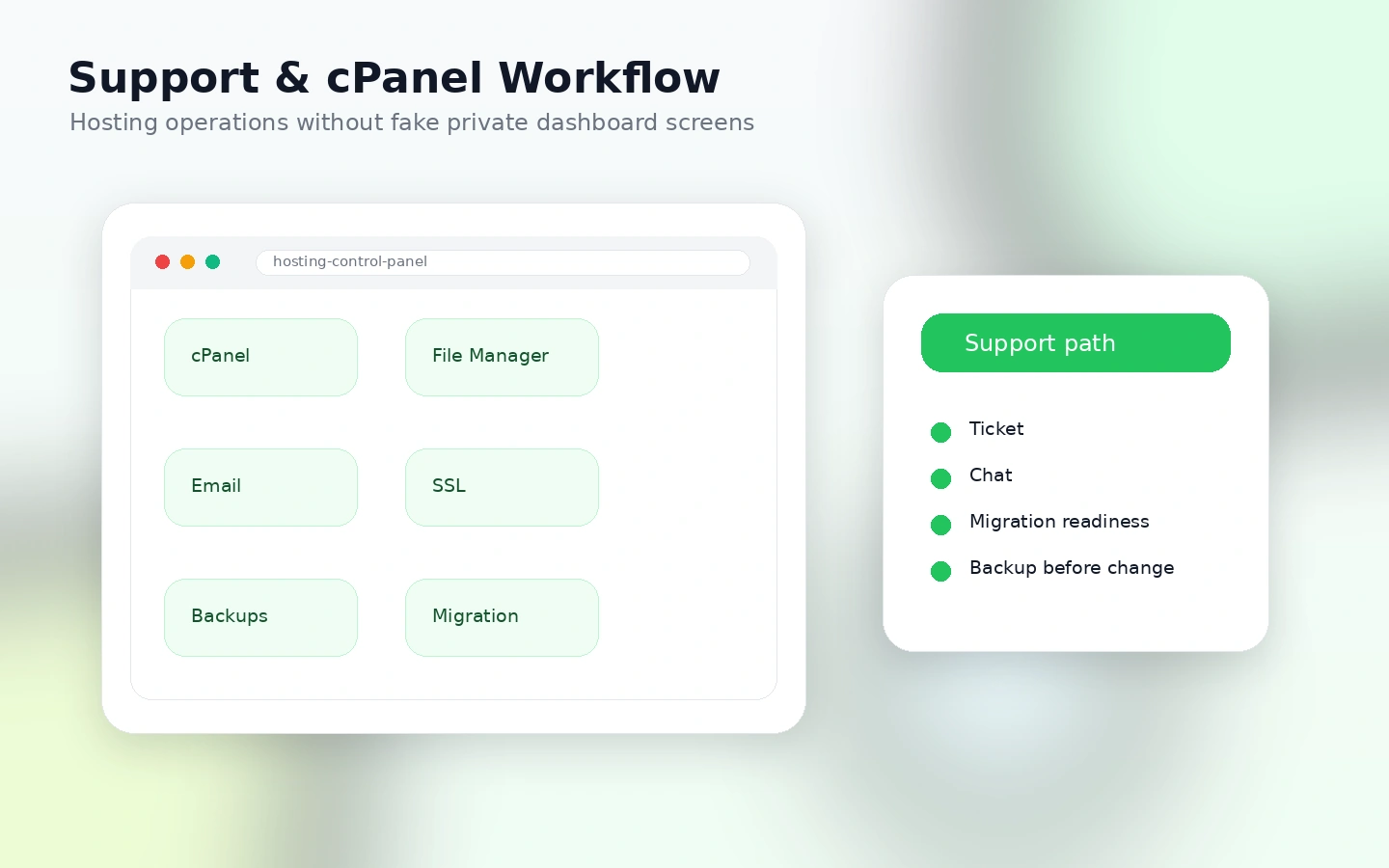
GreenGeeks is a hosting store page where the buyer question is not simply whether a discount exists. The cleaner question is whether a greener shared or WordPress hosting account is enough for the site, whether the renewal price still works, and whether the plan includes the support, backups, SSL, email, and developer tools the site will actually need.
What GreenGeeks actually does
GreenGeeks sells web hosting for site owners who want shared hosting, WordPress hosting, WooCommerce hosting, reseller hosting, VPS hosting, or a website-builder path under one brand. The product is not a one-feature SaaS tool. It is the layer that keeps a website online, connects a domain, manages files and databases, supports email, provides SSL, and gives WordPress users a managed hosting workflow.
The store-page decision should start with the site type. A single blog can fit very differently from a busy WooCommerce store, an agency reseller account, or a developer-managed VPS project.
- Shared and WordPress hosting for small sites and blogs
- WooCommerce hosting for simple ecommerce launches
- Reseller and VPS paths for buyers with broader hosting needs
Who GreenGeeks fits best
GreenGeeks fits buyers who want a familiar hosting stack without ignoring environmental positioning. A small business, blog, portfolio, content site, or early WooCommerce project can make sense here when the buyer values cPanel-style management, free SSL, backups, email, WordPress support, migration help, and live support.
It also fits buyers who want sustainability to be part of the brand story. The 300% renewable energy match and tree planting angle can matter for nonprofits, creator brands, local businesses, and companies that want a greener vendor without jumping to complex cloud hosting.
- Beginners who want managed WordPress hosting and support
- Small businesses that need hosting, email, SSL, and backups together
- Buyers who care about eco-friendly hosting but still need normal hosting features
Pricing and renewal logic
GreenGeeks shared hosting starts at $2.95 per month on the Lite promotional path, with Pro at $4.95 and Premium at $8.95 for the 12-month promotional term. The same pricing pattern appears across shared and WordPress-style pages, but renewals are higher. The Lite plan renews at $13.95 per month, Pro at $18.95 per month, and Premium at $30.95 per month at the latest store update.
This is why the store page should not frame the buying choice as only "$2.95 versus another host." The better comparison is first-term total, renewal total, storage, website count, backups, support priority, included SSL, developer tools, and whether the plan is still affordable after the promotion ends.
- $2.95/month is an initial promotional price, not the full long-term cost.
- Renewal pricing matters more for websites you expect to keep for years.
- Add-ons, domains, and setup-related costs should be checked before payment.
Green hosting claim and practical hosting features
GreenGeeks stands out because it combines standard hosting features with a green hosting angle. The public plan pages emphasize 300% renewable energy matching and one tree planted per customer, while the hosting features still cover normal site-owner needs such as SSL, CDN, email, traffic, backups, WordPress migration, LiteSpeed caching, staging, Git, SSH, WP-CLI, and priority support on higher tiers.
That combination is strongest when the buyer wants both a greener vendor and a normal WordPress workflow. It is weaker if the site needs enterprise-grade managed WordPress support, highly specialized cloud scaling, or deeply custom server architecture.
- 300% renewable energy match and one tree planted per customer
- Managed WordPress tools on shared hosting tiers
- Familiar cPanel-style hosting for buyers who do not want to manage raw servers
What to verify before checkout
Before buying GreenGeeks, verify the exact plan page, billing interval, renewal price, number of websites, storage, email limits, backup access, SSL type, domain cost, and whether the guarantee covers the exact service you are purchasing. If you are moving an existing site, also verify migration scope and create your own backup before changing hosts.
The cancellation rules matter because hosting is infrastructure. If you cancel after moving data into an account, the site files and emails are your responsibility to download before cancellation completes.
- Confirm promo term and renewal price.
- Check domain and add-on exclusions.
- Back up website files and email before cancellation or migration.
Best alternatives to compare
GreenGeeks should be compared against hosting providers that solve a different part of the same problem. Cloudways is a stronger comparison when managed cloud flexibility matters. SiteGround often belongs in the shortlist when WordPress support and managed features matter more than the green-hosting angle. Hostinger can be the budget comparison for buyers who care most about low entry cost and beginner tools. DreamHost is worth checking when a longer refund window or simpler WordPress-first path matters.
GeneratePress is not a direct hosting substitute, but it can be relevant to a WordPress performance stack because a lightweight theme changes how much pressure the host has to absorb.
- Compare Cloudways for managed cloud hosting flexibility.
- Compare SiteGround or DreamHost for WordPress-focused hosting alternatives.
- Compare Hostinger when the budget-first path is the main pressure.
Safest next step
The safest next step is to open the live GreenGeeks pricing page, pick the hosting category that matches the site, and compare the first-term price against renewal pricing. If the plan still fits, read the GreenGeeks review page for practical tradeoffs and then use the coupon or deal route to check whether any active savings path is better than the automatic promotional price.
Do not start with a coupon hunt if you have not picked the right plan tier. Hosting is too operational for that. The right plan with a modest promotion is better than the wrong plan with a bigger-looking discount.
- Choose the hosting type first.
- Check promo price, renewal price, and refund exclusions second.
- Use the coupon route only after plan fit is clear.
Best savings path from this store page
This is the clearest savings route to check once the product already looks like a fit.
GreenGeeks lists Lite shared hosting with a special first-term price for buyers who need one website, basic hosting, and eco-conscious infrastructure.
WordPress hosting from $2.95/month
WooCommerce hosting from $2.95/month
Use comparison routes when the category fit is still open
Use these comparison routes when the product still looks plausible, but the category fit is not fully settled.
Cloudways is a better comparison when the buyer wants managed cloud hosting flexibility instead of shared cPanel hosting.
SiteGround is worth checking when managed WordPress support and performance tooling matter more than GreenGeeks' eco-hosting angle.
Hostinger is the budget-first comparison for buyers who want low entry pricing and beginner-friendly site-building tools.
DreamHost is useful for buyers who prefer a simpler WordPress hosting path and want to compare refund comfort against GreenGeeks.
Verification points worth checking before you click out
Where this store usually fits best in the workflow
GreenGeeks can make sense for a first WordPress site when the buyer wants hosting, SSL, email, migration help, backups, and support in one account instead of managing server details.
A local business, service website, or portfolio can use GreenGeeks when predictable hosting and support matter more than advanced cloud architecture.
Buyers with sustainability messaging can use GreenGeeks when the renewable energy match and tree planting story supports the brand without sacrificing basic hosting features.
GreenGeeks can support smaller WooCommerce launches, but buyers should check storage, performance needs, support priority, backups, and whether Premium is a safer tier than Lite.
Practical checkpoints before and after signup
- Define the site type before comparing plans.
- Check whether shared, WordPress, WooCommerce, reseller, or VPS hosting matches the real workload.
- Compare GreenGeeks against at least one managed cloud or WordPress-focused host.
- Compare the promotional price with the renewal rate.
- Review domain, setup fee, add-on, SSL, backup, and cancellation terms.
- Check whether the chosen plan includes enough websites, storage, support, and developer tools.
- Create your own backup before moving an existing site.
- Test WordPress, email, SSL, and performance before pointing the main domain.
- Keep cancellation timing visible so renewal charges are not accidental.
- Recheck the plan against current traffic, storage, and support needs.
- Compare the renewal price against nearby hosts before extending long term.
- Document renewal dates because GreenGeeks requires cancellation timing before renewal.
Fast-read signals for workflow fit and buying friction
Questions readers usually ask before choosing this store
What does GreenGeeks actually do?
GreenGeeks provides web hosting for shared sites, WordPress, WooCommerce, reseller hosting, VPS hosting, and website-builder use cases. It is best read as website infrastructure, not as a normal software app.
Does GreenGeeks have a free plan or free trial?
No free hosting plan or true free trial was verified for this store update. The risk-reduction path is the 30-day money-back guarantee for qualifying hosting services, but buyers still need to check exclusions for domains, add-ons, setup fees, renewals, and service type.
How much does GreenGeeks start at?
GreenGeeks shared hosting starts at $2.95 per month as a promotional 12-month price on the Lite plan at the latest store update. The renewal rate is higher, so buyers should compare the long-term cost before treating the entry price as the whole deal.
Are GreenGeeks coupon codes usually available?
Public coupon codes should not be treated as the dependable savings path unless a current code is verified. GreenGeeks commonly presents savings through promotional first-term pricing, annual prepayment, and plan selection, so the final checkout price is the number to trust.
What should buyers verify before checkout?
Buyers should verify the exact hosting type, promo term, renewal rate, number of websites, storage, backup tools, SSL, email, support priority, domain rules, refund exclusions, and cancellation timing. Existing site owners should also make their own backup before moving or canceling hosting.
Choose the next route that matches what you still need to decide
The strongest next click depends on whether you still need product judgment, a savings route, or a broader category comparison.