Quick verdict
GreenGeeks is worth considering if you want normal web hosting with a stronger environmental story, but I would not judge it by the $2.95 headline price alone.
That is the main buyer tension.
The product looks simple on the surface: shared hosting, WordPress hosting, WooCommerce hosting, reseller hosting, VPS hosting, support, SSL, email, backups, and a green energy promise. For a beginner site owner, that can be enough. You get familiar hosting tools without having to design your own cloud setup, and the sustainability angle gives eco-conscious brands something real to point to.
But hosting decisions usually get expensive in the second year, not the first checkout screen. GreenGeeks’ shared hosting page presents promotional first-term pricing, then separate renewal prices. That does not make the product bad. It just means the buyer has to compare the real renewal cost against the actual site workload.
For my money, GreenGeeks makes the most sense for small WordPress sites, blogs, portfolios, local business websites, and modest WooCommerce launches where cPanel-style hosting, migration help, email, backups, SSL, and support matter more than full cloud control.
I would be more careful if you are running a heavy ecommerce store, a high-traffic media site, a technically custom application, or a project where renewal costs and resource limits can become painful.
Next step: If GreenGeeks still matches your hosting workload, check the live pricing route before choosing a term.
Review snapshot
| Review point | Practical take |
|---|---|
| Best for | Small WordPress sites, blogs, service businesses, portfolios, and eco-conscious brands |
| Not ideal for | Advanced cloud users, heavy ecommerce projects, or buyers chasing only the lowest intro price |
| Main use case | Shared, WordPress, WooCommerce, reseller, or VPS hosting with a green hosting angle |
| Starting price | Shared hosting currently starts at $2.95/month when prepaid for 12 months |
| Renewal caution | Lite renews at a much higher monthly rate than the promotional first-term price |
| Free plan or trial | No free hosting plan or true no-card trial; the main safety net is the limited 30-day guarantee |
| Main strength | Familiar hosting workflow plus 300% renewable energy matching and tree planting |
| Main concern | Renewal pricing, cancellation timing, refund exclusions, and shared-hosting resource limits |
| Direct alternatives | Cloudways, SiteGround, Hostinger, DreamHost |
| Best next step | Match plan tier to site workload, then compare renewal price before checkout |
What is GreenGeeks?
GreenGeeks is a web hosting provider with a strong eco-friendly positioning. It offers shared hosting, WordPress hosting, WooCommerce hosting, reseller hosting, VPS hosting, and a website builder route.
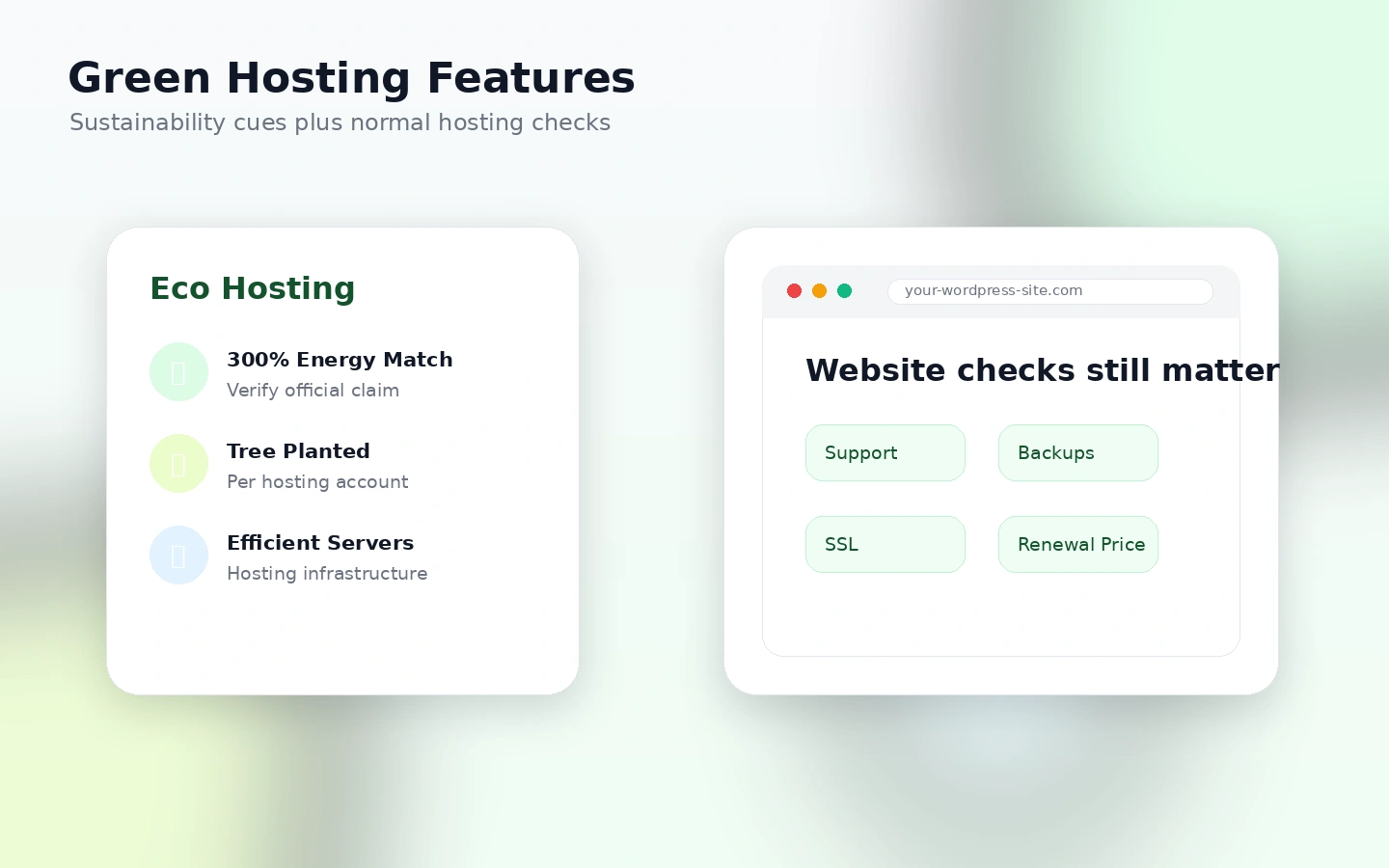
The core buyer promise is not unusual hosting. The unusual part is the green angle: GreenGeeks says it matches energy usage at 300% through renewable energy credits and plants one tree for each hosting account provisioned. For businesses that care about sustainability messaging, that is more meaningful than a generic budget-hosting brand story.
Still, I would not treat GreenGeeks as only a green badge.
The actual product is hosting infrastructure for websites. You are buying space, support, email, SSL, backups, WordPress convenience, cPanel-style management, security tooling, and a support relationship. The green story matters, but the site still has to load, renew affordably, fit your storage needs, and be easy to move or cancel if the match is wrong.
Our review approach compares public product pages, pricing details, terms, buyer workflow fit, hosting risks, and nearby alternatives. A low first-term price or green branding is not enough by itself. The better question is whether GreenGeeks fits the kind of website you plan to run over the next one to three years.
GreenGeeks is not a full custom cloud operations team. It is not a free hosting service. It is not the same thing as hiring a managed WordPress agency. It is closer to a beginner-friendly and small-business-friendly hosting platform with enough WordPress conveniences to serve many normal sites.
That is a useful position. It just needs to be judged with the renewal price in view.
Who should use GreenGeeks?
GreenGeeks fits buyers who want a practical hosting account without taking on too much server responsibility.
A beginner WordPress owner is the clearest fit. If you need to launch a blog, portfolio, niche site, local business website, or service page, GreenGeeks gives you the basic hosting stack: WordPress setup, SSL, email, CDN, backups, migration help, caching, and support. The main condition is that the site stays within a normal small-site workload.
Small businesses are another good match. A dental office, consultant, local contractor, coach, small agency, or personal brand usually does not need cloud architecture on day one. They need a site that is online, editable, backed up, and supported when something breaks.
Eco-conscious brands should also consider it. If the sustainability story is part of your brand, GreenGeeks gives you a hosting provider whose public positioning aligns with that message. That does not automatically make it the fastest or cheapest host, but it can make the choice easier when two hosts are otherwise close.
Early WooCommerce projects can consider GreenGeeks, but I would be more selective here. A small shop with modest traffic may be fine. A busy store with serious revenue dependence should check whether the chosen tier has enough performance, support priority, backups, and upgrade room before committing.
Agencies and freelancers may also use GreenGeeks when they want a greener shared-hosting option for simple client sites. The caution is that client hosting can become messy if storage, backups, renewal pricing, and cancellation rules are not documented clearly from the start.
Who should avoid GreenGeeks?
GreenGeeks is not the first host I would pick for every website.
High-traffic ecommerce stores should be careful. If a store already has meaningful order volume, complex plugins, heavy product catalogs, or strict uptime expectations, a more specialized managed WordPress, cloud, or ecommerce hosting route may be safer.
Developers who want deep infrastructure control may also outgrow it quickly. GreenGeeks includes developer-friendly features such as SSH, SFTP, Git, WP-CLI, and staging on the shared-hosting path, but that is not the same as owning the full server architecture.
Buyers who only care about the first-year price should slow down. The promotional price can look attractive, but the real decision includes renewal rates, domain handling, add-ons, cancellation timing, and whether the plan is still enough after the site grows.
Projects that need a free plan should look elsewhere. GreenGeeks is paid hosting. The risk reducer is the money-back guarantee language, not a true free account where you can build indefinitely without payment.
I would also be cautious if you have no plan to manage backups, DNS, email, and renewal dates. Hosting is not just buying space. It creates operational responsibility. Even with a helpful support team, the buyer still needs to keep control of their files, domains, login access, and billing calendar.
How GreenGeeks fits into a real workflow
A sensible GreenGeeks workflow starts before checkout.
First, define the site. A single blog, a small service business site, a multi-site portfolio network, and a WooCommerce store do not need the same plan. This sounds obvious, but it is the mistake buyers make when they choose hosting by price table alone.
Second, choose the hosting path. Shared hosting and WordPress hosting overlap heavily for normal WordPress users. WooCommerce hosting may be the better mental model if the site is a store. Reseller hosting is a different decision if you are managing client hosting. VPS is a different route again if performance and isolation matter more.
Third, compare plan limits. Lite is easier to justify for one smaller site. Pro becomes more realistic when multiple websites, extra space, on-demand backups, and priority support matter. Premium is where busier sites or online stores may start to feel safer, but it also renews at a higher rate.
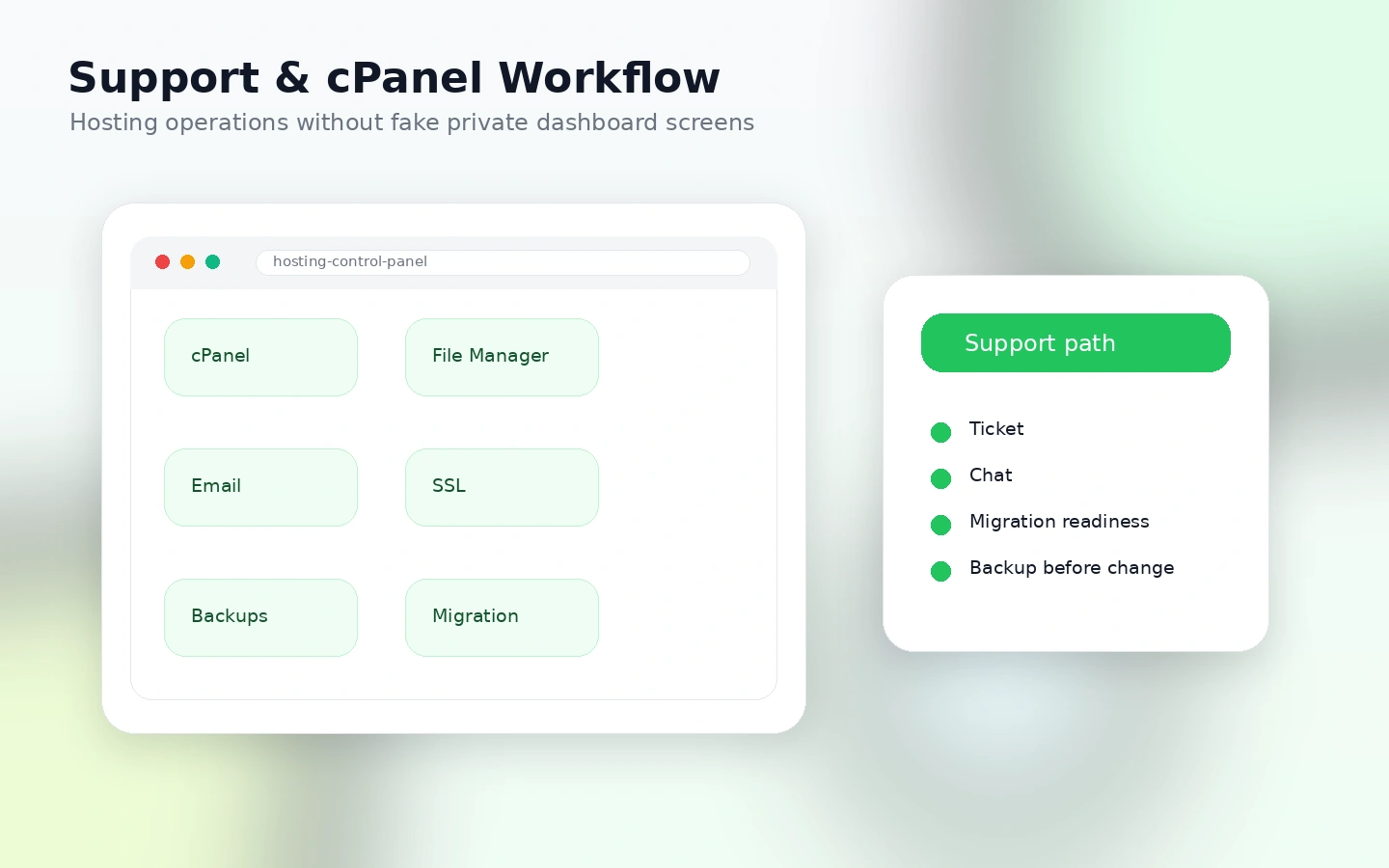
Fourth, launch carefully. Use migration help if you are moving from another host, but keep your own backup. Test WordPress login, SSL, email, DNS, caching, contact forms, checkout, and performance before you treat the move as finished.
Finally, set a renewal reminder. Hosting disappointment often starts when buyers forget the renewal date and then realize the first-term promotion was not the long-term price.
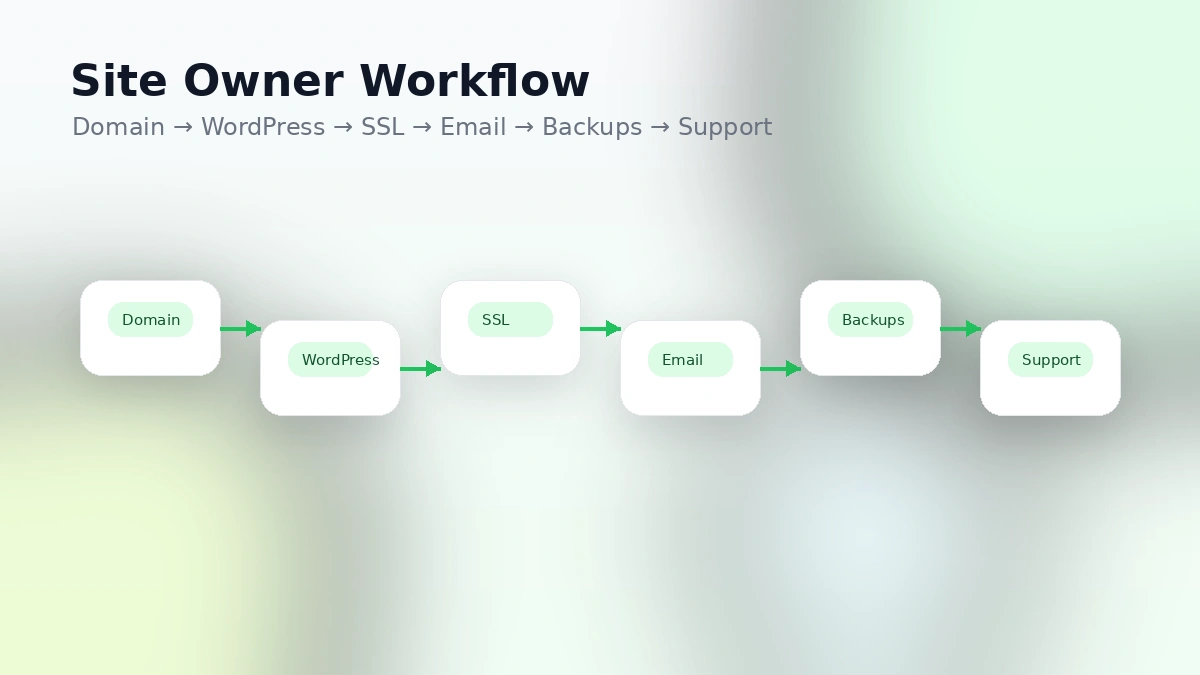
Workflow check: If your site is small enough for shared or WordPress hosting, compare the live plan details before choosing Lite, Pro, or Premium.
Real-world buyer scenarios
A first-time blogger may find GreenGeeks easy enough to justify. The hosting account includes the main pieces needed to start: WordPress, SSL, email, backups, CDN, and support. The mistake would be picking a longer term without understanding the renewal price.
A local business site is also a natural fit. A plumber, therapist, accountant, restaurant, or consultant usually needs reliability, contact forms, email, and basic SEO more than advanced infrastructure. GreenGeeks can work well here if the site owner keeps the domain and hosting renewal calendar visible.
A small WooCommerce launch is more mixed. GreenGeeks can support early ecommerce, and the Premium tier is positioned for busier websites or online stores. But the buyer should test checkout speed, plugin load, backup behavior, staging needs, and support responsiveness before relying on it for meaningful revenue.
An agency managing client websites should think beyond the first account. GreenGeeks may be useful for eco-conscious or budget-sensitive client sites, but agencies should document who owns the domain, who receives renewal notices, how backups are handled, and what happens if a client leaves.
A sustainability-led brand gets the clearest narrative advantage. If hosting impact matters to the brand story, GreenGeeks gives a cleaner sustainability message than many commodity hosts. The product still has to pass normal hosting checks, but the positioning can support the buyer’s public values.
Key features that actually matter
Green hosting commitment
GreenGeeks’ sustainability positioning is its most distinctive feature. The public messaging around 300% renewable energy matching and tree planting gives eco-conscious buyers a reason to choose it over another mainstream shared host.
Buyer note: this matters most if sustainability is part of your brand or personal buying criteria. It should not replace normal checks around performance, support, pricing, and renewal terms.
WordPress-friendly hosting tools
GreenGeeks includes practical WordPress features such as instant WordPress installation, migration help, auto-updates, caching, WP-CLI, SSH, staging, and Git on its shared-hosting feature list.
Buyer note: these features are useful when you actually use them. A beginner may mainly care about installation and support. A more technical site owner may care about SSH, staging, Git, and backups.
cPanel-style site management
For many buyers, familiar hosting management is a strength. GreenGeeks is easier to understand if you want email accounts, SSL, file access, databases, WordPress, and support inside one hosting relationship.
Buyer note: if you prefer cloud dashboards, container workflows, Git-based deployment, or infrastructure-as-code, this may feel too traditional.
Migration and support
GreenGeeks promotes free website migration and round-the-clock support. That is valuable for buyers moving away from a poor host or launching a first site with limited technical confidence.
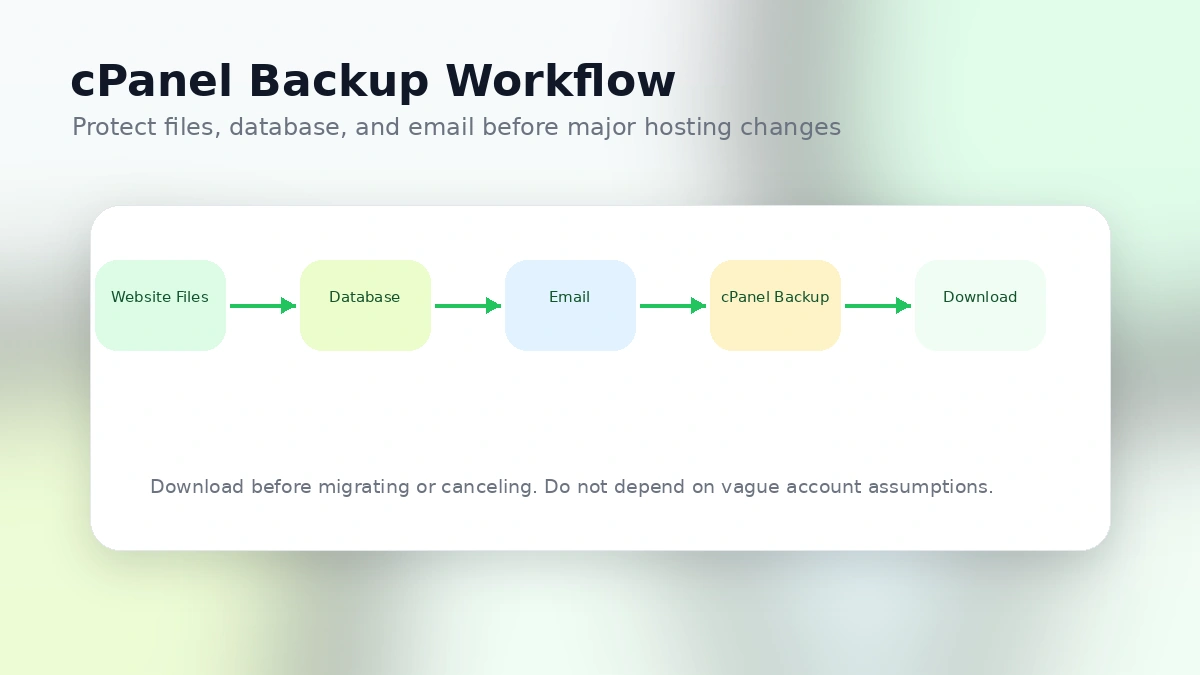
Buyer note: migration help is still not a substitute for your own backup. Before any move, keep a copy of site files, database, email, and DNS records.
Promotional entry price
The low shared-hosting entry price is attractive, especially for new sites. But this is a feature only if the buyer understands the renewal math.
Buyer note: judge the plan by year-two cost, not just the first checkout screen.
Pricing and plan value
GreenGeeks’ shared hosting pricing is clear enough to analyze, but it needs context.
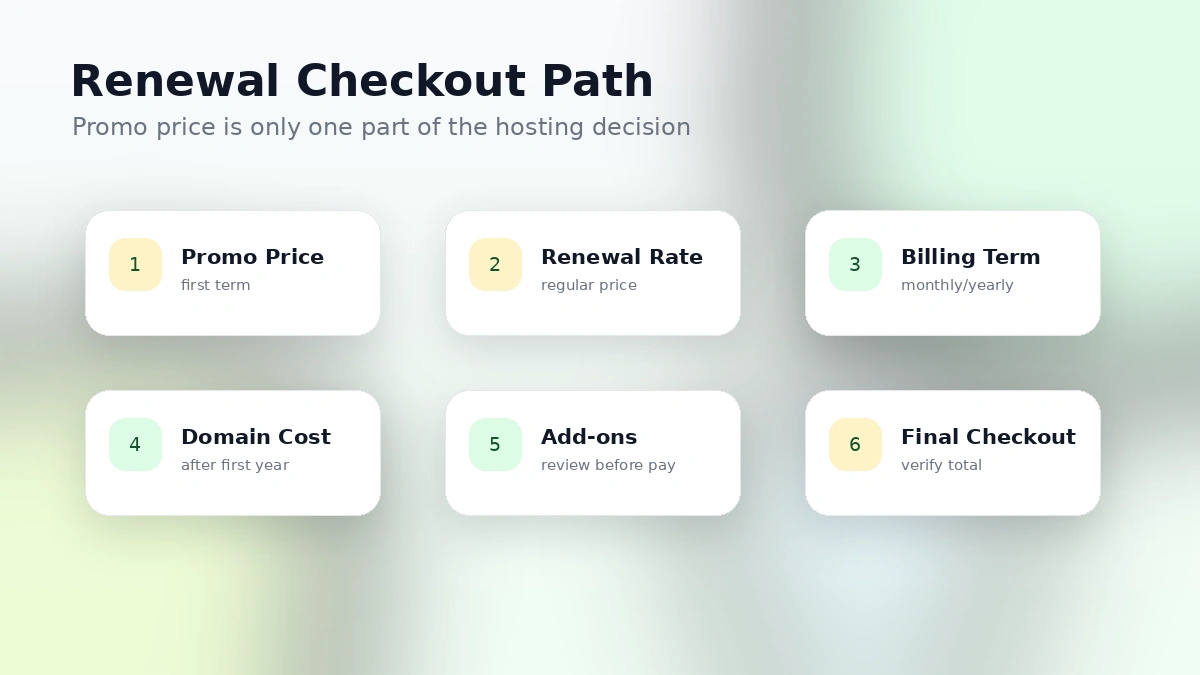
At the time of review, the shared hosting page shows Lite at $2.95/month when prepaid for 12 months, renewing at $13.95/month. Pro is shown at $4.95/month, renewing at $18.95/month. Premium is shown at $8.95/month, renewing at $30.95/month.
That is the part I would check first.
The Lite plan can make sense for one smaller site or blog. It includes one website, 25 GB web space, unmetered traffic, email, SSL, free domain for the first year, CDN, daily backups, uptime guarantee language, managed WordPress features, caching, databases, and developer tools.
Pro makes more sense when you need more than one website, more storage, on-demand backups, priority support, and the WordPress repair tool. Premium becomes more plausible for busier websites or online stores, but the renewal number is much higher.
The cheapest plan is not automatically the best deal. If you will outgrow Lite quickly, starting on Lite may simply delay the real purchase decision. But if you only have one small site, jumping to Premium because it sounds safer may be unnecessary.
I would compare the first-term total, renewal total, domain handling, backup controls, support priority, and cancellation terms before choosing the term length.
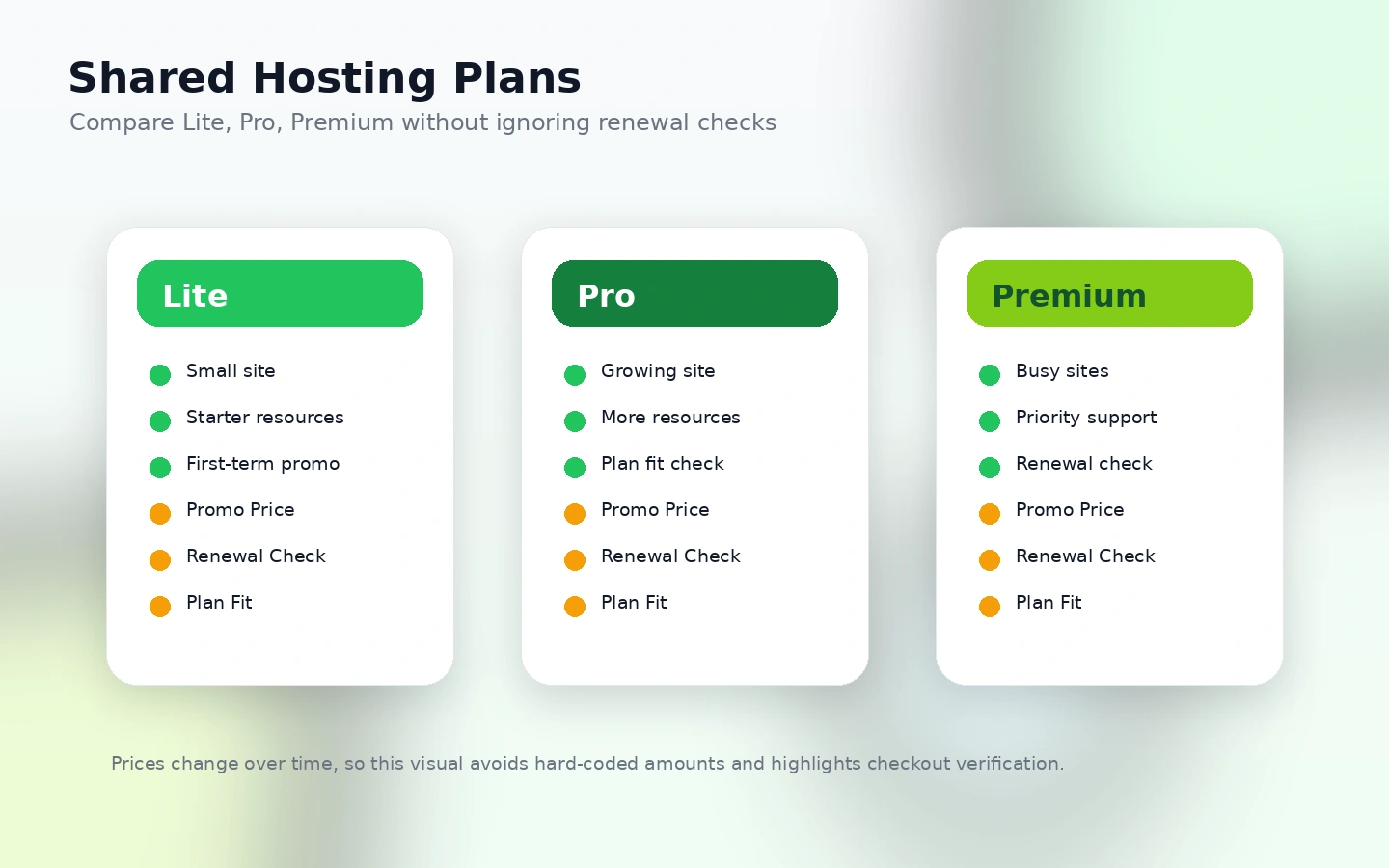
Pricing check: Before paying, compare GreenGeeks' promotional price against the renewal rate and the site workload you expect over the next year.
Free plan, trial, coupon, and checkout notes
GreenGeeks does not have the kind of free plan you see with some SaaS tools. It is paid web hosting. The main buyer protection is the published 30-day money-back guarantee language, but that guarantee has important limits.
The terms say the guarantee applies only to the start date of service and does not apply to renewals. They also exclude items such as domain registrations, setup fees, add-ons, dedicated servers, and some additional services from the same refund treatment.
That matters because hosting often includes more than the hosting fee. A free domain, a dedicated IP, SSL add-on, migration-related fee, professional service, or renewal charge may not behave like the base hosting refund.
For coupons, I would treat the current offer path as secondary. GreenGeeks mainly markets first-term promotional pricing. A coupon page may help you check whether a current deal route exists, but it should not become the reason you choose the host.
The safer checkout order is simple: choose the right hosting type, check the first-term price, check the renewal price, review refund exclusions, confirm cancellation timing, then look at the current offer route.
What I would check before buying GreenGeeks
If I were buying GreenGeeks for a real website, I would check these items before checkout:
- Whether the site belongs on Lite, Pro, Premium, reseller hosting, VPS hosting, WordPress hosting, or WooCommerce hosting.
- The renewal price, not only the promotional monthly equivalent.
- Whether one website and 25 GB web space are enough, or whether multiple sites and more storage justify Pro.
- Whether on-demand backups, priority support, and WordPress repair tools matter enough to choose a higher tier.
- Which items are excluded from refunds, especially domains, add-ons, setup fees, and renewal charges.
- How cancellation works and how early auto-renewal needs to be disabled.
- Whether you have your own backup of files, databases, and email before migration or cancellation.
The easy mistake is buying hosting like a simple subscription. It is not. Hosting touches your site files, email, DNS, domain registration, database, backup plan, and business continuity.
A simple test before paying
Before committing to a longer term, I would run a small hosting-fit test.
- List the exact site type: blog, local business site, portfolio, ecommerce store, client site, or content site.
- Estimate near-term needs: number of websites, storage, email accounts, plugins, traffic, and backup importance.
- Compare Lite, Pro, and Premium against those needs without looking at the discount first.
- Read the renewal price and calculate year-two cost.
- Check the refund and cancellation rules before adding domains or extras.
- If migrating, create your own backup before submitting a migration request.
- After launch, test SSL, email, forms, page speed, backups, WordPress login, and DNS before moving all traffic.
This test is not complicated, but it prevents the most common hosting mistake: choosing the cheapest first-term plan and discovering later that the real workload needed a different host or tier.
Pros explained
GreenGeeks’ first real advantage is positioning. Many budget hosts compete mainly on price. GreenGeeks gives buyers a clearer identity: eco-conscious hosting with standard website tools. For some brands, that matters.
The second advantage is practical beginner fit. You can launch a WordPress site without learning server administration. The combination of hosting, SSL, email, CDN, backups, migration help, and support is exactly what many new site owners need.
The third advantage is the WordPress workflow. Features such as caching, staging, WP-CLI, SSH, Git, auto-updates, and migration support make the platform more useful than a bare-bones hosting account.
The fourth advantage is that GreenGeeks covers multiple hosting paths. Shared, WordPress, WooCommerce, reseller, and VPS options give buyers room to choose a path without leaving the brand immediately.
The fifth advantage is support visibility. Third-party review patterns often mention responsive support, and for small site owners, support quality can matter more than marginal differences in feature lists.
Cons explained
The main drawback is renewal pricing. GreenGeeks is not unusual here; hosting companies often discount the first term. But the size of the renewal jump matters, especially if the buyer signs up only because the entry price looks cheap.
The second drawback is shared-hosting fit. Shared hosting can be perfectly fine for small websites, but it has resource boundaries. If your site grows, runs heavy plugins, or handles meaningful ecommerce traffic, you may need a higher tier or a different hosting model.
The third drawback is refund complexity. The 30-day guarantee is useful, but it does not cover everything. Domains, add-ons, renewals, some services, and cancellation timing can change the real buyer risk.
The fourth drawback is that GreenGeeks is not the most developer-controlled environment. It offers useful developer tools, but advanced buyers who want cloud-level customization may prefer Cloudways, a VPS-first route, or a more infrastructure-oriented provider.
The fifth drawback is that the green story can distract from normal hosting due diligence. Sustainability is a plus, but site owners still need to test performance, support, backups, email, DNS, and renewal cost.
Green flags and red flags
Green flags are clear when GreenGeeks is being used for the right job. A small WordPress site, a service business, a portfolio, or an eco-conscious brand can be a good fit. The inclusion of standard hosting features, WordPress tools, migration help, and 24/7 support also makes the product easier for non-technical buyers to understand.
The green hosting commitment is another positive signal if sustainability is part of the buyer’s decision. It gives GreenGeeks a more specific reason to exist than another anonymous low-cost hosting account.
The red flags appear when the buyer ignores the second-year math. If the only reason you are interested is the first-term price, slow down. Renewal pricing and cancellation timing matter more than the discount.
Another red flag is a workload mismatch. A high-traffic store, heavy plugin stack, membership site, or application-style project may need more than shared hosting. GreenGeeks can still be part of the comparison, but the buyer should not force a small-site plan onto a serious revenue site.
The final red flag is poor backup discipline. Hosting cancellation, migration, and technical support all become riskier if the buyer does not control their own data.
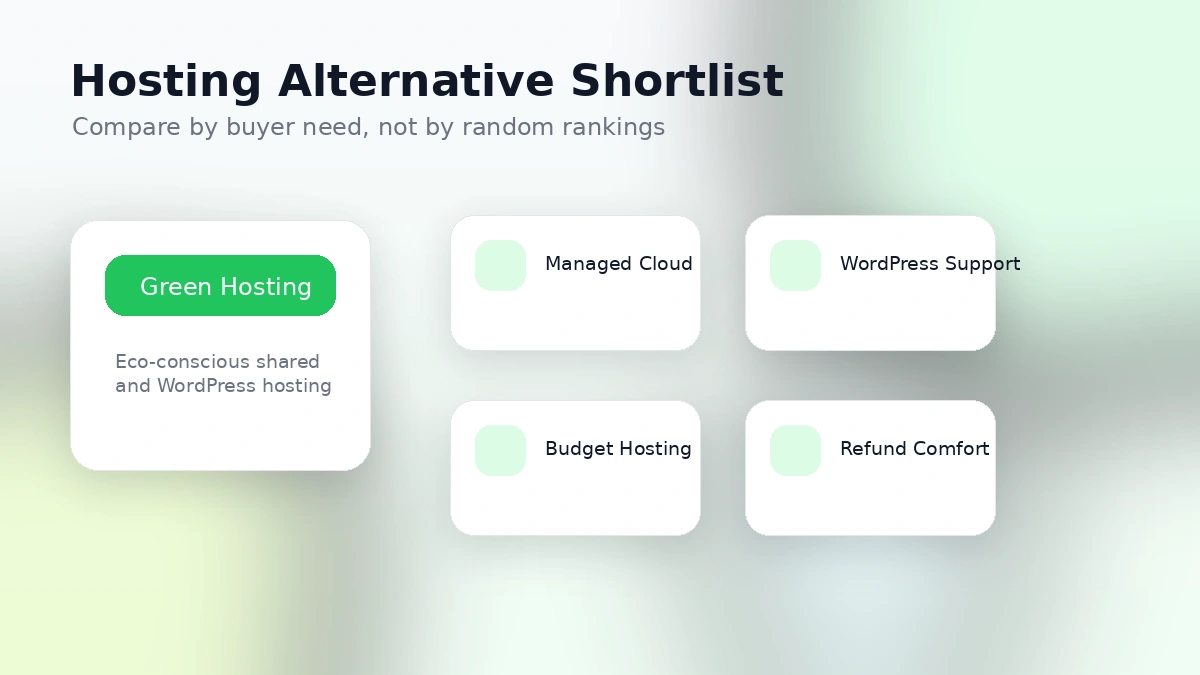
GreenGeeks vs alternatives
Cloudways vs GreenGeeks
Cloudways is the stronger comparison if you want managed cloud hosting flexibility instead of traditional shared hosting. It can make more sense for growing sites, higher-performance WordPress projects, or buyers who want to choose cloud infrastructure without managing every server detail alone.
GreenGeeks may still be better if you want simpler hosting, email, cPanel-style management, and the eco-hosting story. For a small WordPress site, Cloudways may be more than you need.
SiteGround vs GreenGeeks
SiteGround is worth comparing if WordPress support, performance tooling, and managed WordPress polish matter more than the green hosting angle.
GreenGeeks may be the better fit if sustainability is a major factor and your site workload is modest. SiteGround may be the more natural route if you want a more WordPress-focused reputation and are comfortable comparing renewal pricing carefully.
Hostinger vs GreenGeeks
Hostinger is the budget-first comparison. It often attracts buyers who want low entry pricing, beginner-friendly tools, and a simple site-building path.
GreenGeeks competes better when the buyer wants eco-hosting and familiar hosting support rather than the lowest-cost mainstream hosting route. If budget is the only decision point, compare renewal rates closely.
DreamHost vs GreenGeeks
DreamHost is useful for buyers who want a simpler WordPress hosting path and want to compare refund comfort, brand history, and WordPress-friendly hosting options.
GreenGeeks may be the better story for eco-conscious site owners. DreamHost may be the better comparison if you want a more traditional WordPress hosting brand with a different cancellation and refund profile.
Trust, refund, and buyer-risk notes
GreenGeeks is a legitimate hosting provider, but hosting trust is not only about brand legitimacy. It is about whether the terms match the buyer’s risk tolerance.
The first risk is renewal. The terms place responsibility on the customer to manage renewal timing and billing details. Buyers should disable auto-renewal early enough if they do not want the service to renew.
The second risk is refund scope. The money-back guarantee is helpful, but it is not a universal refund promise for every charge. Domains, add-ons, setup fees, renewals, dedicated servers, and some services can fall outside the simple refund expectation.
The third risk is account data. If you cancel hosting, your website files and email matter. Keep your own backup before cancellation, migration, or major DNS changes. Do not rely only on the host’s internal backups as your disaster recovery plan.
The fourth risk is shared-hosting resource use. GreenGeeks’ terms explain that hosting marked as unlimited still has normal-use expectations and excessive resource controls. This is normal in shared hosting, but buyers running heavy sites should understand it before assuming unmetered means unlimited in every practical sense.
The fifth risk is choosing the wrong product family. Shared hosting, WordPress hosting, WooCommerce hosting, reseller hosting, and VPS hosting are different buying decisions. If you choose the wrong route, a discount will not fix the mismatch.
Final verdict
I would consider GreenGeeks if I were launching a small WordPress site, blog, portfolio, local business website, or early WooCommerce project and wanted a host with a clearer environmental commitment than the usual budget-hosting brands.
I would also consider it if I valued cPanel-style hosting, migration help, email, SSL, backups, support, and a familiar WordPress workflow more than deep server customization.
I would skip or delay GreenGeeks if the site already needs serious ecommerce performance, cloud flexibility, custom infrastructure, or enterprise-style operations. I would also slow down if the first-term price is the only reason the offer looks appealing.
The safer path is to judge GreenGeeks by three numbers and one workflow: the first-term price, the renewal price, the plan limits, and the actual website you are putting on the account. If those four pieces line up, GreenGeeks can be a practical green hosting choice. If they do not, compare Cloudways, SiteGround, Hostinger, or DreamHost before committing.
