
Mammoth Club Pricing, Plans & Team Fit
Mammoth Club is better understood as an AI and tech learning platform than a typical productivity app. Its current public positioning focuses on AI training, role-based learning paths, certificates, course access, team dashboards, and workforce-ready skills for businesses, developers, creators, and knowledge workers.
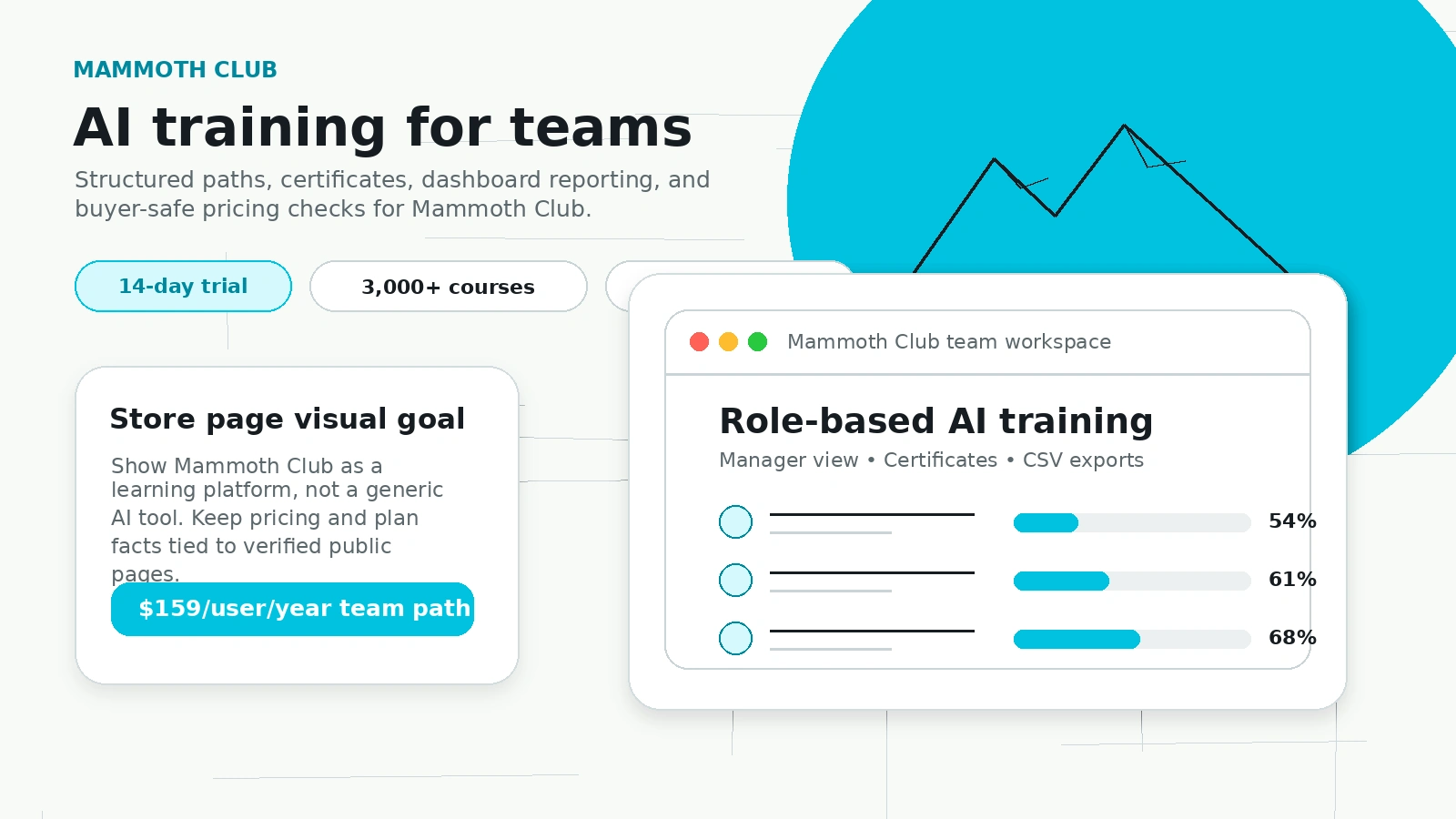
Fit → price → checkout
Use these routes after the official-site check: coupon first, review for fit, compare if unsure.
Mammoth Club pricing snapshot
Fast commercial checks before pricing, coupons, or a deeper review.
Mammoth Club product tour
The media package should help buyers separate Mammoth Club from a normal AI tool. The useful checks are whether the platform gives your team structured AI training, measurable progress, certificates, and enough course depth to justify recurring access.
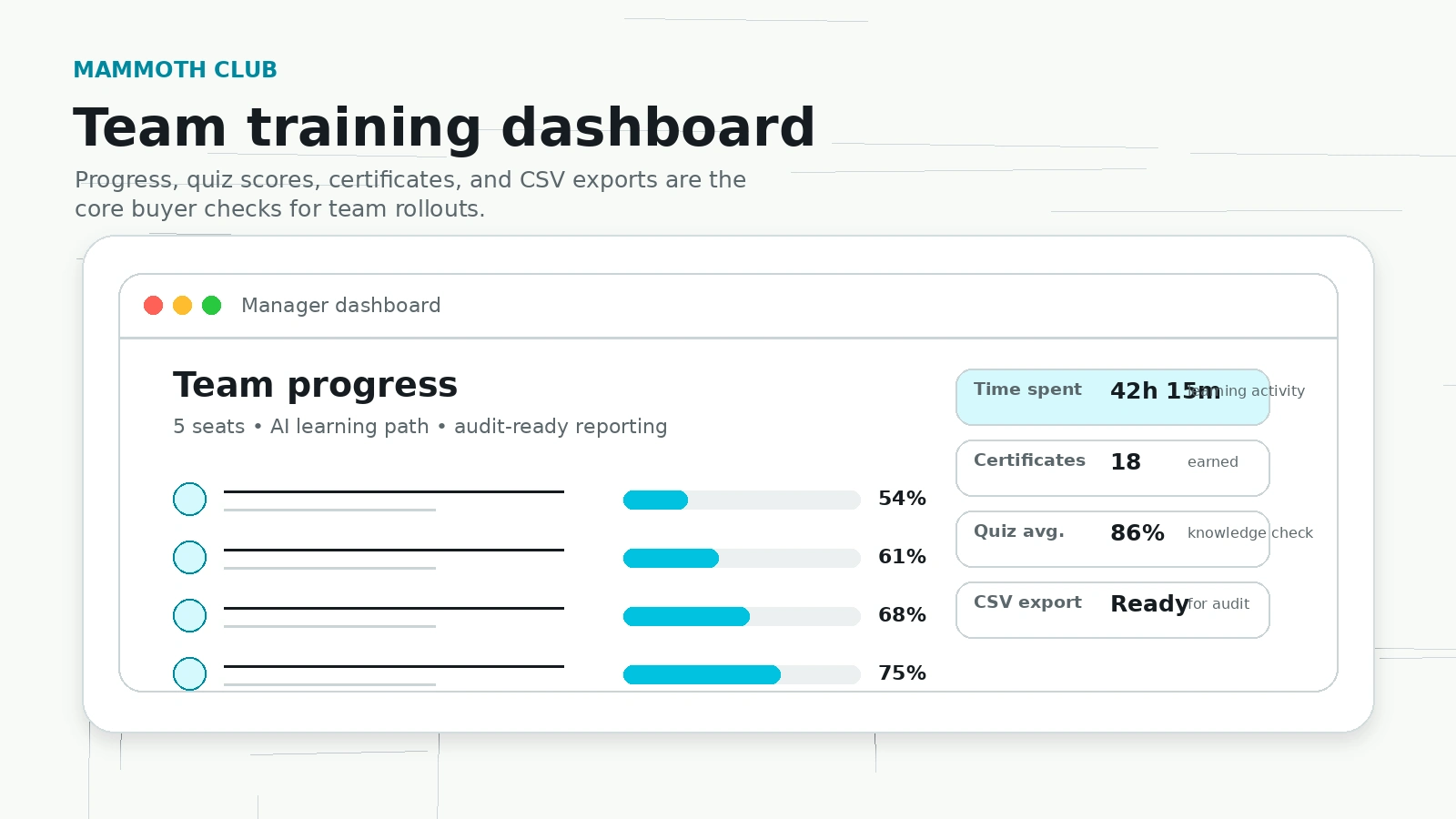
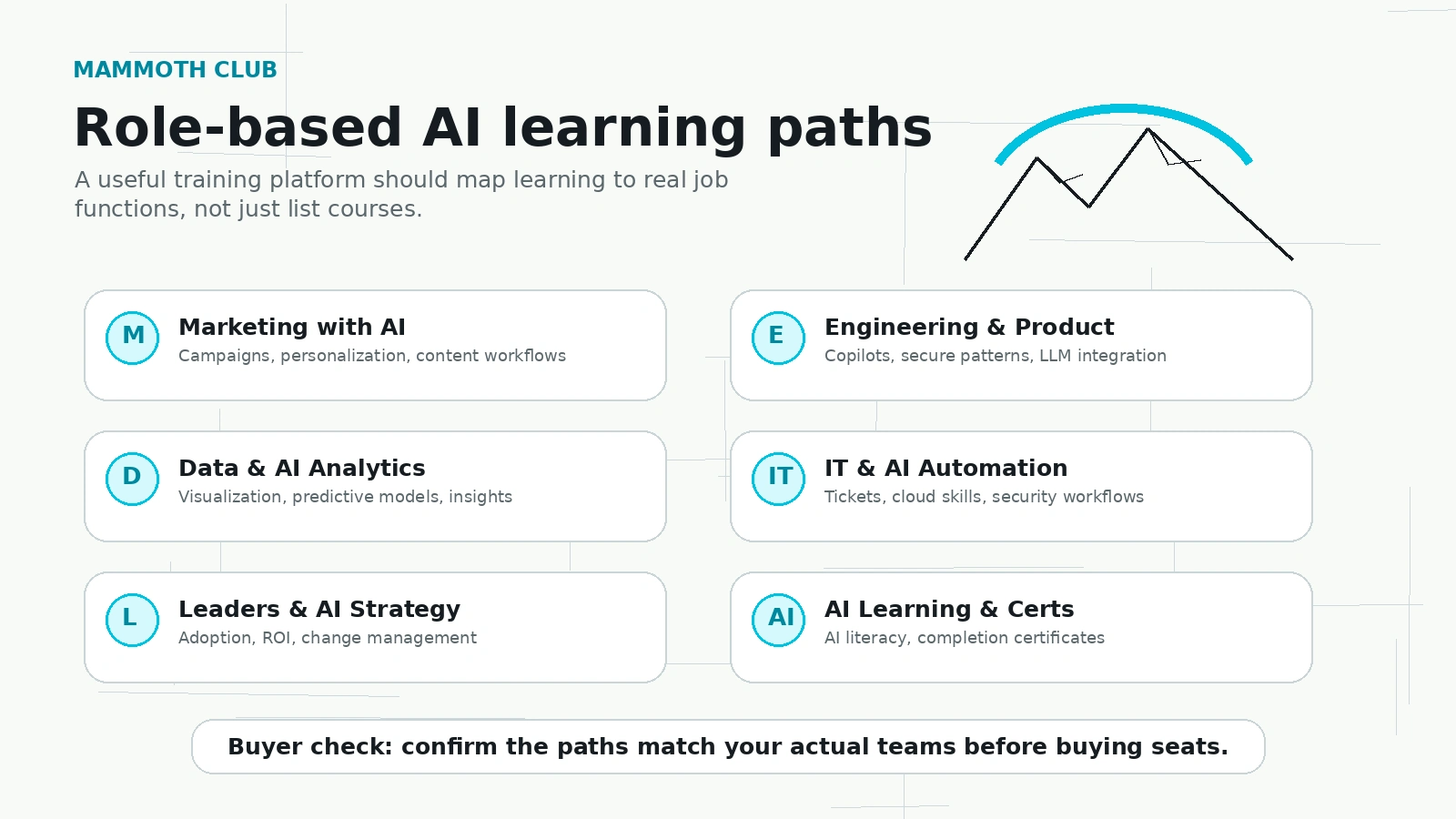
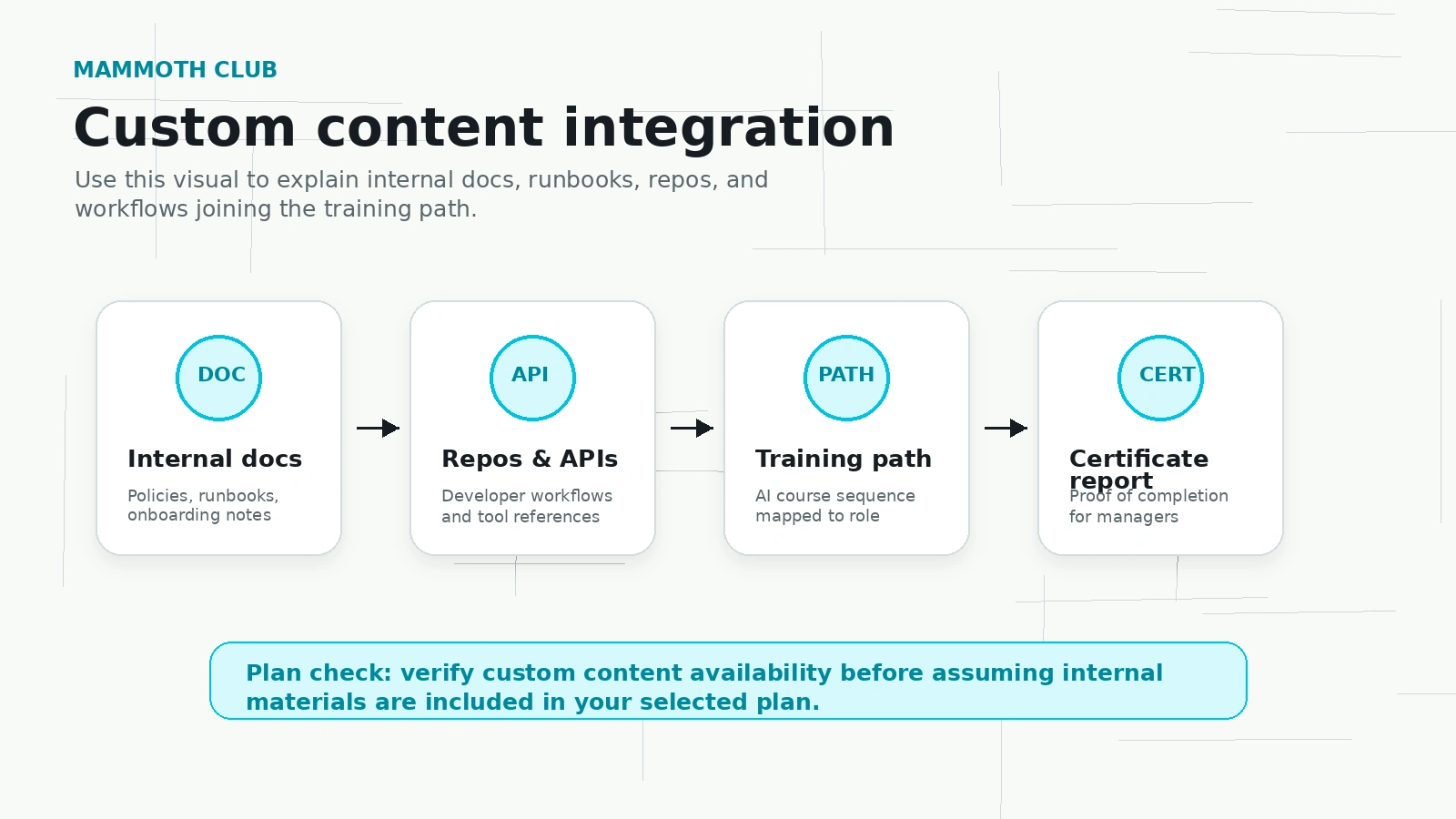
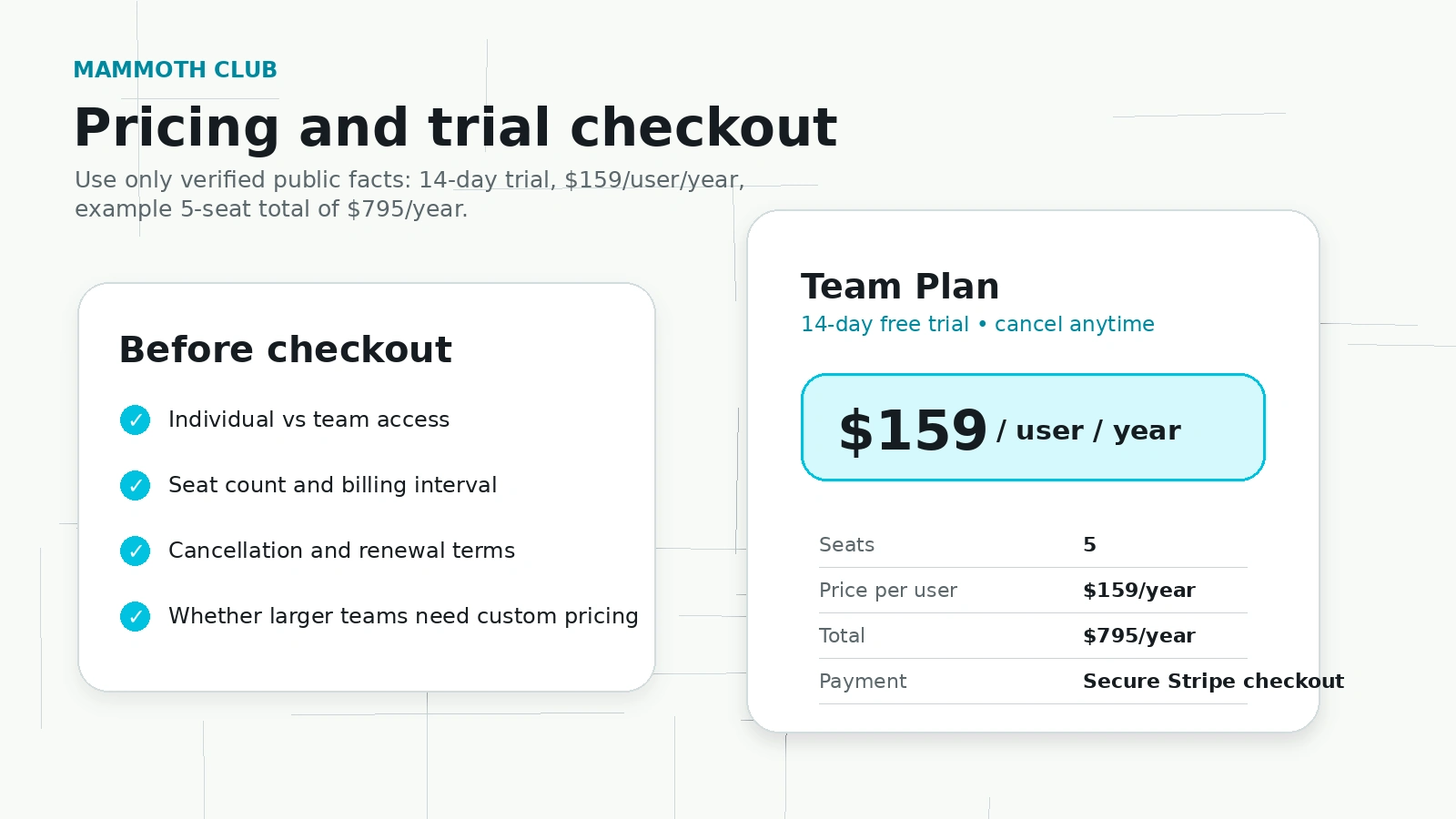
Mammoth Club should be evaluated as an AI training and learning-platform decision. The buyer question is not whether it sounds like a big catalog. The better question is whether the catalog, learning paths, reporting, certificates, and plan structure match the way your team or personal learning workflow will actually use it.
What Mammoth Club actually does
Mammoth Club offers AI and tech training through courses, role-based paths, certificates, and team management features. Public pages position it around AI literacy, marketing with AI, engineering copilots, data and analytics, IT automation, leadership, cloud skills, and practical business outcomes. That makes it closer to a training platform than to a single AI productivity app.
- Use it when learning paths and certificates matter more than one isolated AI feature.
- Check whether your use case is individual learning, team onboarding, or broad workforce AI training.
- Do not judge the tool only by catalog size because course quality and completion tracking matter more.
Who should look closest at the team plan
The team plan is the clearest commercial angle because the official business page highlights seat-based pricing, a 14-day trial, manager dashboards, certificate tracking, and role-based rollout. This fits companies that want measurable AI upskilling, not just a few employees watching random tutorials on their own.
- Best fit: teams that need reporting, certificates, and role-based learning assignments.
- Check whether 5 seats is enough or whether custom pricing for larger teams makes more sense.
- Ask who owns learner follow-through after the first week because dashboards only help if someone reviews them.
Video check: whether the AI training pitch matches your problem
This video is useful if you are trying to decide whether Mammoth Club's AI training angle matches a real skill gap or just sounds timely. Watch for the promise being made to learners: future-proofing, AI literacy, and faster skill building. Then compare that against your actual need, such as onboarding, marketing workflow, engineering copilots, or executive AI strategy. The value is clearer when you can name the specific team problem the training should fix.
Pricing and plan-fit logic
Mammoth Club pricing requires extra care because the public surfaces include individual membership pricing, course bundles, team-plan examples, and enterprise consultation paths. For individuals, monthly access may be easier to test before locking into longer access. For teams, the $159 per user per year example is more useful because it connects to dashboards, role-based paths, and certificates.
- Use monthly access if you are testing personal learning value.
- Use the team trial if you need reporting, certificates, and multiple learners.
- Use enterprise consultation if rollout size, SSO, or custom content integration matters.
Catalog depth is useful, but only if the paths are current
A large course catalog is not automatically a good buying reason. Mammoth Club and its legacy Mammoth Interactive pages describe broad coverage across AI, coding, game development, automation, cloud, data science, cybersecurity, and app development. That breadth is useful for learners who want variety, but teams should check whether the exact courses they need are current, well-structured, and suitable for their skill level.
- Preview the courses that match your exact learner role before buying annual access.
- Check whether certificates matter to your team or are only nice-to-have.
- Compare hands-on labs and project depth against passive video libraries.
What to verify before checkout
The safest next step is to open the current official pricing path and confirm the plan type, billing interval, learner count, cancellation language, and any refund wording. Mammoth Club can be a sensible fit for team AI training, but the buyer should not treat an individual membership, a bundle page, and a team checkout as interchangeable.
- Confirm whether the live checkout is monthly, weekly, yearly, one-time, or seat-based.
- Check whether the trial requires a payment method and when billing starts.
- Ask whether the team needs SSO, CSV exports, custom content, or certificates before paying.
- Read outside sentiment and course previews if course quality is the main concern.
Best savings path from this store page
This is the clearest savings route to check once the product already looks like a fit.
Choose the annual Mammoth Club membership when you want the lowest long-term route into the course library and certificates instead of paying week to week.
Monthly access path
Lower-commitment weekly access
Use comparison routes when the category fit is still open
Use these comparison routes when the product still looks plausible, but the category fit is not fully settled.
Mammoth Club is a learning-platform fit, while 1min.AI is closer to an all-in-one AI utility workspace. Compare them only if the buyer is deciding between training people and giving people direct AI tools.
Mammoth Club is for AI and tech training, while Aikeedo is a self-hosted AI SaaS starter kit. The buyer intent is different, so use this comparison when deciding between learning skills and launching a product foundation.
Verification points worth checking before you click out
Where this store usually fits best in the workflow
Mammoth Club fits teams that want employees to follow AI learning paths, earn certificates, and give managers enough reporting to prove training progress.
The platform can make sense when new hires need structured AI, coding, cloud, or automation training instead of ad-hoc links from different marketplaces.
Individuals may use the membership path to explore AI, coding, automation, game development, and data topics, but monthly testing is safer than assuming long-term access will be used heavily.
The role-based paths fit organizations that want non-technical and technical staff to build shared AI vocabulary before deeper workflow adoption.
Practical checkpoints before and after signup
- Confirm whether the buyer needs individual course access, a recurring membership, or a team training rollout.
- Preview the exact AI paths and courses that match the learner roles before relying on catalog size.
- Check current checkout terms for billing interval, trial start, cancellation, and refund wording.
- Assign at least one role-based path to real learners and monitor completion behavior.
- Review dashboard data, quiz scores, certificates, and CSV export quality before committing to more seats.
- Ask learners whether the courses feel practical enough to use at work.
- Use individual monthly access for personal testing and team pricing when reporting and certificates matter.
- Move to custom pricing only when learner count, SSO, custom content, or rollout support justifies a sales conversation.
- Assign an internal owner for training follow-through so the membership does not become unused shelfware.
- Recheck course freshness regularly, especially for fast-moving AI and cloud topics.
Fast-read signals for workflow fit and buying friction
Questions readers usually ask before choosing this store
Is Mammoth Club an AI productivity tool?
Not in the normal sense. Public research shows Mammoth Club is mainly an AI and tech learning platform with courses, learning paths, certificates, and team training features. It can support AI productivity indirectly by training people, but it is not a direct note-taking, writing, or summarization app.
Does Mammoth Club have a free trial?
The business page shows a 14-day trial for team plans and says buyers will not be billed until the trial ends. Individual membership and bundle checkout paths may differ, so confirm the exact trial and billing terms on the live checkout screen before paying.
What is the main limitation buyers should know?
The biggest limitation is pricing and product-path complexity. Mammoth Club can appear as an individual membership, course bundle, or team training platform depending on the page. Buyers should verify what they are actually purchasing, how renewal works, and whether refunds are available.
How does Mammoth Club compare with a direct AI tool like 1min.AI?
Mammoth Club trains people to use AI and tech skills, while 1min.AI gives users direct AI utilities. If the buyer wants immediate tools, 1min.AI is closer. If the buyer wants structured learning, certificates, and team reporting, Mammoth Club is the more relevant path.
Is Mammoth Club suitable for larger teams?
It can be, because the business page mentions team dashboards, CSV exports, certificates, SSO availability by request, and custom pricing for larger teams. Buyers should still test the trial and ask about rollout support before buying many seats.
Choose the next route that matches what you still need to decide
The strongest next click depends on whether you still need product judgment, a savings route, or a broader category comparison.