
Mailivery Pricing, Plans & Inbox Fit
Mailivery is an email warm-up and deliverability tool for teams that need cold outreach mailboxes to build sender reputation before scaling campaigns. It uses AI-driven warm-up interactions, peer-to-peer mailbox activity, spam and reputation analytics, blacklist monitoring, and team/API options. The strongest buyer fit is not a solo sender looking for a magic spam fix. It is a marketer, agency, SaaS platform, or outbound team that already understands daily sending volume and needs a repeatable inbox-placement routine.
Fit → price → checkout
Use these routes after the official-site check: coupon first, review for fit, compare if unsure.
Mailivery pricing snapshot
Fast commercial checks before pricing, coupons, or a deeper review.
Mailivery product tour
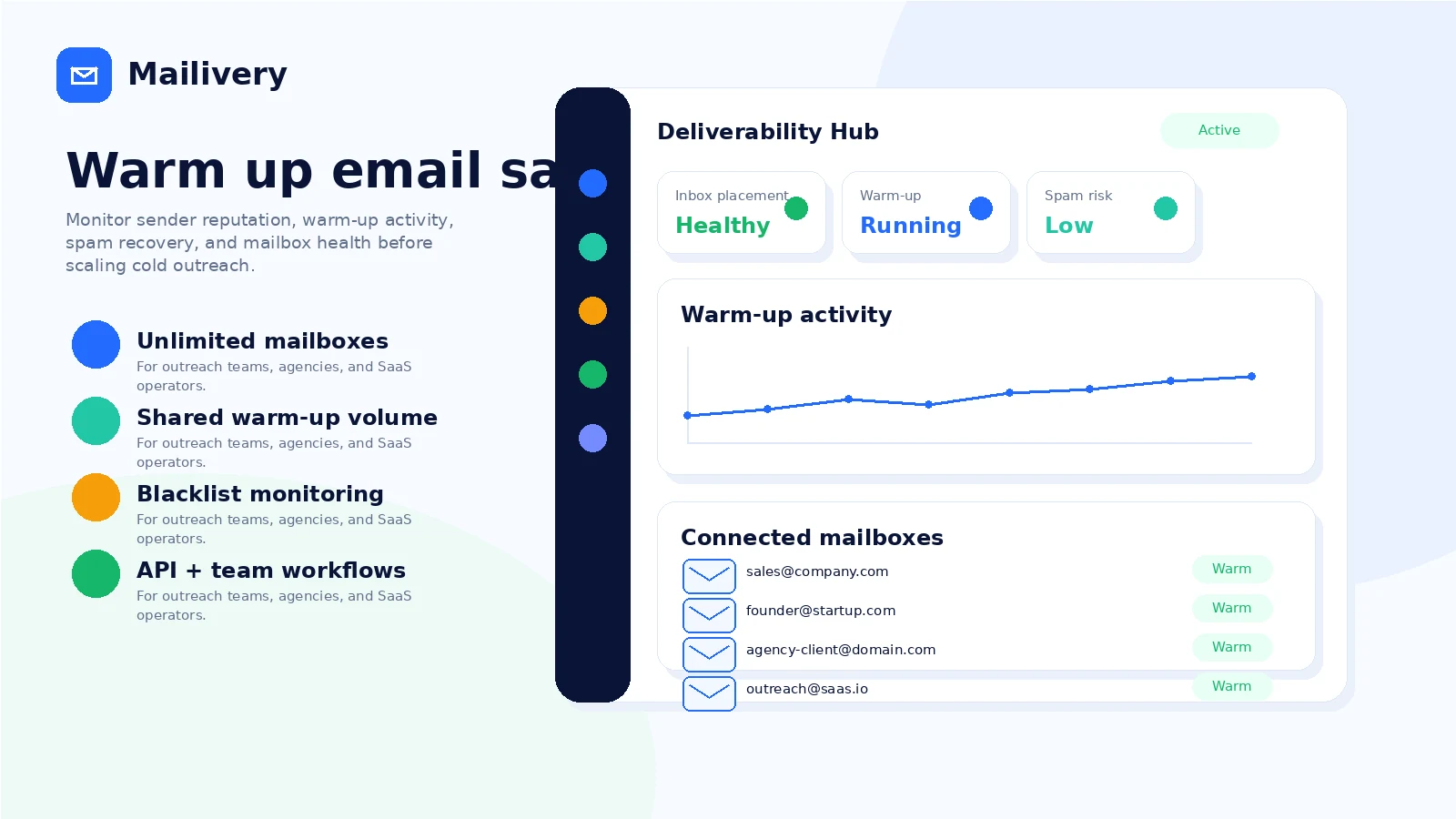
A useful Mailivery tour should move from pricing and setup into warm-up behavior, dashboard analytics, team access, and API readiness. The visuals below focus on the buyer questions that decide whether the store deserves the next click: volume fit, mailbox connection, deliverability monitoring, and whether the team needs a dashboard or API workflow.
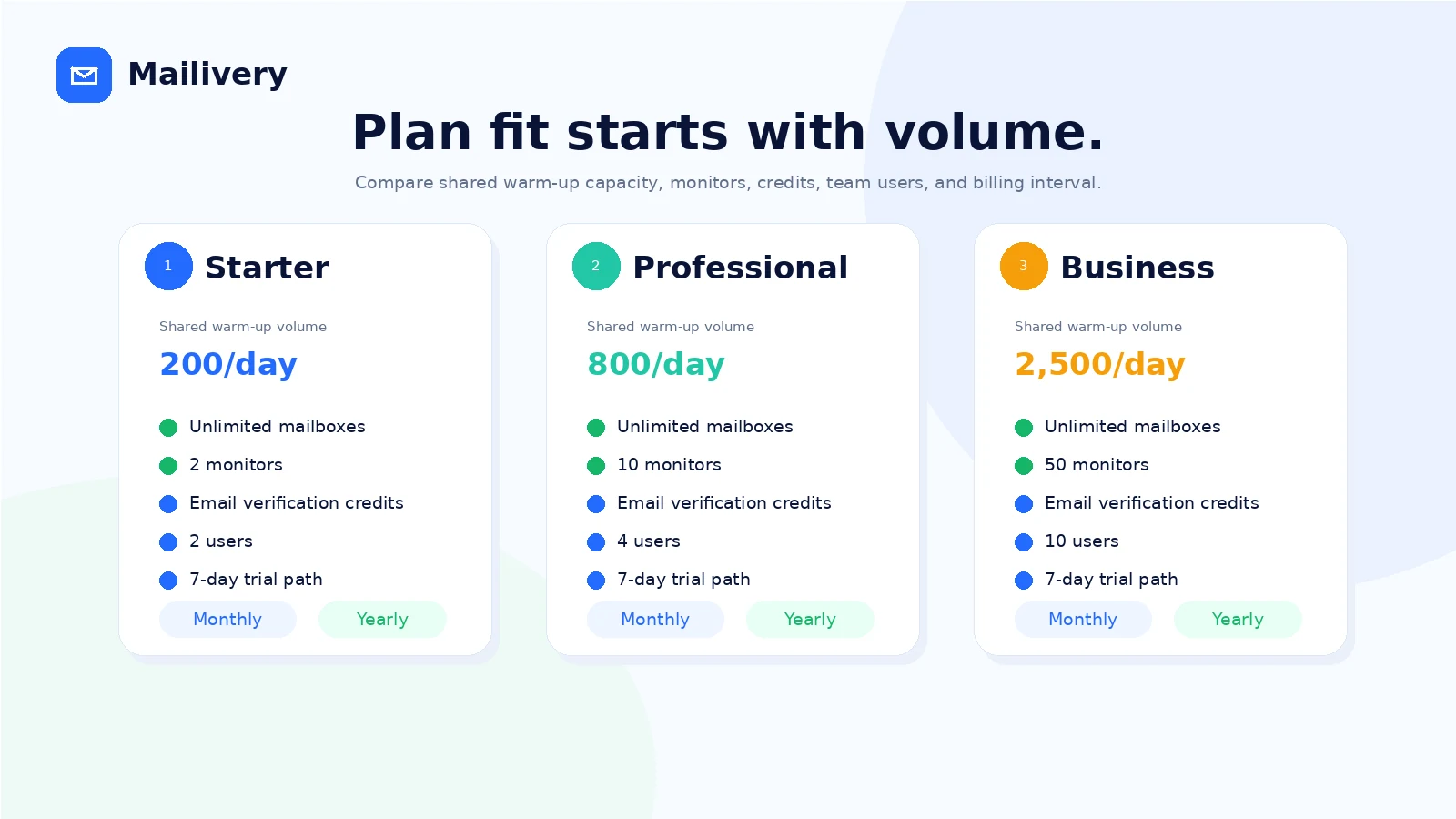
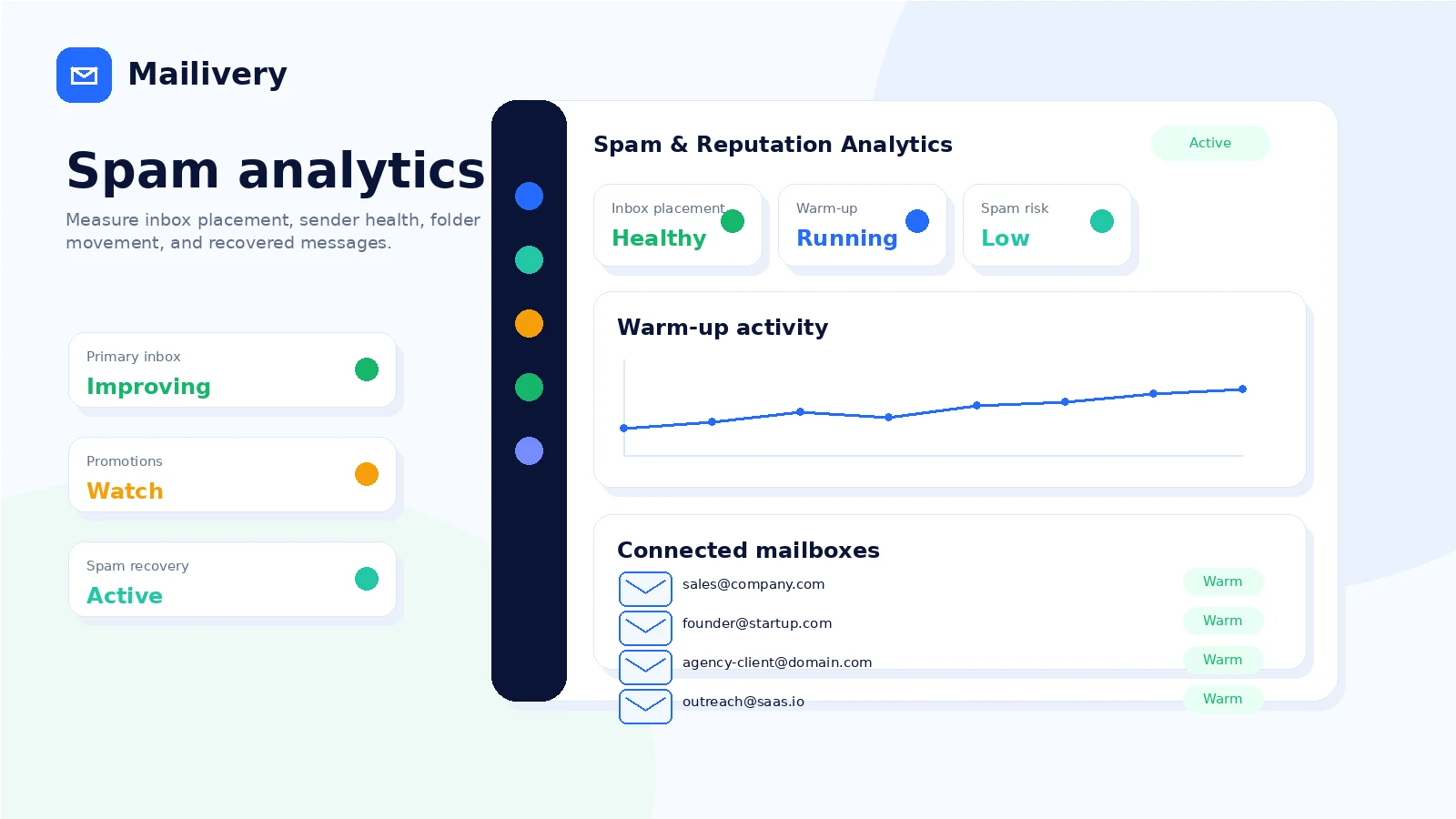
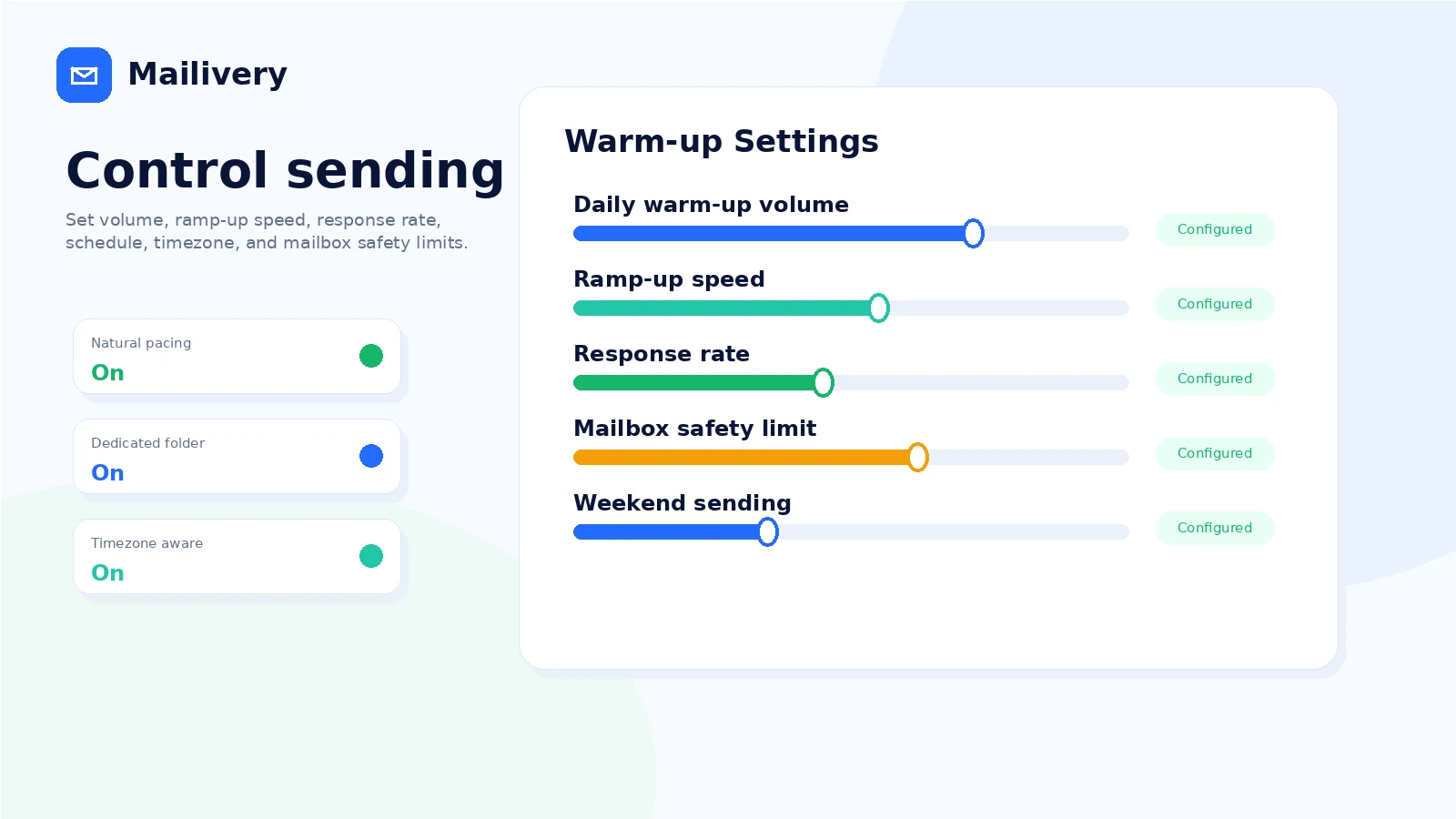
Mailivery is best evaluated as deliverability infrastructure for cold outreach, not as a simple email marketing app. The buyer has to check whether the connected mailbox paths work, whether the shared daily warm-up volume matches campaign plans, and whether the trial gives enough time to test dashboard clarity before automatic billing becomes the risk.
What Mailivery actually does
Mailivery warms up email accounts by creating controlled interactions around connected mailboxes, including sending, replying, moving messages out of spam or promotions, and monitoring reputation signals. The goal is to make an inbox look more naturally engaged before or during cold outreach. That helps explain the product's value, but it also sets a realistic boundary: warm-up supports deliverability work, it does not repair a bad list, weak sending setup, or careless outreach strategy by itself.
- Warms up connected mailboxes with AI-assisted peer-to-peer email interactions
- Tracks spam, promotions, and reputation signals through dashboard reporting
- Supports customizable warm-up volume and timing for safer sender behavior
Pricing and plan fit
Mailivery's current public pricing is easier to read when you ignore the inbox-count headline for a moment and focus on daily shared warm-up volume. Starters is the low-cost entry point at $29 per month, but it is capped at 100 shared emails per day and two team users. Professional raises the limit to 600 shared emails per day and four users. Business reaches 2,000 shared emails per day and ten users. Yearly billing lowers the effective monthly cost, but it also creates a bigger commitment.
- Starters fits a small test or narrow outreach routine
- Professional is more realistic when several inboxes need meaningful daily volume
- Business makes more sense for teams with heavier warm-up needs and more dashboard users
Trial and refund risk
The trial is the safest way to evaluate Mailivery because the refund language is strict after payment. The homepage advertises a 7-day free trial with credit card required, while the terms say subscription fees are non-refundable except where required by law. That makes trial discipline important. Connect the mailboxes you actually care about, inspect the dashboard, check cancellation controls, and decide before the trial turns into a paid subscription.
- Start the trial only when you can test mailbox connection during the same week
- Record the cancellation date before entering payment details
- Do not rely on a post-payment refund if the tool is not a fit
Mailbox setup, team workflow, and API path
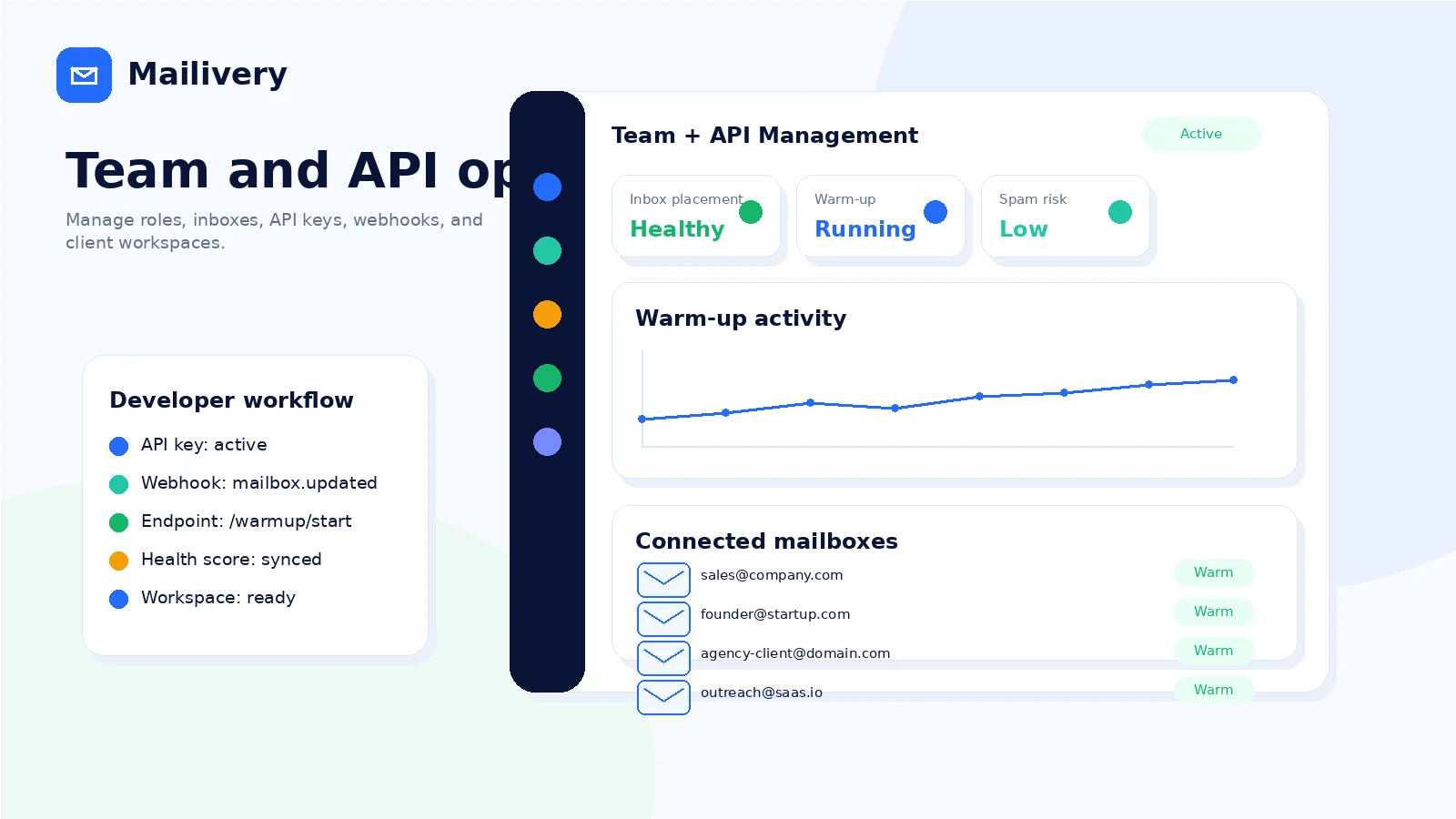
Mailivery is more attractive when the buyer has a repeatable deliverability operation. The official pages mention Gmail, Google Workspace, SMTP, team management, roles, shared dashboards, and API access. The API documentation adds Microsoft 365, SendGrid, mailbox onboarding, warm-up control, health scores, tags, and webhooks. That makes Mailivery a better fit for agencies, platforms, and outbound teams than for a casual sender who only wants a one-click inbox booster.
- Check whether your mailbox connection path is supported before paying
- Use team access when more than one person needs monitoring or setup control
- Consider the API path only if warm-up needs to live inside another product or workflow
What buyers should verify before checkout
The main checkout mistake is buying the cheapest plan because unlimited mailboxes sounds generous. Daily shared volume, team-user count, annual commitment, refund rules, and supported mailbox connection methods matter more. A small team with five low-volume inboxes may be fine on Starters, while a serious agency could outgrow it quickly. Buyers should also confirm whether blacklist monitoring, email verification, and dashboard metrics are enough for their internal deliverability reporting.
- Confirm the exact daily warm-up volume required across all connected mailboxes
- Check team-user limits before inviting clients or operators into the account
- Review the legal terms and pricing page on the same day you start the trial
How to compare Mailivery against alternatives
The most direct external alternatives to research are email warm-up tools such as MailReach, Warmup Inbox, Lemwarm, and newer deliverability platforms. Mailivery's angle is volume-based pricing with unlimited connected mailboxes, which can be attractive for multi-inbox teams. Per-inbox tools may still make sense when each mailbox needs its own predictable allocation. Inside the DealBestDaily database, ActiveCampaign and ClickFunnels are adjacent marketing tools rather than direct deliverability replacements, so they should be treated as wider funnel or email automation comparisons.
- Compare Mailivery against direct warm-up tools when inbox placement is the main issue
- Compare ActiveCampaign when the real need is email automation and customer journeys
- Compare ClickFunnels only when the buyer is deciding on funnel infrastructure rather than mailbox reputation
Safest next step
The safest next step is to open the official pricing page, choose the smallest plan that can test real daily volume, and use the trial to connect actual mailboxes instead of browsing the dashboard casually. If the workflow still looks right, read the Mailivery review for tradeoffs before opening the coupon route. If pricing feels unclear or refund risk matters, compare direct warm-up alternatives before committing to yearly billing.
- Start with pricing and trial readiness
- Move to the review page for workflow tradeoffs
- Use the coupon path only after the plan fit is clear
Best savings path from this store page
This is the clearest savings route to check once the product already looks like a fit.
Mailivery pricing shows a 7-day free trial path on its plans, and its terms say payment information may be required for a trial.
Save with yearly billing
Starters from about $22/month yearly
Use comparison routes when the category fit is still open
Use these comparison routes when the product still looks plausible, but the category fit is not fully settled.
ActiveCampaign is broader email marketing automation, CRM, and customer journey software. It is a better comparison when the buyer needs campaign automation, not mailbox warm-up.
ClickFunnels is a funnel and landing-page path rather than a deliverability tool. Compare it only when the buying question is wider growth infrastructure.
Verification points worth checking before you click out
Where this store usually fits best in the workflow
Mailivery fits teams preparing cold email inboxes before sending real campaigns, especially when inbox placement and sender reputation need a consistent routine.
Agencies managing multiple client inboxes can benefit from unlimited connected mailboxes, shared dashboards, team users, and a pricing model that is not purely per inbox.
Platforms that want to embed warm-up, mailbox onboarding, deliverability monitoring, or webhooks can evaluate the Mailivery API rather than relying only on manual account setup.
Mailivery can support a broader reputation recovery plan after poor inbox placement, but buyers still need to fix list quality, DNS setup, sending volume, and message quality.
Practical checkpoints before and after signup
- Estimate how many warm-up interactions per day are needed across all active mailboxes.
- Confirm which connection path matters most for the team: Gmail, Google Workspace, SMTP, Microsoft 365, SendGrid, or API.
- Set a cancellation reminder before entering payment details.
- Connect real mailboxes, not throwaway test accounts, so dashboard signals are useful.
- Check whether warm-up settings, spam analytics, and blacklist monitoring are clear enough for day-to-day use.
- Test whether team members can understand the dashboard without extra training.
- Choose the plan by daily shared volume and team-user needs.
- Compare monthly and yearly billing only after the workflow has cleared the trial test.
- Review non-refundable subscription wording before accepting a paid commitment.
- Track inbox placement, spam recovery, reply behavior, and campaign performance together.
- Recheck volume needs when adding new inboxes or clients.
- Keep deliverability hygiene outside Mailivery strong, including DNS, lists, targeting, and send cadence.
Fast-read signals for workflow fit and buying friction
Questions readers usually ask before choosing this store
What does Mailivery do?
Mailivery is an email warm-up and deliverability tool. It connects to mailboxes, creates controlled interactions, monitors reputation signals, and helps outreach teams improve the conditions that affect inbox placement.
Does Mailivery have a free plan?
No permanent free plan was confirmed during this pass. Mailivery advertises a 7-day free trial, and the homepage notes that a credit card is required.
How much does Mailivery cost?
The public pricing page lists Starters at $29 per month, Professional at $79 per month, and Business at $199 per month. Yearly billing lowers the effective monthly price, but buyers should verify the live pricing page before checkout.
Is Mailivery refundable?
Mailivery's terms say subscription fees are non-refundable except where required by law, including unused subscription time. The safer path is to use the trial carefully and cancel before the trial ends if the tool is not a fit.
What should I compare Mailivery with?
For direct deliverability comparison, look at email warm-up and inbox placement tools such as MailReach, Warmup Inbox, Lemwarm, or similar platforms. Inside DealBestDaily, ActiveCampaign and ClickFunnels are adjacent marketing tools, not direct warm-up replacements.
Choose the next route that matches what you still need to decide
The strongest next click depends on whether you still need product judgment, a savings route, or a broader category comparison.