
Post Planner Pricing, Plans & Workflow Fit
Post Planner is a social media scheduling and content curation platform for small businesses, creators, and lean marketing teams that want help finding content, planning posts, recycling evergreen updates, and publishing across multiple social networks. It should be evaluated as a practical scheduling and content discovery workflow, not as a broad CRM, funnel builder, or full enterprise social suite.
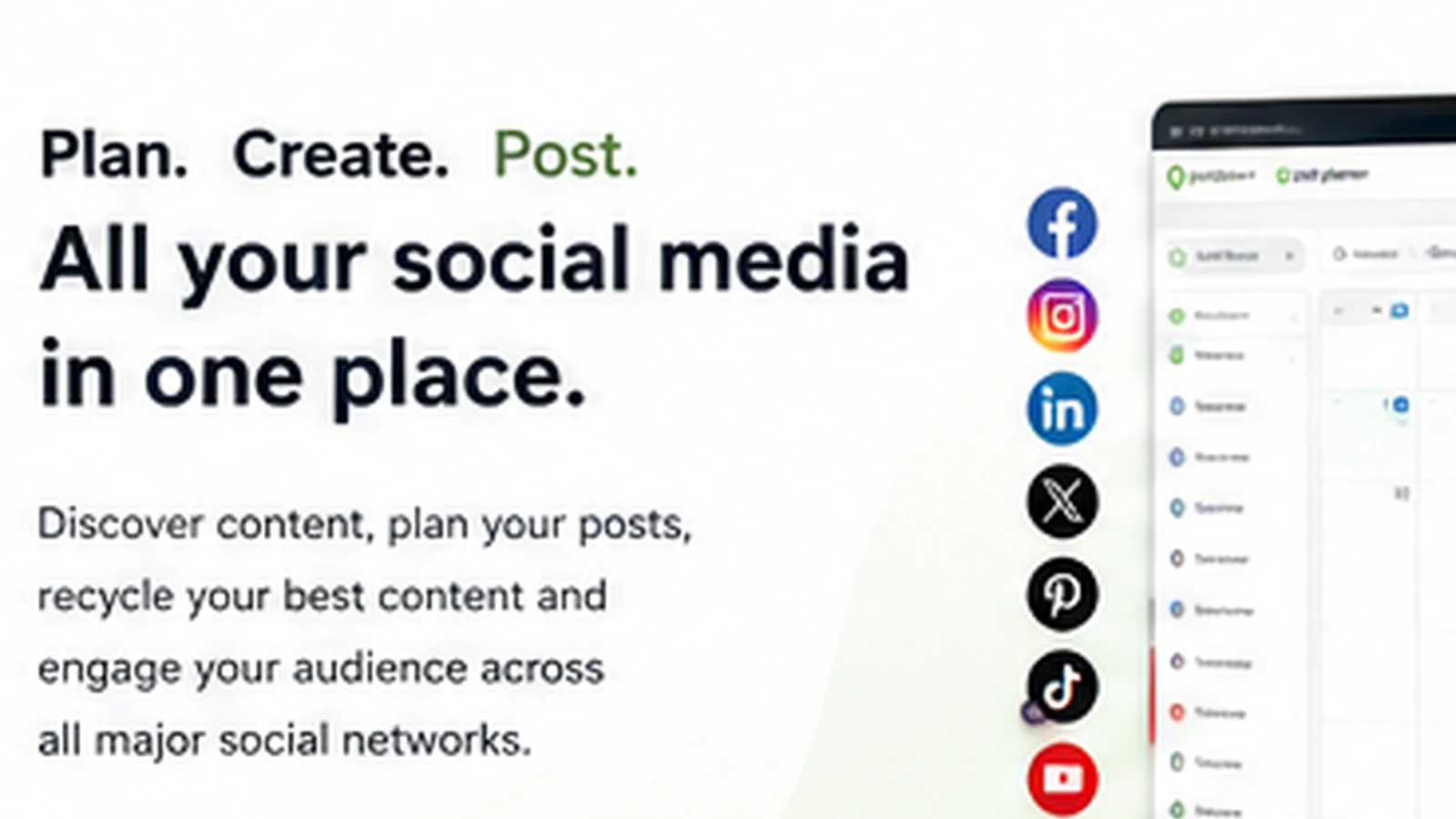
Fit → price → checkout
Use these routes after the official-site check: coupon first, review for fit, compare if unsure.
Post Planner pricing snapshot
Fast commercial checks before pricing, coupons, or a deeper review.
Post Planner product tour
These visuals focus on the buyer questions that matter before checkout: whether Post Planner can connect the right social accounts, surface usable content ideas, organize a repeatable posting schedule, and justify paid limits beyond the Free plan.
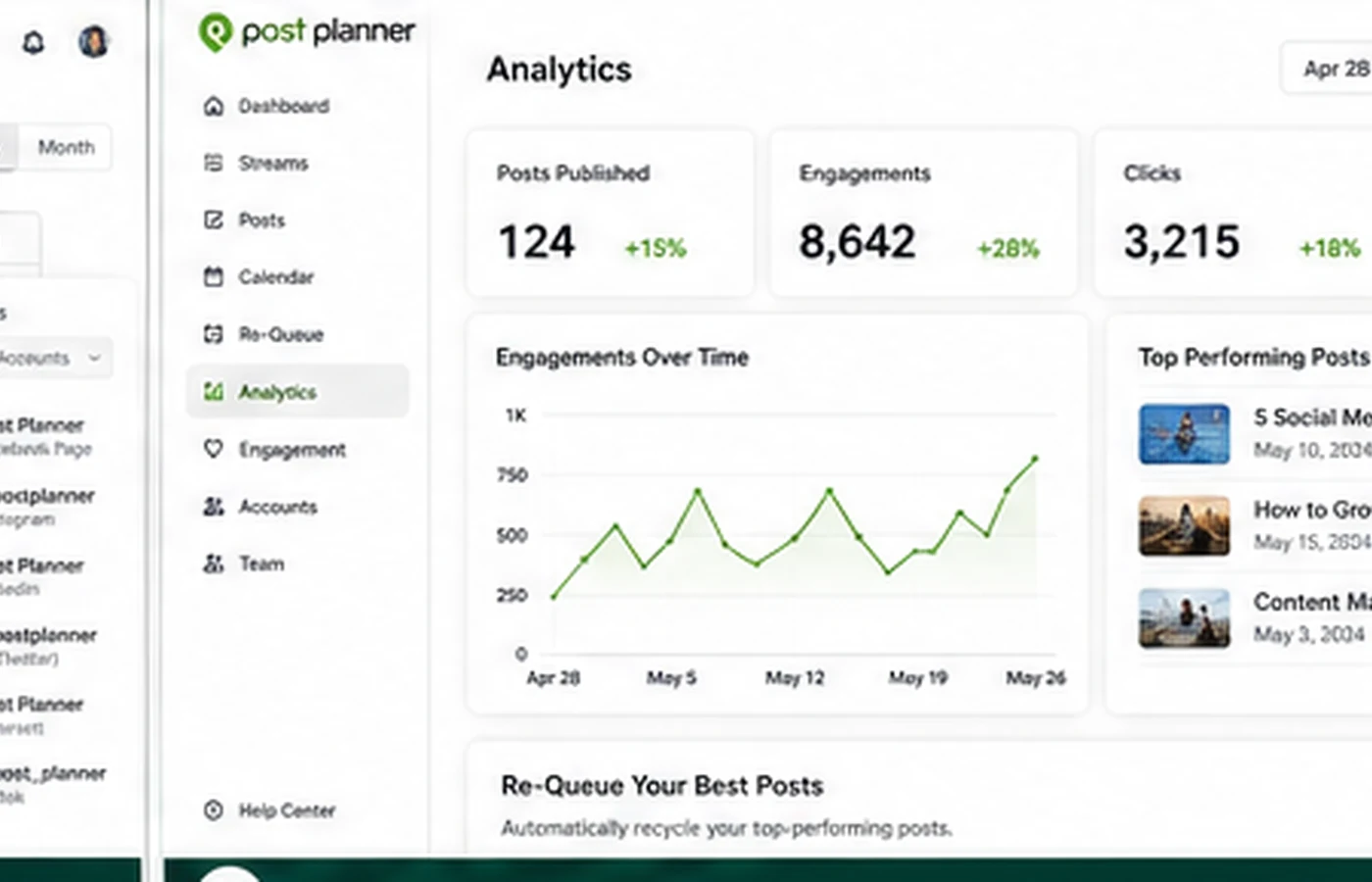
Post Planner is best treated as a store hub for buyers who want to reduce weekly social posting work without jumping into a heavy enterprise social suite. The page should help them decide whether the Free plan, trial, annual pricing, and coupon path make sense after checking actual account limits and workflow fit.
What Post Planner actually does
Post Planner helps users schedule posts across major social networks, find content from external sources, organize post queues, recycle evergreen content, and use AI credits for hashtags, content, and captions. The official homepage emphasizes scheduling, content curation, automation, analytics, and mobile management rather than CRM, funnel building, or ad buying.
That makes the buying question fairly specific. The tool is not trying to replace a full marketing stack. It is trying to make social publishing less manual for people who already know they need a steady posting rhythm.
- Connect social accounts and schedule posts from one workflow.
- Find curated content, stock media, quotes, post ideas, and feed sources.
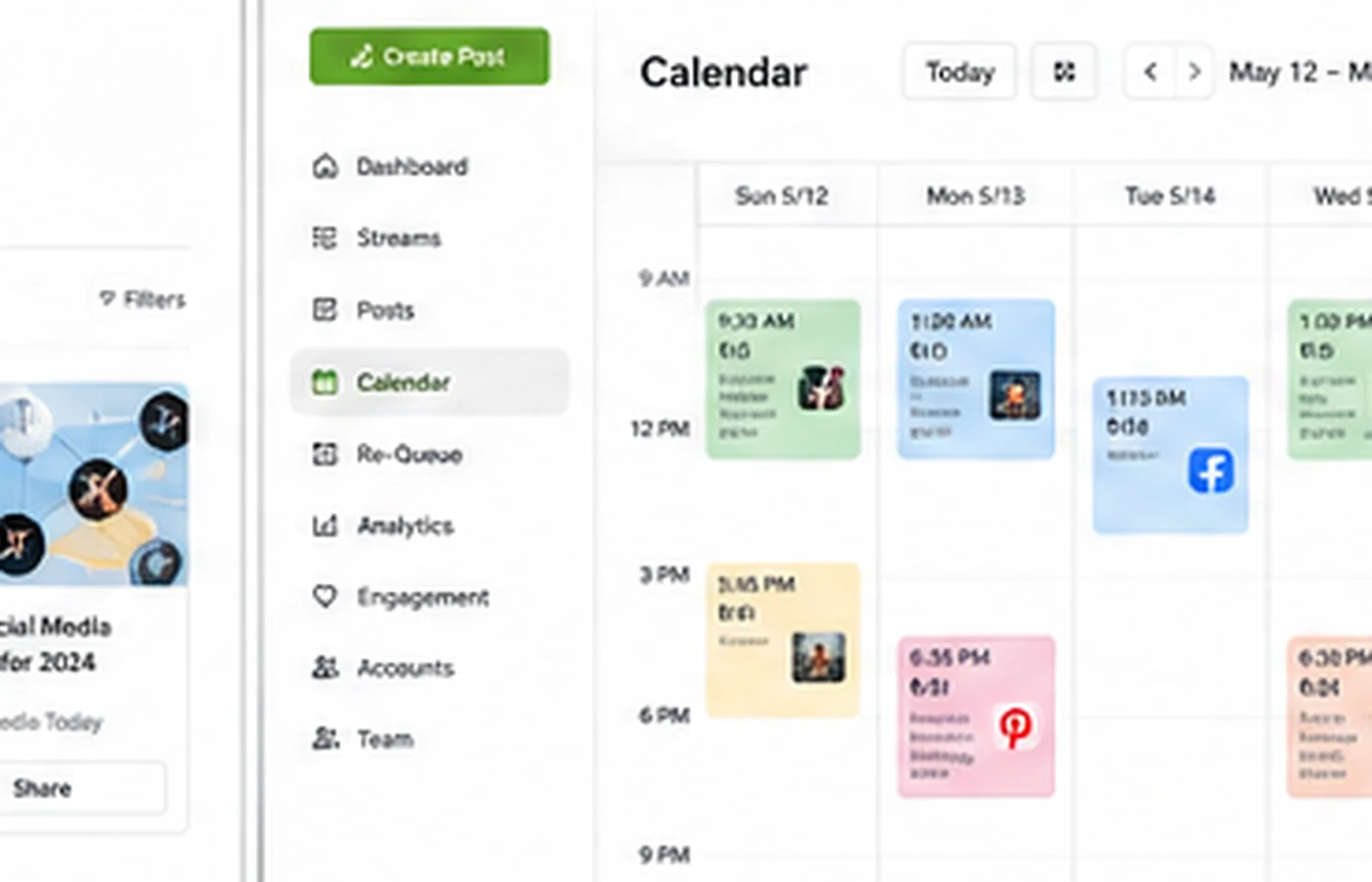
- Use queues, buckets, recycling, calendar view, and AI caption support to reduce repetitive posting work.
Who Post Planner fits best
Post Planner fits small businesses, solo marketers, creators, local businesses, and lean teams that need a practical way to keep social channels active. The official pricing also supports this buyer profile: the lower tiers focus on a smaller number of social accounts, one or two users, scheduled post caps, and daily AI credit limits.
The strongest fit is a buyer who posts often enough to need a queue, but not so heavily that they need a full enterprise platform. That middle ground is where content streams, recycling, calendar previews, and AI captions can save real time.
- Good fit for small businesses and creators managing several social channels.
- Useful for teams that want content ideas and not only a blank composer.
- Less ideal for enterprise social listening, complex approvals, or heavy client reporting.
Pricing, trial, and coupon path
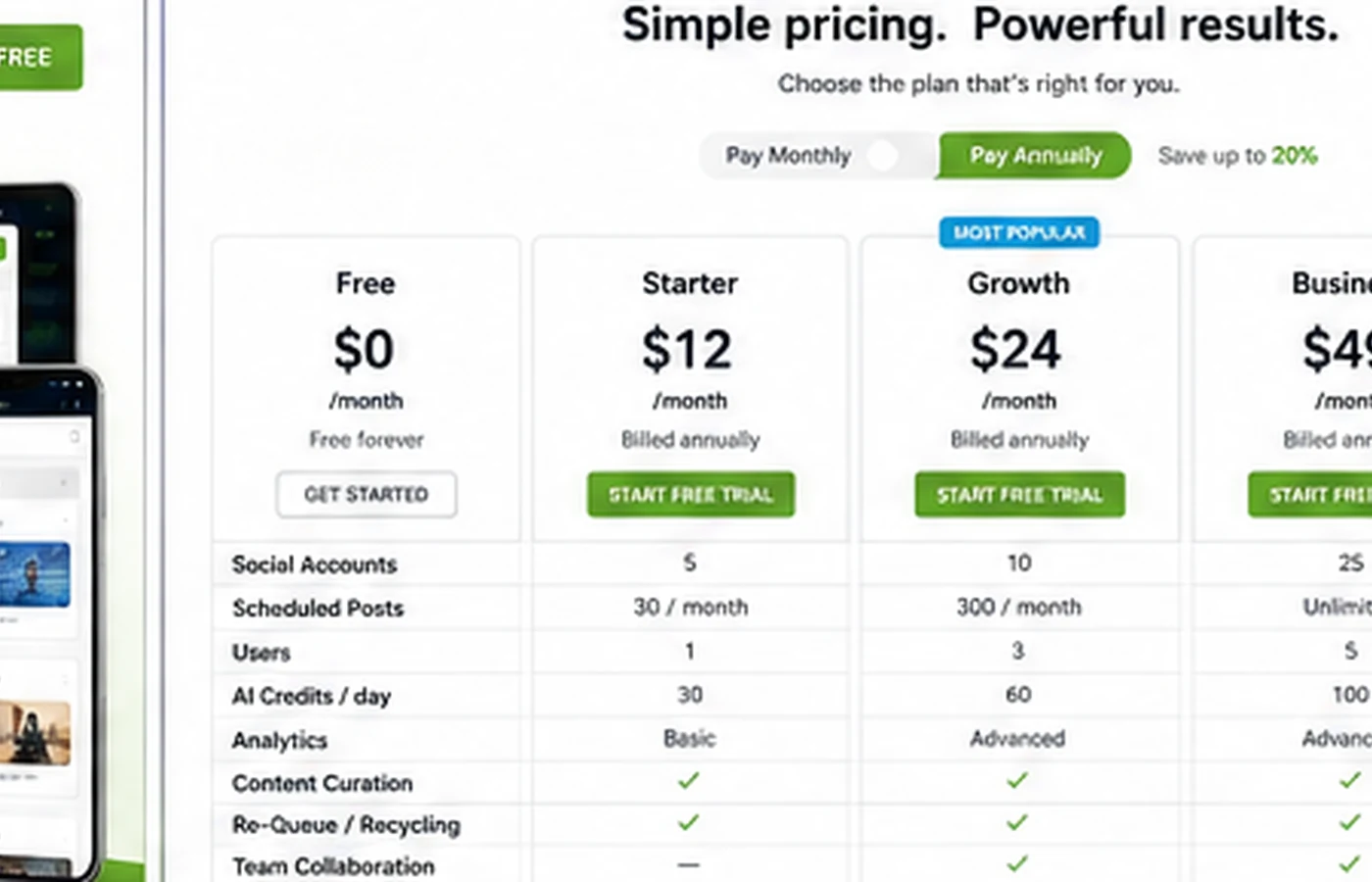
Post Planner's pricing page shows a Free plan and paid tiers named Starter, Growth, Business, and Enterprise. The visible annual-billing entry price for Starter is $7/month, while the monthly view shows $12/month. Growth and Business also change by billing interval. The page says all paid plans include a 7-day free trial, and the FAQ currently shows the code FAQ20 for 20% off after the trial.
The safest path is not to chase the coupon first. Start by checking whether Free, Starter, or Growth gives enough social accounts, scheduled posts, daily posts, and AI credits. Then decide whether annual billing and the FAQ coupon make sense for the real workflow.
- Free plan exists, but it is limited to a narrow testing workflow.
- Paid plans include a 7-day trial according to the pricing FAQ.
- The public pricing FAQ currently shows FAQ20 for 20% off after trial.
Content streams and posting workflow
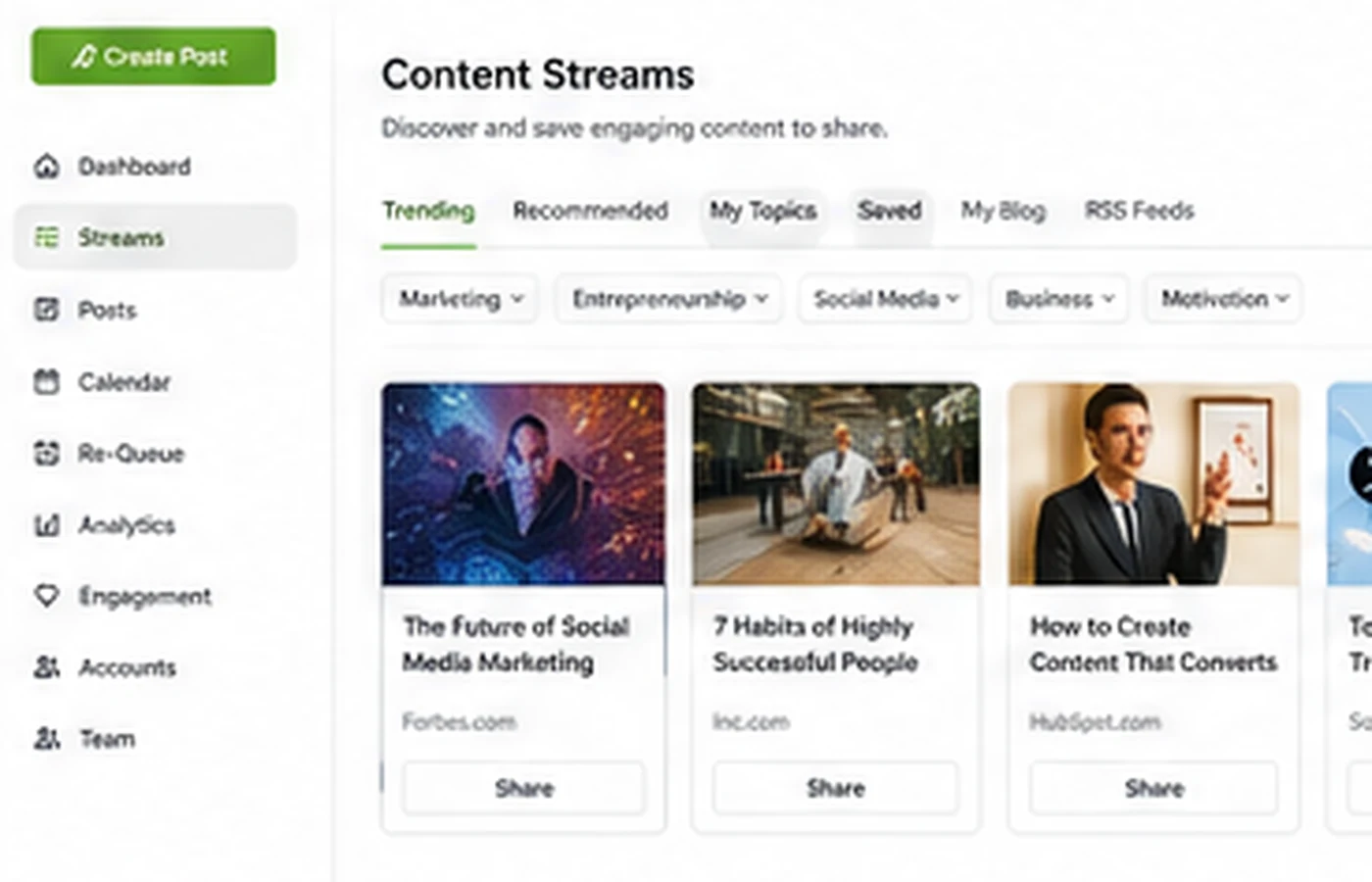
Post Planner's content angle is what separates it from a bare scheduler. It can pull from sources such as Facebook pages, LinkedIn pages, Reddit subreddits, YouTube videos, Google articles, GIF libraries, RSS feeds, stock media, OpenAI, and Canva-connected creation paths. That can be useful when the buyer needs both ideas and publishing structure.
The video below is useful because it focuses on creating a content stream, which is closer to the daily value question than a generic homepage demo. Watch for how sources are selected, how relevant the suggestions feel, and whether the workflow would actually save time for your niche.
- Content streams help buyers create a repeatable source library.
- Scheduling, buckets, post recycling, and calendar previews matter more once sources are useful.
- AI credits can help with captions and hashtags, but plan limits should be checked before buying.
What to verify before checkout
The main checkout risk is not that Post Planner is unclear about its product category. It is that the buyer may choose a plan before checking the exact limits that control their workflow. Social account count, user count, scheduled post queue size, daily posts per account, AI credits, analytics, and content-plus access all affect plan fit.
Refund policy also deserves attention. Post Planner's cancellation page allows refunds for signup payments and annual subscription renewal payments only within 7 days from payment, allows one refund per customer, and excludes monthly renewal refunds. That makes the trial period and cancellation timing important.
- Check social account and user limits before picking Starter or Growth.
- Confirm whether analytics and premium content features are needed.
- Read cancellation and renewal language before annual billing.
Relevant alternatives and safest next step
The most relevant external alternatives to compare are Buffer, Later, Hootsuite, SocialBee, Loomly, Sendible, and Planoly. Buffer is usually the simpler scheduler comparison, Later is stronger when visual planning is central, Hootsuite and Sendible are better known for heavier social management, and SocialBee is worth checking when evergreen category scheduling is the main need.
Inside the current DealBestDaily database, the available related marketing stores are broader marketing tools rather than direct scheduler replacements, so it is safer not to force them into the alternative reference field. The safest next step is to open Post Planner's pricing page, test the 7-day trial against your real posting workflow, and only then move to the coupon route if the product fit is already clear.
- Compare Buffer or SocialBee if the main need is simple scheduling and evergreen queues.
- Compare Later or Planoly if visual Instagram and creator planning matter more.
- Compare Hootsuite, Loomly, or Sendible if team reporting and broader management are more important.
Best savings path from this store page
This is the clearest savings route to check once the product already looks like a fit.
Post Planner's own pricing FAQ lists a coupon path that can be used after the free trial. This is the strongest coupon-code offer because it comes from Post Planner directly.
Try any plan for 7 days
Use the Free plan with limited scheduling
Verification points worth checking before you click out
Where this store usually fits best in the workflow
Post Planner is useful when a small business needs to keep several social channels active without building every post manually each day. The buyer should test whether the Free or Starter limits are enough before moving higher.
Creators who struggle with content ideas can use streams, stock media, post ideas, quotes, and AI caption support to speed up planning. Relevance matters more than volume, so the stream quality should be checked during trial.
Teams with repeatable evergreen content can benefit from buckets, shuffling, recycling, and re-queue workflows. This use case works best when the team already has enough good content to reuse responsibly.
A lean team can use Post Planner as a lighter social calendar across multiple networks. It is less ideal when the team needs advanced approvals, a deep inbox, or enterprise-level reporting.
Practical checkpoints before and after signup
- List the exact social accounts and post formats you need to schedule.
- Decide whether you mainly need scheduling, content discovery, recycling, analytics, or all of them together.
- Compare the Free plan and Starter limits before opening the coupon path.
- Connect real social accounts and build one practical content stream.
- Schedule a short queue, test buckets, preview posts, and check whether recycling is easy to control.
- Watch how quickly AI credits are used if captions and hashtags are part of the workflow.
- Confirm the billing interval, final checkout total, FAQ20 coupon availability, and renewal timing.
- Read the cancellation policy before switching to annual billing.
- Choose the narrowest paid plan that fits real account, user, queue, and analytics needs.
Fast-read signals for workflow fit and buying friction
Questions readers usually ask before choosing this store
What does Post Planner actually do?
Post Planner helps users schedule social posts, find content ideas, build content streams, recycle evergreen updates, preview posts, and manage a calendar across major social networks. It is best understood as a social scheduling and content curation workflow for small teams.
Does Post Planner have a free plan or trial?
Yes. The public pricing page shows a Free plan with tight limits, and the FAQ says paid plans include a 7-day free trial. Buyers should verify the current plan limits and trial behavior before relying on the Free plan for ongoing use.
How much does Post Planner cost?
The pricing page shows the Free plan at $0, Starter at $7/month on annual billing or $12/month monthly, Growth at $37/month on annual billing or $49/month monthly, Business at $57/month on annual billing or $79/month monthly, and Enterprise by contact. The final checkout should be verified because billing interval changes the visible monthly equivalent.
Is there a Post Planner coupon code?
The official pricing FAQ currently shows the code FAQ20 for 20% off after the free trial. Because public coupon text can change, buyers should confirm the code on the live pricing page or DealBestDaily coupon route before assuming it will apply.
What should buyers compare before choosing Post Planner?
Compare Post Planner with tools such as Buffer, Later, SocialBee, Hootsuite, Loomly, Sendible, and Planoly depending on the workflow. Post Planner is strongest when content discovery and affordable scheduling matter. Heavier alternatives may be better for advanced inbox, reporting, approval, or agency workflows.
Choose the next route that matches what you still need to decide
The strongest next click depends on whether you still need product judgment, a savings route, or a broader category comparison.