
Pinpoint ATS Pricing & Team Fit
Pinpoint is best understood as an applicant tracking system for recruiting teams that need structure across planning, attracting, engaging, selecting, and onboarding candidates. It is not a cheap self-serve hiring widget. The buying decision is more about workflow fit, implementation confidence, reporting depth, integrations, and quote clarity than about chasing a public discount.
Fit → price → checkout
Use these routes after the official-site check: coupon first, review for fit, compare if unsure.
Pinpoint pricing snapshot
Fast commercial checks before pricing, coupons, or a deeper review.
Pinpoint product tour
The strongest way to understand Pinpoint is to view it as a recruiting operations system, not just a candidate tracker. These visuals should help buyers judge whether the interface, workflow coverage, and integration depth match their hiring process before requesting a quote.
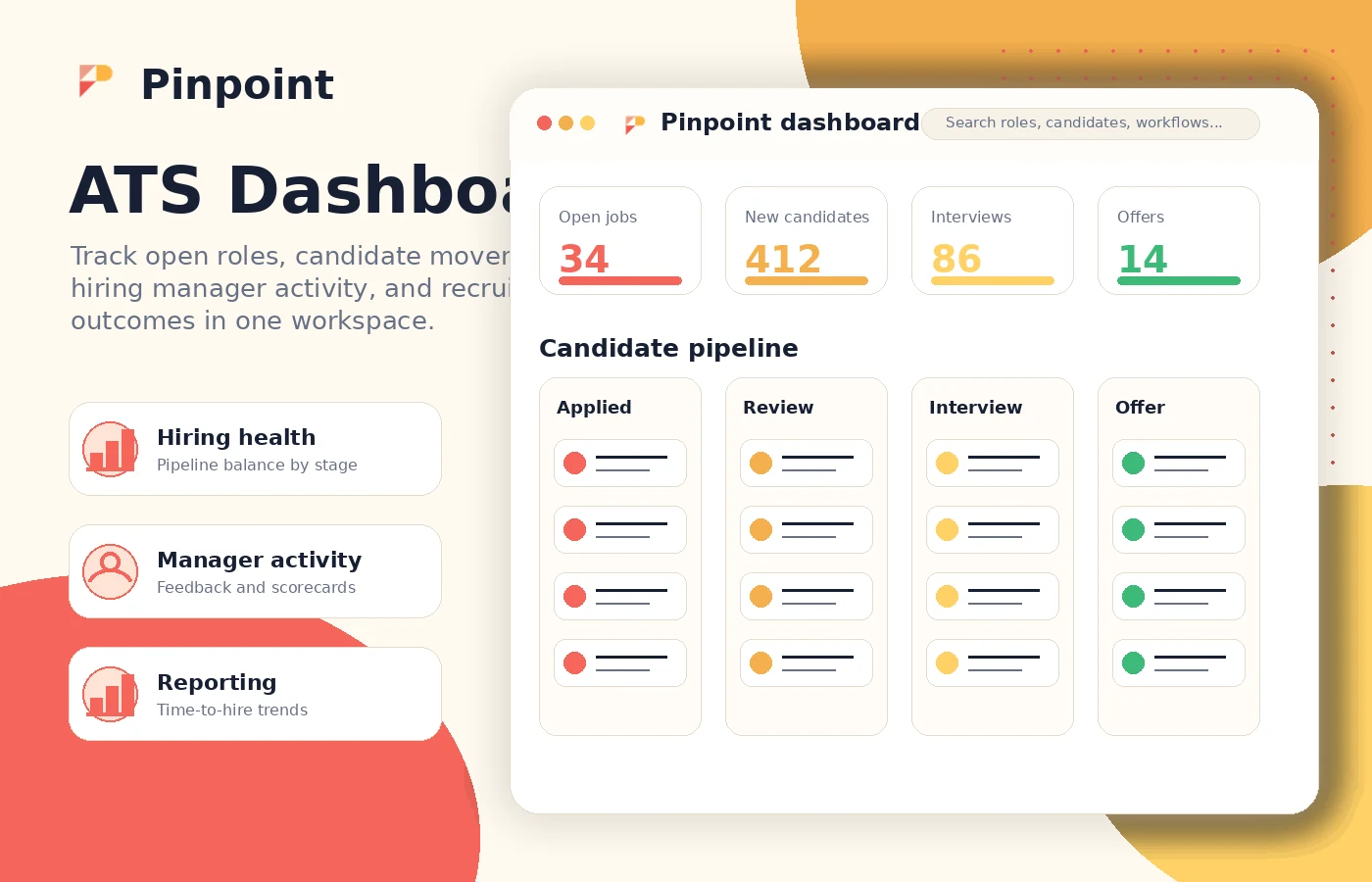
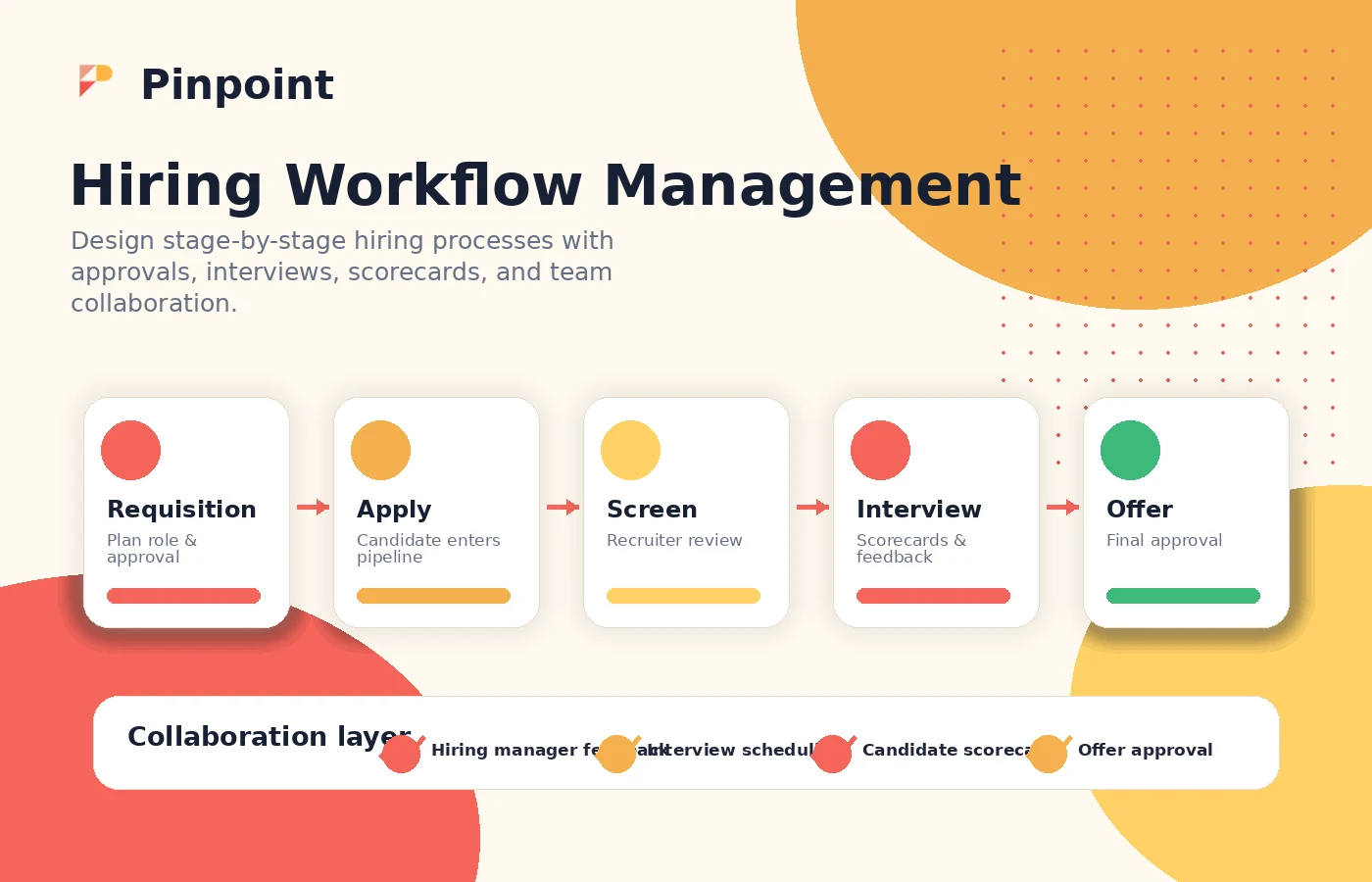
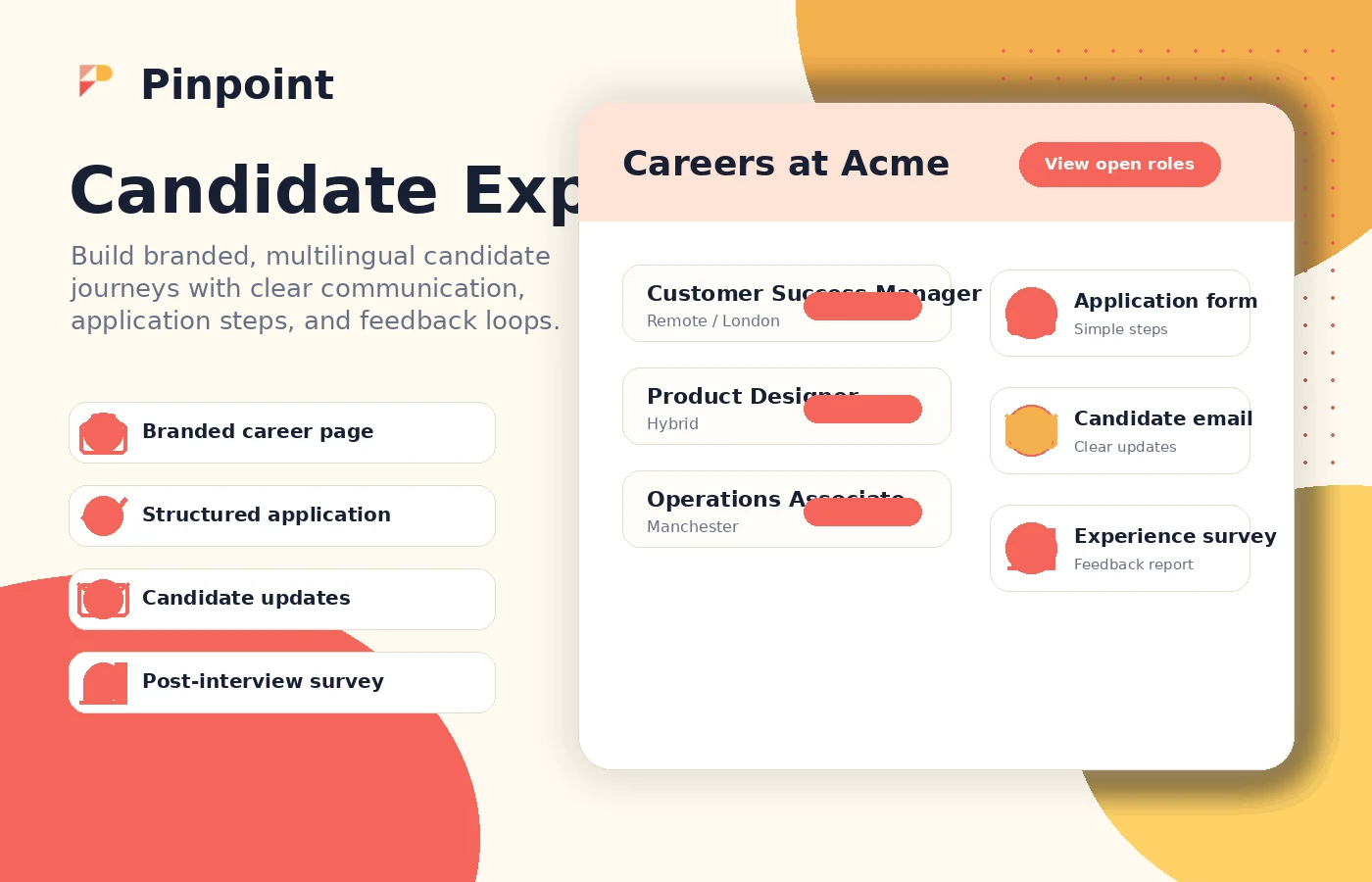
Pinpoint should be evaluated as a hiring workflow platform first and a software purchase second. The real buying question is not whether it has an ATS feature list. The question is whether your team has enough hiring complexity to justify a custom quote, implementation work, and a more structured recruiting system.
What Pinpoint actually does
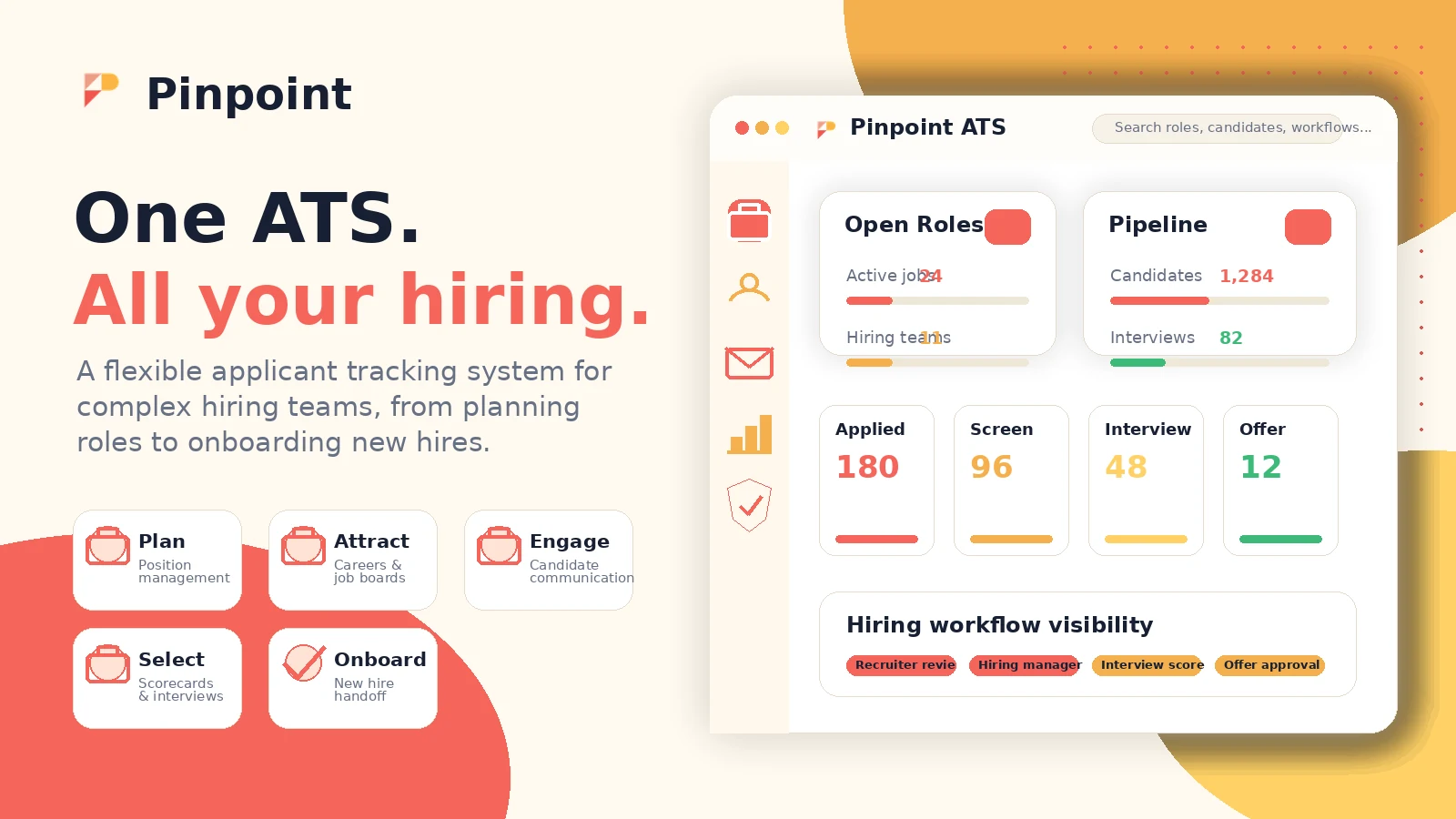
Pinpoint is an applicant tracking system for attracting, managing, selecting, and onboarding candidates. Its official product flow is organized around planning, attracting, engaging, selecting, and onboarding, which makes it broader than a basic applicant inbox.
That matters for buyers because the product is built around the whole hiring process. If your current problem is scattered job approvals, inconsistent hiring manager feedback, weak candidate communication, or limited reporting, Pinpoint is closer to the right category. If your only need is collecting a few resumes from one job post, it may be too much system.
- Plan roles, requisitions, reporting, and approvals.
- Attract candidates through branded career experiences, job advertising, referrals, and sourcing.
- Engage candidates with automations, communication tools, talent pools, and surveys.
- Select candidates through interview scheduling, scorecards, video interviews, background checks, and workflow management.
- Support onboarding when hiring decisions move into employee setup.
Pricing is the main buyer checkpoint
Pinpoint's official pricing path is request-based. The page says the team will have a conversation to understand your company, hiring process, and situation before providing an accurate price. That means the public store page should avoid quoting a firm starting price as if it were official checkout pricing.
For buyers, this changes the workflow. You need to prepare hiring volume, team size, number of hiring managers, implementation needs, integrations, and reporting requirements before the sales call. Without that, two quotes can look hard to compare because they may include different scopes.
- Ask whether the quote is monthly, annual, or annual-only.
- Confirm whether implementation and onboarding support are included.
- Check whether unlimited jobs, users, workflows, integrations, or reporting are part of the package.
- Ask about renewal changes, cancellation terms, data export, and support levels.
Where the demo matters most
The demo should answer whether Pinpoint can fit your actual recruiting workflow. Watch for how job requisitions are created, how hiring managers give feedback, how candidate communication works, how automations are controlled, and how reports can be exported or connected to wider HR data.
The product tour video is useful for broad orientation. A second video or walkthrough should be used to inspect real workflow friction, especially if your team has multiple roles, brands, regions, or approval patterns.
- Check whether workflows can match your internal hiring stages.
- Watch how hiring managers interact with the system.
- Look for reporting, automation, and candidate communication details.
- Ask how much setup the vendor handles compared with your internal team.
Integrations and API fit
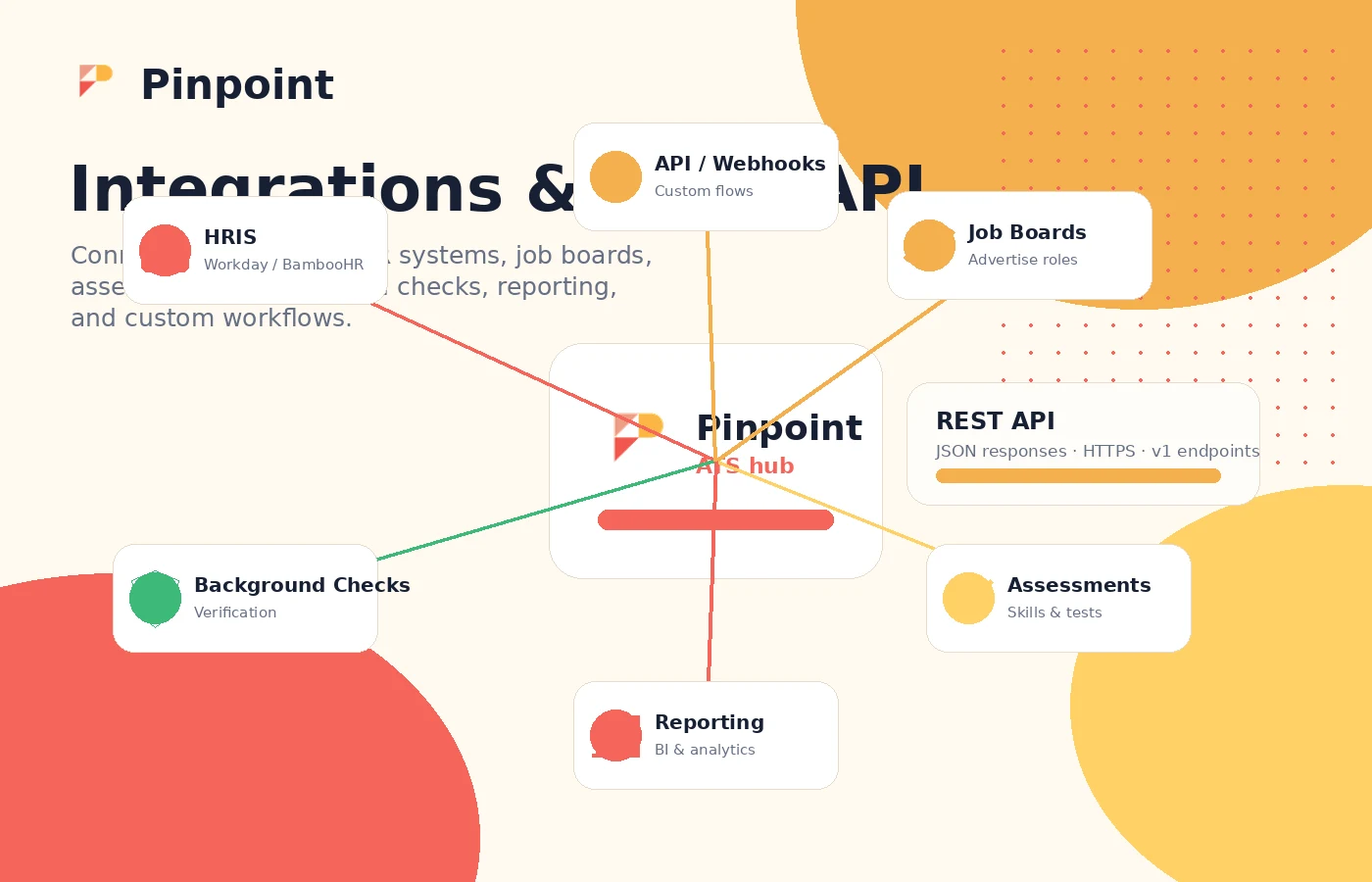
Pinpoint has an integrations marketplace and public developer documentation. The official integrations page describes pre-built integrations and an open API, while the developer documentation explains REST-style endpoints using HTTPS and JSON API conventions.
That is a strong signal for teams with existing HR technology. Still, API existence is not the same as implementation simplicity. Buyers should ask whether their specific HRIS, job board, assessment, background check, video interviewing, and reporting tools are available as supported integrations or require custom work.
- Confirm whether your HRIS is supported directly or needs API work.
- Ask who owns integration setup: Pinpoint, your team, or a third-party provider.
- Check whether reporting exports and BI connections match internal analytics requirements.
- Review security and permissions for sensitive candidate and hiring data.
Who should shortlist Pinpoint
Pinpoint deserves a serious look when hiring work has enough complexity to justify a structured ATS. The best-fit buyer usually has multiple stakeholders, repeated hiring workflows, reporting pressure, candidate experience concerns, or a need to connect recruiting data with other HR systems.
A weaker-fit buyer is the opposite: one or two roles, low hiring frequency, little need for hiring manager collaboration, no reporting pressure, and no appetite for a sales-led pricing process. In that case, a lighter ATS with public pricing may be easier to validate.
- Good fit: teams with multiple roles, workflows, approvals, and hiring stakeholders.
- Good fit: recruiters who need better visibility, automation, and reporting.
- Weak fit: one-off hiring needs or buyers who want a cheap self-serve tool.
- Weak fit: teams unable to prepare a clear workflow and procurement checklist before the demo.
Safest next step
The safest next step is to read the review for fit, watch the demo to understand the workflow, and then request pricing only if your team has enough hiring complexity. After that, compare the written quote with two alternatives: one lower-cost ATS with public pricing and one enterprise-grade ATS that can handle complex workflows.
The coupon path should come later. For a quote-based ATS, savings usually come from buying the right scope, negotiating the contract, avoiding unnecessary modules, and confirming implementation support, not from expecting a public promo code.
- Start with workflow fit before deal hunting.
- Request a written quote only after your internal needs are clear.
- Compare implementation, support, integrations, and renewal terms.
- Use the coupon route as a final commercial check, not the starting point.
Best savings path from this store page
This is the clearest savings route to check once the product already looks like a fit.
Pinpoint does not publish a simple checkout price on its official site. Buyers are routed through a pricing request so the quote can match company size and hiring process.
No-commitment sales demo
Hiring-team fit path
Use comparison routes when the category fit is still open
Use these comparison routes when the product still looks plausible, but the category fit is not fully settled.
A stronger benchmark for enterprise recruiting teams that want a widely known ATS ecosystem and deeper procurement comparisons.
Often easier to validate for smaller teams that want clearer self-serve pricing and a faster ATS buying path.
Worth comparing when candidate relationship management and recruiting pipeline visibility are major decision points.
A lighter, more budget-sensitive comparison point for teams that need ATS basics without a heavier sales-led platform.
Verification points worth checking before you click out
Where this store usually fits best in the workflow
Pinpoint fits teams that need to run different hiring processes side by side without forcing every role, department, or location into the same rigid pipeline.
The platform is relevant when recruiters need hiring managers to review candidates, complete scorecards, receive reminders, and stay inside a more consistent process.
Pinpoint makes sense when candidate communication, branded career pages, application forms, and multilingual candidate touchpoints are part of the buying case.
Teams with HRIS, job board, assessment, video interview, and reporting dependencies should evaluate Pinpoint's integrations and API path carefully.
Practical checkpoints before and after signup
- Document current hiring workflows, approval steps, reporting gaps, and integration requirements.
- List the modules that matter most so the sales demo does not stay at feature-summary level.
- Ask the vendor to show the workflow your team actually uses, not only a polished generic hiring scenario.
- Confirm what is configurable by your team and what requires vendor implementation or support.
- Request written pricing, contract length, renewal terms, cancellation rules, data export terms, implementation scope, and integration responsibilities.
- Compare the quote against at least two ATS alternatives before treating the deal path as final.
Fast-read signals for workflow fit and buying friction
Questions readers usually ask before choosing this store
What is Pinpoint?
Pinpoint is an applicant tracking system for recruiting teams. It helps teams plan roles, attract candidates, manage applications, collaborate with hiring managers, run selection workflows, and support onboarding.
Does Pinpoint publish pricing?
Pinpoint's official pricing path is request-based. The pricing page asks buyers to speak with the team so pricing can be based on company size, hiring process, and complexity. Treat fixed numbers from third-party pages as estimates, not official checkout pricing.
Does Pinpoint have a free plan or free trial?
A public self-serve free plan was not confirmed from the official pricing path. Capterra also lists free trial as not available, so buyers should ask Pinpoint directly whether any pilot, sandbox, or evaluation access is available for their account.
Are Pinpoint coupon codes common?
Public coupon codes do not appear to be the normal buying path for Pinpoint. The more realistic savings route is to request pricing, negotiate scope carefully, compare contract terms, and confirm whether annual commitment or implementation packaging affects the final cost.
What should buyers verify before choosing Pinpoint?
Buyers should verify the written quote, billing interval, contract length, implementation scope, support level, required integrations, reporting/export options, security requirements, cancellation terms, and whether the platform can match their real hiring workflows.
Choose the next route that matches what you still need to decide
The strongest next click depends on whether you still need product judgment, a savings route, or a broader category comparison.