
Lunacal Pricing, Plans & Booking Fit
Lunacal is an appointment scheduling and booking platform for consultants, service businesses, agencies, and teams that want a booking page to work more like a branded sales page. It is not just a calendar link. The stronger fit is when buyers need booking links, team routing, payments, reminders, website embeds, and richer page content in one scheduling workflow.
Fit → price → checkout
Use these routes after the official-site check: coupon first, review for fit, compare if unsure.
Lunacal pricing snapshot
Fast commercial checks before pricing, coupons, or a deeper review.
Lunacal product tour
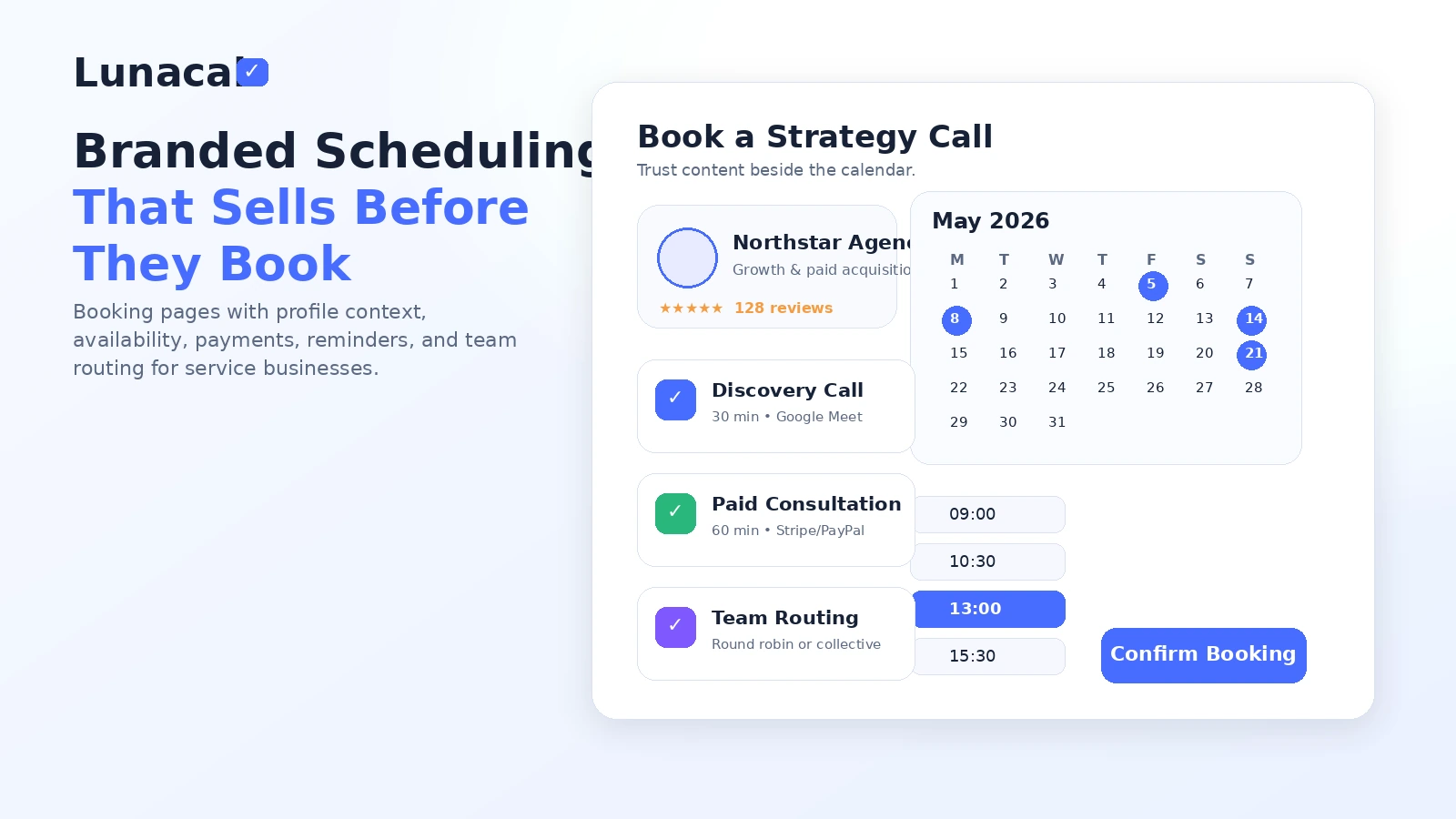
Lunacal is easiest to judge visually because the product leans on branded scheduling pages rather than plain calendar links. The tour should help buyers check whether the page builder, scheduling controls, payment flow, and team routing feel like a real business workflow rather than a cosmetic upgrade.
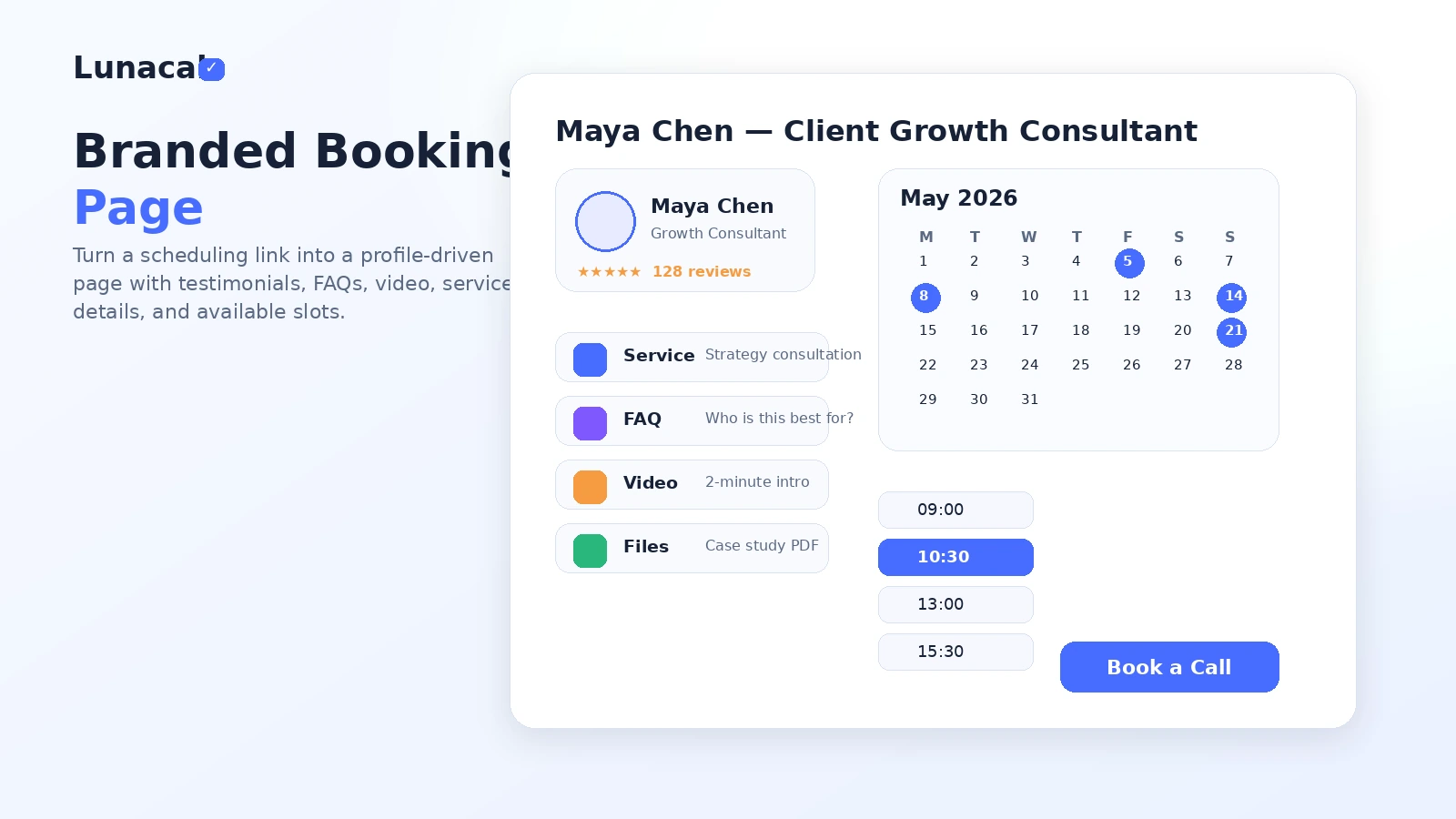
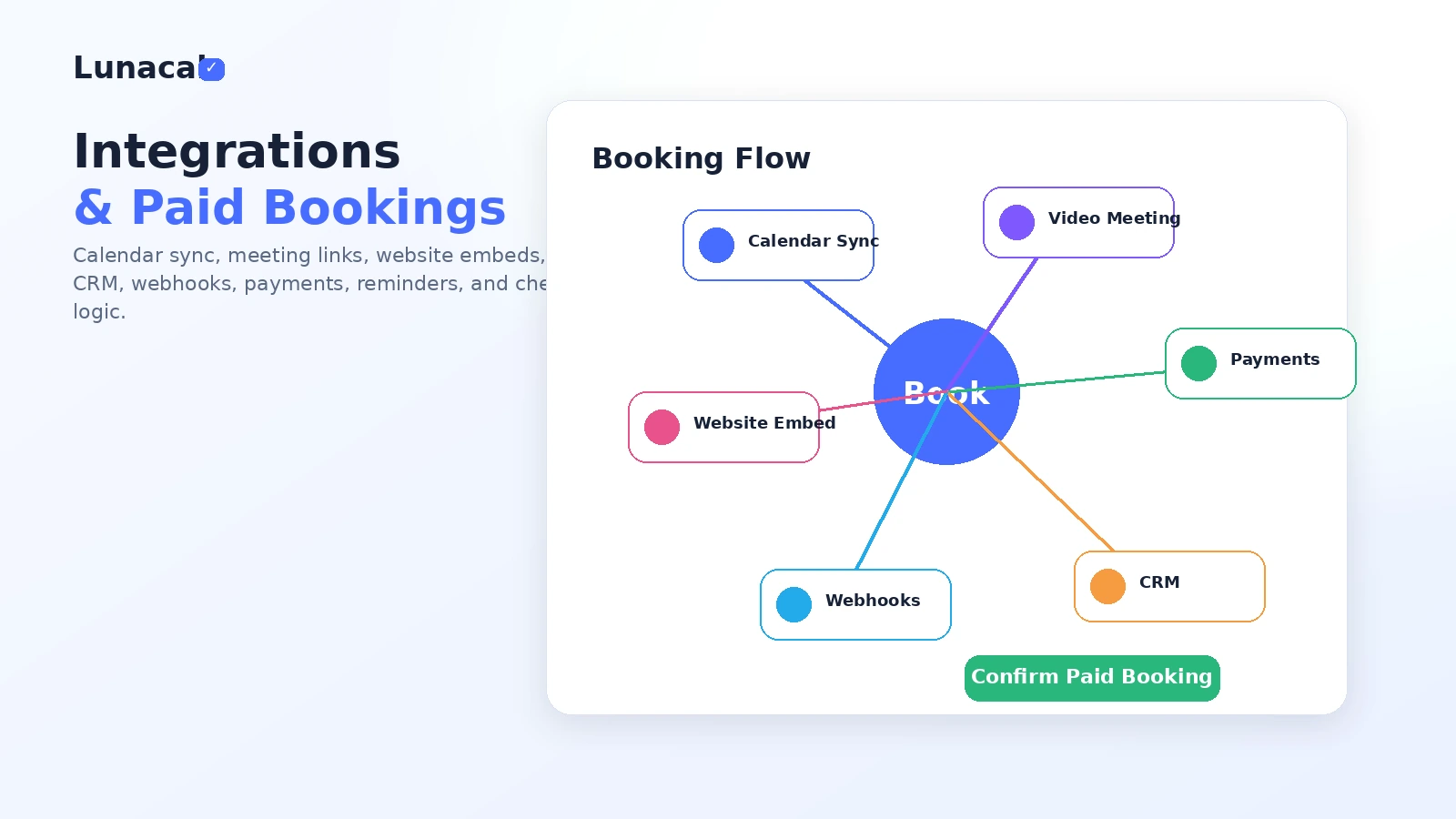
Lunacal is best judged as a branded scheduling workspace, not just a cheaper Calendly-style link. The buyer question is whether the business needs a booking page that can sell trust before the appointment is booked. If the answer is no, a lighter scheduler may be enough. If the answer is yes, the pricing check should focus on branding, paid bookings, reminders, and team routing rather than the entry price alone.
What Lunacal actually does
Lunacal helps businesses publish booking pages, connect calendars, send reminders, collect payments, ask booking questions, and manage team scheduling. The more distinctive angle is that the booking page can include richer brand and sales context, such as videos, testimonials, social links, FAQs, business information, and custom styling.
- Build a branded booking page instead of sending a plain calendar link.
- Connect calendars and conferencing tools so availability stays accurate.
- Use reminders, booking questions, and workflows to reduce admin work.
- Add payment and package logic when appointments have commercial value.
Pricing and plan fit
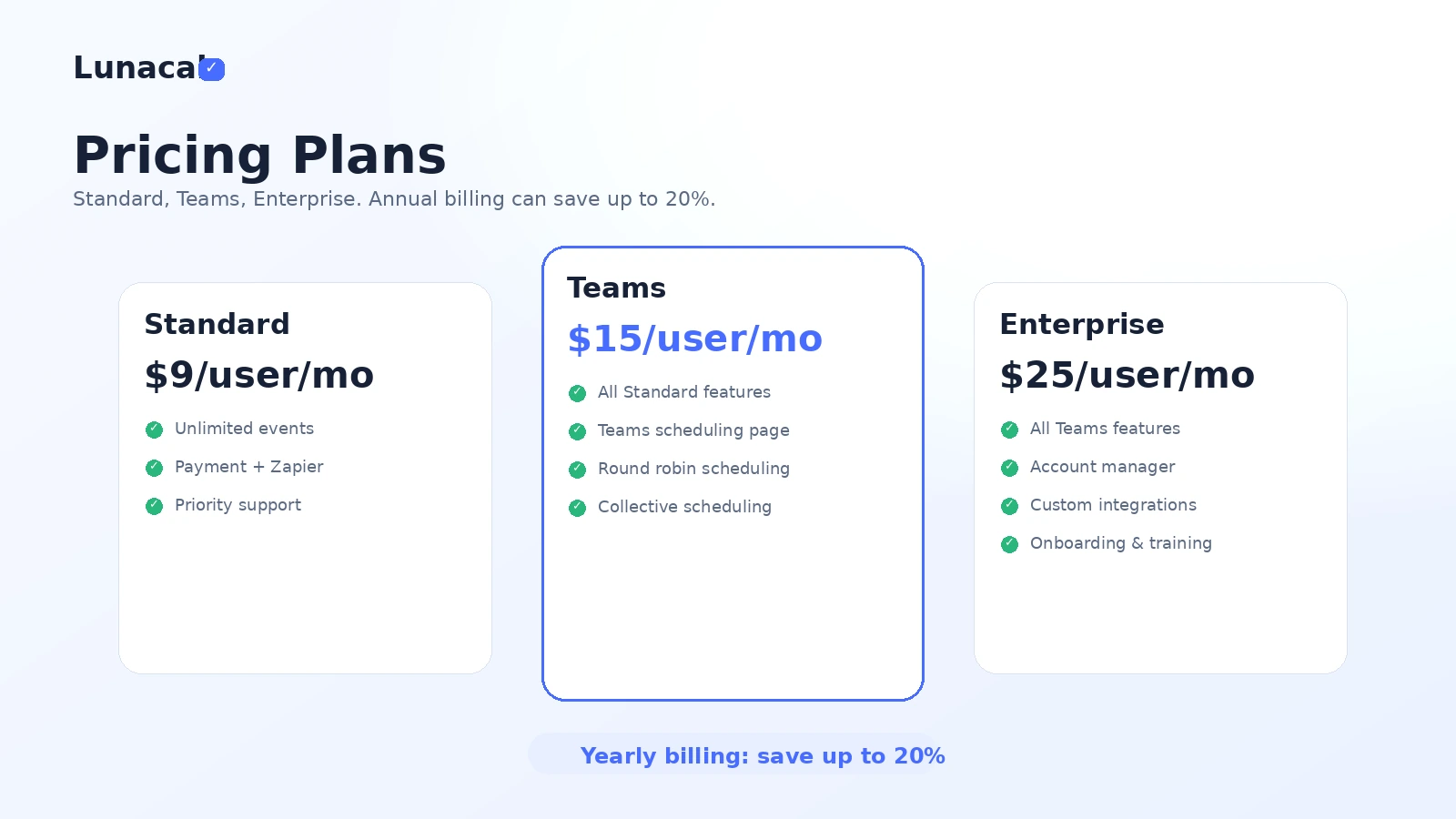
The official pricing page starts with Standard at $9 per user per month, then moves to Teams at $15 and Enterprise at $25. Standard is the cleaner starting point for solo professionals. Teams becomes more relevant when round robin, collective scheduling, and team pages are part of the buying reason. Enterprise should be treated as a heavier path for onboarding, custom integrations, account support, and larger rollout needs.
- Standard fits solo or simple professional scheduling.
- Teams fits shared booking workflows and inbound routing.
- Enterprise fits buyers who need onboarding, account support, or custom integration help.
- Yearly billing may save money, but the non-refundable fee language makes verification important.
Team scheduling is the upgrade trigger
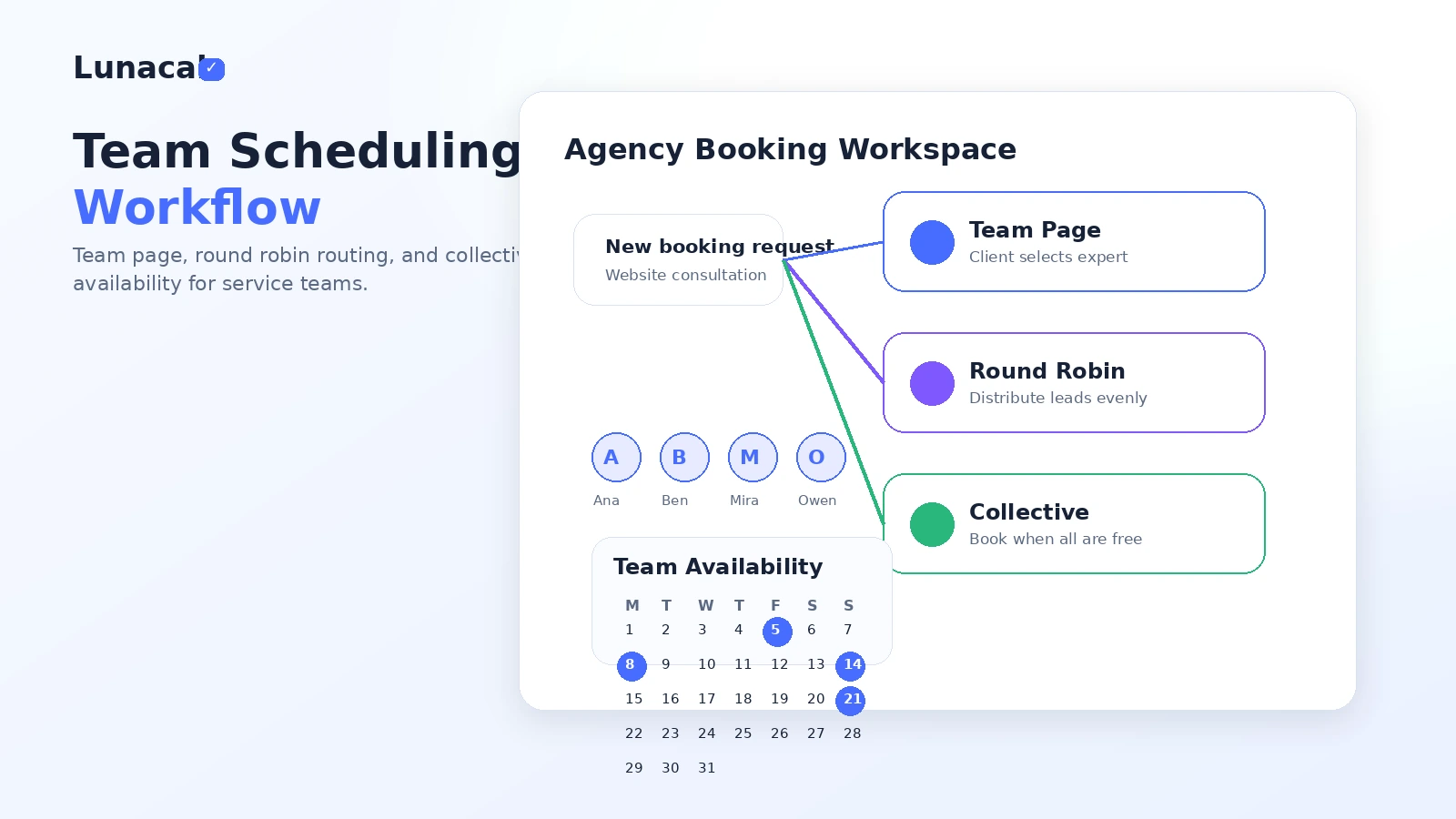
Lunacal becomes more interesting for teams when the business needs routing logic, not just a public booking link. Round robin scheduling can distribute inbound meetings between reps. Collective scheduling can book only when the required people are available. Team pages can make it easier for prospects to choose the right person or service without asking for manual coordination.
- Round robin helps distribute inbound leads or consultations.
- Collective scheduling helps coordinate multi-person meetings.
- Team pages help agencies and service businesses look more organized.
- The plan should be checked against actual booking volume, not just the feature list.
Watch a deeper scheduling walkthrough
A longer third-party walkthrough is useful before checkout because it shows the product through a practical buyer lens rather than only a polished official overview. Buyers should watch for how quickly a booking page can be configured, how flexible the page content feels, and whether the workflow still looks manageable after the first setup.
Coupons, discounts, and savings path
Lunacal has coupon and discount features inside the product for businesses that sell sessions or packages. That should not be confused with a guaranteed public coupon code for buying Lunacal. For the buyer, the safer savings path is to compare monthly versus yearly pricing, check whether a marketplace deal is active, and use the DealBestDaily coupon route only as a live verification step.
- Annual billing is the clearest official savings angle.
- Public buyer coupon codes were not consistently verified.
- Marketplace or lifetime deal routes may change quickly.
- The product's internal coupon features are for the buyer's own clients, not proof of a public discount.
Safest next step
Start by opening Lunacal's official pricing page and deciding whether the use case is solo scheduling, service-business booking, or team routing. Then read the review if workflow fit is still unclear. Only after that should the buyer check the coupon or deal path. That sequence protects the buyer from overvaluing a small discount and undervaluing the operational fit.
- Solo user: compare Standard against the exact appointment flow you need.
- Service business: verify payments, packages, reminders, and policy controls.
- Team buyer: check Teams features before assuming Standard is enough.
- Deal seeker: use the coupon route only after the workflow passes the fit test.
Best savings path from this store page
This is the clearest savings route to check once the product already looks like a fit.
A public coupon source reports a Lunacal discount path, but the accessible source does not expose a complete checkout code. Treat this as a research prompt to verify coupons at checkout, not as a code offer.
Save up to 20% with yearly billing
Standard from $9/user/month
Use comparison routes when the category fit is still open
Use these comparison routes when the product still looks plausible, but the category fit is not fully settled.
Verification points worth checking before you click out
Where this store usually fits best in the workflow
Lunacal can help consultants turn a booking link into a lightweight trust page with profile context, service information, testimonials, and a clear appointment flow.
Agencies can use team pages, round robin, and collective scheduling when multiple team members handle discovery calls or client meetings.
Coaches, studios, clinics, trainers, and local services can use booking questions, reminders, payments, packages, and cancellation rules to reduce manual scheduling work.
Lunacal's embed options are useful when a business wants booking to happen inside its website experience rather than sending visitors away to a separate scheduling page.
Practical checkpoints before and after signup
- Decide whether the main need is solo scheduling, paid bookings, or team routing.
- Check whether branded page content actually matters to your buyer journey.
- Open the official pricing page and compare Standard, Teams, and Enterprise against the features you need.
- Watch the deeper walkthrough if you are unsure whether setup and page editing feel manageable.
- Verify the current trial path, annual discount, payment integrations, CRM support, and non-refundable fee language.
- Check the DealBestDaily route only after the product passes the workflow-fit test.
- Track booking completion rate, no-show rate, and whether reminders reduce admin follow-up.
- Re-check the plan when adding users, locations, paid services, or team routing.
Fast-read signals for workflow fit and buying friction
Questions readers usually ask before choosing this store
What does Lunacal actually do?
Lunacal is an appointment scheduling platform that helps businesses create branded booking pages, connect calendars, manage availability, send reminders, collect payments, handle booking questions, and support team scheduling workflows.
Is Lunacal free?
The official pricing page is paid-plan led and lists Standard from $9 per user per month. Some marketplaces reference a trial or free entry path, but buyers should confirm the current signup screen instead of assuming a free plan is available.
Does Lunacal support team scheduling?
Yes. Lunacal's official pricing page lists Teams features such as team scheduling pages, round robin scheduling, and collective scheduling. Those features are the main reason a buyer should compare the Teams plan instead of staying on Standard.
Are there Lunacal coupon codes?
A consistently verified public buyer coupon code was not confirmed during this pass. Lunacal does support coupons and discounts inside its own booking product, but buyers should treat annual billing and live deal routing as the safer savings paths.
What is the safest next step before buying Lunacal?
Start with the official pricing page, decide whether Standard or Teams matches the real booking workflow, then read the review if fit is unclear. Use the coupon route only after the product already makes sense operationally.
Choose the next route that matches what you still need to decide
The strongest next click depends on whether you still need product judgment, a savings route, or a broader category comparison.