
GetTerms.io Pricing, Plans & Site Fit
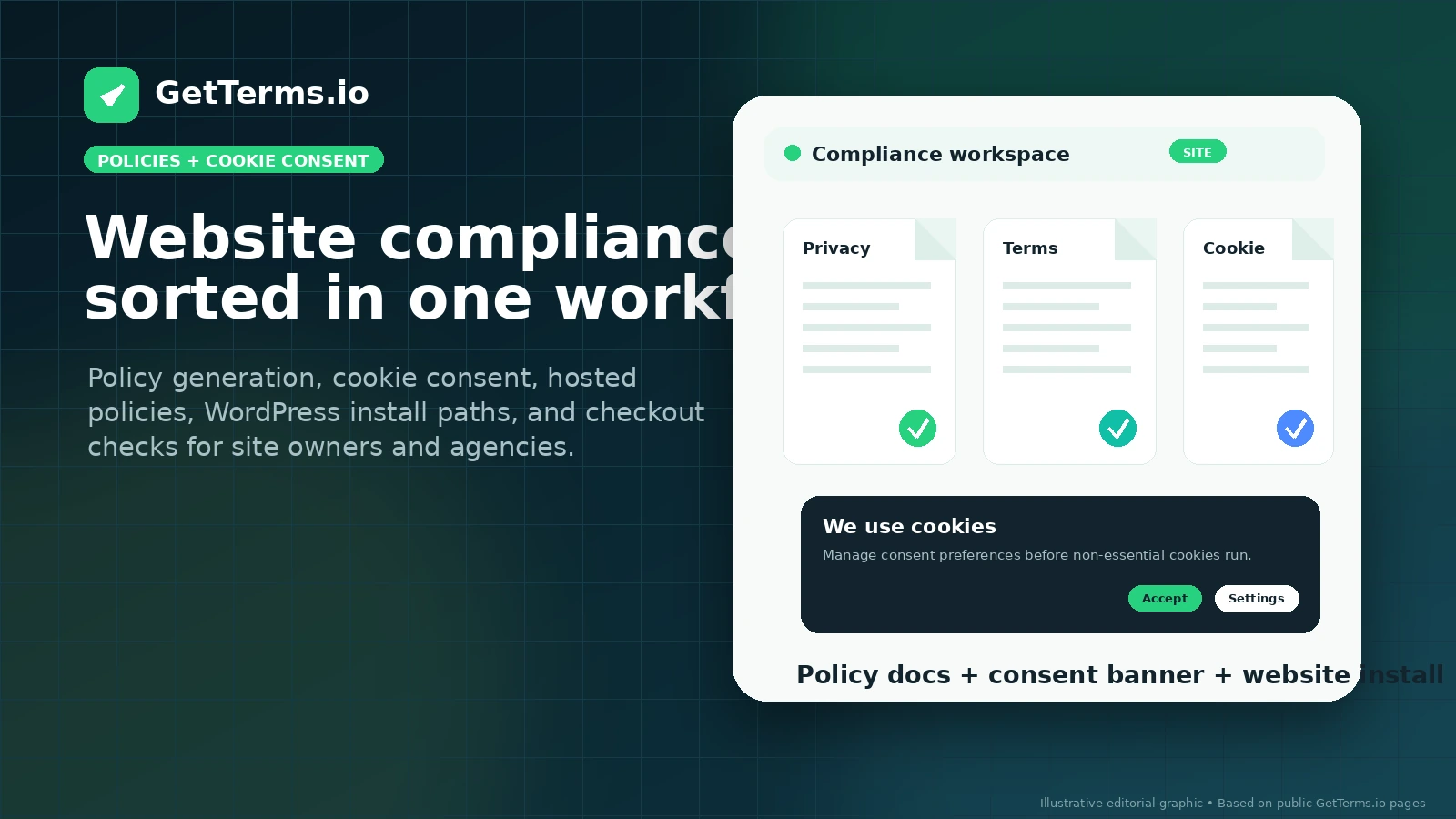
GetTerms.io is best understood as a website compliance toolkit rather than a simple legal-page template. It combines policy generation, cookie consent management, policy hosting, HTML embeds, WordPress integration, Google Consent Mode support, and plan paths for single-site owners or agencies.
Fit → price → checkout
Use these routes after the official-site check: coupon first, review for fit, compare if unsure.
GetTerms.io pricing snapshot
Fast commercial checks before pricing, coupons, or a deeper review.
GetTerms.io product tour
These media notes focus on the buyer-facing decisions that matter most: plan scope, policy generation, consent management, WordPress implementation, and whether the tool is enough without custom legal advice.
GetTerms.io is best evaluated as a compliance workflow for websites, not as a generic legal-document download. The main question is whether you need a basic privacy policy, a broader legal policy bundle, a live cookie consent setup, or a multi-site agency workflow.
What GetTerms.io actually does
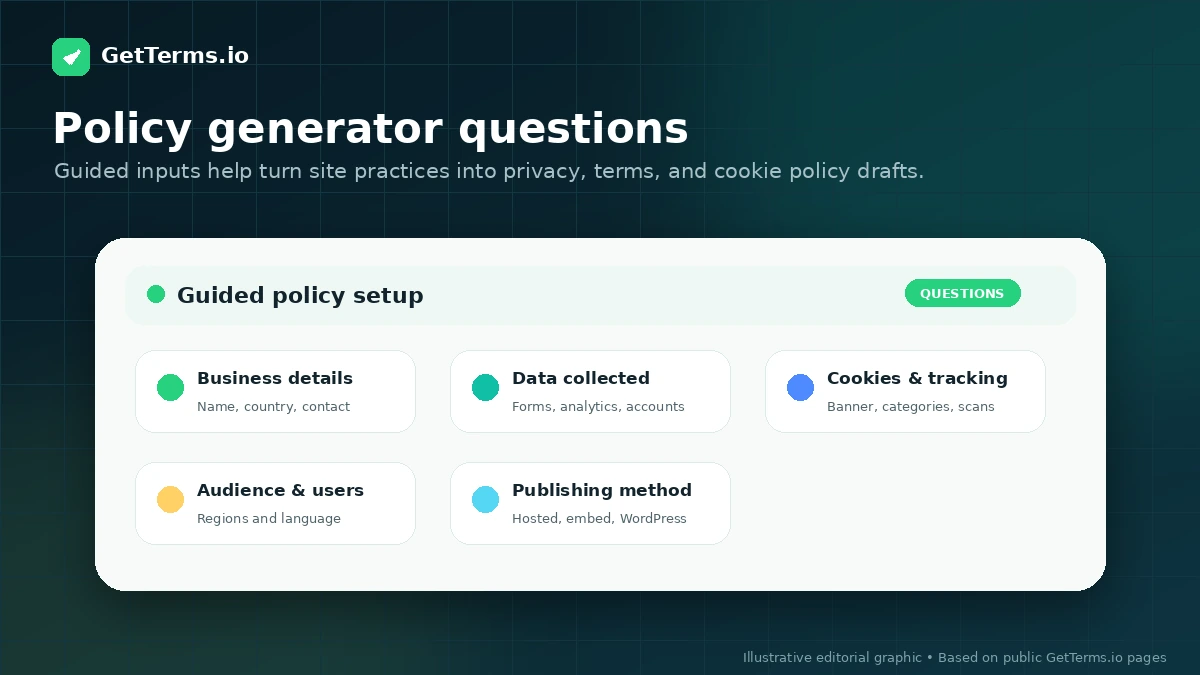
GetTerms.io helps buyers generate website and app policies, publish them through hosted links or embeds, and manage cookie consent from the same ecosystem. The strongest use case is not simply creating a privacy policy once. It is keeping policies, cookie banners, consent logs, and site implementation tied together as privacy expectations change.
- Privacy policy, cookie policy, terms, acceptable use, and return policy paths depending on plan
- Cookie consent banner and consent management features
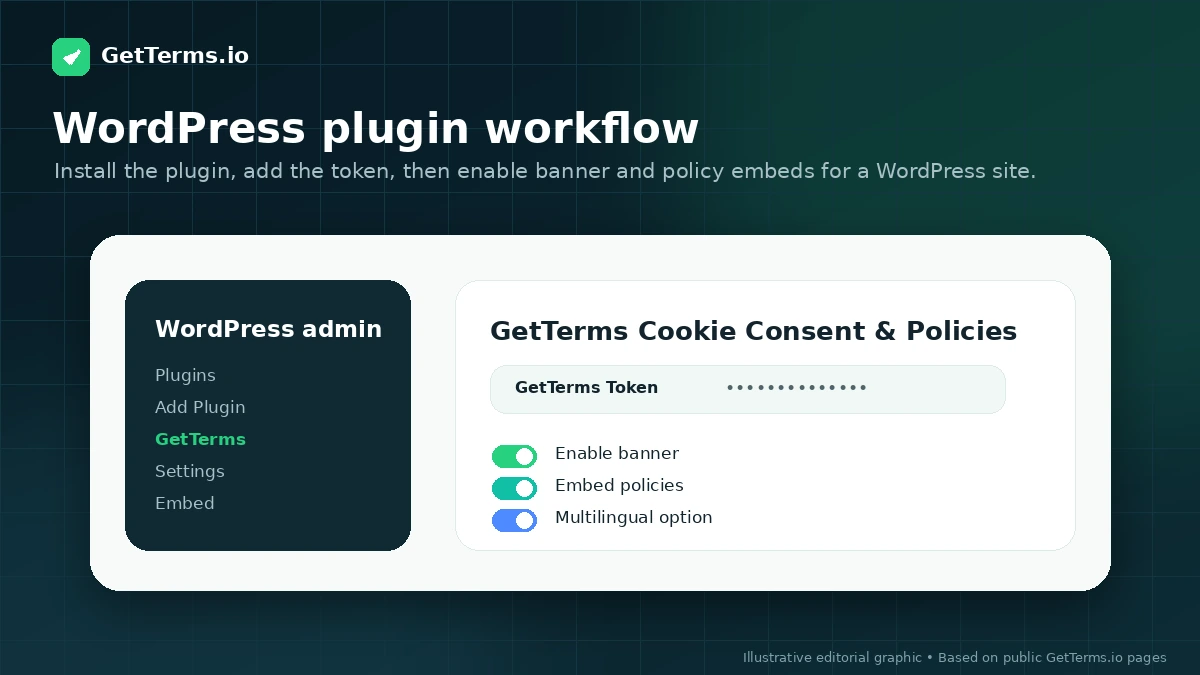
- Hosted policies, HTML embeds, PDF/download options, and WordPress plugin support
Pricing and plan fit
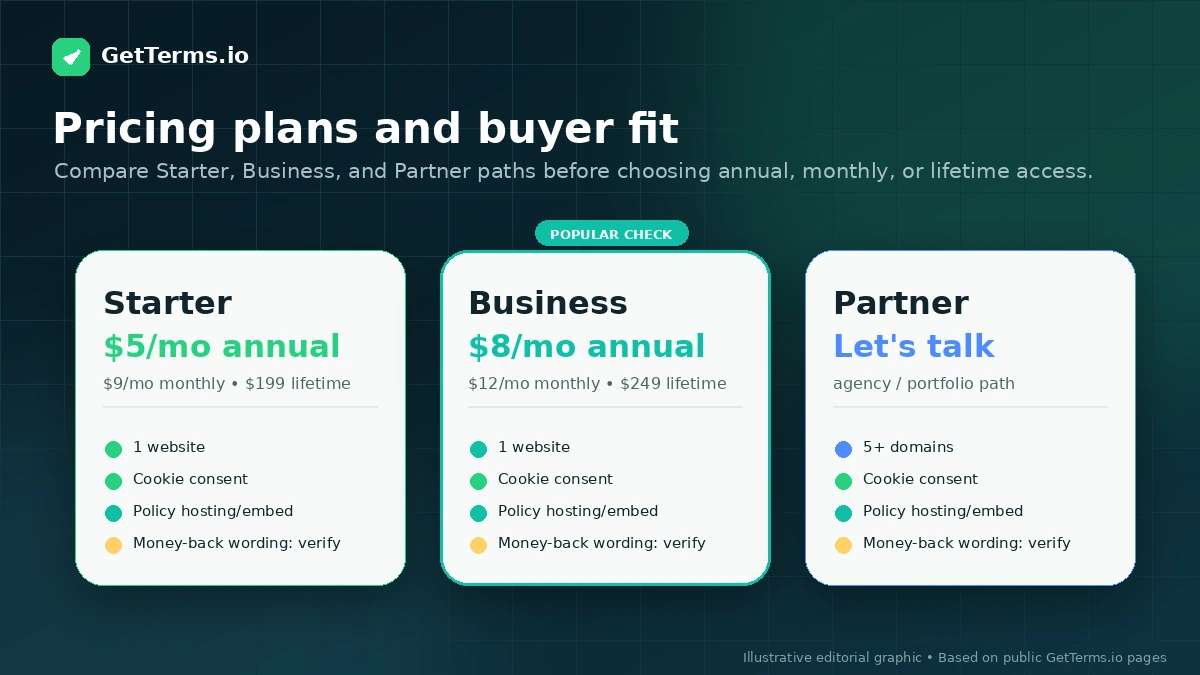
The visible pricing makes GetTerms.io look inexpensive, but the real decision is plan fit. Starter is the entry path for privacy and cookie policy basics, while Business is the stronger fit when all legal policies, unlimited banner views, banner customization, and language support matter. Lifetime pricing can be attractive for long-running sites, but only after the buyer confirms one-domain licensing and future update expectations.
- Starter begins at $5/mo per website on annual billing
- Business begins at $8/mo per website on annual billing
- Lifetime access starts at $199 for Starter and $249 for Business
Consent management is the buying pivot
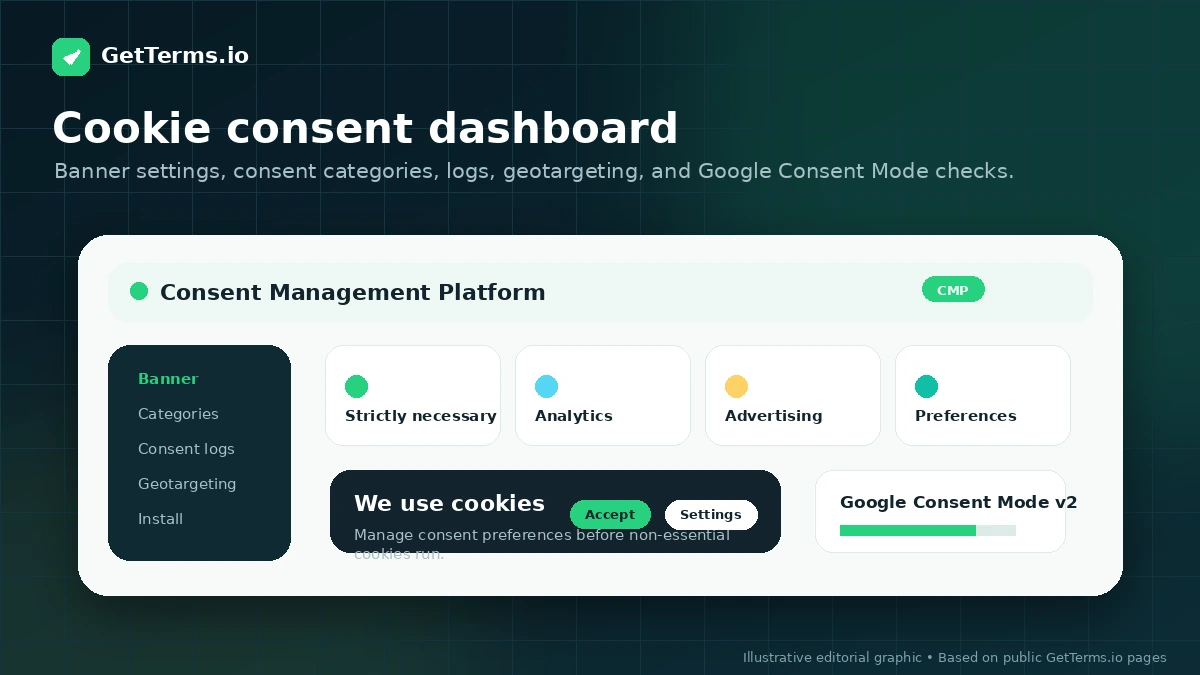
GetTerms.io becomes more compelling when cookie consent is part of the problem. The platform describes consent logs, banner views, geotargeting, customizable banners, Google Consent Mode v2, and WordPress integration. That matters for sites using analytics, ads, embedded scripts, or regional privacy requirements where a static policy page is not enough.
- Cookie banner setup for GDPR and CCPA workflows
- Consent logs and banner-view limits to compare by plan
- Google Consent Mode v2 and WordPress implementation paths
Who should move beyond the free template
The free privacy policy path is useful for a simple personal website or early testing, but it should not be treated as proof that the paid product is unnecessary. Businesses that collect customer data, run ads, use analytics, sell products, operate SaaS apps, or need ongoing updates should compare paid plan scope before relying on a basic template.
- A personal blog may only need a basic free privacy policy path
- A business site often needs cookie consent and broader policy coverage
- A SaaS or ecommerce site should verify terms, returns, data collection, and consent requirements
Agency and multi-site buyers need different math
Agencies should not judge GetTerms.io only by single-site Starter or Business pricing. The Partner route is designed for agencies and website portfolios, with client management, multi-user logins, priority support, volume discounts, and broader account controls. That can be a cleaner path than stacking individual website licences one by one.
- Partner pricing is quote-based and aimed at agencies or website portfolios
- Agency highlights include client management, multi-user login, and volume discounts
- One-domain licensing makes the multi-site question important before checkout
Buyer checklist before checkout
The safest next step is to open the current pricing page, decide whether Starter, Business, or Partner fits the real site, and then check the live DealBestDaily route for any active offer. Do not treat a seasonal promo page or old coupon video as current proof. For compliance-sensitive businesses, pair the generator with professional advice where the risk justifies it.
- Confirm the plan includes the exact policies you need
- Check cookie banner views, consent logs, geotargeting, and language support
- Verify refund guarantee details and renewal terms before paying
- Use legal counsel for custom or high-risk compliance questions
Best savings path from this store page
This is the clearest savings route to check once the product already looks like a fit.
GetTerms pricing shows annual billing with a 33% saving compared with monthly billing across compliance plans.
Starter lifetime from $199 per website
Business lifetime from $249 per website
Use comparison routes when the category fit is still open
Use these comparison routes when the product still looks plausible, but the category fit is not fully settled.
Termly is the closest comparison for buyers who want a broader compliance platform with policy generation and consent management, especially if they are comparing hosted compliance suites rather than one-off templates.
TermsFeed is worth comparing when the buyer wants policy generation with a stronger pay-per-document tradition and more granular legal-document purchasing decisions.
iubenda is a better comparison for businesses that want a more mature consent and privacy compliance platform with international compliance depth.
CookieYes deserves a look when the primary need is cookie consent management and scanning, with policy generation playing a secondary role.
Verification points worth checking before you click out
Where this store usually fits best in the workflow
Use GetTerms.io when a small business site needs a privacy policy, cookie policy, and consent banner without building a compliance stack from several separate vendors.
GetTerms.io fits WordPress buyers who want a plugin path for embedding policies and managing cookie consent without manually republishing every change.
A SaaS or ecommerce site should compare Business plan scope because terms, returns, cookie consent, data collection, and third-party service disclosures can matter together.
Agencies should evaluate the Partner route when they need multi-user access, client management, volume discounts, and a resellable compliance workflow across multiple sites.
Practical checkpoints before and after signup
- List the policies the website actually needs before choosing Starter or Business.
- Check whether the site uses analytics, ads, forms, ecommerce checkout, or third-party scripts.
- Compare GetTerms.io against Termly, TermsFeed, iubenda, and CookieYes if compliance depth is the main concern.
- Compare annual, monthly, and lifetime billing against the expected life of the website.
- Verify one-domain licensing before buying for a portfolio or client workflow.
- Check whether the free privacy policy path is too limited for the site's commercial risk.
- Choose the publishing route: hosted link, HTML embed, WordPress plugin, PDF, or direct copy-paste.
- Confirm cookie banner behavior, consent logs, geotargeting, and Google Consent Mode setup.
- Test the banner and policy links on the live site before treating compliance as finished.
- Re-check plan scope when traffic, regions, client count, or cookie banner views grow.
- Review policy updates after major privacy-law or business-model changes.
- Ask for Partner pricing before scaling many websites under separate single-site licences.
Fast-read signals for workflow fit and buying friction
Questions readers usually ask before choosing this store
What does GetTerms.io actually do?
GetTerms.io generates website and app policies, helps publish them through hosted links or embeds, and adds cookie consent management features such as banners, consent logs, geotargeting, WordPress support, and Google Consent Mode v2. It is better understood as a compliance workflow tool than a simple document template.
Is there a free GetTerms.io plan?
GetTerms.io publicly promotes a basic free privacy policy path for simple personal use. For business use, paid plans start from the visible Starter pricing, and buyers should check whether the free option includes enough policy scope, branding control, and consent features for the site.
Should I choose Starter or Business?
Starter is the cleaner fit for basic privacy policy, cookie policy, consent logs, and a smaller banner-view allowance. Business is the safer plan to check when all legal policies, unlimited banner views, banner customization, multi-language support, auto-language detection, and branding removal matter.
Does GetTerms.io replace a lawyer?
No. GetTerms.io publicly states that it is not a law firm and does not provide legal advice. It can reduce the burden of creating and maintaining standard website policies, but high-risk, regulated, or unusual businesses should still get legal review.
Are GetTerms.io coupon codes the best savings path?
Not usually. The more reliable savings path is to compare annual billing, lifetime access, the free basic privacy policy route, and Partner pricing for multi-site use. Public coupons may appear seasonally, but buyers should verify any code or promo before relying on it.
Choose the next route that matches what you still need to decide
The strongest next click depends on whether you still need product judgment, a savings route, or a broader category comparison.