
Geekbot Pricing, Plans & Team Workflow Fit
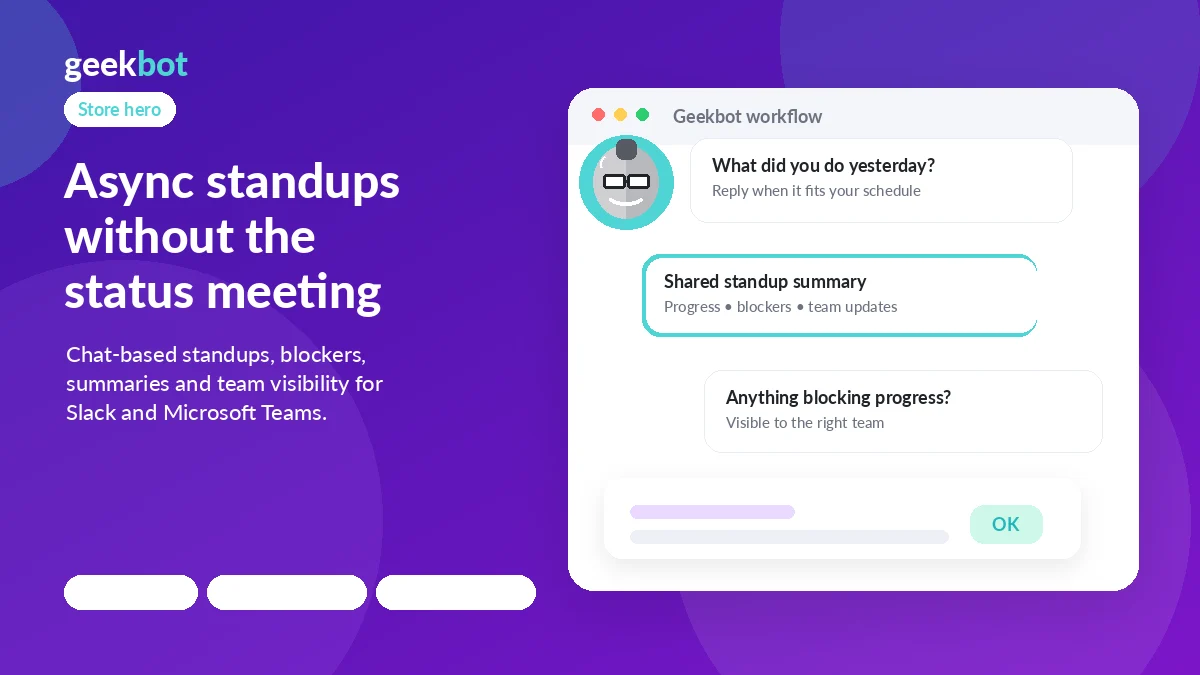
Geekbot is an async team check-in tool for Slack and Microsoft Teams. Its strongest store-page fit is not a generic productivity pitch, but a practical decision around whether your team can replace recurring status meetings with scheduled standups, polls, surveys, reminders, and reporting inside the chat workspace people already use.
Fit → price → checkout
Use these routes after the official-site check: coupon first, review for fit, compare if unsure.
Geekbot pricing snapshot
Fast commercial checks before pricing, coupons, or a deeper review.
Geekbot product tour
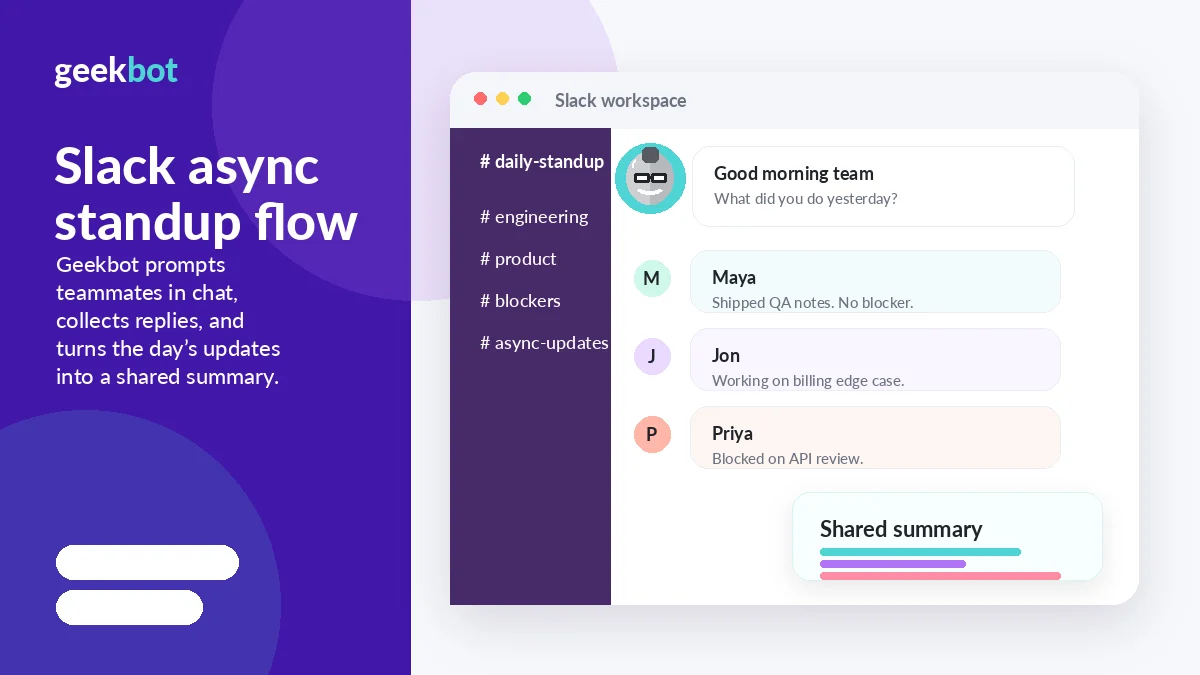
Geekbot is easiest to evaluate by watching how the bot prompts teammates, collects updates, and turns those replies into team-visible reports. The media plan should focus on Slack or Teams workflow clarity, not decorative productivity imagery.
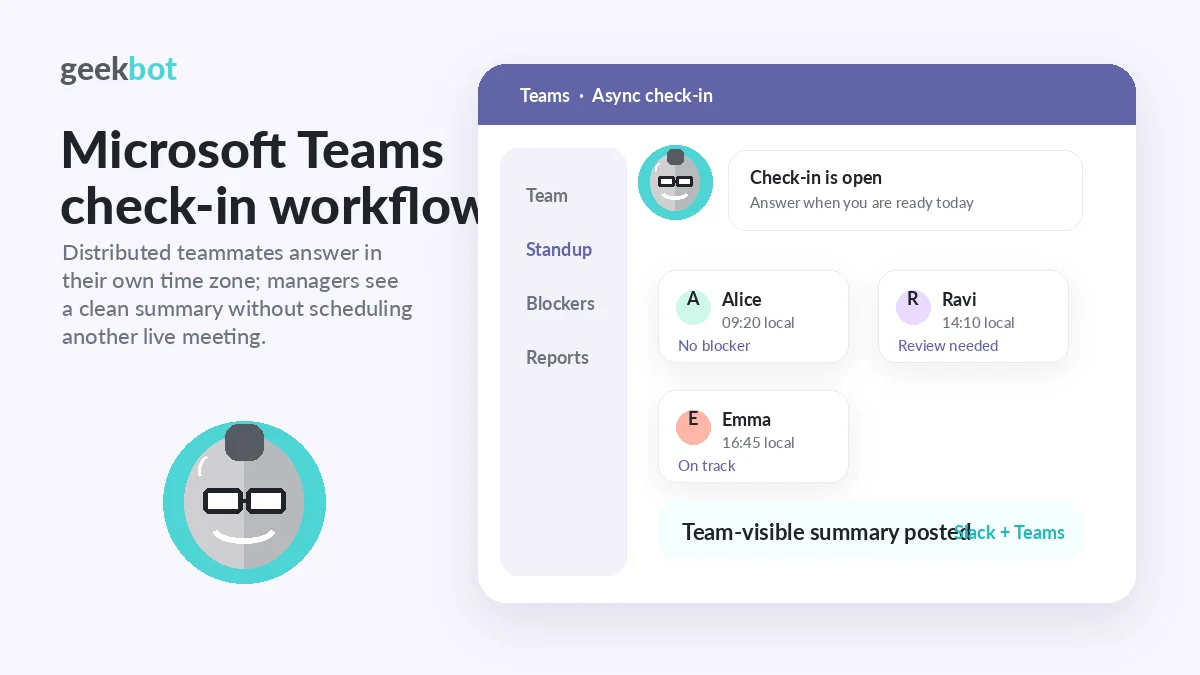
Geekbot deserves a store page built around one practical question: will async check-ins inside Slack or Microsoft Teams remove enough meeting friction to justify another recurring SaaS cost? For small teams, the answer may be tested cheaply through the free Starter plan. For larger teams, the decision depends on active participants, report quality, and whether managers will actually use the analytics.
What Geekbot actually does
Geekbot automates recurring team routines inside Slack and Microsoft Teams. The common use case is the daily or weekly standup: Geekbot asks each teammate a set of questions, collects answers asynchronously, and publishes the update so the team can see progress and blockers without forcing everyone into a live call.
The product also extends into polls, surveys, templates, reporting, analytics, reminders, and AI-assisted insights. That makes it more useful for teams with repeatable communication patterns than for buyers looking for a broad project management replacement.
- Async standups and check-ins
- Polls, surveys, and templates
- Participation, blocker, sentiment, and reporting views
- Slack and Microsoft Teams workflows
Pricing and plan fit
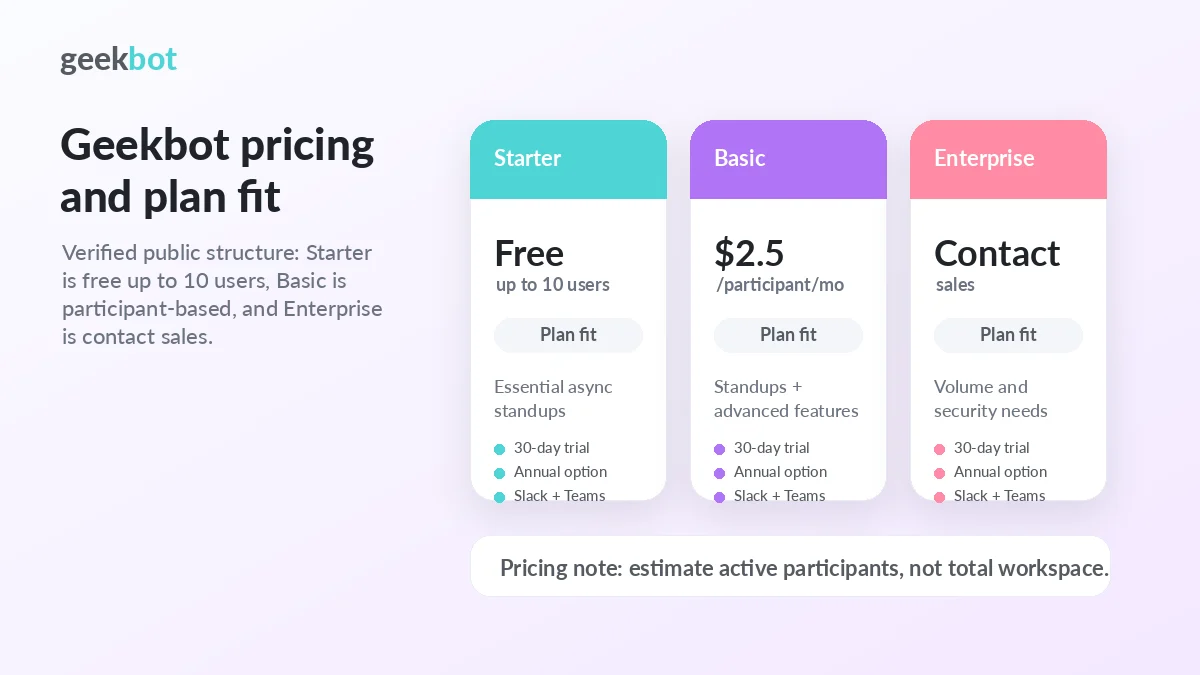
The pricing decision is unusually clear for small teams because the Starter plan is free for up to 10 users. Above that point, the Basic plan starts at $2.50 per participant per month for standups, with separate pricing for polls and surveys, annual savings, and a 30-day trial. Enterprise buyers get a contact-sales route with volume discounts and deeper security or integration options.
The most important detail is active-participant billing. A company with a large Slack or Teams workspace may not pay for everyone if only a smaller group uses Geekbot, but the final cost still depends on adoption. Test participation first, then calculate the paid plan.
- Free Starter plan for up to 10 users
- Basic standups from $2.50 per participant per month
- 30-day trial for testing a real workflow
- Enterprise for volume, security, migration, and managed cloud needs
Where the workflow helps most
Geekbot is strongest when a team already has a recurring update habit that has become too expensive in live meeting time. Engineering standups, remote team check-ins, sales pipeline updates, support handoffs, retrospectives, and manager pulse checks are all better candidates than one-off status requests.
The biggest buyer signal is not whether the bot can ask questions. It is whether people answer consistently and whether managers use the summaries to remove blockers, spot risk, or reduce meeting load.
- Distributed teams across time zones
- Managers who need blocker visibility
- Teams replacing repetitive status calls
- Operations groups with scheduled reporting habits
Reporting, analytics, and manager value
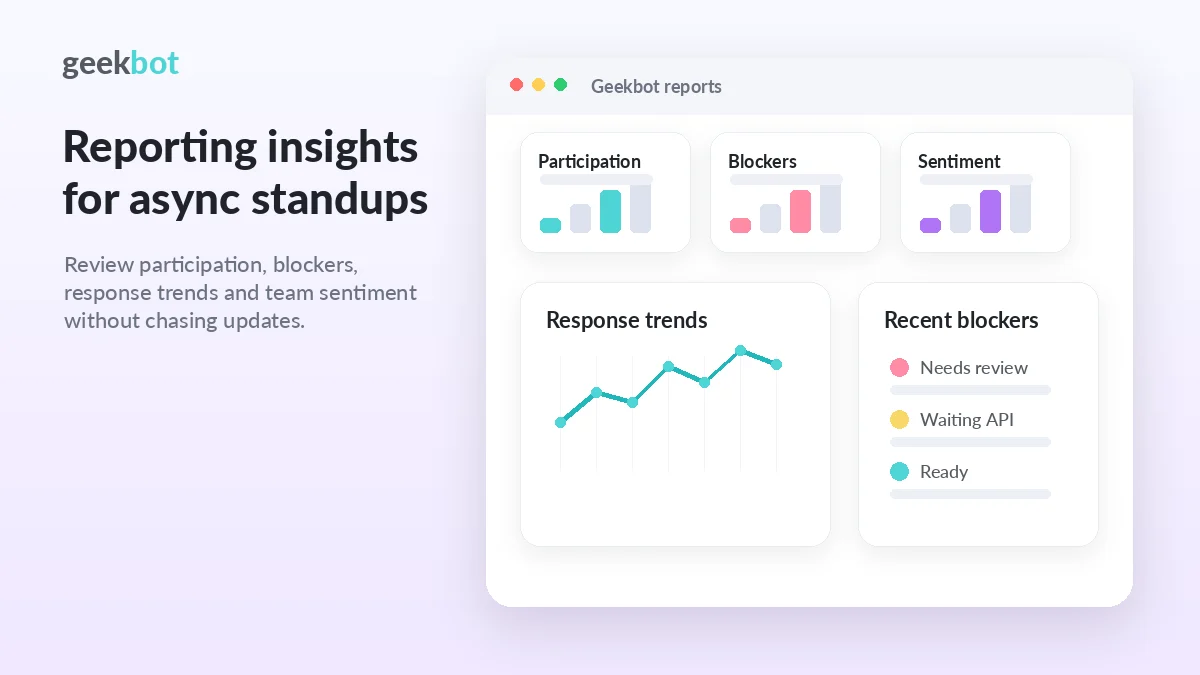
Geekbot becomes more compelling when managers need a lightweight operating signal, not just a record of replies. The pricing page highlights in-depth reporting insights, a detailed analytics dashboard, reporting reminders, engagement summaries, CSV exports, and Geekbot AI on paid paths. Those features matter when the buyer needs to spot blockers, low participation, workload patterns, or recurring risks.
The caution is simple: analytics only helps if the team uses the check-in consistently. A polished dashboard cannot fix a routine people ignore.
- Participation and engagement summaries
- Blocker and sentiment visibility
- CSV exports for deeper analysis
- Geekbot AI for asking questions about team activity
What to verify before checkout
Before paying, confirm the exact plan limits, annual discount, participant count, refund wording, and whether your team needs API access, CSV exports, Geekbot AI, migration support, or Enterprise security materials. For many small teams, the free plan is enough to test the habit. For larger teams, a trial with real participants is the safer proof.
Public coupon codes should not be treated as the primary savings route. The practical savings path is plan fit, annual billing, organizational discounts, and volume negotiation when the team is large enough.
- Current Basic monthly and annual pricing
- Number of active participants after the trial
- Refund terms and billing renewal rules
- Need for API, exports, Enterprise security, or migration support
Best next step for a buyer
Start with the free plan if your team has 10 or fewer active users. If the team is larger, run the 30-day trial with one specific routine, such as a daily standup, weekly pulse check, or blocker report. After that, compare Geekbot against tools such as DailyBot, Standuply, Range, or StandupBot based on workflow depth, reporting needs, integrations, and how much structure your managers really need.
The coupon page is useful only after the fit check is done. The store page should qualify the buyer first, then route them to pricing, review, or savings paths with less guesswork.
- Test one repeatable workflow before rolling out broadly.
- Compare alternatives only around your real check-in routine.
- Move to the coupon or pricing route after the team proves it will use Geekbot.
Best savings path from this store page
This is the clearest savings route to check once the product already looks like a fit.
Geekbot offers a Starter plan for teams of up to 10 users with essential asynchronous standup features.
17% off standups annually
25% off polls and surveys annually
Use comparison routes when the category fit is still open
Use these comparison routes when the product still looks plausible, but the category fit is not fully settled.
DailyBot is worth comparing if the team wants broader workflow automation, check-ins, and integrations beyond standup reporting.
Standuply may fit teams that want a standup bot with more emphasis on Scrum routines and additional report formats.
Range can be a better comparison when the buyer wants team check-ins tied to mood, goals, and broader team health.
StandupBot is a simpler alternative to check when the buyer wants lightweight Slack standups with less platform depth.
Verification points worth checking before you click out
Where this store usually fits best in the workflow
Geekbot fits teams that want engineers to post daily progress, blockers, and next steps without forcing everyone into the same time slot.
Managers can use Geekbot to collect recurring updates, sentiment, and blockers, then decide where follow-up is actually needed.
Teams with shift-based or distributed workflows can use scheduled reports to keep context visible without extra status calls.
Polls, surveys, templates, anonymous reporting, and engagement summaries make Geekbot useful beyond the daily standup when feedback routines are recurring.
Practical checkpoints before and after signup
- Pick one repeatable routine, such as a daily standup, weekly check-in, or blocker report.
- Define who will actively participate so pricing can be estimated realistically.
- Decide which manager will review the reports and act on blockers.
- Track reply rates, response quality, and whether teammates answer without reminders.
- Check whether Slack or Microsoft Teams delivery feels natural for the team.
- Review analytics and summaries to see whether they save meeting time.
- Compare monthly and annual billing against active participant count.
- Confirm refund wording, renewal timing, and required security or data terms.
- Check whether API access, CSV exports, Geekbot AI, or Enterprise features are actually needed.
Fast-read signals for workflow fit and buying friction
Questions readers usually ask before choosing this store
What is Geekbot best for?
Geekbot is best for teams that want async standups, polls, surveys, and recurring check-ins inside Slack or Microsoft Teams. It is strongest when the buyer is trying to reduce live meeting time while keeping progress, blockers, and participation visible.
Does Geekbot have a free plan or free trial?
Yes. Geekbot lists a free Starter plan for teams with up to 10 users and a 30-day free trial. Buyers should use that window to test real participation, not just the setup screen.
How does Geekbot pricing work?
Geekbot publishes Basic standup pricing at $2.50 per participant per month, with separate polls and surveys pricing at $0.75 per respondent per month. Its FAQ also says billing is based on active participants, so buyers should estimate real usage before choosing a plan.
Are Geekbot coupon codes usually the best savings path?
Not usually. A verified public coupon code is not the safest assumption. The better path is to compare the free plan, trial, annual billing, non-profit or education discount eligibility, volume discounts, and the final checkout price.
What should buyers compare Geekbot against?
Compare Geekbot against tools such as DailyBot, Standuply, Range, and StandupBot. The best alternative depends on whether the buyer needs simple Slack standups, deeper reporting, broader team health check-ins, or more workflow automation.
Choose the next route that matches what you still need to decide
The strongest next click depends on whether you still need product judgment, a savings route, or a broader category comparison.