
DeeVid AI Pricing, Plans & Video Workflow Fit
DeeVid AI is an AI video and image generation platform for creators who want to turn text, images, or existing clips into short videos without learning a traditional editing timeline. Its strongest store-page fit is quick social video, ad creative tests, avatar clips, image-to-video experiments, and prompt-led content production. The main buying risk is credit burn: testing several prompts or regenerating imperfect clips can use credits faster than a beginner expects.
Fit → price → checkout
Use these routes after the official-site check: coupon first, review for fit, compare if unsure.
DeeVid AI pricing snapshot
Fast commercial checks before pricing, coupons, or a deeper review.
DeeVid AI product tour for video buyers
DeeVid AI needs a visual buying check because the value depends on workflow speed, model choice, output quality, credit usage, and whether the buyer can get usable results without manual timeline editing.
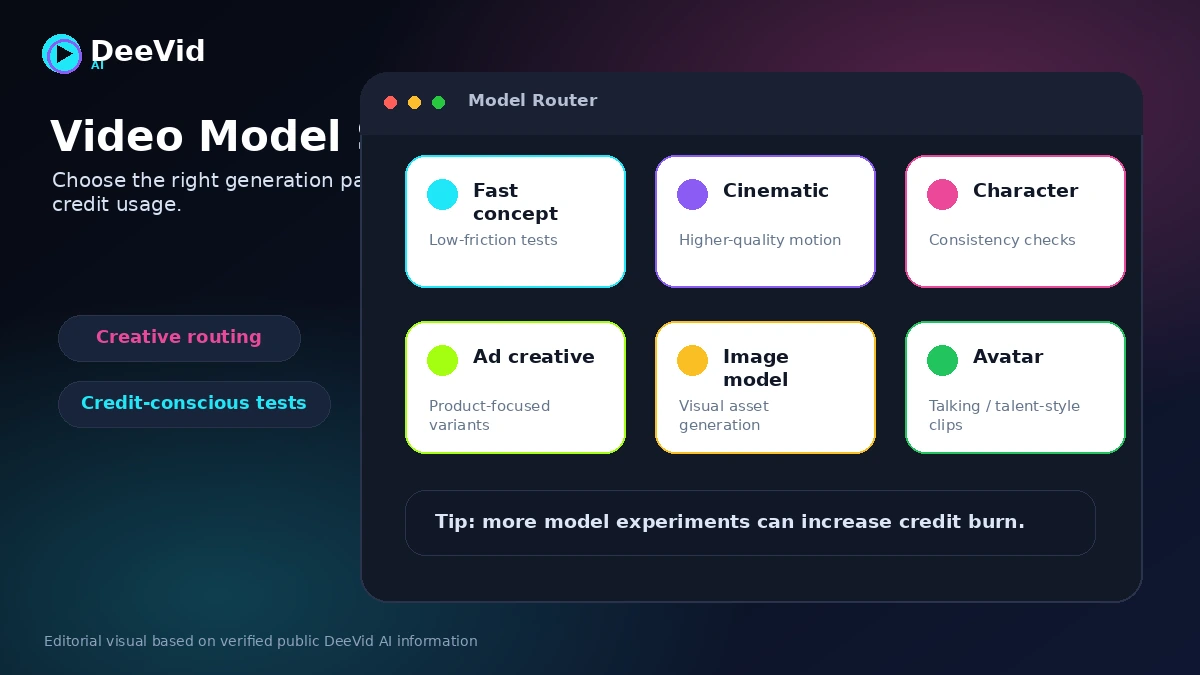
DeeVid AI should be judged as a fast creative testing tool, not as a replacement for a full video editing suite. It is built around prompts, templates, credits, and access to multiple AI models. That makes it attractive when a creator needs quick social clips, animated product visuals, short ads, avatar videos, or image-to-video experiments.
The buying decision is less about whether the tool looks exciting and more about whether the credit model matches the buyer's actual workflow. A person who generates one clip and accepts the first result will see the price differently from a marketer who tests ten prompts, three models, and several regenerations before finding one usable version.
What DeeVid AI actually does
DeeVid AI lets users create videos from text prompts, animate still images, transform existing videos, generate AI images, create AI ad videos, use avatar-style workflows, add music, and generate speech. The homepage positions the tool as beginner-friendly, with no technical skills required.
The practical fit is short-form creative production. It can help turn an idea into a clip quickly, but it does not give the same editing control as a professional timeline editor. That tradeoff is acceptable for social tests, ad concepts, and lightweight creative output. It is more risky for projects where exact cuts, consistent character details, or polished final delivery matter.
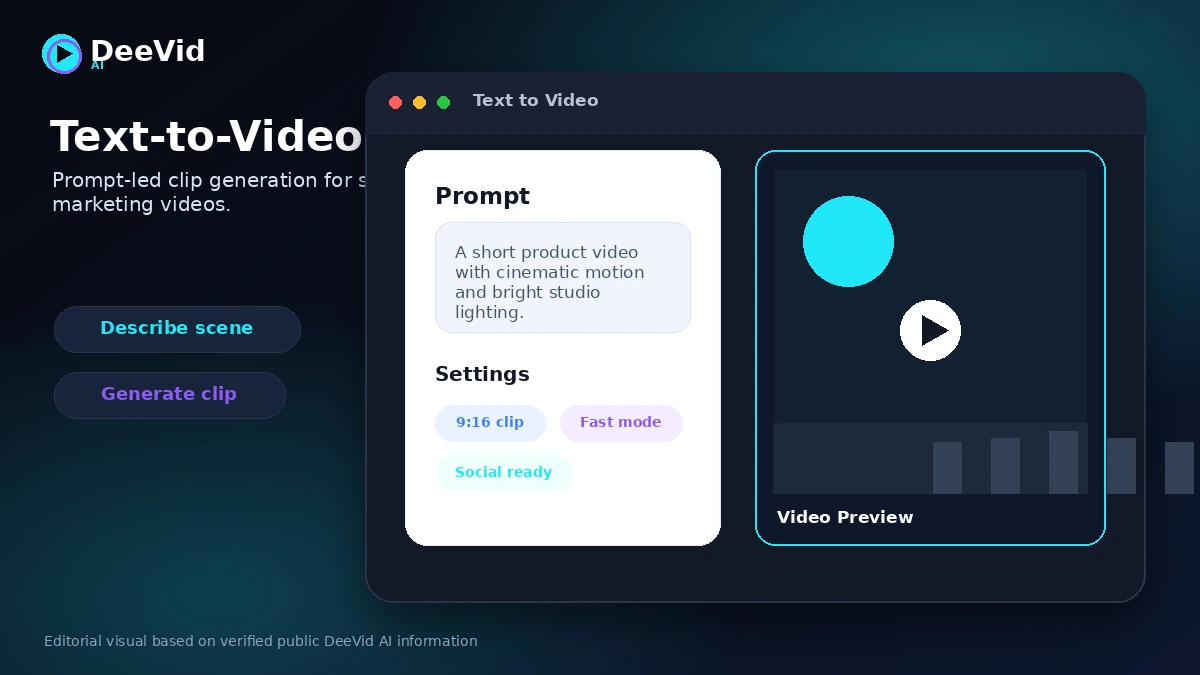
- Use text prompts to create short AI videos.
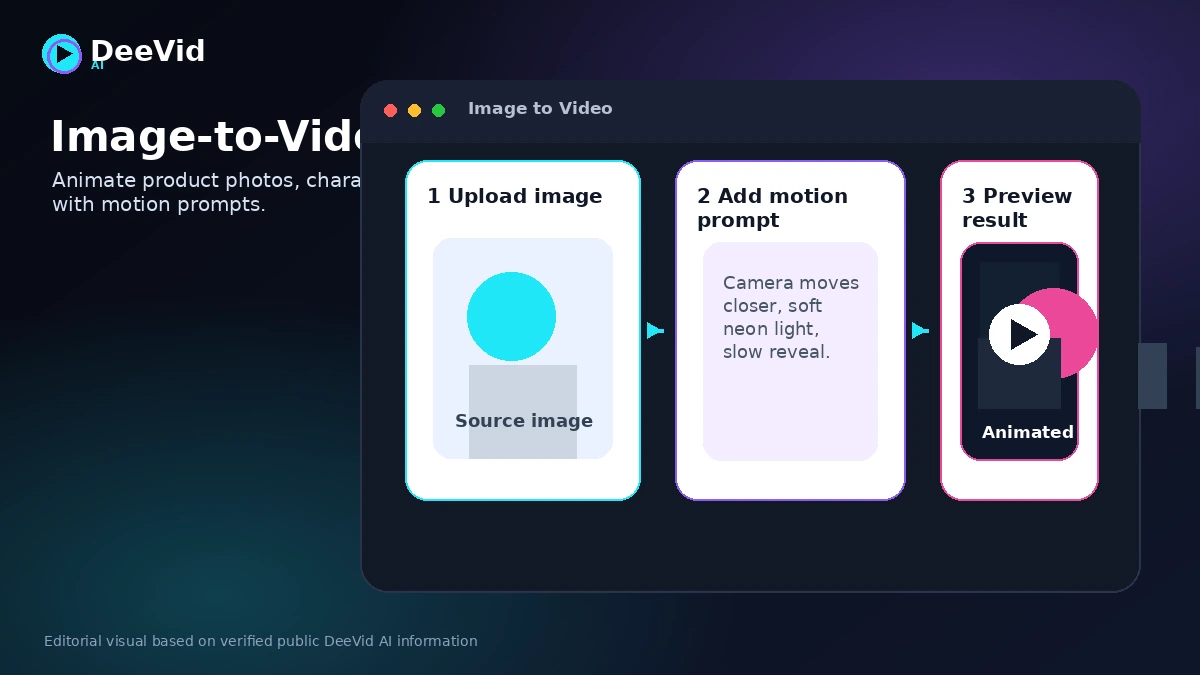
- Upload images and animate them with motion prompts.
- Transform existing clips with video-to-video styling.
- Use templates for ad, avatar, and social-video experiments.
Pricing, credits, and the real cost question
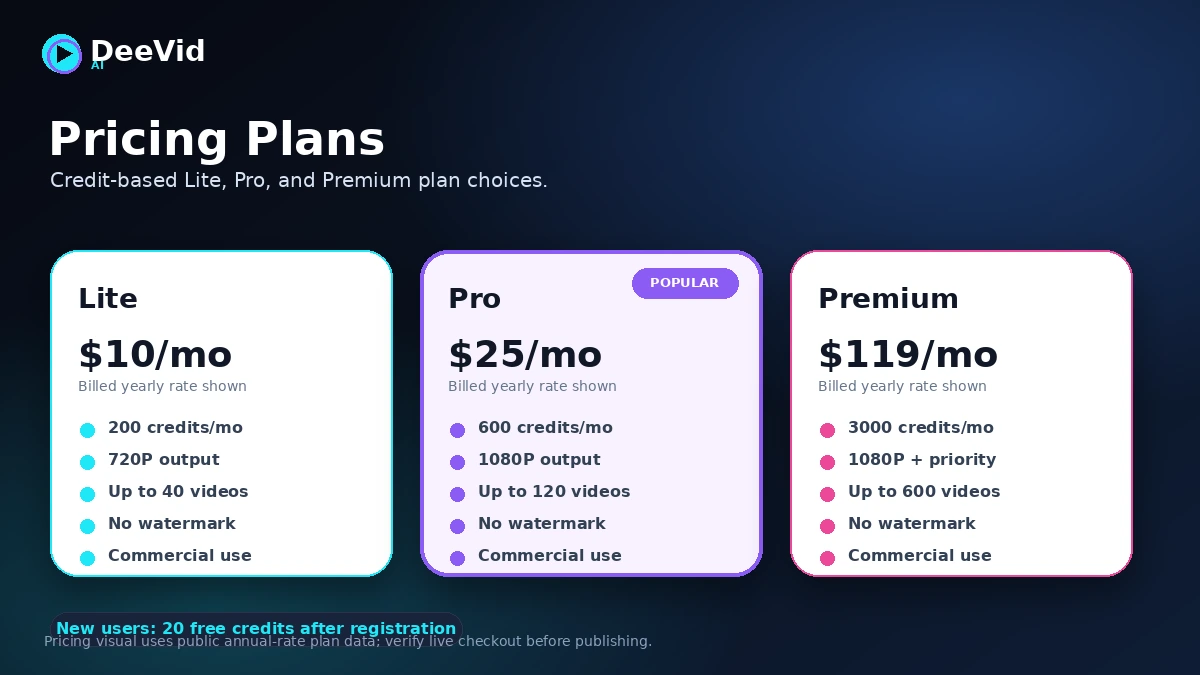
DeeVid AI's pricing page lists Lite, Pro, and Premium plans. Lite starts from $10 per month when billed yearly, Pro increases credits and supports 1080P output, and Premium gives the largest credit allowance with priority support. The pricing page also says new users get 20 free credits, roughly four videos, after registration.
This means the most important question is not the entry price. It is how many credits a buyer needs to get one usable result. AI video generation often requires trial and error. A prompt may look right in your head and still produce awkward movement, face issues, strange hands, or a clip that does not fit the campaign. That experimentation is where credits disappear.
- Lite is better for casual testing and lighter 720P output.
- Pro is the more practical path when 1080P matters.
- Premium fits high-volume creators, agencies, and heavy testing workflows.
- Credit packs may help, but buyers should avoid using add-ons to rescue a poor plan fit.
Free credits, annual savings, and coupon reality
DeeVid AI does have a free test path through signup credits. That is useful, but it is limited. Buyers should use those credits on a real workflow rather than a random demo prompt. A good test is one text-to-video prompt, one image-to-video prompt, and one regeneration to see how quickly credits move.
For savings, the official pricing page is more reliable than third-party coupon pages. DeeVid AI displays yearly savings and also allows paid users to upgrade plans or buy credit packs. A public coupon code was not verified strongly enough to make coupon hunting the main purchase path.
- Use free credits to test a real use case, not a throwaway prompt.
- Check whether yearly pricing is worth it only after the workflow feels useful.
- Avoid buying Premium until you know how often you regenerate clips.
- Treat random coupon pages as secondary unless the code works at checkout.
Ad video and marketing workflow fit
DeeVid AI can make sense for marketers who need creative variety more than cinematic precision. The ad video workflow is useful when a team wants quick concepts, product visuals, hook tests, or short social clips without scheduling a shoot.
The official DeeVid AI Academy ad tutorial is useful because it shows the tool in a marketing-oriented context rather than a generic demo. Buyers should watch for how much control they get over product framing, brand tone, and output consistency.
Refund and checkout risk
DeeVid AI's refund policy is a serious buyer checkpoint. The policy says the company generally does not offer refunds for purchases or subscriptions because AI video generation carries infrastructure costs. That means buyers should not treat the first paid plan as a casual experiment.
The safer path is simple: use free credits, generate real examples, check output quality, then choose the smallest plan that can support the workflow. If the buyer needs predictable refunds, strong service guarantees, or manual correction support, DeeVid AI may feel uncomfortable.
- Read the refund policy before subscribing.
- Cancel auto-renewal from the account page if you only want one billing cycle.
- Use remaining credits before they expire or before the plan no longer fits.
- Do not assume failed generations will be refunded.
Alternatives worth comparing
DeeVid AI is not the only tool in this category. Runway is stronger when the buyer wants a more mature creative production environment. Pika is worth comparing for remix-heavy social video. Luma Dream Machine is relevant for buyers focused on cinematic image-to-video and prompt-to-video output. Kling AI and Vidu are useful comparison points when model quality and value-to-output ratio matter.
The right alternative depends on control needs. A casual creator may prefer the simplest interface. A marketer may care about iteration cost. A video professional may prefer a deeper editing stack or a tool that fits a post-production workflow.
- Compare Runway when production controls and creative tooling matter more than simple prompts.
- Compare Pika when social remixing and playful video experiments are the main use case.
- Compare Luma when cinematic image-to-video output is the buyer's priority.
- Compare Kling AI or Vidu when video model quality and credit value are the main concern.
Best savings path from this store page
This is the clearest savings route to check once the product already looks like a fit.
DeeVid's official pricing page shows yearly billing at a lower effective monthly price across Lite, Pro, and Premium plans.
20 free credits for new users
Entry yearly credit plan
Use comparison routes when the category fit is still open
Use these comparison routes when the product still looks plausible, but the category fit is not fully settled.
Better fit for buyers who want a more mature creative production environment.
Often better for playful social video, remix culture, and fast creative experiments.
Worth comparing for cinematic prompt-to-video and image-to-video output.
Useful comparison when model quality and value-to-output ratio matter most.
Verification points worth checking before you click out
Where this store usually fits best in the workflow
DeeVid AI fits creators who need quick clips for TikTok, Reels, Shorts, and social content tests without building a full editing workflow.
Marketers can use DeeVid to test product scenes, ad angles, and motion concepts before investing in a larger production process.
DeeVid works well when the buyer already has static product photos, character images, or concept art that needs motion.
Avatar and template workflows can help creators produce simple brand content, but buyers should verify voice, lip sync, and visual consistency before relying on it heavily.
Practical checkpoints before and after signup
- Use the free signup credits on a real workflow.
- Check whether Lite's 720P output is enough or whether Pro's 1080P output is required.
- Read the refund policy before entering payment details.
- Track how many credits one usable result actually costs.
- Test both text-to-video and image-to-video if both matter to your workflow.
- Try one regeneration so you understand how quickly credit usage can increase.
- Inspect movement, faces, hands, product details, and background consistency.
- Add subtitles, edits, brand review, or final polish outside DeeVid if needed.
- Confirm commercial-use terms and platform-specific requirements before using generated clips in paid ads.
Fast-read signals for workflow fit and buying friction
Questions readers usually ask before choosing this store
What does DeeVid AI do?
DeeVid AI creates AI-generated videos from text prompts, images, and existing video inputs. It also includes related tools such as AI ads, avatars, music, text-to-speech, and AI image generation.
Does DeeVid AI have a free plan or free trial?
DeeVid AI gives new users 20 free credits after registration, which the pricing page describes as roughly enough for four videos. Treat that as a limited test path rather than an ongoing free production plan.
How much does DeeVid AI cost?
During this store update, DeeVid AI listed Lite from $10 per month when billed yearly, Pro from $25 per month when billed yearly, and Premium from $119 per month when billed yearly. Buyers should verify the live monthly and yearly toggle before checkout.
Does DeeVid AI offer refunds?
DeeVid AI's refund policy says it generally does not offer refunds for purchases or subscriptions. That is why buyers should test the free credits first and read the refund policy before paying.
Who should compare alternatives before buying DeeVid AI?
Buyers who need timeline editing, manual frame control, stronger post-production tools, or more predictable refund protection should compare tools such as Runway, Pika, Luma, Kling AI, or a traditional AI-assisted video editor before subscribing.
Choose the next route that matches what you still need to decide
The strongest next click depends on whether you still need product judgment, a savings route, or a broader category comparison.