
Castos Pricing, Plans & Podcast Fit
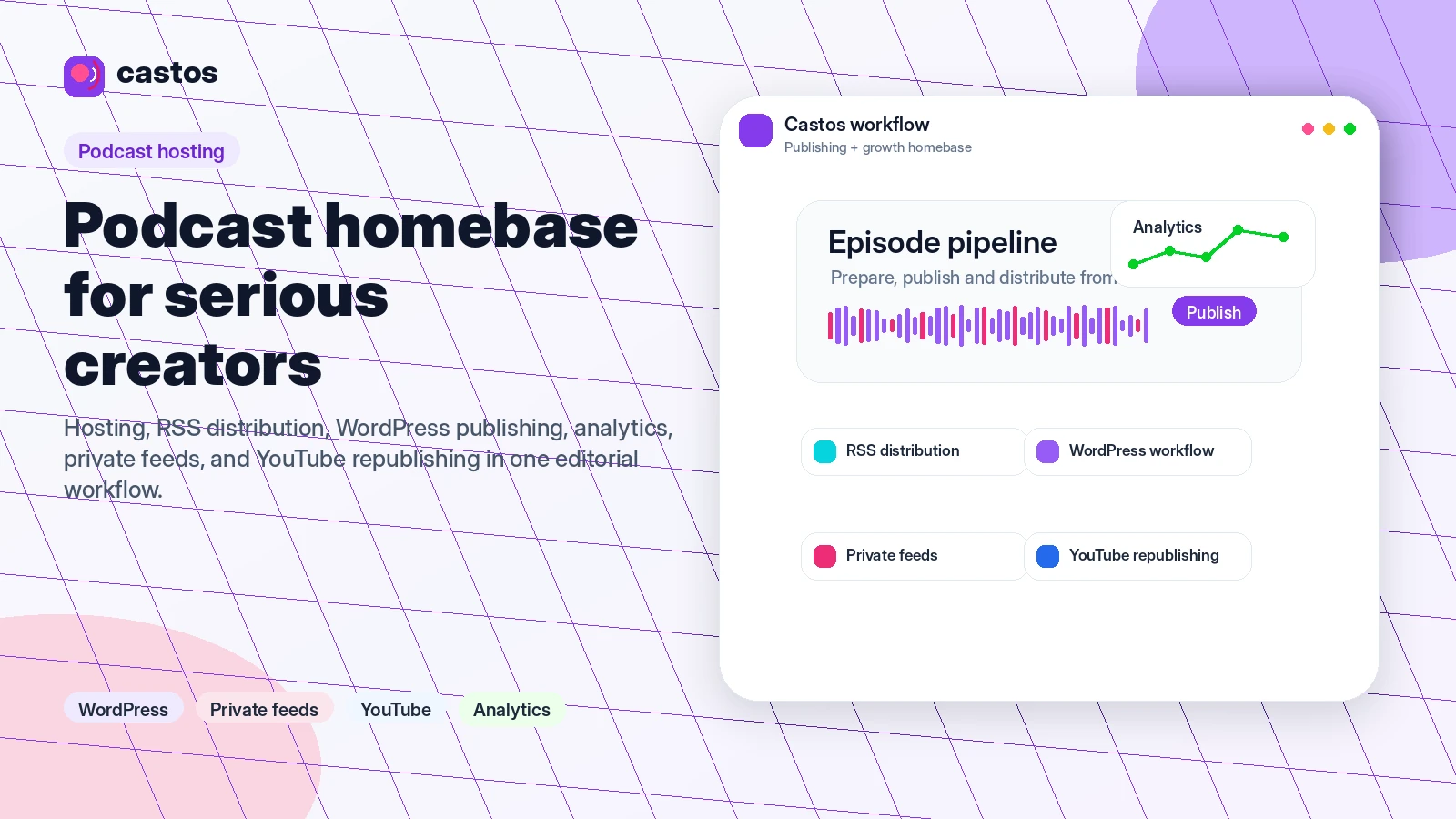
Castos is best read as a serious podcast hosting platform for creators, publishers, educators, and businesses that want one place to host shows, manage RSS distribution, publish through WordPress, support private feeds, and repurpose episodes to YouTube. It is not the cheapest possible way to test one audio file, but it becomes easier to justify when unlimited hosting, WordPress workflow, private podcasting, migration support, and video republishing matter more than chasing a small monthly price.
Fit → price → checkout
Use these routes after the official-site check: coupon first, review for fit, compare if unsure.
Castos pricing snapshot
Fast commercial checks before pricing, coupons, or a deeper review.
Castos product tour
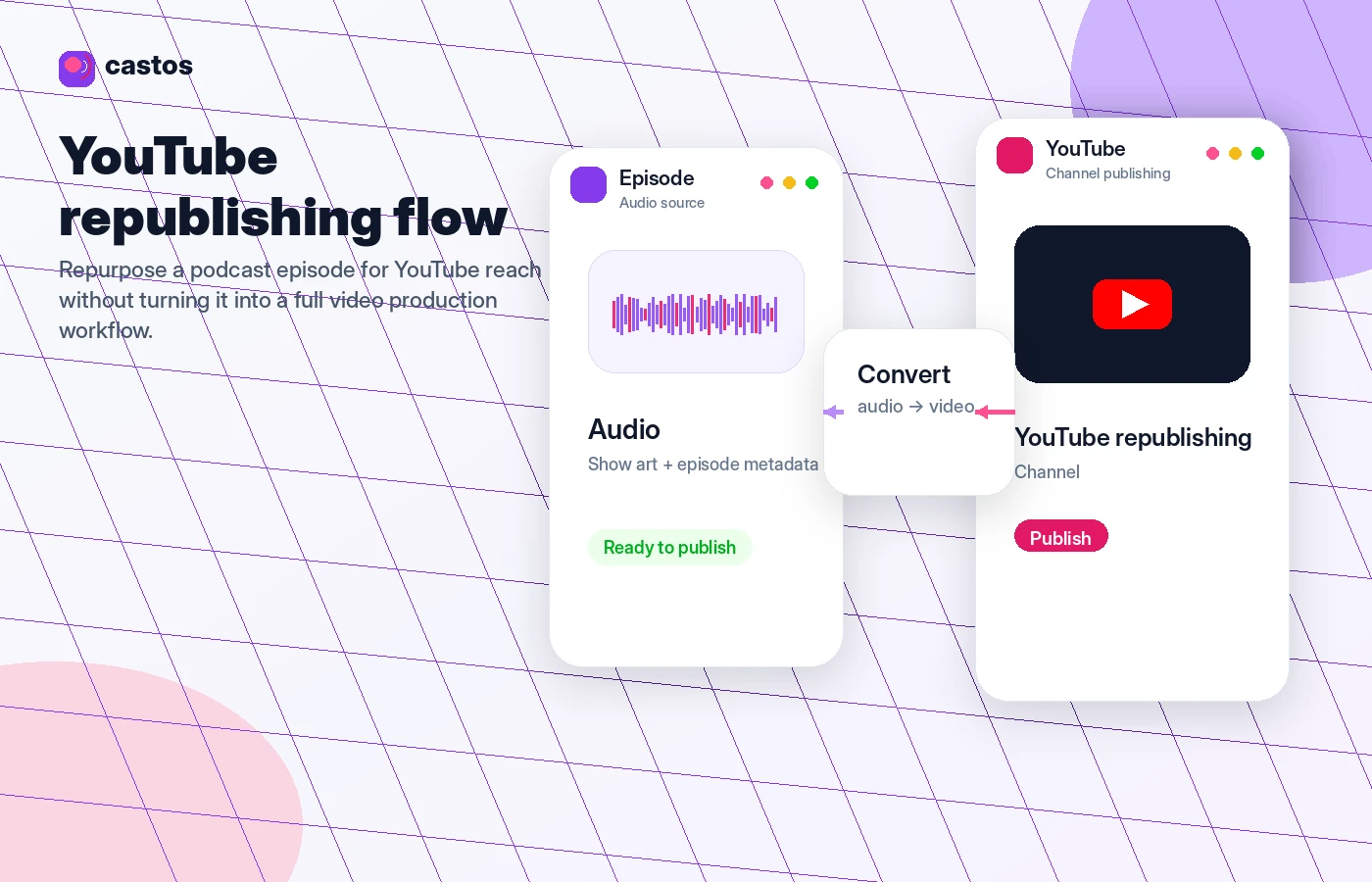
These visuals focus on the buying questions that matter most for Castos: publishing a show, choosing a plan, managing WordPress workflows, and understanding when YouTube republishing changes the value of a paid plan.
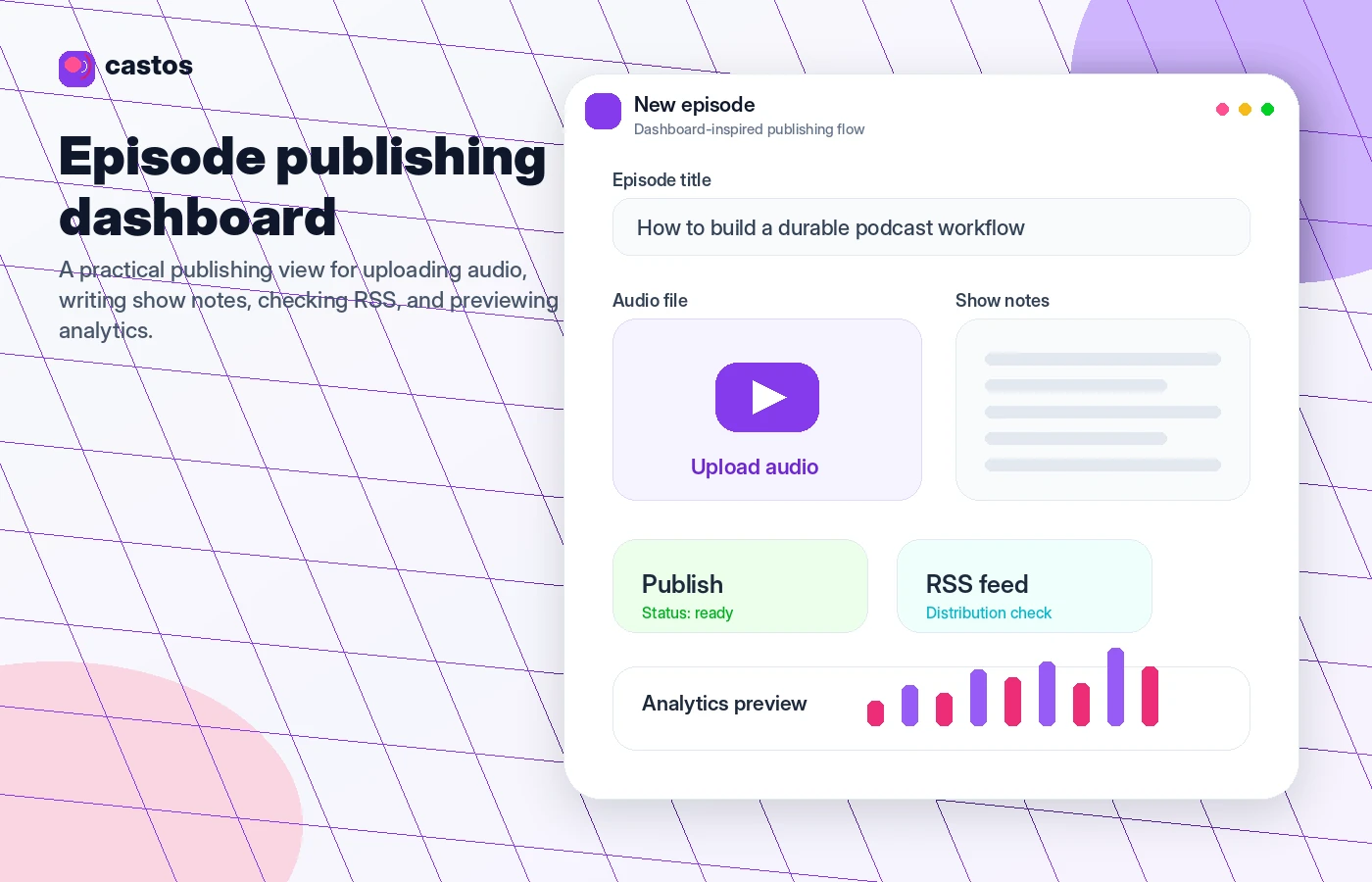
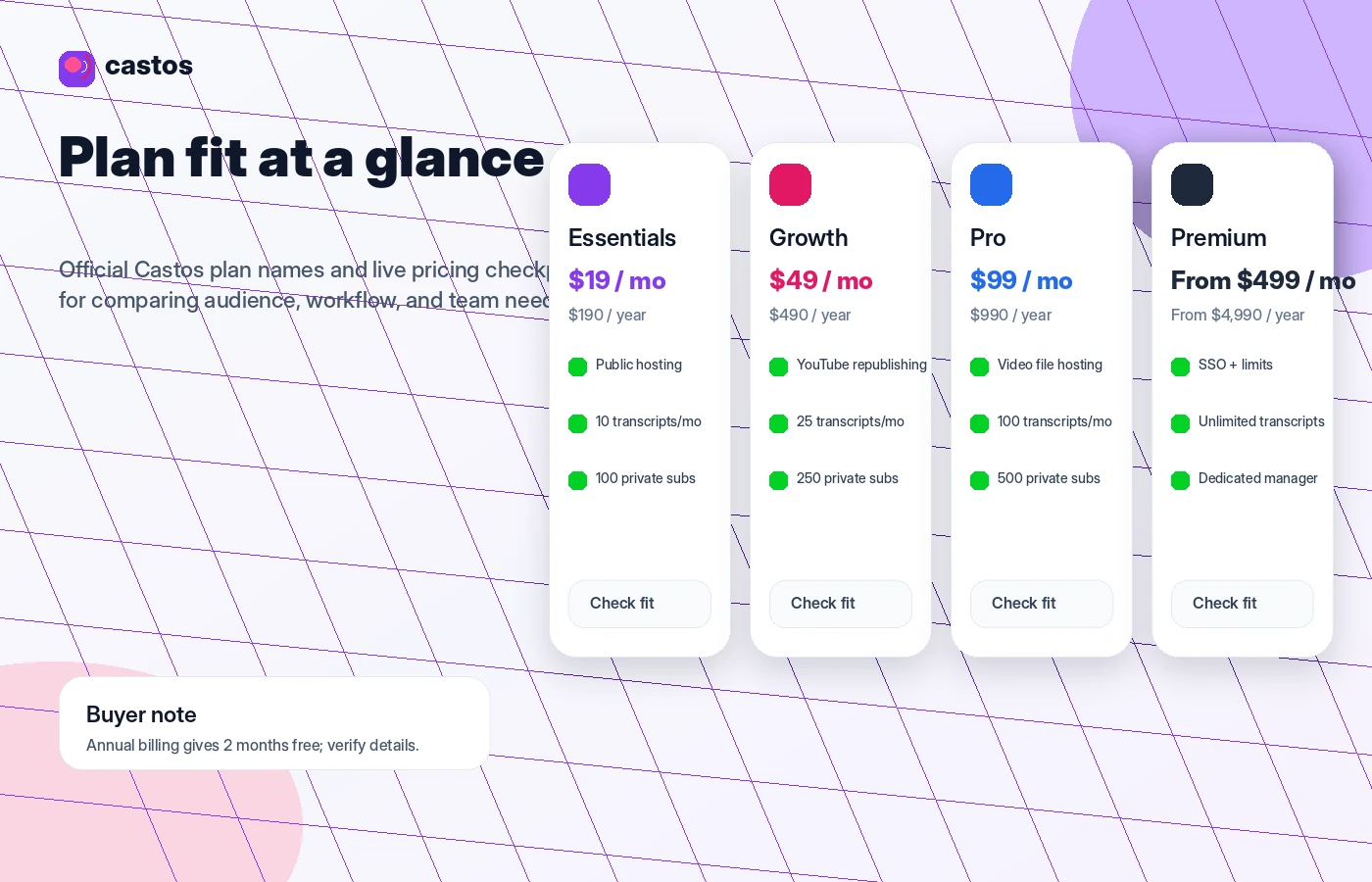
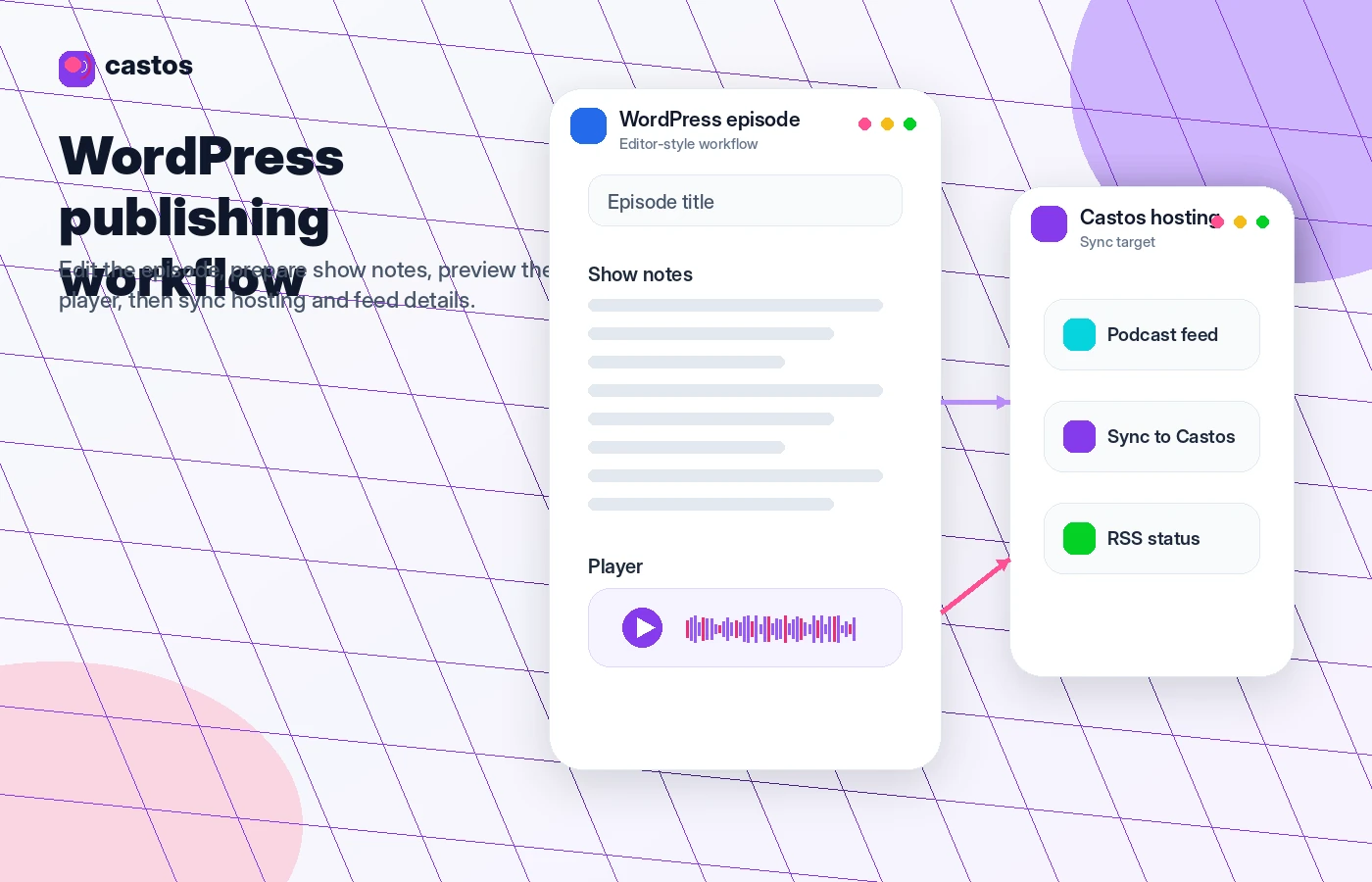
Castos is a podcast hosting platform for creators who want a serious homebase for public shows, private feeds, WordPress publishing, analytics, and YouTube republishing. The buying decision is not just whether $19/month feels affordable. It is whether Castos saves enough publishing and distribution friction to justify a paid host instead of a cheaper or free starter option.
What Castos actually does
Castos hosts podcast audio and video, helps distribute shows through RSS, supports multiple podcasts, and gives creators a dashboard for publishing, analytics, transcripts, private subscribers, and growth workflows. Its strongest fit appears when the podcast is not a one-off experiment but an ongoing content channel tied to a website, business, membership, course, or media brand.
The practical difference is control. A creator can run the show from Castos directly, or connect the workflow to WordPress through Seriously Simple Podcasting. That makes Castos more attractive for buyers who care about their own site, show archive, embedded players, and long-term discoverability.
- Host unlimited podcasts, downloads, and episodes on the entry paid plan.
- Distribute public shows through RSS and major podcast directories.
- Use private podcast feeds for members, teams, courses, or internal content.
- Connect WordPress publishing through Seriously Simple Podcasting.
Pricing is clear, but plan fit matters more than the headline price
Castos pricing starts at $19/month for Essentials, then moves to Growth at $49/month, Pro at $99/month, and Premium from $499/month. The lower plan is enough for many public podcast hosting workflows, while Growth and Pro matter when YouTube republishing, advanced analytics, onboarding, video hosting, larger private subscriber limits, or more transcripts are part of the buying reason.
The safer buying path is to avoid overbuying on day one. Use the 14-day trial to publish a real test episode, check your dashboard rhythm, then decide whether Growth or Pro features are worth paying for. Annual billing can lower the effective cost, but only if the show has a reliable publishing cadence.
- Essentials is the first serious paid step for most straightforward public podcasting.
- Growth is better when promotion and republishing features matter.
- Pro becomes relevant for video podcasting, larger private subscriber limits, and priority support.
- Premium is mainly for larger organizations with SSO, contracts, invoices, and increased limits.
WordPress users get the clearest workflow advantage
Castos is especially relevant when the podcast lives beside a WordPress site. Seriously Simple Podcasting is built by Castos and gives WordPress users a way to manage episodes, RSS feeds, players, imports, statistics, and add-ons from the site environment they already use.
This is where Castos stops looking like just another podcast host. For a creator whose website is the main brand hub, publishing from WordPress can reduce duplicate work and keep episode pages, show notes, SEO, and podcast assets closer together.
- Useful for creators who publish show notes and podcast episodes on the same WordPress site.
- Helpful for site owners who want more control over players, feeds, and episode archives.
- Worth testing before purchase if the buyer currently manages podcast and website content in separate tools.
Private podcasting changes the buyer profile
Castos is not only for public shows. Its private podcasting features make it useful for memberships, courses, employee communications, internal training, community content, and paid listener access. Each listener can receive access through private feed mechanics rather than a fully public podcast directory.
The key commercial checkpoint is subscriber count. Essentials, Growth, and Pro include different private subscriber limits, and buyers above those limits may face automatic plan movement or add-on costs. That is not a dealbreaker, but it should be calculated before a membership or company rollout.
- Membership podcasts and paid audio communities.
- Course lessons and private learning feeds.
- Company updates, internal communication, and team training.
- Private listener access without making every episode public.
API and integrations matter for teams, not every solo creator
Castos documents a REST API for managing podcasts and episodes programmatically, and its ecosystem also includes integrations, WordPress workflow, YouTube republishing, and private podcast app access. This is useful for teams that want a more technical rollout, but it can be irrelevant for a solo host who only needs basic publishing.
The buyer question is simple: will automation save time or add complexity? Technical buyers should check the API documentation and test the endpoints they expect to rely on. Non-technical buyers should focus first on publishing, analytics, and distribution before paying extra for capabilities they may never touch.
- Useful when podcast operations connect to a wider publishing or membership stack.
- Worth checking for agencies, education teams, and organizations managing multiple shows.
- Less important for a solo creator who only needs simple upload and distribution.
Best next step before checkout
For most buyers, the safest next step is not hunting for a coupon first. Start by checking whether Castos fits the publishing workflow, then confirm the plan tier, trial, refund policy, annual billing math, and private subscriber limits. After that, the coupon page can still be useful, but only as a final commercial checkpoint.
If the fit is unclear, compare Castos with Transistor, Buzzsprout, Podbean, and Captivate. Castos is most persuasive when WordPress control, unlimited hosting, private podcasting, migration help, and YouTube republishing matter. If you only want the lowest-cost beginner launch path, a simpler host may be the better first test.
- Read the review if workflow fit is still unclear.
- Open pricing when you already know the plan features you need.
- Use the coupon path only to verify the current savings route.
- Compare alternatives if you mostly need a cheaper beginner host.
Best savings path from this store page
This is the clearest savings route to check once the product already looks like a fit.
A public coupon directory reports a Castos checkout code for monthly plan savings. Because this is not shown on the official Castos pricing page, treat it as a researched coupon path and verify it in checkout.
Use this as the primary Castos coupon path only if the checkout confirms the discount. If the code fails, fall back to the official free trial or annual billing path.
Start with a 14-day free trial
Pay yearly and reduce the effective monthly cost
Use comparison routes when the category fit is still open
Use these comparison routes when the product still looks plausible, but the category fit is not fully settled.
Often better for teams comparing polished podcast hosting, private podcasts, and analytics with a different pricing structure.
Usually a simpler beginner-friendly podcast hosting path, especially for creators who want a softer learning curve.
Worth comparing for broad podcast hosting, monetization, and network-style features before choosing a Castos plan.
A relevant alternative for growth-minded podcasters who want marketing-focused podcast hosting and audience tools.
Verification points worth checking before you click out
Where this store usually fits best in the workflow
Castos fits creators who need reliable hosting, RSS distribution, analytics, transcripts, and a repeatable publishing home for one or more public shows.
The strongest workflow case is a WordPress-first creator who wants episode publishing, show notes, players, and site content managed closer together.
Castos can support paid memberships, courses, internal company communication, and community audio through private feed access.
Audio-first podcasters can use Castos to repurpose episodes to YouTube without manually producing a separate static-image video each time.
Practical checkpoints before and after signup
- Decide whether the priority is basic podcast hosting, WordPress publishing, private podcasting, YouTube republishing, or video hosting.
- Compare Castos against at least two podcast hosts before judging the starting price in isolation.
- Use the 14-day trial to publish a real test episode, inspect the dashboard, and check how the RSS and WordPress workflow feel.
- Test any private feed, transcript, or YouTube republishing need before paying annually.
- Choose Essentials only when advanced analytics, larger private subscriber limits, video hosting, and onboarding are not required.
- Move to Growth, Pro, or Premium only when the specific plan gates are tied to a real publishing or audience workflow.
- Recheck subscriber counts, transcript usage, team seats, and annual billing value before renewal.
- Review refund and cancellation expectations before changing billing interval.
Fast-read signals for workflow fit and buying friction
Questions readers usually ask before choosing this store
What is Castos best for?
Castos is best for creators, businesses, educators, and publishers that want serious podcast hosting with RSS distribution, WordPress workflow, private podcasting, analytics, and room to grow beyond a single hobby episode.
Does Castos have a free plan or free trial?
Castos does not present a free forever hosting plan on its pricing page, but it does promote a 14-day free trial. Treat that trial as the main way to test publishing, WordPress sync, analytics, and private feed fit before paying.
Is there a verified Castos coupon code?
A verified official public coupon code was not confirmed during this update. The safer savings paths are the 14-day trial, annual billing, referral credit if applicable, and plan selection that avoids paying for features you will not use.
What should buyers verify before checkout?
Check the exact plan price, private subscriber limit, transcript allowance, YouTube republishing access, video hosting need, team seats, annual billing savings, and refund policy. These details matter more than a generic podcast hosting comparison table.
What are the closest Castos alternatives?
The most relevant alternatives are Transistor, Buzzsprout, Podbean, and Captivate. Castos is most compelling when WordPress publishing, unlimited hosting, private podcasting, migration help, or YouTube republishing are central to the buyer's workflow.
Choose the next route that matches what you still need to decide
The strongest next click depends on whether you still need product judgment, a savings route, or a broader category comparison.